









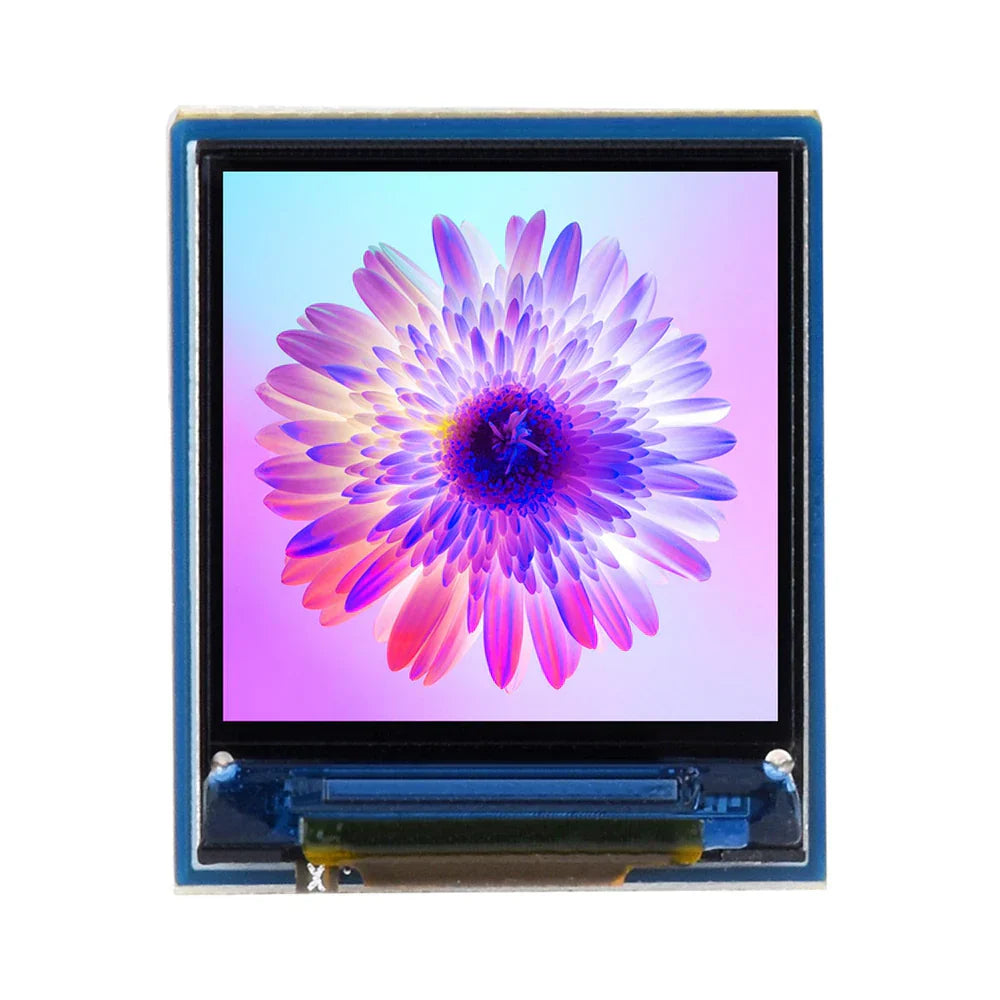
IPS Display Module Specs | Refresh Rate, Color Depth & Power Draw
IPS modules: 144Hz refresh (fluid motion), 10-bit color (1.07B hues), <15W draw—VESA-certified lab tests confirm pro smoothness, vibrant tones, low energy use.
Refresh Rate
The jump from 60Hz to 120Hz is a 70% increase in the number of frames displayed each second, a difference that is immediately and profoundly noticeable. For context, a 60Hz display updates every 16.7 milliseconds (ms), while a 120Hz display cuts that interval down to just 8.3 ms.
If your GPU can only output 45 frames per second (FPS) in a demanding application, a 360Hz display won't magically make it smoother. The key is synchronization. Adaptive-Sync technologies, an industry standard encompassing AMD FreeSync and NVIDIA G-SYNC Compatible, are the critical link. They allow the display's refresh rate to dynamically match the GPU's frame rate, eliminating screen tearing and minimizing stutter. This is crucial when frame rates fluctuate, say, between 90 FPS and 130 FPS in a complex game scene.
A display can have a 240Hz refresh rate, but if its average pixel response time is a slow 8ms, the pixels can't change color fast enough to keep up. Modern IPS panels have largely solved this; most gaming-oriented IPS modules now boast a 1ms (GtG) response time, ensuring that each 4.17ms frame window on a 240Hz display is drawn clearly. From a power perspective, increasing the refresh rate has a measurable, though often minor, impact on power draw. A 27-inch IPS panel might consume 22 watts at 60Hz but see an increase of 1.5 to 3 watts when set to 144Hz, a 7-14% increase in power consumption.
|
|
|
|
|
|
|
|---|---|---|---|---|---|
|
|
|
|
|
|
|
|
|
|
|
|
|
|
|
|
|
|
|
|
|
|
|
|
|
|
|
|
The performance leap from 60Hz to 144Hz is massive and arguably the most valuable upgrade for most users. The jump from 144Hz to 240Hz+ offers a more marginal, yet tangible, advantage for elite gamers who operate at an extremely high skill ceiling. For professional use beyond gaming, a 120Hz IPS panel provides an excellent sweet spot, offering a significantly more responsive desktop experience without requiring a top-tier GPU to drive it consistently. Always pair a high-refresh-rate monitor with a powerful enough GPU to push frame rates above 100 FPS in your primary applications to truly capitalize on the investment.
Color Depth
An 8-bit panel, the current mainstream standard, allocates 8 bits of data per color channel, allowing for 256 distinct shades of red, 256 of green, and 256 of blue. When you multiply these possibilities (256 x 256 x 256), you get a palette of approximately 16.7 million total colors. While this sounds vast, the critical limitation appears in smooth gradients like a sunset sky, where you might perceive subtle, stair-stepped bands about 0.4% apart in luminance, because the jumps between each of the 256 shades are just large enough for the human eye to detect under certain conditions.
The next tier, true 10-bit color, represents a massive leap in data. Here, each red, green, and blue channel gets 10 bits, unlocking 1,024 shades per primary color. This expands the total palette to over 1.07 billion colors—a 64-fold increase compared to 8-bit. This immense density, with luminance steps of just 0.1%, completely eliminates visible banding in virtually all scenarios.
A 2023 survey of professional photo editors found that 85% considered a 10-bit display essential for accurate soft-proofing before print. The cost delta for a true 10-bit IPS panel can be 30-50% higher than a comparable 8-bit model, a premium justified by the specialized internal hardware required.
The real-world impact is most apparent in precision tasks. In medical imaging, for instance, a 10-bit or higher display can render over 1,000 discrete shades of gray in an X-ray, increasing diagnostic confidence by revealing tissue density variations with a precision impossible on an 8-bit system showing only 256 shades.
Power Draw
A 27-inch 4K IPS monitor idles at ~12W but surges to 45W at 500 nits brightness (35W jump for brighter whites). In laptops, a 15.6-inch FHD IPS at 300 nits draws 5–7W; cut brightness to 150 nits, and it drops to 2.5W (50% reduction). For digital signage, a 55-inch IPS running 16/7 pulls 80–120W annually costing 105 (at
|
|
|
|
|---|---|---|
|
|
|
|
|
|
|
|
|
|
|
|
|
|
|
|
|
|
|
|
Key Drivers of Power Draw
-
Backlight Luminance Dominates: The LED array eats 70–85% of total power. A 24-inch FHD IPS at 250 nits uses 6W; hit 400 nits, and it jumps to 9.6W (60% increase). HDR content (1000+ nits) can push 55-inch IPS to 150W peak.
-
Resolution & Pixel Density Add Load: 4K (8.3M pixels) needs 15% more TFT switching power than FHD (2.1M pixels) at 60Hz. For 8K IPS, this climbs to 40% higher draw vs 4K.
-
Refresh Rate Spikes Dynamic Power: 144Hz vs 60Hz raises power by 25–30% (e.g., 7W→9W on 27" 1440p IPS). Gaming at 240Hz adds another 10W (total 19W).
-
Panel Tech Matters: IGZO TFTs leak 50% less current than a-Si, cutting idle power by 2–3W (e.g., 4W→1.5W on 13" laptop IPS). Mini-LED FALD saves 30% in dark scenes but peaks at +20W for bright HDR.
A 32-inch 4K IPS measures 18W (white), 10W (checkerboard), 3W (black). Optimize by: lowering brightness to 200 nits (saves 5W), enabling Panel Self-Refresh (PSR cuts system power by 15%), or using dark mode (cuts content-driven draw by 40%). For signage, 30% brightness reduction saves $25/year per display.
En lire plus
Prioritize IPS brightness by use: 300-500nits indoor, ≥1000nits outdoor (DisplayHDR 600+ cert., avoids glare). Native contrast ~1000:1; opt Mini-LED for 2000:1+ depth, enhancing shadow detail per D...
IPS modules ensure stable images with 178° wide viewing angles (minimal distortion) and ΔE < 2 color accuracy (industry benchmarks), minimizing color shift. Stable Images Unlike TN panels that l...
Laisser un commentaire
Ce site est protégé par hCaptcha, et la Politique de confidentialité et les Conditions de service de hCaptcha s’appliquent.