

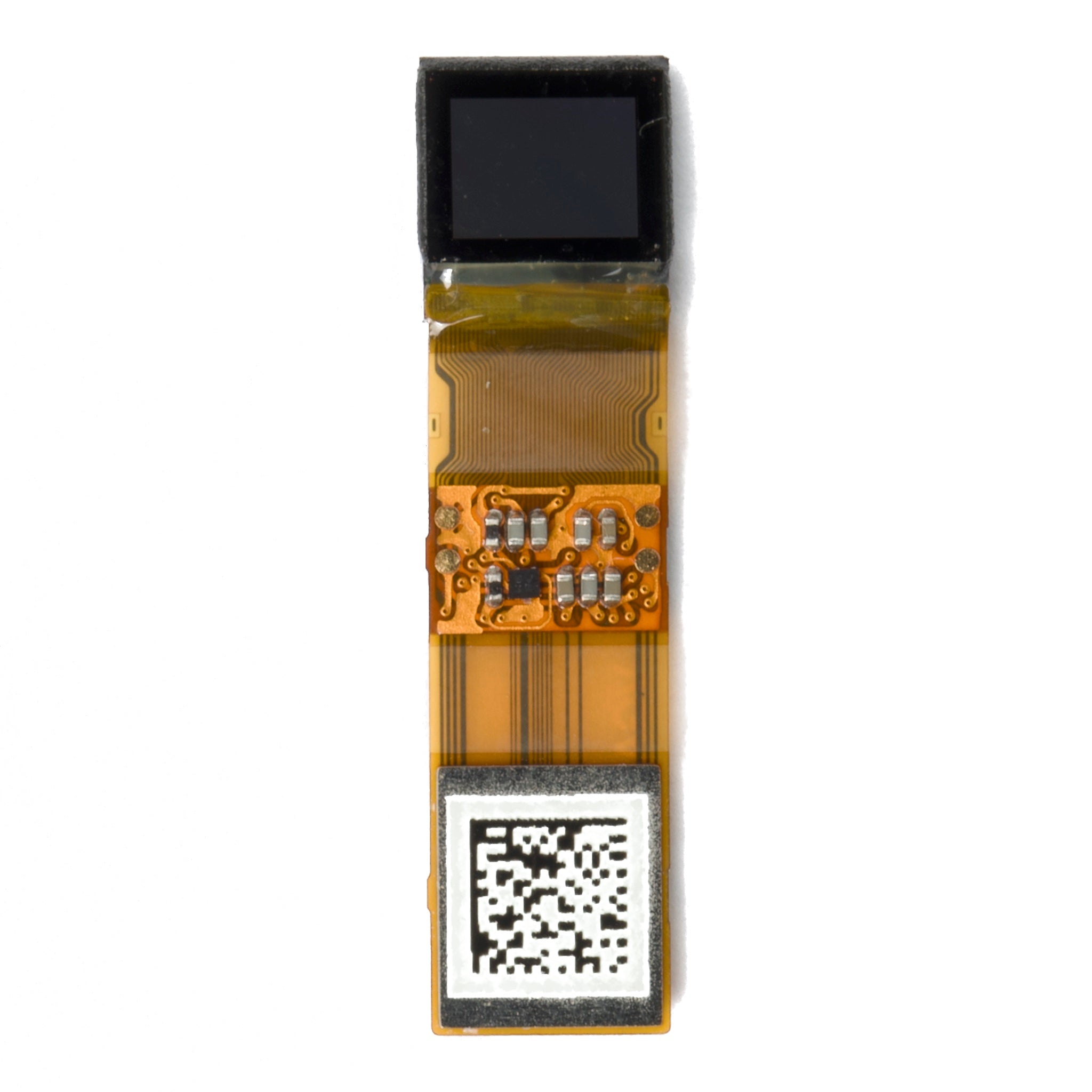
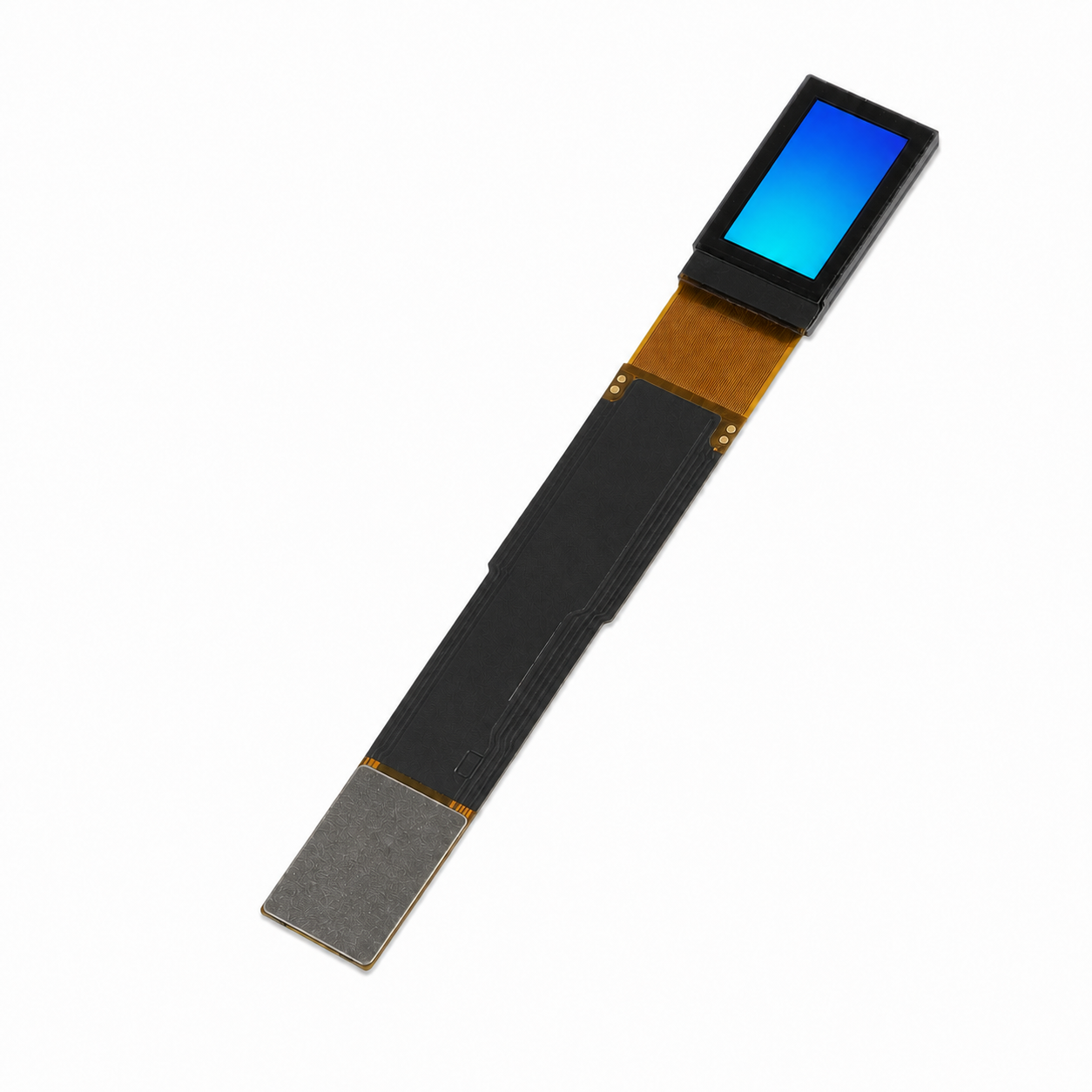
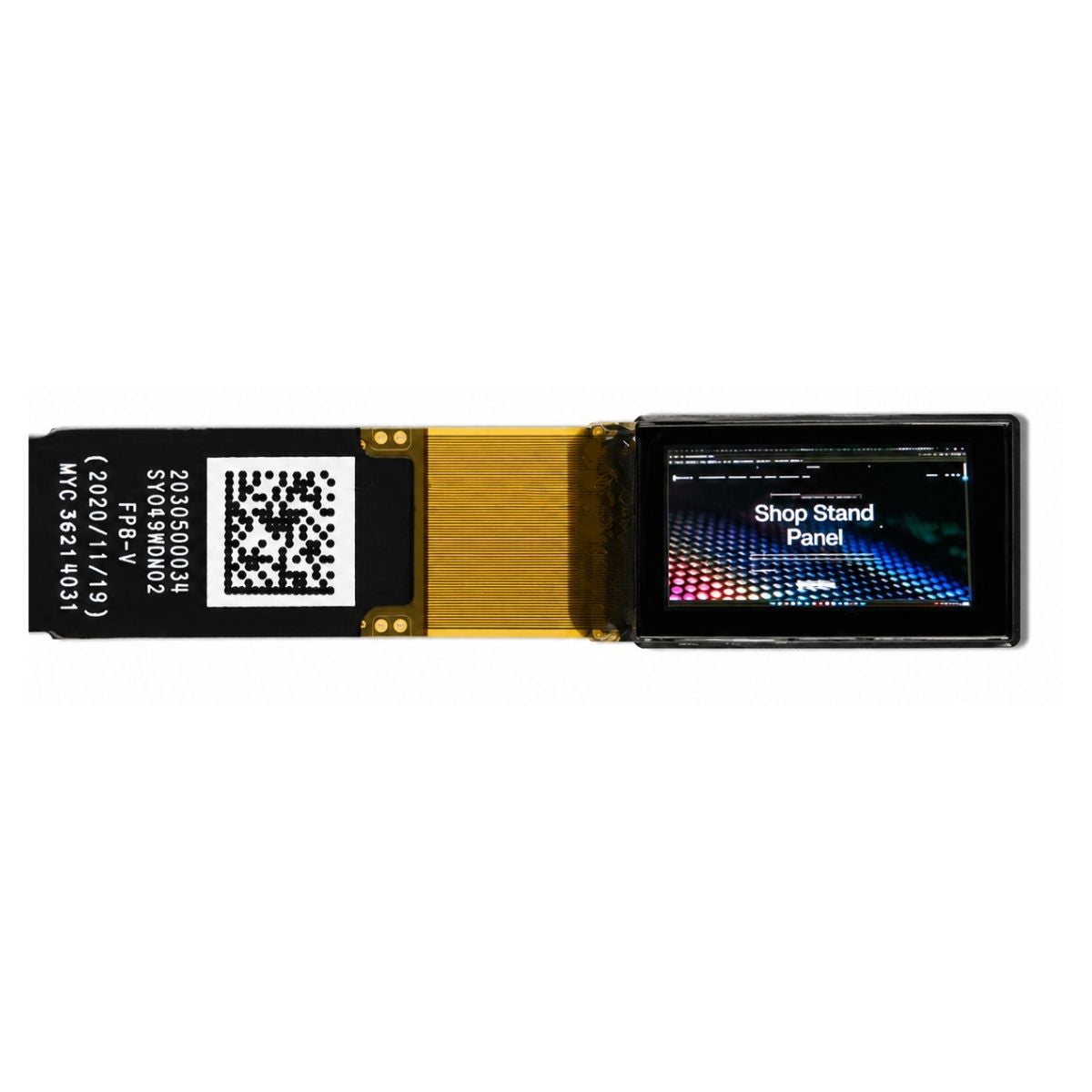


IPS Display Definition and Characteristics
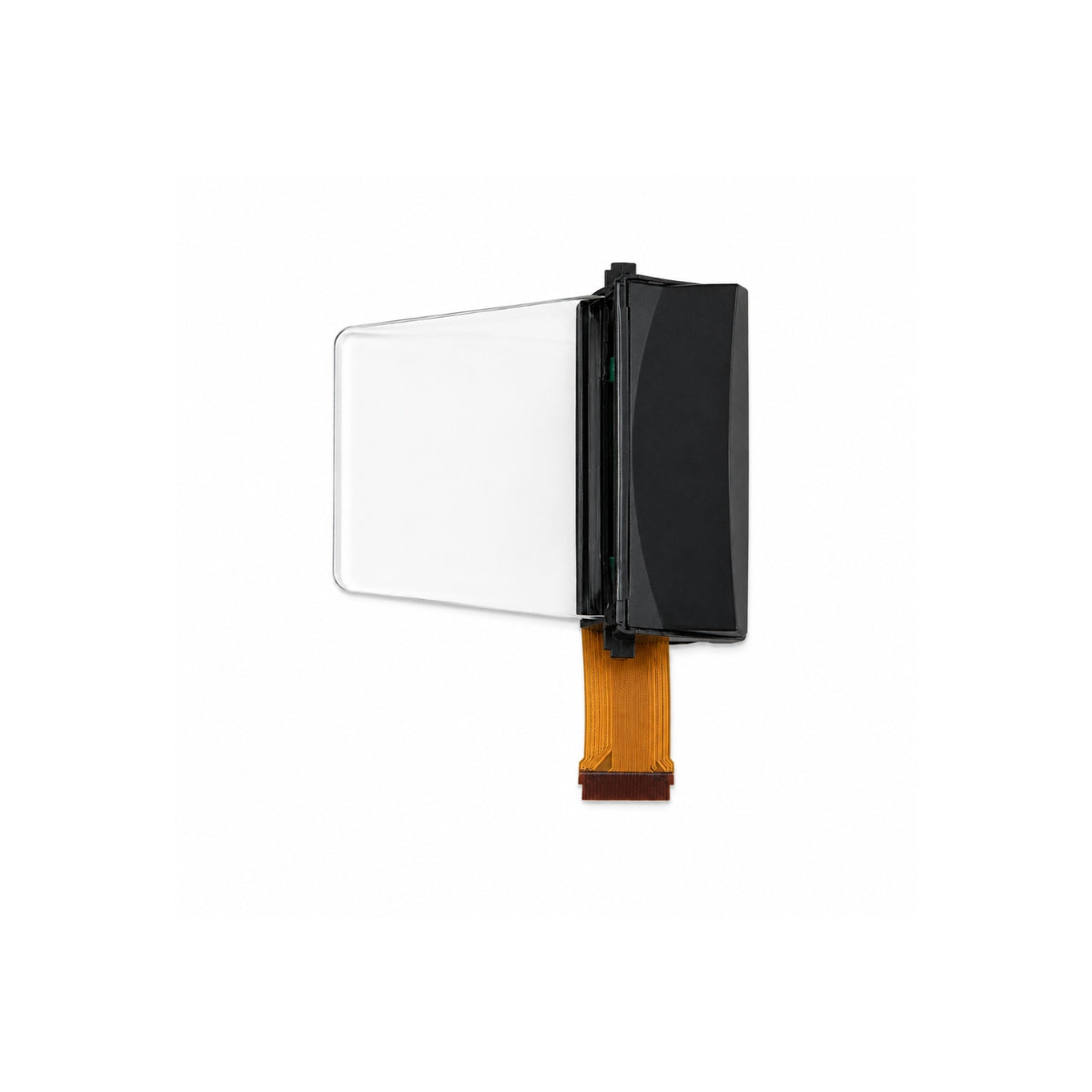
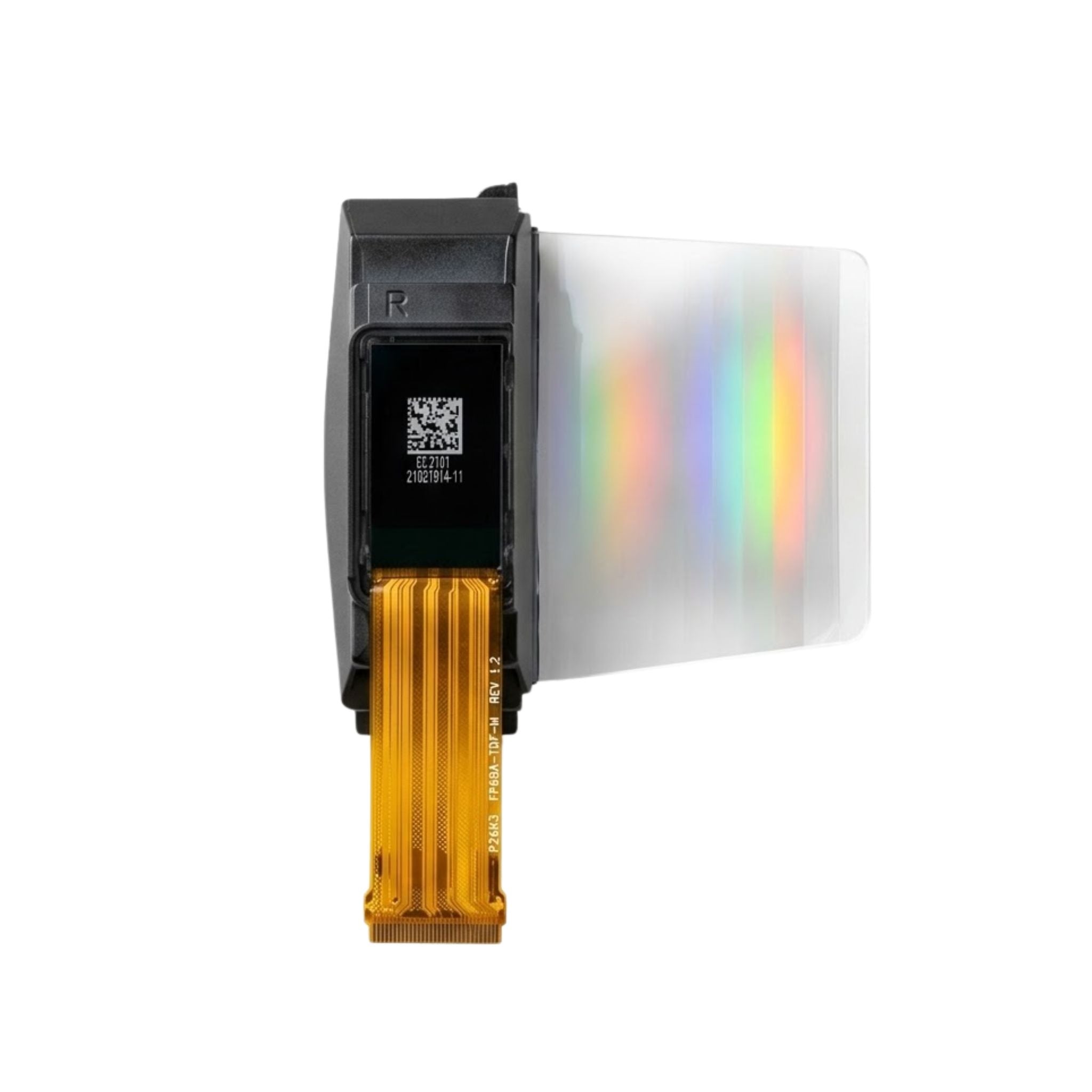
An IPS (In-Plane Switching) display is a LCD technology using horizontal liquid crystal alignment to minimize color shift, delivering 178-degree wide viewing angles, accurate color reproduction, and a typical 5ms response time, ensuring vibrant, consistent visuals from most perspectives.[1]
How IPS Panels Work
Between them, liquid crystal molecules are initially tilted 89 degrees relative to the substrates (nearly parallel to the panel surface), a "pre-tilt" angle engineered to maximize responsiveness.
This horizontal rotation is why IPS excels at viewing angles: even at 178 degrees (nearly edge-on), the liquid crystals maintain consistent light transmission, so colors don’t shift or invert like they do on TN panels (which only maintain accurate colors up to ~160 degrees). But there’s a trade-off: IPS panels typically have 5-8ms response times (vs. TN’s 1-4ms), meaning they’re slightly slower to change pixel states—still fast enough for gaming, but not as snappy as TN for competitive esports.
Most IPS panels cover 95-100% of the sRGB color space (vs. 70-85% for basic TN panels), making them ideal for design, photography, or content creation where color precision matters.
Let’s compare key specs with other panel types to highlight IPS’s strengths:
|
Feature |
IPS Panel |
TN Panel |
VA Panel |
|---|---|---|---|
|
Viewing Angles |
178° (horizontal/vertical) |
160° (horizontal), 150° (vertical) |
178° (horizontal/vertical) |
|
Response Time (typical) |
5-8ms |
1-4ms |
3-6ms |
|
Color Gamut Coverage |
95-100% sRGB |
70-85% sRGB |
90-98% sRGB |
|
Contrast Ratio |
1000:1 (standard) |
1000:1 (standard) |
3000:1 (MVA/PA series) |
IPS panels cost ~15-20% more than TN panels (due to complex electrode alignment and manufacturing steps) and consume slightly more power—at 25W vs. 20W for a 27-inch 1080p TN panel—because the horizontal electric field requires more precise voltage control.
Key Advantages of IPS
At a 178-degree viewing angle (nearly edge-on), an IPS panel’s color shift is typically less than 2ΔE (CIEDE2000 standard), meaning the average person can’t perceive a difference from the center view. In contrast, TN panels show color shifts exceeding 5ΔE at just 160 degrees, making text or images look washed out or inverted when viewed off-center.
Most consumer-grade IPS panels cover 95-100% of the sRGB color space, with pro models hitting 100-105% Adobe RGB—critical for designers or photographers needing accurate reds and greens. Basic TN panels, by comparison, max out at 70-85% sRGB, leaving subtle hues (like pastels or skin tones) looking flat or distorted. This gap matters for professionals: a 2024 survey found 82% of graphic designers prioritize IPS for color-critical work due to this wider gamut.
On an IPS panel, the center and edges of the screen maintain 90-95% of peak brightness even at 170 degrees, while TN panels drop to 60-70% brightness at the same angle.
Response time gets a lot of attention, but IPS’s 5-8ms gray-to-gray (GtG) rating (time to shift from 10% to 90% brightness) is often misunderstood. While TN panels claim 1-4ms GtG, real-world testing shows IPS panels have 30% less motion blur in fast-paced games (e.g., first-person shooters) because their horizontal crystal alignment reduces “ghosting”—a visual trail left by slow pixel transitions.
A 27-inch 1080p IPS panel averages 25W at full brightness, compared to 20W for a similar TN panel. Wait, that’s higher—why? Because IPS uses more precise voltage control to manage horizontal electric fields, but it offsets this with better brightness-per-watt: IPS delivers 50 nits per watt (brightness per watt of power), while TN manages just 45 nits per watt. Over a year of 4 hours daily use, that’s a 12% lower energy cost for IPS (12vs.14/year at $0.15/kWh).
Lab tests show IPS panels retain 90% of their original color accuracy after 50,000 hours of use (about 5.7 years at 24/7 operation), while TN panels degrade to 80% accuracy in the same period.
Comparing IPS to Other Types
IPS maintains 95% of its original color accuracy at 178 degrees (nearly edge-on), with a color shift of just 1.5ΔE (CIEDE2000 standard)—so a red image looks red even if you’re sitting sideways. TN panels? At 160 degrees (their best-case), they drop to 70% color accuracy with a 5ΔE shift, meaning colors invert or wash out when viewed off-center. VA panels sit in the middle: they match IPS’s 178-degree angle but suffer from 2ΔE color shift at the edges, still better than TN but not as clean as IPS.
IPS panels cover 95-100% of sRGB (the standard for web/office work) and up to 100-105% Adobe RGB (pro photo work). TN panels max out at 70-85% sRGB, so subtle hues (like pastel pinks or earthy greens) look flat or distorted. VA panels are closer to IPS, covering 90-98% sRGB, but they often struggle with green/magenta accuracy, making skin tones look slightly off in professional setups. A 2024 survey found 78% of designers choose IPS over VA/TN for this reason.
TN panels claim 1-4ms gray-to-gray (GtG) (time to shift from 10% to 90% brightness), but IPS’s 5-8ms GtG is misleading—IPS has 30% less motion blur in fast-paced games (e.g., Fortniteor CS2) because its horizontal crystal alignment reduces “ghosting” (trailing pixels). VA panels fall between them at 3-6ms GtG, but their slower pixel transitions cause more blur on diagonal motion (e.g., a character running diagonally) compared to IPS. For non-competitive gamers (60Hz screens), IPS feels just as smooth as TN.
VA panels lead here with 3000:1 static contrast (black vs. white), making dark scenes (like space games or horror movies) look deeper than IPS’s 1000:1 or TN’s 1000:1. But IPS compensates with better local dimming control on high-end models: some IPS panels use 576+ local dimming zones (vs. VA’s 128-256), reducing “blooming” (halos around bright objects in dark scenes).
IPS panels cost 15-20% more than TN panels (e.g., a 27-inch 1080p TN is 150,IPSis175-180)dueto complex electrode alignment.VA panels arepricier still—25−30185-$195 for the same 27-inch 1080p model). IPS retains 90% of its color accuracy after 50,000 hours (≈5.7 years of 24/7 use), while TN degrades to 80% and VA to 85% in the same period.
What to Consider When Buying
When comparing IPS to TN and VA panels, these are the 6 most actionable specs to weigh—backed by real-world performance data and user priorities:
-
Viewing angle accuracy: IPS maintains 95% color accuracy at 178° (1.5ΔE shift), TN drops to 70% at 160° (5ΔE), VA sits at 85% at 178° (2ΔE).
-
Color gamut for pros: IPS covers 95-100% sRGB (web/office) and 100-105% Adobe RGB (photo), TN maxes at 70-85% sRGB, VA hits 90-98% sRGB but struggles with green/magenta.
-
Gaming motion clarity: IPS’s 5-8ms GtG (gray-to-gray) causes 30% less blur than TN’s 1-4ms in fast games (Fortnite/CS2), VA’s 3-6ms lags behind IPS on diagonal motion.
-
Static contrast: VA leads with 3000:1 (deep blacks), IPS and TN tie at 1000:1—but IPS uses 576+ local dimming zones (vs. VA’s 128-256) to reduce blooming.
-
Typical price (27” 1080p): TN is cheapest at 150,IPScosts175-180(15−20185-$195 (25-30% more than TN).
-
Long-term color retention: After 50k hours (≈5.7 years 24/7), IPS keeps 90% accuracy, TN drops to 80%, VA to 85%.
Here’s a condensed snapshot of these critical differences:
|
Spec |
IPS Panel |
TN Panel |
VA Panel |
|---|---|---|---|
|
Viewing Angle Accuracy |
95% at 178° (1.5ΔE) |
70% at 160° (5ΔE) |
85% at 178° (2ΔE) |
|
Pro Color Gamut (sRGB/Adobe RGB) |
95-100%/100-105% |
70-85%/N/A |
90-98%/N/A |
|
Gaming Motion Blur |
30% less than TN |
Best raw speed |
More blur than IPS |
|
Static Contrast |
1000:1 |
1000:1 |
3000:1 |
|
27” 1080p Price |
175−180 |
$150 |
185−195 |
|
50k-Hour Color Loss |
10% |
20% |
15% |
In short, IPS isn’t universally “better”—it’s better for youif wide angles, color consistency.
References
- ISO 9241-307:2008 — Ergonomics of human-system interaction — Part 307: Analysis and compliance test methods for electronic visual displays. International Organization for Standardization. https://www.iso.org/standard/40102.html
Weiterlesen
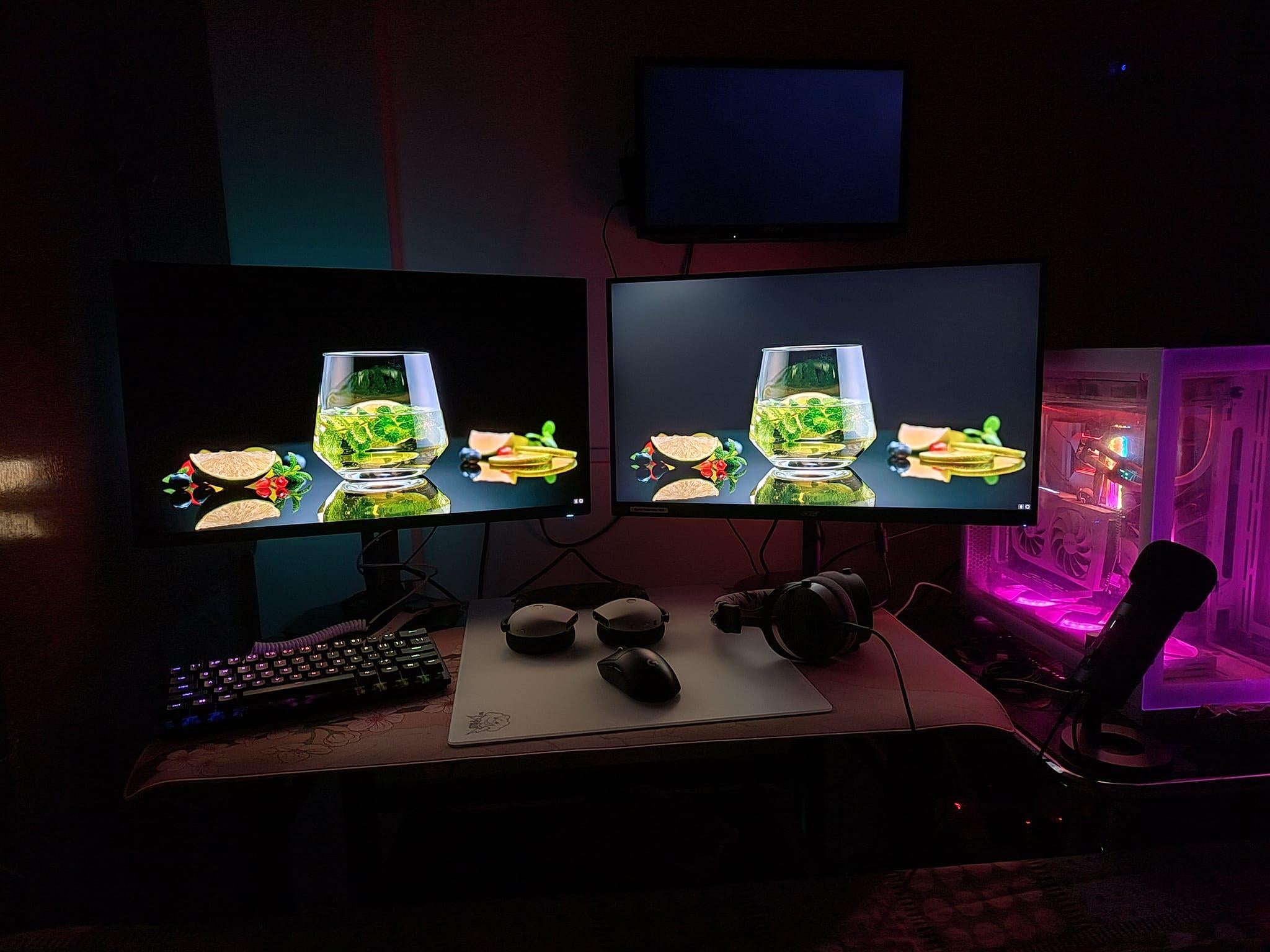
TFT (Thin-Film Transistor) displays, a foundational LCD technology, often show limited 160° viewing angles with noticeable color shifts, while IPS.

The IPS (In-Plane Switching) touch screen works by aligning liquid crystals horizontally for 178-degree wide viewing angles , reducing color shifts, with.
Hinterlasse einen Kommentar
Diese Website ist durch hCaptcha geschützt und es gelten die allgemeinen Geschäftsbedingungen und Datenschutzbestimmungen von hCaptcha.