



Quick Contact, 24h Response
Product recommendations, specifications, technical support, bulk pricing, and lead times—any question can start with one simple and quick inquiry.
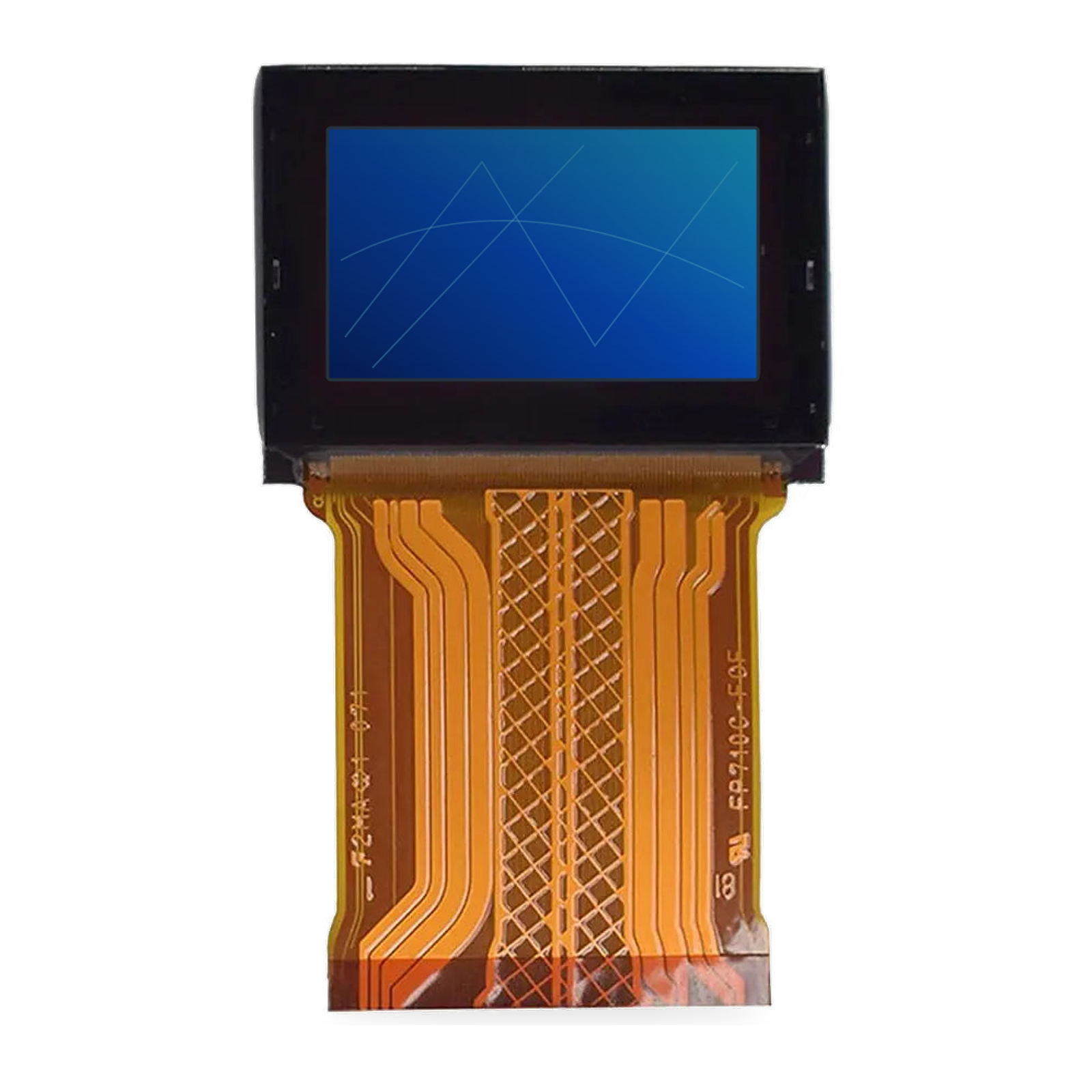
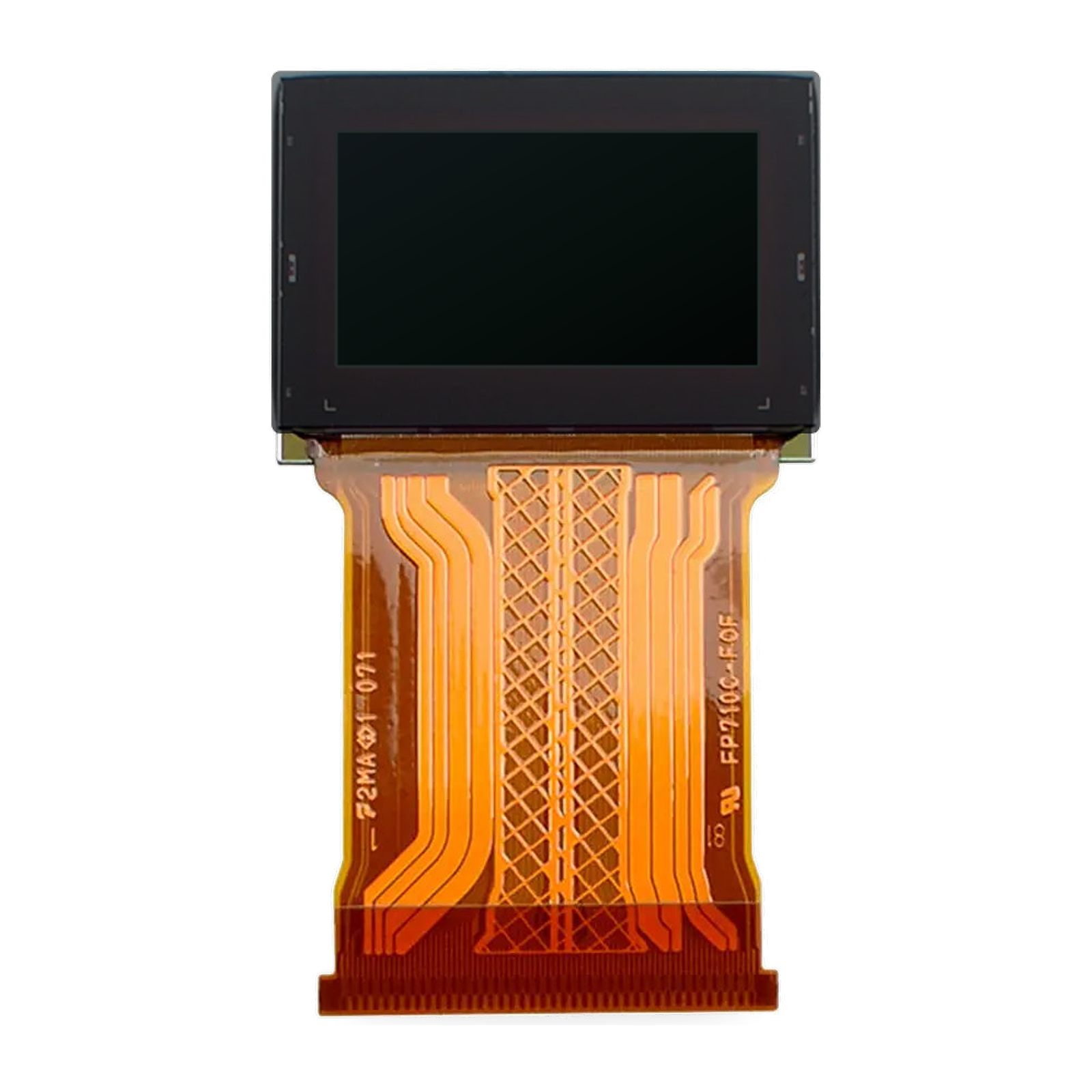
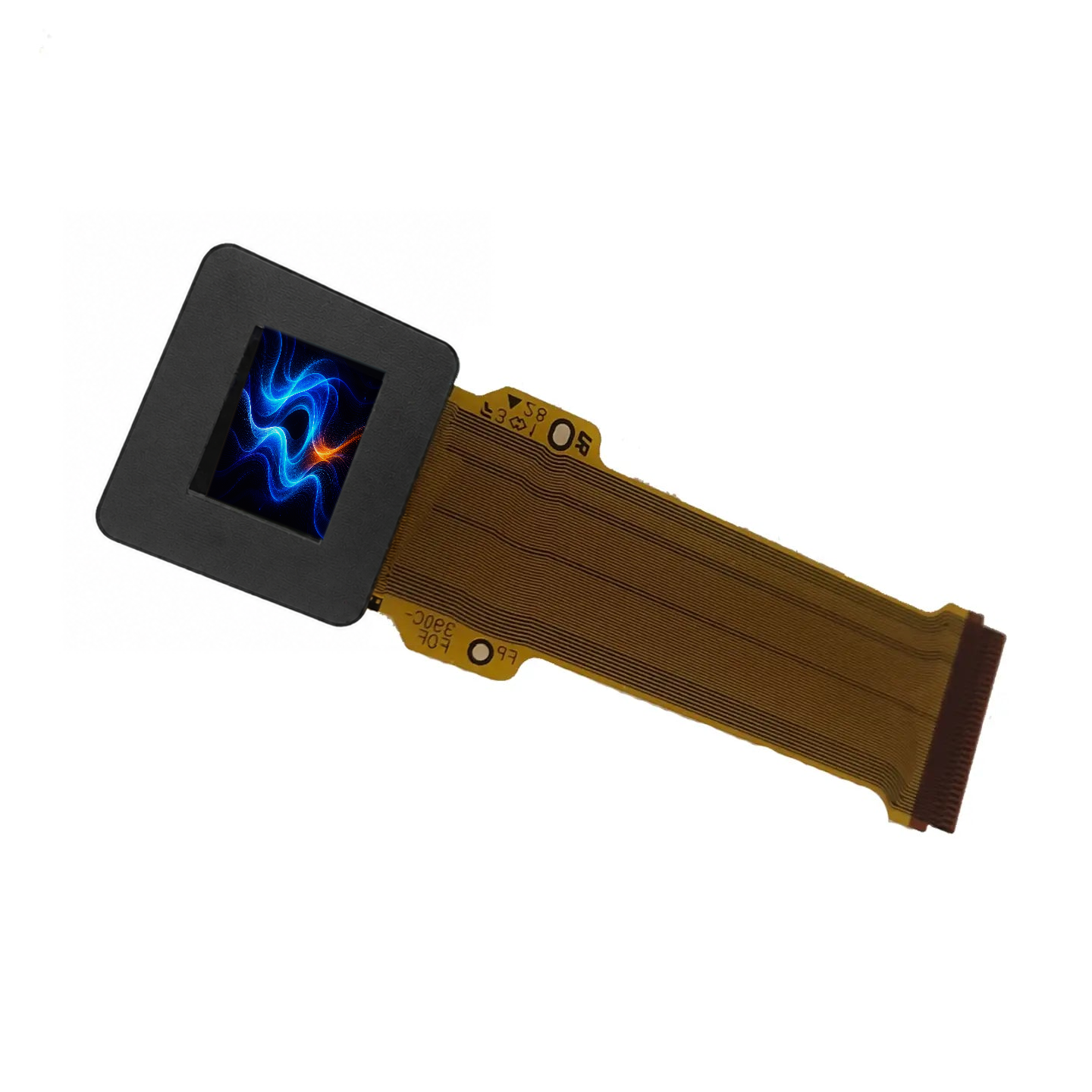
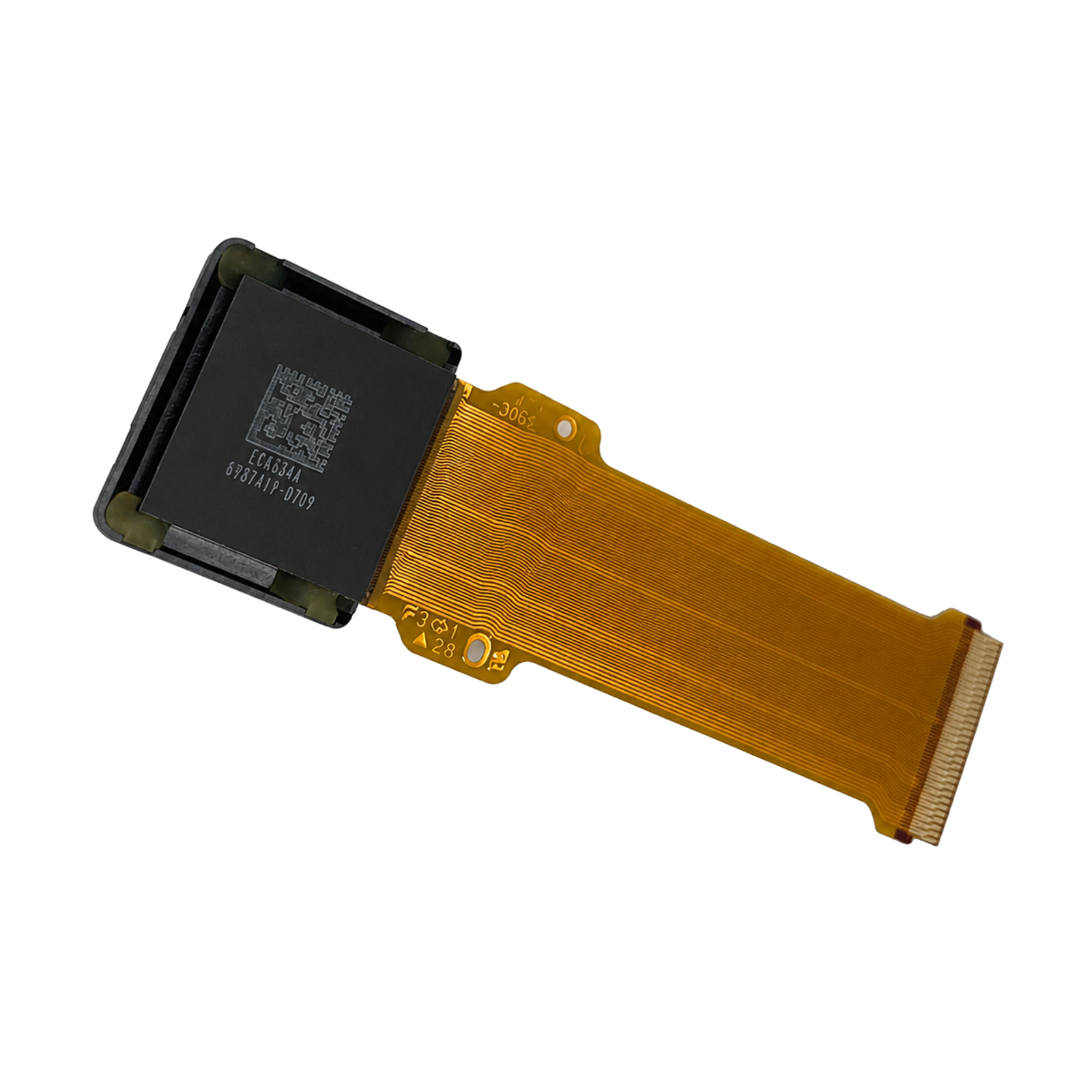
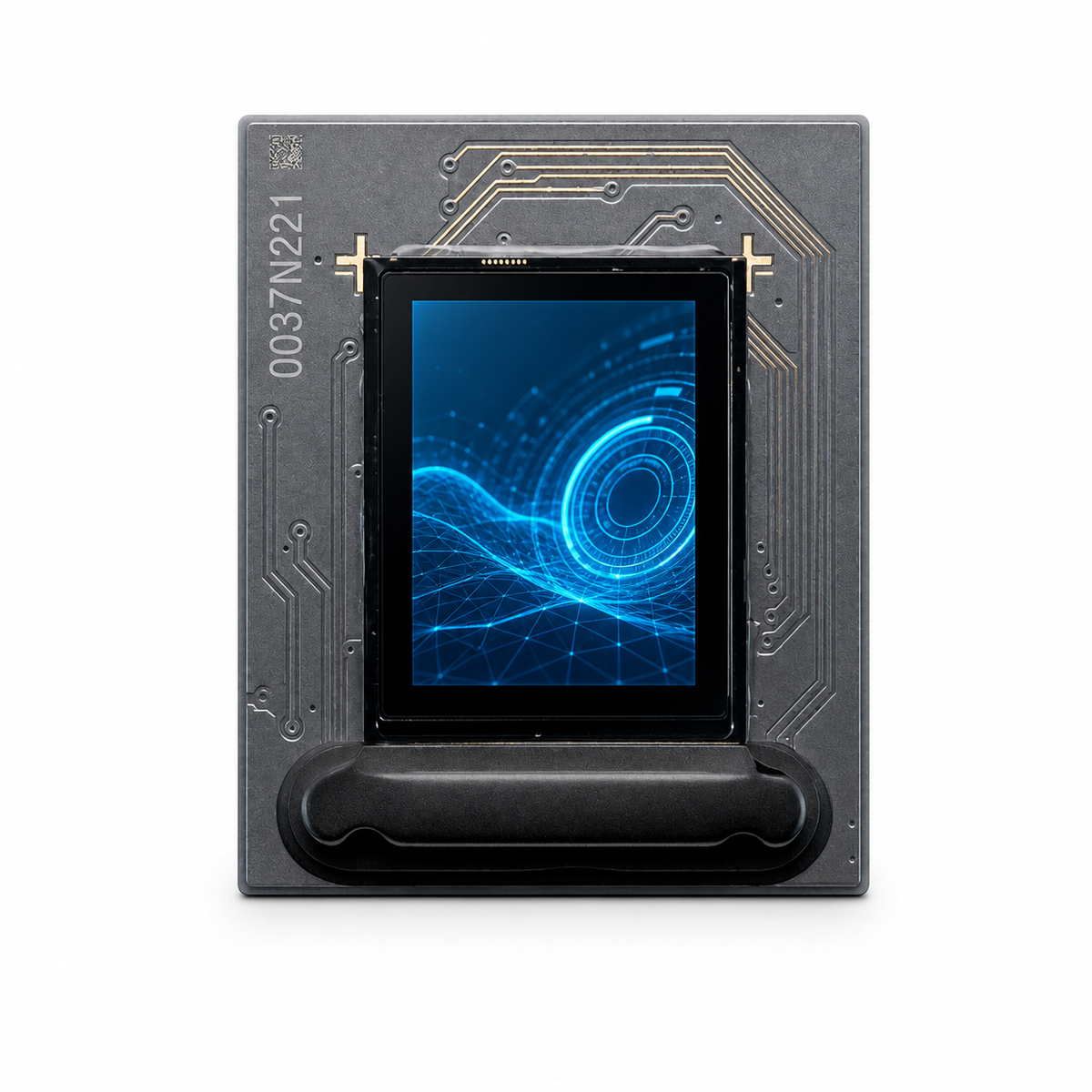
Micro OLED Selection & Integration FAQ
Answers to common questions from engineers evaluating Micro OLED panels, driver boards, optics, and production supply. Need model-specific confirmation? Send us your host interface, target specifications, quantity, and project schedule.
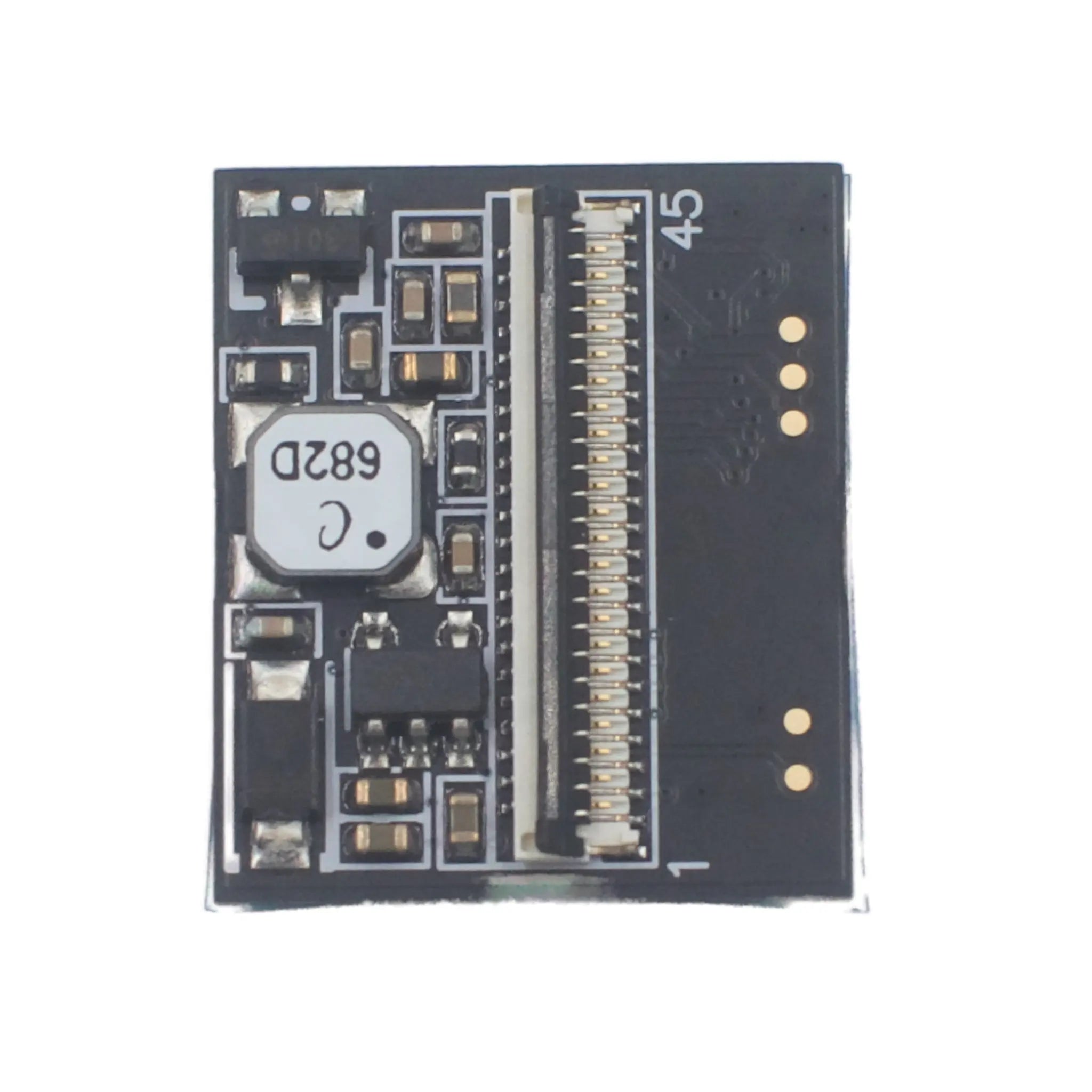
Compatibility depends on the exact panel and host interface. A bare Micro OLED often requires a bridge or driver board for signal conversion, power rails, timing, and initialization. Please provide the host protocol, output resolution, refresh rate, lane or port configuration, and voltage levels for a compatibility check.
Compare the panel datasheet with the host design for interface type, lane or port count, signal voltage, pixel clock or data rate, resolution, refresh rate, timing, initialization, connector pinout, and power sequence. Resolve every mismatch before schematic freeze, and use a matched evaluation board first when the interface has not already been validated.
A standard adapter board is normally the fastest route for display evaluation, software development, and low-volume prototypes. A custom board becomes relevant when the project has strict size, power, input-interface, cable, firmware, or binocular-driving requirements. DisplayModule needs those constraints, expected volume, and schedule before confirming feasibility, NRE, and lead time.
Set a system-level image target rather than selecting only by panel luminance. Provide the optical architecture, estimated transmission loss, ambient-light condition, target brightness at the eye or final image, thermal limits, and expected operating mode so the panel and optical solution can be evaluated together.
Confirm the number of panels, whether the left and right images are duplicated or independent, required synchronization, combined input resolution and bandwidth, supported adapter-board mode, cable length, and mechanical placement. A binocular system may require two matched displays and a dedicated dual-display board rather than two independent single-display setups.
Availability varies by model and may include the panel datasheet, connector pinout, mechanical drawing, CAD file, initialization information, adapter-board guide, and reference material. Identify the exact files needed at the start of the project; restricted panel or design documents may require an NDA and application review.
Confirm the exact model and revision, lifecycle status, sample availability, MOQ, price breaks, standard lead time, production lead time, included adapter boards and cables, customization NRE, and the approval process for configuration changes. The quotation and sample BOM should clearly identify every supplied component before the purchase order is released.
Provide the target application, optical architecture, required resolution and refresh rate, brightness target, available space, host video output, monocular or binocular configuration, prototype quantity, estimated production volume, and project schedule. These inputs allow DisplayModule to narrow the panel and adapter options before samples are ordered.