



What is a modular display
A modular display is an image surface assembled from repeatable units — LED cabinets, tiled LCD panels, or small display modules on a shared bus — so the array can grow, shrink or be repaired one unit at a time. The unit of manufacture is the module; the product is the array. That distinction drives every cost and calibration decision that follows.
Three families behind one word
The term covers hardware that shares a construction principle but almost nothing else in engineering terms.
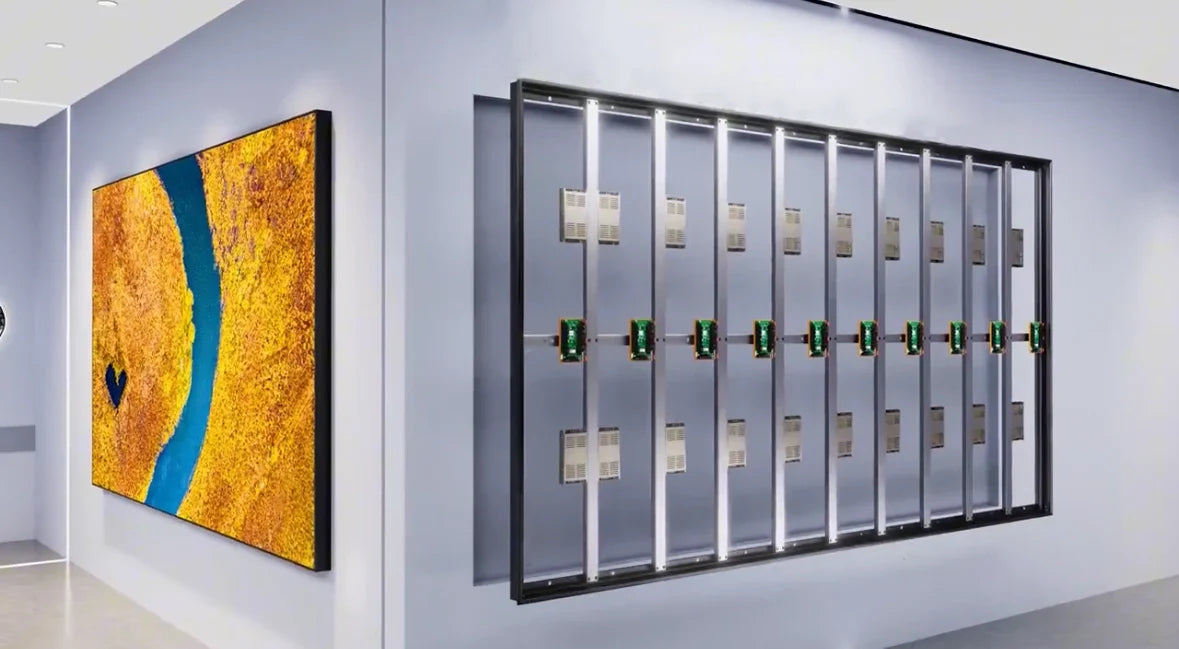
An LED video wall is built from cabinets. Each cabinet carries a driver board, a receiving card, a power supply and a grid of LED packages at a fixed pitch. Cabinets bolt together into arbitrary rectangles, and the image is split across them by an external processor.
A tiled LCD wall uses the same idea with different physics. Each tile is a complete LCD monitor with its own scaler and backlight, and the visible grid is the bezel between tiles rather than an LED pitch.
The third family is smaller and closer to most product design work: instrument panels assembled from character, graphic or e-paper modules addressed over a shared serial bus. Here modularity is an electrical property first and a mechanical one second, because adding a unit adds an address rather than a video stream.
The unit and the array
Array resolution is simple arithmetic that people still get wrong. Total resolution equals tile resolution multiplied by columns and rows, and every tile must show its own crop of the source. A processor that scales a single image across the wall without knowing the tile grid produces soft seams even when the hardware is perfect.
Seam budget is the constraint that decides the viewing distance. On an LED wall the pitch is fixed and the gap is a fraction of a millimetre; on an LCD wall the bezel is a physical border, and the eye integrates it only beyond a distance roughly proportional to its width. Specify the wall from the closest seat in the room, not from the design render.
Tile size also sets the maintenance schedule. Larger units reduce the number of joints to align and the number of drivers to feed, but each replacement becomes a heavier lift and a larger fraction of the image to re-calibrate.

Keeping tiles in sync
Independent scalers drift. Even when each tile receives the same source, separate processing chains introduce different latencies, and the result is a visible tear that travels across the wall during motion.
The fix is a single timing reference. A video processor splits one frame into tile crops and sends them with a common sync signal, so every receiving card starts the same frame at the same instant. Where a processor is not available, genlock or a shared house sync plays the same role.
Ask the supplier for the frame-latency figure per tile and for the tolerance between tiles. A wall that is acceptable for signage can still be unusable for a camera pointed at it, because rolling-shutter capture reveals timing differences the eye ignores.
Matching brightness and colour
Two units of the same model are rarely identical. LED bins differ, backlights age at different rates, and LCD panels vary in white point across a production run. On a single screen those variations hide; across an array they read as a patchwork.
Calibration is therefore part of the product, not an optional service. Brightness and colour are measured per unit under a fixed dark-room procedure[1], correction coefficients are stored in the unit itself, and the array is levelled to the dimmest unit rather than pushed to its brightest. Levelling downward costs peak brightness and buys uniformity.
Calibration also decays. LEDs and backlights lose output at different rates depending on what each tile displays, so a wall showing a bright logo in one corner drifts unevenly. Plan a re-calibration interval around the content, not the calendar.
Power and heat
Distributed power is the norm: each cabinet or tile converts its own rail, which keeps cable gauge and voltage drop manageable. The consequence is inrush. Many small supplies starting together draw a surge that trips breakers sized on steady-state current, so specify sequencing or soft start.
Heat follows the same path as power. LED walls dissipate most of their energy at the emitter, LCD walls at the backlight[2], and both need the rear of the array to stay accessible. A wall mounted tight to a wall with no return-air path will derate itself within an afternoon.
Service and spares
Modularity pays back at the first failure. A dead unit is swapped rather than repaired in place, which means front or rear access has to be designed in from the start.
Keep a spare ratio and keep the calibration file with the spare. A replacement unit that has not been loaded with the array's correction data will show as a bright rectangle, and that is the most common complaint after a field service visit.
When modular wins
| Requirement | Modular array | Single large panel |
|---|---|---|
| Diagonal beyond standard panel sizes | Scales by adding units | Limited by glass and transport |
| Access to the installation site | Units pass through doors and lifts | May need a crane or a window |
| Seam-free image | Requires careful pitch or bezel choice | Inherent |
| Field repair | Unit swap | Whole assembly |
| Cost at small sizes | Higher per square metre | Lower |
The pattern is consistent: modular wins as size grows, access gets harder, or uptime matters more than a perfect surface. Below roughly a single large panel's maximum size, the array is usually the more expensive answer.
Specification checklist
- State the array grid, not just the diagonal, so resolution and aspect ratio can be checked.
- Give the closest viewing distance and let the supplier propose pitch or bezel width from it.
- Require per-unit brightness and colour correction, stored in the unit, with the calibration file supplied.
- Specify the sync architecture and the permitted latency difference between units.
- Agree the spare ratio, the access direction and who reloads calibration after a swap.
Small modules as building blocks
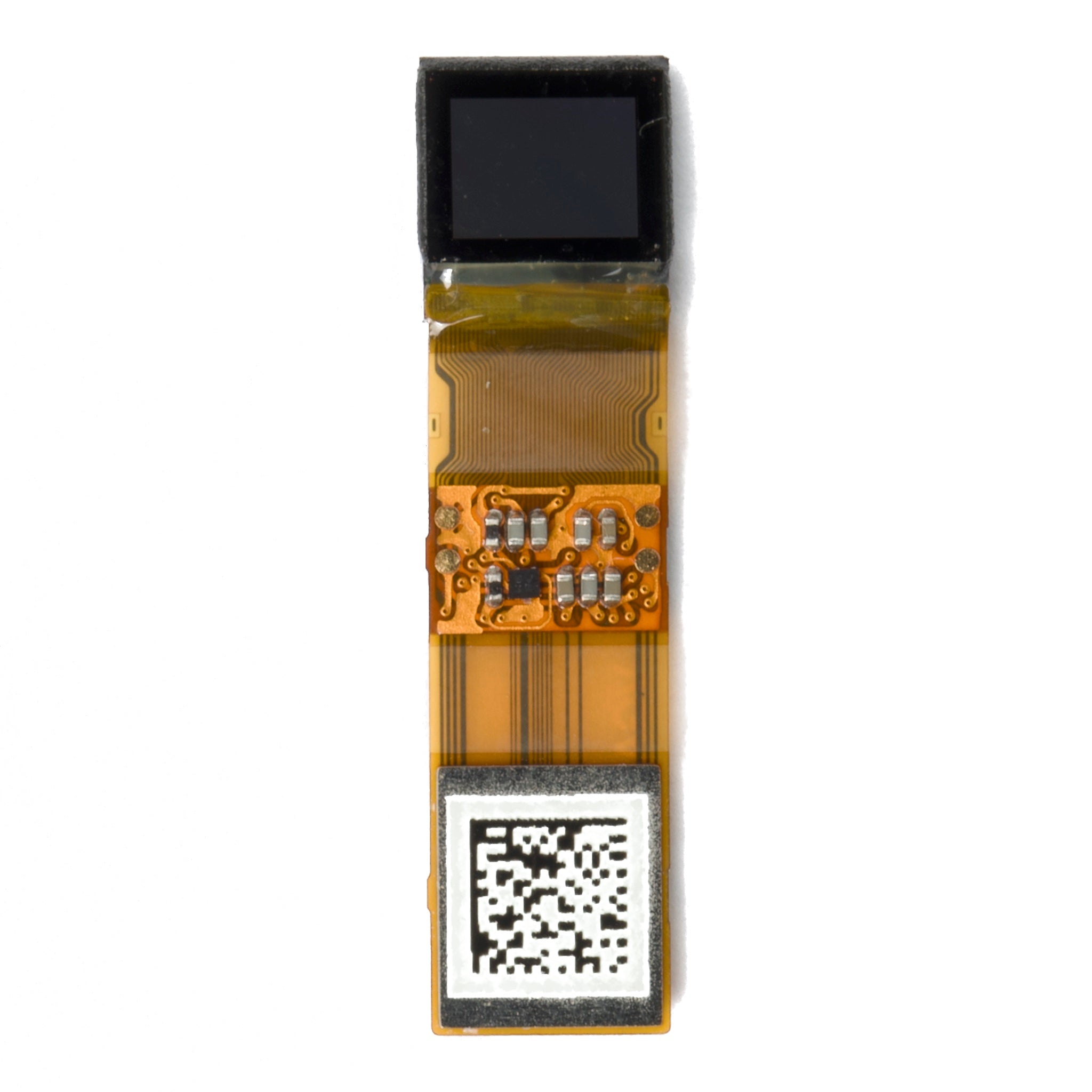
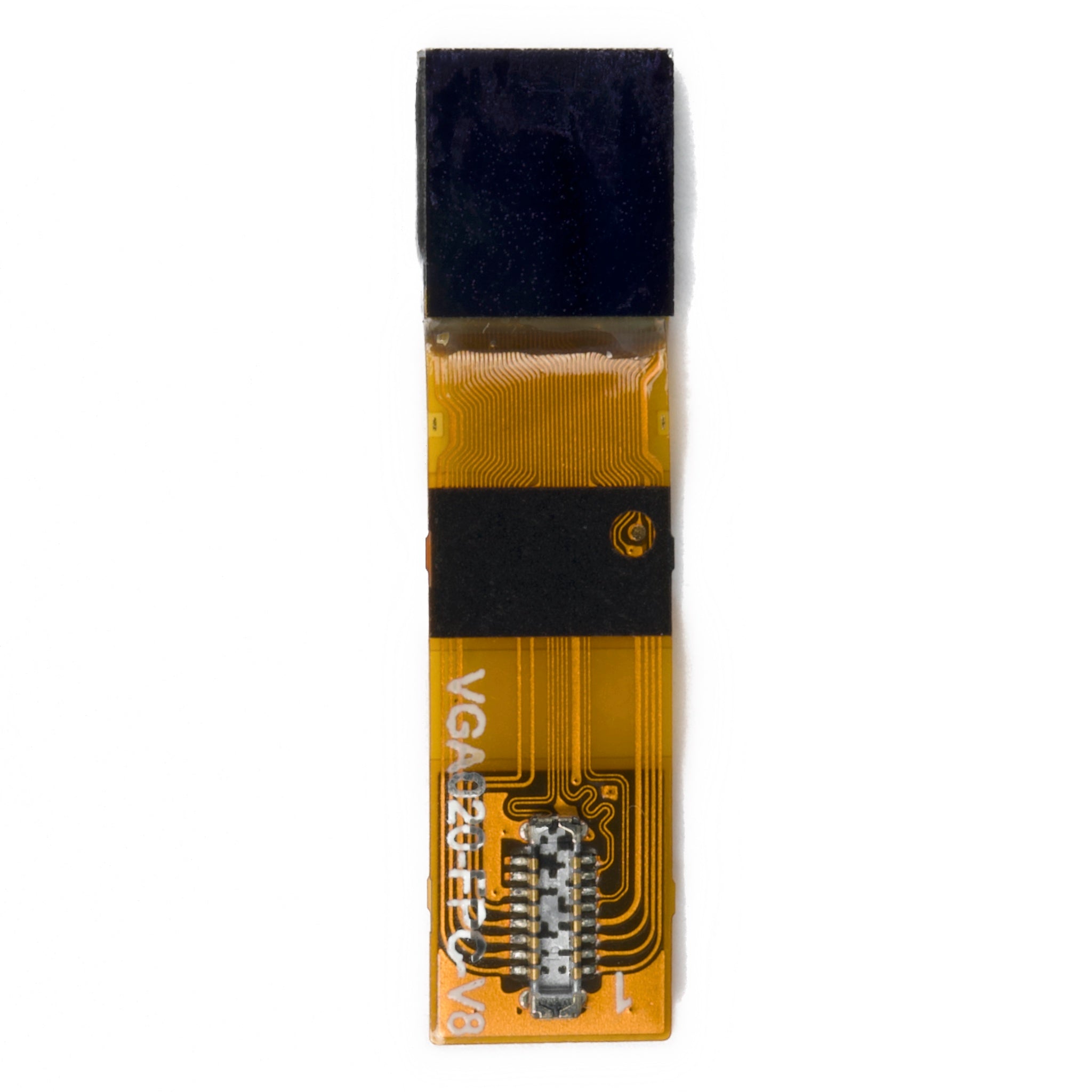
The same reasoning applies at instrument scale. A panel built from industrial display modules gains a serviceable unit and loses the freedom to place graphics anywhere on the surface, because each module owns its own window.
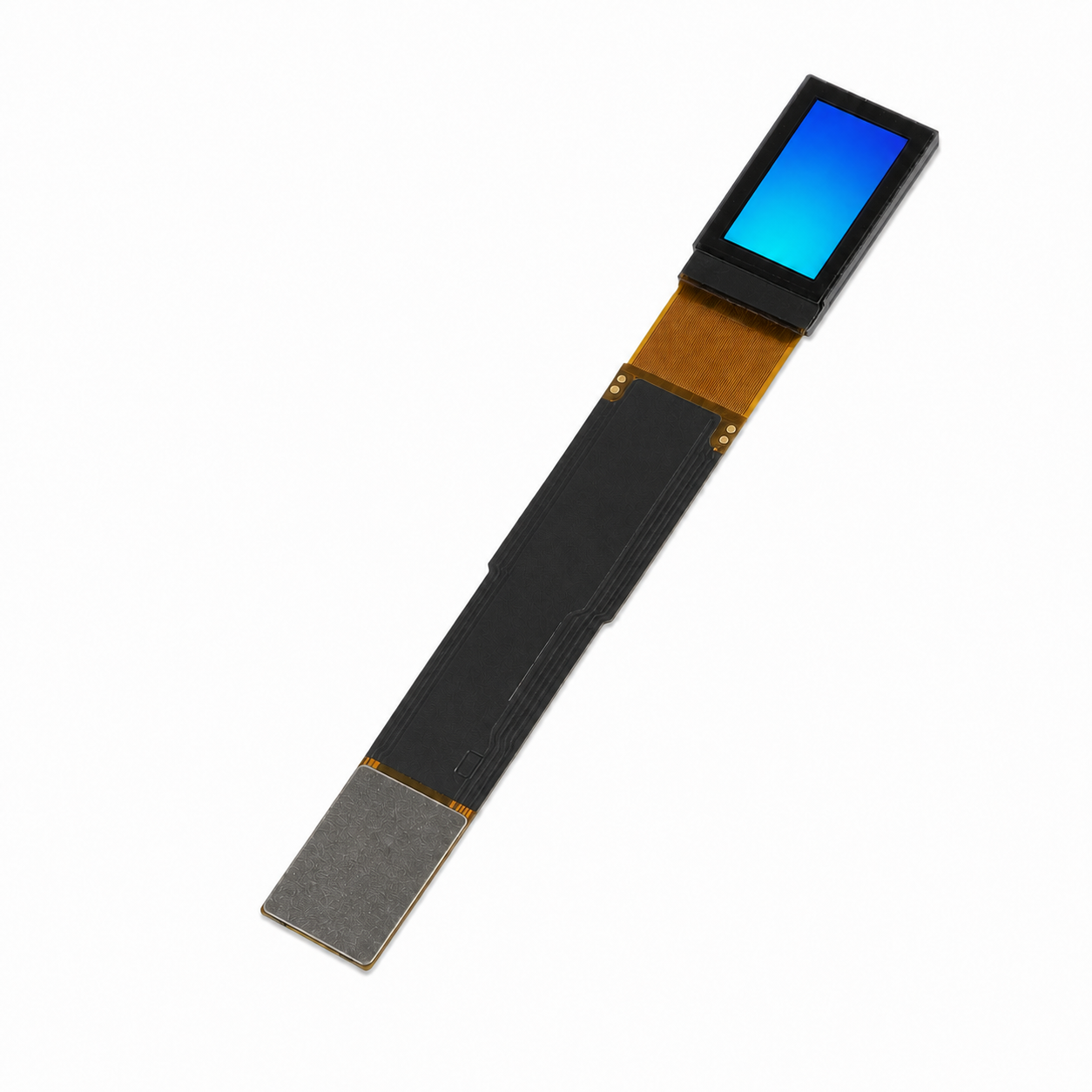
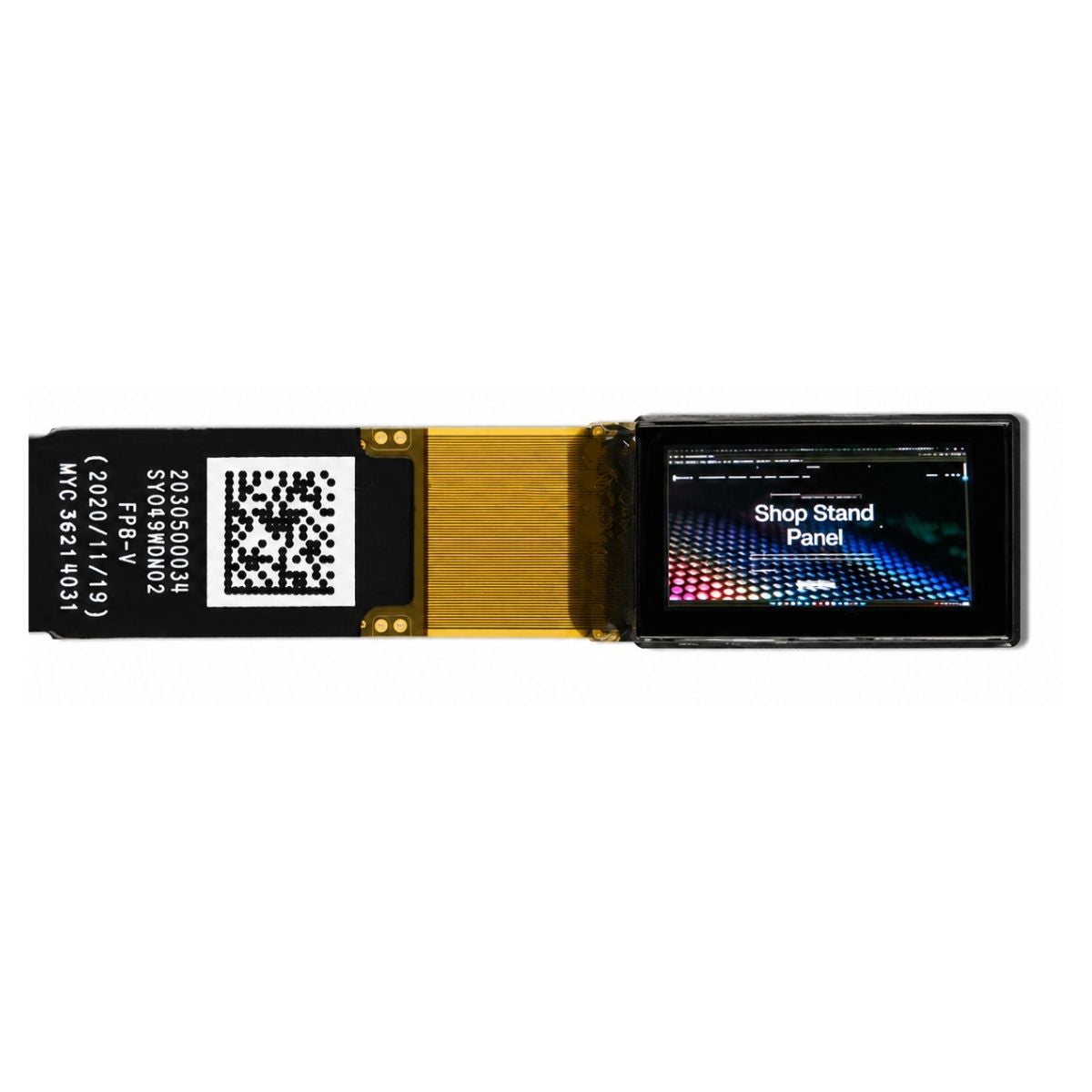
Where the array must read as continuous and stay thin, micro LED approaches carry the pitch advantage further, at a cost that still limits them to specific applications.
Bottom line
Treat a modular display as a system with a unit, a bus, a timing reference and a calibration state. Get those four right and the array behaves like one screen. Leave any of them to chance and every seam becomes a support ticket.
References
- ISO 9241-307:2008 — Ergonomics of human-system interaction — Part 307: Analysis and compliance test methods for electronic visual displays. International Organization for Standardization. https://www.iso.org/standard/40102.html
- Hilsum, C. (2010). Flat-panel electronic displays: a triumph of physics, chemistry and engineering. Philosophical Transactions of the Royal Society A, 368(1914), 1027–1082. https://doi.org/10.1098/rsta.2009.0247
Weiterlesen
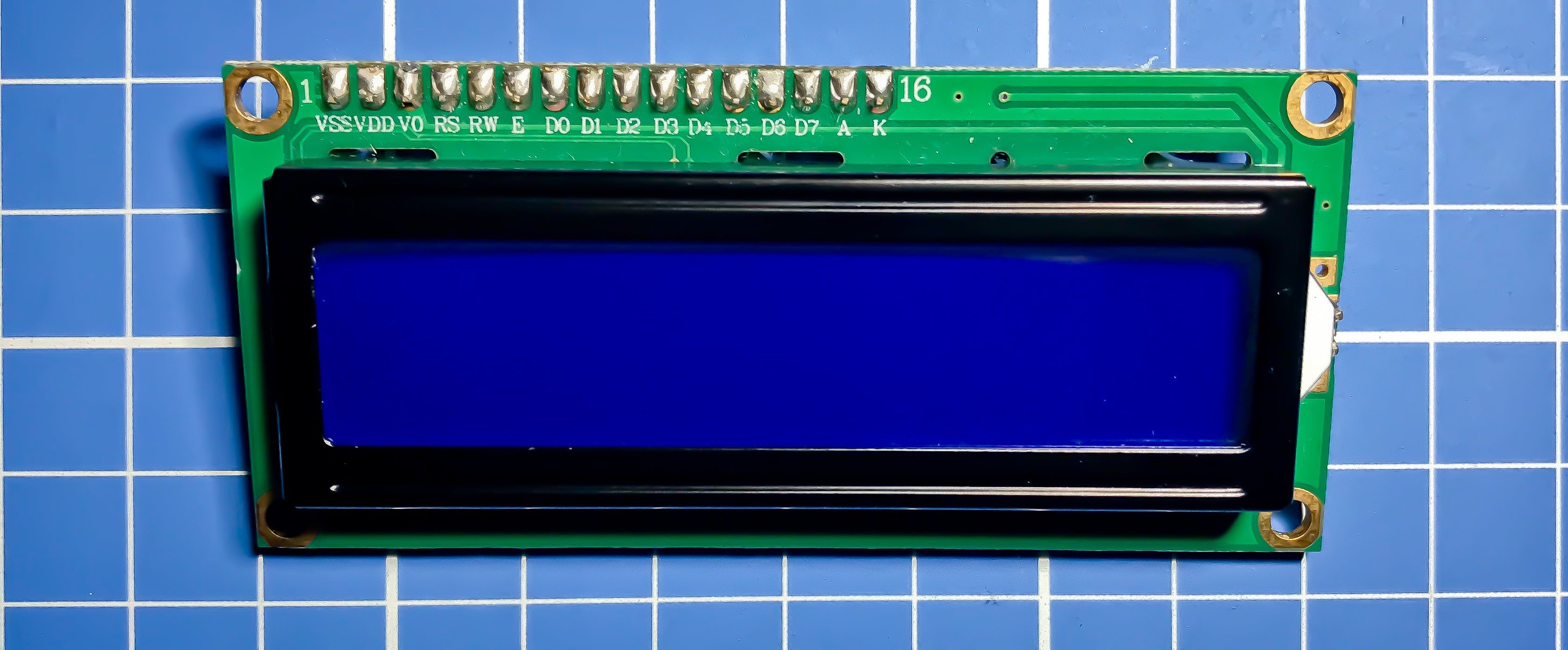
Yes, you can use an LCD without an I2C module by connecting it directly via parallel interfaces like 8-bit or 4-bit mode; for example, a common 16x2 LCD.
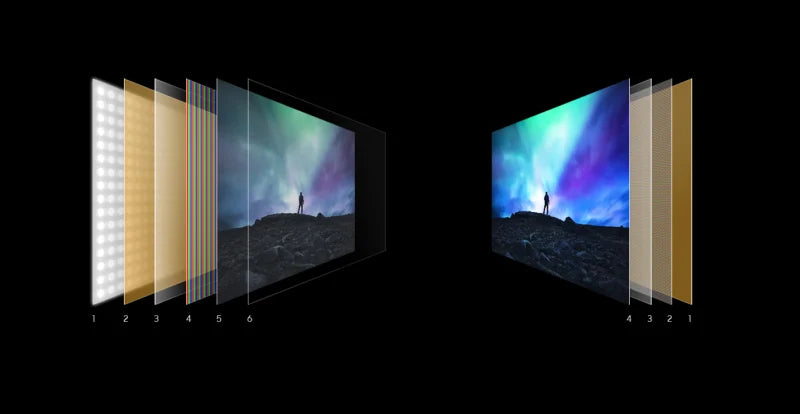
Deciding if OLED or LCD is better hinges on priorities: OLED, with its 1,000,000:1 contrast ratio (vs. LCD’s ~1,000:1), offers deeper blacks and vibrant.
Hinterlasse einen Kommentar
Diese Website ist durch hCaptcha geschützt und es gelten die allgemeinen Geschäftsbedingungen und Datenschutzbestimmungen von hCaptcha.