



What is an IPS Display 5 Key Features Explained
An IPS display is an LCD panel that switches its liquid crystals horizontally, in the plane of the glass. Five characteristics follow from that pixel architecture, and they are the ones that matter when a display has to work in a product rather than on a shop shelf: viewing-angle stability, colour consistency across the panel, contrast behaviour, response characteristics, and mechanical durability under touch.
Feature one: image stability across the viewing angle
The horizontal switching structure keeps the polarisation state of transmitted light constant over a wide arc. Practically, the same grey level reads the same at the centre of the panel and at 80° off-axis, while a TN panel of similar size turns grey values toward blue or yellow as the eye moves.
The specification that matters is not the headline angle. A "178°" claim should come with the contrast ratio measured at 85° in both horizontal and vertical directions. Without that number, the angle figure says nothing about what the viewer actually sees.
Feature two: colour consistency across the whole panel
Because every pixel switches in the same plane, the colour a pixel produces does not depend on where the viewer stands. On a bench instrument read from an angle, on a handheld held off-centre, or on a panel reviewed by two people at once, the image stays the same image.
Consistency across the panel is defined and tested under ISO 9241-307, which specifies how luminance and colour uniformity are measured and reported[2]. Uniformity matters more than gamut for most industrial interfaces: a display covering 72% of a colour space evenly looks better than one covering 95% with visible patches.
Feature three: contrast behaviour that holds under brightness
Typical IPS modules sit around 1000:1 contrast. That figure is measured at a stated luminance — often a few hundred nits — and it does not survive being pushed to 1000 nits for sunlight readability, because the black level rises faster than the white level.
For outdoor products this is the crux: the contrast that matters is the contrast at operating brightness. VA panels start several times higher on contrast and lose less of it at high brightness, which is why large-format outdoor signage often uses VA. For small instrument panels read at arm's length, the IPS figure at the operating brightness is usually sufficient — but it has to be quoted that way to be useful.
Feature four: response characteristics
IPS switches more slowly than TN because the crystals rotate in the plane rather than tilting across a short cell gap, and because fringe fields complicate the transition[1]. Grey-to-grey response on well-tuned panels lands in the 4–8 ms band; full black-to-white and low-grey transitions run several times slower.
Whether that matters depends entirely on content. A status display showing numbers and icons does not care about response at all. A panel showing live waveforms, scrolling text or camera preview will show smear on low-grey transitions, and the specification to compare is the transition the application actually uses — not the fastest quoted number.

Feature five: mechanical and touch durability
IPS panels do not lighten or trail when pressed, unlike TN, which makes them the standard base for capacitive and on-cell touch stacks. The pixel structure also tolerates cover-glass bonding and the mechanical pressure of an integrated touch sensor without visible colour artefacts.
Durability in practice is decided by the module build rather than the panel: the touch stack, the FPC attachment, the backlight mechanicals and the operating temperature range. Industrial modules commonly specify −20 °C to +70 °C, and the brightness quoted at room temperature may not hold at the extremes.
Three build details separate a robust module from a fragile one. The bonding method where the FPC meets the glass — hot-bar versus anisotropic conductive film — sets the flexing endurance. The cover-glass bonding, air-gap versus optical clear adhesive, decides both reflection and impact tolerance. The backlight reflector and light-guide retention decide whether vibration turns into brightness unevenness over the product's life.
How the five features interact
The features are not independent specifications to tick off. They trade against each other, and the trade is where most selection mistakes happen.
| If you raise | What typically moves |
|---|---|
| Brightness for sunlight readability | Contrast falls at operating brightness; power and heat rise; backlight lifetime shortens |
| Resolution at the same panel size | Transmittance drops, so brightness needs more backlight current; interface moves from SPI toward RGB or MIPI |
| Touch integration | Reflection rises unless the stack is bonded optically; overall thickness and cost increase |
| Operating temperature range | Response slows at the cold end; brightness derating at the hot end becomes a datasheet requirement |
A specification that asks for maximum values on every row produces a module that cannot be built at a sensible price. Deciding which two features the application cannot compromise on is the first step of every module selection.
How to verify the five features in a sample
Datasheets describe typical units. A sample evaluation that checks all five features takes under an hour with no lab equipment beyond a ruler, a camera and a dark room.
Angle stability. Display a grey ramp, then photograph the screen from the centre, 45° and 85° off-axis. Compare the patch values in the photographs. Visible tone shift at 85° is normal; a shift that reaches blue or yellow is a TN-like behaviour, not IPS.
Panel uniformity. Display a flat 50% grey in a dim room and look for patches, bands or brighter corners. Nine-point measurements are the standard method; visual inspection catches most production problems.
Contrast behaviour. Set the brightness the product will use, then display a black screen in a dark room. Compare the black level against a white screen at the same brightness. If the black level visibly rises when brightness is pushed up, the quoted contrast was measured at a lower luminance.
Response. Display scrolling text and a moving grey block. Smear on the grey block — not on the white background — indicates slow low-grey transitions.
Touch and build. Press the panel through its cover glass at the corners and along the FPC edge. Colour mottling under pressure, or a flex that clicks, indicates a bonding or stack problem that will surface in the field.
What the five features mean for a specification
Four line items turn the five features into a purchase decision:
- Contrast at operating brightness, not contrast at the datasheet's test luminance.
- Minimum luminance alongside the typical figure, if readability depends on a brightness floor.
- Off-axis contrast at 85°, horizontal and vertical.
- Response for the grey transitions the application uses, not the fastest transition quoted.
Round, square and bar-shaped IPS panels from 0.85″ to 12.1″ are listed in the IPS display collection. Where true black or a wider gamut matters more than angle stability, AMOLED modules remove the backlight entirely; where the panel is viewed head-on and cost dominates, TFT LCD modules cover the same sizes.
The five features explain why IPS is the default for instruments and handhelds: angle stability, panel-wide colour consistency, contrast that can be specified honestly, response adequate to the content, and a panel surface that tolerates touch. Confirm each one against measured data rather than the label.
References
- Hilsum, C. (2010). Flat-panel electronic displays: a triumph of physics, chemistry and engineering. Philosophical Transactions of the Royal Society A, 368(1914), 1027–1082. https://doi.org/10.1098/rsta.2009.0247
- ISO 9241-307:2008 — Ergonomics of human-system interaction — Part 307: Analysis and compliance test methods for electronic visual displays. International Organization for Standardization. https://www.iso.org/standard/40102.html
Weiterlesen
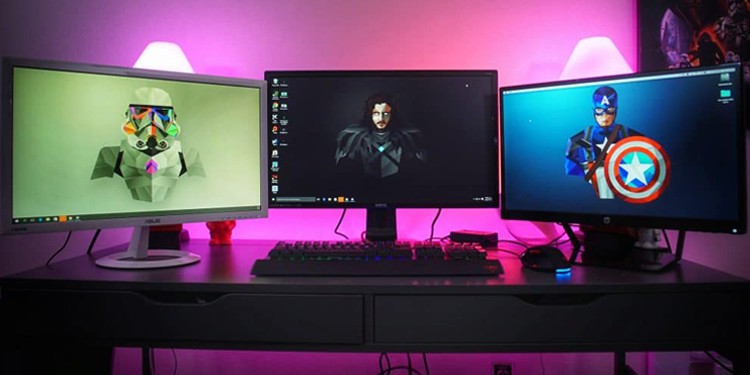
IPS displays boast 178° wide viewing angles (vs. TN’s ~160°) and richer, more accurate colors ( 100% sRGB coverage common vs. TN’s 70-80%), ideal for.
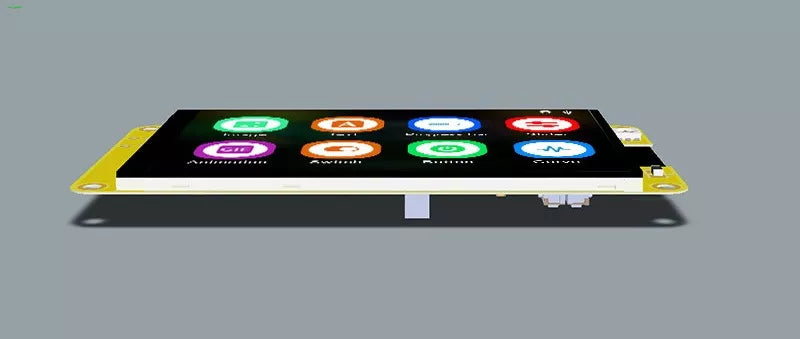
A display module, essentially a compact unit enabling visual output in electronics, typically integrates an LCD/LED panel, driver circuitry, and control.
Hinterlasse einen Kommentar
Diese Website ist durch hCaptcha geschützt und es gelten die allgemeinen Geschäftsbedingungen und Datenschutzbestimmungen von hCaptcha.