









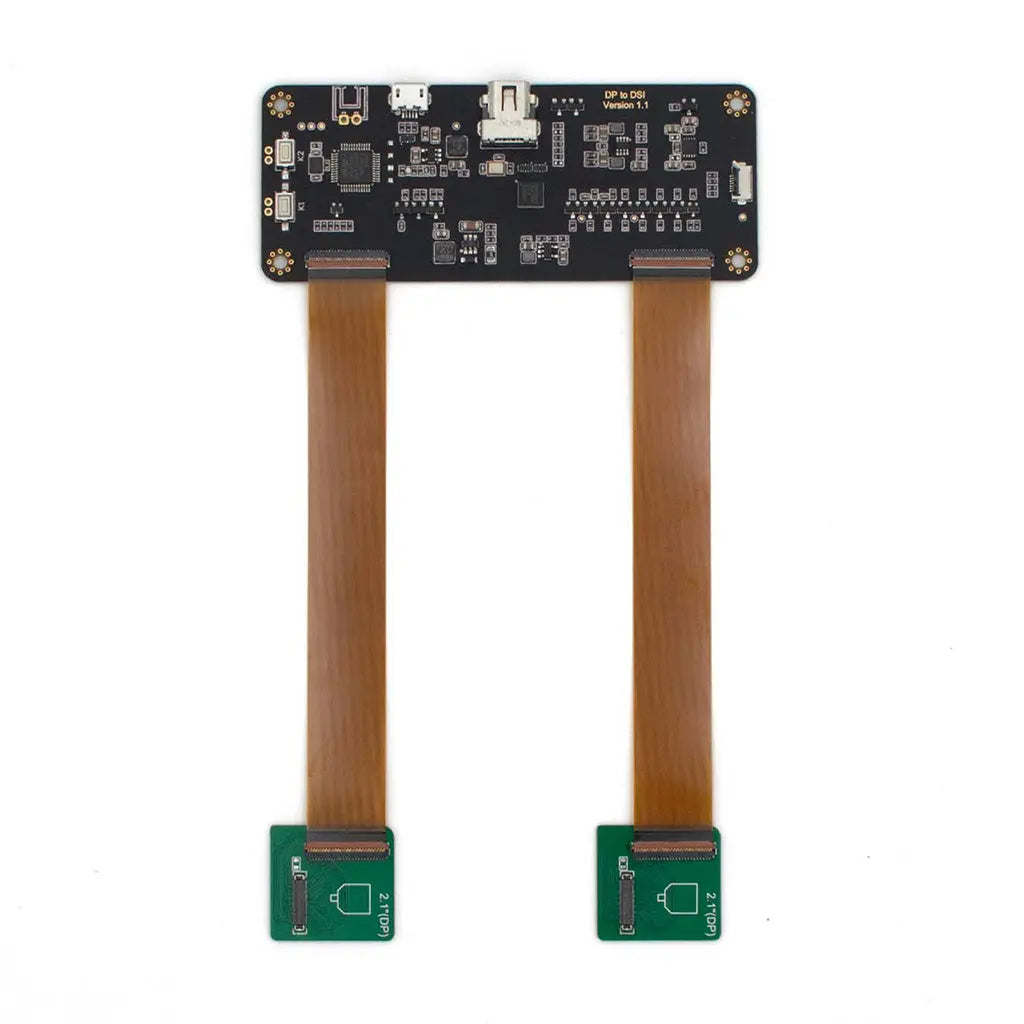
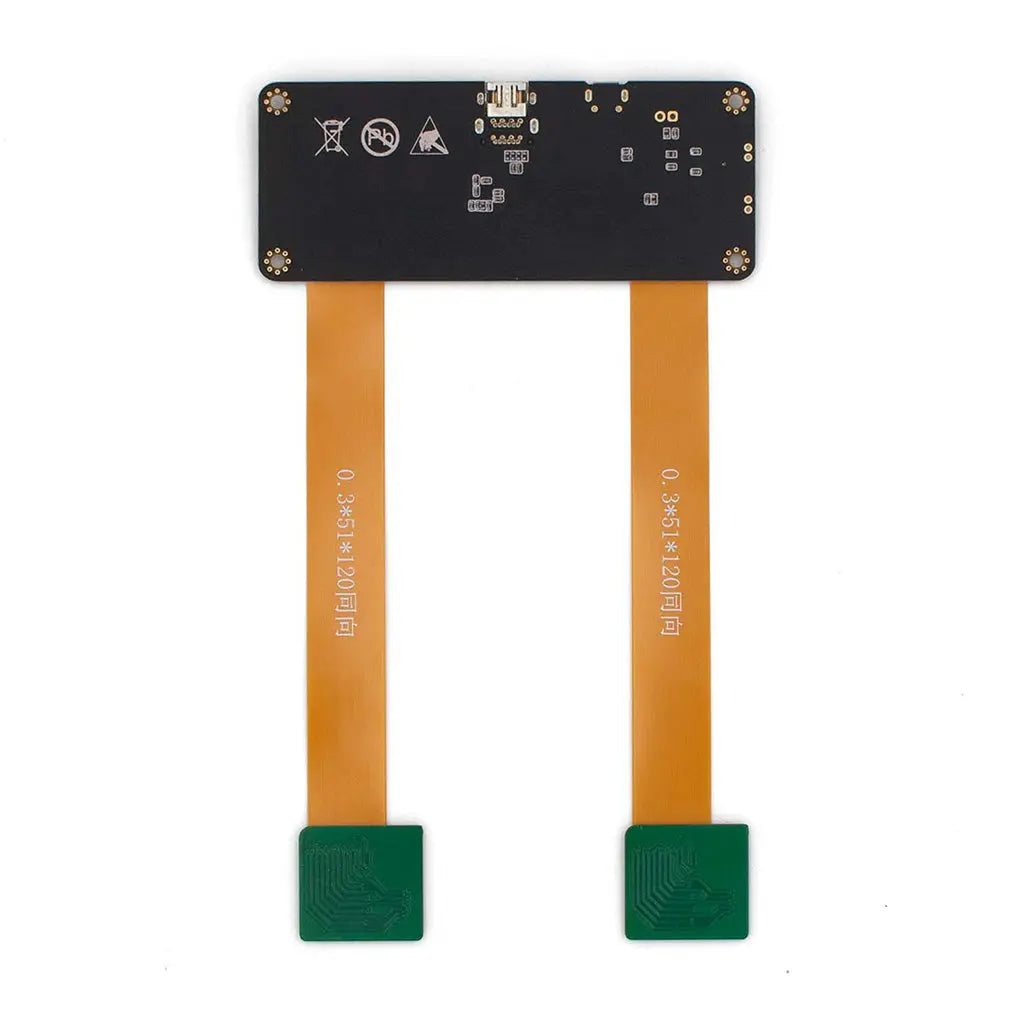
AR/VR Display Adapter for DP/Type-C to MIPI
- 💹 Enjoy a 20% discount for orders over 500
- 📉 A 15% discount is available for orders ranging from 200 to 499
- 🎁 A 10% discount is available for orders ranging from 50 to 199
- 🎁 A 5% discount is available when ordering 10-49
Interested in customizing this product? Get in touch with us.
Order samples, immediate delivery.
Factory bulk lead time: 3 weeks.
AR/VR Display Adapter for DP/Type-C to MIPI
- 💹 Enjoy a 20% discount for orders over 500
- 📉 A 15% discount is available for orders ranging from 200 to 499
- 🎁 A 10% discount is available for orders ranging from 50 to 199
- 🎁 A 5% discount is available when ordering 10-49
Resources & Downloads
Mini DisplayPort / USB-C to MIPI DSI Display Adapter Board
The DM-ADTTR-020 is a display adapter board designed to help engineers evaluate compatible MIPI DSI display panels from a Mini DisplayPort or USB Type-C host source.
Compatibility depends on the host output mode, panel resolution, MIPI lane configuration, connector pin assignment, power requirements, firmware setup, and final mechanical design. Please confirm your target display panel and host platform before prototype or production use.

Technical Specifications
The following information is provided for engineering evaluation. Final operation should be verified with the actual display panel, cable, firmware, and host platform used in your project.
| Parameter | Specification | Engineering Note |
|---|---|---|
| SKU | DM-ADTTR-020 | Use this model number when requesting documentation, samples, or configuration support. |
| Adapter Function | Mini DisplayPort / USB Type-C to MIPI DSI display adapter board | Designed for compatible DisplayPort or USB-C DP Alt Mode input and a project-specific MIPI DSI display output. |
| Bridge Chipset | Available upon engineering request | Chipset, firmware, and panel configuration details should be confirmed for the exact display and host combination. |
| Supply Voltage | 5 V DC | Use a stable 5 V input supply and verify current requirements under the final display load. |
| Input Interface | Mini DisplayPort / USB Type-C | For USB Type-C input, the host should support DisplayPort Alt Mode and the required output timing. |
| Output Interface | MIPI DSI; other interfaces may be discussed for custom projects | Output timing, lane count, pin assignment, and panel initialization must match the target panel. |
| Listed Maximum Resolution | Up to 2880 × 1440 pixels | Actual operation depends on panel timing, MIPI lane configuration, host capability, firmware settings, and cable design. |
| Board Dimensions | 100 mm × 40 mm | Confirm connector position, mounting clearance, cable bend radius, and enclosure space during mechanical design. |
| Display Integration | Signal conversion and display interface support | Touch support, voltage rails, and control signals should be verified with the selected panel and controller. |
| Typical Host Requirement | DisplayPort output or USB-C DP Alt Mode output | Host support may vary by graphics output mode, driver behavior, EDID handling, cable, and required configuration. |
Interface Architecture
Mini DP / USB-C Input
The adapter is intended for Mini DisplayPort and USB Type-C host sources. For USB-C use, verify that the source device supports DisplayPort Alt Mode and the video timing required by the selected display.
MIPI DSI Output
The standard integration path is for compatible MIPI DSI display panels. Output timing, lane count, pin assignment, initialization sequence, and image orientation should be checked before PCB or enclosure freeze.
Project-Based Configuration
Interface changes or custom integration support may be reviewed for qualified OEM projects. These should be treated as project-specific services rather than guaranteed stock behavior.
Hardware Integration Checklist
The DM-ADTTR-020 can help shorten prototype evaluation when the host source and display panel are compatible. The final result depends on panel timing, connector mapping, power design, firmware configuration, and system-level validation.
Before prototype testing
- Confirm that the host supports Mini DisplayPort output or USB-C DisplayPort Alt Mode.
- Check the target panel resolution, MIPI lane count, connector pinout, and initialization requirements.
- Verify the 5 V supply quality and current margin under the selected display load.
- Confirm whether touch, backlight, reset, enable, or control signals are required by the selected display module.
Before OEM integration
- Review board dimensions, connector height, cable bend radius, and thermal clearance.
- Confirm firmware settings, panel timing, EDID behavior, orientation, and startup sequence.
- Request the latest documentation or configuration guidance for the exact display and host combination.

Application Fit by Integration Need
AR / VR Display Evaluation
Suitable for evaluating compatible MIPI display panels with Mini DisplayPort or USB-C host sources. Optical performance, refresh behavior, latency, and perceived brightness should be validated in the final optical system.
Portable Display Prototypes
Useful for prototype work where a compact adapter is needed between a host output and a MIPI display panel. Mechanical, power, cable, and thermal integration should be checked early.
Industrial Embedded Systems
May support embedded display evaluation when the panel interface and host output are compatible. Environmental, reliability, and compliance requirements should be validated at the finished-system level.
About DisplayModule Engineering Support
DisplayModule supplies standard display modules and supports custom display-related development, including display panels, driver boards, and integration assistance for prototype and production projects.
For adapter board projects, the engineering review should include the target display model, host platform, required resolution, MIPI lane configuration, connector mapping, control-signal needs, enclosure constraints, sample quantity, and expected production plan.
Confirm Integration Details
Request sample availability, lead time, and configuration guidance before using the DM-ADTTR-020 in a prototype or OEM product.