

Passer au contenu

Panier

Votre panier est vide

Explorer nos produits

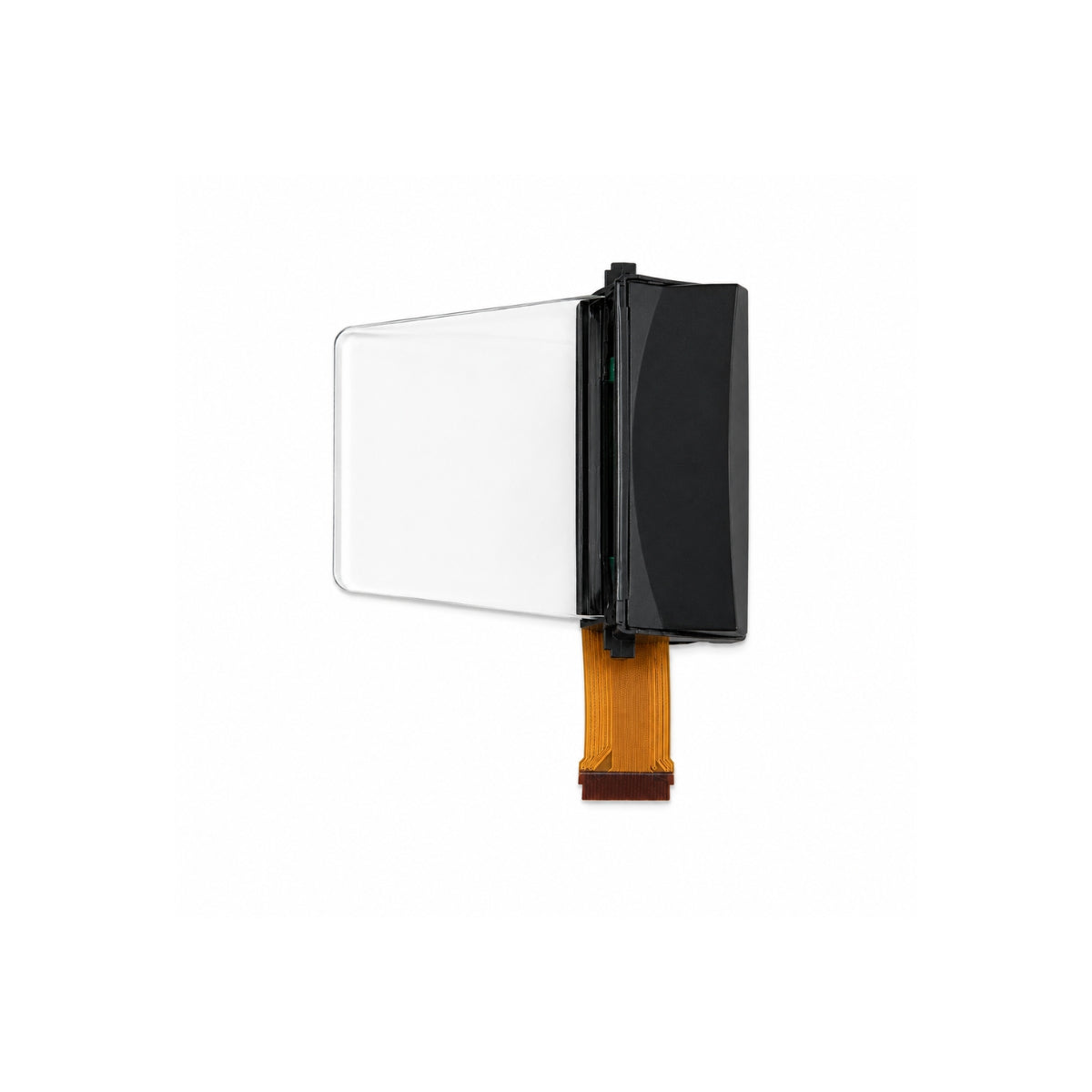
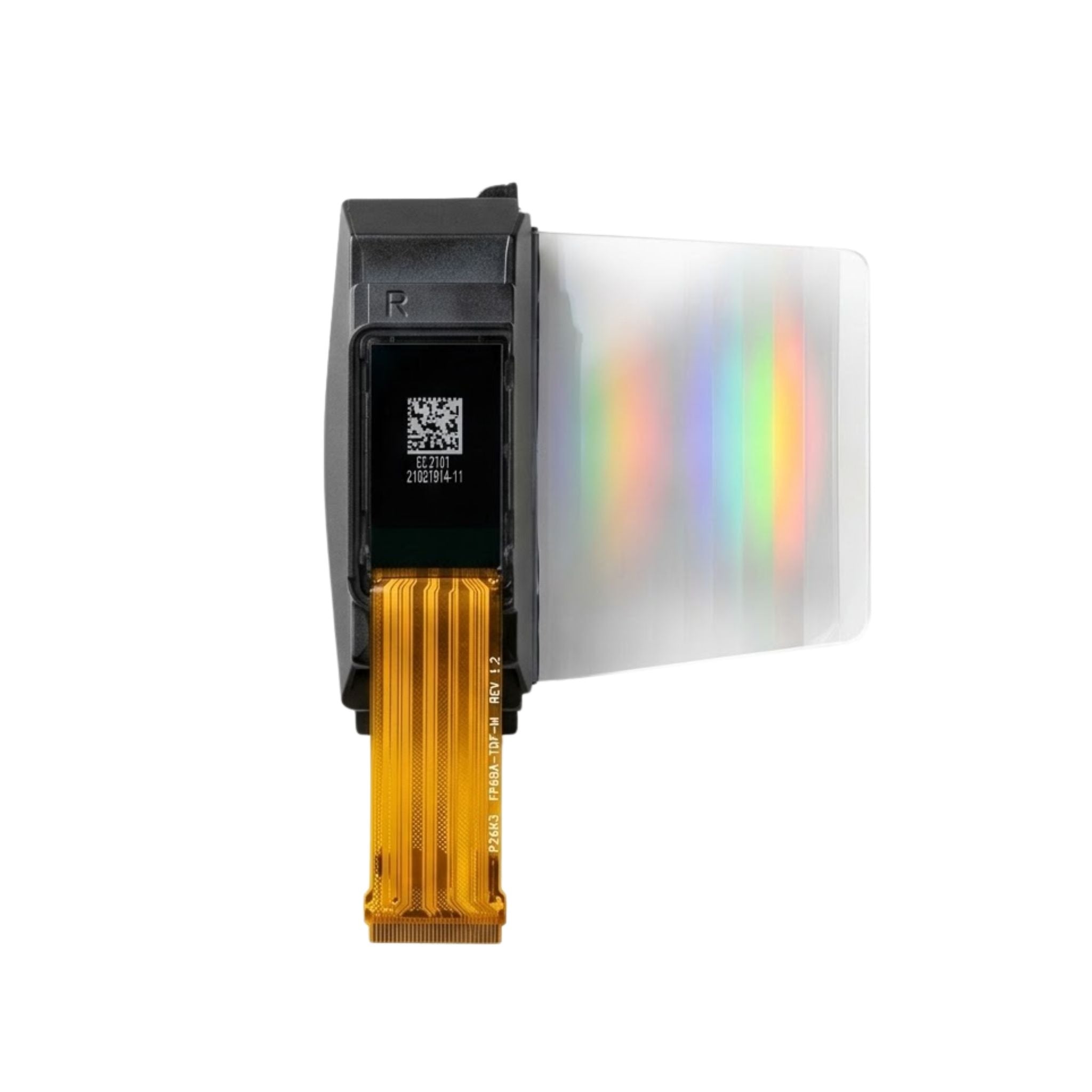
HDMI Micro Driver Board – Type-C 5V OLED/AMOLED Display Evaluation & Demo Board

SKU: DMRXHRA
Prix de vente$199.00
  • 💹 Enjoy a 20% discount for orders over 500
  • 📉 A 15% discount is available for orders ranging from 200 to 499
  • 🎁 A 10% discount is available for orders ranging from 50 to 199
  • 🎁 A 5% discount is available when ordering 10-49

Interested in customizing this product? Get in touch with us.

Order samples, immediate delivery.

Factory bulk lead time: 3 weeks.


Partager
HDMI Micro Driver Board – Type-C 5V OLED/AMOLED Display Evaluation & Demo Board
HDMI Micro Driver Board – Type-C 5V OLED/AMOLED Display Evaluation & Demo Board Prix de vente$199.00

Resources & Downloads

SKU: DMRXHRA

DMRXHRA HDMI Micro Driver Board – Type-C Powered Display Evaluation & Demo Board

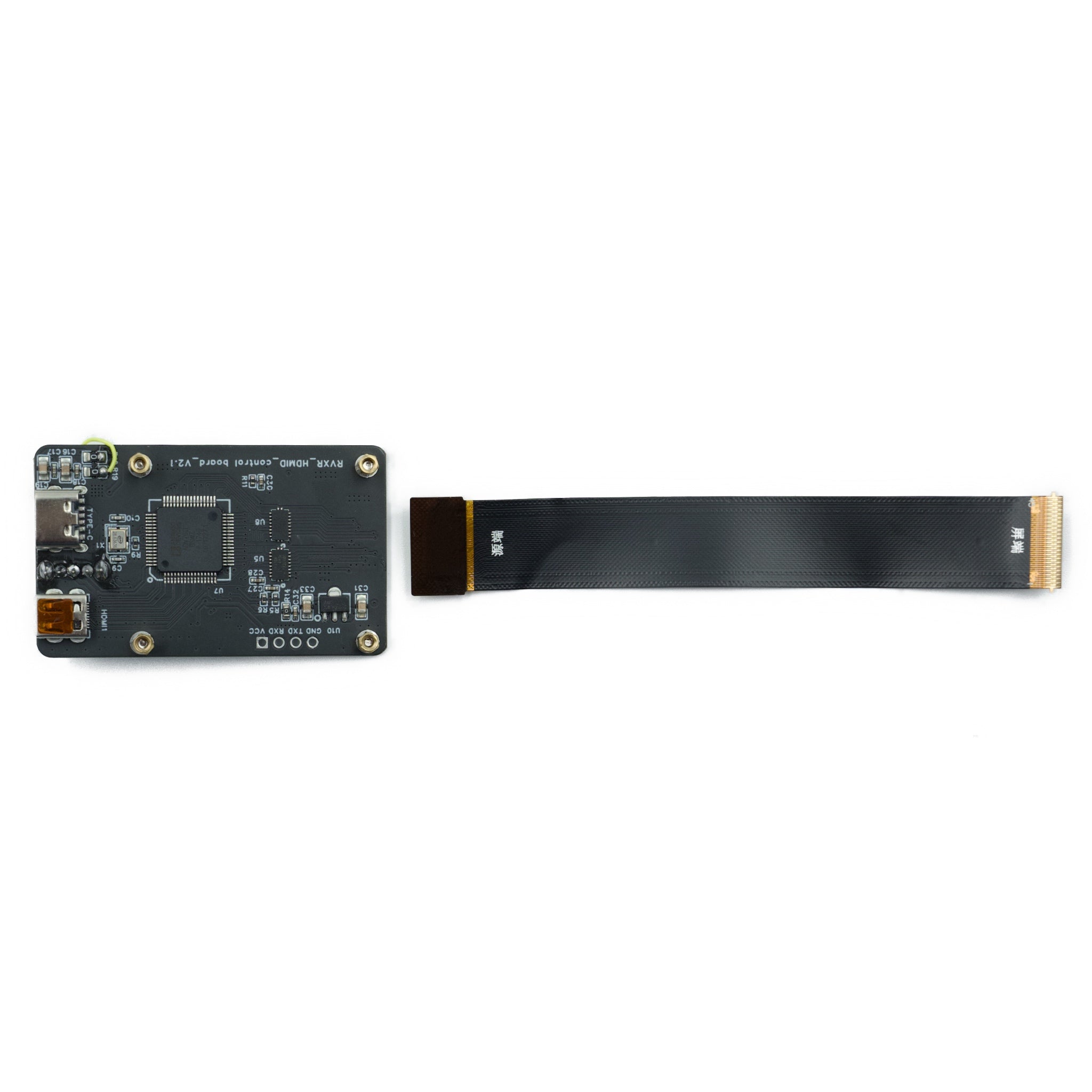
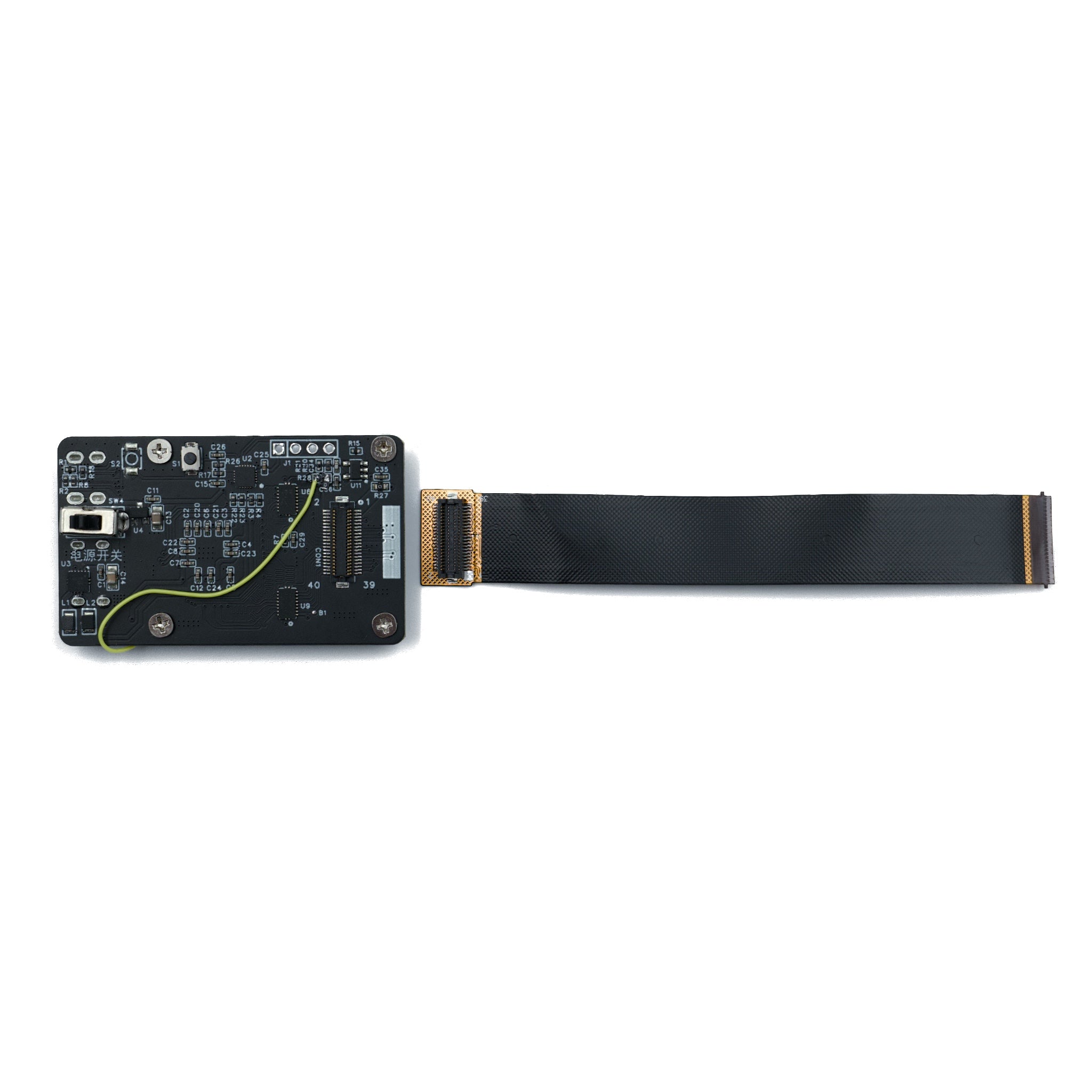
DMRXHRA is a compact single-layer HDMI driver board for display bring-up, lab verification, prototype demonstration, and panel-side debugging. It combines USB Type-C 5V power input, HDMI Micro video input, an onboard black power switch, and an FPC panel connector in one evaluation board.

The board is intended for engineering teams that need to light up a compatible display panel quickly before committing to a custom control board, fixture, or mass-production driver solution.

HDMI Micro

Video input interface for standard HDMI source testing through a Micro-HDMI cable.

USB Type-C 5V

5V power input, with 1A or higher supply recommended for stable operation.

FPC Panel Connection

Designed for compatible panels with correct FPC orientation and matching connector requirements.

Evaluation board for display lighting, HDMI input verification, and prototype demonstration.


Product Data Summary

Board Type

Single-layer mini driver board for display evaluation and demonstration use.

Video Input

HDMI Micro port. Use a compatible HDMI source and Micro-HDMI cable.

Power Input

USB Type-C input. Recommended power supply: 5V, 1A or higher.

Power Control

Onboard black switch for controlled power on and off during bench testing.

Panel Connection

FPC connector. Insert the panel FPC according to the required copper-clad orientation.

Primary Use

Display bring-up, lab test, demo setup, prototype validation, and interface troubleshooting.

Technical Specification Summary

Parameter

Specification

SKU

DMRXHRA

Category

HDMI Driver / Evaluation Board

Video Input Interface

HDMI Micro

Power Input Interface

USB Type-C

Power Requirement

5V, 1A or higher recommended

Power Switch

Black onboard switch

Panel Connection

FPC connector with matching copper-clad orientation

Primary Use

Display bring-up, lab testing, customer demo, prototype integration, and video troubleshooting


Connection Workflow

Use the board only with a compatible display panel and the correct FPC orientation. Confirm the connector position, copper-clad side, panel timing, and power requirement from the official datasheet before powering the board.

1. Connect the FPC

Insert the panel FPC into the board connector with the copper-clad side aligned correctly.

2. Apply Type-C Power

Supply stable 5V power through USB Type-C. A 1A or higher adapter is recommended.

3. Connect HDMI Source

Connect the HDMI Micro input to a PC, SBC, test instrument, or other valid HDMI video source.

4. Switch On

Toggle the onboard black switch. If the HDMI source, board, and panel match the integration requirements, the panel can display the input image.

Signal Path

HDMI source enters through the HDMI Micro port. The board drives a compatible panel through the FPC connector. Power is supplied separately through USB Type-C 5V input.

For engineering validation, confirm HDMI timing, panel matching, connector orientation, and power stability before continuous operation.

Compatibility & Integration Checks

Panel Matching

Panel compatibility is not universal. Confirm FPC connector type, pin definition, copper-clad direction, electrical requirements, and timing support before connection.

HDMI Source

Use a valid HDMI source. If no image appears, verify the source output, cable quality, selected resolution, and panel support range.

ESD Handling

Use grounded handling procedures during assembly and testing. Avoid hot-plugging the panel FPC when power is applied.

Power Stability

Use a stable 5V supply. Insufficient current, unstable adapters, or poor cable contact may cause flicker, reset, or no display output.


Use Cases

Display Evaluation & QC

Light up compatible panels for incoming inspection, optical review, image quality check, brightness comparison, and uniformity screening.

R&D Prototyping

Bring up new screens before the final system board is ready. Useful for early display selection and interface-risk reduction.

Customer Demonstrations

Use the board as a compact HDMI demo setup for sales samples, customer reviews, exhibition preparation, and live display comparison.

Field Debugging

Use HDMI input and Type-C power as a reference setup when checking video source output, FPC connection, or panel behavior.

Engineering Support Scope

Compatible panel list confirmation for project evaluation.

HDMI timing review for display bring-up and troubleshooting.

Custom driver board discussion for interface conversion needs, including HDMI, MIPI, RGB, and LVDS projects.

Prototype PCBA sampling and integration guidance for OEM and ODM development.

Supply planning discussion for industrial or enterprise display projects.

Data to Confirm Before Ordering

Target panel model, FPC pin definition, and connector orientation.

Required HDMI timing, resolution, and refresh-rate conditions for the target display.

Sample quantity, target schedule, inspection requirement, and production lead-time expectation.

Whether the project requires a standard demo board, adapter board, custom driver board, or production fixture.


Practical FAQ

Can this board drive every display panel?

No. Compatibility depends on the target panel, FPC connector, pin definition, copper-clad orientation, electrical requirements, and timing support. Confirm compatibility before powering the board.

What power input should be used?

Use USB Type-C 5V input. A 1A or higher supply is recommended. Use a stable adapter and cable to reduce display instability during testing.

What should be checked if the screen does not light up?

Check the Type-C power supply, HDMI source output, Micro-HDMI cable, FPC insertion direction, connector contact, and panel compatibility. Do not repeatedly hot-plug the FPC while powered.

Is this board suitable for production use?

DMRXHRA is positioned as an evaluation and demo board. For production hardware, confirm the project requirement, target panel, interface, fixture design, and supply plan with engineering support.

Download Datasheet & Confirm Integration Details

Use the official datasheet to confirm port location, board orientation, wiring method, panel connection requirements, HDMI timing notes, and power input requirements before evaluation.

For OEM and ODM projects, confirm sample availability, compatible panel list, volume pricing, customization scope, inspection standards, and supply requirements with the engineering team.

Download Official Datasheet

Reviews from our customers