









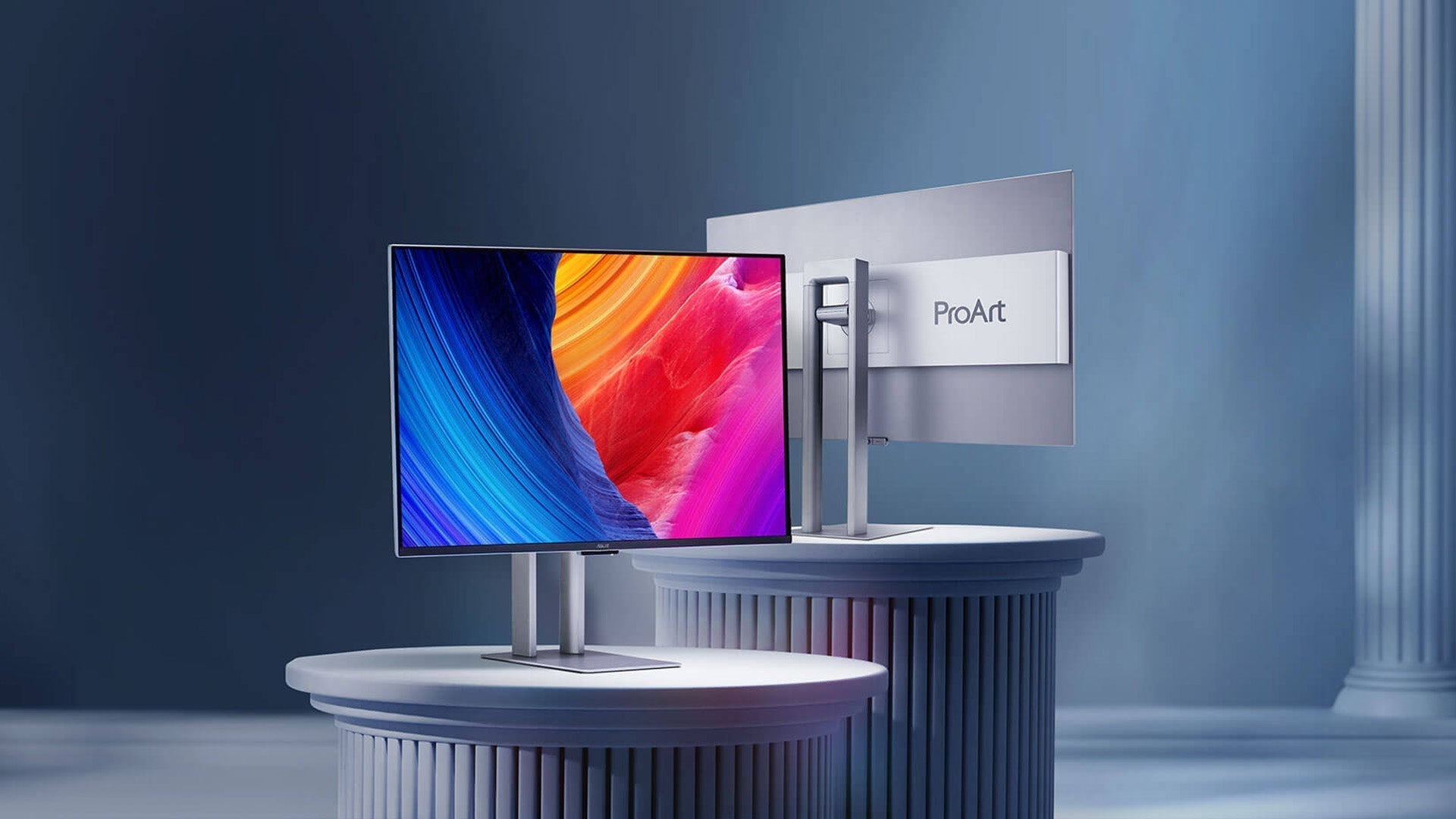
Character OLED Displays: A Comprehensive Guide to Working Principles and Design-In
2025’s character OLED guides highlight self-emissive tech (1000:1 contrast, μs response), used in industrial dashboards/smart home panels. Select via 128x64 res, 500+ cd/m² brightness, and I2C/SPI interfaces for compatibility with microcontrollers, balancing clarity and low power.
Working principle
Understanding the underlying physics and electronics is what separates a competent engineer from one who can troubleshoot a 5% flicker in a -10°C environment or extend the display's 20,000-hour lifespan by 30%. At its core, an OLED is a solid-state device where a 200-nanometer-thick layer of organic polymers emits light when fed just 2.5 to 10 volts. This electroluminescent process happens in microseconds, over 1000 times faster than the millisecond-scale response of a typical LCD, eliminating motion blur entirely.
The controller IC, like the ubiquitous SSD1306, is the real brains. It contains a 1-Kilobyte static RAM buffer that directly maps to the 1024 pixels on a 128x64 display. Every command you send doesn't directly light a pixel; it changes a single bit in this buffer. The controller then scans this RAM at a rate exceeding 100 frames per second, using complex multiplexing to address each of the 8,192 individual pixels. This abstraction is why you can send the command to print the character 'A' in under 500 microseconds instead of manually controlling thousands of lines.
-
The Electroluminescence Mechanism: It's All About Recombination. The process starts at the anode, where a voltage potential of around 3.3V pushes "holes" (positive charge carriers) into the organic stack. Simultaneously, the cathode injects electrons. These charges travel through separate transport layers—the Hole Transport Layer (HTL) and Electron Transport Layer (ETL)—towards an emissive layer that's only about 100-150 nm thick.
-
Passive vs. Active Matrix Addressing: Scanning the Grid. Character OLEDs almost universally use Passive Matrix (PMOLED) technology due to its lower cost. This means the 128 columns and 64 rows of pixels are arranged in a grid without a dedicated transistor for each pixel. The controller sequentially applies voltage to each row (a "scan line") for a fraction of the ~10ms frame time and then controls which columns light up.
-
The Controller's Role: From Bytes to Pixels. The onboard controller, such as the SSD1306, is a sophisticated system-on-a-chip. Its integrated 1KB of display RAM is the frame buffer. When your microcontroller sends a command via I²C or SPI, it's writing to this buffer. The controller also houses a Character Generator ROM (CGROM) that contains the pre-defined 5x8 or 8x16 pixel patterns for 256 standard ASCII characters. When you send the command to print character code 0x41 ('A'), the controller's internal logic fetches the corresponding 40-pixel pattern from the CGROM and writes it to the correct 8-byte block in the frame buffer.
-
The Inevitable: Degradation and Burn-In.The blue-emitting compounds are the least stable, with a lifespan typically 30-40% shorter than red or green. This differential aging is the root cause of color shift over time. Burn-in is a more localized form of this degradation. If a specific pixel, like a colon in a clock display, is energized at 80% brightness for 8 hours a day, it will degrade at a faster rate than surrounding pixels that are mostly off.
Design-In
A failure to account for 3.3V logic levels on a 5V microcontroller system can destroy the OLED's controller IC in under 1 second, rendering a $15 prototype board useless. The capacitive load of a 200-mm ribbon cable on the I²C clock line (SCL) can cause timing violations, leading to a >10% packet error rate and a blank, unresponsive display. A proper design-in process moves beyond simple wiring diagrams to address power sequencing, signal integrity, and software robustness. Getting it right the first time can shave 2-3 weeks off your development schedule and prevent a last-minute board spin costing thousands of dollars. This section details the critical, quantifiable steps to ensure your OLED integration is reliable from prototype one to a production run of 100,000 units.
|
Design Aspect |
Critical Parameters |
Common Pitfalls & Solutions |
|---|---|---|
|
Power Supply & Decoupling |
Input Voltage: 3.3V ±5%; Max Inrush Current: ~50mA; Operating Current: 20-40mA (full white). |
Pitfall: Noise on VCC causing display flicker. Solution: Use a 100nF ceramic capacitor placed within 5mm of the VCC pin and a 10µF bulk capacitor. |
|
I²C Bus Interface |
Standard Speed: 100kHz (often run at 400kHz); Logic High: >2.1V for 3.3V systems; Pull-up Resistor Range: 2.2kΩ to 10kΩ. |
Pitfall: Weak pull-ups (e.g., 100kΩ) cause slow rise times and errors. Solution: Use 4.7kΩ resistors to 3.3V; for long cables, use 2.2kΩ. |
|
Software Initialization |
Reset Pulse Width: >1µs; Boot-up Delay after VCC stable: ~100ms; Init command sequence: ~20-30 commands. |
Pitfall: Sending commands before controller is ready. Solution: Implement a 150ms delay after power-up or monitor the I²C bus for an ACK. |
|
Lifetime & Burn-in Mitigation |
L50 Lifespan: 20,000 - 30,000 hours; Burn-in risk starts after 1,000 hours of static content. |
Pitfall: Permanent ghosting of a logo. Solution: Implement a screen blanking routine after 60 seconds of inactivity and shift static pixels ±2 pixels every 10 minutes. |
While the OLED module may have its own regulator, your design must provide a stable 3.3V rail capable of delivering a peak current of at least 50mA. A voltage dip below 3.0V during a transition to a full-white screen can cause a microcontroller brown-out reset, crashing your entire system. Place a 100nF ceramic capacitor and a 10µF tantalum or ceramic capacitor directly at the module's VCC and GND pins to handle high-frequency switching noise and sudden current demands. For the I²C bus, the 2-wire interface's simplicity is deceptive.
The 4.7kΩ pull-up resistors to 3.3V are non-negotiable; values higher than 10kΩ will slow the signal's rise time, increasing the chance of bit errors, especially at 400kHz speeds. If the microcontroller is more than 150mm away from the display, consider using a dedicated I²C bus extender or buffering the signals to prevent signal degradation.
Software initialization is a sequential dance, not a single command. Upon applying power, you must hold the RESET pin low for a minimum of 1µs, though a 100ms hold is a safe, common practice to ensure the SSD1306 controller is fully ready. Sending commands before the internal DC-DC converter has stabilized is a primary reason for a non-functional display. A robust library will handle this, but understanding the sequence prevents wasted debugging hours. After the init commands, set a contrast level of around 128 (out of 255) for a good balance of brightness and power consumption; a value of 255 can draw >35mA.
For displaying data, avoid updating the entire screen at a high 60Hz refresh rate unless necessary. Instead, use a partial buffer update or only refresh the specific characters that change. This can reduce the communication load on the I²C bus by over 80% for a simple sensor value update, freeing up your microcontroller for other tasks.
더 읽기
2025’s character OLED guides highlight self-emissive tech (1000:1 contrast, μs response), used in industrial dashboards/smart home panels. Select via 128x64 res, 500+ cd/m² brightness, and I2C/SPI...
Character OLEDs use I2C/SPI interfaces (100kHz/1MHz), paired with SSD1306/SH1106 controllers. Drive via 3-5V, ~20mA; initialize with commands (set contrast, display on), loading fonts for alphanume...
댓글 남기기
이 사이트는 hCaptcha에 의해 보호되며, hCaptcha의 개인 정보 보호 정책 과 서비스 약관 이 적용됩니다.