



Wearable Display Selection | Size, Power & Visibility
A wearable display is chosen by three constraints that pull against each other: the diagonal that fits the case, the average power the battery can spare, and the contrast the screen holds in daylight. Settle the viewing distance first, then the panel type, then the interface. In that order the trade-offs resolve instead of multiplying.
Start from viewing distance
A watch is read at roughly 25–30 cm. A near-eye display is read at 2–3 cm. That difference changes the metric you design to. For a wrist device, pixels per inch is the useful figure, because legibility at arm's length depends on angular resolution and on how the UI is rendered. For AR glasses, pixels per degree matters more, because the panel is magnified by optics and the eye responds to angular density rather than physical density.
In practice, a 1.2–1.4 inch round panel in the 300–460 PPI range keeps small text and thin chart lines clean at watch distance. A 0.3–0.5 inch microdisplay at several thousand PPI is normal for near-eye use, and its angular density depends as much on the optical train as on the panel itself.
Fit the wrist before the screen
The flat area on the back of an adult wrist is narrow, often about 45–55 mm across. If the lug-to-lug length of the case exceeds that span, the case rocks on the wrist, the optical heart-rate sensor loses skin contact, and readings drift with motion. Sizing the case to the wrist is therefore a sensing decision, not only an aesthetic one.
Measure three things before choosing a panel: wrist circumference, the flat width across the back of the wrist, and the intended wear position. A case that spans the flat area with a millimetre or two of margin sits still. A case that overhangs will tilt during arm swing regardless of strap tension.
| Case width | Typical flat wrist span | Display diagonal that fits | Practical note |
|---|---|---|---|
| 38–40 mm | 42–46 mm | 1.2–1.3 inch | Best for continuous wear and sleep tracking |
| 42–44 mm | 46–50 mm | 1.3–1.4 inch | Room for a larger battery and a thicker stack |
| 46–49 mm | 50–55 mm | 1.4–1.5 inch | Sensor contact depends on strap stiffness |
Keep the stack thin
Every layer between the panel and the skin costs either battery volume or sensor accuracy. A display module built from panel, touch layer, optical bonding and cover glass is usually 2–4 mm thick before the case is counted. Bonding the cover glass directly to the panel removes an air gap, which cuts internal reflections at the screen edge and makes the display plane look flush with the bezel.
Thickness also sets how the device feels. A thin case tracks the wrist and disappears under a cuff; a thick case loads the skin at the edges and shifts during running. If the design needs a large battery, take the volume from the bezel and the antenna keep-out zone rather than from the display stack.
Budget average power, not peak
Wearable batteries are small, so the design target is average current over a day, not the peak the panel can draw for a moment. Three levers dominate. First, the fraction of time the display is lit: an always-on mode that refreshes once a minute costs far less than a screen that stays fully on. Second, the content: an emissive panel draws in proportion to lit pixels, so a dark watch face with a bright dial element is cheaper than a white background. Third, the refresh rate: dropping from a high refresh to a low one for static content is one of the largest single savings available.
Reflective and transflective panels take a different route. A reflective monochrome panel uses ambient light, so it holds an image with almost no illumination power and remains readable in bright sun. The cost is a washed-out look indoors and a limited colour gamut. For a device that must show the time continuously for weeks, that trade is often worth taking.
A practical budget splits the day into modes: active use, always-on, and off. Measure current in each mode with the final firmware and the final UI, because a bright default watch face can dominate the average and hide every other optimisation.
Design for daylight contrast
Sunlight readability is not one number. It is the ratio between what the panel emits or reflects and what the surface bounces back at the viewer. A glossy cover glass reflects a few percent of the sky, and that reflection sits on top of the image. Anti-reflective coating, an anti-glare etch, or a circular polariser each reduce that component, and each has a cost in transmitted light, contrast or cost.
High-brightness modes raise peak luminance for a limited time. Sustained output is limited by heat: the panel, the driver and the battery all warm up, and firmware usually steps brightness down when the case reaches its thermal limit. When a supplier quotes a peak figure, ask for the sustained figure, the ambient condition, and the fraction of the screen that was lit during the measurement. ISO 9241-307 describes compliance test methods for electronic visual displays and is a reasonable reference when you write those conditions into a specification.[1]
Compare the panel options
No panel family wins on all three axes. The table below is a starting point for the shortlist, not a substitute for a sample test.
| Panel type | Power profile | Daylight behaviour | Typical wearable role |
|---|---|---|---|
| PMOLED | Low for sparse content, rises with lit area | Good contrast, limited peak brightness | Small status displays, bands, tags |
| AMOLED | Low with dark UI, higher with bright full-screen content | Strong contrast, needs high-brightness mode outdoors | Smartwatch main display |
| IPS TFT | Constant backlight cost regardless of image | Depends on backlight and bonding | Rugged devices, cost-sensitive models |
| Reflective monochrome | Very low when not front-lit | Excellent in sun, weak indoors | Always-on information, e-paper style UI |
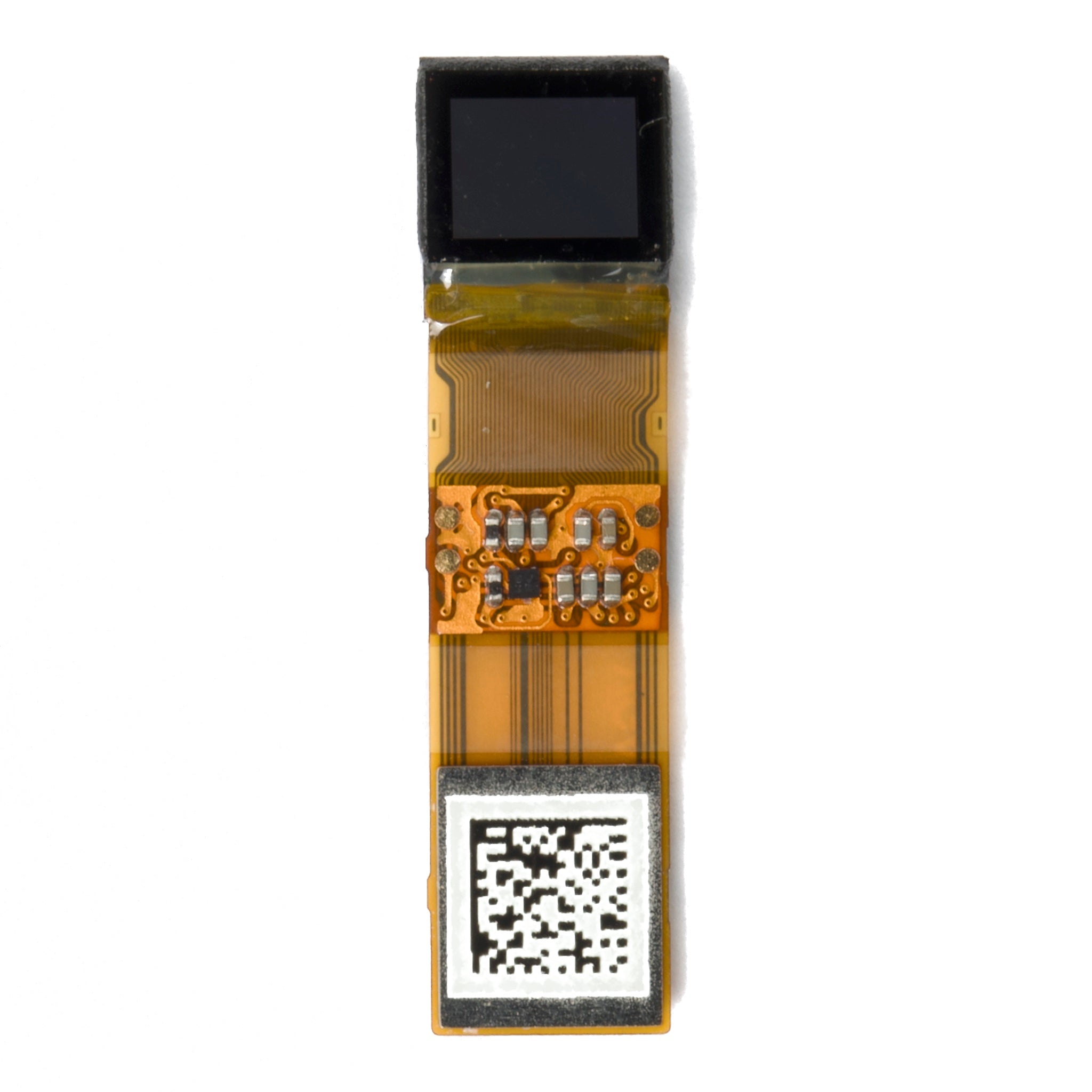
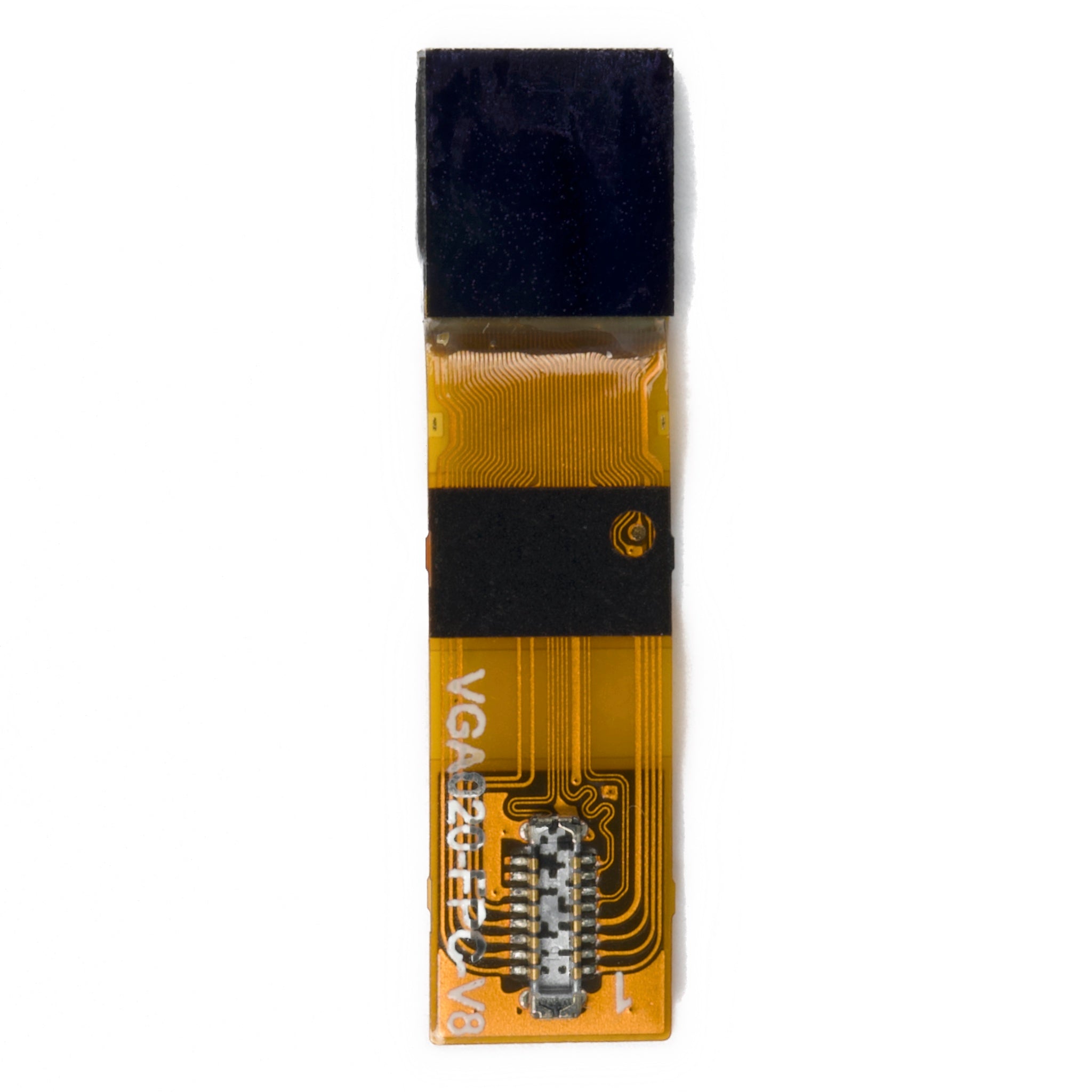
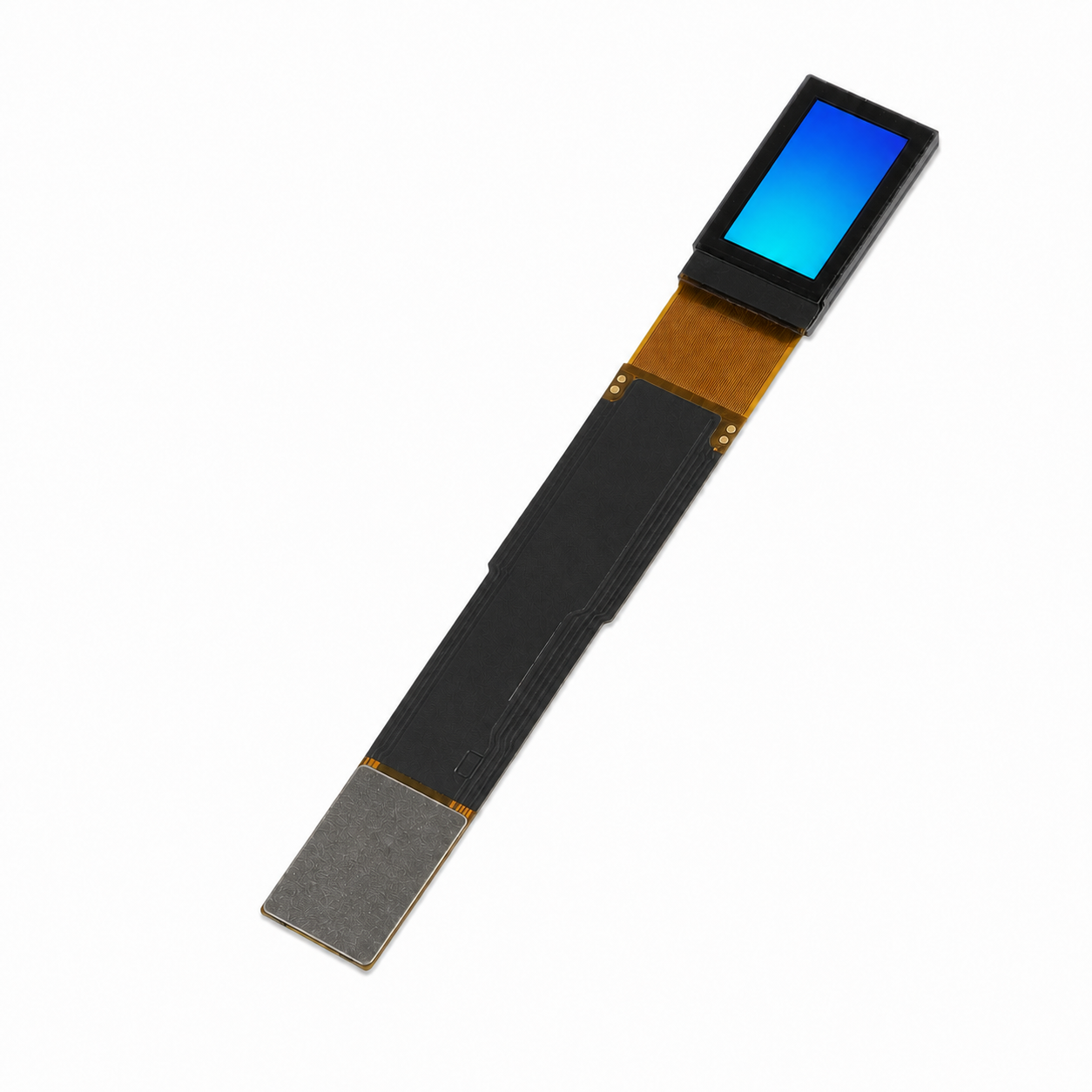
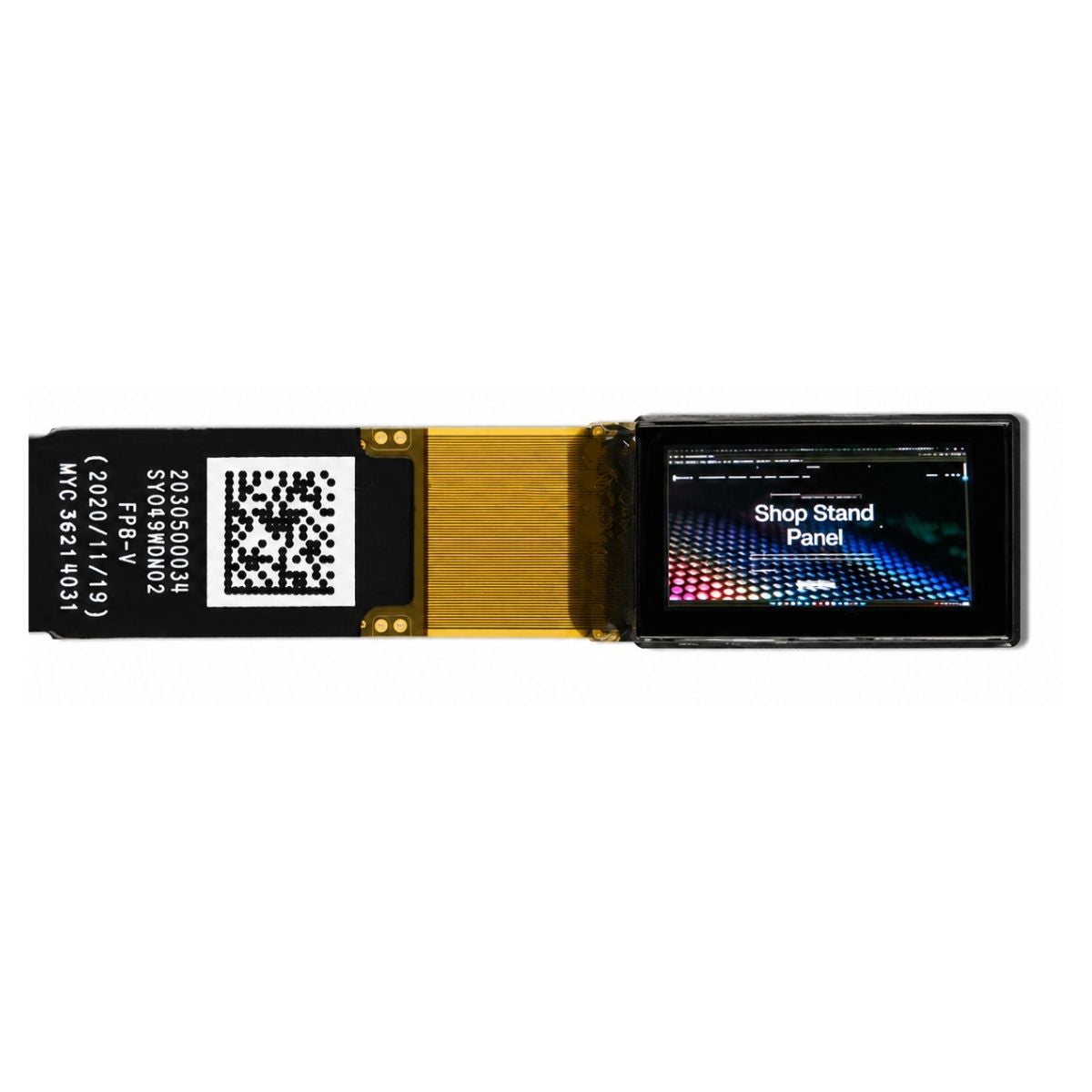
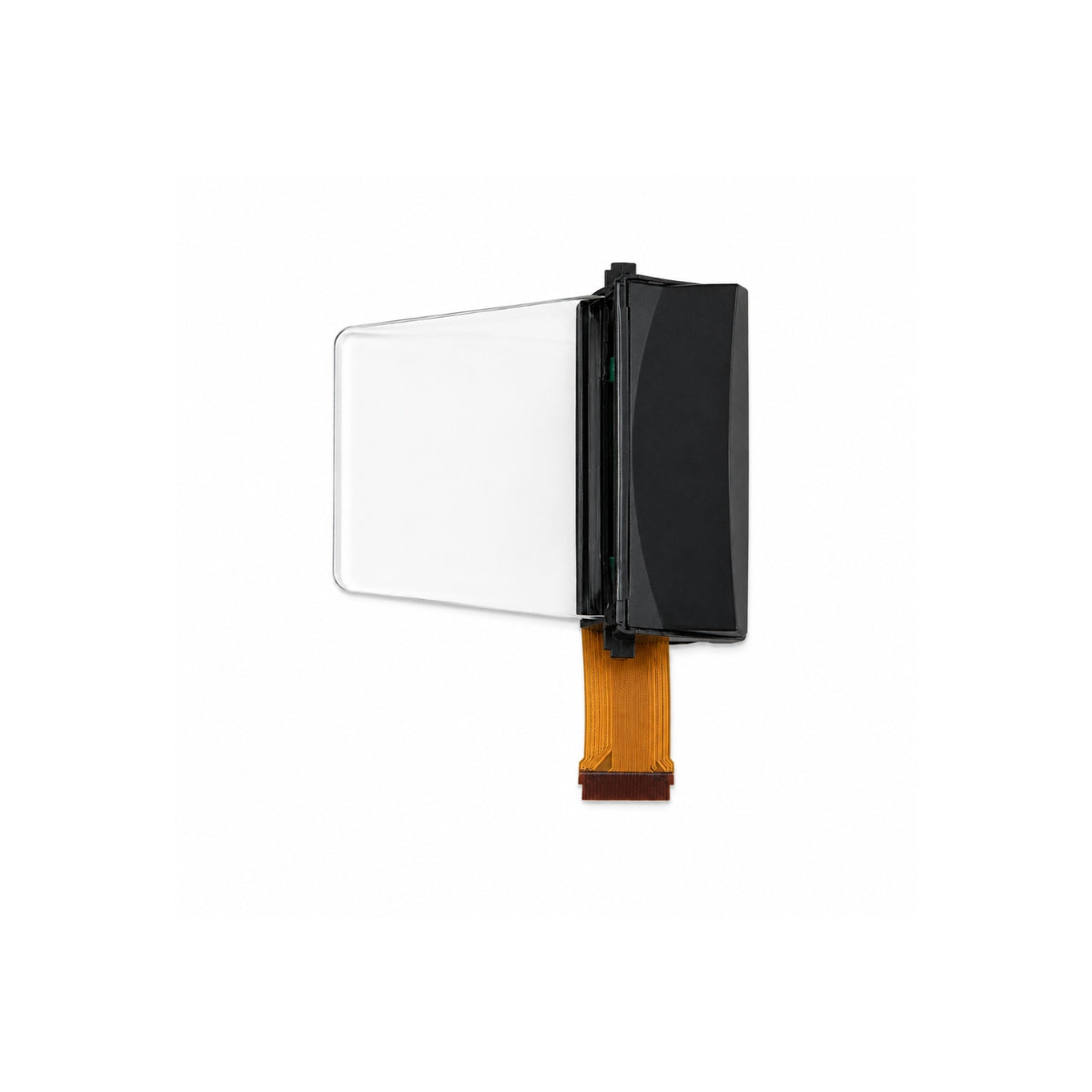
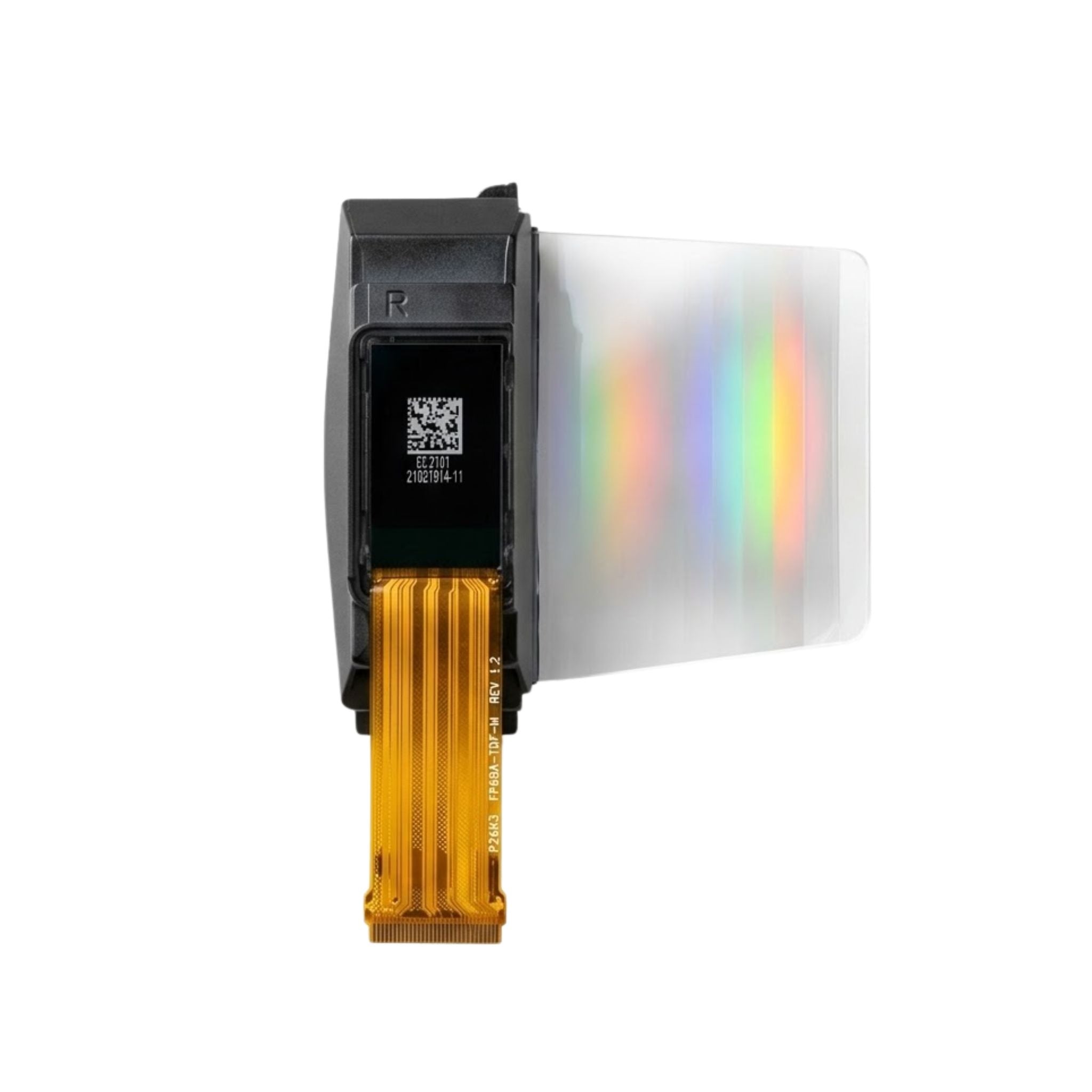
| Micro OLED | Low at moderate luminance, rises steeply at peak | High contrast, needs optical budget for AR | AR glasses, viewfinders, near-eye |

Check the interface and the mechanics
The electrical interface constrains the mechanical design more than buyers expect. A parallel RGB panel needs a wide flex with many traces, which is hard to route around a round case. An SPI or MCP panel needs few lines but limits refresh and colour depth. A MIPI device needs a controller and careful impedance control but supports high resolution in a small module.
For round products, look at the flex exit direction and the bend radius. A flex that must fold behind the panel needs a longer tail and a keep-out in the housing. For touch, an on-cell or in-cell stack saves a layer and improves transmission, while a separate touch panel allows a supplier change later at the cost of thickness.
What to put in the request
- Viewing distance, expected ambient conditions, and the worst-case scene the user must read.
- Active, always-on and off-mode current targets, measured with the real UI.
- Case width, flat wrist span, stack height ceiling, and cover glass material.
- Interface, refresh rate and colour depth as one combined requirement.
- Drop, water and sweat exposure levels, plus the sealing width the case allows.
Suppliers who quote a panel without asking for these five items are quoting a component, not a module. For watch-class products, compare options in the AMOLED display collection; for near-eye designs, start from the micro OLED modules; for always-on information displays, the PMOLED range covers the low-power end.
The short version
Choose by viewing distance, then by the panel whose power curve matches your UI, then by the stack the case can hold. Verify daylight contrast and sustained brightness on your own sample, not on a datasheet peak.
References
- ISO 9241-307:2008 — Ergonomics of human-system interaction — Part 307: Analysis and compliance test methods for electronic visual displays. International Organization for Standardization. https://www.iso.org/standard/40102.html
더 읽기

OLED achieves an absolute black field of 0 nits and infinite contrast through pixel self-emissivity, offering a transparent picture quality that makes it.
When selecting touch screen technology, trade-offs must be made based on the application environment and cost budget. Projected Capacitive (CTP) screens.
댓글 남기기
이 사이트는 hCaptcha에 의해 보호되며, hCaptcha의 개인 정보 보호 정책 과 서비스 약관 이 적용됩니다.