









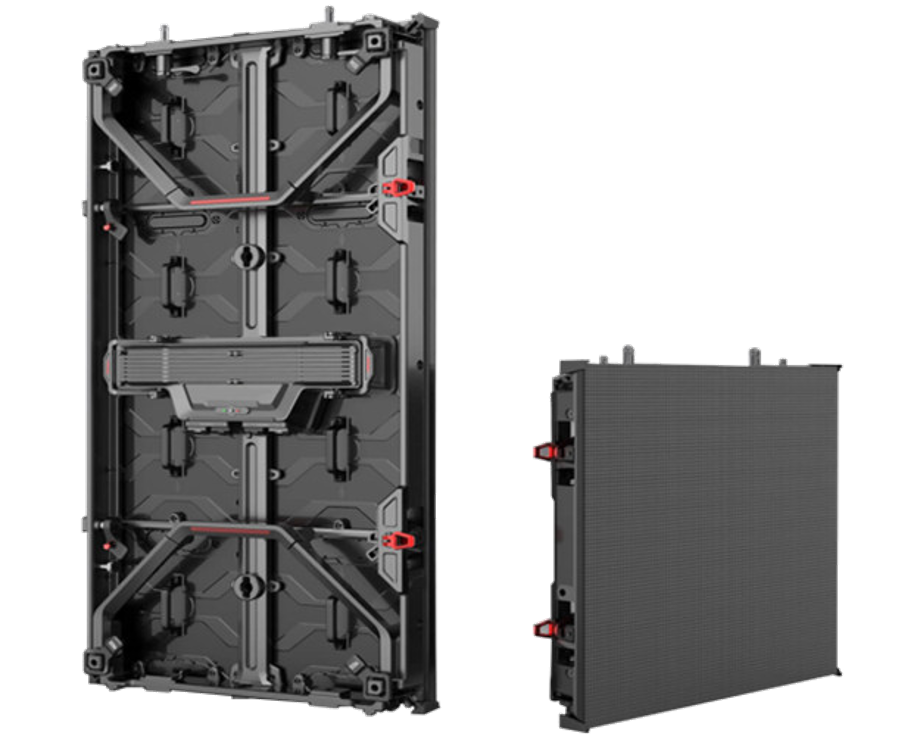
For Standard XR Display Modules, purchase options include major e-commerce platforms like Amazon, which hosts 200+ verified suppliers with an average 4.7/5 rating, and specialized distributors such...
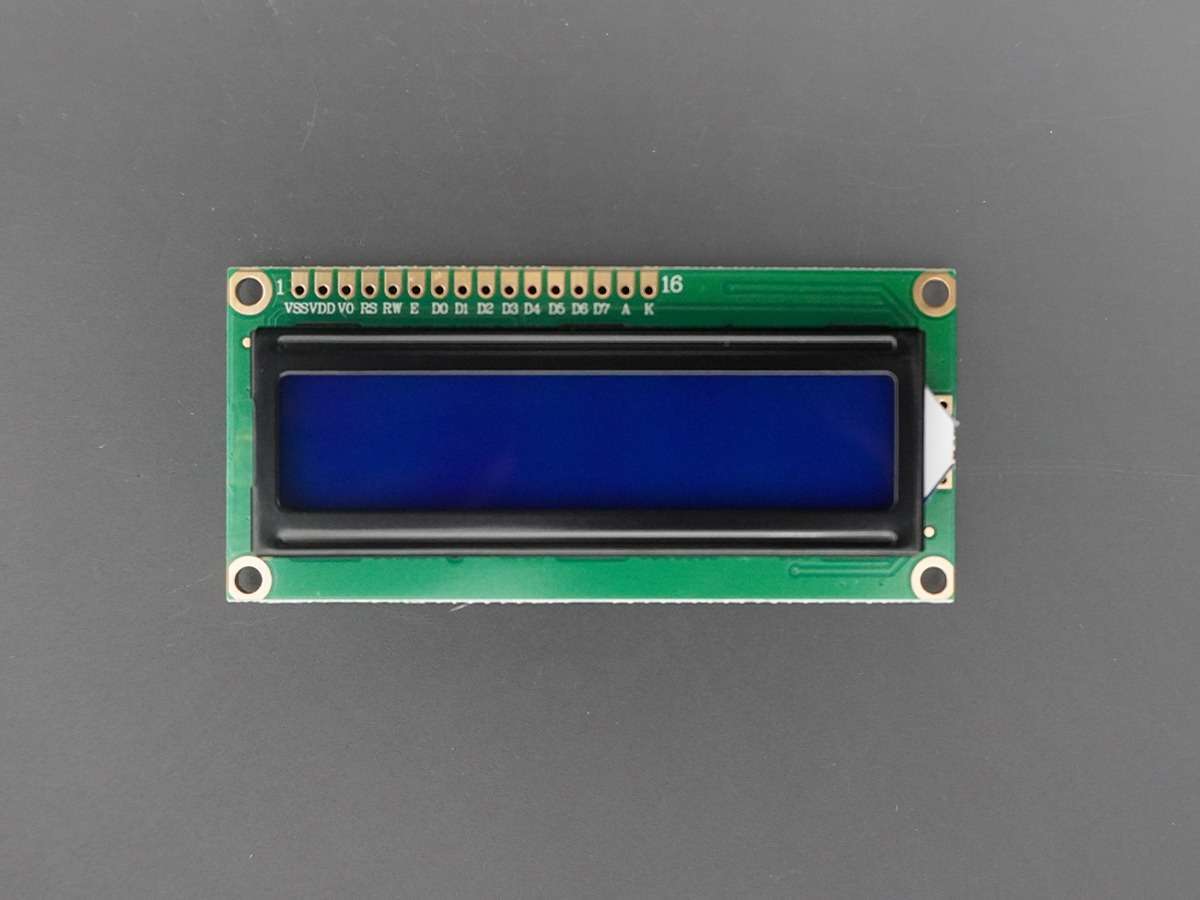
To maintain a graphic LCD display module, clean its surface monthly with a soft, lint-free cloth dampened in 70% isopropyl alcohol (avoid harsh chemicals) to remove dust/fingerprints without scratc...
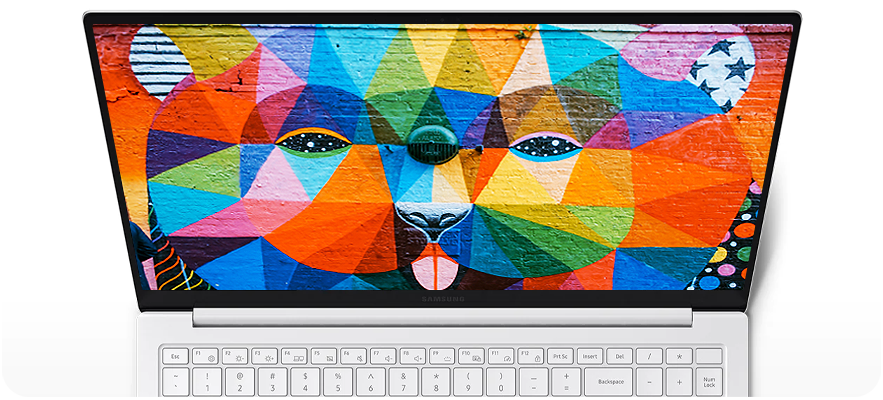
For daily use, AMOLED excels in phones/smartwatches—Samsung’s S24 boasts a 6.7” 1-120Hz panel with vibrant colors—while Micro OLED, like in Pico 4 VR, packs 4K per eye (2160×2160) into <1-inch s...
To enhance TFT LCD module brightness, tweak the backlight: raise LED current slightly or upgrade to brighter LEDs (e.g., 200nit panels to 300nit), adjust polarizer alignment to boost light throughp...
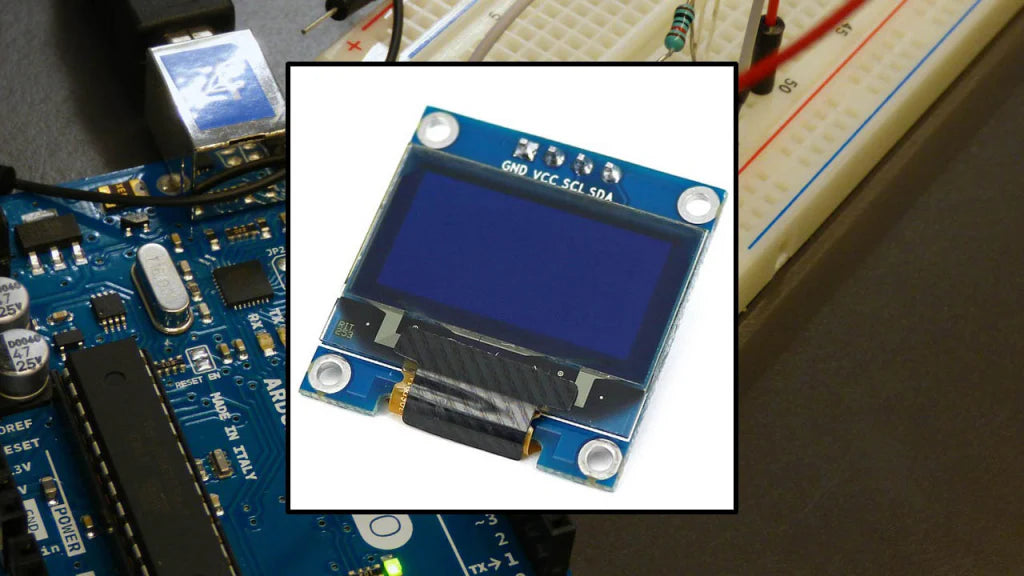
To install a PMOLED module correctly, start by wearing anti-static gloves to prevent damage, then clean the PCB surface with 99% isopropyl alcohol on a lint-free cloth to remove dust, ensuring no p...

NexPCB supports XR displays by delivering tailored PCB solutions, including 12-layer HDI boards with ±25μm micro-via precision to fit compact headset designs, enabling seamless integration of displ...
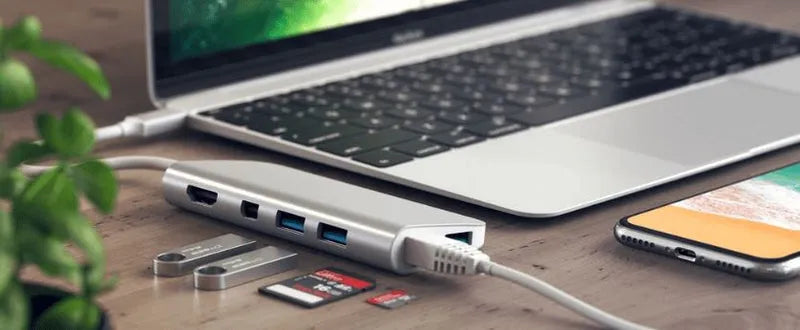
To use a standard adapter with displays, start by aligning its input/output ports with your device (e.g., HDMI from laptop) and display (e.g., DisplayPort); opt for one rated for 1080p resolution a...
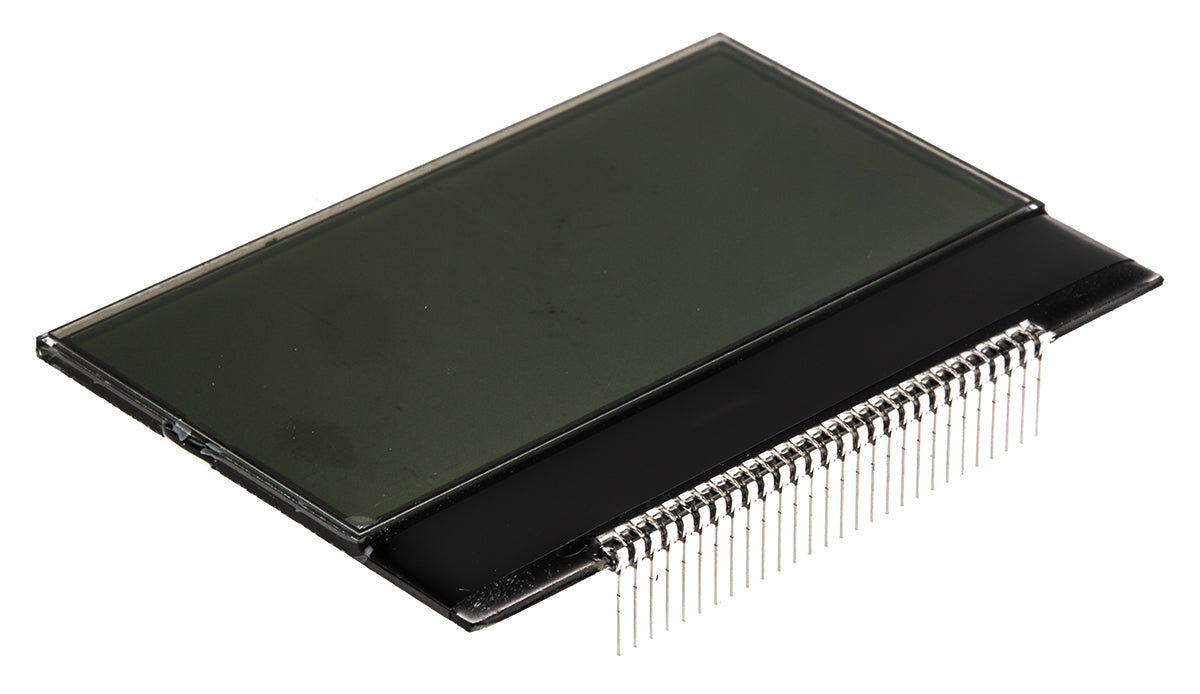
A COG (Chip on Glass) LCD Display Module integrates the driver IC directly onto the glass substrate, minimizing wiring and bulk; typically 1-3 inches in size for gadgets like thermometers or keypad...
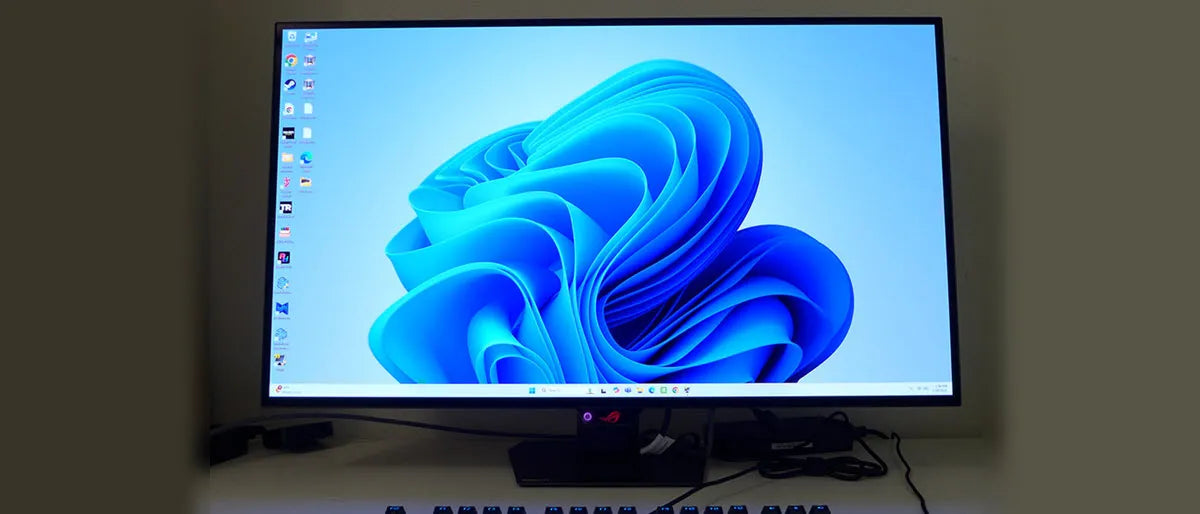
When picking a character OLED for your project, prioritize size (common 0.96”/128x64 or 1.3”/128x32; the 1.3” offers more text space), interface (I2C with 4 pins simplifies wiring vs. SPI’s 6), and...