



CTP vs RTP Touchscreens Selection | Capacitive vs Resistive Technology
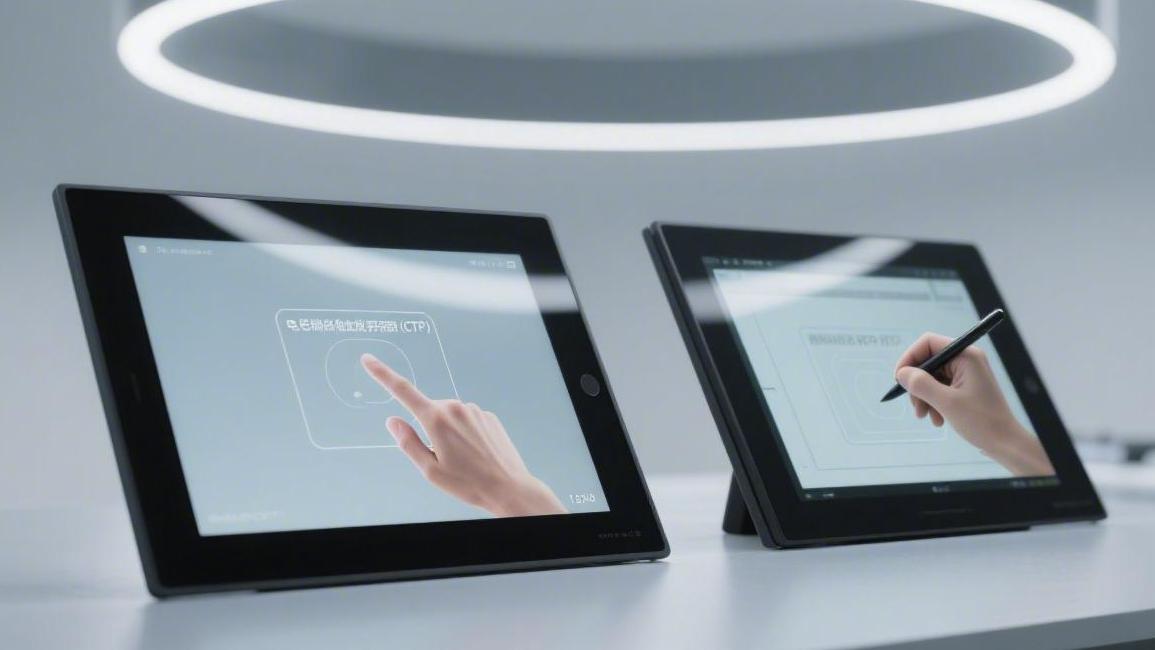
Choose capacitive (CTP) when the user touches bare skin, the cover glass is thin, and multi-touch gestures are part of the interface. Choose resistive (RTP) when the operator wears gloves, uses a passive stylus, or works with wet or dusty hands. Everything else is a consequence of those two sentences.
How each one senses
A projected capacitive panel builds a grid of drive and receive electrodes on a transparent conductor. Each crossing has a baseline capacitance. A finger near the surface couples charge away from the node, the controller measures that small drop, and firmware converts the map of drops into coordinates. Because every crossing is measured independently, two or ten simultaneous touches do not conflict.
A resistive panel is two transparent conductive layers held apart by spacer dots. Pressure brings them together, the controller reads a voltage divider on one axis and then the other, and the contact point is calculated. Nothing happens until the layers touch, so the input is pressure, not proximity. That is why a gloved finger or a plastic stylus works, and why a hovering finger does not.
Gloves water and stylus
This is where most projects are decided. A resistive panel responds to any object that can press the top layer: nitrile gloves, leather work gloves, a fingernail, a credit card edge, a passive pen. A capacitive panel needs a conductive path to the body. Thick gloves block it, water films confuse it, and a plastic stylus does nothing at all.
Capacitive designs can be adapted. Thicker cover glass, a glove mode that raises the detection threshold, or an active stylus with its own transmitter all help. Each adaptation costs either signal margin or money, and glove mode usually reduces accuracy for bare fingers. Test with the actual glove the operator will wear, not with a laboratory surrogate.
What the touch stack costs optically
Every layer above the display removes light and adds reflection. A typical capacitive stack with a glass sensor and a glass cover transmits roughly 88–92% of visible light; an on-cell or in-cell sensor embedded in the display does slightly better because it removes one substrate. A resistive stack uses a flexible top film over a glass base, and its transmission sits in a similar band but with a softer surface that scatters a little more.
Reflectance matters more than transmission outdoors. Four surfaces with an air gap between them can reflect enough ambient light to grey out a dim image. Optical bonding with an index-matched adhesive removes two of those surfaces and is often the single largest readability improvement available to a touch design. If the product must be read in sunlight, specify bonded stacks and an anti-reflective treatment, then measure the result.
Bonding and the air gap
Resistive panels are usually air-gapped by design, because the top film must flex. That gap is a reflector and a dust trap. Capacitive panels can be fully bonded, which improves contrast, cuts parallax between the touch point and the pixel underneath, and stiffens the front assembly.
Bonding also changes the repair path. A bonded module is replaced as a unit; an air-gapped assembly can sometimes be serviced in the field. For industrial equipment with a long service life, that difference can outweigh the optical gain.
Power and controller behaviour
A capacitive controller scans continuously, so it draws current even when nobody touches the screen. Typical industrial modules sit in the low tens of milliwatts while scanning, with sleep modes that drop far lower when the host signals inactivity. The scan rate trades response against power: 100–120 Hz feels immediate, while a slower scan saves energy and shows visible lag on fast swipes.
A resistive controller is essentially idle until contact, so its standby draw is very small. For a battery-powered handheld that is touched occasionally, that asymmetry can matter more than the difference in active power.
Neither number can be taken from a datasheet without context. Ask for the scan rate, the report rate, the sleep current, and the wake-up time together, then measure the average over a realistic interaction pattern.
Noise and the display underneath
Capacitive sensing works at the picofarad level, which makes it vulnerable to the display it sits on. Pixel switching couples charge into the sensor. The usual fixes are a shielding layer between the display and the sensor, a synchronized scan that avoids the display's switching window, and enough front-end gain to keep the signal above the noise floor.
Long, narrow electrodes raise resistance and weaken the signal at the far edge. Indium tin oxide layers are commonly specified in the tens of ohms per square, and large panels often move to a metal mesh to keep edge response close to centre response. If the design uses thick tempered glass for impact protection, budget for the loss of signal and confirm it on a prototype rather than on a simulation.
Durability and abuse
A capacitive front is normally a single piece of chemically strengthened glass, so it resists scratching and cleaning agents. A resistive front has a flexible top film that can be gouged, and repeated pressure on the same spot eventually wears the conductive coating. Suppliers quote endurance in millions of touches, but the number depends on force, contact area and the object used. Treat it as a test condition, not a promise.
Both technologies survive industrial cleaning if the perimeter seal is designed for it. The weak point is rarely the sensor; it is the flex tail exit and the adhesive around the cover glass.
Cost across volume
At low volume, resistive panels are usually cheaper because the controller is simple, the sensor is printed, and tooling is minimal. Capacitive panels carry a more expensive controller, a patterned sensor and often optical bonding, so the unit cost is higher.
At high volume the gap narrows. Capacitive sensors become cheaper per unit as the process matures, and the mechanical simplification of a bonded glass front can offset part of the electronics cost. The hidden cost is firmware: gesture handling, glove mode, water rejection and EMC tuning all take engineering time that a resistive design does not need.
Selection table
| Requirement | CTP fit | RTP fit |
|---|---|---|
| Bare finger, multi-touch gestures | Strong | Weak |
| Gloved or wet hands | Needs special tuning | Strong |
| Passive stylus or any rigid object | Not supported without an active pen | Strong |
| Sunlight readability | Better with optical bonding | Limited by the air gap |
| Scratch and chemical resistance | Strong | Moderate |
| Standby power | Continuous scan draw | Near zero until touched |
| Low-volume cost | Higher | Lower |

Validation before tooling
Build a small sample set with the real cover glass, the real glove or stylus, and the real display running the real UI. Then run four tests: linearity at the corners, response with the intended input object, repeatability after a cleaning cycle, and EMC behaviour with the backlight and radio active. Corner linearity is where thin-bezel designs usually fail first.
ISO 9241-307 provides compliance test methods for visual display performance and gives a defensible way to state the optical conditions under which touch and display were measured together.[1] For products where the touch layer sits over an industrial panel, the industrial display modules range shows how bonding and cover glass options are usually combined; round products are covered in the round screen collection; controller and interface details sit with the TFT modules.
Decision rule
If the input is a bare finger and the product is cleaned with a cloth, go capacitive. If the input is a glove, a pen or a wet hand, go resistive and accept the optical penalty.
References
- ISO 9241-307:2008 — Ergonomics of human-system interaction — Part 307: Analysis and compliance test methods for electronic visual displays. International Organization for Standardization. https://www.iso.org/standard/40102.html
Read more

Selecting a wearable display requires a precise balance of size, power consumption, and visibility. For smartwatches or AR glasses, core sizes mostly.
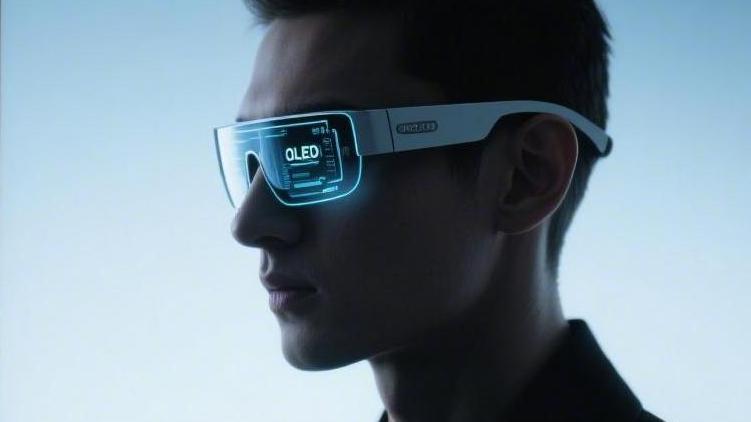
Micro OLED (Silicon-based OLED) is the key to achieving lightweight design and high image quality in smart glasses. It integrates pixels directly onto.
Leave a comment
This site is protected by hCaptcha and the hCaptcha Privacy Policy and Terms of Service apply.