









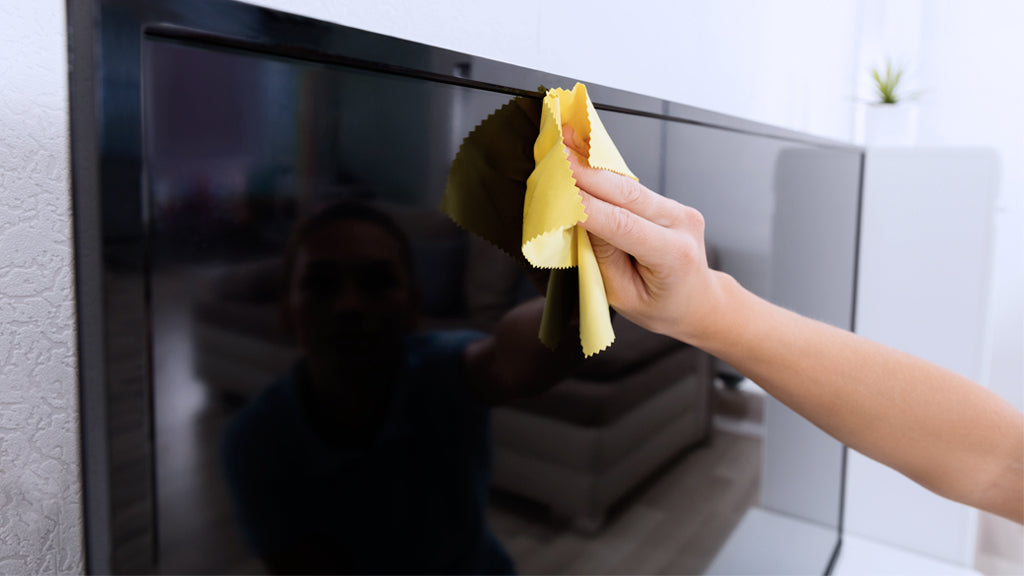
OLED Screen Durability | Scratch Proof, Burn-in Prevention
OLED screens are usually covered with reinforced glass with a Mohs hardness of over 6 to resist scratches.
To prevent uneven aging of organic emitters causing burn-in, always enable the "Pixel Shift" function during operation, strictly prohibit displaying static images continuously at maximum brightness (e.g., 800 nits), and it is recommended to use Dark Mode to reduce the load on blue pixels, thereby extending service life.
Scratch Proof
Although this is sufficient to withstand steel keys or coins with a Mohs hardness of around 5.5, physical damage will still occur when facing quartz sand grains (the main component of airborne dust) with a Mohs hardness of 7.
Furthermore, the 10 to 20 nanometer thick oleophobic coating on the screen surface is much softer than the glass substrate.
Physical Limits of Hardness
The hardness scale is actually uneven
It merely ranks natural minerals based on "who can scratch whom," without a fixed mathematical ratio between levels 1 and 10.
To quantify the gap more precisely, the industry looks at Vickers Hardness (HV), which is a specific pressure value obtained through indentation testing.
- Ordinary Soda-Lime Glass (Window glass): Vickers hardness is about 500 - 550 HV.
- Corning Gorilla Glass Victus 2: After chemical strengthening, hardness increases to about 600 - 700 HV.
- Quartz (Sand/Dust): Vickers hardness jumps directly to 1100 - 1200 HV.
- Diamond: Up to 10000 HV.
Looking at this data, it is clear that no matter how Gorilla Glass is upgraded, as long as its basic material is still silicate, its hardness will fluctuate around 700 HV.
Meanwhile, the ubiquitous quartz sand particles in the air (the main component of dust) have a hardness close to 1200 HV.
Giving the glass a chemical bath
Factories submerge formed aluminosilicate glass in a bath of molten potassium nitrate (KNO3) at about 400°C.
At this temperature, smaller sodium ions (Na+) in the surface layer of the glass migrate out, making room for larger potassium ions (K+) from the bath solution.
- Physical Squeeze: The radius of potassium ions (1.38 Å) is about 30% larger than that of sodium ions (1.02 Å).
- Depth of Layer (DOL): This "crowded layer" is usually only 40 to 100 microns (µm) deep.
When the screen is impacted and micro-cracks occur, the surface compressive force "pushes" the cracks back, preventing them from spreading.
Although this tight surface structure improves scratch resistance to a certain extent (making scratches harder to generate), it cannot change the chemical nature of glass.
Once the pressure of a sharp object breaks through this 100-micron stress layer, the ordinary glass structure inside remains fragile.
Glass that is too hard is actually easy to break
Sapphire has a Mohs hardness of 9 and a Vickers hardness of about 2000 HV, making it completely fearless of sand.
There is an engineering deadlock here: Hardness and Toughness are usually mutually exclusive.
- Young's Modulus: Sapphire is extremely hard, but it is very brittle. Due to the lack of elastic deformation capability, once dropped, impact energy cannot be absorbed through deformation and can only be released through fracture. The main reason Apple abandoned the large-scale use of sapphire during the iPhone 6 era was that it failed drop tests.
- Fracture Toughness: The development direction of modern Gorilla Glass is actually to frantically improve toughness while keeping the Mohs 6 baseline. From Victus to Victus 2, the focus is on improving "not breaking when dropped on concrete" rather than "increasing Mohs hardness to 8."
Pocket dust is more ruthless than blades
- Contact Geometry: Although key edges look sharp, they are usually rounded under a microscope, and the Vickers hardness of metals (such as copper, aluminum alloys, or even some steels) is usually between 100 - 400 HV, far lower than screen glass.
- Micro-cutting: Sand grains (quartz) have conchoidal fractures. When broken, their edges are extremely sharp, with tip radii possibly only a few microns.
- Pressure Formula: $P = F / A$ (Pressure = Force / Area). Even if your thigh only slightly squeezes your pocket, because the contact area of the sand grain with the screen is extremely small (close to point contact), the instantaneous pressure generated at the contact point can easily exceed the yield limit of the glass.
Micro-crystal technology is not invincible either
To break the boundary between glass and ceramics, Apple's Ceramic Shield and the Android camp's micro-crystal glass have introduced nano-crystal technology.
This is like adding steel bars to concrete. Engineers grow nano-sized ceramic crystals (such as spinel or lithium disilicate) within the glass matrix.
- Crack Deflection: When a scratch extends downward and encounters these crystals, the crack path is forced to change or terminate, requiring more energy to cause deep damage.
- Data Improvement: This structure does increase scratch resistance by 2 to 4 times compared to ordinary glass, and Vickers hardness may be slightly pushed up to around 750 HV.
Coating Wear
This film is ridiculously thin
What we commonly call the "oleophobic coating" is usually a Fluoropolymer in the industry.
Its chemical composition is somewhat related to Teflon non-stick pan coatings, usually consisting of Perfluoropolyether (PFPE).
This stuff isn't simply "brushed" on, but is "steamed" on in a vacuum environment through a Physical Vapor Deposition (PVD) process.
Fluorosilane molecules react with silicon dioxide on the glass surface at high temperatures to form covalent bond anchors.
- Thickness Data: The physical thickness of this film is usually only 10 to 20 nanometers (nm).
- Contrast Concept: The thickness of a standard sheet of A4 paper is about 100,000 nanometers. In other words, the thickness of this protective film is only one five-thousandth of a sheet of paper.
- Fragility: Imagine spreading a layer of butter only as thick as plastic wrap on a hard concrete floor. Although the concrete is hard, the butter layer on top disappears with just a few light rubs.
Why fingers can glide
The significance of the oleophobic layer is not just to prevent fingerprints, but more importantly to lower the Coefficient of Friction (COF).
| Surface State | Kinetic Coefficient of Friction (COF) | Tactile Description |
|---|---|---|
| Brand New Coating | 0.03 - 0.05 | Extremely smooth, like touching ice |
| Worn Coating | 0.10 - 0.20 | Resistance felt, slightly dry/draggy |
| Bare Glass | > 0.50 | Rough, difficult to slide finger, squeaky sound |
| Ordinary Window Glass | ~ 0.90 | No sliding sensation at all |
When this film is intact, your finger is actually sliding on a layer of nano-scale fluorine atoms, with almost no resistance.
Once the coating is worn off, the finger has to directly fight against the high friction of the glass.
This cliff-like drop in tactile feel usually arrives earlier than visual scratches.
How it gets rubbed off
The industry standard for testing screen coating life is very violent, usually using #0000 steel wool and rubbing repeatedly under 1 kg of pressure.
- Entry-level Standard: After about 2,000 to 3,000 cycles, the Water Contact Angle begins to drop significantly.
- Flagship Standard: High-end phones like Apple or Samsung usually require withstanding more than 10,000 cycles.
But in real life, your pocket is more complex than steel wool.
Denim fabric fibers are relatively coarse, and the cotton lint and tiny dust particles mixed in the pocket form a continuous micro-abrasive environment.
Every time you put your phone in your pocket and take it out to look at it, this completes a "grinding cycle."
Assuming you take out your phone 50 times a day, that's 18,000 cycles a year.
Coupled with high-frequency rubbing in fixed areas (such as the fire button position) when playing games with fingers, this 10nm film can be physically worn through in local areas within 3 to 6 months.
Water Contact Angle:
Don't guess, look at the water beads. The industry uses Water Contact Angle (WCA) to quantify coating health.
- Factory State (> 115°): Water droplets will stand up roundly on the screen, like dew on a lotus leaf. At this time, hydrophobicity and oleophobicity are strongest.
- Slight Wear (100° - 90°): Water droplets start to flatten a bit, fingerprints become slightly harder to wipe off, but it's still acceptable.
- Complete Failure (< 75°): Water droplets spread out flat on the screen. At this time, the screen becomes extremely prone to oil stains, and they are hard to wipe clean because the oil has filled into the microscopic texture of the glass surface.
Looks like scratches, but actually isn't
Many users see fine, thread-like messy lines on the screen under strong light and their first reaction is "the screen is scratched."
- Optical Principle: Although the coating is transparent, there is a slight difference in refractive index between it and glass. When the coating is cut by a sharp object to a depth of 10 nanometers, light scatters when passing through this gap.
- Visual Deception: This scattering is particularly obvious under point light sources (such as ceiling lights, sunlight).
- Identification Method: Drop a drop of water on the scratch and wipe it. If the water mark shows a different diffusion shape at the scratch, or if the friction feels obviously different at the scratch, it is usually just coating damage, and the glass underneath may be intact.
- Vanishing Act: The adhesive layer of the film fills the gaps in the coating, unifying the refractive index, and the scratches appear to disappear.
Chemical fluids are also mortal enemies
Besides physical friction, chemical erosion is also quietly stripping this film.
Although current fluoropolymers are relatively stable, it does not mean they are indestructible.
- Alcohol Wipes (Isopropyl Alcohol): Occasional disinfection is fine, but if you are germ-phobic and wipe with 75% alcohol or higher concentration solvents every day, it will accelerate the breaking of fluorosilane bonds. In the long run, alcohol will slowly dissolve the oil components in the coating structure, making the coating brittle and peel off.
- Acidic Substances: Some people's hand sweat is relatively acidic (lower pH), or they frequently contact acidic cleaners, which will attack the bonding points between the coating and the glass from the chemical bond level.
The difference between factory coating and self-wiping
Merchants claim that applying them can restore the screen to its original state.
These things are usable, but the effect is thousands of miles away from the original factory.
-
Factory Process (Vacuum Plating):
- Environment: High vacuum.
- Pre-treatment: Plasma cleaning to knock off impurities on the glass surface and expose reactive hydroxyl groups.
- Curing: High-temperature baking allows coating molecules to form strong covalent bonds with the glass.
- Durability: Thousands of friction cycles.
-
DIY Repair Liquid (Smear Type):
- Principle: Relies on solvent evaporation to let fluoride adhere to the surface like paint.
- Bonding Force: Mainly physical adsorption (Van der Waals forces). Stronger ones may have a small amount of chemical bonds, but because there is no high-temperature curing, the bonding is very weak.
- Durability: Usually a few days to a few weeks. Rub it with your finger and this hand-applied film falls off.
Burn-in Prevention
First is micro-displacement, where the screen image automatically shifts 1-4 pixels every few minutes, which is hard to detect with the naked eye;
Second is the voltage compensation cycle, where the system automatically runs a 6-10 minute "short refresh" after accumulated use of 4 hours to detect and balance pixel voltages;
Third is the bottom-line guarantee. Mainstream brands like Dell Alienware, Corsair, and MSI have now popularized a 3-Year Burn-in Warranty.
Combined with physical heatsinks which can lower panel temperature by about 5-10°C, anxiety about OLED lifespan under normal use has basically become a thing of the past.
Automated Protection
Why the picture secretly moves
When many users use an OLED monitor for the first time, they find that the edge of the screen sometimes "cuts off" a bit of content, or the overall picture shifts to the left by a few pixels. This is not a malfunction, but Pixel Shift at work.
-
Movement Trajectory and Step Length
This function doesn't move randomly; it runs on a preset "track." Usually, the system moves the display position of the entire image buffer by 1 pixel every certain period (e.g., every 2-4 minutes) in a circular or elliptical path.- TV Panels: Due to the long viewing distance, the movement amplitude is larger, usually having a total displacement space of 16 to 32 pixels. To accommodate this movement, the physical resolution of TV panels is usually a circle larger than the standard 3840x2160 pixels.
- Monitor Panels: Desktop users are close to the screen, and excessive movement causes visual distraction. Therefore, monitor manufacturers (such as Dell or Asus) usually limit the displacement to within a range of 4 to 10 pixels.
-
Edge Occlusion Handling
When the image moves to the right, the leftmost column of pixels will extinguish (display black), and the pixels originally outside the border on the far right will light up. This is like gently shaking a photo in a frame, ensuring that the phosphor materials near the frame do not age prematurely due to displaying the same color border all the time.
Recognizing station logos and game health bars
The monitor's image processing chip (SoC) analyzes every frame of input in real time. It is not "watching" the content, but analyzing the brightness histogram and color differences.
-
Algorithm Judgment Logic
The algorithm divides the screen into thousands of tiny grid areas. If a certain area (such as the CNN logo in the upper right corner, or the ammo count in the lower left corner of an FPS game) shows no change in pixel color and brightness values for continuous 60 to 120 seconds, or the change amplitude is below a threshold (e.g., 5%), the system tags this area with a "static risk" label. -
Local Dimming Execution
Once tagged, the driver board independently lowers the driving voltage of pixels in that area.- Brightness Reduction: Usually drops by 20% to 25%. This process is progressive (Step-down), taking about 10-15 seconds, making the sudden dimming hard for the human eye to detect.
- Transparency Mask: Advanced algorithms can even calculate a feathered Alpha mask, making the edges of the dimmed area transition smoothly without forming harsh black blocks around the logo.
Why full white screens aren't bright enough
When you maximize a full-white Excel spreadsheet or browser window to full screen, the OLED screen becomes visibly dimmer. This is called ABL, and it is a hard physical limit based on power consumption and heat.
-
APL (Average Picture Level) Linkage Mechanism
Each sub-pixel of an OLED is an independently lit bulb. Lighting up 8.3 million bulbs (4K resolution) requires huge current.- 10% Window: When white occupies only 10% of the screen area (e.g., the moon at night), the power supply can concentrate power, and brightness can soar to 1000 nits or even higher.
- 100% Window: When displaying white on the full screen, if 1000 nits were maintained, the panel's power consumption could instantly exceed 300W, generating heat that would instantly burn out organic materials or cause power overload.
- Restriction Result: Therefore, the system forcibly suppresses the brightness of full-screen white to between 150 nits and 200 nits (ordinary WOLED panel data).
The table below shows typical ABL intervention (using a mainstream 42-inch C series panel as an example):
| White Coverage Area (Window Size) | Actual Output Brightness (Approx. Nits) | Power State |
|---|---|---|
| 2% - 10% | 800 - 1000 nits | Peak Load (Short time) |
| 25% | 400 - 500 nits | High Load |
| 50% | 250 - 300 nits | Medium Load |
| 100% (Full Screen) | 130 - 180 nits | Continuous Safe Load |
Why it dims automatically when the image doesn't move
This is the most easily misunderstood function; many users think the screen is broken. It mainly involves two levels of algorithms: TPC (Temporal Peak Luminance Control) and GSR (Global Sticky Reduction).
-
Full Screen Static Protection (TPC)
- Trigger Scenario: When you pause a movie to get water, or stare at a webpage in a daze, and the picture generally remains unchanged for a long time.
- Execution Action: Once the system timer reaches a threshold (usually around 90 seconds), it starts to globally lower brightness. The drop here is very significant; the screen may dim to only 30% - 50% brightness.
- Recovery Mechanism: Once the mouse moves, or even 1% of the pixels in the image change, the system detects it immediately and pulls the brightness back to normal levels within 0.5 seconds.
- False Positive Issue: Early algorithms were clumsy. In scenes like "Game of Thrones" that are dark for long periods with little dialogue, they would mistake it for a static image and activate dimming. Current firmware (such as LG's updates after 2023) has significantly corrected false positives for dark scenes.
-
Local Hotspot Suppression (GSR)
- Target: This is more macroscopic than Logo detection. It mainly targets large color blocks in the picture that are bright and static.
-
Application: The system gradually lowers the peak brightness of these bright color blocks to prevent organic materials from overheating locally.

Voltage adjusts automatically when inaccurate
This is the underlying logic of OLED being able to "rejuvenate." As usage time increases, the TFT (Thin Film Transistor) backplane in OLED pixels experiences Threshold Voltage Shift, leading to pixels not being as bright as before given the same electricity, or uneven brightness in different areas (dirty screen effect).
-
Sensing and Calibration
Whenever you turn off the screen (soft shutdown) and enter standby mode, and the accumulated usage time exceeds 4 hours, the Timing Controller (TCON) inside the screen wakes up the Power Management IC.- Current Detection: The system sends extremely short test currents to each pixel and reads the feedback.
- Building a Map: If it finds that the pixel at row 50, column 200 has increased resistance and lower luminous efficiency, the system records this information in a Lookup Table (LUT) in the memory (Flash Memory).
- Next Boot: When you want to display 50% gray, the system checks the table and finds this pixel has "bad legs," so it delivers 55% power to it, making the light it emits look as bright as other healthy pixels.
Pixel Refresh
Short Sprint:
This is the most basic maintenance, occurring frequently, but users are almost unaware of it.
-
Trigger Mechanism
As long as the screen has accumulated more than 4 hours of work, when you press the power button on the remote control or the bottom of the monitor to turn off the screen (enter standby), the system does not cut power immediately but quietly starts this program. -
Execution Process
- TFT Scan: The screen's control chip (TCON) sends test signals to the Thin Film Transistors (TFT) on the backplane.
- Capturing Deviation: It mainly detects the drift of Threshold Voltage (Vth). Simply put, it checks which transistors have become "sluggish" and require higher voltage to open.
- Writing Compensation: The system calculates correction values and saves them to memory. The next time it turns on, the voltage delivered to these sluggish pixels automatically increases.
-
Time and Signs
The whole process takes about 6 to 10 minutes.- Sound: You might hear a relay clicking sound when the program starts and ends.
- Light: Dell Alienware or LG monitors usually flash the power light orange or red, prompting "Do not unplug power."
- Interruption Handling: If you suddenly turn on the screen during the run, the system immediately interrupts maintenance and resumes display. The interrupted process is marked, waiting for the next shutdown to make up for it.
Long Run:
This is a large-scale maintenance targeting the decay of the OLED luminescent material itself, not just the transistors.
-
Trigger Cycle
- WOLED Panels (e.g., LG TV/Monitor): Usually set to trigger after accumulated use of 2000 hours.
- QD-OLED Panels (e.g., Samsung/Dell/MSI): Due to different material characteristics, the trigger cycle for first-generation QD-OLED is usually shorter, set between 4 hours (panel health check) and 1500 hours (deep refresh). Some monitor manufacturers even suggest a reminder every 500 hours for safety.
-
Execution Logic
The system scans the entire panel line by line, detecting current feedback from organic materials. For areas where luminous efficiency has dropped significantly (such as where Windows window borders are displayed for a long time), the system significantly adjusts the drive gain.- Subtraction: If certain areas are really too bright (not aged), the system might even slightly suppress the brightness of these areas to match those aged areas, thereby achieving full-screen uniformity.
-
Time Consumed
This process is very long, usually taking 45 minutes to 1 hour. During this period, the screen might briefly light up a horizontal line scanning from top to bottom, or remain completely black.
Brightness Headroom
You might ask: If pixels age and dim, how can the system turn them back to the original brightness?
The answer lies in Brightness Headroom.
A panel with a nominal peak brightness of 1000 nits might have a physical limit of 1300 nits or higher when leaving the factory. Manufacturers lock this part of the performance via software at the factory.
- First 0 Hours: The system runs using only 70% effort.
- After 2000 Hours: Pixels age, efficiency is only 90% of the original. The system unlocks some restrictions, running at 80% effort, and output brightness remains at 1000 nits.
- Role of Pixel Refresh: It is the process of calculating "how much more effort is needed now." Only when the headroom is exhausted does screen brightness truly begin to show a visible decline.
Strictly Avoid Manual Forces
In the monitor's OSD menu, there is usually an option for "Execute Pixel Refresh Immediately." Many obsessive-compulsive users think "might as well do it, refreshing is good for the screen," but this is a completely wrong perception.
-
Wear Risk
Deep refresh (long cycle) is completed through high voltage shock and complex current detection. Frequent manual execution of deep refresh will accelerate the consumption of the "Brightness Headroom" mentioned above. -
Correct Practice
- Always select "Auto": Let the monitor run by itself according to the cycle set by the firmware.
- Manual only in one case: Only manually execute it once when you clearly see image retention that won't go away with the naked eye (such as the score bar imprint from watching a ball game last night) and it hasn't disappeared after ordinary standby.
Physical Cooling
The layer of "iron" stuck behind the panel
If you dismantle an ordinary OLED TV (such as the LG C series), you will find the back of the panel is just a plastic casing or a simple metal backplate.
But if you dismantle a model with Heatsink technology (such as Panasonic LZ2000 or Asus PG42UQ), the structure is completely different.
-
Material Selection
Manufacturers usually use high-grade aluminum alloy as the main heat dissipation material because aluminum strikes a balance between weight and thermal conductivity efficiency. Some models pursuing the ultimate (mainly in the professional monitor field) even use copper sheets in the T-Con (Timing Controller) area where heat sources are concentrated. -
Thermal Interface Material (TIM)
The metal plate cannot be stuck directly onto the glass substrate hard-on-hard. An industrial-grade Thermal Pad is sandwiched in between. -
Structural Design
This is not just a flat plate. Asus and MSI designed heat dissipation structures with honeycomb or fin-like textures on the back of their OLED monitors. Increased surface area means a larger contact area with air and higher heat exchange efficiency. Data shows that monitors with custom heatsinks can keep backplate temperatures about 8% lower than ordinary models when displaying full-screen white windows.
Why pixels crowded together are harder to serve
Compared to a 65-inch TV in the living room, desktop monitors face much more severe thermal challenges.
-
Side Effects of Pixel Density
- TV: On a 65-inch 4K panel, pixels are spread out, and heat is relatively dispersed.
- Monitor: On a 32-inch or even 27-inch 4K panel, the same 8.3 million pixels are squeezed into less than a quarter of the area.
-
Heat Accumulation Effect
When high-density pixels light up with high brightness simultaneously, heat accumulates rapidly locally, forming "Hotspots." -
Manufacturer Countermeasures
This is why 27-inch and 32-inch OLED monitors (especially QD-OLED panels) almost all come standard with heatsinks. Dell Alienware even redesigned the airflow channel in its AW3423DW model, using the "chimney effect" to let hot air rise naturally for discharge, completely abandoning the noisier built-in fan.
The trade-off between brightness and lifespan
The biggest benefit brought by physical heat dissipation is not power saving, but making the screen "last."
On older OLEDs without heatsinks, displaying HDR highlight scenes (like explosions) could usually only maintain peak brightness for a few seconds before the system forced frequency reduction due to detecting excessively high temperatures.
With a heatsink, the persistence of brightness undergoes a qualitative change.
The table below compares the performance difference of the same generation panel with and without a heatsink (using WOLED panel as an example):
| Test Item | No Heatsink (Standard Model) | With Heatsink (Heatsink Model) | Difference Explanation |
|---|---|---|---|
| Peak Brightness Window (10%) | 800 nits | 1000 nits | Heat dissipation allows for higher instantaneous current bursts. |
| Full Screen Sustained Brightness (100%) | 130 - 150 nits | 180 - 220 nits | Physical cooling allows maintaining higher baseline brightness for a long time. |
| Image Retention Disappearance Speed | Needs 1-2 minutes | < 30 seconds | Lower panel temperature allows liquid crystal layers and organic materials to reset faster. |
| Panel Average Operating Temp | 45°C - 50°C | 38°C - 42°C | Long-term operation below 40°C is a safe zone for extending lifespan. |
The role of Deuterium
Besides external heatsinks, panel manufacturers (mainly LG Display) have also upgraded heat resistance at the chemical level.
Although this belongs to the realm of microscopic physics, it is often promoted as part of physical durability.
-
Exchanging Hydrogen for Deuterium
OLED luminescent materials originally used hydrogen isotopes. Engineers found that if hydrogen atoms are replaced with Deuterium (heavy hydrogen), the chemical bonds become stronger and more stable. -
Heat Resistance
Panels known as EX Technology or Meta Technology have extremely strong heat resistance. They allow larger currents to pass through without breaking chemical bonds. -
Result
Combined with physical heatsinks, the high-temperature threshold that deuterium technology panels can withstand is raised. Under the same brightness, its life is longer; or under the same life expectancy, it can be driven brighter.
Placement Suggestions
Since the screen relies on passive heat dissipation (no fan), air circulation in the external environment is crucial.
As a user, you need to place the device in coordination with the working principle of the physical heatsink.
-
Do not place too close to the wall
For monitors or TVs equipped with rear heatsinks, it is recommended to keep a distance of at least 10 cm (4 inches) between the back and the wall. If placed too close to the wall, hot air will accumulate between the screen and the wall, forming a heating layer, causing heat dissipation efficiency to drop to zero. -
Avoid external heat sources
- Desktop PC Exhaust: Many users like to place the computer tower directly behind the monitor. If the hot air exhausted by your computer blows directly onto the monitor backplate, the monitor's heatsink will not only fail to dissipate heat but will absorb the heat from the computer, which is absolutely a "chronic poison" for OLED.
- Direct Sunlight: Black panels absorb heat extremely fast. If sunlight hits the screen directly, the panel temperature can break through the 60°C safety red line within minutes.
Why some still use fans
Although passive heat dissipation (fanless) is the mainstream trend because it is quiet and accumulates less dust, you will still see fans on some extreme high-performance products.
-
G-Sync Ultimate Module
Early OLED monitors that integrated NVIDIA G-Sync hardware modules had to install fans because the module itself generated huge heat. -
Ultra-High Brightness Models
Some flagship TVs with nominal peak brightness reaching 2000 nits or even higher (such as certain Panasonic models), in order to squeeze the panel limits, use a hybrid cooling solution of "Phase Change Material + Heatsink + Ultra-low Speed Fan."
Read more
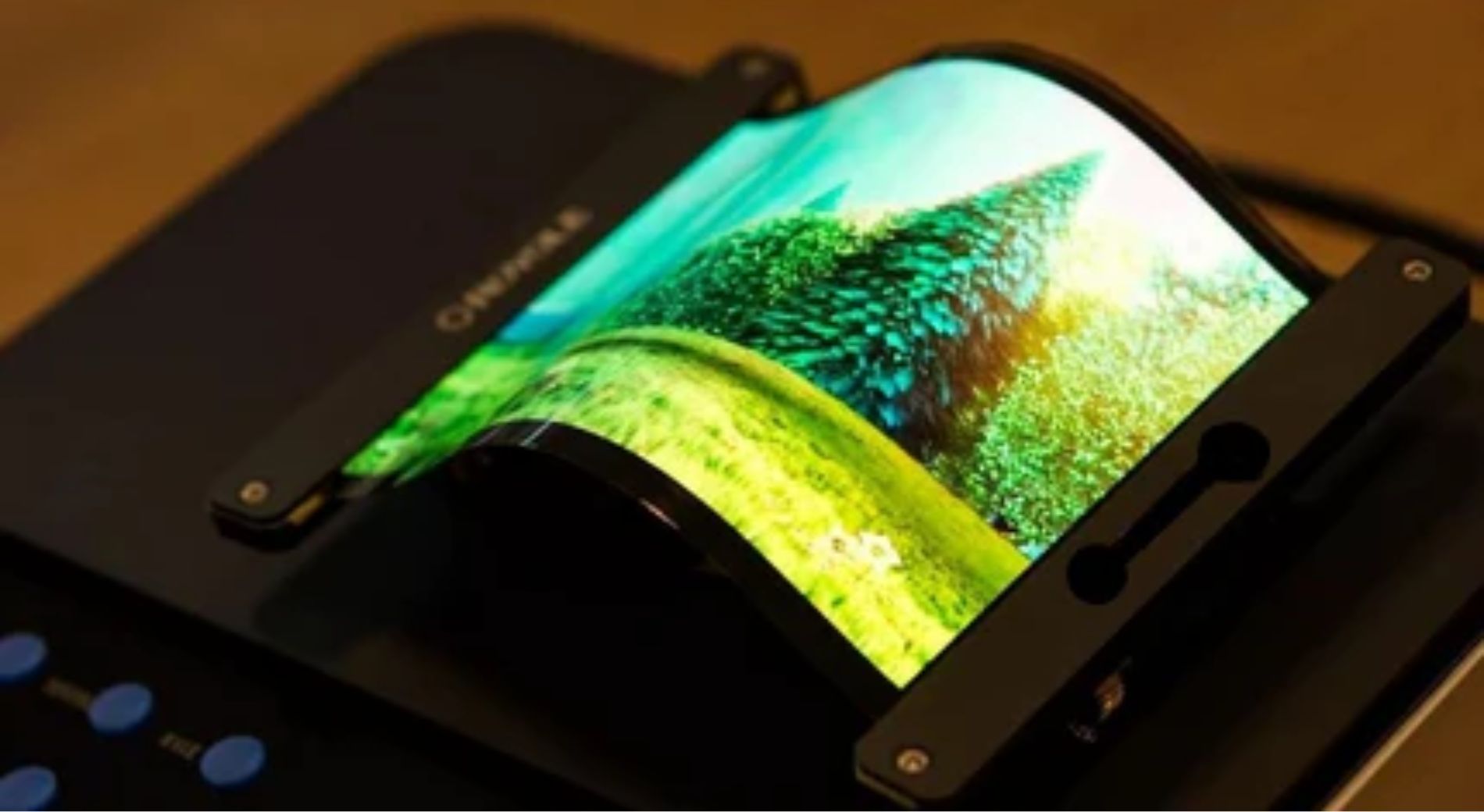
Consumer Electronics Dominates high-end smartphones (e.g., iPhone 15 Pro, 6.1-inch OLED, 500 nits brightness, 98% DCI-P3 color gamut) and TVs (LG C3.
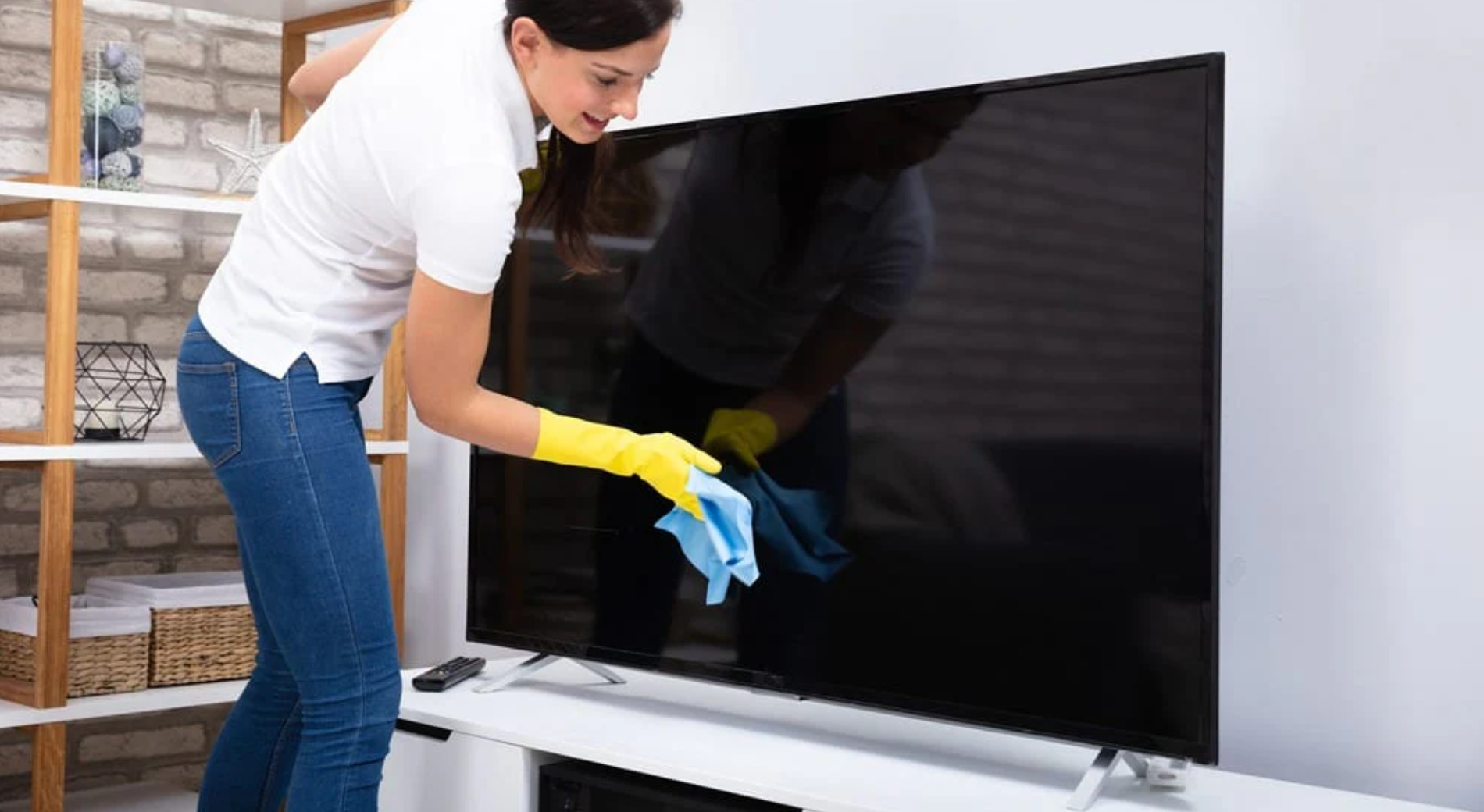
Please be sure to turn off the screen first. Gently wipe the surface in a circular motion using a clean microfiber cloth. For stubborn stains, you may.
1 comment
Very interesting read.
The poor scratch resistance of current glossy QD-OLED panels is something I’m all too familiar with. My Alienware AW3425DW, and all other glossy panels made by Samsung, have an antiglare coating with a very low hardness rating. Even with brand new microfiber cloths and distilled water, microscratches are inevitable. The back of my fingernail lightly touched it and left a scratch.
Apparently the glass underneath is Corning Astra. I’d like to find a way to remove the antiglare coating but I haven’t figured out the best method.
Justin
Leave a comment
This site is protected by hCaptcha and the hCaptcha Privacy Policy and Terms of Service apply.