

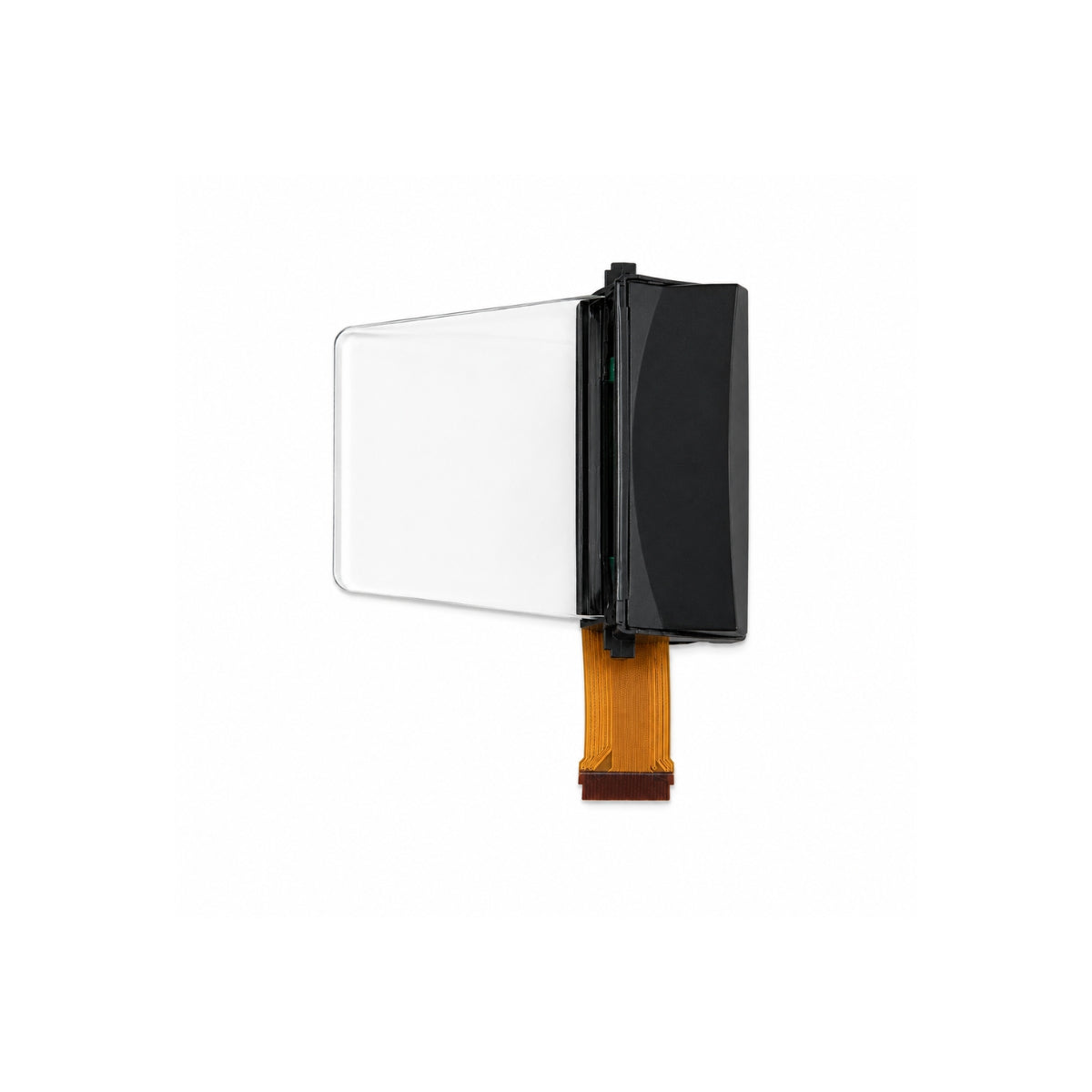
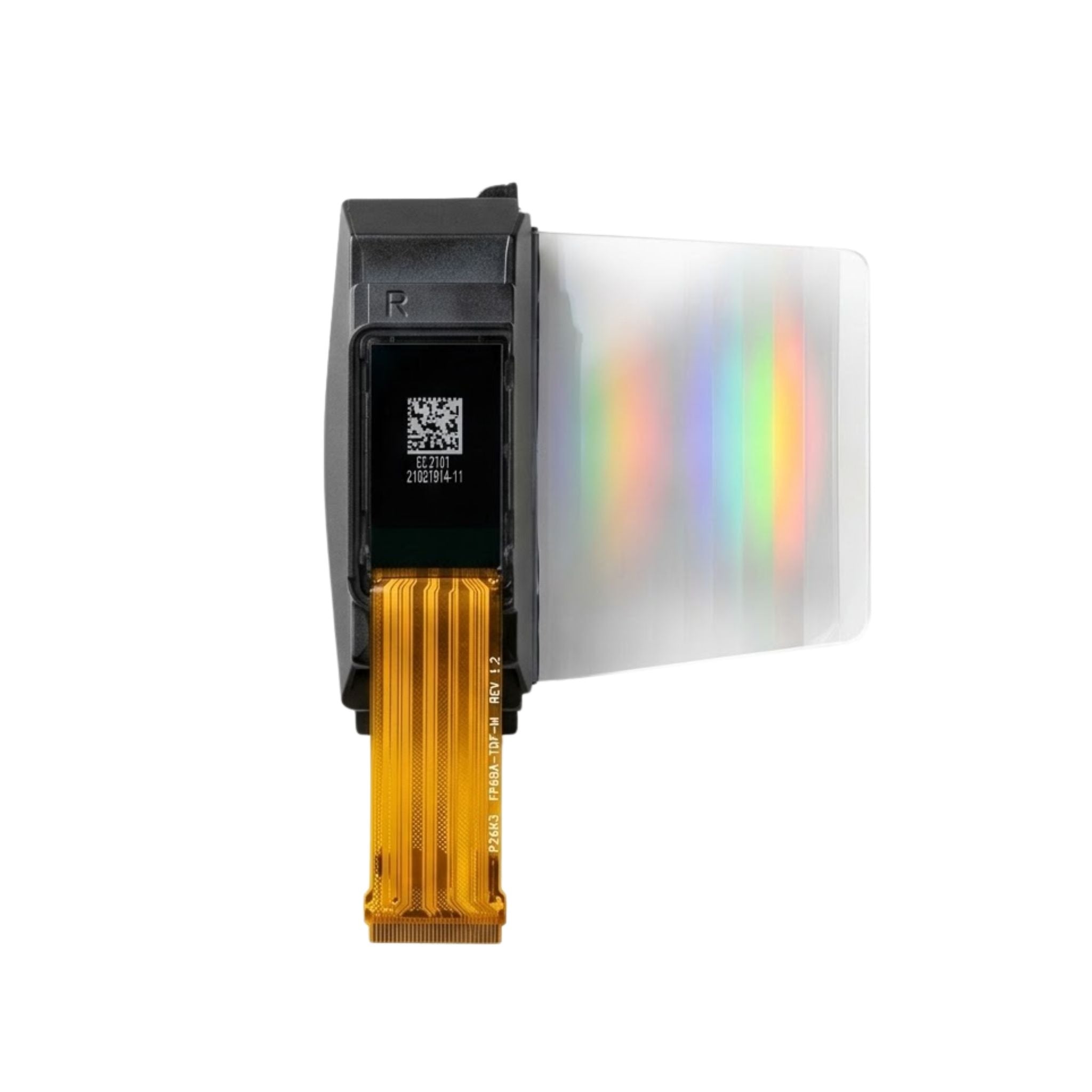


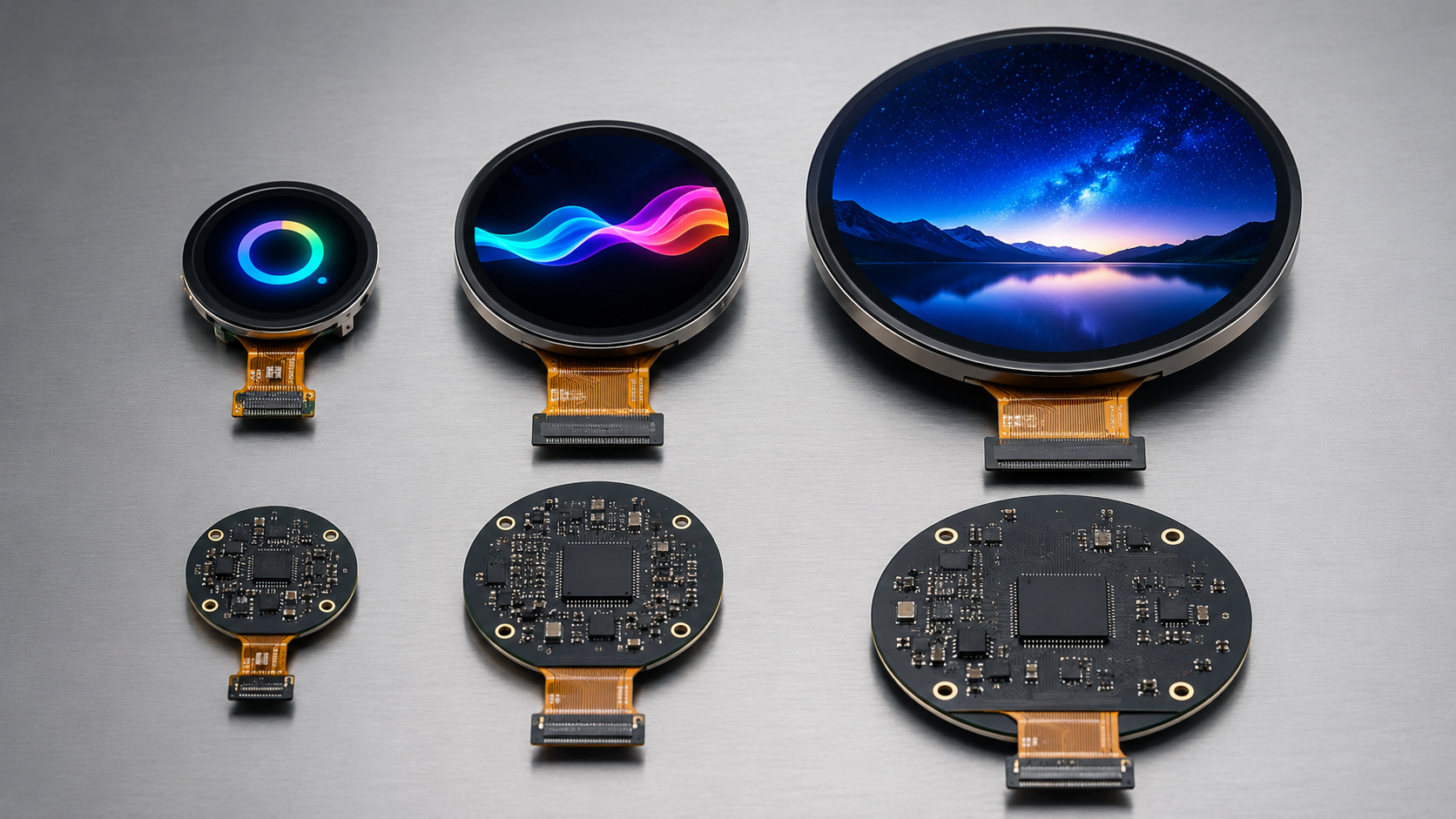
For industrial use, select a round OLED in this order: mechanical fit, readable UI, optical performance, interface bandwidth, RAM, power, lifetime, environment, and supply control. A 240 × 240 RGB565 frame is 112.5 KiB and needs 27.6 Mbit/s of raw pixel data at 30 full-screen fps; a 454 × 454 frame is about 403 KiB and needs 98.9 Mbit/s. Also separate PMOLED from AMOLED, because the controller, color format, interface, power rails, and available resolution can be different.
Mechanical Dimensions to Lock Before PCB and Enclosure Design
| Item | What to Record |
|---|---|
| Active area | Pixel area diameter or X/Y size |
| Viewing area | Supplier-defined visible area; do not replace it with the enclosure opening |
| Module outline | Full glass, frame, PCB, or module width and height |
| Z-height | OLED + touch + adhesive + cover glass + gasket + connector + PCB |
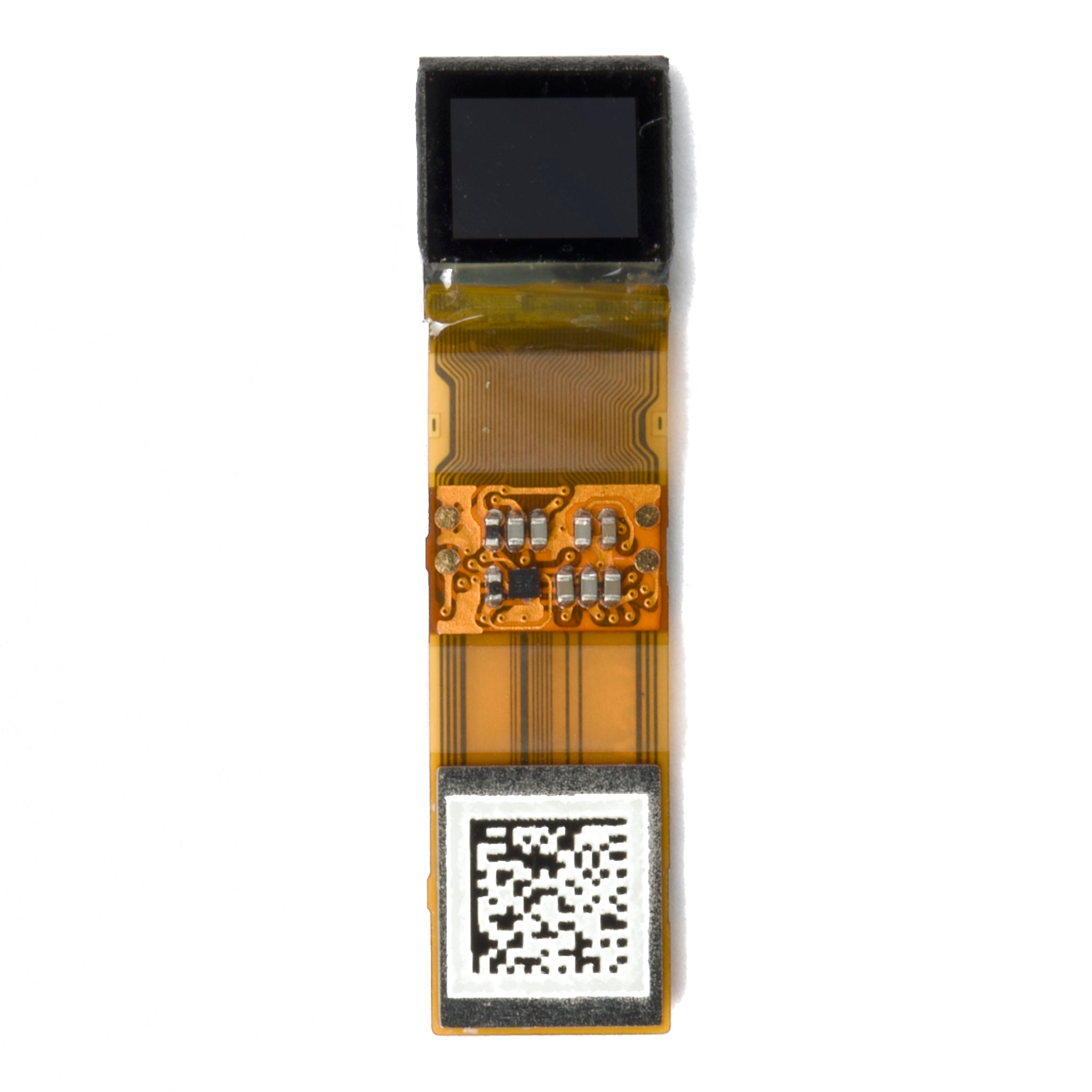
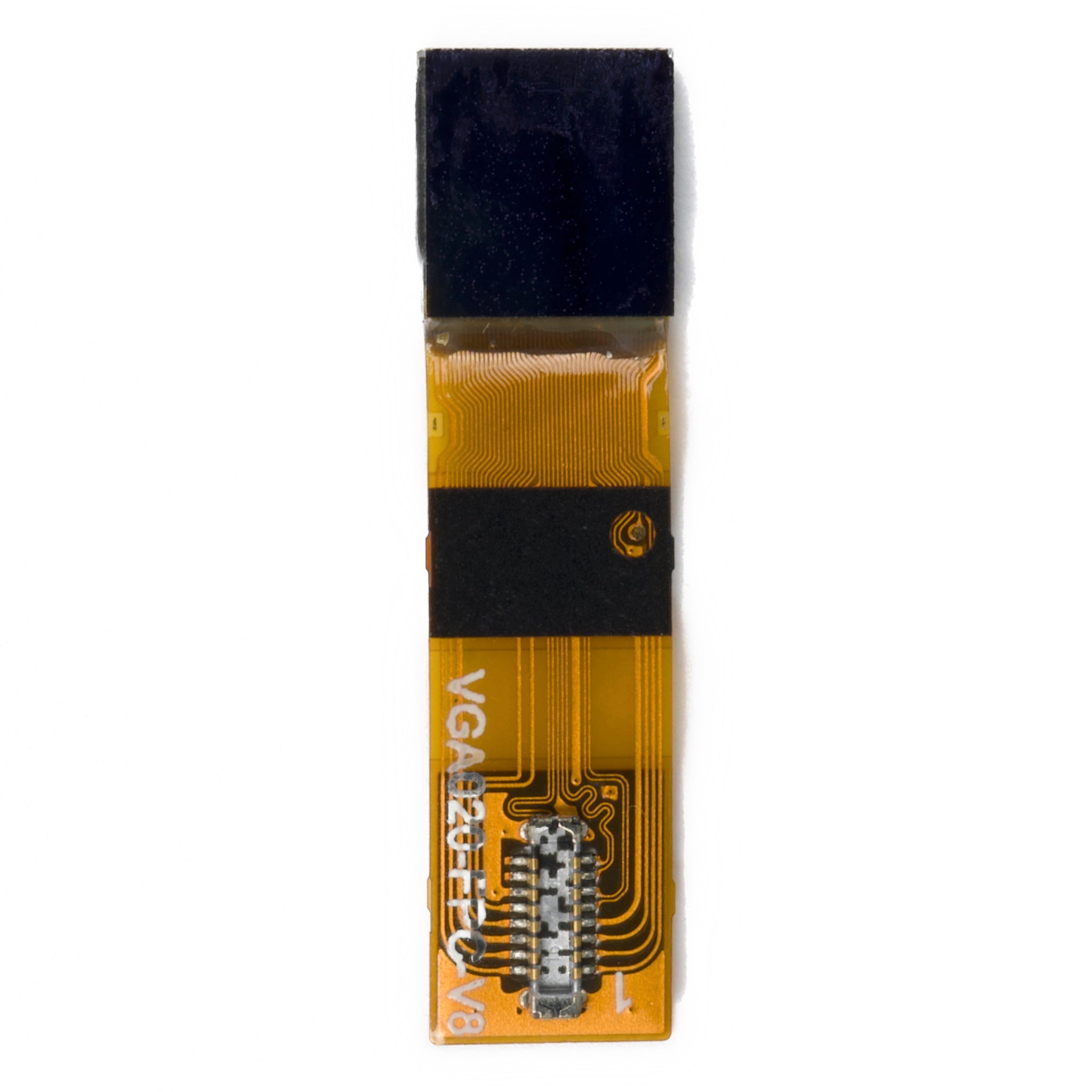
| FPC | Exit direction, width, length, connector position, bend area, minimum bend radius |
| Rotation | Allowed mounting angle after FPC, touch FPC, and connector positions are fixed |
A 1.18-inch 128 × 128 round PMOLED still needs rectangular module and FPC space behind the circular opening. Check the mechanical drawing, not only the front diameter.
Include centering tolerance in the stack-up. If the display center shifts 0.3 mm to one side, the visible border becomes about 0.3 mm narrower on one side and 0.3 mm wider on the other, producing a 0.6 mm side-to-side border difference.
Resolution, Pixel Load, and Safe Round UI Area
| Resolution | Total Pixels | Pixel Load vs. 240 × 240 | Practical UI Use |
|---|---|---|---|
| 128 × 128 | 16,384 | 0.28× | Large numbers, status icons, simple menus |
| 240 × 240 | 57,600 | 1.00× | Gauges, several values, labels, simple charts |
| 390 × 390 | 152,100 | 2.64× | Fine text, detailed icons, smoother graphics |
| 454 × 454 | 206,116 | 3.58× | Dense UI, fine graphics, frequent animation |
Moving from 240 × 240 to 454 × 454 increases the pixel count from 57,600 to 206,116, or 3.58×. With the same color depth and frame rate, framebuffer size and raw transfer demand also increase by 3.58×.
Physical size does not determine resolution. Current round display modules include combinations such as a 1.2-inch 390 × 390 AMOLED and a 1.39-inch 454 × 454 AMOLED.
If a round display uses a square D × D address space and rectangular content must stay fully inside the visible circle, the largest centered square is approximately D ÷ √2. For a 240-pixel circle, that is about 170 × 170 pixels; for a 454-pixel circle, about 321 × 321 pixels. This is useful for fixed text blocks and rectangular touch controls that must never be clipped by the round edge.
Brightness and Reflection Values to Check
Record brightness in cd/m² together with the test temperature, supply condition, test image, brightness setting, and whether the value is minimum or typical. Numerically, 1 nit equals 1 cd/m²; CIE lists “nit” as a deprecated unit name.[1] IEC 62341-6-1 defines OLED optical and electro-optical measurement methods, including defined picture-loading conditions.[2]
| Diffuse Reflectance | Ambient Illuminance | Calculated Reflected Luminance |
|---|---|---|
| 1% | 100,000 lux | about 318 cd/m² |
| 2% | 100,000 lux | about 637 cd/m² |
| 4% | 100,000 lux | about 1,273 cd/m² |
The table uses reflected luminance ≈ illuminance × diffuse reflectance ÷ π and assumes a purely diffuse Lambertian surface. CIE defines the Lambertian relation as M = πL.[3] Real cover glass can include diffuse, mirror-like, and haze reflection, so use the table only as a scale check; NIST measurements show that simplified reflection models can be inaccurate for flat-panel displays.[4]
- Measure the finished stack: OLED + touch + adhesive/air gap + cover glass + coating.
- Check both maximum brightness and the lowest stable brightness needed in dark conditions.
- For outdoor products, record both display luminance and front-surface reflection; do not approve the display from luminance alone.
SPI, MIPI, and Full-Frame Bandwidth
240 × 240 RGB565: 240 × 240 × 2 = 115,200 bytes = 112.5 KiB per frame. At 30 full-screen fps, raw pixel data is 27.648 Mbit/s.
454 × 454 RGB565: 454 × 454 × 2 = 412,232 bytes ≈ 403 KiB per frame. At 30 full-screen fps, raw pixel data is 98.9 Mbit/s.
| SPI Clock | 240 × 240 RGB565 | 454 × 454 RGB565 |
|---|---|---|
| 20 MHz | 21.7 fps theoretical | 6.1 fps theoretical |
| 30 MHz | 32.6 fps theoretical | 9.1 fps theoretical |
| 40 MHz | 43.4 fps theoretical | 12.1 fps theoretical |
| 80 MHz | 86.8 fps theoretical | 24.3 fps theoretical |
These are theoretical pixel-only limits. Commands, addressing, chip-select gaps, DMA setup, RTOS scheduling, and other bus traffic reduce the measured frame rate. Use the display controller's supported clock limit and measure the actual transfer time on the target MCU.
A 100 × 40 RGB565 partial update contains 8,000 bytes. Compared with a 115,200-byte 240 × 240 full frame, that is a 93.1% reduction in transferred pixel data.
Use SPI or QSPI when measured update time meets the UI requirement. Use a faster path when it does not. MIPI DSI is designed for high-speed display links with reduced pin count.[5] D-PHY is commonly used for MIPI display links.[6] For a round AMOLED implementation, the MIPI setup and graphic rendering guide covers lane setup, initialization, and rendering steps.
Framebuffer RAM by Resolution and Color Depth
| Resolution | RGB565 One Frame | RGB565 Two Frames | RGB888 One Frame |
|---|---|---|---|
| 128 × 128 | 32 KiB | 64 KiB | 48 KiB |
| 240 × 240 | 112.5 KiB | 225 KiB | 168.75 KiB |
| 360 × 360 | about 253 KiB | about 506 KiB | about 380 KiB |
| 390 × 390 | about 297 KiB | about 594 KiB | about 446 KiB |
| 454 × 454 | about 403 KiB | about 805 KiB | about 604 KiB |
RGB888 uses 50% more pixel memory and raw transfer data than RGB565. For 454 × 454, one framebuffer rises from about 403 KiB to about 604 KiB.
- Add RAM for fonts, decoded images, GUI objects, DMA buffers, RTOS tasks, communications, touch data, and application code.
- If SRAM is tight, use one framebuffer, tile/line rendering, partial updates, external PSRAM/SDRAM, or display-side GRAM.
- Do not apply RGB565/RGB888 calculations to a monochrome PMOLED; calculate from its real bits per pixel.
Power and Reset Checks
| Check | Required Result |
|---|---|
| Logic and I/O voltage | MCU GPIO levels match the display input limits |
| OLED drive rail | Voltage and peak current stay within module limits |
| Normal UI current | Measure on the real product |
| Brightest allowed UI current | Measure separately and use it for peak-load checks |
| Power-up / power-down sequence | Matches the controller or module specification |
| Brownout / fast cycling | Display returns to normal operation without removing power |
| MCU off, display on | No unwanted back-powering through interface pins |
Do not connect 3.3 V GPIO directly to a 1.8 V display input unless the input is explicitly 3.3 V tolerant. For power sizing, use the measured current of the brightest screen the product is allowed to show, not only the normal dark UI.
OLED Lifetime by Daily Operating Hours
Compare supplier lifetime data only when the starting luminance, temperature, test pattern, color, and end-of-life definition are known. IEC 62341-5-3 covers OLED image-sticking and lifetime measurement methods.[7]
| Display Use | 5 Years | 10 Years |
|---|---|---|
| 8 h/day | 14,600 h | 29,200 h |
| 12 h/day | 21,900 h | 43,800 h |
| 16 h/day | 29,200 h | 58,400 h |
| 24 h/day | 43,800 h | 87,600 h |
A 50,000-hour supplier figure does not automatically cover a 10-year industrial product: 16 h/day for 10 years already equals 58,400 hours, while continuous 24/7 operation reaches 87,600 hours.
Static bright areas also need their own check. Logos, borders, scales, status bars, and fixed white text can age differently from dark areas. Peer-reviewed OLED research links uneven aging with image sticking and shows stronger aging at higher current and temperature.[8]
- Dim the panel when full brightness is not required.
- Use dark backgrounds where the UI allows it.
- Turn the display off during long idle periods.
- Reduce always-bright logos, borders, and status areas.
- Use small pixel shifts for fixed graphics when practical.
Temperature, Touch, Cleaning, and EMC Test Items
Use the temperature measured at the display, not only room temperature. If ambient is 45°C and the measured internal rise at the OLED is 15°C, the local display temperature is 60°C. Check startup, reset, brightness, color, touch, adhesive, and communication at the required low and high limits. OLED luminance can change with panel temperature.[9]
| Area | Test |
|---|---|
| Temperature | Cold start, hot start, reset, thermal cycling, local OLED temperature |
| Humidity | Condensation, fogging, FPC/connector corrosion, adhesive edge condition |
| Touch | Bare finger, actual glove, dry surface, wet surface, center and edge points |
| Cleaning | Real chemical, concentration, wiping material, contact time, total cycles |
| EMC/ESD | Pixel corruption, lost communication, brightness-register change, ghost touch, lock-up, recovery |
Cleaning-cycle targets can be calculated from actual use. One cleaning per day equals 365 cycles/year; three per day equals 1,095 cycles/year; ten per day equals 3,650 cycles/year. Over five years, those become 1,825, 5,475, and 18,250 cycles. Use the product's real cleaning frequency instead of a generic wipe count.
IEC 62341-5-2 covers mechanical endurance test methods for OLED panels and modules.[10] IEC 60068-2-78 covers steady-state damp-heat testing.[11] IEC 61000-4-2 covers ESD immunity testing,[12] and IEC 61000-4-3 covers radiated RF immunity testing.[13] Use the levels required by the standards that apply to the finished product.
Controller, Documentation, and Supply Control
| Before Approval | Required Information |
|---|---|
| Controller | Exact IC part number and revision/configuration where relevant |
| Firmware | Initialization sequence, pixel format, orientation, sleep/wake, brightness control, tearing signal if used |
| Electrical | Pinout, power rails, reset timing, interface timing, recommended circuit |
| Mechanical | Controlled drawing with revision number |
| Touch | Touch-controller IC, firmware/configuration, cover-stack limits |
| Change control | PCN rules for controller, touch IC, FPC, adhesive, cover material, PCB parts, and production site |
| EOL | Notice period, last-time-buy process, replacement plan |
| Traceability | Lot code, date code, production site, revision identification |
Do not approve “compatible controller” or “equivalent IC” wording without a change-control agreement. A controller substitution can change initialization, memory addressing, timing, sleep behavior, or firmware even when the module outline is unchanged.
Production-Sample Validation
| Measure on Every Sample | Record |
|---|---|
| Optics | Brightness setting, measured luminance, visible color/uniformity, test condition |
| Mechanical | Outline, active-area position, FPC position, connector fit, assembly clearance |
| Electrical | Startup, reset, normal current, bright-screen current, interface clock |
| UI | Full-screen transfer time, largest partial update time, tearing or visible artifacts |
| Touch | Center/edge response, glove result, wet result, false-touch recovery |
| Environment | Local display temperature and pass/fail result after required tests |
| Traceability | Sample serial/lot/date code and module revision |
Use production-representative samples and more than one lot when available. Run the final checks with the real cover glass, adhesive/bonding, enclosure, connector, processor, firmware, power supply, touch stack, and brightness settings.
Finally
Reject a round OLED early if its numbers do not fit the system. A 454 × 454 RGB565 screen needs about 403 KiB per frame and 98.9 Mbit/s of raw data at 30 fps, versus 112.5 KiB and 27.6 Mbit/s for 240 × 240. A 100 × 40 partial update cuts 240 × 240 pixel traffic by 93.1%. For lifetime, 16 h/day over 10 years is 58,400 hours and 24/7 use is 87,600 hours. Approve the module only after mechanical fit, measured transfer time, RAM, finished-stack readability, local temperature, touch behavior, controller identity, and supply-change rules all meet the product limits.
Hinterlasse einen Kommentar
Diese Website ist durch hCaptcha geschützt und es gelten die allgemeinen Geschäftsbedingungen und Datenschutzbestimmungen von hCaptcha.