
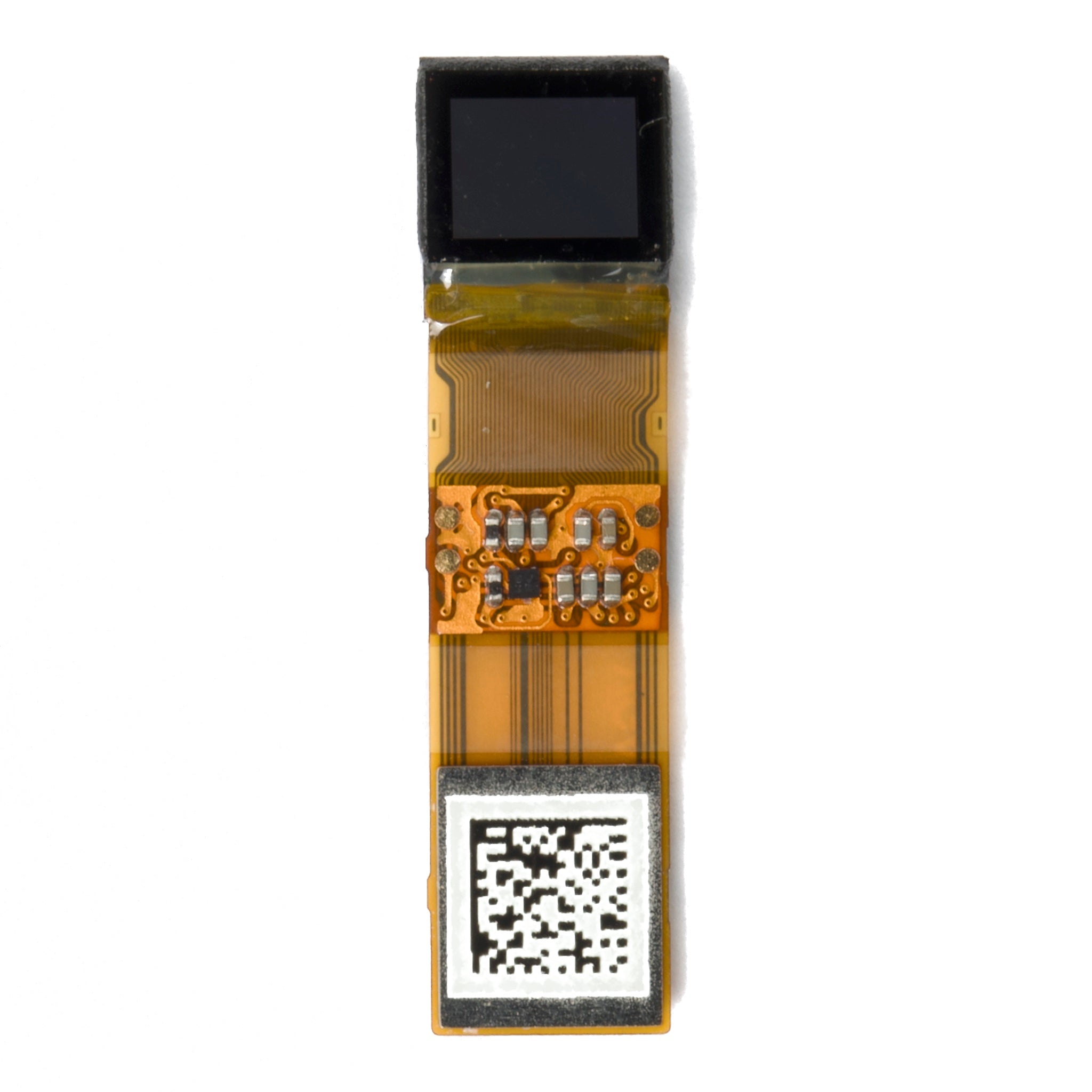
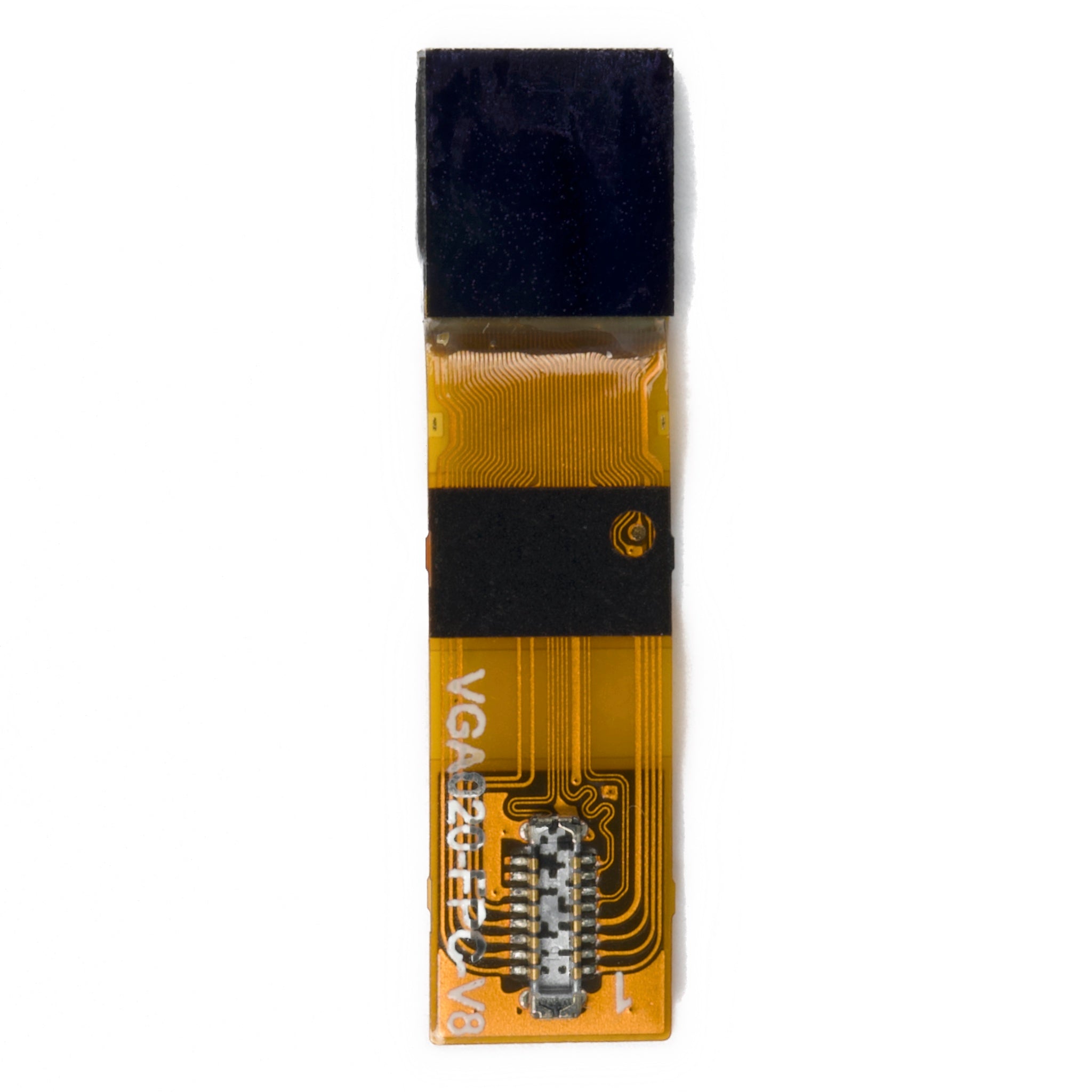
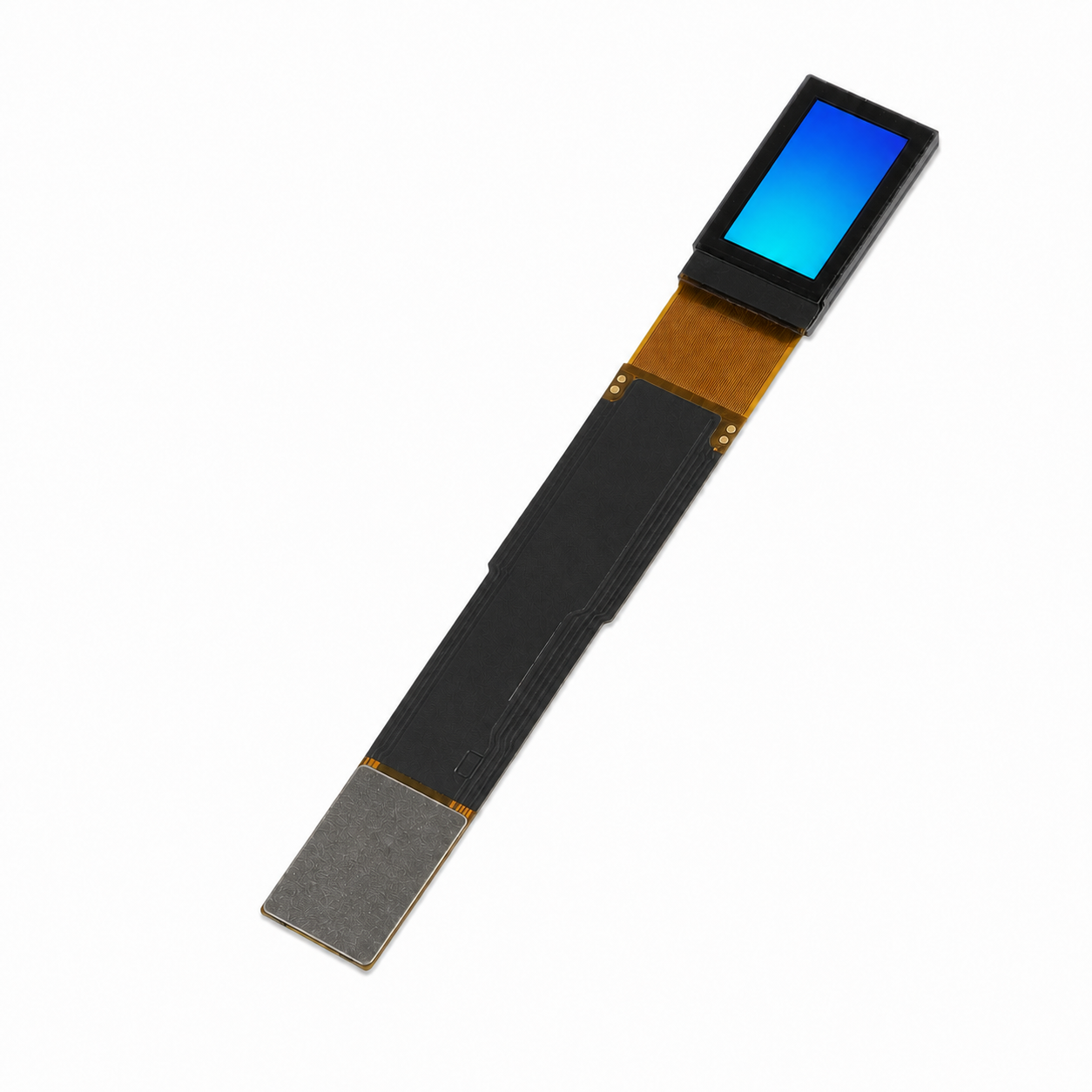


A 128x64 monochrome OLED fits up to 168 characters in 6x8 cells, 128 characters in 8x8 cells, or 64 characters in 8x16 cells. That means eight lines of small text or four lines of taller text, with no margins or graphics. For a mixed screen, a 16-pixel header, two 16-pixel value lines, and a 16-pixel graph use all 64 rows.
The screen has 8,192 pixels, represented by 1,024 bytes at one bit per pixel. A 128x64 SPI graphic OLED has the same visible capacity as an I2C model with the same resolution; SPI changes how quickly you can transfer updates, not how much fits at once.
Pixel and Memory Budget
The display resolution gives the starting budget: 128 × 64 = 8,192 pixels. A full-frame software buffer needs 8,192 ÷ 8 = 1,024 bytes. That is not a universal host-RAM requirement: firmware that renders and sends smaller strips can use a smaller working buffer. Font storage is separate; 96 uncompressed 8x8 glyphs at one bit per pixel require 768 bytes before metadata.
| Budget item | Size | What it means |
|---|---|---|
| Full visible frame | 8,192 pixels, 1,024 bytes | Entire 128x64 image |
| One SSD1306 page | 128 x 8 pixels, 128 bytes | One of eight 8-row bands[1] |
| One full-width 16-row strip | 2,048 pixels, 256 bytes | One quarter of the visible frame |
| One 16x16 icon | 256 pixels, 32 bytes | Area of four 8x8 text cells |
| One 32x32 bitmap | 1,024 pixels, 128 bytes | One eighth of the visible frame |
| One 100x8 status bar | 800 pixels, 100 bytes | About 9.8% of the visible area |
These are tightly packed bitmap sizes, calculated as width × height ÷ 8. Actual storage and transfer sizes can include alignment, padding, commands, and library metadata.
Controller memory is not always the same size as the visible panel. The Solomon Systech SSD1306 has 128x64-bit display RAM divided into eight pages. The Sino Wealth SH1106 has 132x64-bit display RAM; a 128-column panel uses a window within it, so the module's column mapping matters.[1][2] The extra SH1106 columns do not make a 128x64 panel display more content. Check the exact controller, initialization sequence, addressing mode, and module-specific offset when selecting from the graphic OLED collection.
How Many Characters Fit
For fixed-width text, characters per line = floor(128 ÷ cell width), and lines = floor(64 ÷ cell height). A 5x7 glyph with one spacing column and one spacing row occupies a 6x8 cell. The table assumes every character, including spaces and punctuation, uses one cell, with no headers or margins.
| Font cell including spacing | Characters per line | Text lines | Total cells | Example use |
|---|---|---|---|---|
| 6 x 8, from a 5x7 glyph | 21 | 8 | 168 | Dense status logs, short menus |
| 8 x 8 | 16 | 8 | 128 | General sensor readings |
| 8 x 16 | 16 | 4 | 64 | Values and labels |
| 12 x 16 | 10 | 4 | 40 | Short headlines and units |
| 16 x 32, large digits | 8 | 2 | 16 | Large numeric cells |
A 128x16 title bar leaves 48 rows for body text: six lines of 8x8 cells, or 96 characters. Proportional fonts, extra line spacing, and wider glyphs need a separate layout calculation.
Will the Text Be Readable
Physical size matters as much as character count. For example, the listed 0.96-inch 128x64 I2C module uses an SSD1315 controller and lists a 21.74 x 10.86 mm viewing area. Dividing that height by 64 gives approximately 0.17 mm per row, so an 8-row cell spans about 1.36 mm. The lit glyph can be shorter than its cell. Do not assume an SPI module has identical physical dimensions just because its resolution matches.
Treat 8x16 or 12x16 cells as candidates for larger text, not a guaranteed distance-reading minimum. Check the actual module at the intended viewing distance, angle, and ambient light.
Large Digits
Five 16x32 cells in one row occupy 80x32 pixels. That leaves a full 128x32 region below for four 8x8 status lines. The five-cell budget must include any sign, decimal point, and unit if each takes a full cell. A large-value row above a four-line 8x16 menu would need 32 + 64 = 96 rows, so those two layouts need separate screens or smaller text.
How Much Room Graphics Take
Four 16x16 icons occupy 64x16 pixels before gaps. Reserving the top 16 rows for them leaves a 128x48 body area, enough for three 8x16 text lines. A 32x32 bitmap in the top-left corner leaves a 96x64 rectangle to its right, enough for twelve 8x8 characters per line over eight lines, plus a separate 32x32 region below the bitmap. Free area alone does not tell you whether a particular shape fits.
A 100x8 status bar uses 800 pixels. If all 100 columns are usable fill positions, a one-column step can represent one percentage point; borders would reduce that fill width. Such bars and traces are natural uses of graphic OLED displays. A 96x24 plot can place 96 samples at one sample per column. At 20 ms between samples, its oldest and newest samples are 95 × 20 ms = 1.9 seconds apart, before reserving space for axes or labels.
QR codes need a quiet zone, not just room for the symbol. GS1's guidance specifies four modules on every side of a QR Code.[3] For an assumed 25x25-module symbol at two pixels per module, the total size is (25 + 4 + 4) × 2 = 66 pixels square, which exceeds the screen's height. Do not shrink the quiet zone to make this example fit. Check the actual encoded symbol size and test scanning on the display; a 12-character ID in 8x8 cells needs only 96x8 pixels if a human-readable identifier is sufficient.
Three Layouts That Fit 128x64
These are edge-to-edge layout examples, not layouts with additional outer margins:
| Layout | Arrangement |
|---|---|
| Sensor readout | A 16-row header, two 16-row value lines, and a 128x16 graph: 16 + 32 + 16 = 64 rows. With 8x16 body cells, each value line has 16 positions including units and spaces. |
| Four-item menu | Four 8x16 lines. Allocate 112 pixels to a 14-character label and the remaining 16 to a cursor or spacing. |
| Waveform plus number | A 96x32 plot on the left and a 32-pixel-wide column on the right. Two 16x16 digit cells fit side by side, with a unit cell below. |
A two-pixel margin on every side leaves 124x60 pixels, about 91% of the area. It also reduces the 8x16 text grid to 15 columns by three lines. Four 16-row lines cannot fit inside 60 rows.
On an SSD1306, a page-aligned full-width 16-row strip contains 256 bytes. Moving a full-row menu highlight normally changes both the old and new rows: 512 bytes before commands, not 256. Partial transfers require firmware support and correct page addressing; a driver that always sends the full buffer still transfers 1,024 bytes.[1]
Does SPI Fit More Than I2C
No. SPI can reduce transfer time for the same image. For the SPI vs I2C comparison, distinguish a calculated bus-transfer budget from measured application performance.
| Interface | Example clock | Calculated transfer budget for 1,024 image bytes |
|---|---|---|
| I2C | 400 kHz | 20.48 ms for eight data bits per byte; 23.04 ms including one ACK clock per byte, before other overhead |
| Four-wire SPI | 8 MHz | 1.024 ms for image data, before commands and software overhead |
I2C uses an acknowledge clock after each eight-bit byte, which explains the two I2C figures.[4] The SSD1306's four-wire serial timing table specifies a minimum 100 ns clock period under its stated conditions; check the exact controller and module limits rather than applying one SPI speed to every OLED.[1]
These are calculations, not measured redraw rates. Rendering, transaction setup, bus sharing, and the panel's own refresh behavior also affect what the user sees.
For a plot updated every 50 ms, an 8 MHz SPI image transfer consumes about 1 ms of that budget before overhead. A 128x64 SPI graphic OLED may therefore leave more time for other tasks, but a button-driven screen does not automatically need SPI.
Check the Layout on Your Module
Before committing the layout, use this reproducible check sequence:
- Render the longest expected label and value, including a negative sign, decimal point, unit, and any overrange message. Count occupied cells rather than testing only a short nominal reading.
- Draw a one-pixel border on all four edges. Check for missing or shifted columns, then verify the initialization and column mapping against the exact module documentation.
- Read the smallest text at the intended distance and under the intended lighting. Record the font cell, distance, and result; fitting mathematically does not prove legibility.
- Move a menu highlight between two rows and check that the old highlight disappears. If optimizing partial updates, inspect the transfer to confirm whether it sends two strips or a full frame.
For a worked capacity check, a 14-character label in 8x16 cells occupies 112x16 pixels. Adding a 16-pixel cursor region fills the 128-pixel width exactly. That calculation fits the four-item menu above; it does not leave room for an extra border. Keep the tested font, controller part number, offset, and update method with the firmware configuration.
When a 128x64 OLED Is Not Enough
Consider a higher-resolution display when the required text, spacing, and graph dimensions do not fit together, even if their total area is below 8,192 pixels. Long paragraphs, detailed labeled diagrams, and glyphs that need larger cells can make 128x64 impractical. Full-color content requires a different display type; changing from I2C to SPI cannot add color or pixels.
Bottom Line
Budget in cells and rectangles: up to eight 6x8 or 8x8 text lines, four 8x16 lines, or a mixed layout inside 128x64 pixels. Headers, margins, and graphics reduce those limits. Choose SPI for the transfer-time budget, then verify readability and addressing on the actual module.
Building a 128x64 screen and unsure about the controller or interface?
Send your resolution, controller part number, and interface list to get a matched module and quote.
Contact DisplayModuleReferences
- Solomon Systech, SSD1306 datasheet, Rev. 1.1: GDDRAM organization, addressing commands, and Table 13-4, four-wire serial timing. Manufacturer document hosted by Adafruit.
- Sino Wealth, SH1106 datasheet: 132x64-bit display RAM and column addressing. Manufacturer document hosted by Pololu.
- GS1, 2D Barcodes at Retail Point-of-Sale Implementation Guideline: QR Code quiet zone of four times the X-dimension on all sides. Used here for the quiet-zone requirement, not as an OLED scanning test.
- NXP Semiconductors, UM10204 I2C-bus specification and user manual, sections 3.1.5 and 3.1.6: eight-bit bytes and the ninth acknowledge clock.
En lire plus
Choose electronic shelf label display sizes and color options around real label layouts. Compare readability, scanning, refresh behavior and installation needs.
To match a round touch screen, choose the display diameter and resolution for your controls, then check the touch area, module outline, cover lens, and host connections against the same assembly dr...
Laisser un commentaire
Ce site est protégé par hCaptcha, et la Politique de confidentialité et les Conditions de service de hCaptcha s’appliquent.