

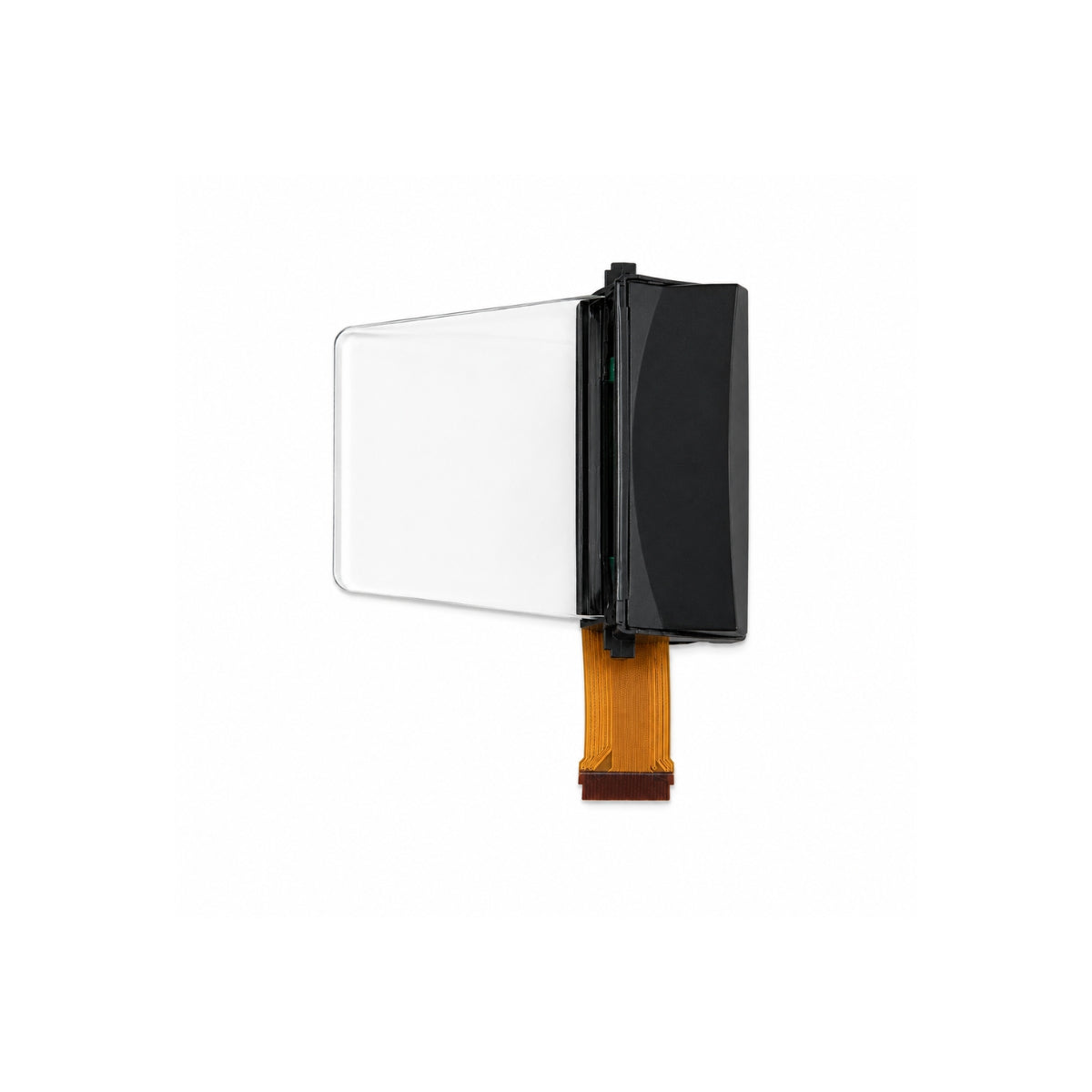
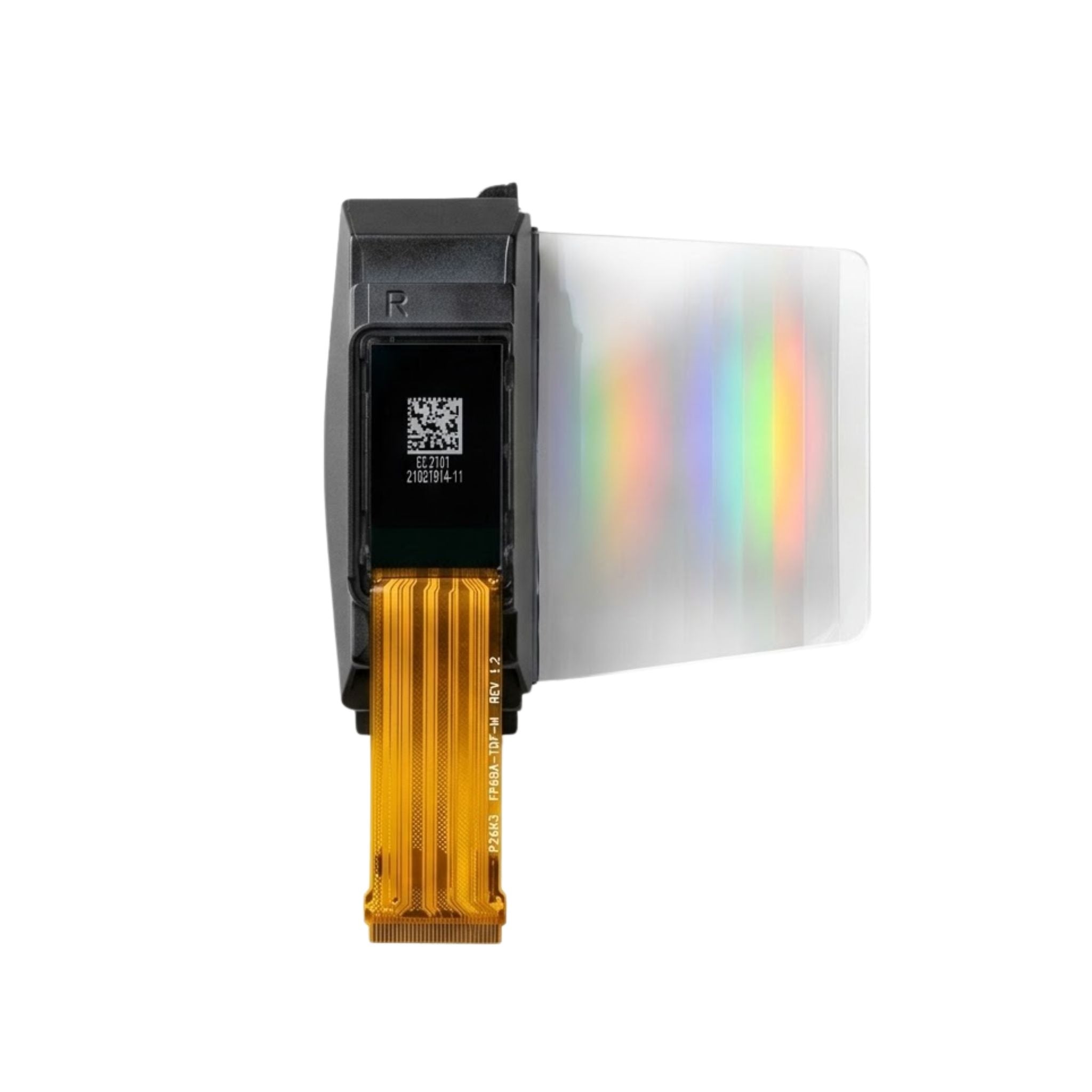


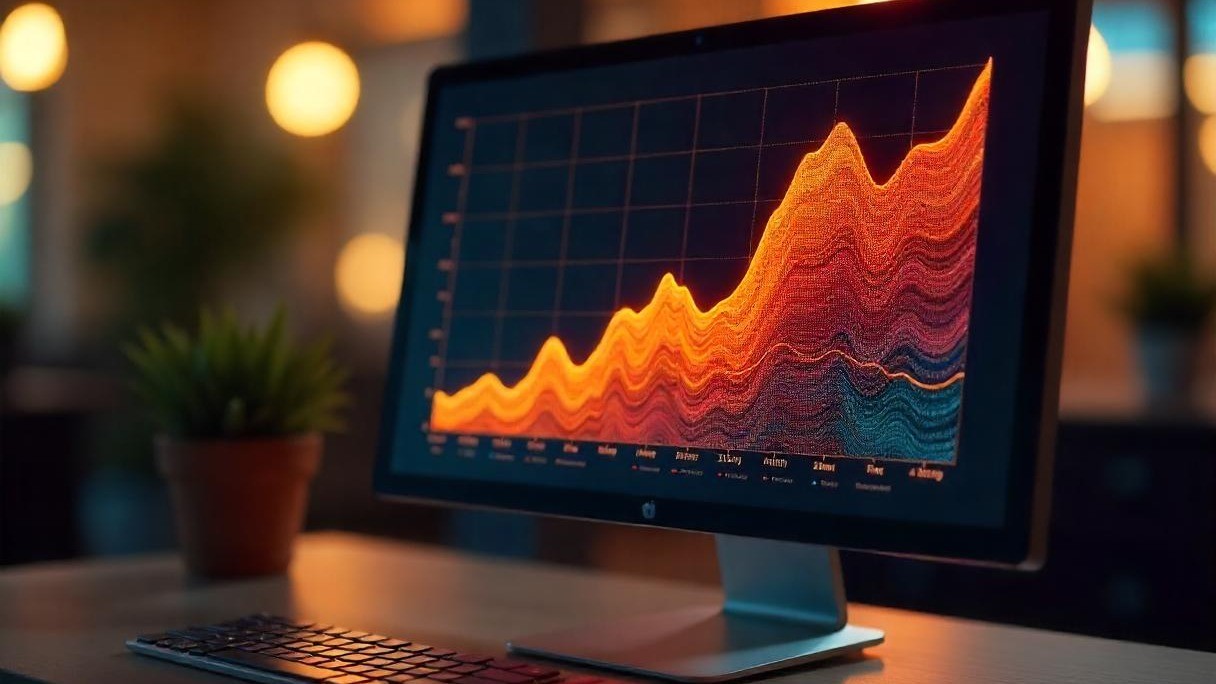
An IPS (In-Plane Switching) display uses horizontal liquid crystal alignment to deliver steady, vivid visuals: it boasts 178-degree viewing angles covers ~99% of the sRGB color space for accurate, ...
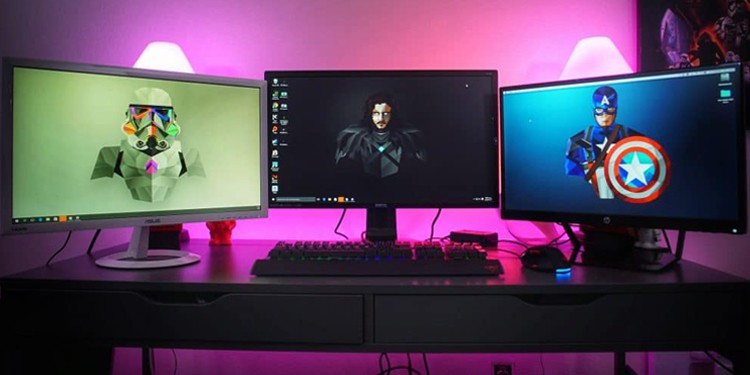
IPS displays boast 178° wide viewing angles (vs. TN’s ~160°) and richer, more accurate colors (100% sRGB coverage common vs. TN’s 70-80%), ideal for design; TN panels counter with 1-5ms GTG respons...
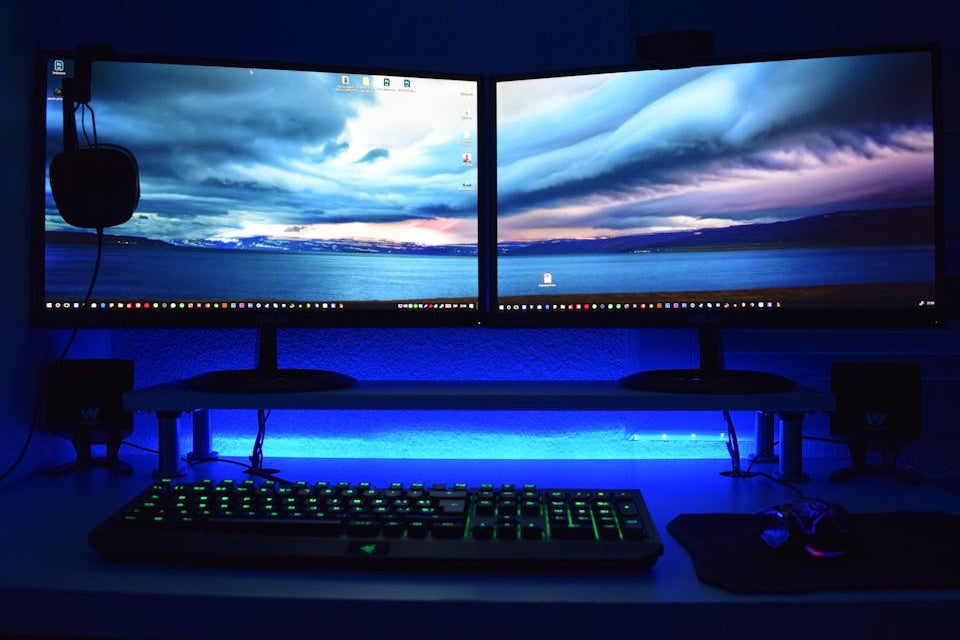
An IPS display operates by embedding liquid crystals horizontally aligned between two glass layers with electrodes on both sides; applying voltage gently tilts these crystals minimally, ensuring st...
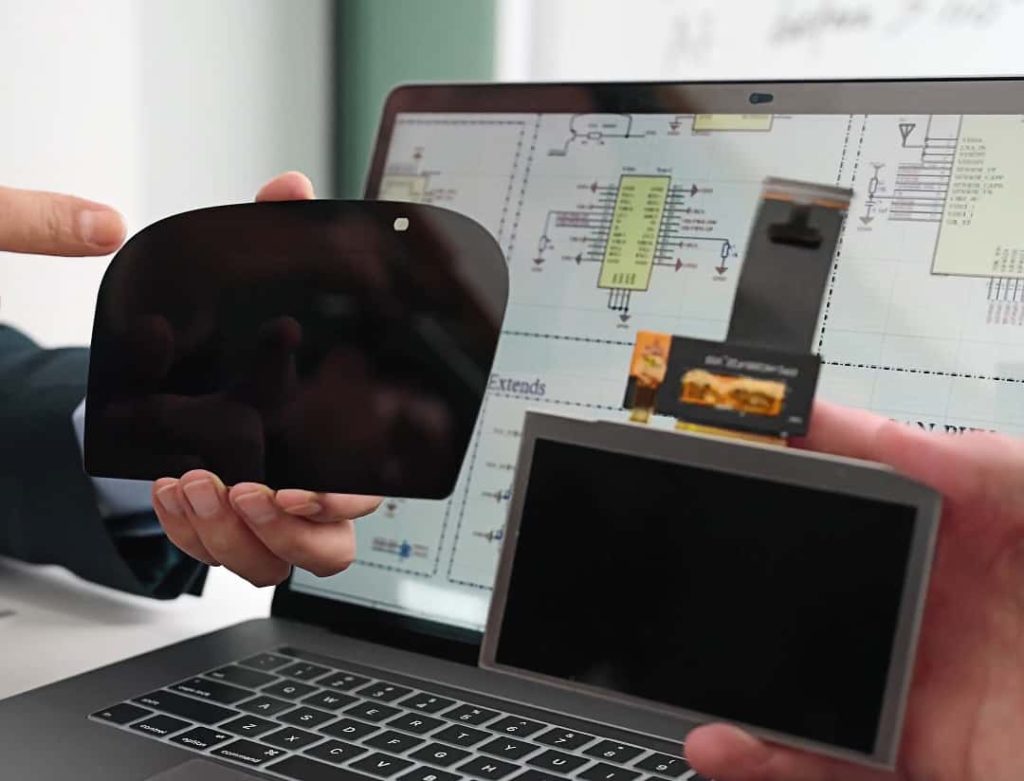
Opting for an IPS display? It boasts 178-degree viewing angles for consistent colors even at sharp side glances, covers 99% of the sRGB gamut for vibrant, accurate visuals—great for photos or work—...
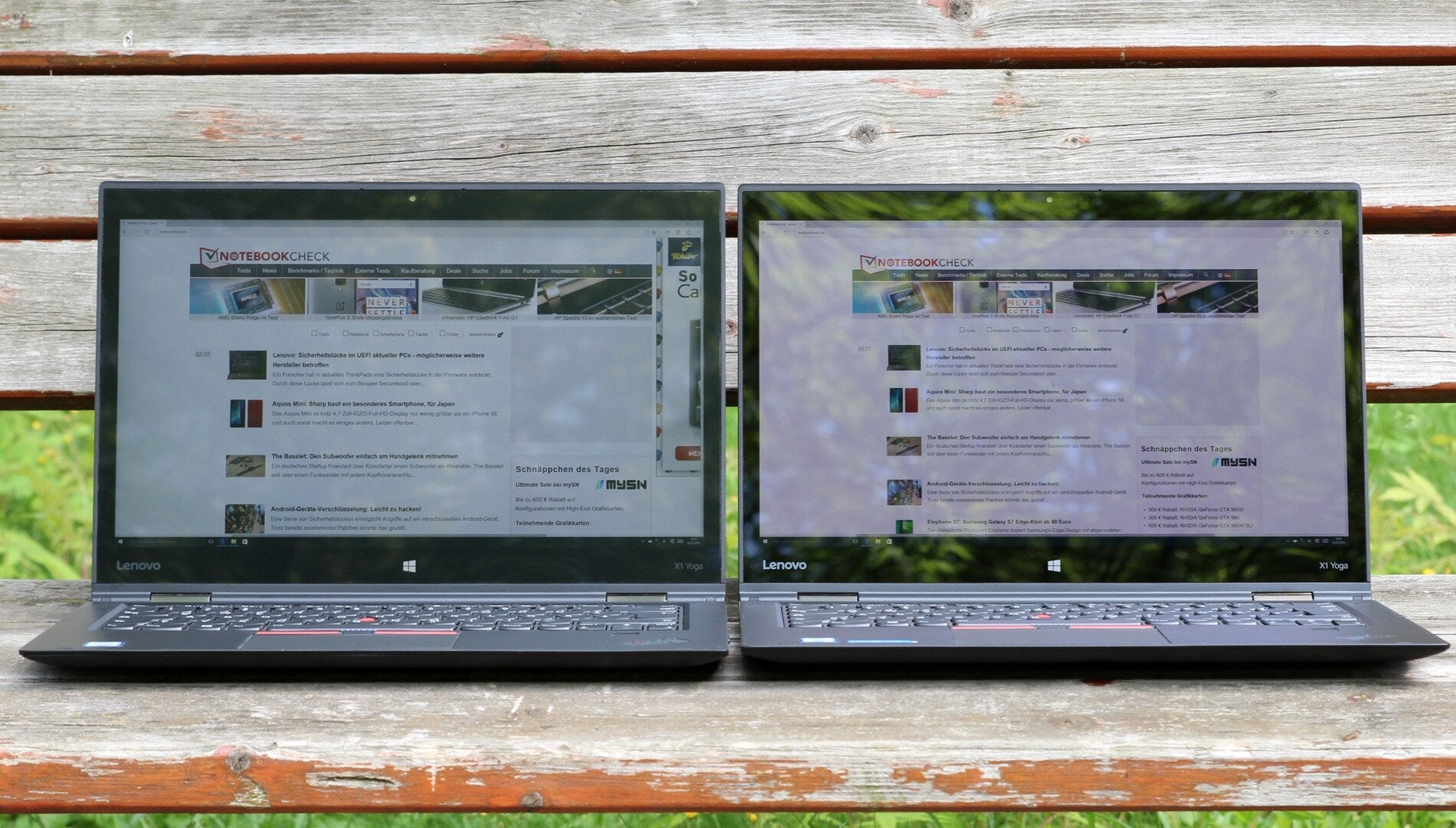
IPS LCD and OLED, popular display techs, differ: OLED boasts 1,000,000:1 contrast (vs. IPS’s ~1,000:1), deeper blacks, and faster μs response (vs. IPS’s ms), but risks burn-in; IPS offers wider vie...
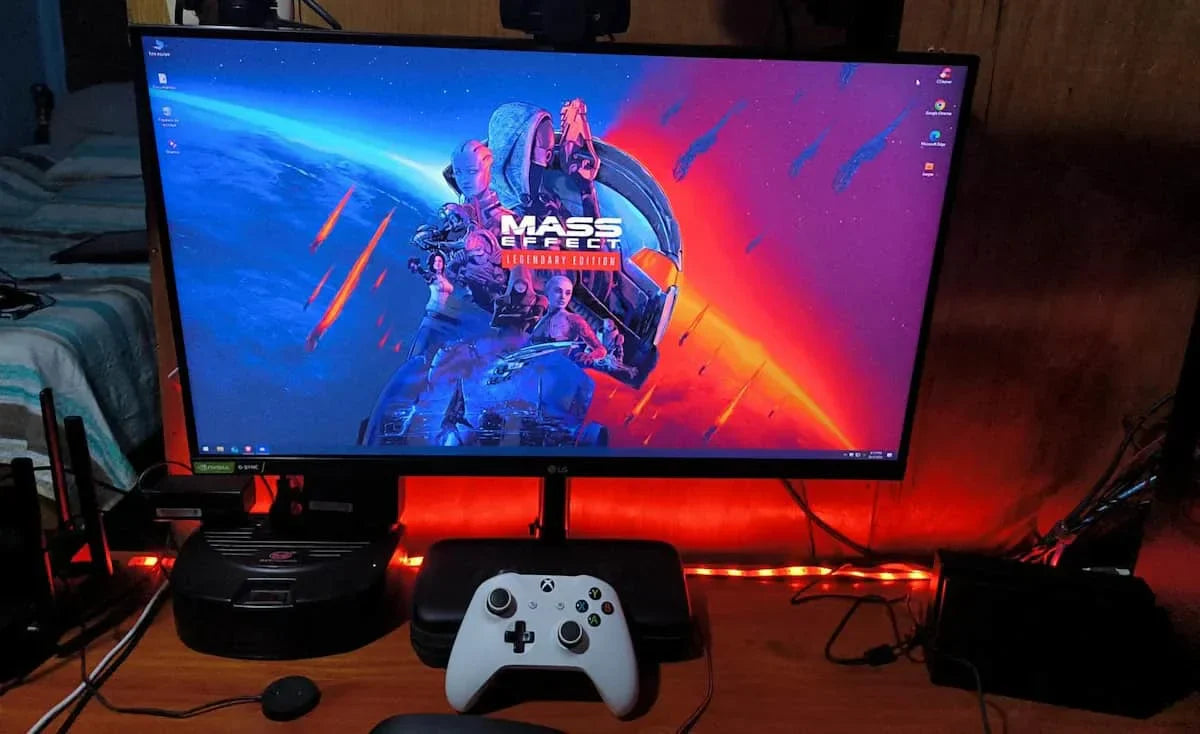
To test an IPS panel, try viewing from 178-degree angles (side/top—no color washout like TN), use a Delta E <2 calibration chart (check for true blues/reds), play fast video (look for 8ms respon...
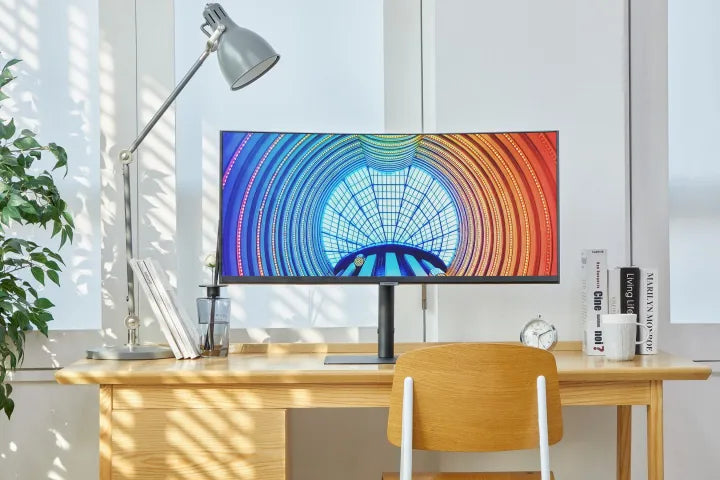
IPS Display Technology, standing for In-Plane Switching, is an LCD variant where liquid crystals pivot horizontally (unlike TN panels’ vertical alignment), delivering a wide 178-degree viewing angl...
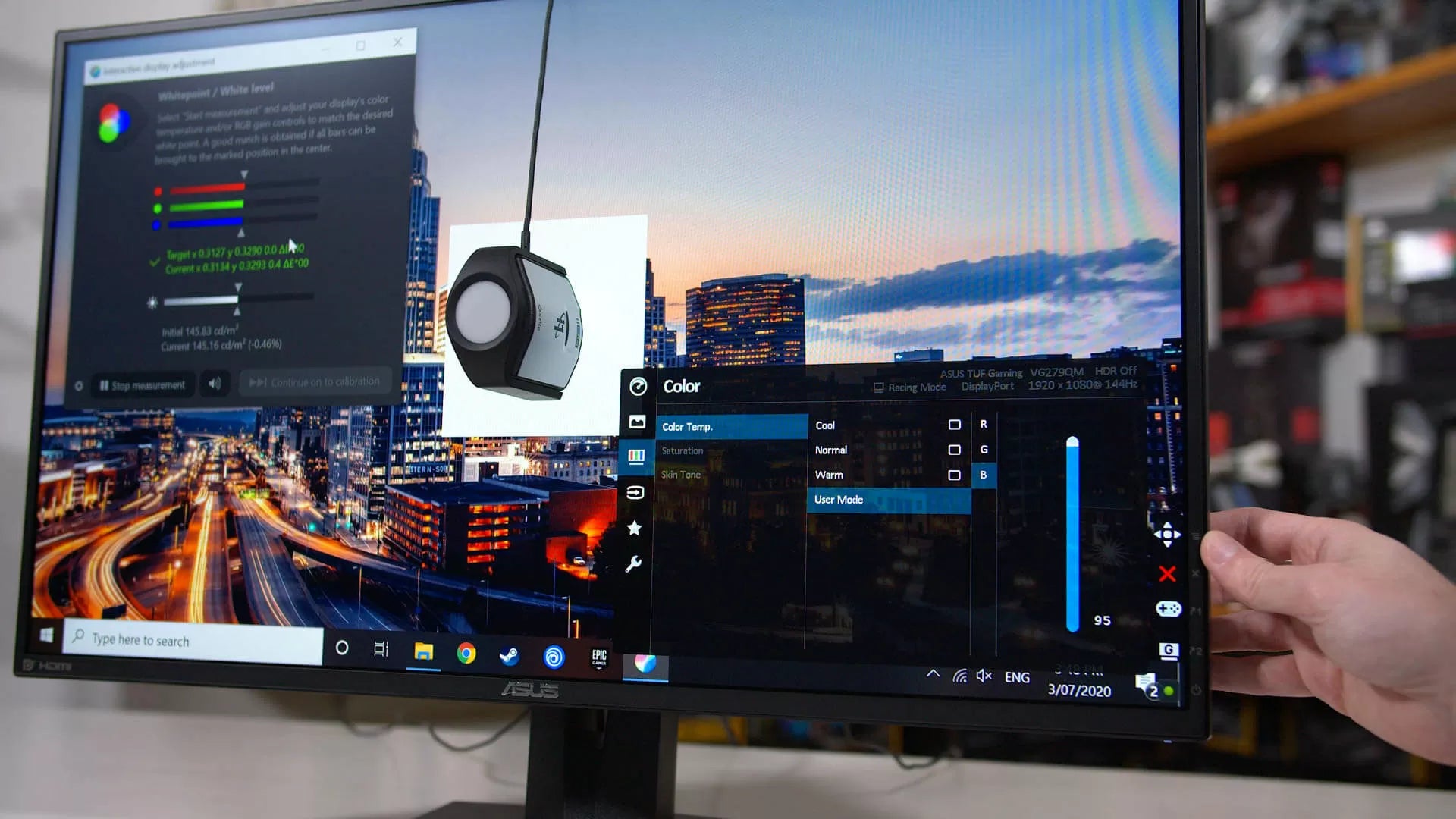
To calibrate your IPS monitor for accuracy, start with its built-in tool: set brightness to 120 cd/m², adjust contrast to 80%, then select 6500K white point and align gamma to 2.2 using on-screen g...
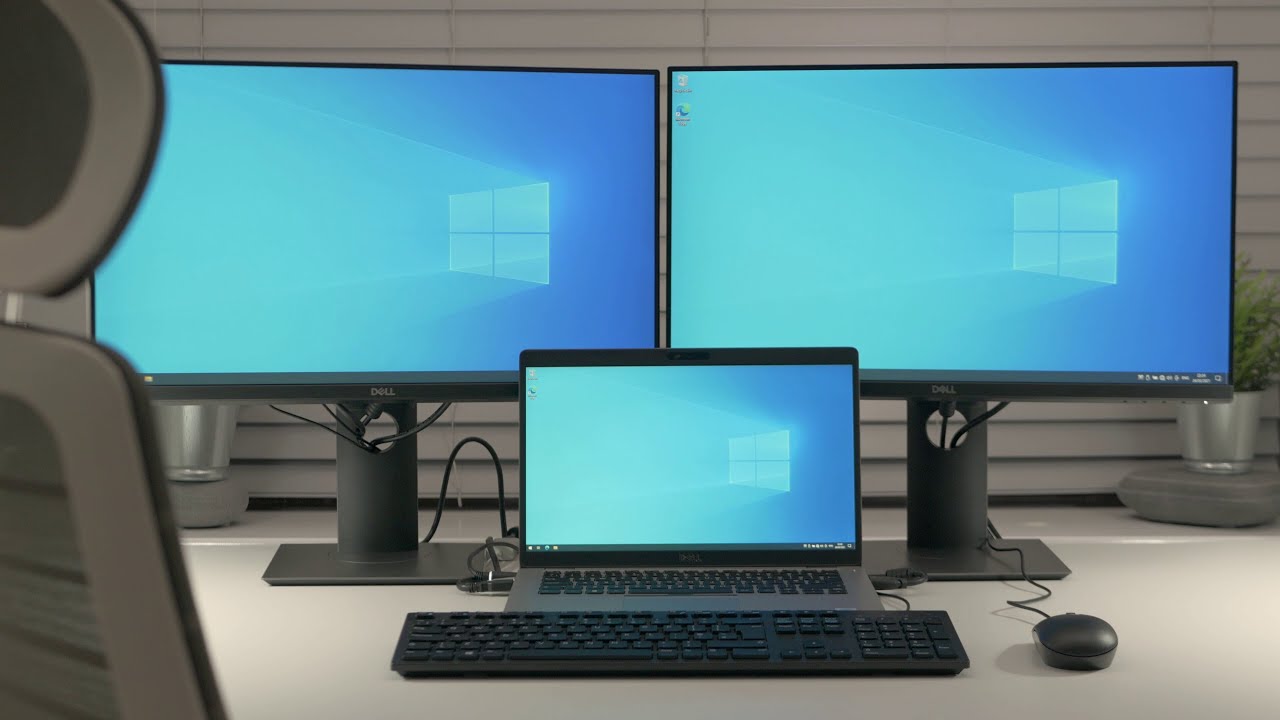
Fixing common IPS screen issues can be divided into three steps: First, check for dead pixels usingDead Pixel Test software to display red/green/blue solid colors in full screen. If there are more ...