



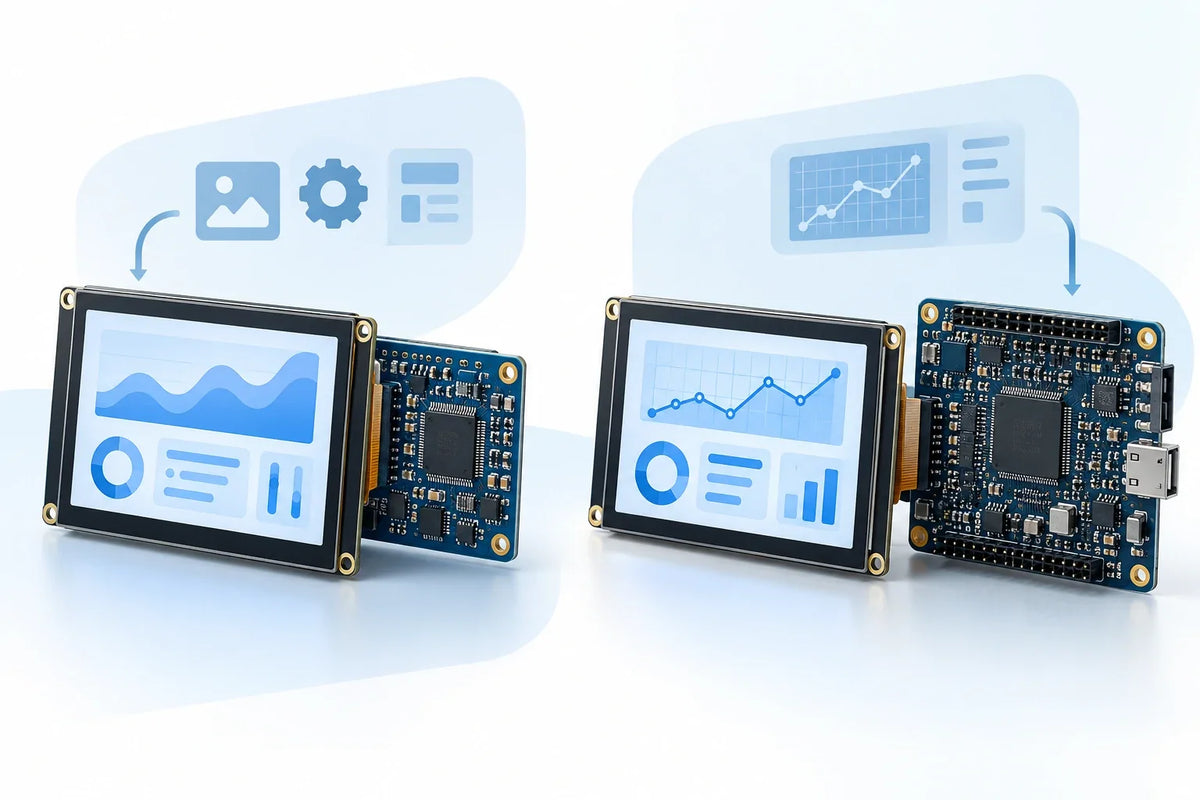
A UART smart display usually simplifies embedded GUI development more than a host-driven SPI display. If its editor supports your controls, your team can build pages and exchange commands without writing pixel-rendering or display-refresh code for the MCU. SPI is often the easier route when you already have working drivers and a GUI framework, or when the UART editor cannot support your interface.
This comparison covers UART displays with onboard GUI processing and SPI modules rendered by the host MCU. Some SPI products also have graphics engines, so check the module’s capabilities before choosing by interface alone.
Which Fits Your Project?
- Choose a UART smart display when its editor covers your settings, buttons, status readings, and charts, and your priority is reducing host-side graphics work.
- Choose a host-driven SPI display when you need custom drawing, runtime-generated controls, or direct ownership of the UI code—and have enough MCU resources to run it.
- Reconsider both options when the requirement is high-resolution, full-screen animation. Calculate pixel bandwidth first; a faster MCU cannot overcome a slow display link.
Development Work
| Task | UART smart display | Host-driven SPI display |
|---|---|---|
| Build pages | Configure controls, fonts, images, and events in the editor | Create layouts and controls through a GUI framework |
| Refresh content | Send variable updates and page commands | Render changed regions and transfer pixels |
| Handle touch | Parse events returned by the display | Integrate the touch driver and input events |
| Maintain releases | Keep display projects, MCU firmware, and protocol versions compatible | Track UI code, drivers, assets, and framework versions |
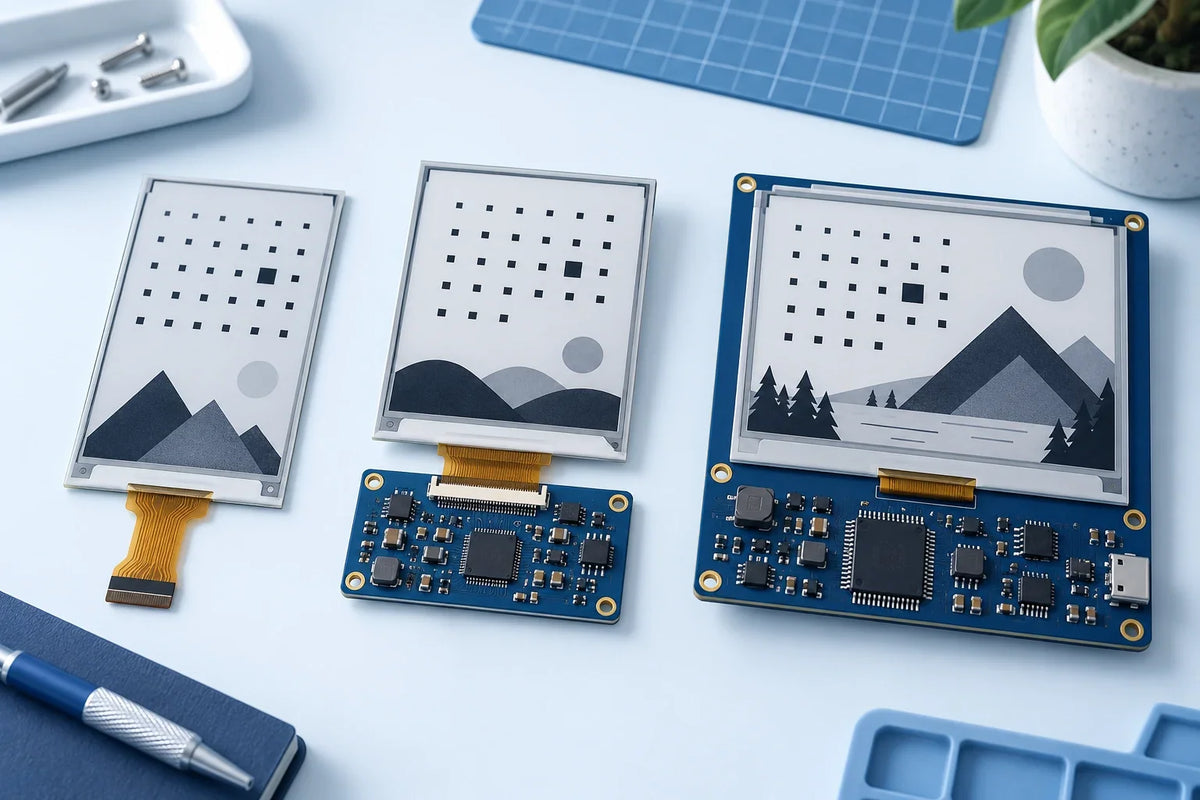
Driver support needs to match the controller, not just the screen size. A working example for another 2.8-inch panel may use different initialization commands or touch hardware.
The DM-TFT28-116 2.8-inch module, for example, pairs an ILI9341 display controller with an FT6206 capacitive-touch controller. Its touch interface needs I²C initialization alongside the SPI display setup.


UART Bandwidth for Value Updates
At 115,200 bit/s with 8N1 framing, each data byte takes 10 transmitted bits: one start bit, eight data bits, and one stop bit. The theoretical throughput is 11,520 bytes per second.
Assume 10 displayed values, each updated five times per second, with a complete command length of 20 bytes:
- One command takes 1.74 ms to transmit.
- The MCU sends 1,000 bytes per second.
- The updates use 8.7% of the sending direction’s theoretical capacity.
The display must still process 50 commands each second. Additional protocol traffic, command queues, and drawing time can delay updates even when the link has spare capacity.
Host software can add delays too. Zephyr’s polling UART output blocks the calling thread; its interrupt-driven and asynchronous APIs allow communication to run alongside other tasks.[1]
SPI Bandwidth for Pixel Updates
RGB565 uses 16 bits, or two bytes, per pixel.[2] A 320 × 240 frame therefore contains 153,600 bytes.
| Connection | Theoretical time per frame |
|---|---|
| UART, 115,200 bit/s, 8N1 | 13.3 seconds |
| Single-data-line SPI, 20 MHz | 61.4 ms |
| Single-data-line SPI, 40 MHz | 30.7 ms |
The UART row shows the cost of sending raw pixels. A smart display normally receives short commands and draws from locally stored assets.
At 30 full-screen updates per second, this frame requires 36.864 Mbit/s—92.2% of a 40 MHz SPI link’s theoretical capacity. Commands and transfer gaps must fit into the remaining 7.8%.
A 100 × 40-pixel update contains only 8,000 bytes, with a theoretical transfer time of 1.6 ms at 40 MHz. This benefit depends on the driver updating only that region.
These calculations assume uncompressed RGB565 transfers at two bytes per pixel. Confirm the controller’s actual serial pixel format: a three-byte-per-pixel transfer would increase the payload by 50%. Rendering time, panel timing, and bus overhead are not included.
Both the MCU and display must support the selected SPI clock and mode. Clock polarity, clock phase, and device-specific speed limits require separate checks.[3]

At 800 × 480, RGB565, and 30 full-screen updates per second, pixels alone need 184.32 Mbit/s, beyond a 40 MHz single-data-line SPI link.
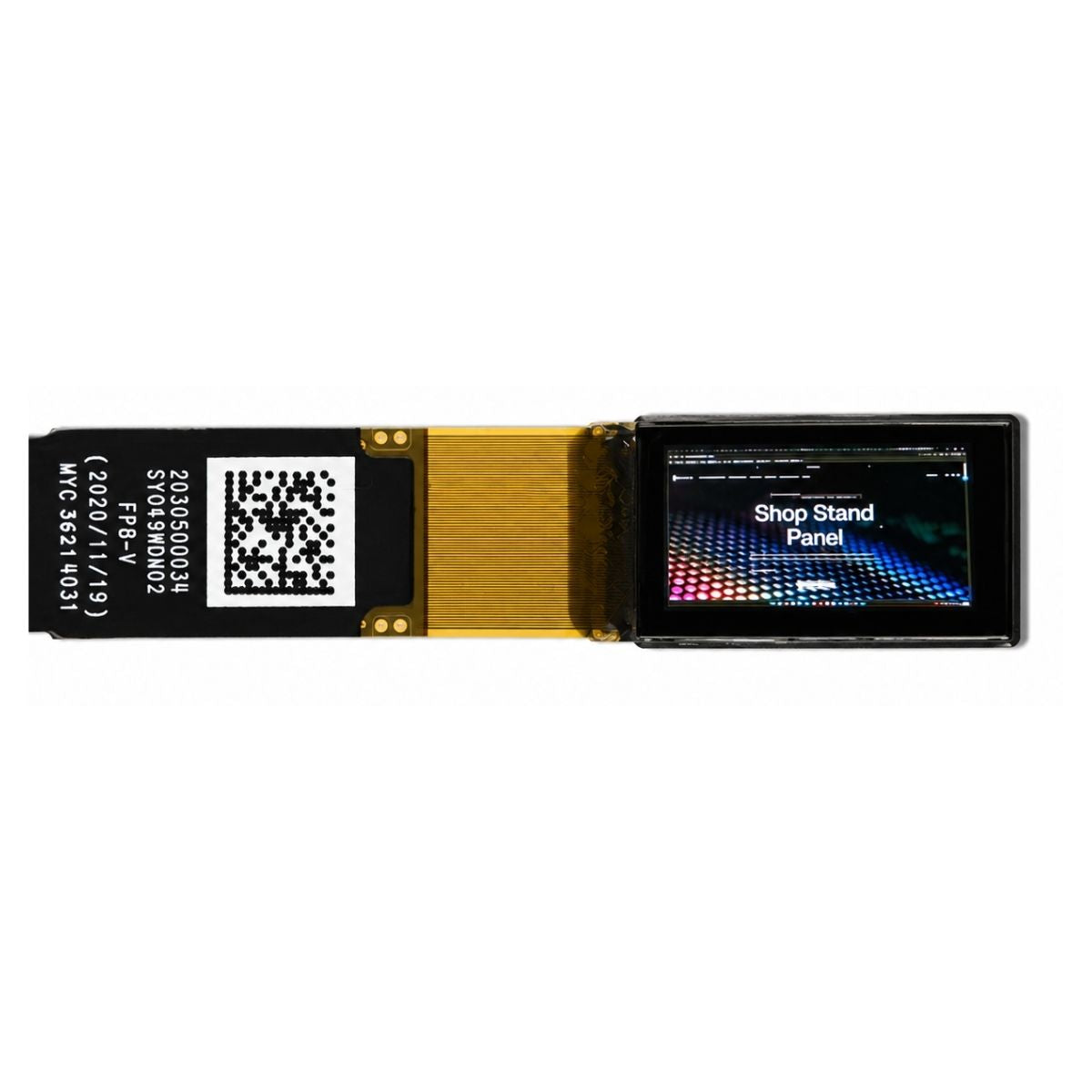
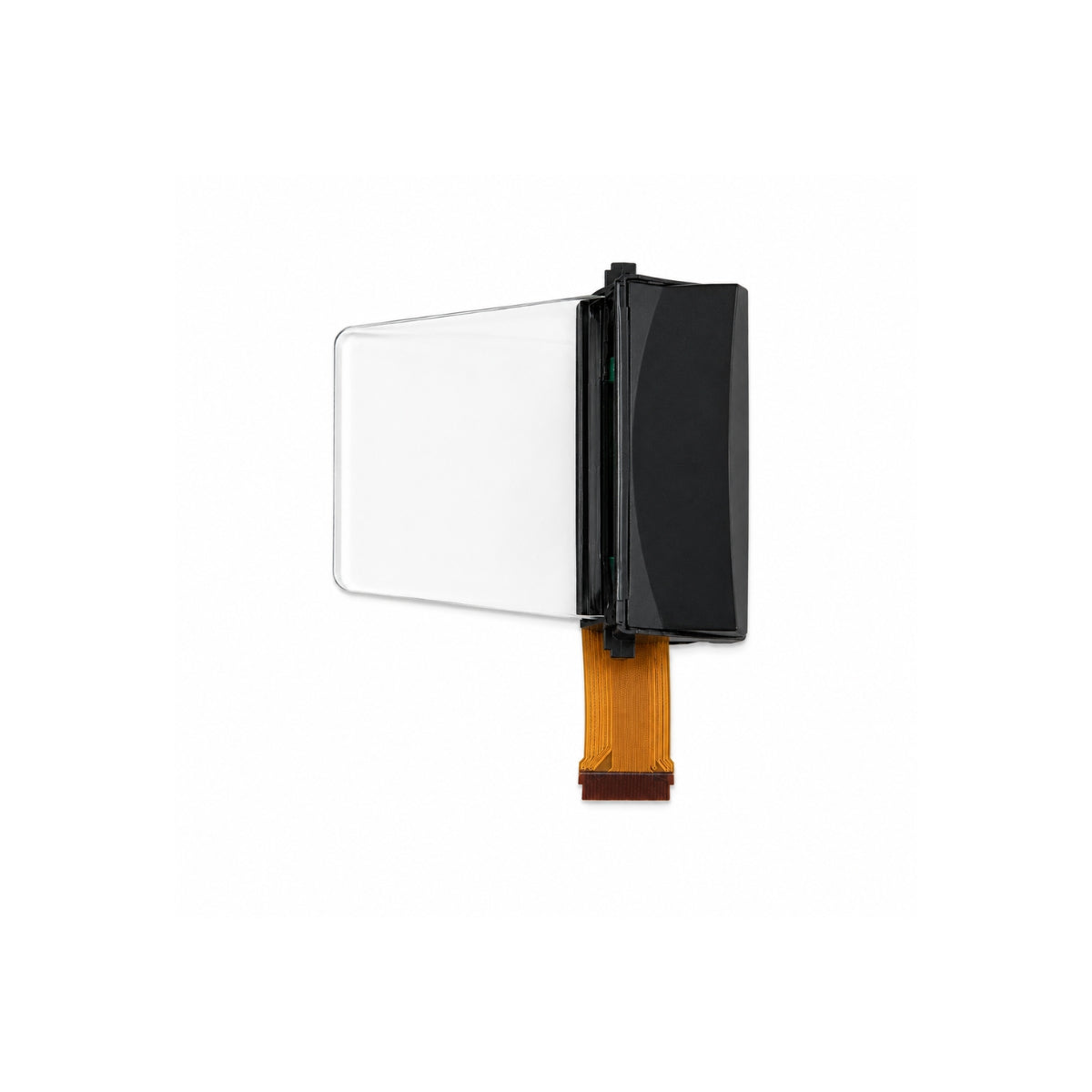
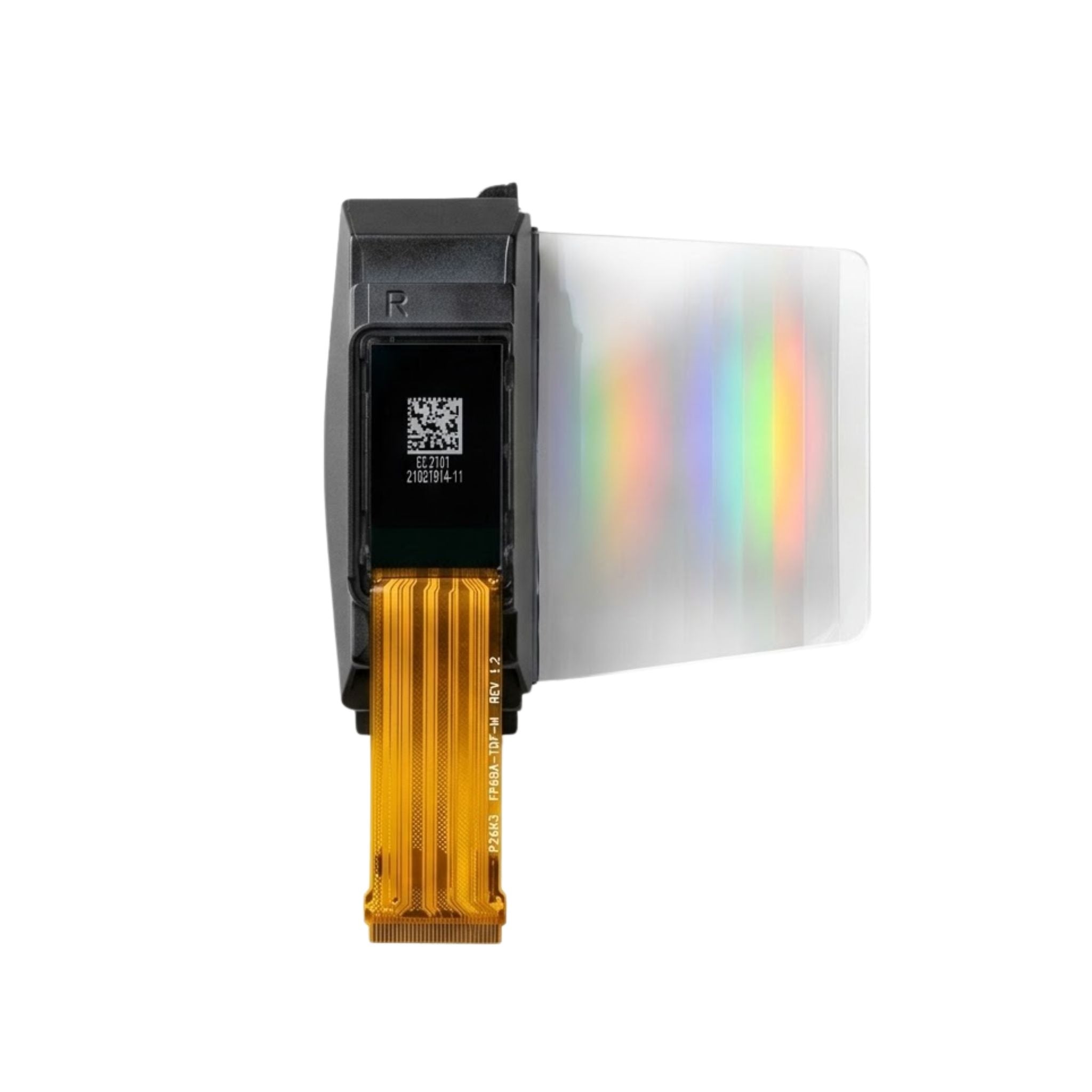
The pictured DM-TFT70-320 uses an RGB interface. It requires a different host connection and timing setup; the SPI figures are not performance claims for this panel.
Drawing Memory
| Buffer | One buffer | Two buffers |
|---|---|---|
| 320 × 240 full frame | 150 KiB | 300 KiB |
| 480 × 320 full frame | 300 KiB | 600 KiB |
| 800 × 480 full frame | 750 KiB | 1,500 KiB |
| 320 pixels × 20 rows | 12.5 KiB | 25 KiB |
One KiB equals 1,024 bytes. These figures cover tightly packed RGB565 pixels only; widgets, task stacks, communication buffers, and any alignment padding need additional RAM.
A display controller with pixel memory and region-write support lets the MCU draw in smaller batches. A second drawing buffer is optional and can allow rendering and asynchronous transfers to overlap. Smaller buffers reduce RAM use, but a complete 320 × 240 update still transfers 153,600 bytes under the stated pixel-format assumption.
Checks Before Committing
- Electrical compatibility: Check supply voltage and signal voltage separately. A module powered from 5 V does not automatically accept 5 V on every input.
- UART connection: Confirm whether the module expects logic-level UART, RS-232, or RS-485. These require different electrical connections.
- Editor coverage: Test decimal and negative inputs, value limits, required fonts, alarm-history paging, and dynamic list changes.
- SPI support: Confirm drivers for the exact display and touch controllers, the pixel transfer format, and the usable SPI clock.
- Recovery: Restart the MCU and screen separately. Check state synchronization, stale-data indication, and whether old touch events trigger unintended actions.
Compare prototypes under the same workload. For example, run the earlier 50 updates per second while sampling sensors, handling communication, and accepting touch input. Repeat an operation 100 times and record the median, 95th-percentile, and maximum response delays, plus missed control deadlines.
Save the MCU and display models, firmware versions, interface settings, buffer sizes, and timing method with the results. A GPIO signal and a camera or light sensor can help distinguish software timing from the moment the screen visibly changes. The 100-operation sample is a comparison method, not a reliability qualification.
For medical controls, FDA guidance calls for assessing use-related risks for the intended users, tasks, and environments.[4] Include whether the interface distinguishes “command sent” from “action completed,” particularly during communication failures.
Development Cost Versus Unit Cost
Suppose a UART design adds CNY 40 to each unit’s hardware cost but saves CNY 20,000 in development:
| Volume | Difference across those two costs |
|---|---|
| 100 units | UART costs CNY 16,000 less |
| 500 units | The differences cancel out |
| 1,000 units | UART costs CNY 20,000 more |
These are budget assumptions, not market prices. Compare TFT display modules with matching size, resolution, brightness, and touch requirements. Add the MCU, memory, licensing, production testing, and maintenance to the project estimate.
Calculation basis: frame payload = width × height × bytes per pixel; UART payload rate = bit rate ÷ 10 for 8N1; single-data-line SPI payload rate = clock frequency ÷ 8 before overhead. Figures are calculated examples, not measured performance of the pictured products.
댓글 남기기
이 사이트는 hCaptcha에 의해 보호되며, hCaptcha의 개인 정보 보호 정책 과 서비스 약관 이 적용됩니다.