

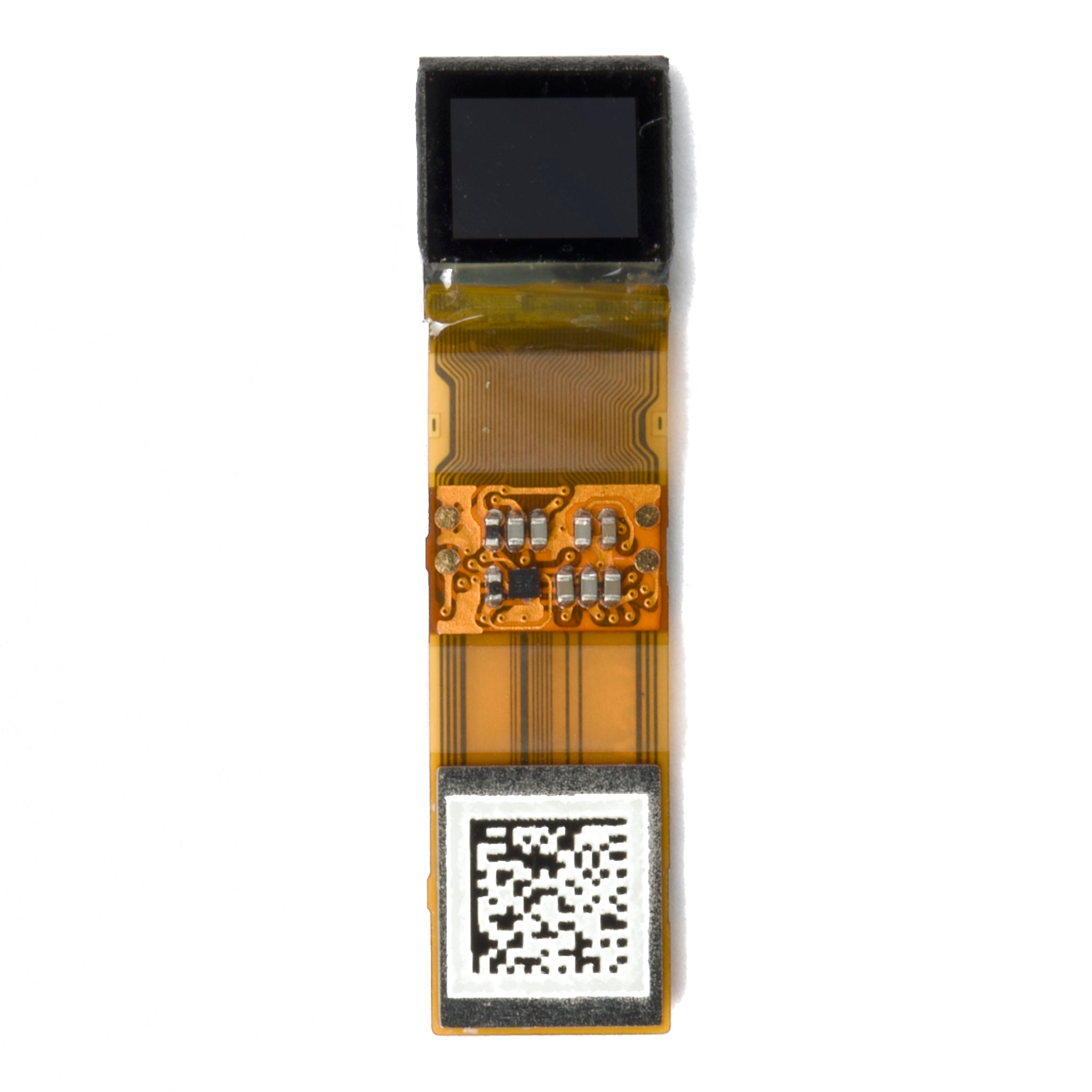
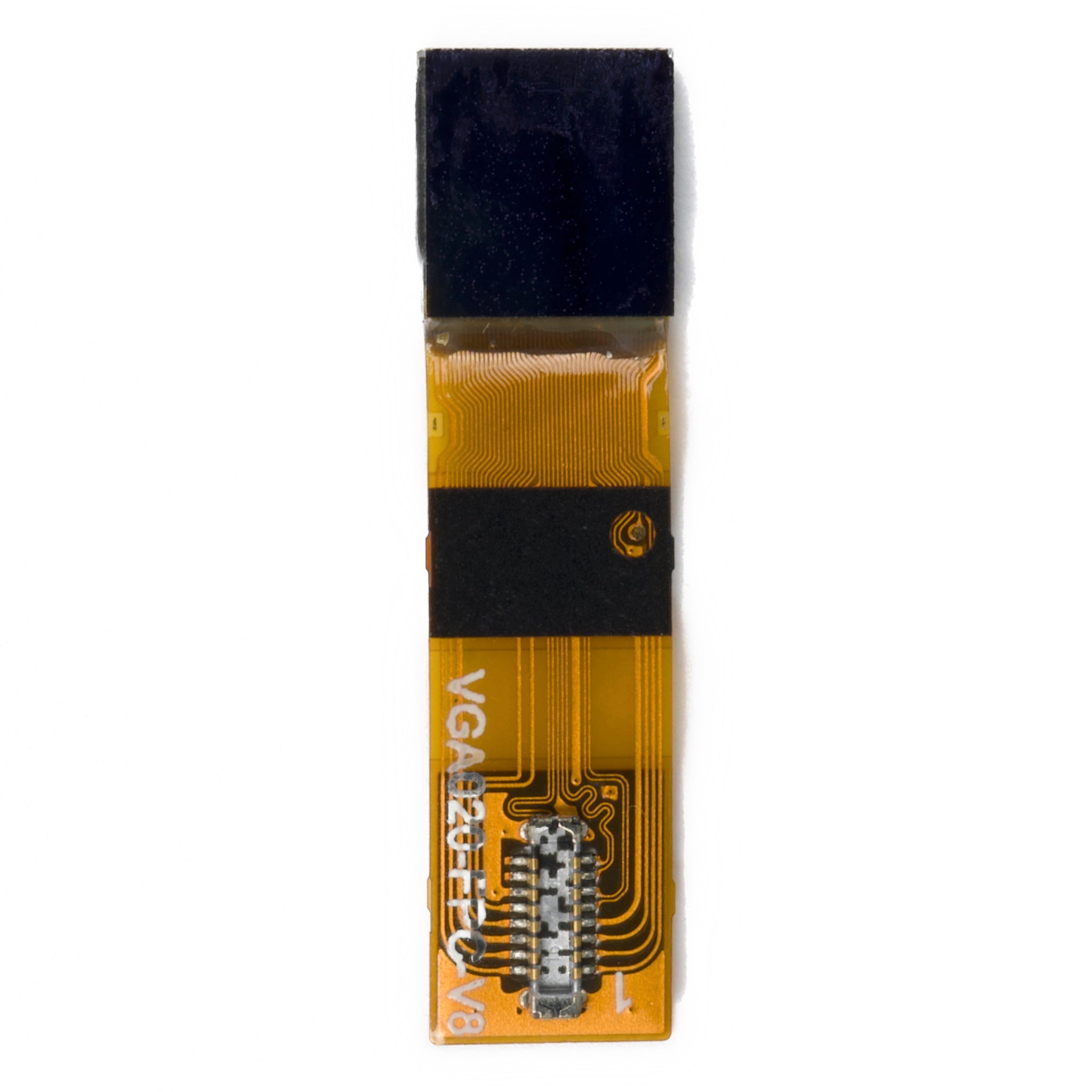
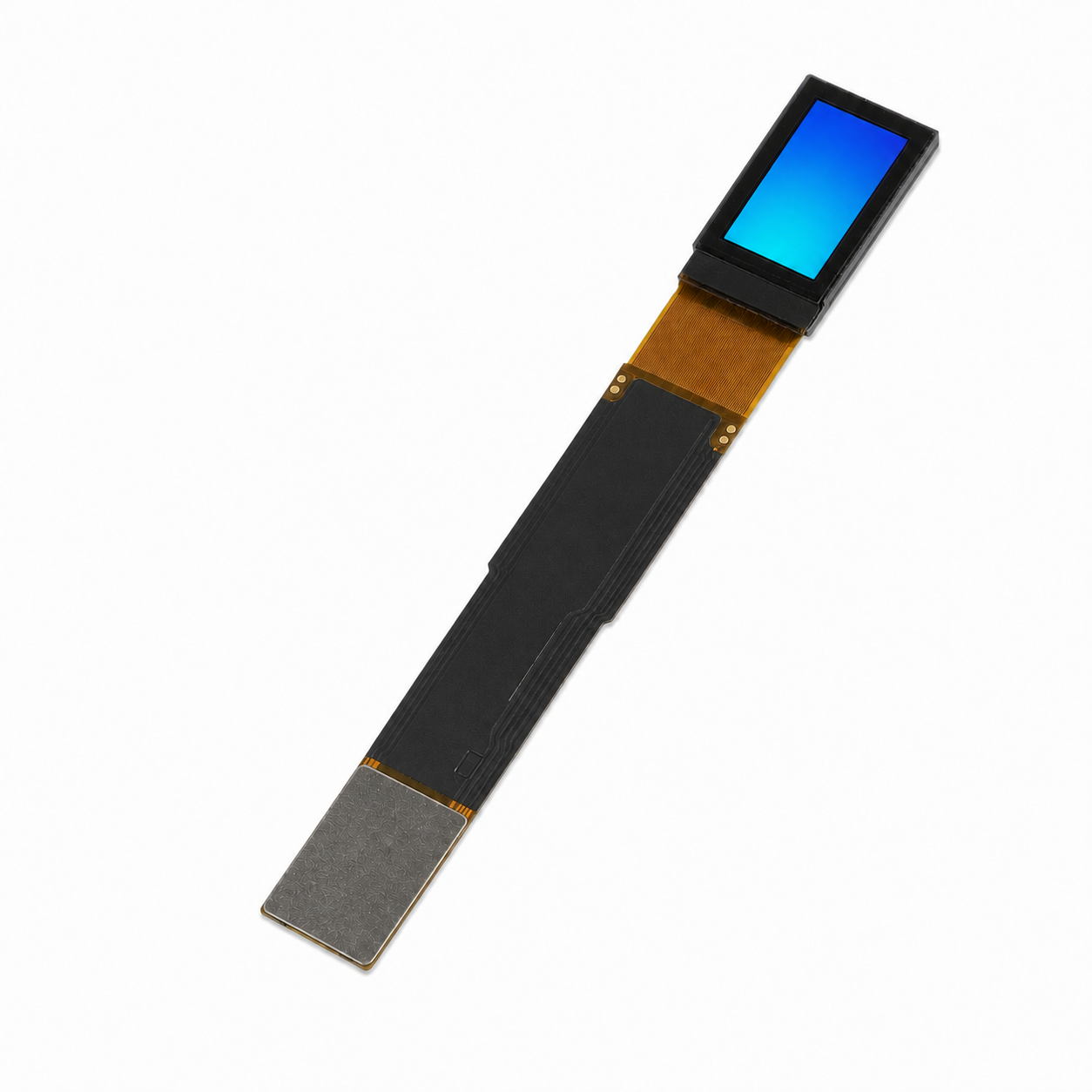
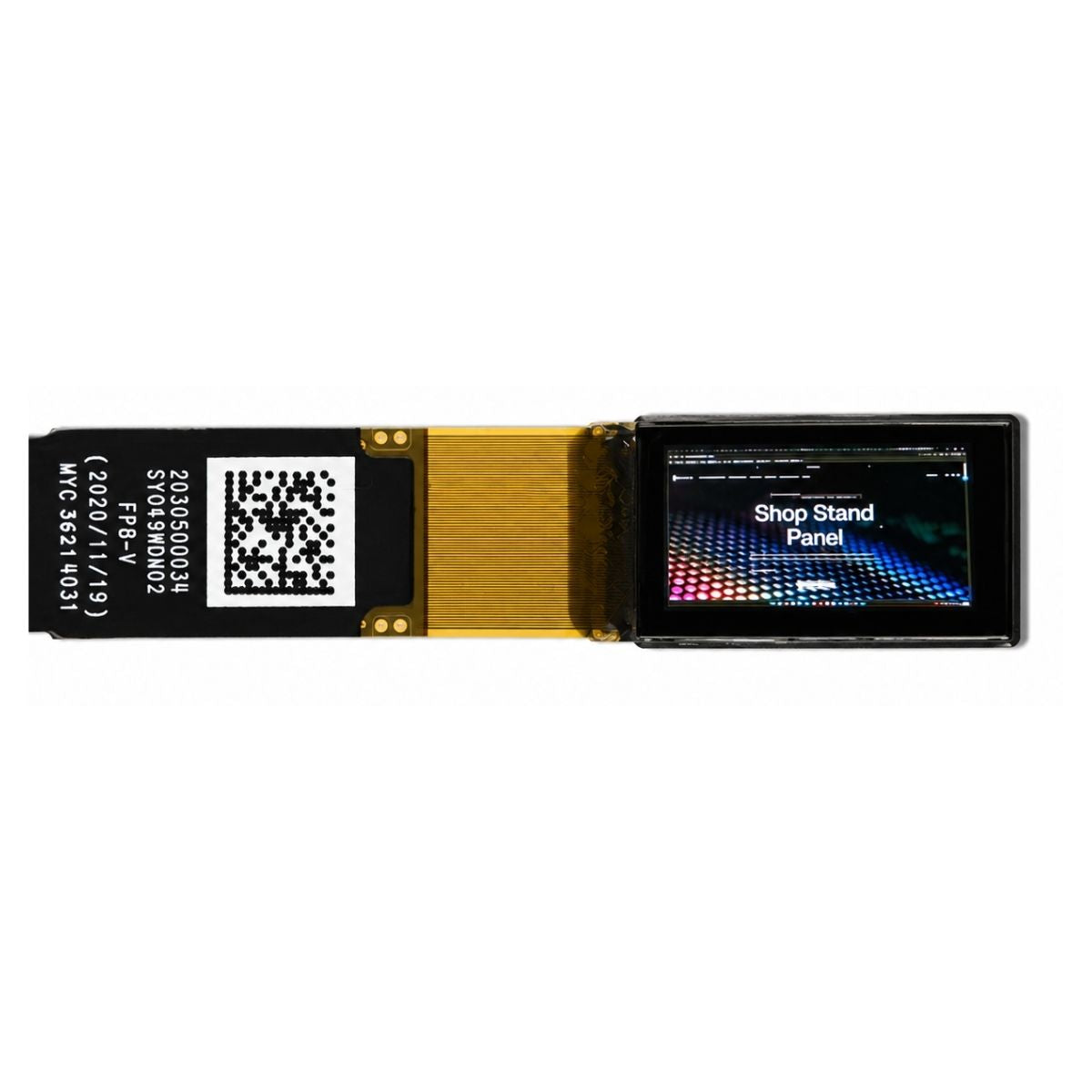
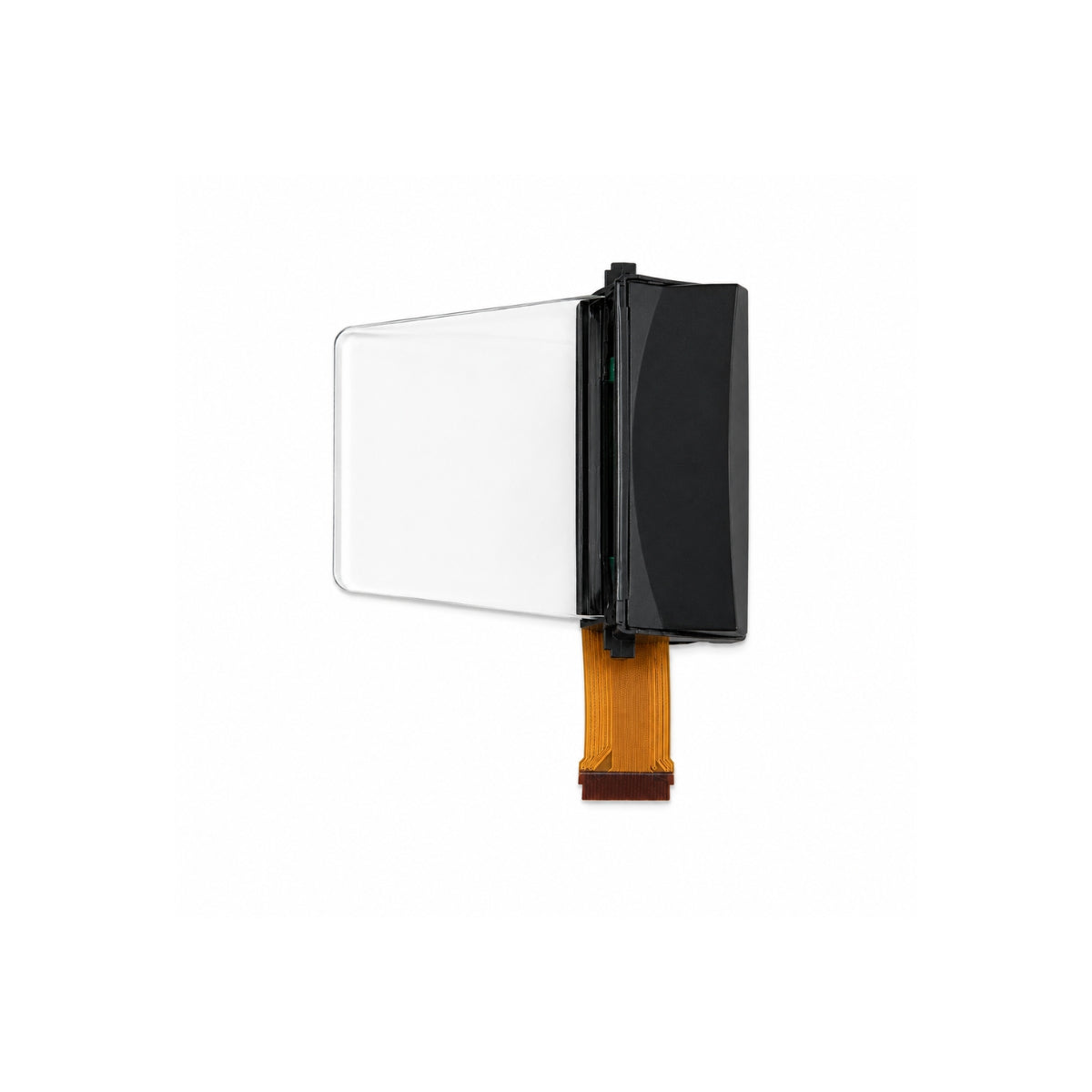
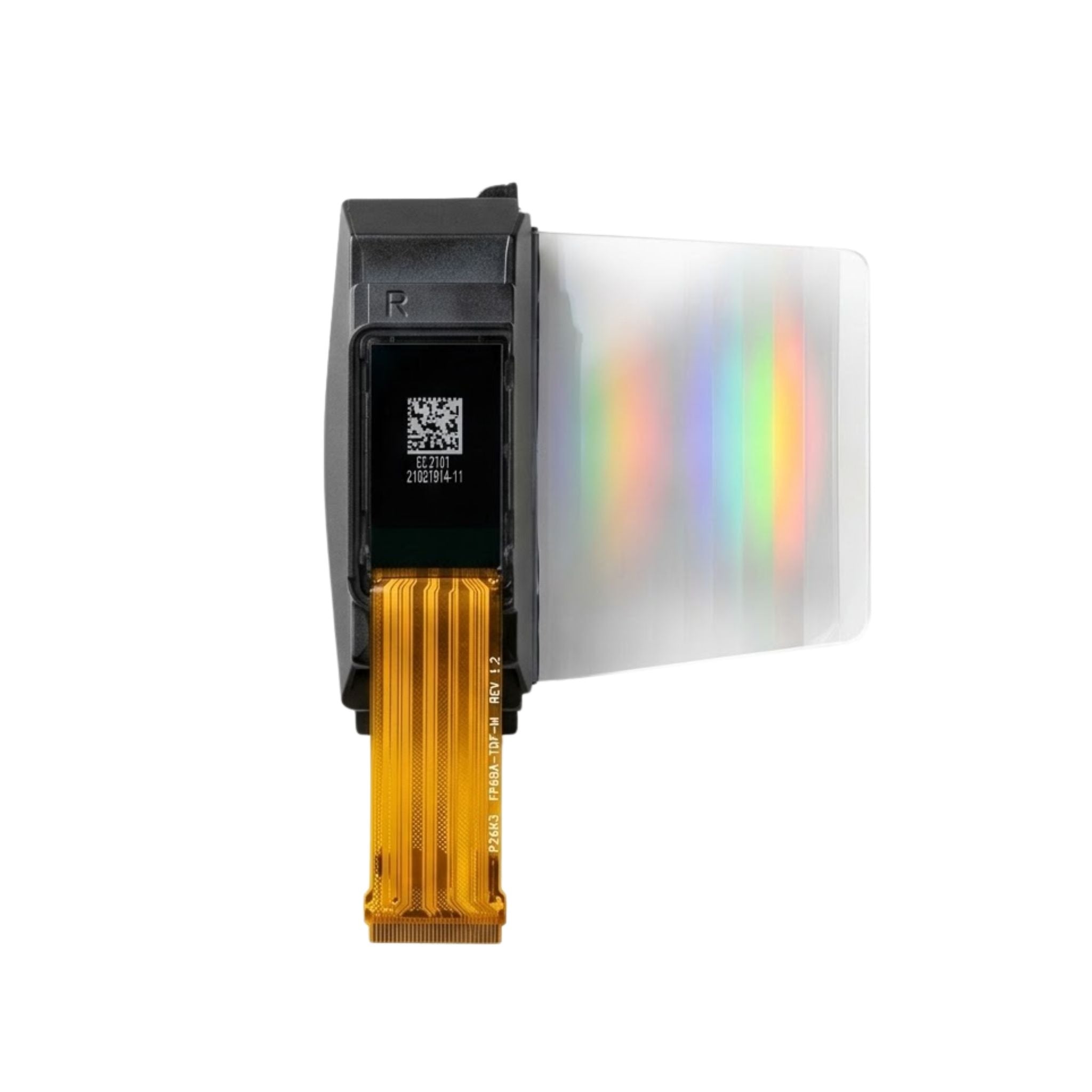


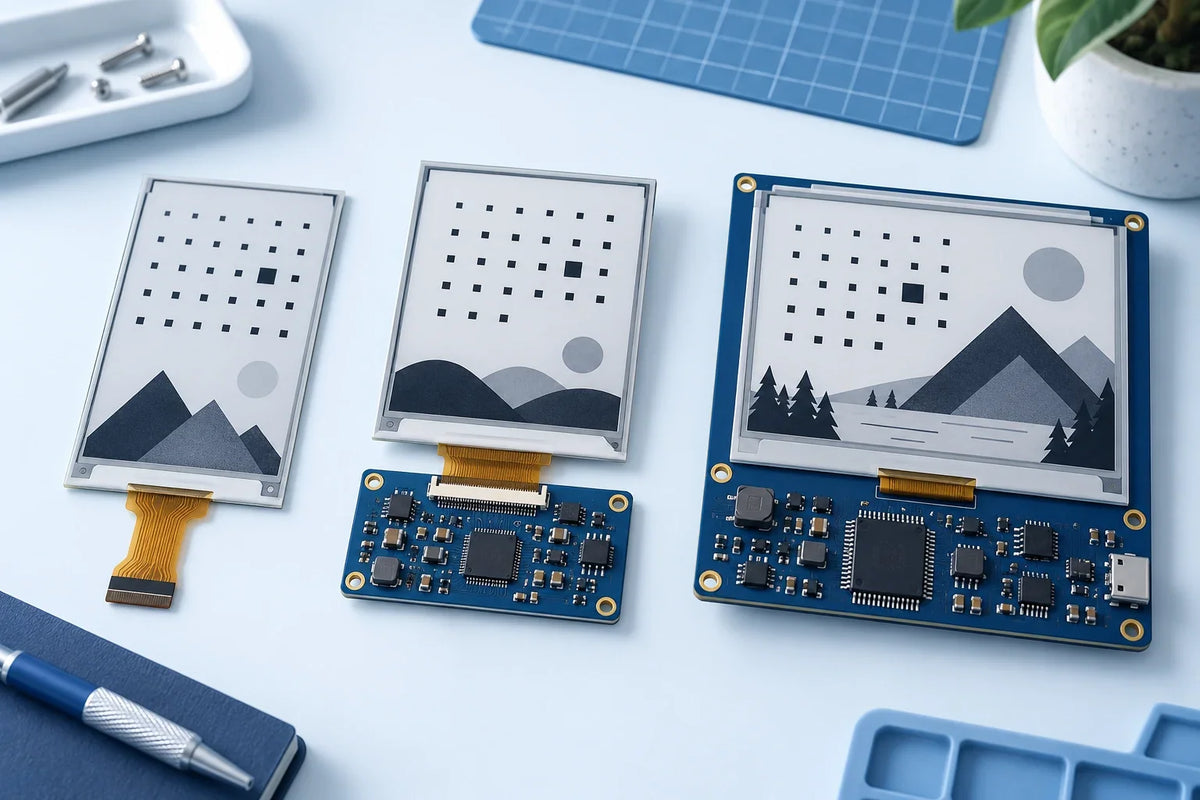
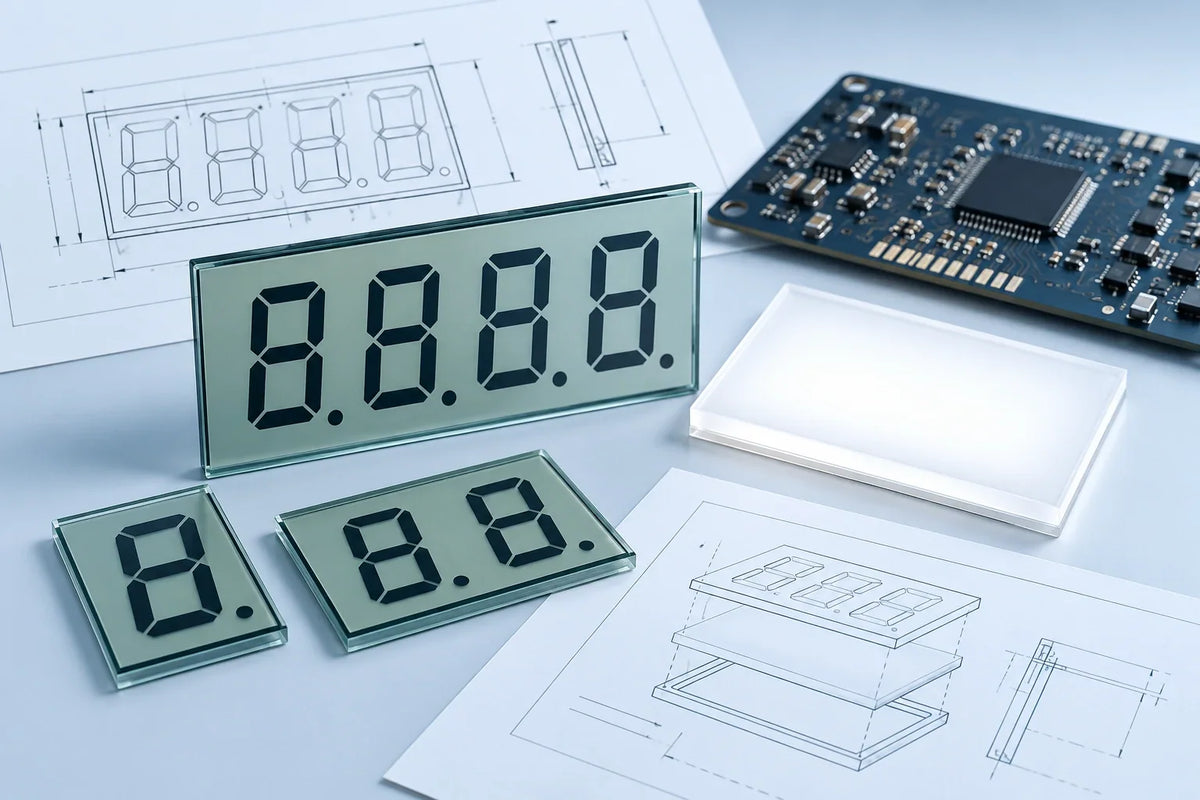
Compare panels by readable text size, color, refresh performance, and operating conditions. Compare driver boards by exact panel support, electrical compatibility, and host requirements. Compare development kits by the hardware included and the tasks their sample software can complete.
Price the complete working setup, not just the screen. A bare panel and a development kit may use the same display but require different purchases, programming work, and testing.
About this guide: This is a selection guide based on product documentation, published research, and calculations under stated assumptions. It is not a hands-on ranking of the pictured products.
Compare the Same Hardware Scope
| Package | What to Compare | Possible Missing Parts |
|---|---|---|
| Bare panel | Resolution, color, refresh modes, mechanical drawing, electrical specifications | Driver circuitry, host controller, power supply, cables |
| Panel and driver board | Supported panel revision, supply voltage, logic levels, host interface, driver code | Host controller, power supply, programming cable |
| Development kit | Packing list, supported host, working examples, firmware access, documentation | Host computer or MCU board, storage card, power supply |
Check the packing list for each e-paper display module. A Raspberry Pi HAT does not necessarily include a Raspberry Pi. A panel with an integrated driver IC may still need external power components and a host controller.
Interface labels can be misleading. “MCU interface” may describe a bus intended for an external microcontroller, not an onboard MCU. “FPC” describes a flexible connection, not the communication protocol. A USB connector may provide only power or firmware download.
Panel Size and Resolution
Use the active display dimensions to plan the layout and the panel outline to design the enclosure. Allow space for the driver board, ribbon cable, and connector latch. A 7.5-inch diagonal is about 190.5 mm, but it does not specify the screen’s width or height.
| Resolution | Pixel Density | 24-Pixel Cell Height | Single 1-Bit Frame |
|---|---|---|---|
| 800 × 480 | About 124 PPI | About 4.9 mm | 48,000 bytes |
| 1600 × 960 | About 249 PPI | About 2.4 mm | 192,000 bytes |
Doubling both pixel dimensions quadruples the frame data. It also halves the physical height of a 24-pixel character cell. Increase the font size to preserve the reading size; the visible glyph may occupy less than the full cell.
For smaller labels, a 200 × 200 panel fits 12 columns by 12 rows of 16 × 16-pixel cells. A 128 × 296 panel fits 8 columns by 18 rows in portrait orientation. These counts exclude margins and line spacing.


The product photographs are not shown at a common physical scale.
Color and Refresh Performance
Test the content you will actually display. Use prices and QR codes for labels, a complete schedule for room signs, and product photographs for color displays. Keep lighting, camera exposure, and viewing distance consistent across samples.
On black-white-red panels, include a transition from red content to a white background. Research documents residual red particles affecting subsequent images, with ghosting dependent on the driving waveform.[1]
| Mode | Ask the Supplier For |
|---|---|
| Full refresh | Update time, flashing behavior, final image quality |
| Partial refresh | Supported regions and colors, ghosting limits, required full-refresh schedule |
| Fast refresh | Update time, grayscale or contrast trade-offs, temperature restrictions |
Get the hardware revision, firmware version, and test temperature behind each figure. Waveform changes can affect response time, ghosting, and flicker together, so compare the finished image as well as the timing.[2]
Specify your update schedule separately. Every 5 minutes means 288 updates per day; every minute means 1,440; every second means 86,400. These are workload calculations, not recommended rates. Ask whether the panel supports that workload continuously.
For connected displays, measure the complete update. A 2-second download, 1 second of processing and transfer, and a 3-second panel refresh produce a 6-second wait.
Driver Board Compatibility
- Panel: Find the complete part number and revision in the supported list. Matching size and resolution is not enough.
- Connector: Compare pin count, pitch, contact orientation, and pin assignments with the panel drawing.
- Electrical levels: Check supply voltage and GPIO limits separately. A 5V-powered board may require 3.3V signals.
- Software: Confirm the initialization sequence, BUSY polarity, refresh settings, and sleep/wake procedure for the board revision.

Host Memory
If the host stores both old and new 800 × 480 images at one bit per pixel, the buffers take 96,000 bytes, about 93.8 KiB. One KiB equals 1,024 bytes.[3] These figures exclude alignment overhead, networking, and program memory.
Not every design needs both frames in host RAM. Some controllers store image data on the display board; some libraries draw in blocks. An 800 × 40-pixel monochrome block takes 4,000 bytes, but the library and controller must support that workflow.
For Chinese text, 3,000 uncompressed 24 × 24-pixel, one-bit glyphs need 216,000 bytes before indexing. A font can remain in flash or external storage rather than occupying RAM in full. Fixed menus can use only the required characters.
Development Kit Software
Check the sample project’s host model, OS or SDK version, dependencies, and panel revision. Then confirm that it covers the tasks your prototype needs:
- Load your own bitmap at the panel’s native resolution.
- Render your required characters and font sizes.
- Run the intended refresh mode and update interval.
- Wake from sleep and recover from an interrupted update.
A preloaded demo does not verify these functions. For a product that will ship to customers, also check code and font licenses, firmware access, offline operation, and any paid or mandatory cloud service.
Power and Battery Life
Ask whether the quoted current covers the panel, the driver board, or the complete device. Measure update energy, sleep current, and peak current at the battery input, including wireless activity and image processing.
| Current | 24 Hours | 30 Days |
|---|---|---|
| 0.1mA | 2.4mAh | 72mAh |
| 1mA | 24mAh | 720mAh |
A continuous 1mA battery-side load uses the equivalent of 36% of a nominal 2000mAh capacity in 30 days. Check whether LEDs, regulators, or wireless modules remain active during sleep.
A nominal 3.7V, 2000mAh battery stores about 7.4Wh. At 0.1Wh per day measured on the battery side, the ideal runtime is 74 days. Replace nominal energy with usable energy at your temperature, discharge conditions, and cutoff voltage for a practical estimate.
Temperature and Installation
A −20°C storage rating does not establish refresh operation at −20°C. Request update times and image-quality results at the lowest and highest temperatures your device will encounter. Check whether color and partial-refresh modes have separate limits.
For outdoor use, confirm screen surface-temperature limits, UV protection, and enclosure water protection. Follow the panel drawing for support positions and cable bends. Clips, screws, and posts should not put concentrated pressure on the panel.
Sample Acceptance Checks
Set acceptance conditions before comparing samples. Use your required reading distance, longest acceptable update time, and battery budget rather than a supplier’s demonstration settings.
| Check | Record |
|---|---|
| Text and QR codes | Font size, viewing distance, lighting, scan success count, scan time |
| Repeated updates | Refresh mode, temperature, complete update time, ghosting photographs, full-refresh frequency |
| Restart, network loss, sleep and wake | Number of attempts, failures, recovery time, content after recovery |
| Power | Measurement point, energy per update, sleep current, peak current |
Keep the panel part number, board revision, and firmware version with every result. An initial test of 20 scans or 20 wake cycles can reveal faults, but it does not establish long-term reliability.
For critical status displays, include a power-loss test. The last image may remain visible after shutdown, so an “online” icon alone cannot show whether the device is still operating.
Total Cost and Supply
Include the panel, driver, host, power supply, cables, enclosure, development, testing, and maintenance. In a hypothetical comparison, saving CNY 20 per unit while adding CNY 2,000 in development breaks even at 100 units. Another CNY 3,000 in testing and rework moves the break-even point to 250 units.
For production orders, agree on panel and board revisions, hardware-change notices, replacement-part compatibility, and discontinuation arrangements. A substitute panel may need new firmware even when its size and resolution match.
댓글 남기기
이 사이트는 hCaptcha에 의해 보호되며, hCaptcha의 개인 정보 보호 정책 과 서비스 약관 이 적용됩니다.