

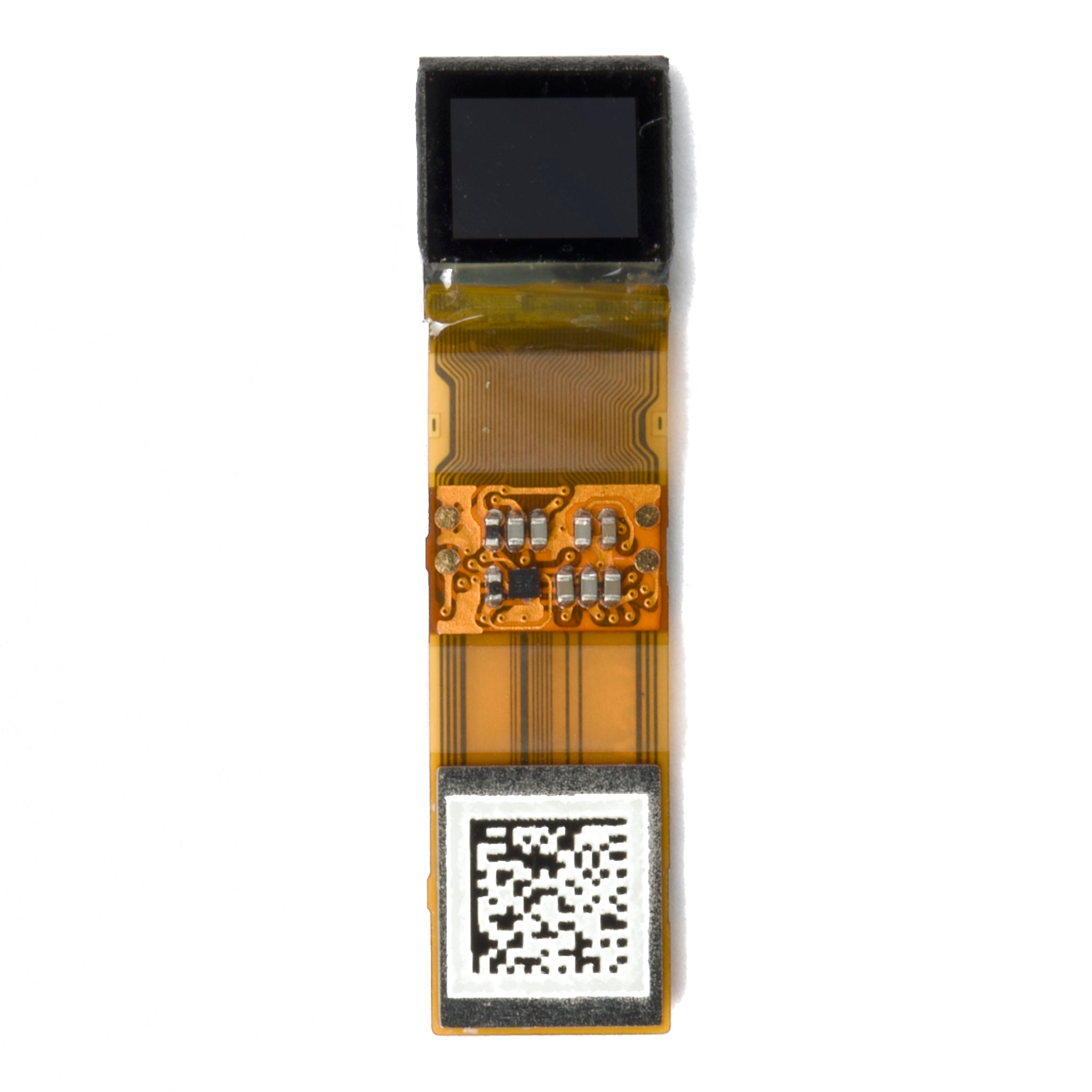
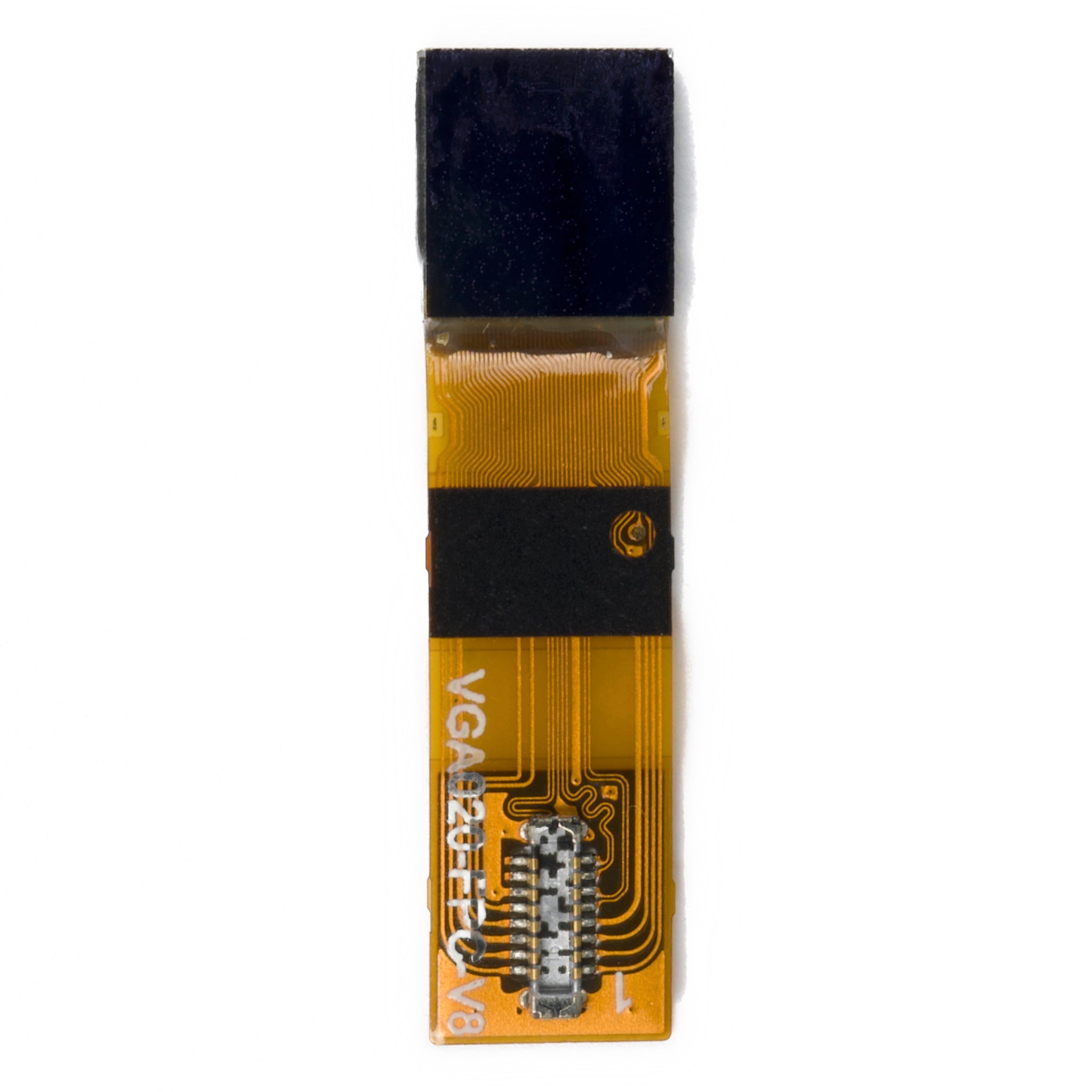
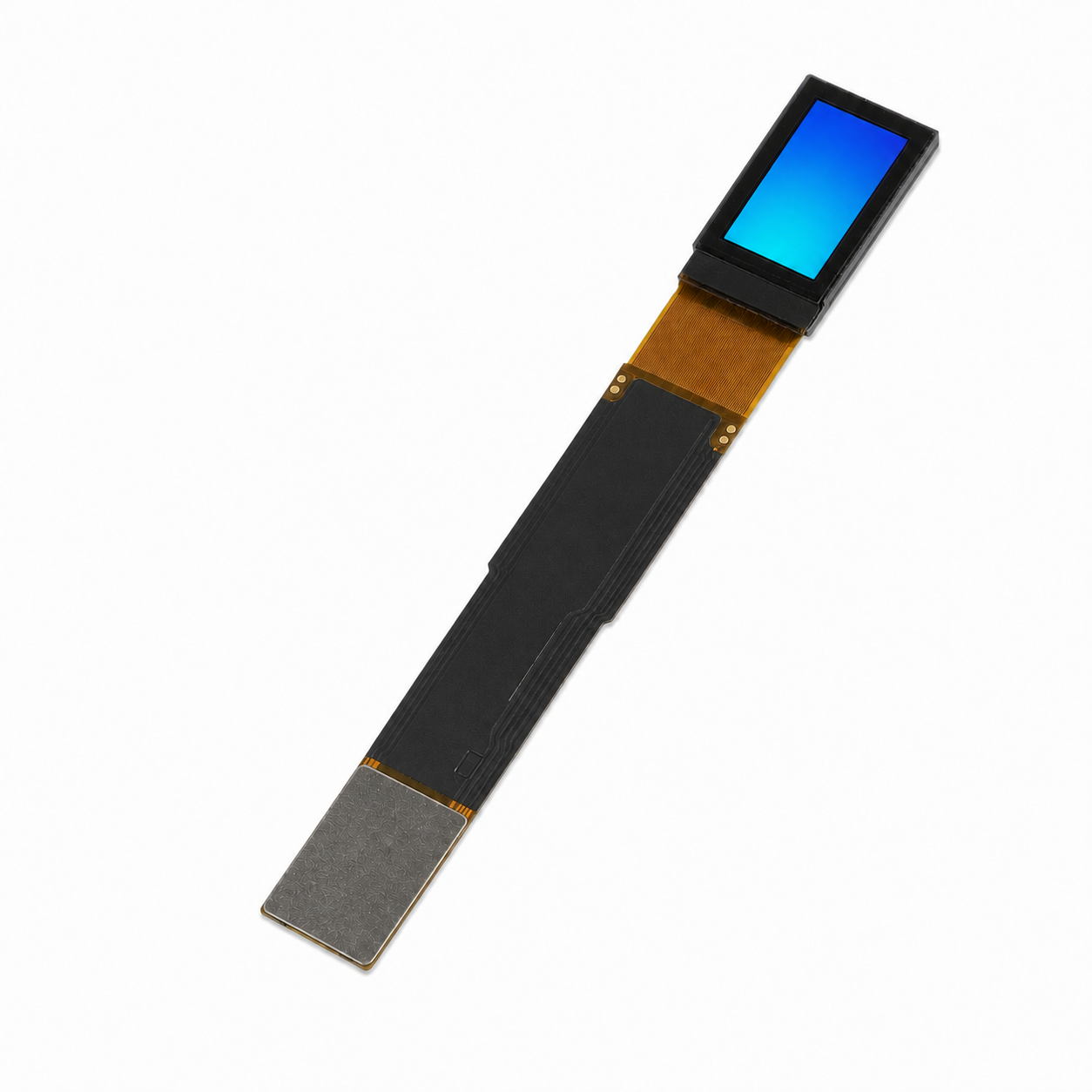
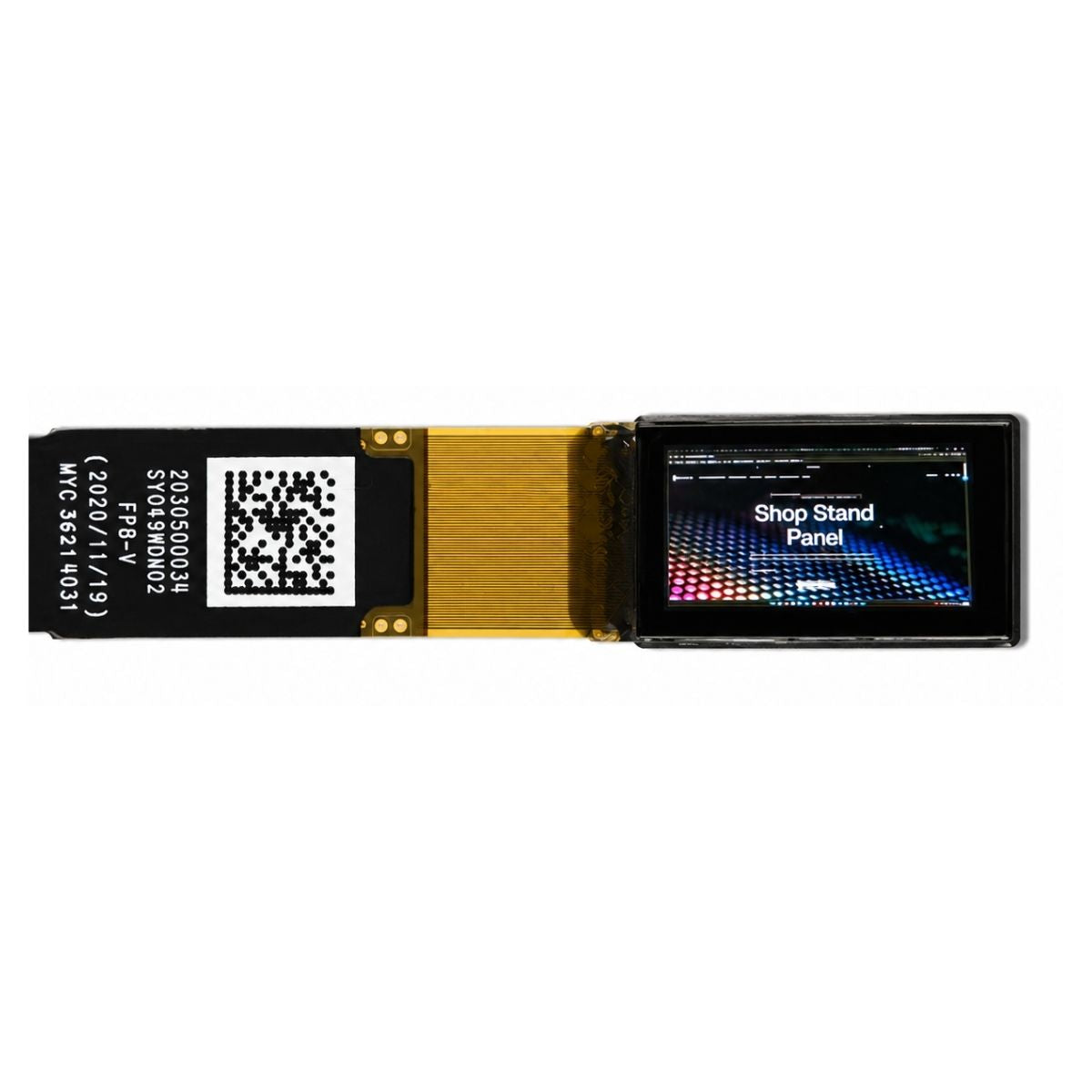
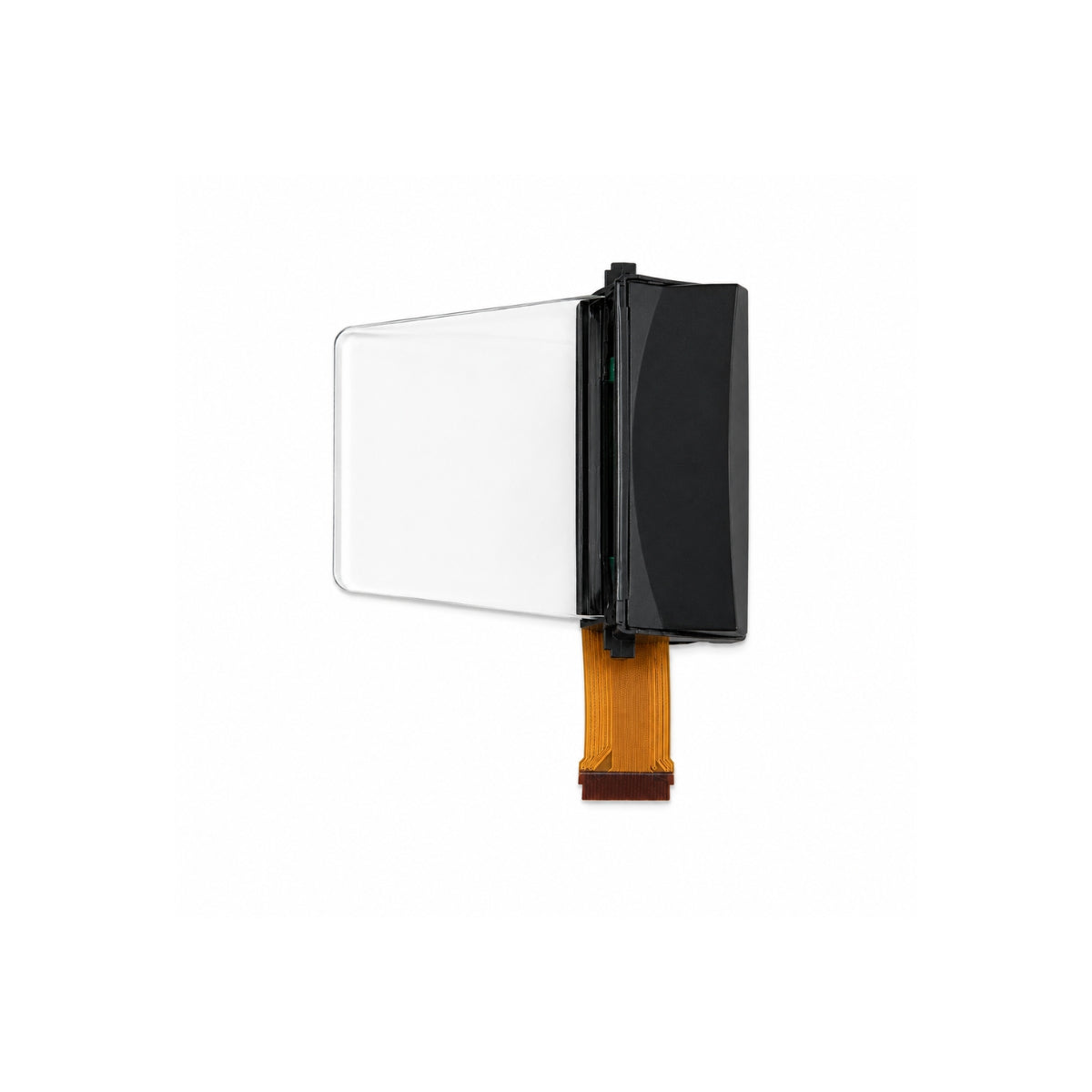
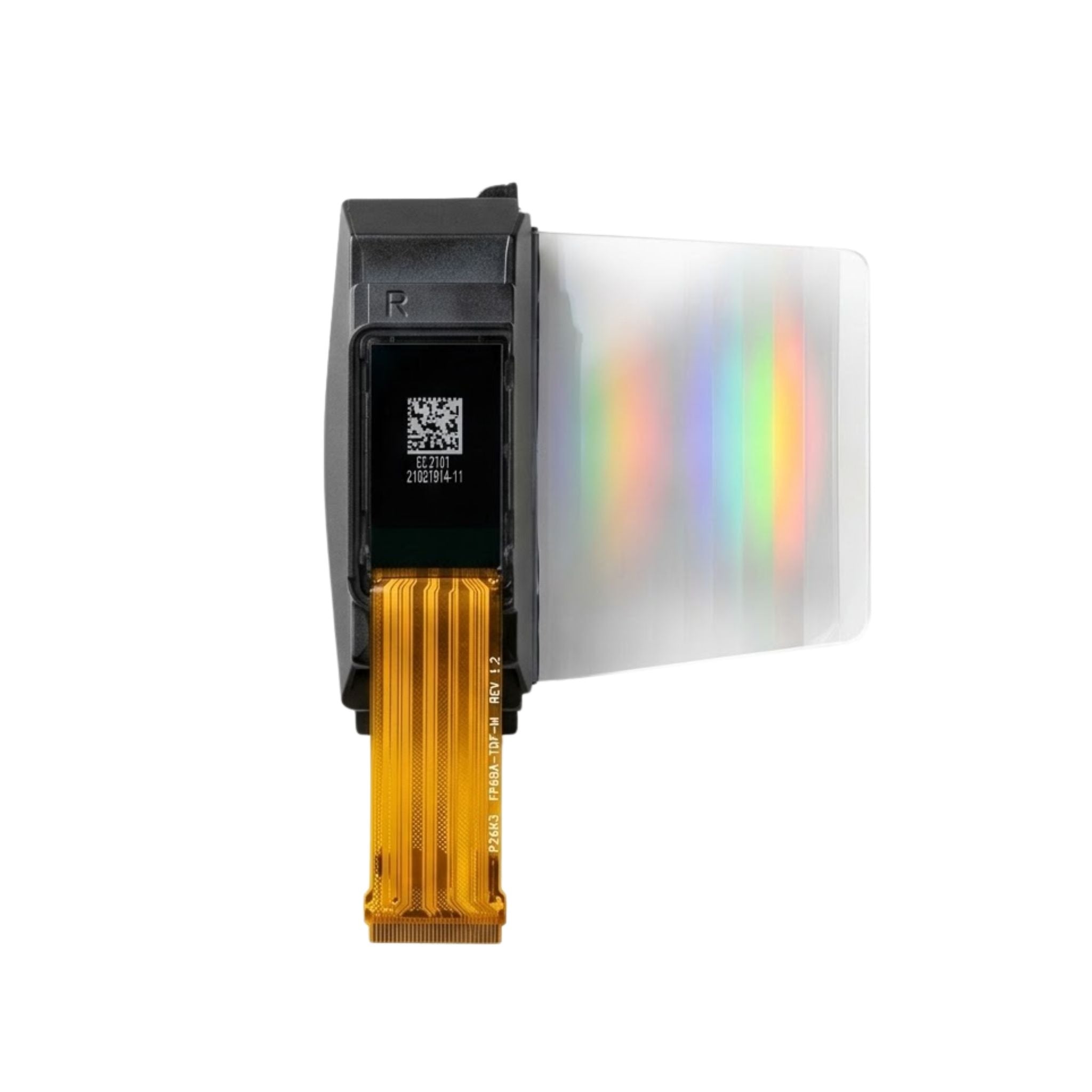


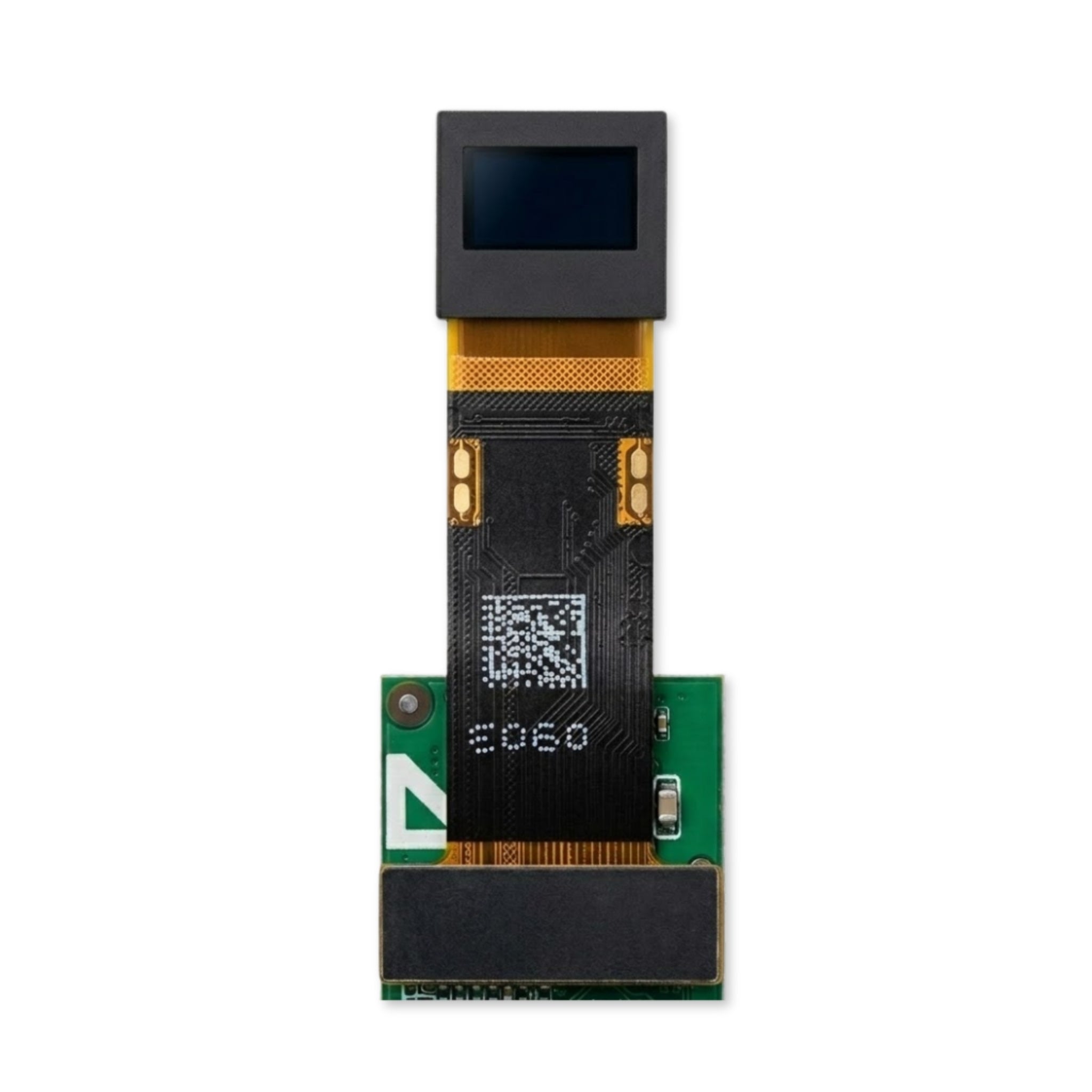
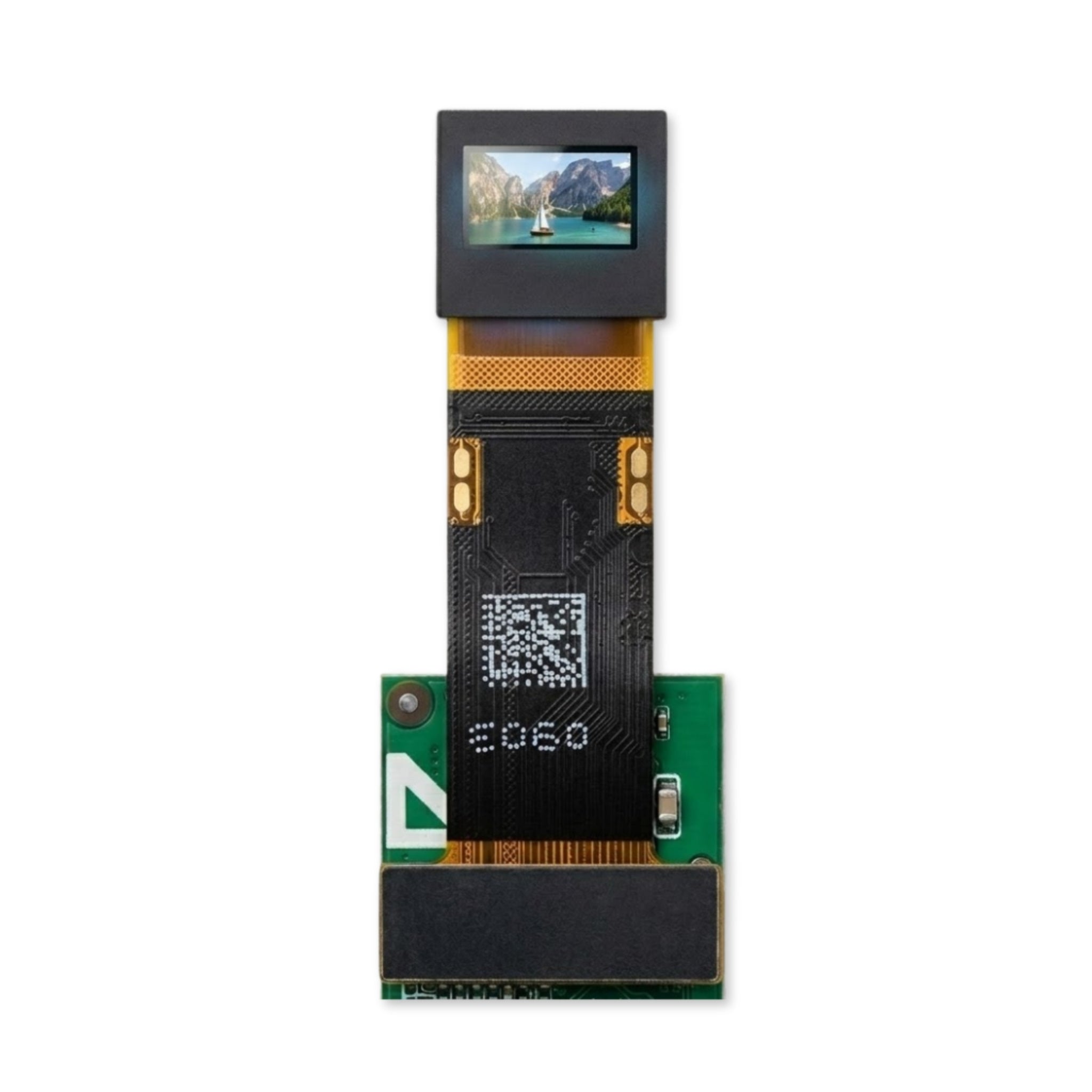


0.39" Micro OLED Display 1920×1080 - MIPI, I2C
- 💹 Enjoy a 20% discount for orders over 500
- 📉 A 15% discount is available for orders ranging from 200 to 499
- 🎁 A 10% discount is available for orders ranging from 50 to 199
- 🎁 A 5% discount is available when ordering 10-49
Interested in customizing this product? Get in touch with us.
Order samples, immediate delivery.
Factory bulk lead time: 3 weeks.
0.39" Micro OLED Display 1920×1080 - MIPI, I2C
- 💹 Enjoy a 20% discount for orders over 500
- 📉 A 15% discount is available for orders ranging from 200 to 499
- 🎁 A 10% discount is available for orders ranging from 50 to 199
- 🎁 A 5% discount is available when ordering 10-49
Optical & Electrical Specifications
Architecture & Integration
MIPI & I2C Protocol
Supports purely MIPI video data streaming combined with standard I2C for register writing. Allows independent control of high-fluency mode and gamma calibration without interrupting video data lanes.
Flexible Resolution Mapping
Programmable resolution operation supporting (8*M, M=40~240) x RGB x (8*N, N=30~135) configurations. Hardware-level image scaling matches varied input sources.
Power Management
Integrated Deep Standby mode via I2C commands minimizes quiescent current. Thermal compensation algorithms dynamically adjust voltage to maintain chromaticity across the -10°C to 80°C range.
Validated Deployment Scenarios
Augmented Reality Glasses
High pixel density prevents the screen-door effect at close focusing distances. Low weight and minimal footprint fit micro-optical engine constraints.
Medical Imaging Endoscopy
10,000:1 contrast ratio and 16.7 million colors reproduce exact tissue differentiations. Reliable operation under continuous clinical usage.
Thermal & Night Vision
Wide operating temperature (-10°C to 80°C) guarantees ultra-low latency or artifacting in extreme tactical and outdoor environments.
Engineering & OEM Integration Support
We provide comprehensive PCB layout guidelines, initialization source code, FPC customization, and stable supply chain management for volume OEM/ODM manufacturing.
Review the technical documentation for exact dimensional tolerances, register mapping, and absolute maximum electrical ratings.
Download Official Datasheet (PDF)Product FAQs
Key technical and purchasing guidance for product evaluation, integration planning, samples, and volume orders.