

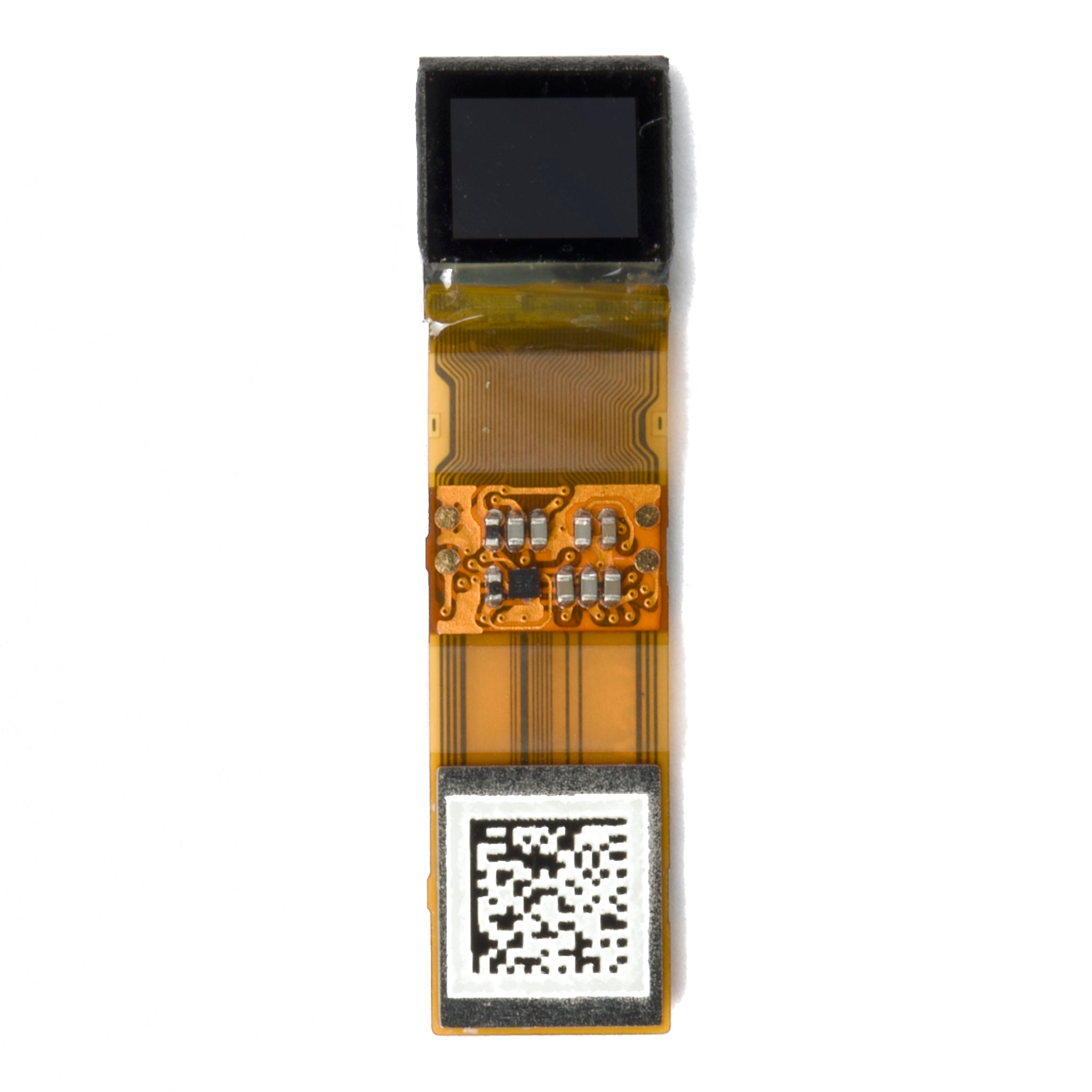
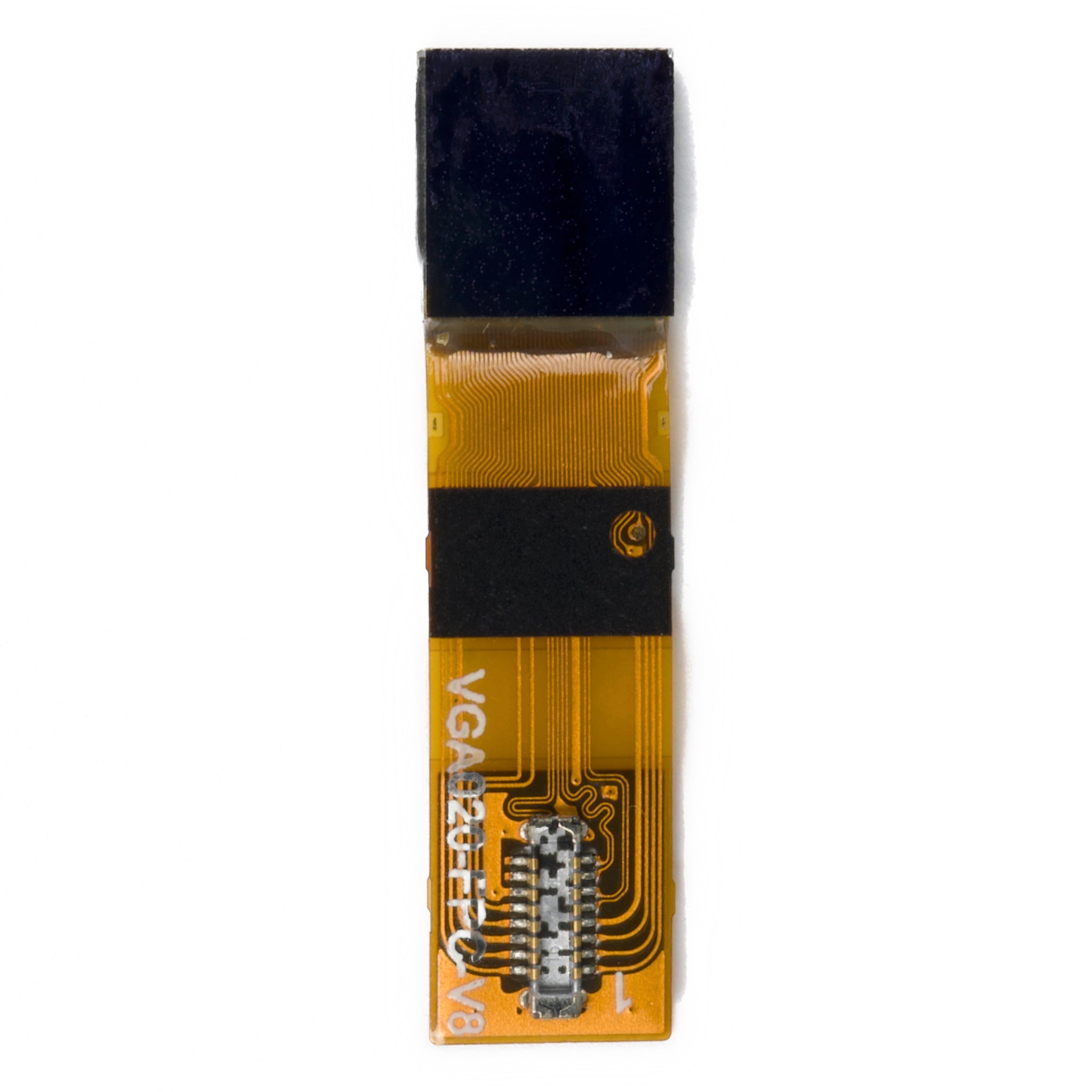
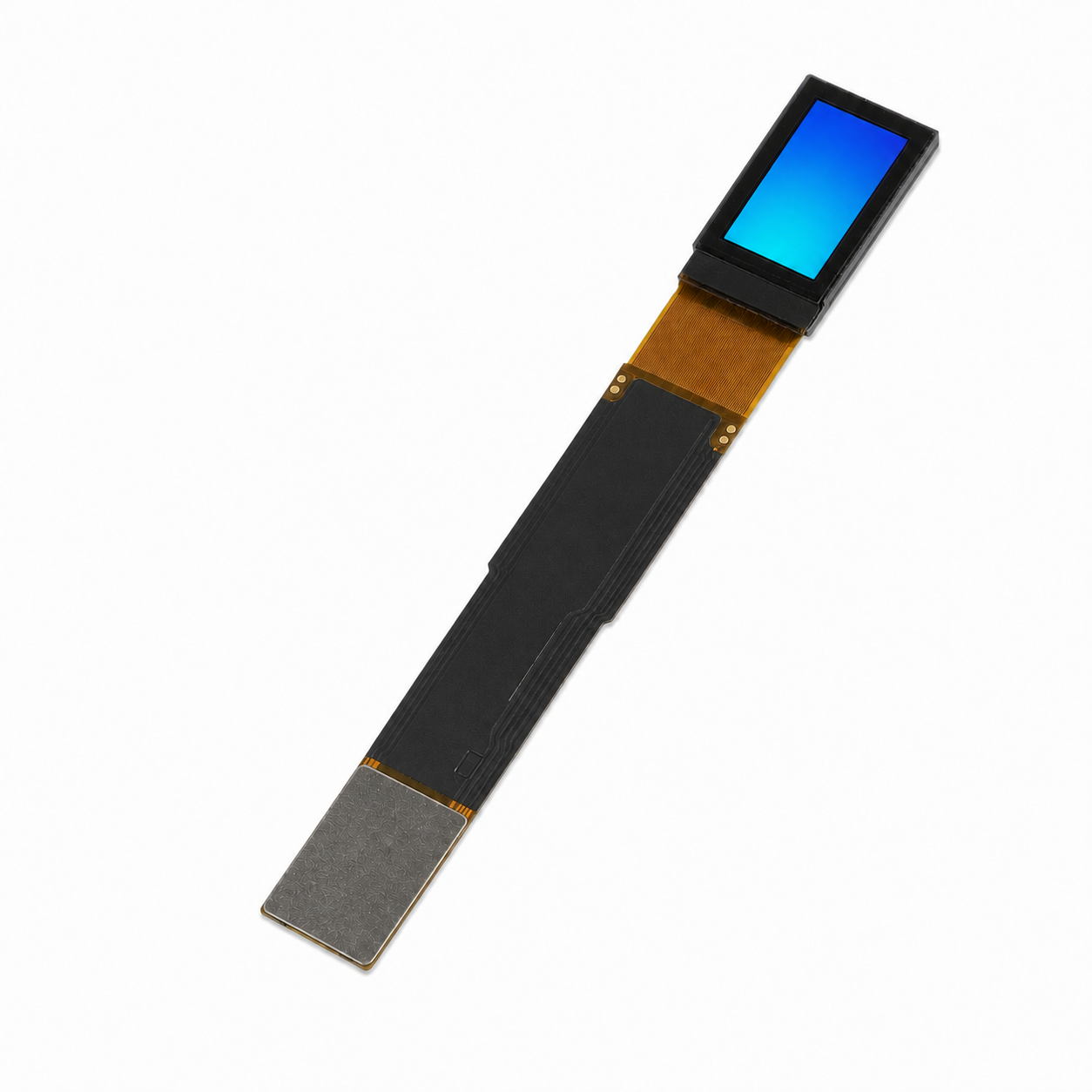
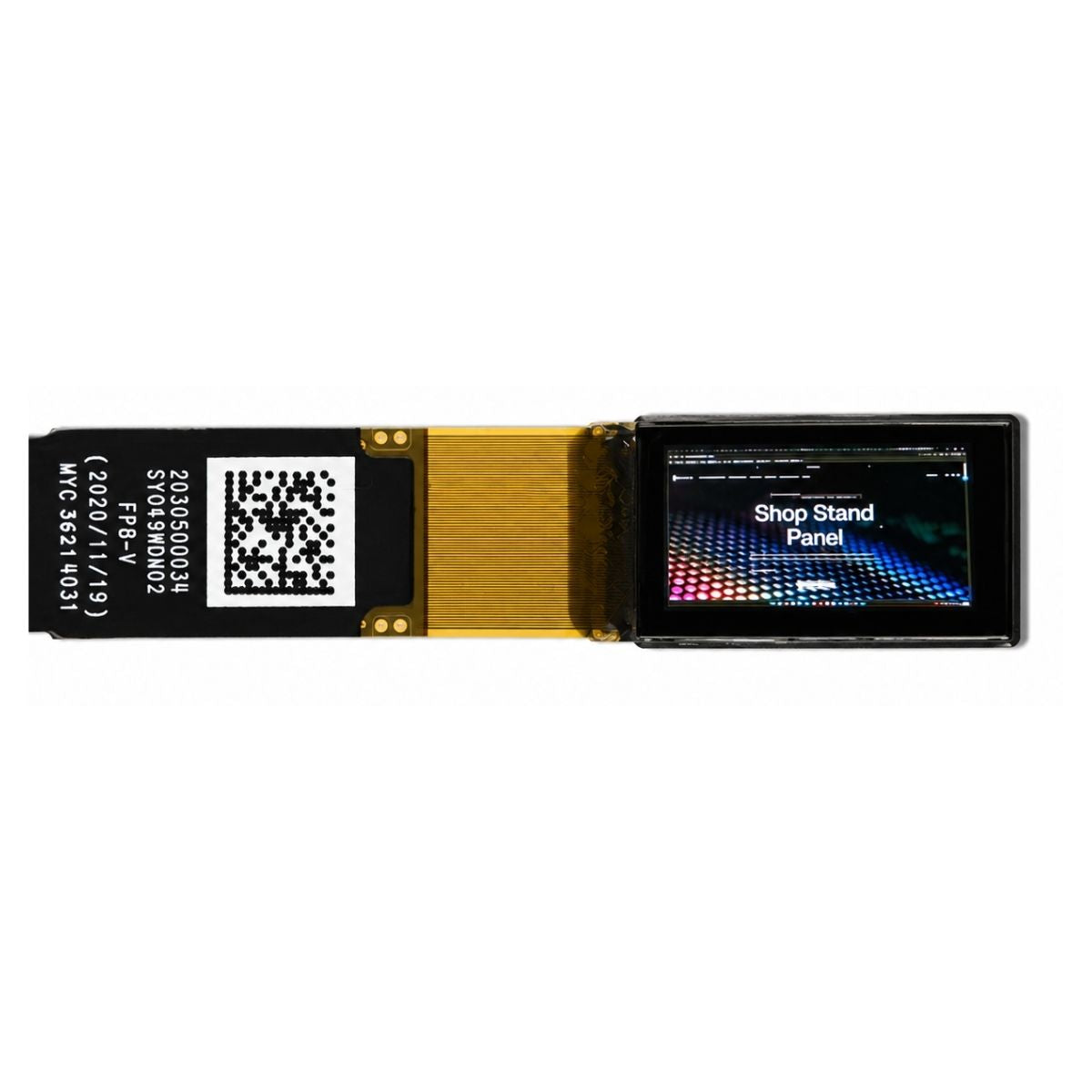
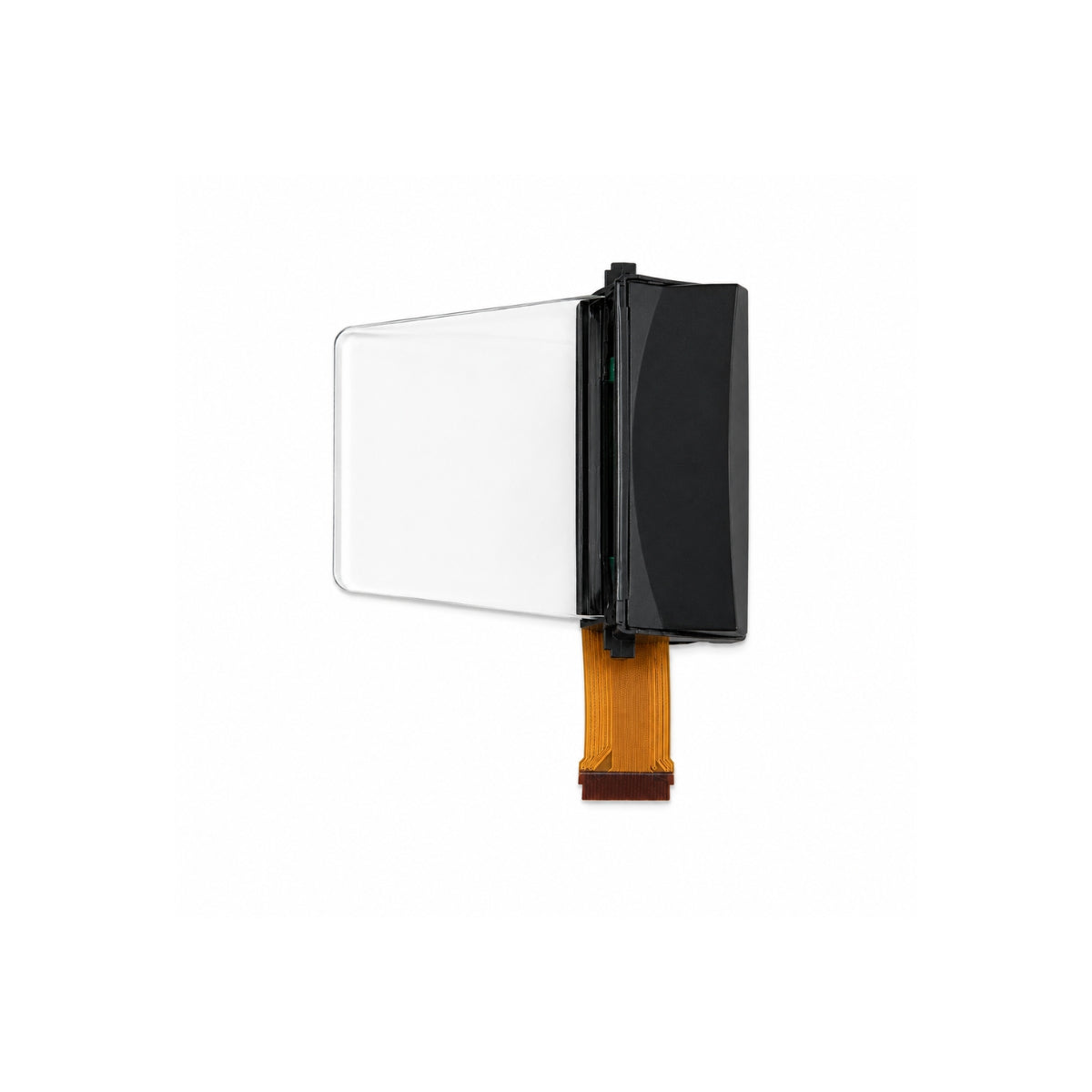
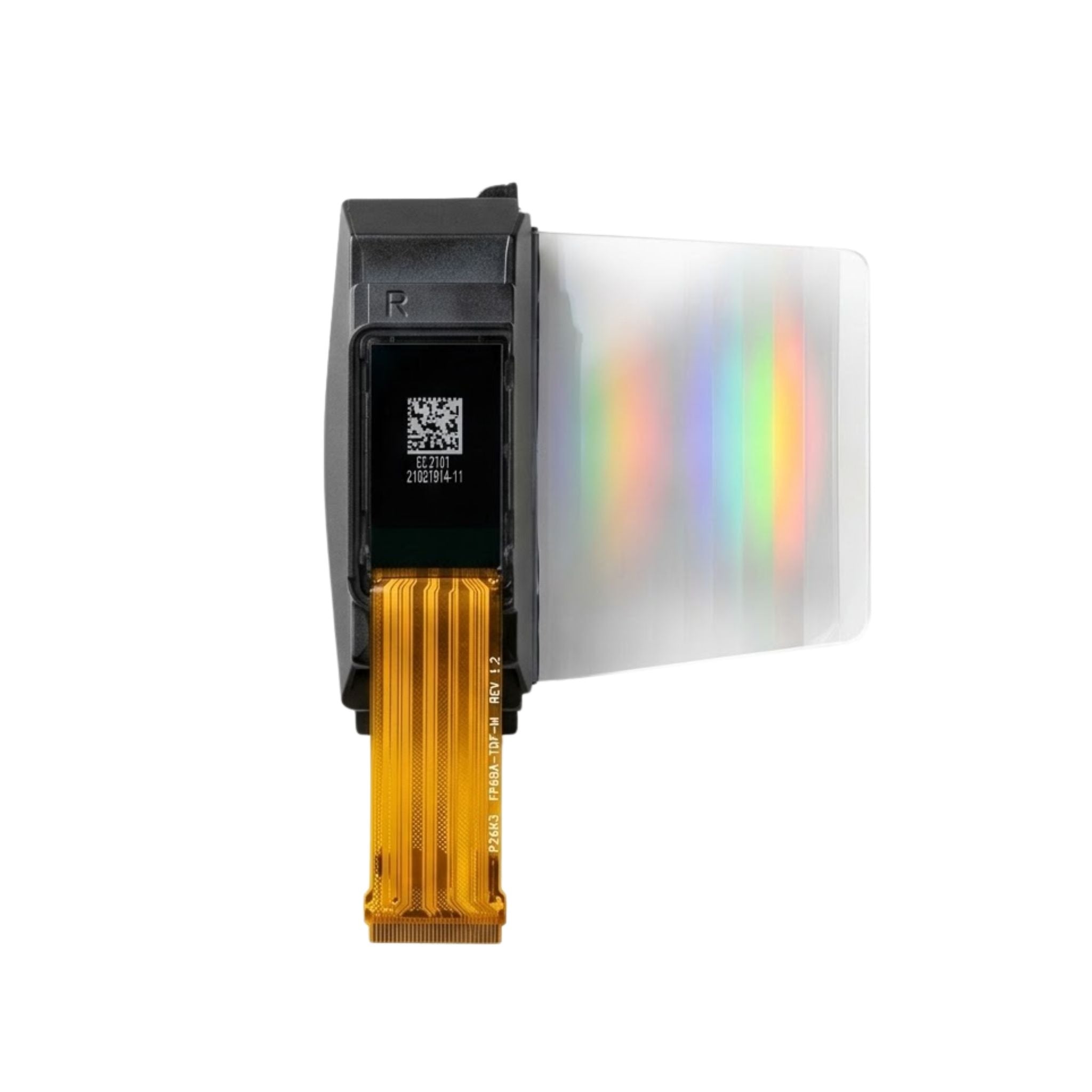


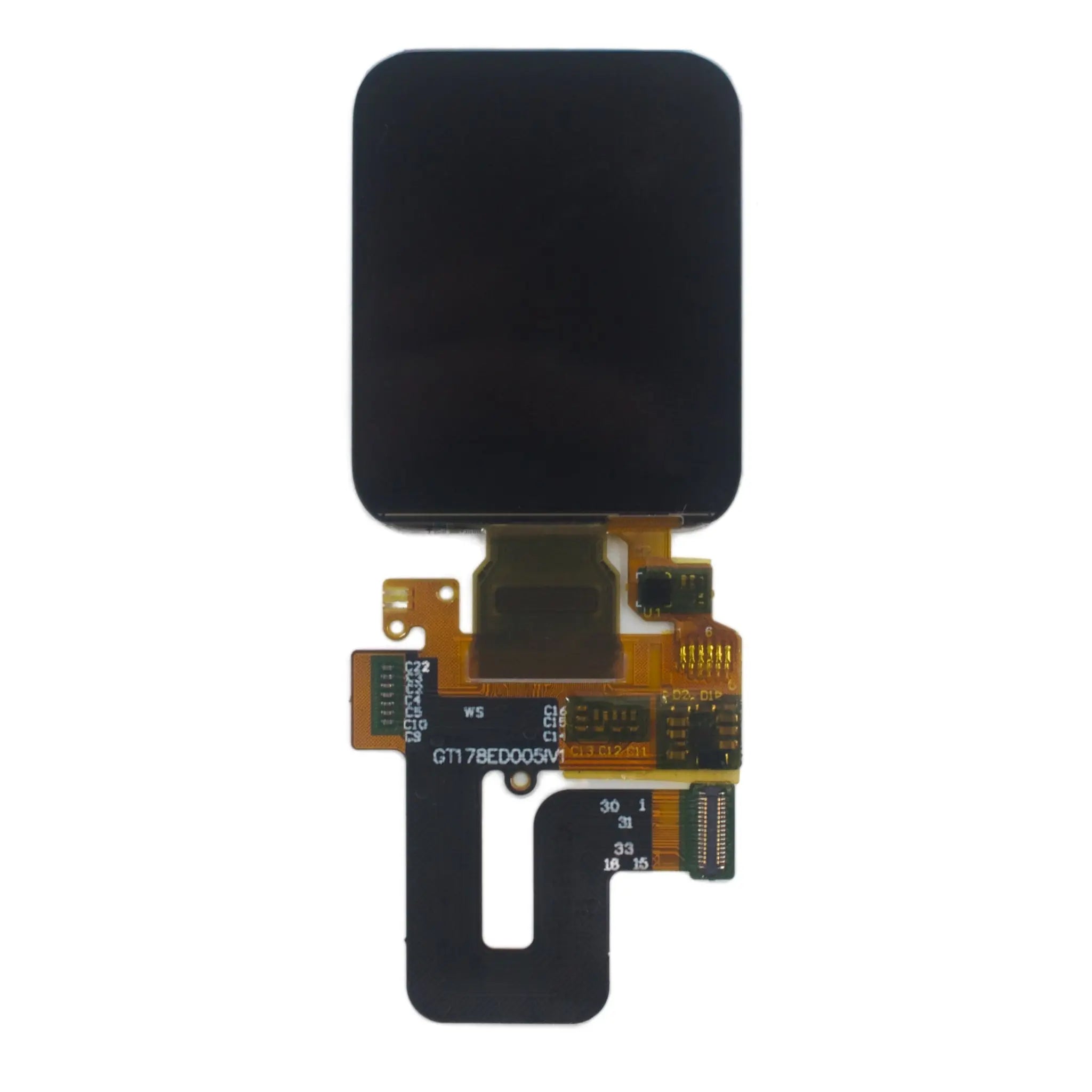
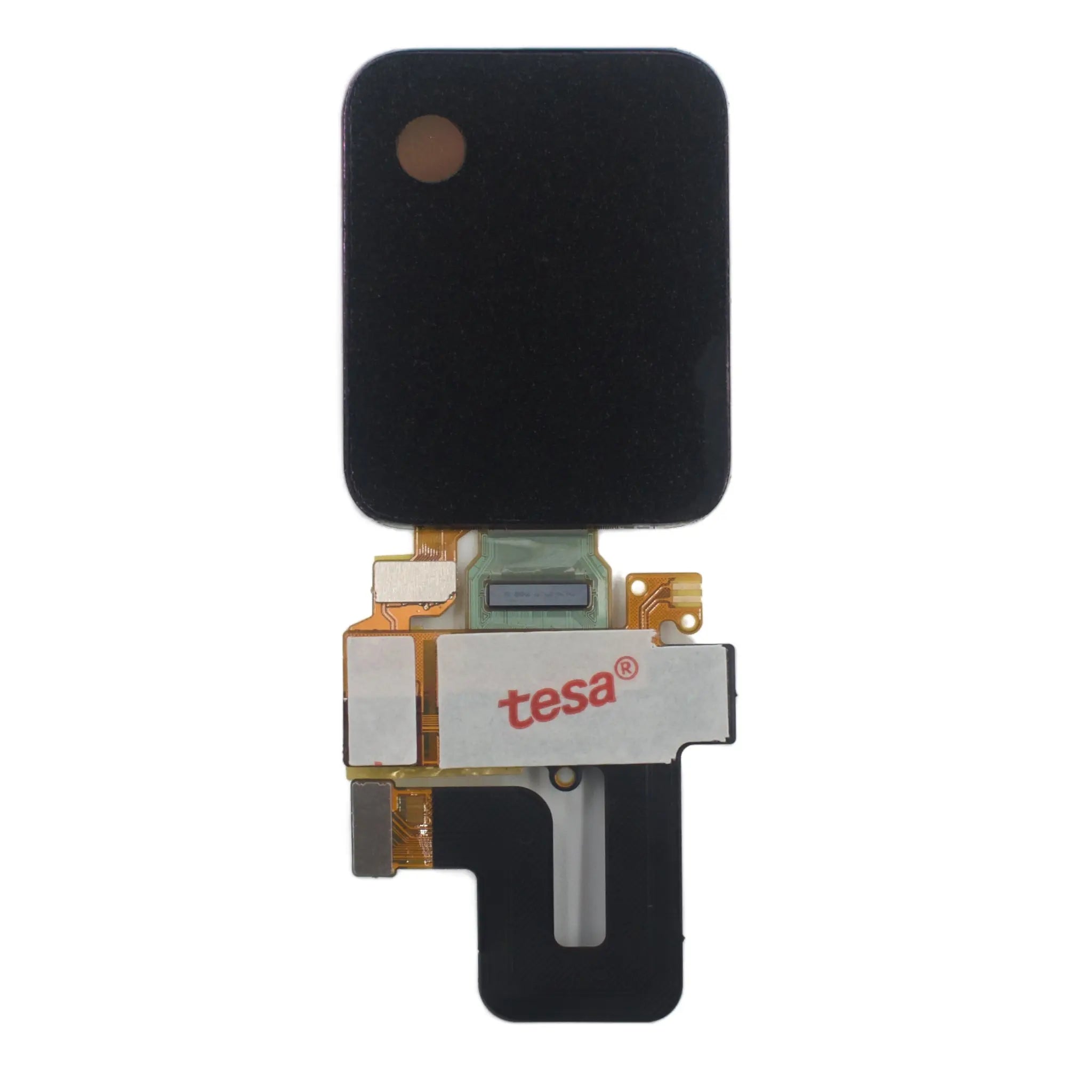
1.78" 368×448 AMOLED | MIPI/SPI, On-Cell Touch, ICNA3311
- 💹 Enjoy a 20% discount for orders over 500
- 📉 A 15% discount is available for orders ranging from 200 to 499
- 🎁 A 10% discount is available for orders ranging from 50 to 199
- 🎁 A 5% discount is available when ordering 10-49
Interested in customizing this product? Get in touch with us.
Order samples, immediate delivery.
Factory bulk lead time: 3 weeks.
1.78" 368×448 AMOLED | MIPI/SPI, On-Cell Touch, ICNA3311
- 💹 Enjoy a 20% discount for orders over 500
- 📉 A 15% discount is available for orders ranging from 200 to 499
- 🎁 A 10% discount is available for orders ranging from 50 to 199
- 🎁 A 5% discount is available when ordering 10-49
Resources & Downloads
DMGXO0178X3CA AMOLED Display Module
1.78" 368×448 AMOLED Display with MIPI/SPI Interface and On-Cell Touch
This 1.78-inch AMOLED display module uses a 368×448 pixel Real RGB array, 16.7M display colors, 350 nits typical brightness, and a 100,000:1 contrast ratio. The compact module size is 30.6 × 37.99 × 0.804 mm, making it suitable for slim wearable devices, portable medical devices, and compact industrial HMI products.
The module integrates the ICNA3311 display driver and CHSC5816 touch controller. Both MIPI and SPI interfaces are supported. The on-cell touch structure is specified without a cover lens, so the final cover window, bonding method, gasket design, and enclosure stack should be confirmed during product-level mechanical design.
368 × 448
Resolution
350 nits
Typical Brightness
MIPI / SPI
Dual Interface
165mW
Typical Power at 100% Brightness

Core Technical Specifications
Display Architecture and Image Performance
Real RGB Pixel Layout
The Real RGB arrangement supports full-color pixel rendering across the 368 × 448 array. This is suitable for compact UI elements, icon-heavy interfaces, small text labels, fitness data, notification panels, and device status screens.
100,000:1 Contrast Ratio
The AMOLED panel structure provides deep black display areas and strong contrast for small screens. This helps improve readability for dark UI themes, round-corner widgets, watch faces, and status indicators.
80°+ Viewing Angle
The viewing angle specification supports wearable products that are not always viewed straight-on, including wrist-mounted displays, handheld instruments, and compact control terminals.
165mW Typical Power
The listed typical power consumption is 165mW at 100% brightness. Final device power should be validated with the selected interface, display content, brightness curve, firmware settings, and battery power architecture.
Interface and Firmware Integration Notes
MIPI and SPI are both supported, but the initialization sequence is different. The host platform should be selected after confirming firmware resources, pin mapping, and display update requirements.
The ICNA3311 display driver should be configured according to the official datasheet. Power sequencing, reset timing, interface mode selection, and display register settings should not be copied from a different AMOLED model without validation.
Both display and touch functions should be verified with the final FPC connection, grounding design, enclosure material, cover window plan, and firmware debounce logic.
Touch Stack and Mechanical Fit
0.804 mm Module Thickness
The ultra-thin module profile supports compact product housings where screen thickness and internal stack height are restricted.
On-Cell Touch
The touch sensor is integrated at panel level. The final cover lens and optical bonding structure should be defined by the product ID and protection requirements.
30.6 × 37.99 mm Outline
The outline size should be checked against bezel clearance, FPC position, connector clearance, compression tolerance, and assembly fixture design.
28.70 × 34.94 mm Active Area
UI artwork should keep critical information inside the visible active area and account for mechanical tolerance in the product window.
Reliability and Engineering Review Points
Operating Range
The specified operating temperature is -20℃ to 70℃. Final device validation should include enclosure heat rise, display-on time, battery location, charger heat, and outdoor exposure conditions.
Storage Range
The specified storage temperature is -40℃ to 85℃. Storage range should not be used as a substitute for finished-product operating qualification.
ESD Protection
The listed ESD protection value is ±4kV. Product-level ESD performance also depends on FPC routing, grounding, cover material, enclosure design, assembly process, and user touch exposure.
Driver and Touch IC Matching
The ICNA3311 display driver and CHSC5816 touch controller should be matched with the correct initialization code, power rail design, and host-side communication settings.
Application Fit
Smart Wearables
The 1.78-inch size, 368 × 448 resolution, thin 0.804 mm profile, and on-cell touch design fit smartwatch, fitness tracker, and wrist-mounted device projects that require compact screen thickness and readable UI density.
Portable Medical Devices
The high contrast ratio, wide viewing angle, touch function, and compact active area can support portable medical devices and handheld diagnostic terminals. Medical-grade use requires separate finished-device compliance and validation.
Compact Industrial HMI
The MIPI/SPI interface options, 350 nits typical brightness, 80°+ viewing angle, and -20℃ to 70℃ operating range are useful for small control panels, portable instruments, and embedded status displays.
OEM Customization and Procurement Details
Configuration Options
Available project discussions can include firmware settings, connector type, FPC arrangement, mechanical modification, and touch integration requirements.
Volume Pricing
Bulk order pricing and MOQ should be confirmed by project quantity, delivery schedule, customization scope, and long-term supply plan.
Engineering Support
Integration support can cover interface selection, display initialization review, touch debugging, mechanical fit check, and failure analysis during development.
Production Planning
Inventory, sample schedule, production lead time, and long-term supply stability should be checked before EVT, DVT, PVT, and mass production planning.
Design Checklist Before Sampling
Use this checklist to reduce integration risk before sample purchase, PCB layout, firmware porting, and enclosure tooling.
01. Confirm Interface Mode
Select MIPI or SPI according to the host processor, pin availability, firmware resources, and display update requirements.
02. Review Power Sequence
Follow the official datasheet for power rails, reset timing, initialization commands, and display on/off control.
03. Check Mechanical Stack
Verify active area, outline size, FPC position, cover lens plan, tolerance stack, and final product window design.
04. Validate Touch Performance
Test the CHSC5816 touch function after confirming grounding, cover structure, firmware tuning, and final assembly materials.
05. Confirm Thermal Conditions
Run product-level temperature testing under expected brightness, charging, enclosure, and battery operating conditions.
06. Lock UI Safe Area
Keep key icons, numbers, and alerts inside the 28.70 × 34.94 mm active area and account for bezel tolerance.
Download Datasheet & Confirm Integration Details
Use the official datasheet to confirm interface mode, display initialization, power sequence, FPC connection, mechanical dimensions, active area, touch controller requirements, and electrical and mechanical requirements before evaluation.
For OEM and ODM projects, confirm sample availability, volume pricing, customization scope, inspection requirements, and supply schedule with the engineering team before product-level validation.
Download Official Datasheet