

내용으로 건너뛰기

장바구니

장바구니가 비어있습니다

쇼핑 계속하기

HDMI Micro Driver Board – Type-C Powered OLED/AMOLED Display Test & Demo Board

SKU: DMRXHMB
할인 가격$199.00
  • 💹 Enjoy a 20% discount for orders over 500
  • 📉 A 15% discount is available for orders ranging from 200 to 499
  • 🎁 A 10% discount is available for orders ranging from 50 to 199
  • 🎁 A 5% discount is available when ordering 10-49

Interested in customizing this product? Get in touch with us.

Order samples, immediate delivery.

Factory bulk lead time: 3 weeks.


공유
HDMI Micro Driver Board – Type-C Powered OLED/AMOLED Display Test & Demo Board
HDMI Micro Driver Board – Type-C Powered OLED/AMOLED Display Test & Demo Board 할인 가격$199.00

Resources & Downloads

HDMI Micro Display Test Board

DMRXHMB HDMI Micro Driver Board – Type-C Powered OLED/AMOLED Display Test & Demo Board

DMRXHMB is a compact single-layer HDMI micro driver board for fast display bring-up, lab verification, prototype debugging, and portable customer demonstrations.

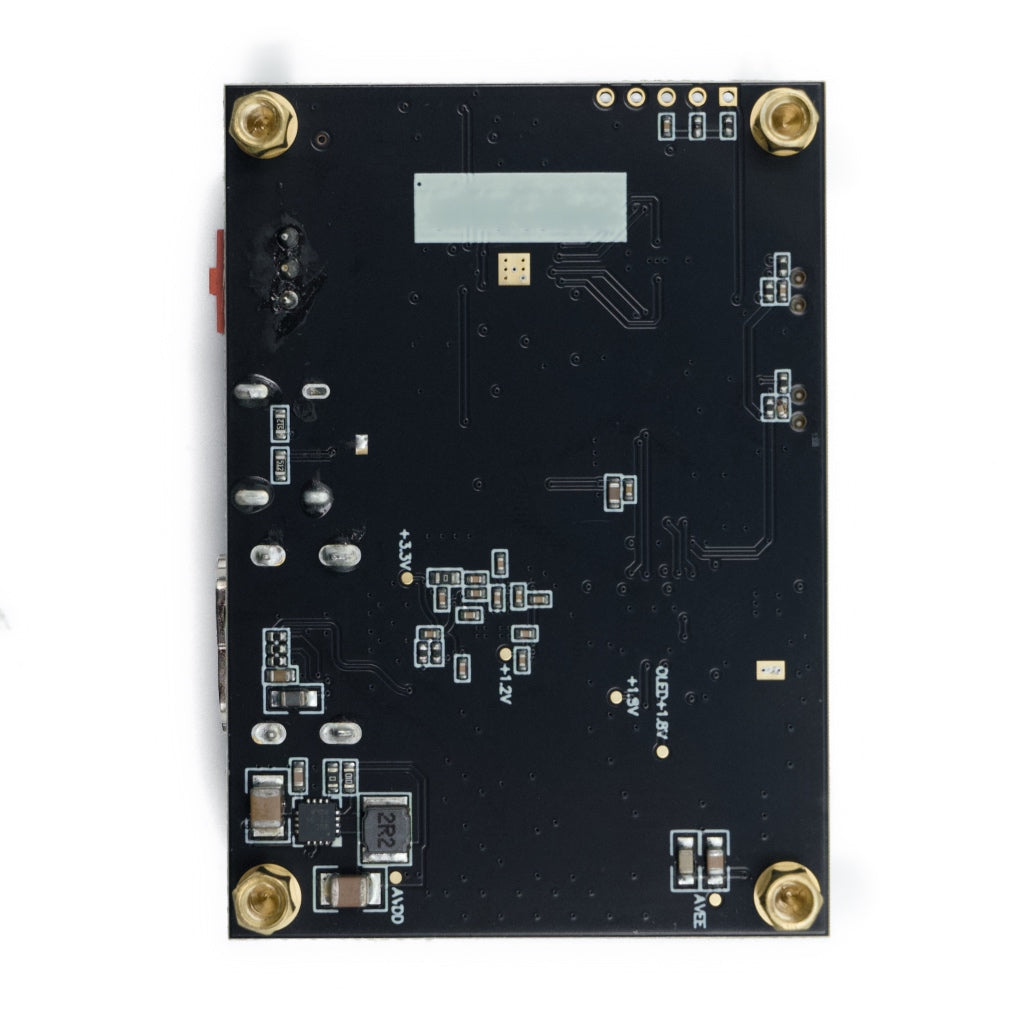
It uses HDMI micro video input, USB Type-C 5V power input, and a red rocker switch for direct power control. It is intended for compatible DisplayModule screens and helps engineers verify image output, panel connection, power input, and basic integration before custom driver board development.

Single-Layer

Mini driver board

HDMI Micro

Video input

USB Type-C

5V / ≥ 1A

SKU

DMRXHMB

Vendor

DisplayModule

Use

Test & Demo

Verified Product Specifications

The key product details below are based on available product information. For model-specific details not listed here, please check the official datasheet or contact DisplayModule engineering support before integration.

Item Specification Notes
SKU DMRXHMB Use this SKU when requesting compatible panel support or OEM quotations.
Vendor DisplayModule Product page and datasheet link are provided by the vendor.
Board Category HDMI Driver / Test Board For display light-up, lab testing, demonstrations, and prototyping workflows.
Board Type Single-layer mini driver board Compact layout for bench verification and portable demos.
Video Input Port HDMI Micro Connect with a micro-HDMI cable from a PC, SBC, or HDMI video source.
Power Input Port USB Type-C Use a stable Type-C power source before switching the board on.
Required Power 5V / ≥ 1A Use a stable power source for reliable display bring-up and test work.
Power Control Red rocker on/off switch Allows direct power control during lab setup and customer demos.
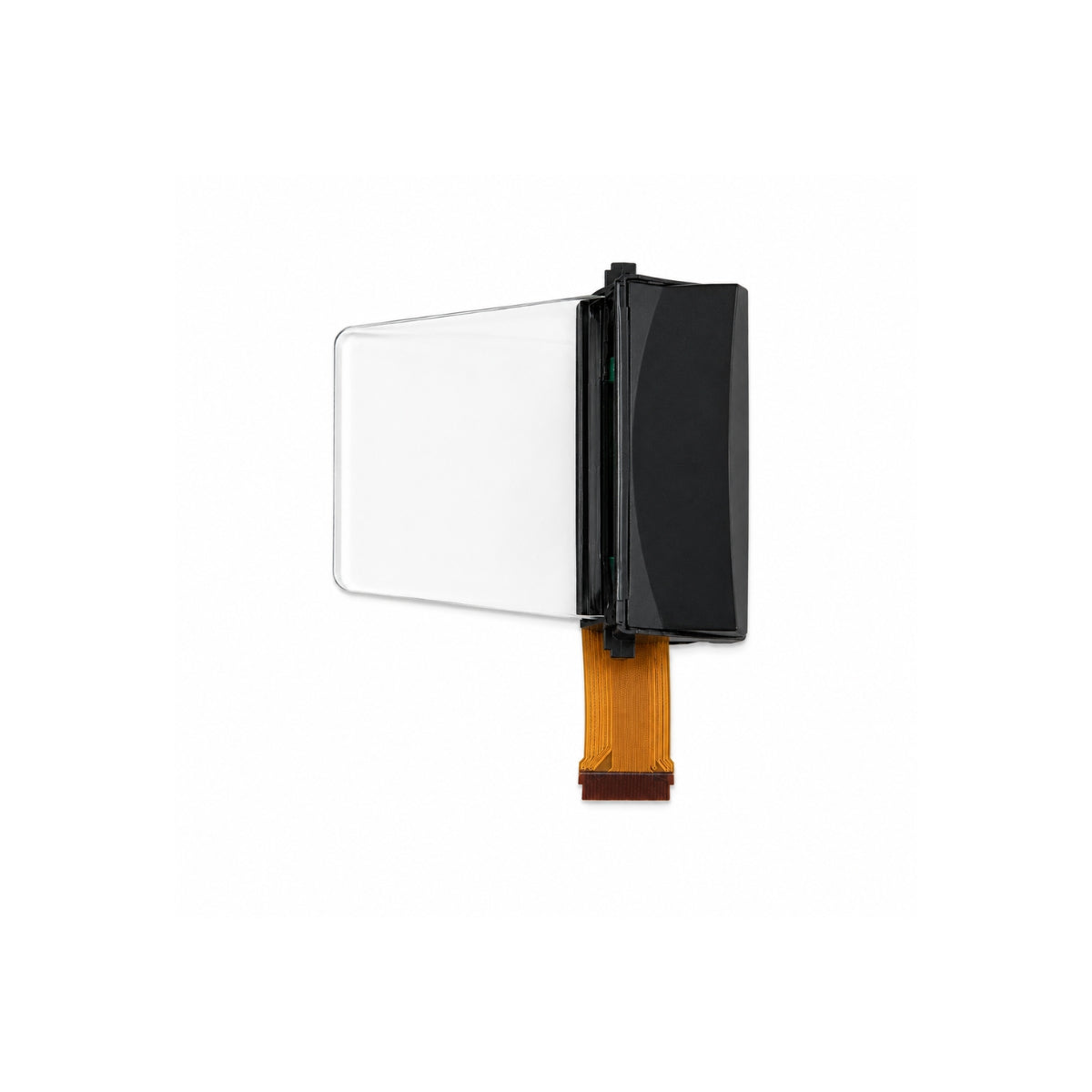
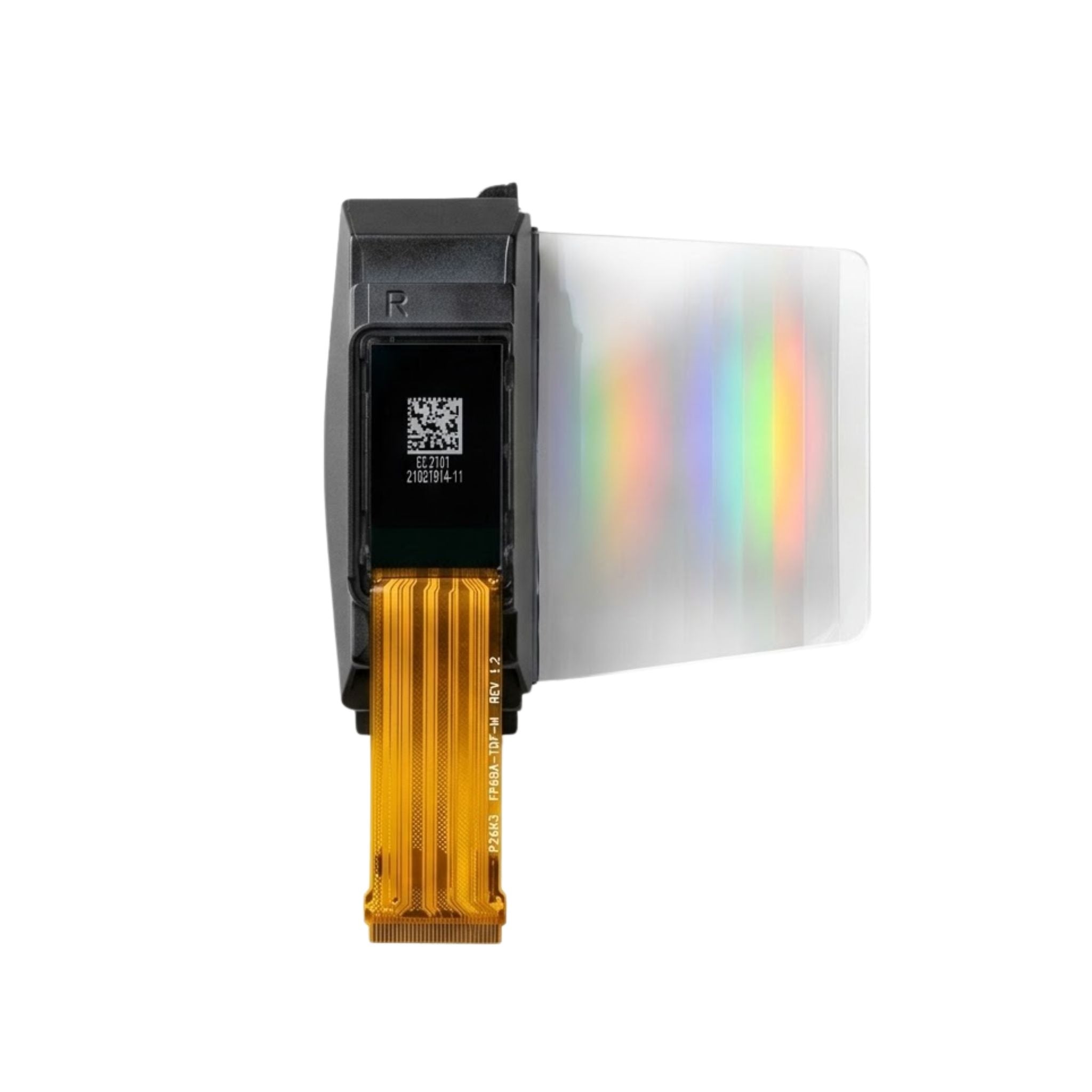
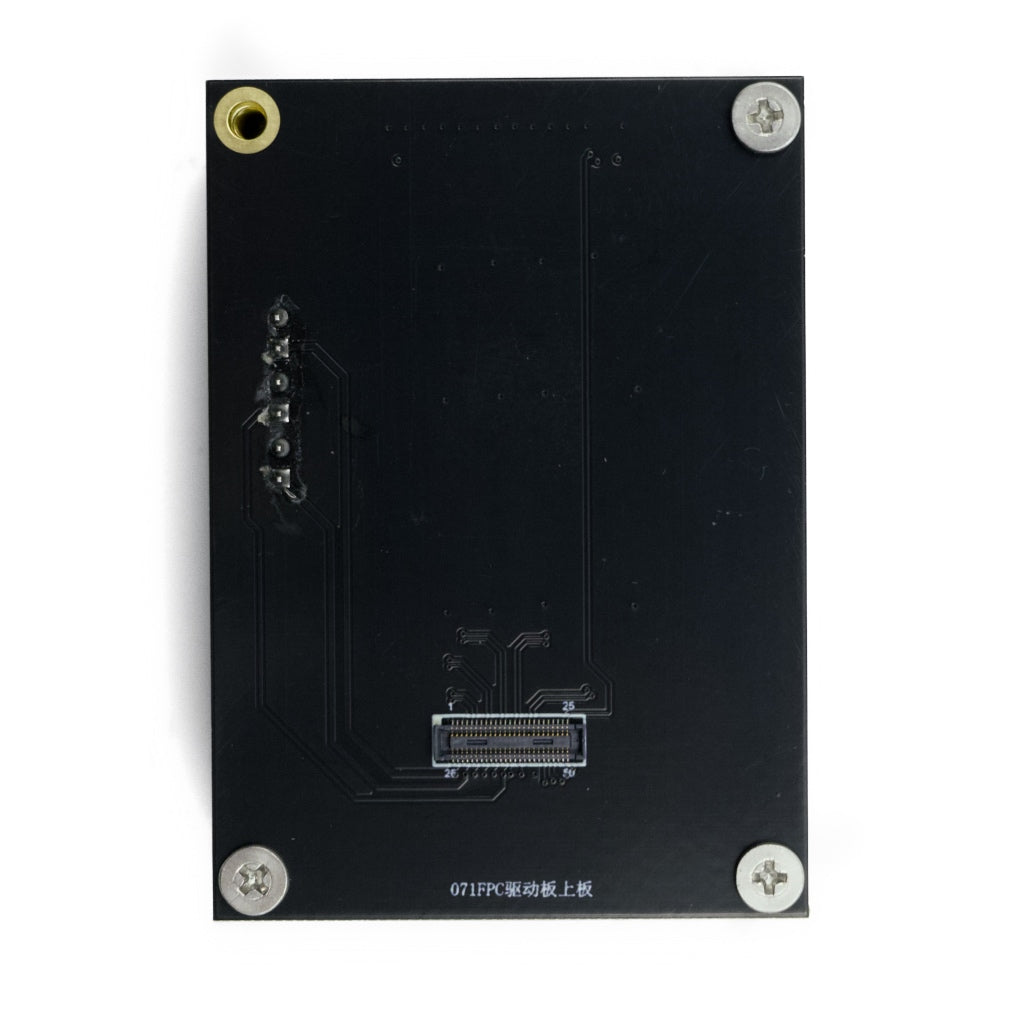
Panel Connection FPC connector, horizontal parallel PCB mating Keep the panel PCB and driver PCB horizontally parallel during connection.
Primary Use Display light-up, lab test, demo, prototyping Shortens early-stage verification before custom driver development.

Interface Layout & Signal Path

HDMI Micro Video Input

Receives video from a PC, SBC, or HDMI video source through a micro-HDMI cable.

USB Type-C 5V Power Input

Requires a stable 5V power input with at least 1A current capability.

Red Rocker Switch

Provides direct on/off control during lab setup, testing, and demos.

FPC Panel Connection

Insert the FPC fully, keep both PCBs horizontally parallel, and avoid sharp cable bending.

Bring-Up Procedure & Safety Checklist

Use this sequence for controlled first power-on. Check power, FPC direction, HDMI source, and ESD handling before repeated testing.

1

Connect the panel to the PCB

Keep both PCBs horizontally parallel. Insert the FPC fully and check orientation.

2

Plug in USB Type-C power

Use a stable 5V supply with at least 1A current capacity.

3

Connect the HDMI micro cable

Connect to a PC, SBC, or video source with normal HDMI output.

4

Turn on the red rocker switch

If connected correctly, the display mirrors the HDMI output.

Power Check

Confirm Type-C power output is 5V and supports at least 1A.

FPC Check

Check insertion depth, orientation, and avoid sharp FPC bending.

ESD Handling

Use grounding during assembly and test work.

HDMI Source

Use a normal HDMI output source before judging panel or board behavior.

Engineering Use Cases

Display Evaluation & QC

Verify incoming panels for brightness behavior, uniformity, image stability, and pixel integrity.

R&D Prototyping

Light up a screen without waiting for a full custom control board.

Customer Demonstrations

Use as a portable HDMI demo setup for samples, exhibitions, and sales meetings.

Field Debugging

Use as a reference board for cable checks, power checks, and HDMI source validation.

Troubleshooting Reference

No Image After Power-On

Check HDMI output, micro-HDMI cable insertion, Type-C 5V / ≥ 1A power, and FPC orientation.

Unstable Display Behavior

Start with power quality. Use a stable 5V source and avoid weak USB ports or overloaded hubs.

Intermittent Contact

Inspect FPC insertion depth, cable bending, connector contact, and PCB alignment.

ESD Handling

Use grounding during assembly and avoid touching exposed connectors in uncontrolled ESD conditions.

Project Fit Guide

Use DMRXHMB when the project needs a quick HDMI-based display bring-up platform for compatible DisplayModule screens. Before ordering, confirm the target panel model, HDMI source, cable type, Type-C power input, FPC orientation, and mechanical clearance.

Use DMRXHMB When

Display light-up, HDMI source validation, sample demonstrations, or early-stage optical checks are required.

Confirm Before Ordering

Confirm compatible panel models, HDMI source, cable type, Type-C power source, and connector orientation.

Custom Board May Be Needed

A custom driver board may be required for different connector positions, board outlines, interfaces, or fixtures.

Engineering Details Needed

Provide panel model, interface requirement, power budget, video source, mechanical limit, and volume plan.

OEM / ODM Driver Board Support

Custom Driver Boards

Interface conversion and application-specific driver board development.

Prototype Acceleration

Quick PCBA sampling for proof-of-concept projects.

Bring-Up Guidance

HDMI source validation, power sequencing, FPC handling, and fixture support.

Stable Supply

Long-term production support for enterprise programs.

Technical Documentation & Support

Official Datasheet Access

Connection image, port definitions, and wiring instructions are provided in the official DMRXHMB datasheet.

Design Support Scope

Contact DisplayModule for compatible panel models, HDMI output notes, custom fixtures, or driver board requirements.

Download Datasheet & Confirm Integration Details

Use the official DMRXHMB datasheet to check the connection image, port definitions, FPC connection direction, Type-C power input, HDMI micro input, and wiring sequence before panel bring-up.

For OEM and ODM projects, confirm compatible panel models, sample availability, volume pricing, production lead time, custom driver board requirements, and long-term supply planning with the DisplayModule engineering team.

Download Official Datasheet

Reviews from our customers