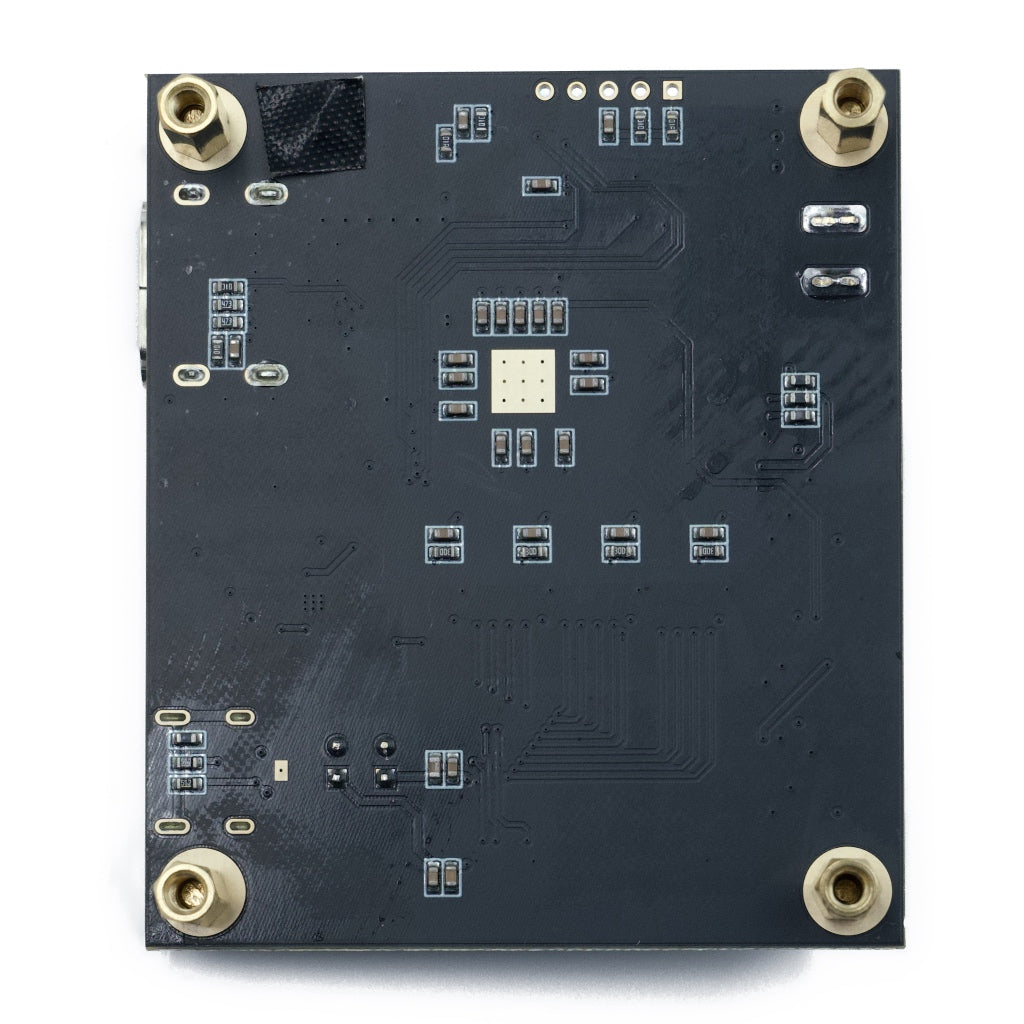
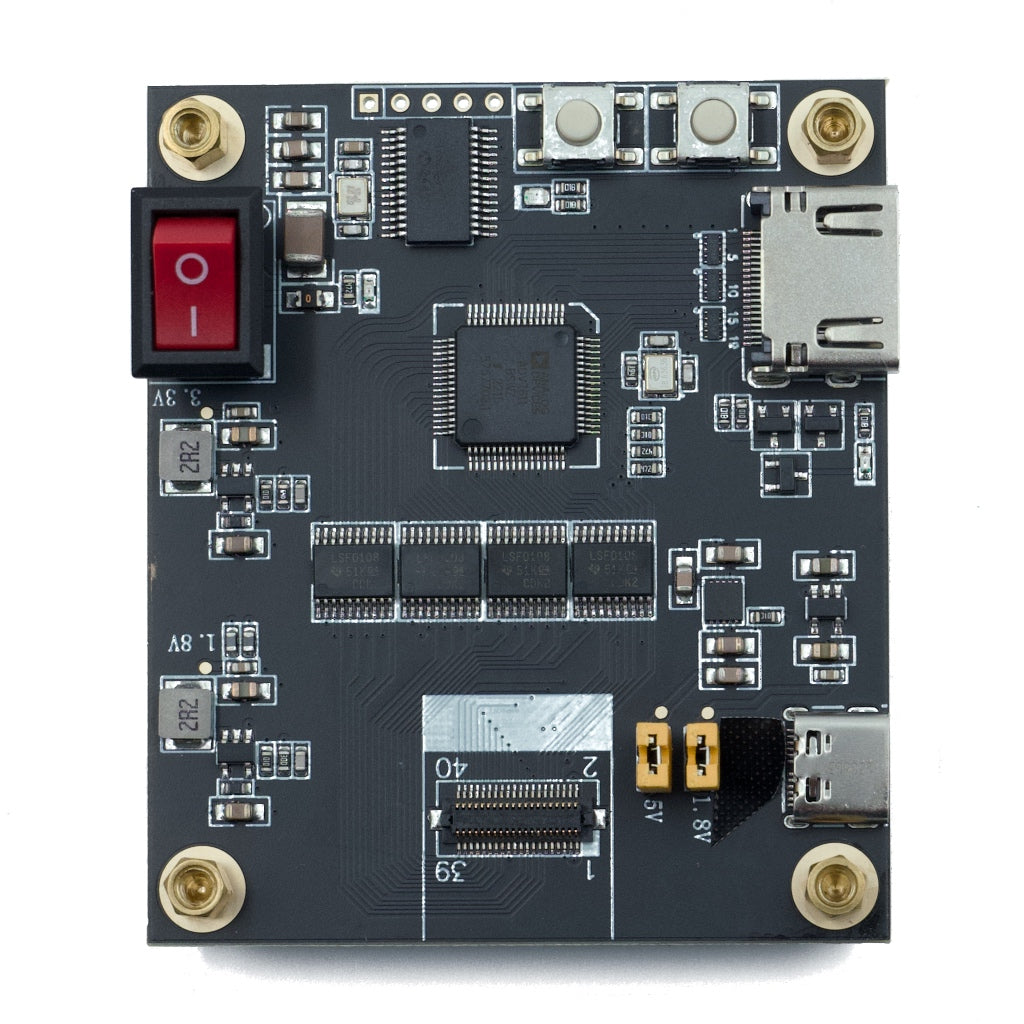
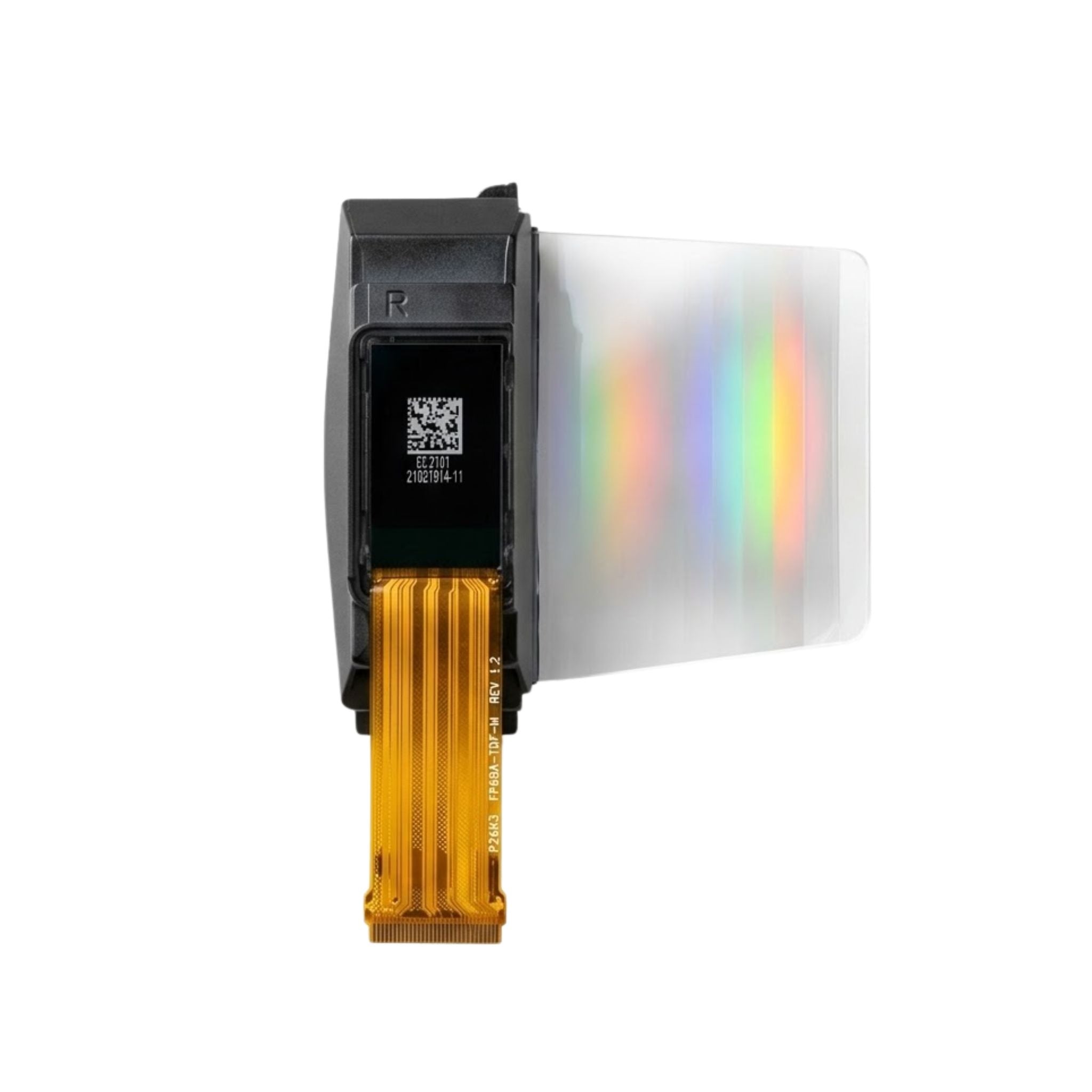
The DMRXHRB is a compact HDMI micro driver board designed for fast display light-up, lab evaluation, customer demonstrations, and early-stage prototyping. It combines Micro-HDMI video input, USB Type-C 5V power input, an FPC screen connector, an onboard control button, and a red rocker power switch on one board.
It is built for engineers who need to verify whether a compatible display module can be powered, connected, and shown with HDMI content before investing time in a custom controller board or full system design.
Micro-HDMI
Video input interface
USB Type-C
5V power input
FPC Connector
Screen interface connection
Rocker Switch
Physical power control
Verified Product Specifications
Technical Parameter
Specification
SKU
DMRXHRB
Category
HDMI Driver / Evaluation Board
Board Type
Compact Small Driver Board
Video Input Port
Micro-HDMI
Power Input Port
USB Type-C
Required Power
5V / ≥1A
Power Switch
Red Rocker Switch
Control Button
Onboard Button, top side
Panel Connection
FPC Screen Interface Connector
Primary Use
Display light-up, lab test, demo, prototyping
Only confirmed parameters are listed here. Screen compatibility, timing, pin definition, and supported panel list should be checked with the official datasheet or DisplayModule technical support before system integration.
Board Interface Layout
Micro-HDMI Video Input
Accepts HDMI signal from a PC, single-board computer, or video source through a Micro-HDMI cable.
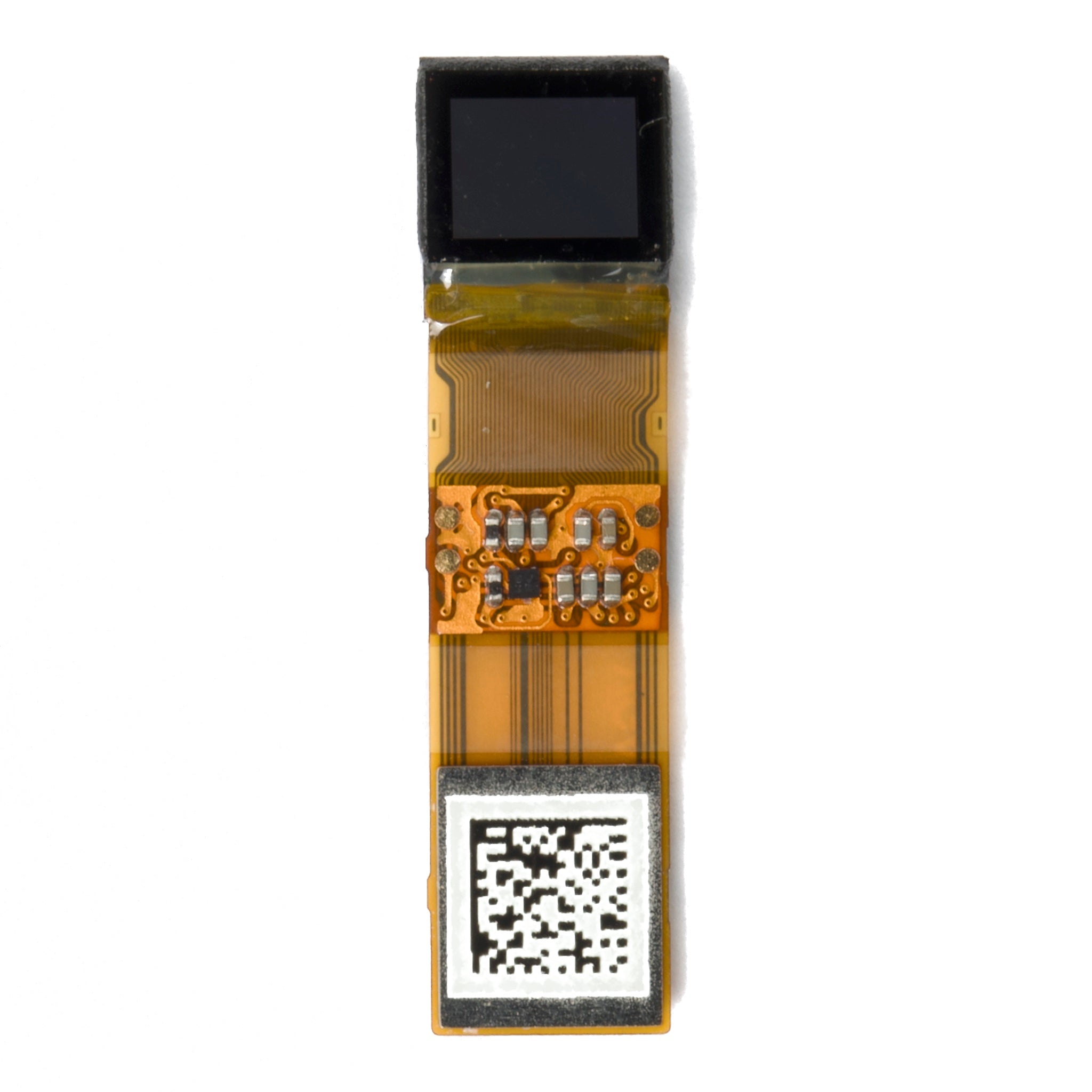
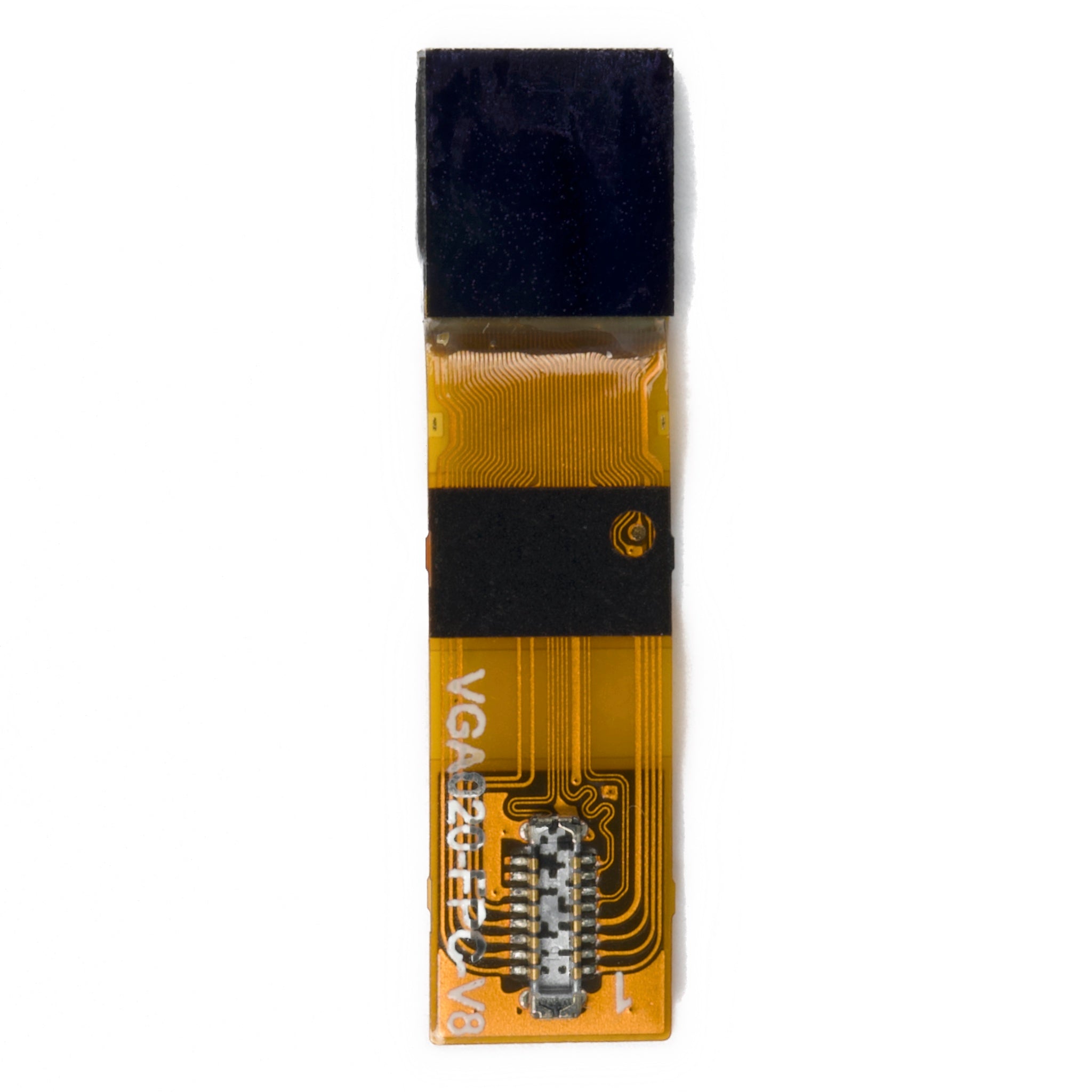
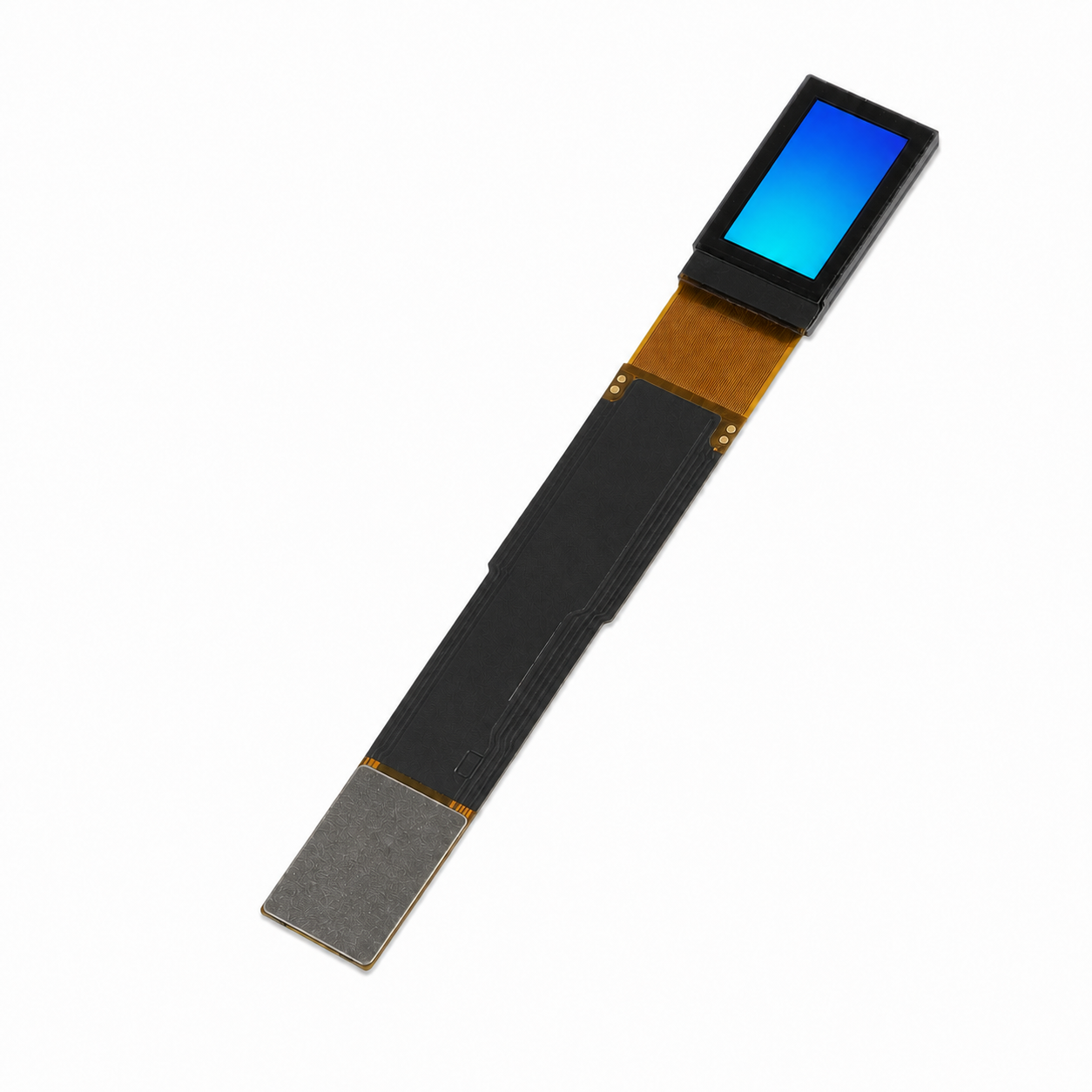
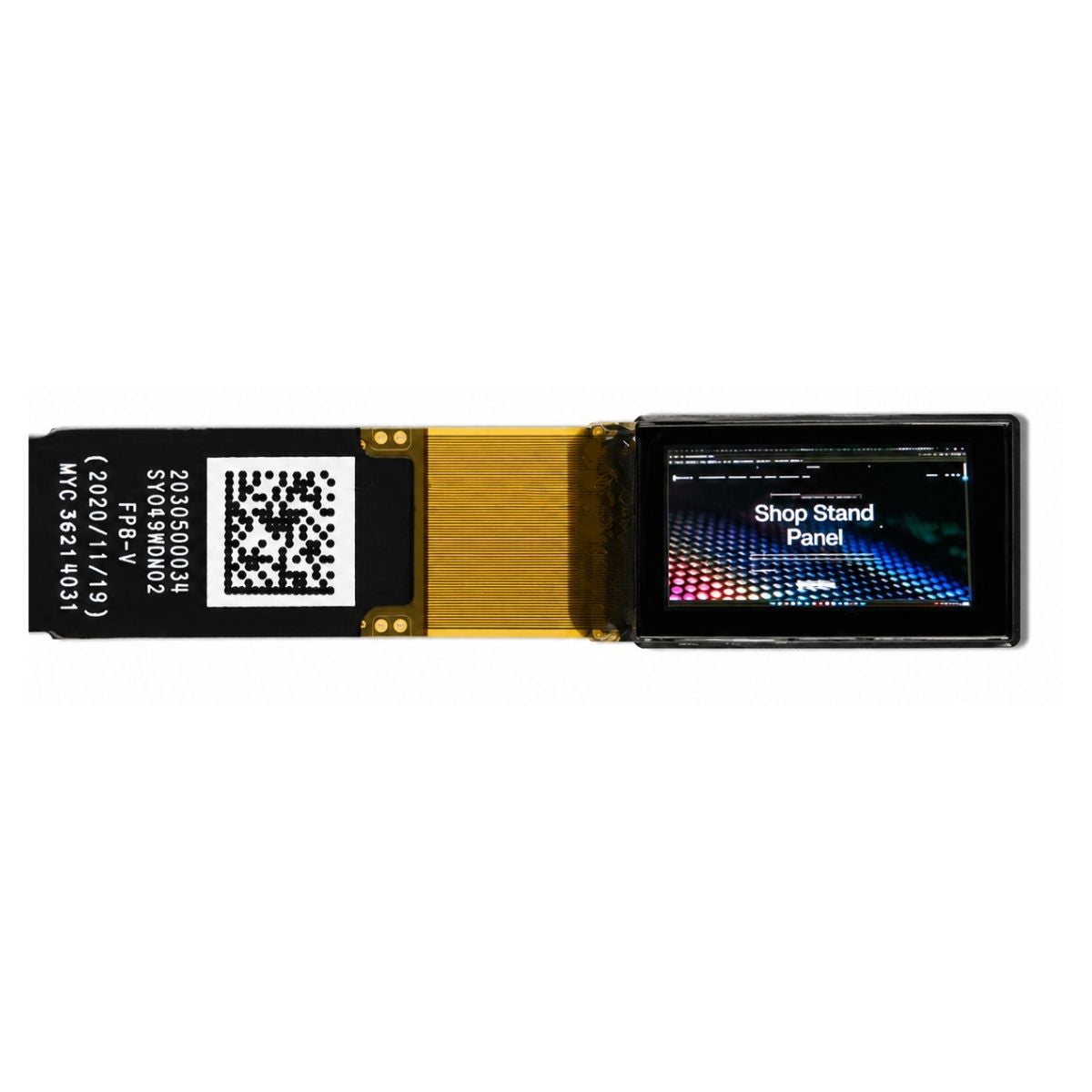
FPC Screen Connector
Connects the display module through the board-side FPC interface. Correct FPC orientation is required for reliable contact.
USB Type-C Power
Requires a stable 5V supply with at least 1A current capacity before switching the board on.
Control Button & Rocker Switch
The onboard button and red rocker switch support simple manual control during lab testing and demos.
Wiring Procedure
1. Connect the display FPC to the screen interface on the PCB.
2. Confirm the FPC copper side is aligned correctly before locking or seating the connector.
3. Connect USB Type-C power. The power supply must provide 5V and at least 1A.
4. Connect the Micro-HDMI cable from the PC, SBC, or HDMI video source.
5. Turn on the red rocker switch. When HDMI output is active and the panel is compatible, the display shows the projected image normally.
Handling Requirements
Use ESD protection when touching the PCB, FPC connector, or display module.
Do not force the FPC cable. Misalignment can cause poor contact or module damage.
Check display compatibility before integration. This board is not described as a universal driver for all panels.
Engineering Use Cases
Display Evaluation & QC
Light up compatible panels for incoming inspection, optical verification, uniformity checks, and basic visual performance review.
R&D Prototyping
Validate a display concept with HDMI input before designing a custom carrier board or final product controller.
Customer Demonstrations
Prepare a portable HDMI demo setup for sales samples, project reviews, and early customer approval.
Field Debugging
Use the board as a reference HDMI driver during signal checking, power verification, and interface troubleshooting.
Compatibility Checklist
Power
Confirm USB Type-C 5V input with at least 1A supply capacity.
Video Source
Use a Micro-HDMI cable from a PC, SBC, or HDMI video output source.
Display FPC
Check FPC orientation and connector alignment before powering on.
Panel Match
Request the compatible panel list before using the board with a new display module.
OEM / ODM Engineering Support
Custom Driver Design
Support for HDMI, MIPI, RGB, LVDS conversion boards and adapter designs based on a target display module.
Prototype Acceleration
PCBA sampling support for proof-of-concept display projects before mass-production planning.
Bring-Up Guidance
Engineering assistance for HDMI timing checks, power sequence review, FPC handling, and custom evaluation fixtures.
Check Datasheet Before Integration
Review the official DMRXHRB datasheet before connecting the board to a display module. Confirm board orientation, port locations, FPC connection direction, power input requirements, wiring sequence, and HDMI-related integration notes.
For OEM and ODM projects, contact the engineering team to verify panel compatibility, sample availability, customization scope, inspection requirements, and long-term supply planning before project approval.