

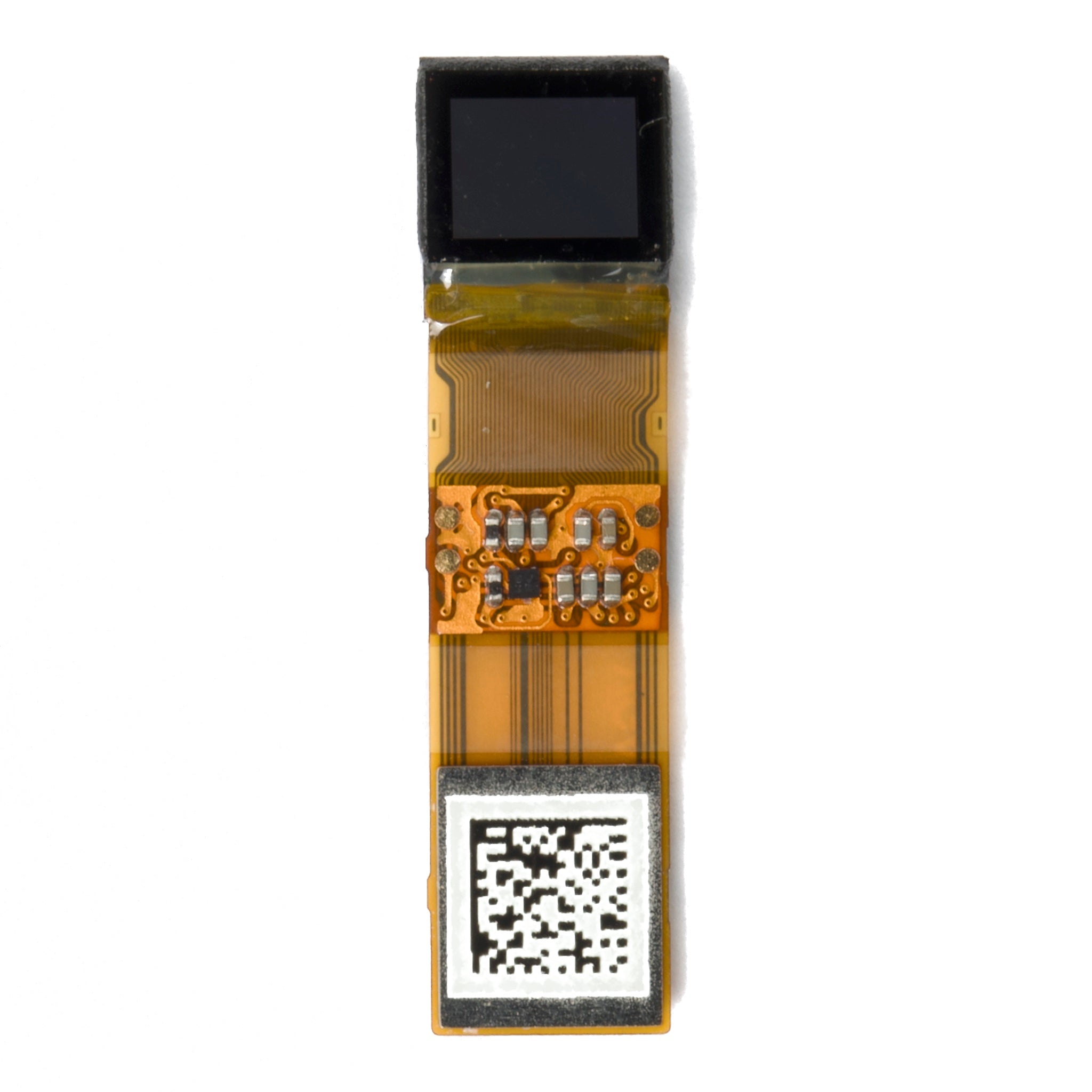
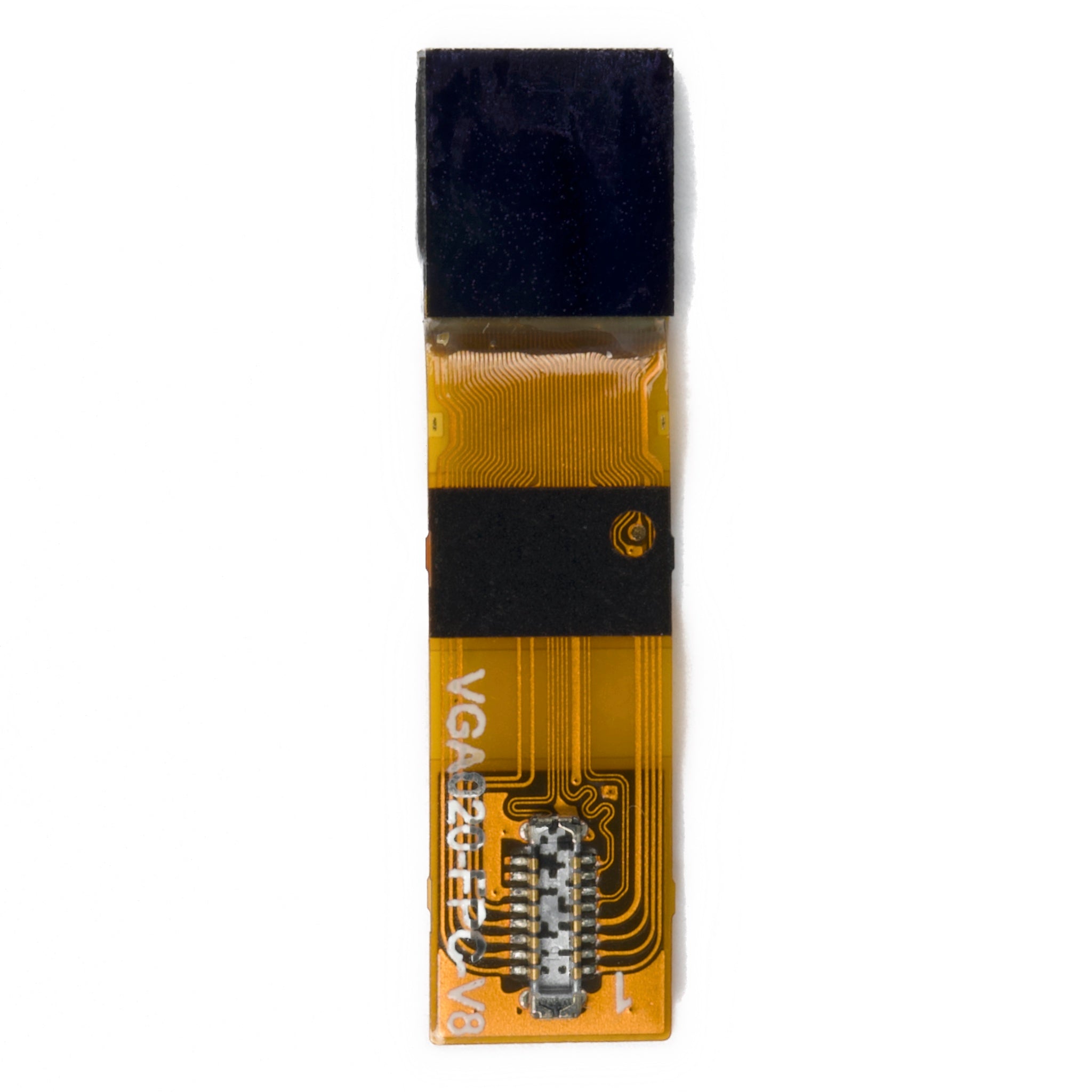
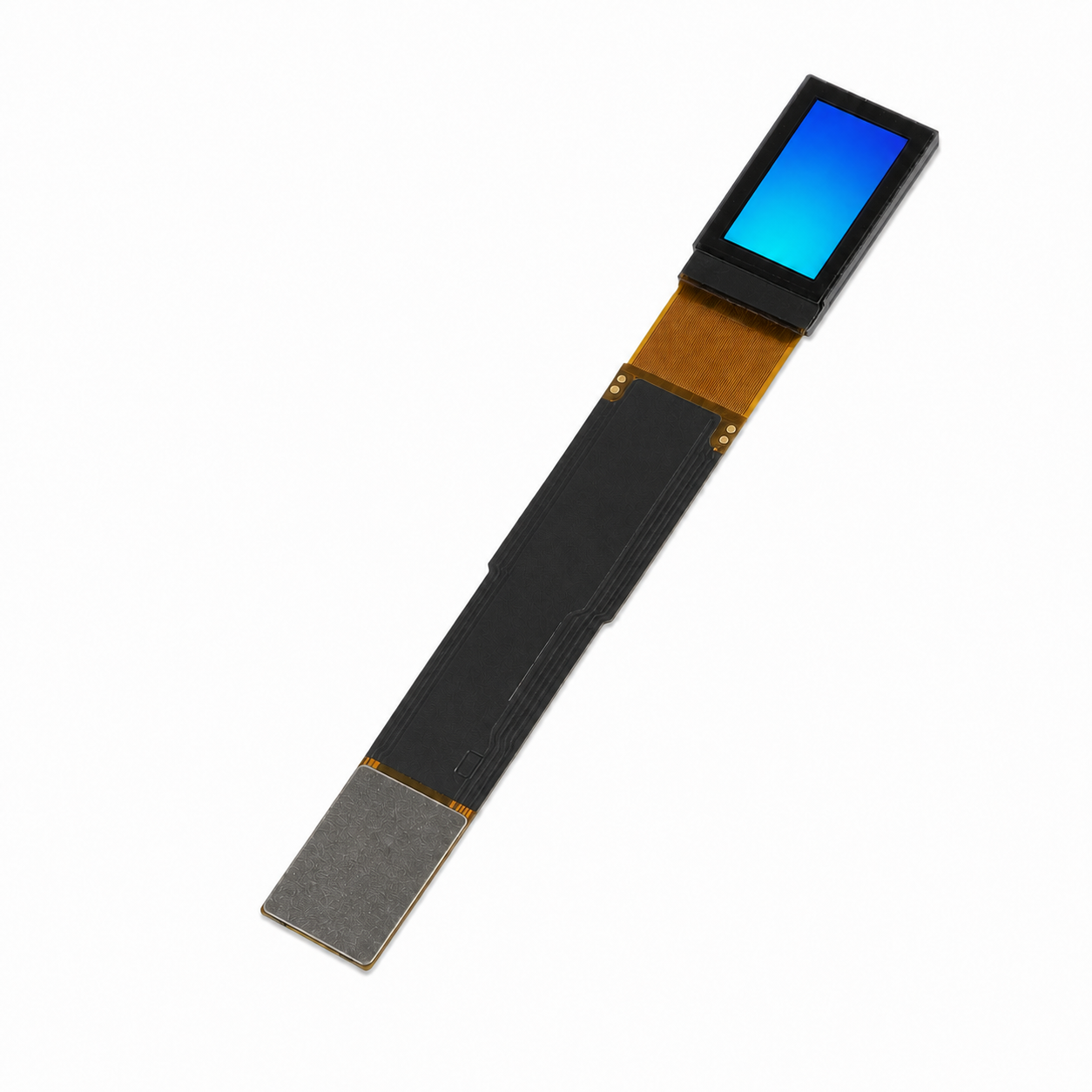
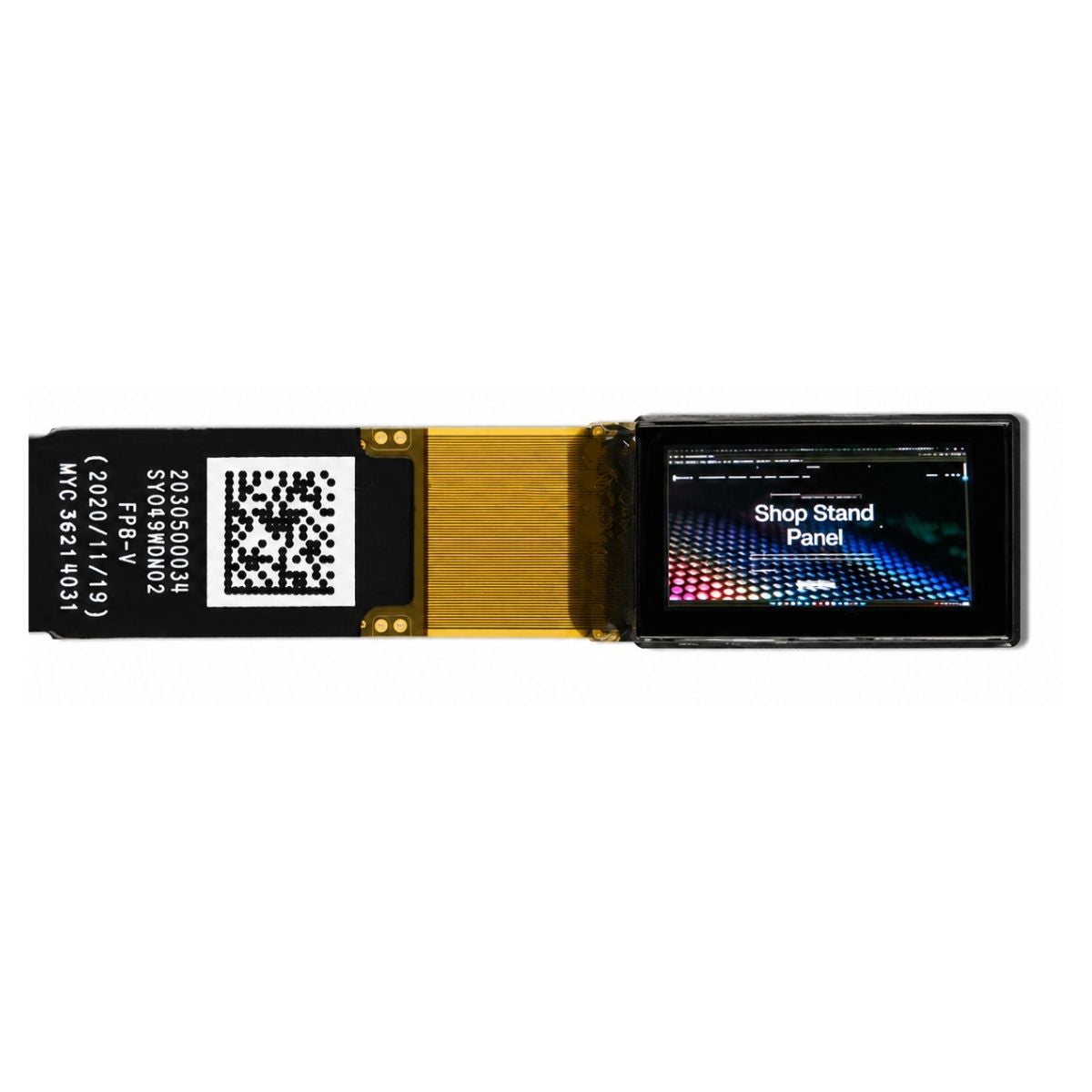
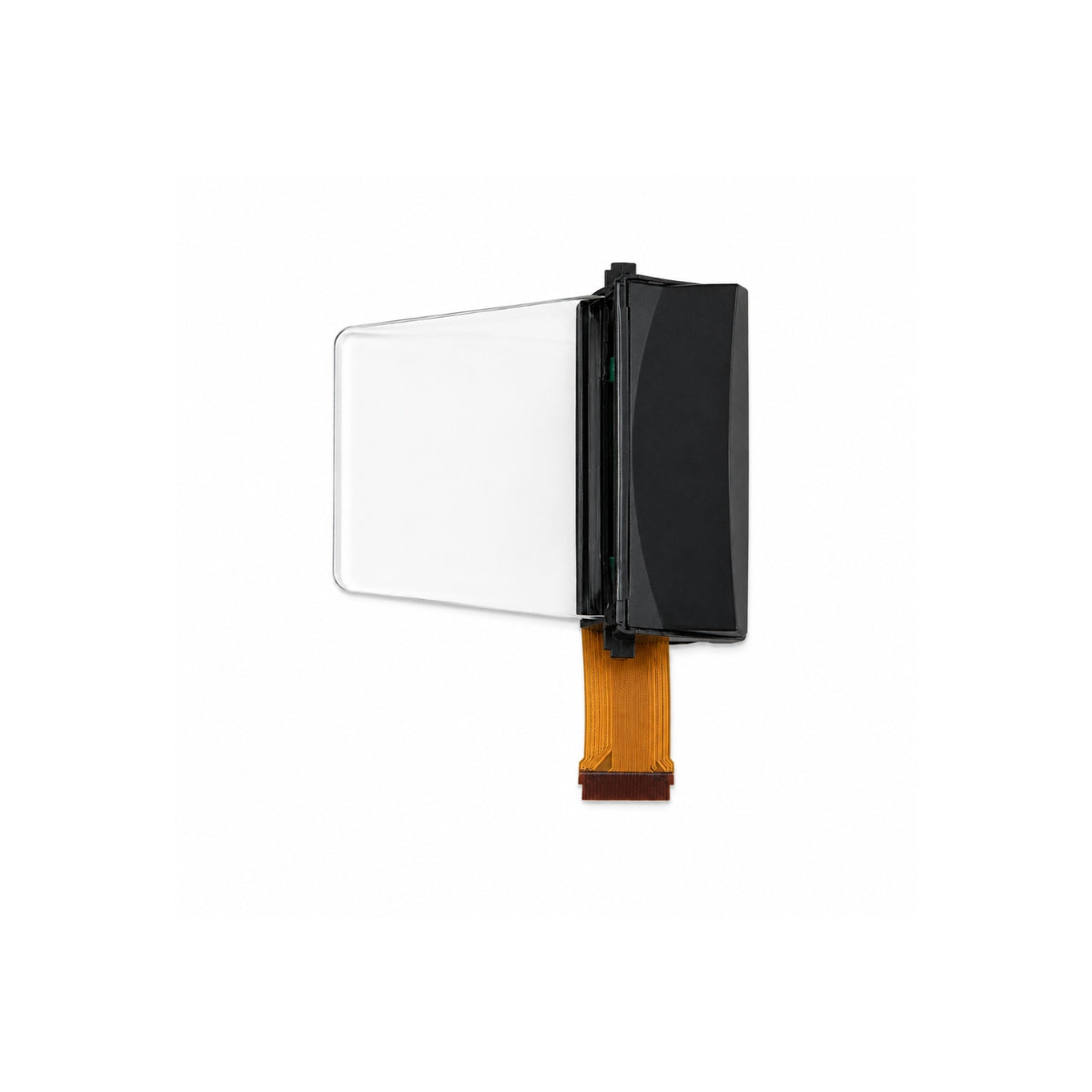
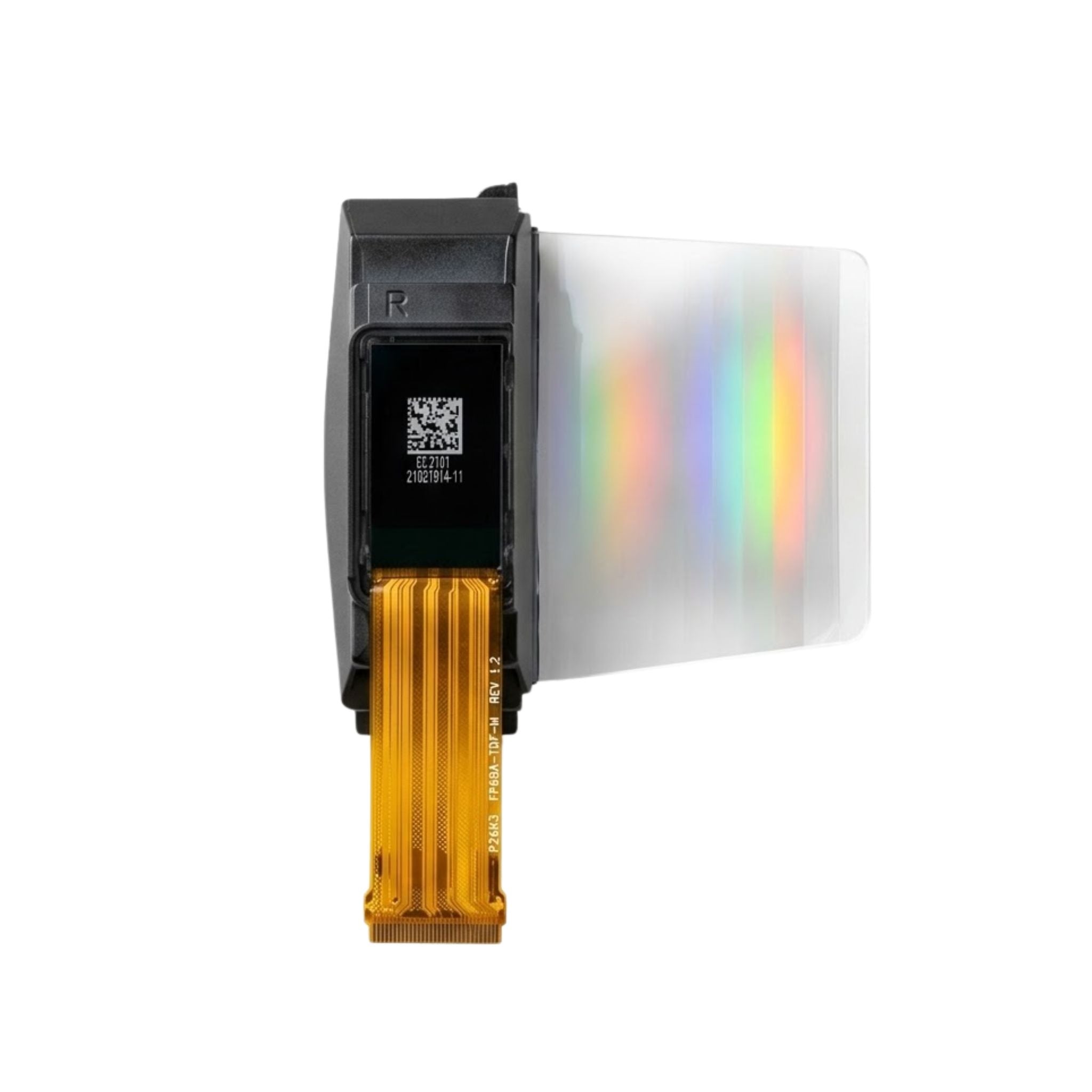


Keep moisture out of OLEDs by preserving the factory encapsulation, storing modules in their specified dry packaging, and designing the finished enclosure to control liquid entry and condensation. Protect the edge seal during assembly, keep wet modules unpowered, and validate the display in its final housing. Thermal protection supports these measures; cooling alone does not make an OLED waterproof.
There are two different barriers to consider. The OLED package protects its sensitive layers from water vapor and oxygen. The product enclosure protects the module from its surroundings. Neither a desiccant pack nor a temperature rating substitutes for both barriers.
Where Does Moisture Damage Begin?
Water and oxygen can damage an OLED's electrodes and organic layers, producing non-emitting areas that grow with exposure. The U.S. Department of Energy describes glass or metal covers, epoxy edge seals, and internal desiccant as common protection for OLED lighting panels. This explains the sealing principle, not the construction of every display module [1].
The sensitive layers sit inside the package, as shown in the explanation of OLED structure and light emission. An intact viewing surface therefore does not establish that the perimeter seal is sound. Inspect growing dark areas, delamination, and corrosion, but do not diagnose moisture damage from uneven brightness alone.
The Raystar REA012832KWPP3N00000 datasheet warns about electrode corrosion when the module is powered while dewed or in hot, humid conditions. Treat visible condensation as a reason to stop power-on and investigate, rather than trying to dry the display by operating it [2].
Protect the Factory Seal During Assembly
For a rigid package, the lid may be an effective vapor barrier while the adhesive perimeter remains a possible entry path. Keep clamps, bending loads, cutting, and unapproved cleaning away from that perimeter. The display sealing area is a functional part of the package, not spare mounting space.
When selecting graphic OLED modules, request the package drawing and permitted mounting areas for the exact part. Do not infer lid material, encapsulation type, or water resistance from a product category. The overview of OLED layer construction provides background, but the module drawing governs assembly.
| Package feature | Role in moisture protection | What to verify |
|---|---|---|
| Glass or metal cover | Provides a barrier over the sensitive layers | Approved mounting surfaces and lid-load limits |
| Edge seal | Closes the package perimeter | Seal condition and clearance from clamps and adhesives |
| Internal desiccant or getter | Absorbs residual moisture within its available capacity | Supplier-defined construction; it is not an enclosure service pack |
| Barrier film or thin-film encapsulation | Protects designs that do not use a conventional rigid cover | Handling, bending, edge protection, and qualification data |
Flexible substrates require their own barrier strategy. A DOE-supported roll-to-roll project demonstrated encapsulation into flexible, lightweight OLED packages using barrier-coated films. It is a research example, not evidence that a particular flexible module is waterproof [3].
What Should You Ask About Thin-Film Encapsulation?
Ask how the barrier handles defects, mechanical strain, and exposed edges. Alternating inorganic and organic layers are one encapsulation approach. DOE workshop material describes barrier requirements including pinhole-free coverage, crack resistance, and damp-heat targets above 1,000 hours at 85°C and 85% RH for general lighting [4].
Those are requirements discussed for that lighting context, not universal OLED display acceptance criteria or an operating-life prediction. The thin-profile advantages of OLEDs do not establish moisture resistance. Likewise, automotive OLED integration requires application-specific evidence rather than borrowing a lighting test duration.
Keep Storage and Assembly Dry
Use the module manufacturer's packaging and storage instructions. For example, the cited Raystar model specifies storage at 25 ± 5°C below 65% RH, preferably in its as-shipped package, with precautions against water drops and unsuitable light exposure. These are model-specific instructions, not a humidity limit for all OLEDs [2].
Moisture-barrier bags, desiccant, humidity indicators, and exposure tracking are established handling concepts in IPC/JEDEC J-STD-033. Its scope is moisture/reflow-sensitive surface-mount devices. It does not give every finished OLED module a twelve-month shelf life, a floor-life classification, or an approved bake process [5].
- Record the part number, bag condition, opening time, and humidity-card reading when a card is supplied.
- Interpret the card using its instructions and the supplier's acceptance rules. Opening a bag is not, by itself, proof of moisture damage.
- Inspect accessible seals and flex connections for visible damage. A visual inspection cannot certify barrier integrity.
- Keep cleaning liquids and unapproved coatings away from the optical assembly and perimeter seal.
- If condensation or questionable exposure is found, keep the module unpowered and obtain supplier disposition. Reaching room temperature alone is not a release criterion.
Do not apply a generic PCB bake or reflow schedule to a finished OLED. Obtain a module-specific recovery procedure before heating a damp assembly. Drying should not be treated as a repair for corrosion or damaged emissive layers.
How Does Thermal Protection Help an OLED Stay Dry?
Thermal protection and moisture protection are related, but they are not interchangeable. JEDEC's temperature-humidity-bias method uses elevated temperature and humidity to accelerate moisture penetration through protective materials or along interfaces in nonhermetic solid-state devices. This supports combined-stress evaluation, not the claim that any warm enclosure inevitably leaks or condenses [6].
Condensation depends on surface temperature and the moisture in the surrounding air. The National Weather Service describes determining dew point by cooling a mirror until dew or frost forms on its surface. For a display enclosure, the relevant question is whether a module or window surface approaches the local air's dew point during transport, startup, or cooldown [7].
| Raystar REA012832KWPP3N00000 example | Datasheet value |
|---|---|
| Operating temperature | -40 to +80°C |
| Storage temperature range | -40 to +85°C |
| Recommended storage environment | 25 ± 5°C, below 65% RH, preferably as shipped |
A temperature range does not establish permission for condensation or for every combination of heat and humidity. Use the full environmental restrictions for the exact module [2].
Plan heat removal without introducing an uncontrolled opening. Evaluate a conductive path to the housing where the supplier permits it, and avoid loading the lid or seal with a heat spreader. Include regulators and other nearby heat sources in the review. The discussion of temperature effects on display modules helps frame that review.
Check the intended brightness and duty cycle rather than assuming maximum brightness is the normal load. For Micro OLED designs, consider module selection parameters alongside the broader OLED size, brightness, and interface requirements. Thermal control must address both high-temperature operation and condensation risk during transitions.
Design the Enclosure for Water and Vapor Separately
Do not assume a bare OLED module has an ingress rating. Confirm any claimed protection and whether it applies to the module or the complete product. A liquid-water seal also needs an enclosure humidity plan; assembling a box around damp parts does not remove the moisture already inside.
| Design decision | What to check |
|---|---|
| Window, joints, and cable entries | Liquid entry paths, gasket compression, and loads transferred to the display |
| Pressure-equalization vent | Its specified liquid-ingress protection and vapor transmission; do not assume a water-resistant membrane makes the enclosure dry |
| Enclosure desiccant | Capacity, exposure conditions, inspection access, and replacement or regeneration instructions |
| Drainage | Whether the design needs it and whether it compromises the required ingress protection |
| Thermal interface | Approved contact areas, mechanical loading, and temperatures during operation and cooldown |
Evaluate venting, drainage, and desiccant as design choices, not universally beneficial additions. The industrial Micro OLED integration overview provides application context; the actual enclosure and module specifications must determine acceptance.
Build a Traceable Moisture-Validation Record
A useful engineering record is more valuable than an unsupported claim that a display is “rugged.” Use the following workflow to generate evidence for your own design. It is a proposed procedure, not a report of tests performed on a DisplayModule product.
- Before exposure: record module identity, packaging history, enclosure revision, seal condition, and baseline photographs using a repeatable display pattern.
- During exposure: record temperature, humidity, power state, brightness setting, duration, and relevant panel or window surface temperatures.
- After exposure: compare dark areas, optical uniformity, contacts, and seal condition with the baseline using the same inspection setup.
- Disposition: retain sample count, acceptance criteria, deviations, and failures, including results that do not support the design.
Choose stresses with the module supplier and a qualified laboratory. IEC 60068-2-78 Test Cab addresses high humidity at constant temperature without condensation. Passing such a test does not, by itself, establish resistance to dew, rain, washing, or immersion [8].
Test the final housing with its intended heat load and mounting arrangement. Where the application involves cold-to-warm transfers or repeated power cycling, explicitly address those transitions in the validation plan. Do not apply a generic 85°C/85% RH exposure to a module whose specification does not authorize it.
Interpret life claims separately from moisture qualification. The discussion of AMOLED lifetime and test context is background, not a prediction for your enclosure. Moisture controls do not guarantee operating life or immunity to burn-in.
Planning an OLED for damp or warm conditions?
Share your enclosure, temperature range, and target brightness for module and validation recommendations.
Request a volume quoteFrequently Asked Questions
Can I waterproof an OLED with silicone or epoxy?
Do not add sealant to the factory package without supplier approval. Adhesives and coatings need optical, chemical, and mechanical compatibility checks. Design the outer enclosure seal instead of assuming a coating can repair or replace encapsulation.
Does a desiccant pack make an OLED waterproof?
No. It has finite moisture capacity and does not block liquid entry. An accessible enclosure pack is separate from any getter sealed inside the OLED package.
Does heating the display prevent condensation?
Controlled heating can help keep a surface above the local dew point, but it does not remove water vapor. Any such strategy needs temperature limits, startup and shutdown checks, and validation. Running an OLED hotter without those controls is not a moisture-protection plan.
What should I do if an OLED is already wet?
Do not power it. Isolate it under the supplier's handling instructions, document the exposure, and request an approved assessment or recovery procedure. A dry-looking surface does not establish that internal damage is absent.
Bottom Line
Protect the factory barrier, keep handling dry, manage enclosure moisture, and verify thermal transitions in the assembled product. Treat package sealing, liquid-ingress protection, and condensation control as separate requirements. Use the exact module's limits and recorded test evidence rather than relying on a generic OLED temperature range or a “waterproof” label.
Laisser un commentaire
Ce site est protégé par hCaptcha, et la Politique de confidentialité et les Conditions de service de hCaptcha s’appliquent.