









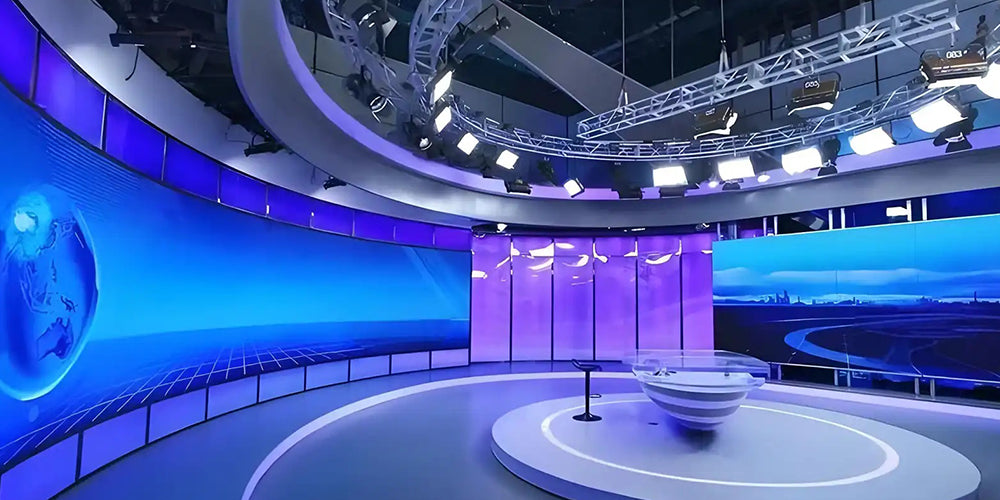
High-definition LCD digital display resolutions are mainstream at 4K (3840×2160) or 8K (7680×4320), with pixel densities exceeding 200 PPI, accurately presenting 0.1mm-level details (such as medica...
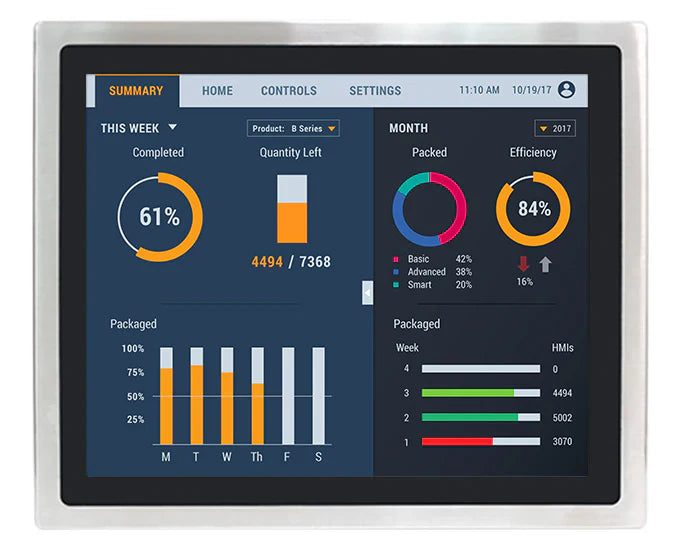
Customized industrial-grade digital display LCD screens with sizes covering 3.5-32 inches (typically 10.1 inches), supporting resolutions from 1280×800 to 4K, and adjustable brightness of 500-1500n...
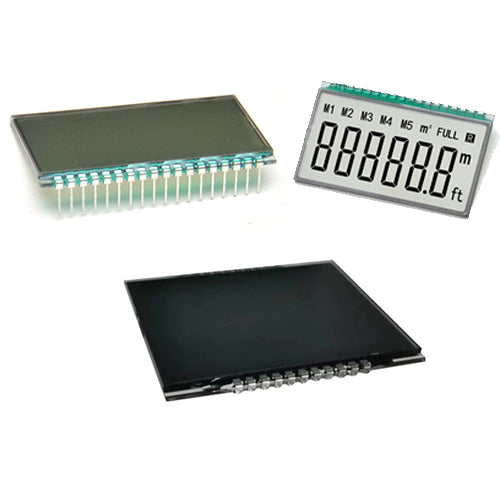
When selecting a reliable LCD module supplier, focus on qualifications, production capacity, quality control, and service. Check for ISO 9001/IATF 16949 certification, prioritize automotive-grade ...
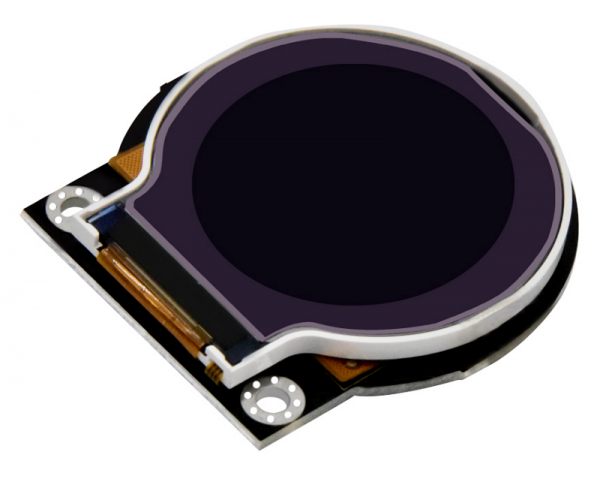
The circular LCD display module is based on TFT active matrix technology, with sizes ranging from 1.3-3.5 inches (diameter), resolutions of 240x240/320x320, response time ≤15ms, 16.7M colors (24-bi...
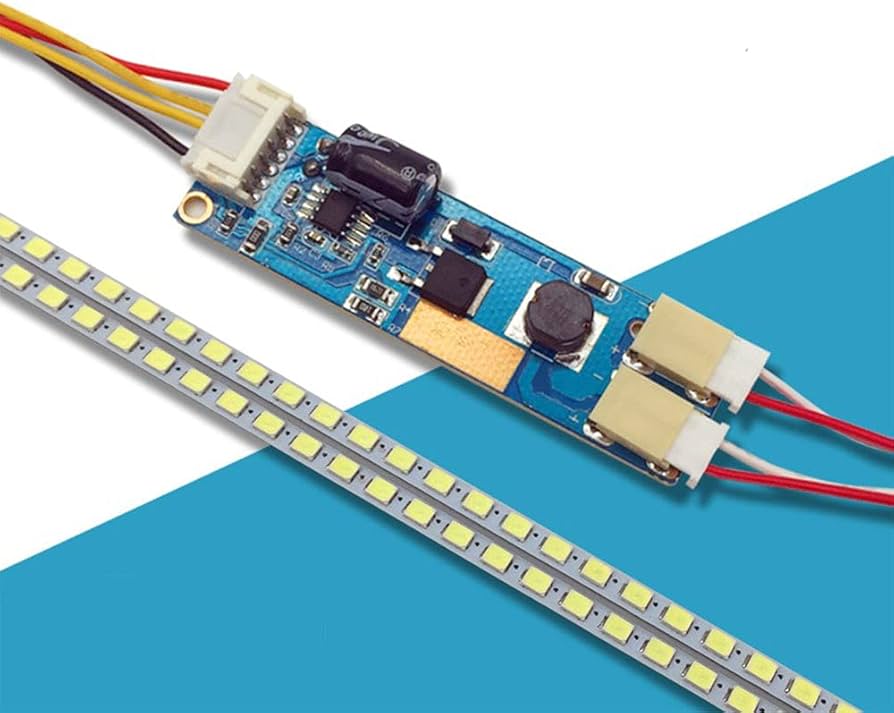
LCD backlights are divided into two types: LED and CCFL. LEDs are the mainstream technology, with a lifespan of 50,000+ hours, 30%-50% lower power consumption than CCFLs, a color gamut of 95%+ sRGB...
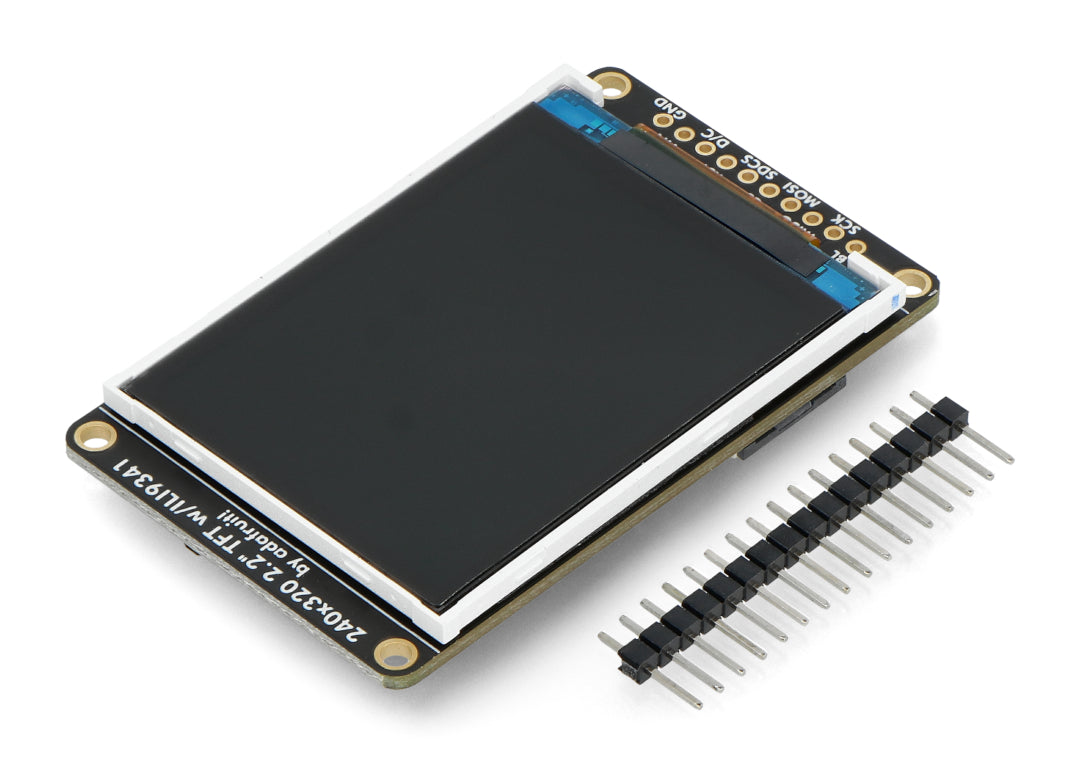
The color LCD display module is based on TFT active matrix technology, offering fast response times (≤25ms) and excellent true color reproduction (16.7 million colors, 24-bit color depth), with res...
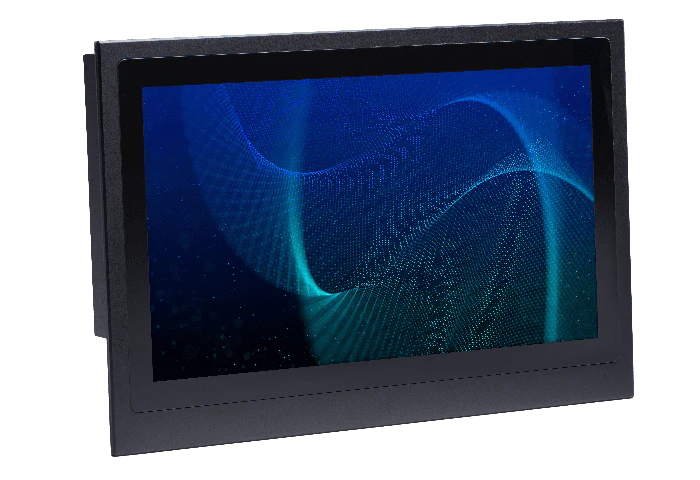
The industrial LCD display module focuses on high brightness (1500 nits), wide temperature range (-40℃ to 85℃), and strong durability. It uses a 10.1-inch fully laminated screen with a contrast rat...
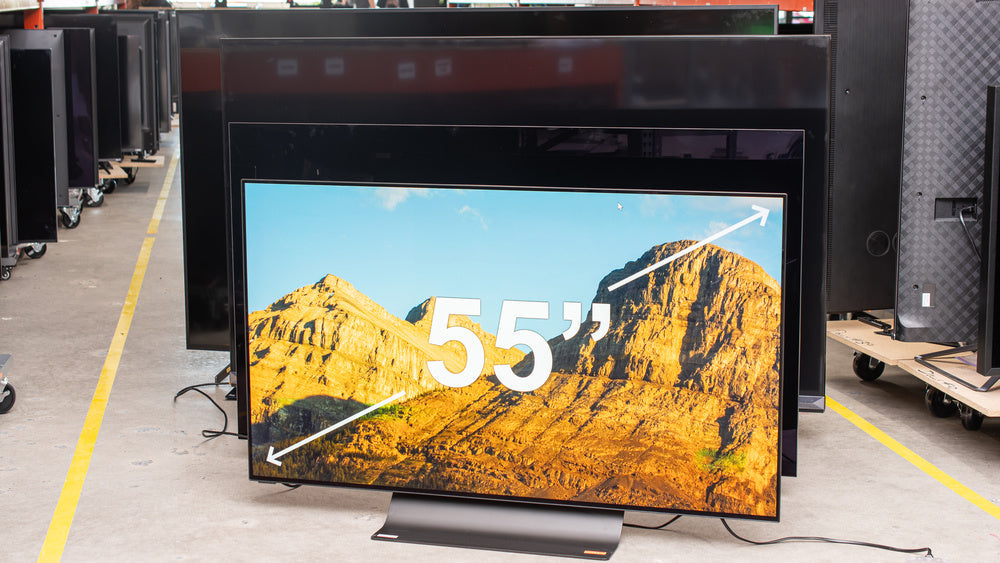
For high-performance LCD modules in 2025, prioritize brands like AUO and Innolux for 4K resolution and 240Hz refresh rates. Key specs include 1000 nits brightness and wide color gamut. displayModul...
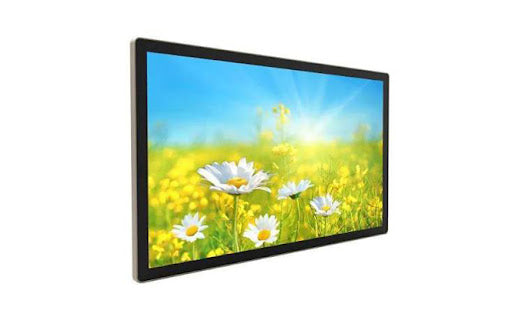
Select manufacturers with ISO 9001 and IATF 16949 certifications for quality. For customization, provide detailed specs for a formal quote. Pricing tiers vary; expect a 30-50% premium for fully cu...