01
Available space
Check the module width, height, thickness, viewing area and FPC position.


Popular Products
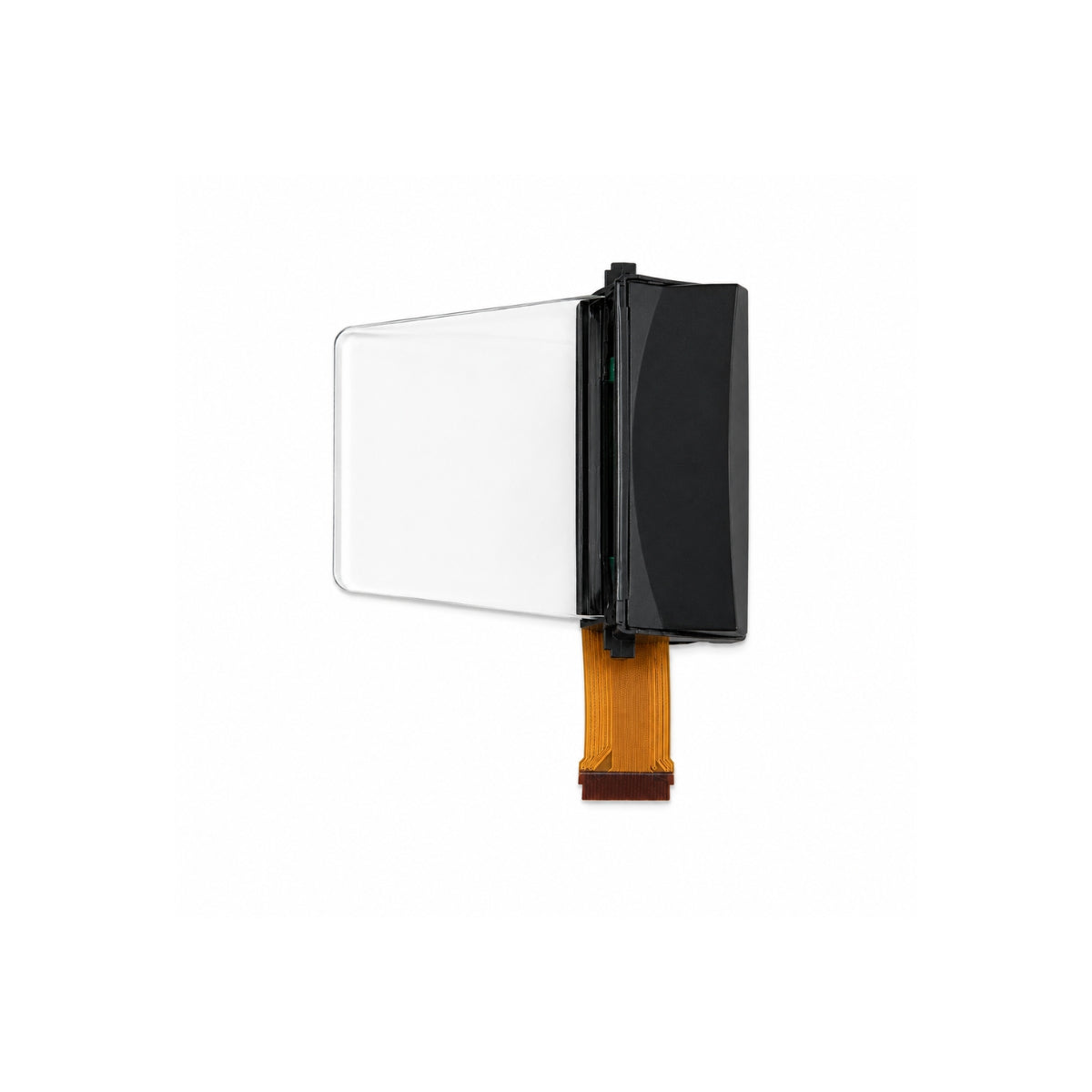
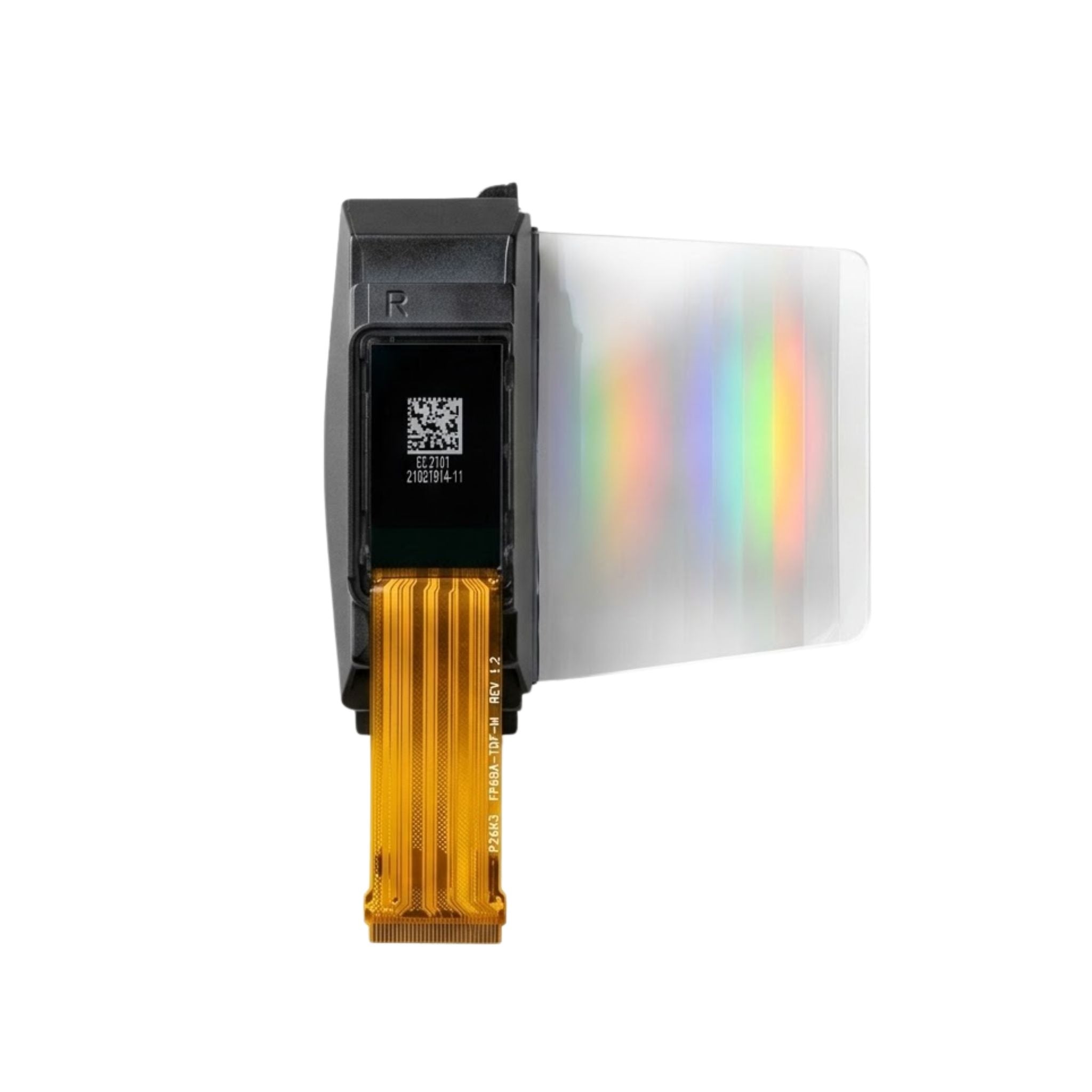


DISPLAYMODULE
STANDARD AND CUSTOM OLED MODULES
Compare Graphic OLED sizes, resolutions and interfaces for your display design.
Choose from 35 listed models from 0.42 to 5.5 inches, with SPI, I²C and MCU interface options. Order a standard sample first, or ask about a custom FPC, cover glass or driver board.
We usually reply within 24 hours on working days.
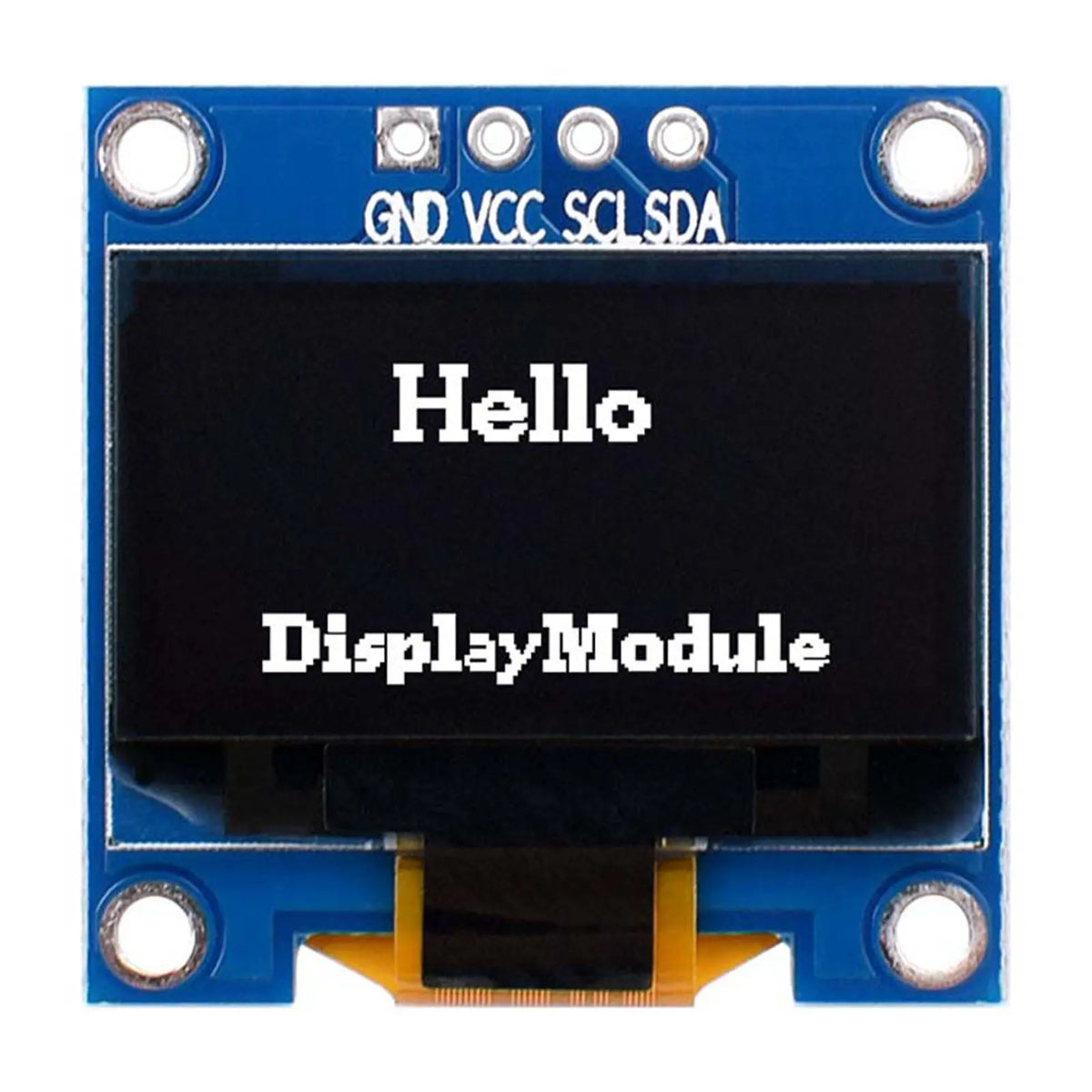
HOW TO CHOOSE
Check these four points before choosing a part number. This avoids mechanical changes and extra software work later.
01
Check the module width, height, thickness, viewing area and FPC position.
02
Choose enough pixels for readable text, icons, menus and numbers.
03
Match the screen to the SPI, I²C or parallel MCU pins on your board.
04
Confirm the display color, viewing direction and working temperature.
PRODUCT EXAMPLES
These models cover small square, round and wide layouts. Open a product page to check the full drawing, pinout and datasheet.
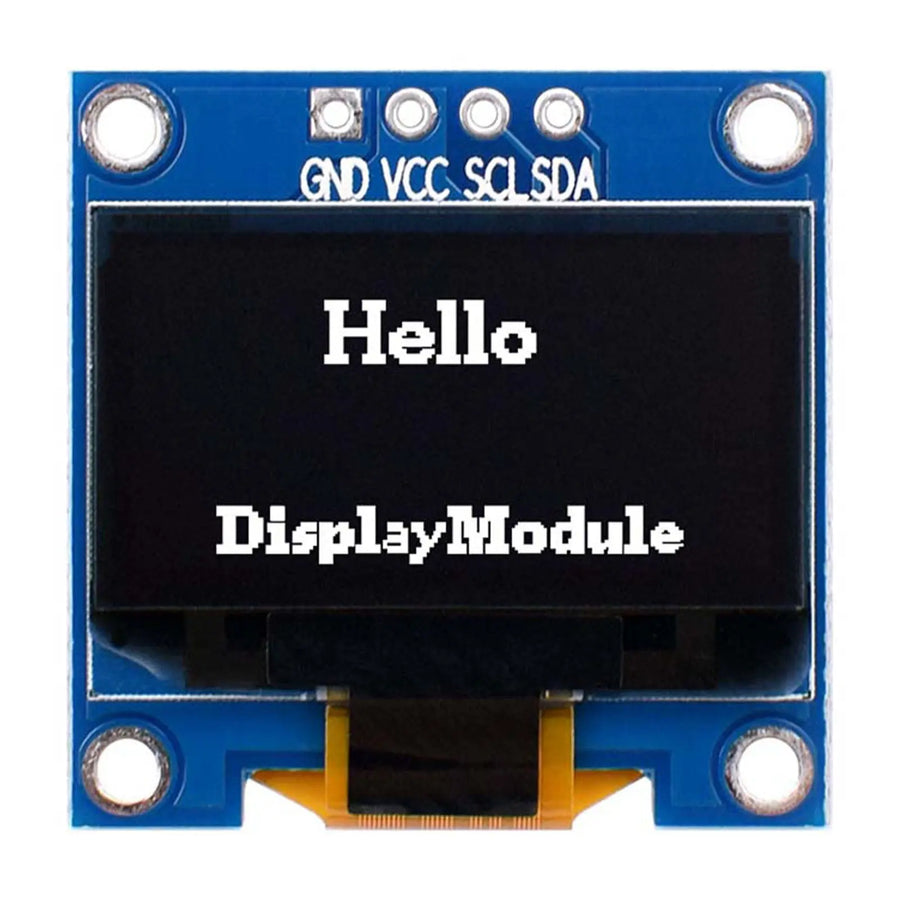
Small rectangular screen
26 × 26 × 2.7 mm module, 2.8 V, SSD1315 controller.
See Product Details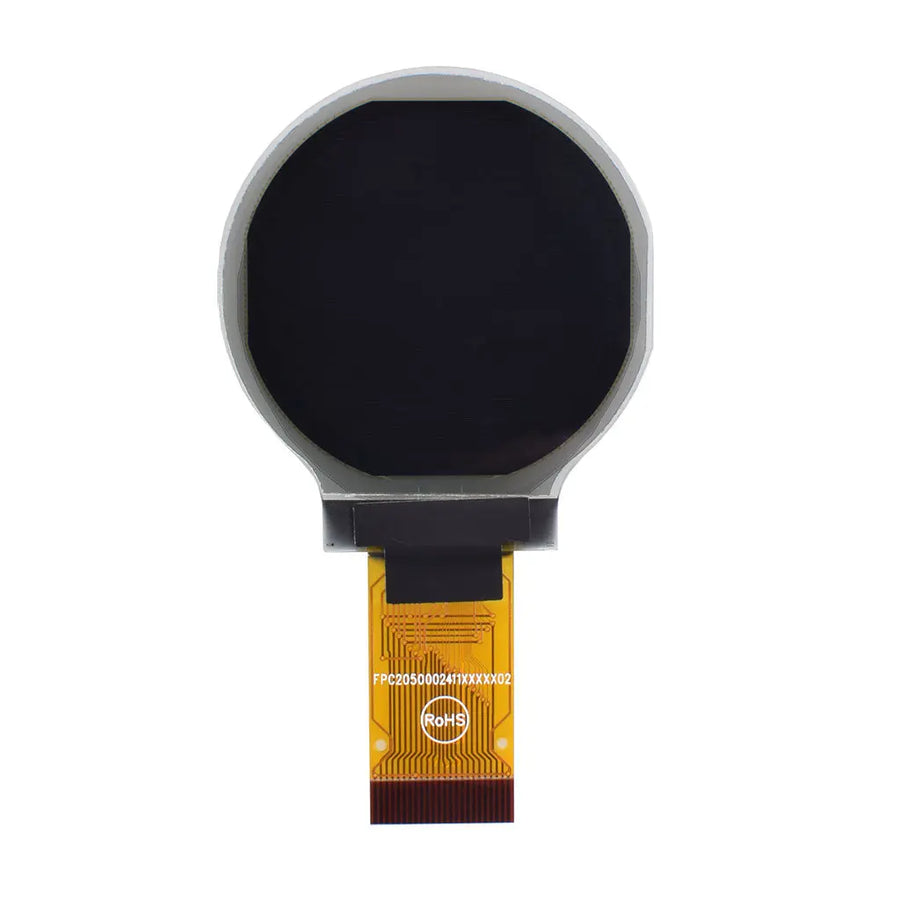
Round screen
36.98 × 41.23 × 2.05 mm module with MCU, SPI and I²C.
See Product Details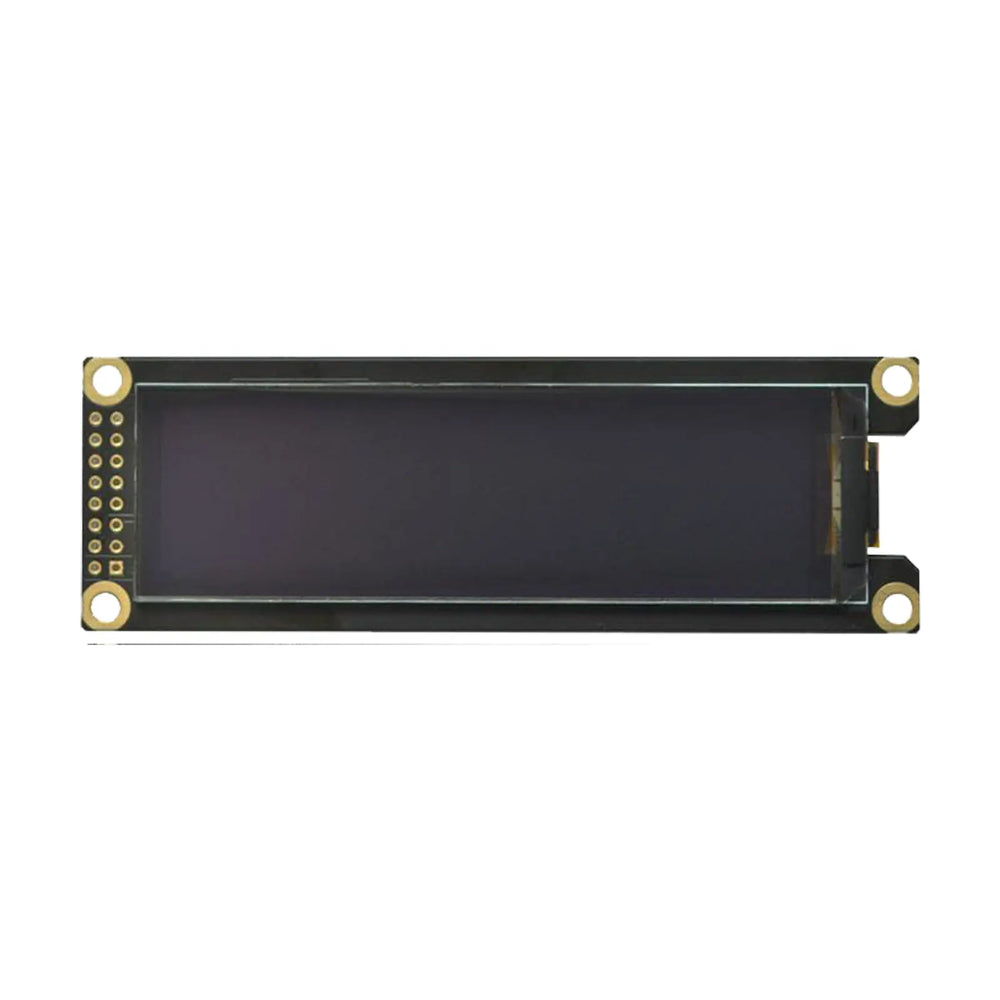
Wide screen
Resolution: 256 × 64 pixels
Panel Size: 86.9 × 25.8 × 2.1 mm max
PCB Module Size: 100.0 × 33.0 × 5.4 mm
4-wire SPI · SSD1362 controller.
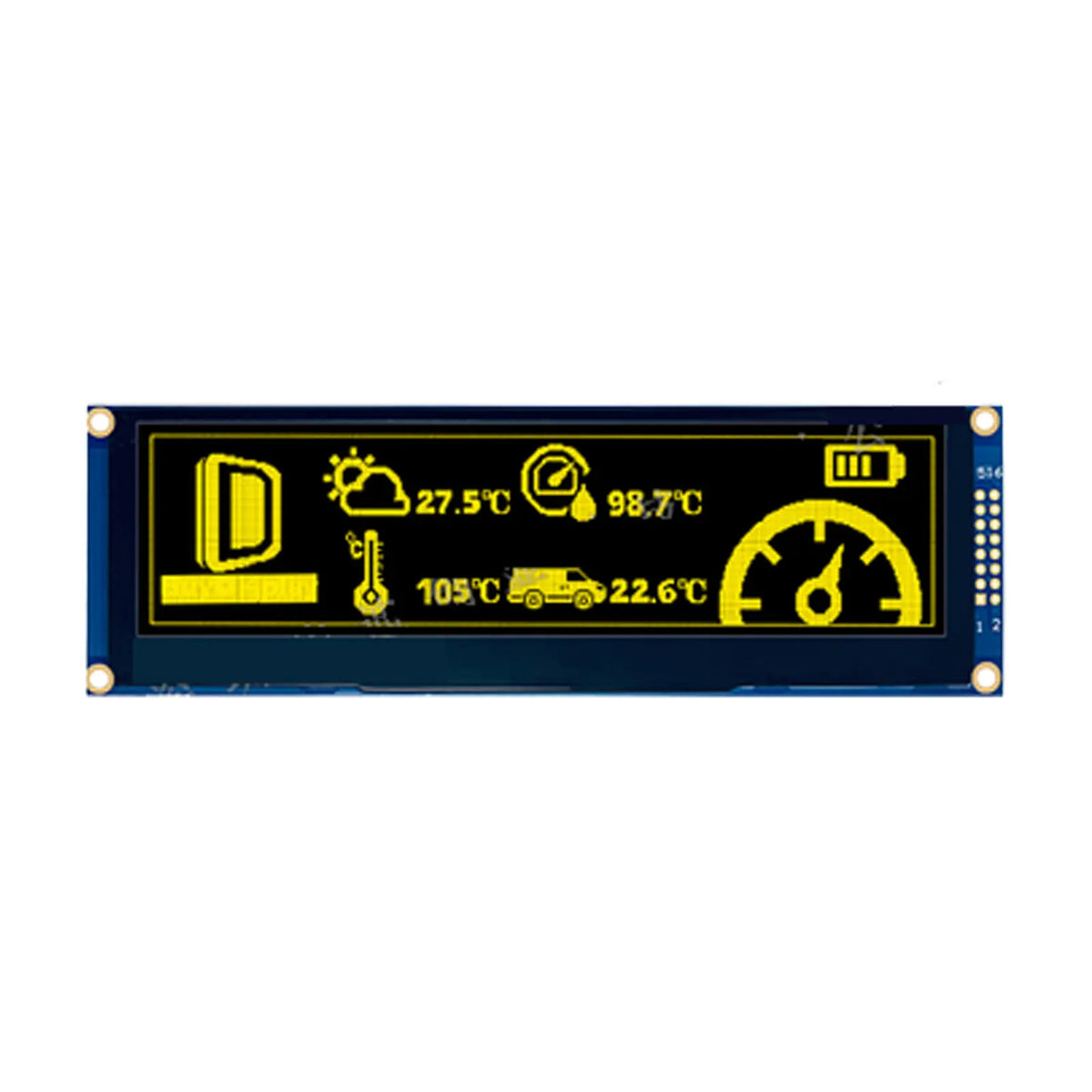
Large wide screen
Panel Size: 146 × 45 × 2 mm
PCB Module Size: 159.33 × 49.8 × 6.3 mm
Parallel, 4-wire SPI and 3-wire SPI options.
I²C, SPI OR MCU
The interface affects pin count, wiring and screen update speed. Always check the voltage, pinout and initialization commands for the exact module.
SDA and SCL carry the display data. This is useful when your controller has limited free pins.
SPI uses more signal pins than I²C, but it is often a better fit for moving graphics and frequent updates.
6800 or 8080 MCU connections use more GPIO pins and are available on selected modules.
Need a closer comparison? Read the SPI and I²C guide
QUICK COMPARISON
Use this table for a first check. Confirm the full drawing and pinout on the product page before laying out your PCB.
| Part number | Screen | Module size | Connection | Temperature |
|---|---|---|---|---|
| DM-OLED042-647p | 0.42" · 72×40 | 12 × 11 × 1.25 mm | I²C | −40 to +85°C |
| DM-OLED096-636 | 0.96" · 128×64 | 26 × 26 × 2.7 mm | I²C | −40 to +85°C |
| DM-OLED118-655 | 1.18" round · 128×128 | 36.98 × 41.23 × 2.05 mm | MCU · SPI · I²C | −40 to +80°C |
| DM-OLED312-669 | 3.12" · 256 × 64 pixels | Panel: 86.9 × 25.8 × 2.1 mm max PCB module: 100.0 × 33.0 × 5.4 mm |
4-wire SPI | −40 to +70°C |
| DM-OLED55-672 | 5.5" · 256×64 | Panel: 146 × 45 × 2 mm PCB module: 159.33 × 49.8 × 6.3 mm |
Parallel · SPI | Operating: −30 to +70°C Storage: −40 to +80°C |
FROM SAMPLE TO ORDER
Start with a standard module if it fits. If it does not, send your drawing and requirements so the team can check a different FPC, cover glass or driver board.
Send the size, resolution, connection, color, temperature and expected quantity.
Try a standard module, or check a custom sample when changes are needed.
Check startup code, screen content, power, viewing and operation in your enclosure.
Confirm the approved part, test requirements, quantity and delivery date.
WHAT YOU CAN GET
Evaluate listed modules before placing a volume order.
Ask about changes to the FPC, cover glass or driver board.
Modules receive optical and electrical checks before shipment.
Get datasheets and help with connection and startup questions.
WHERE THEY ARE USED
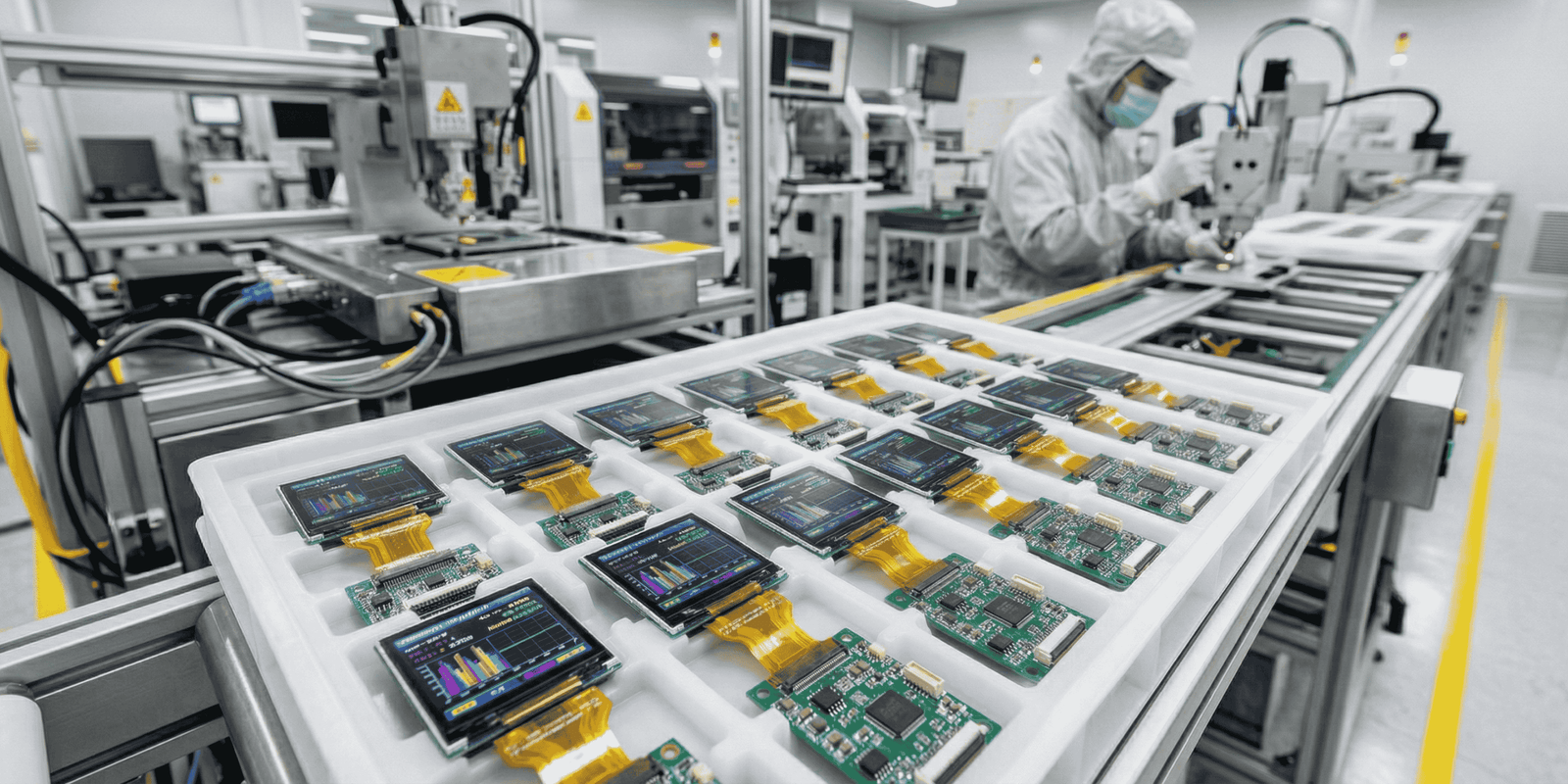
Show readings, settings, warnings, icons or simple menus close to the controls.
SAMPLE CHECKS
A sample may light up and still be wrong for your product. Check the part marking, size, connection, startup code and screen quality before approving it.
Open the incoming inspection guideCheck the part number, revision, lot marking and FPC marking against your order.
Check the outline, viewing area, connector position and FPC length against the drawing.
Confirm voltage, pinout, timing and initialization with the controller used in your product.
Use full-on, full-off and simple graphic patterns to look for dead pixels, uneven output and image errors.
Check viewing, cable routing, heat, startup and normal use with the final cover and power supply.
USEFUL GUIDES
These short guides can help you compare screen types, connections and inspection points.
WHAT TO SEND US
A drawing or short list is enough to start. We can use it to find a standard model or check whether a change is needed.
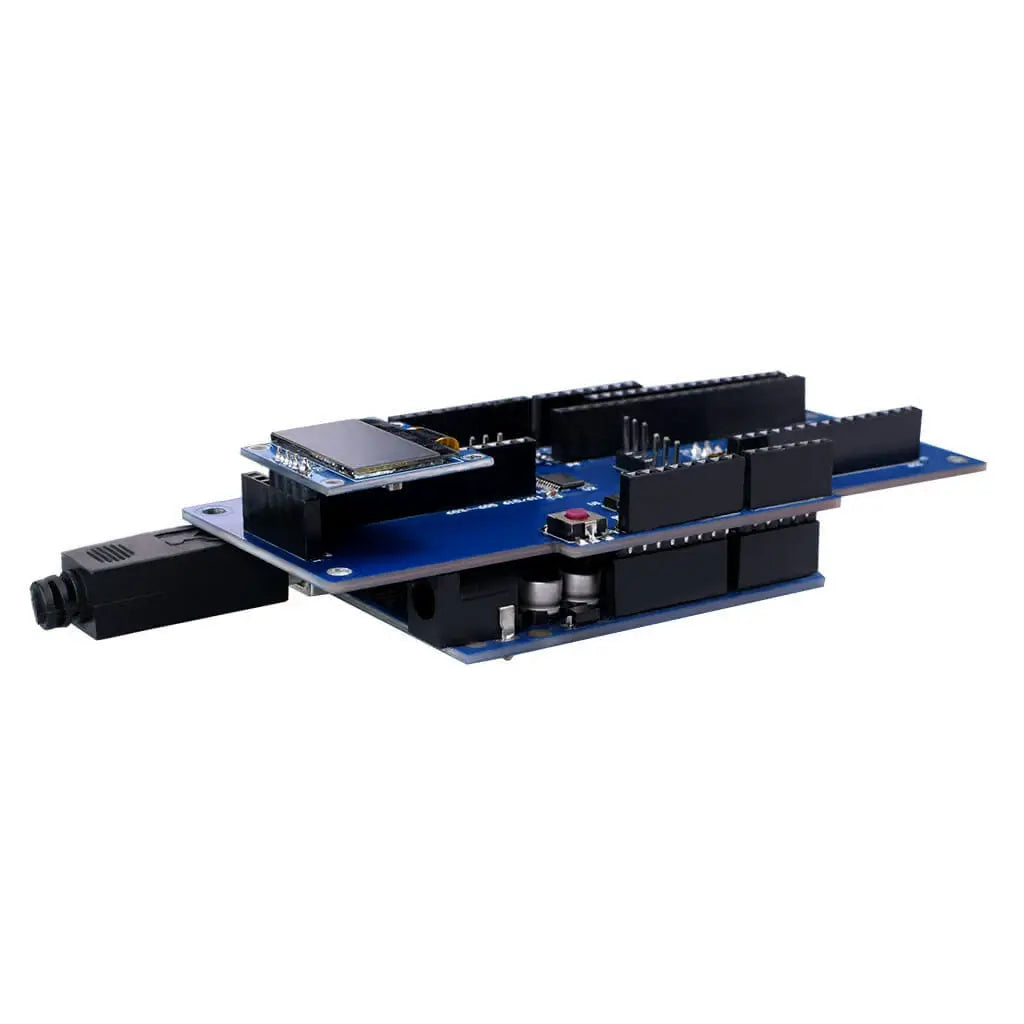
BUYING HELP
Clear answers for selecting, testing and ordering a Graphic OLED module.
Yes. Standard Graphic OLED models can be ordered as samples. Confirm the part number and availability first, then test the module in your own hardware before planning a larger order.
The current range includes SPI, I²C and MCU interface options. Interface support varies by part number, so check the product drawing, pin assignment and datasheet before connecting the display.
Check the outside dimensions, active area, connector and FPC position, supply voltage, logic levels, pinout and startup sequence. Run full-screen patterns and test the module inside the final enclosure.
Send the space available, required display content, preferred interface, viewing direction, operating temperature and estimated quantity. These details make it easier to compare suitable listed models.
You can ask about changes such as the FPC shape, cover glass or a driver board. Share a drawing and the expected quantity so the team can review whether the requested change is practical.
Price and lead time depend on the selected model, quantity, stock status and any requested changes. Send the exact part number, quantity and required date for a current quotation and schedule.
CONTACT DISPLAYMODULE
Send your target specification, model reference and expected quantity. We will check suitable models and reply with product information, price and availability.
info@displaymodule.com Monday–Friday, 9:00–17:00 UTC+8