



Color e-paper is worth paying extra for if you regularly read color comics, follow color-coded charts, or review marked-up documents. For novels and black-and-white manga, a monochrome reader usually offers better value. Check screen size and app support before paying for color; neither becomes better just because the screen has more colors.
This is a specification-based buying guide, not a hands-on product test. The color specifications below refer to Kaleido 3, not every color e-paper technology.
Display Differences
| Feature | Black-and-White | Kaleido 3 Color |
|---|---|---|
| Pixel density | 300 PPI on high-resolution models | 300 PPI for black-and-white content; 150 PPI for color |
| Color support | Grayscale; no distinction by hue | 4,096 colors and 16 grayscale levels |
| Text and background | No color-filter layer | Color filtering can make the background look darker |
| Useful content | Novels, text documents, monochrome manga | Color comics, illustrated books, charts, color-coded notes |
The Kaleido 3 figures come from E Ink’s published specifications. A 150 PPI color rating does not mean black text drops to 150 PPI. Small colored labels and fine illustrations are where the lower color resolution matters.
Expect softer colors than on a phone or tablet. Color-filter designs divide the display area among different colors, which limits vividness. Research also describes pigment-based alternatives, so these trade-offs should not be applied to every color screen.[1]

When Color Helps
Novels and monochrome manga rarely need it. A color cover does not improve the pages that follow. For manga, screen size and the readability of speech bubbles may matter more than color support.
Color comics and illustrated books have a clearer case. Check skin tones, dark scenes, and small captions on your own files. A colorful home screen tells you little about whether a full comic page is comfortable to read.
Charts and notes depend on how color carries meaning. Red and blue lines can become hard to distinguish in grayscale. Labels, symbols, and line patterns can preserve that information without color—a principle also reflected in W3C accessibility guidance.[2] If your documents use color alone, check that the actual shades remain distinct on the device.
For PDFs, choose size before color. At the same aspect ratio, page fit, and margins, a 10.3-inch screen makes page elements about 47% larger than a 7-inch screen. That is a geometry calculation, not a guarantee of comfortable text. Open a representative page before buying.
Speed and Battery Life
There is no single page-turn speed for either category. File processing, refresh mode, firmware, and temperature all affect the wait. Research shows that driving-waveform changes can alter response time and image quality; a faster setting may leave more ghosting.[3]
Look for faint text left behind after a page turn, flashing during refresh, and delays when zooming a PDF. Do not treat a panel’s update time as the finished reader’s page-turn time. Some devices can show video in fast modes, but that does not make them a good replacement for a tablet.
Battery claims also need their conditions. A hypothetical “eight weeks” at 30 minutes a day represents 28 reading hours, not eight weeks of continuous use. Compare daily reading time, front-light settings, wireless use, and battery capacity. Color does not automatically mean one-third less battery life.
What the Premium Buys
Compare two devices with similar screen size, storage, lighting, and warranty. A price difference that also includes a larger screen or a pen is not a color-only premium. Count the pen and case only if you need them.
For a hypothetical $60 premium over three years: one hour of color reading a week gives 156 hours of use, or about $0.38 extra per hour. At 15 minutes a week, the same premium works out to about $1.54 per hour. These are cost examples, not market prices or a break-even rule.
Storage should follow file size, not the number of comic “sets.” For example, 100 volumes averaging 200 MB each need roughly 20 GB, before system storage and other files. Check a few downloads from your own library before deciding that 64 GB is necessary.
A Ten-Minute Check Before Buying
Bring one text page, one color comic or chart, and one PDF you actually use. Compare devices under the same light and at the same physical text size. Equal font settings or front-light percentages do not guarantee equal results.
| Time | Task | What to Check |
|---|---|---|
| 2 minutes | Read the same text page | Compare small letters and background shade with the front lights off, then adjust each light for comfortable reading. |
| 3 minutes | Open your color page | Check chart legends, similar colors, dark illustrations, and colored captions without zooming. |
| 3 minutes | Turn 10 pages and zoom the PDF | Watch for leftover images, refresh flashes, and delays during panning. Try both quality and fast modes if available. |
| 2 minutes | Check your reading or note workflow | Confirm access to your books or app. If handwriting matters, write a note and check how it exports. |
If you compare samples or share results, record the model, firmware, refresh setting, and lighting conditions. A photograph taken with automatic exposure is not enough to establish a brightness difference.
Check content access separately. Importing an EPUB or PDF is not the same as installing a reading app, and a purchased book may remain restricted to its licensed platform. Color support also does not guarantee pen support or editable color-note exports.
For E-Paper Product Projects
A finished reader and a bare display require different budgets. When comparing e-paper display modules, include the compatible controller, power circuitry, connection hardware, and any required lighting. The distinction between panels, driver boards, and development kits affects both the purchase price and the engineering work.

Specify the update schedule as well as the colors. A sign updated every five minutes needs 288 updates a day; an interface updated every second needs 86,400. Those workloads require different checks for refresh behavior, power, and panel suitability.
Evidence and Scope
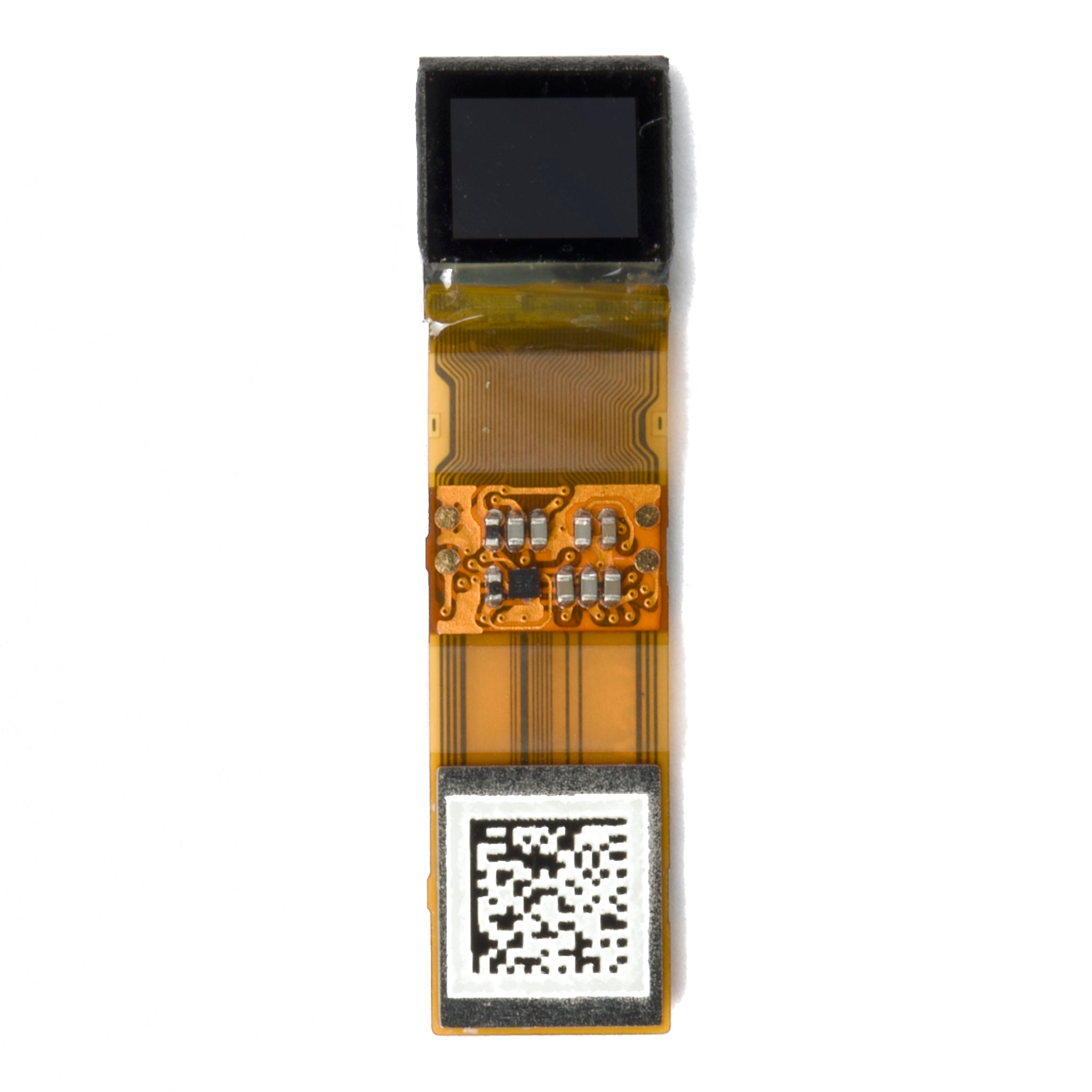
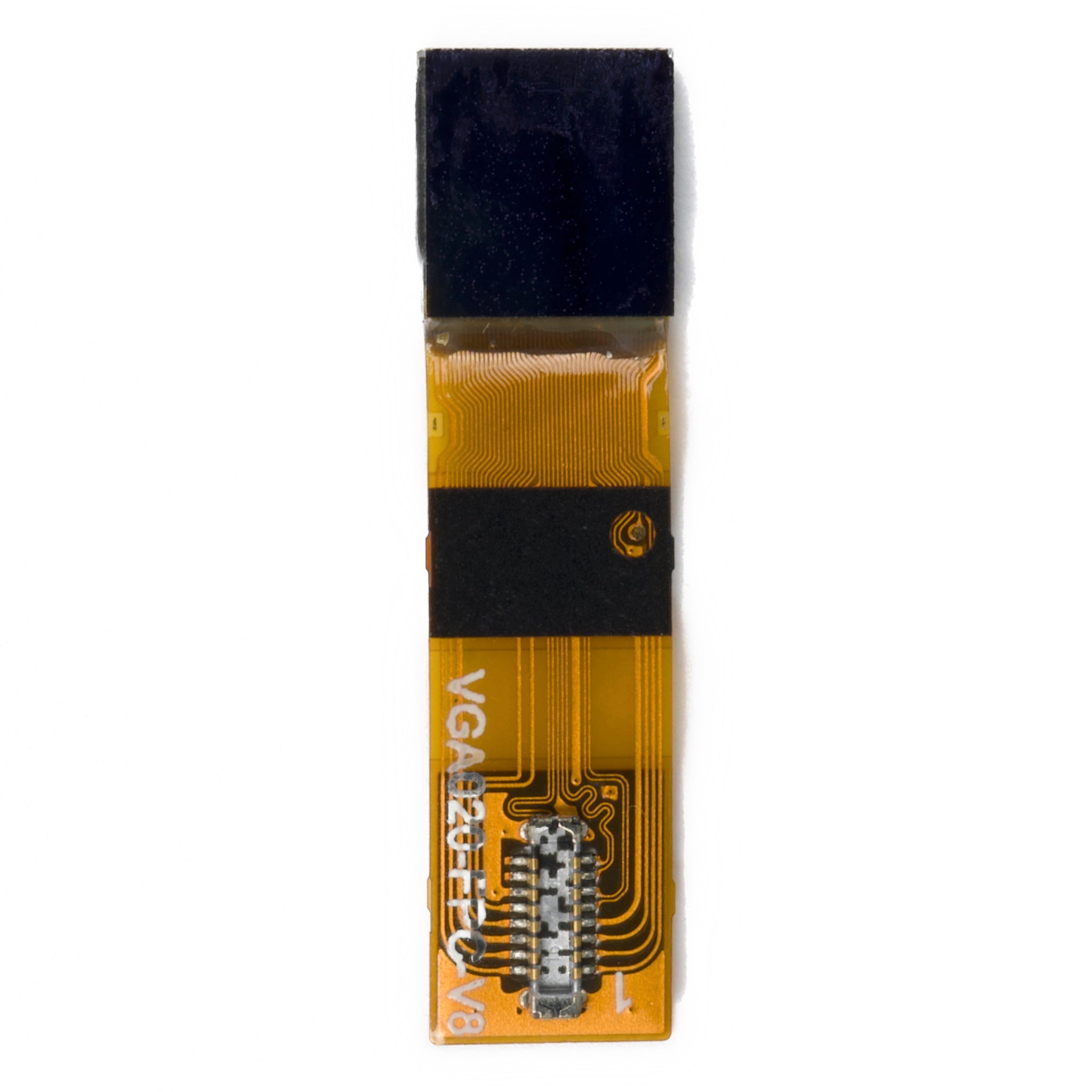
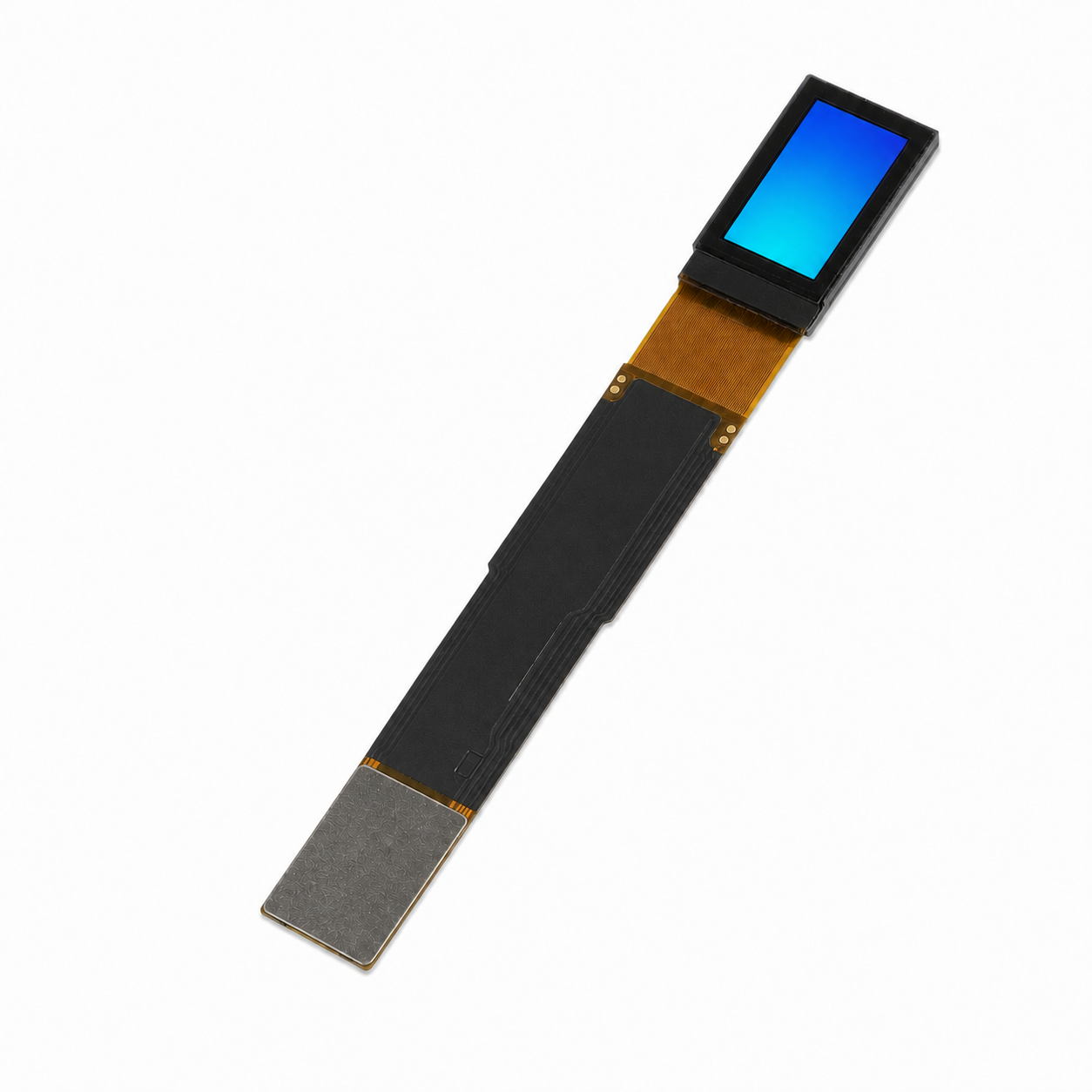
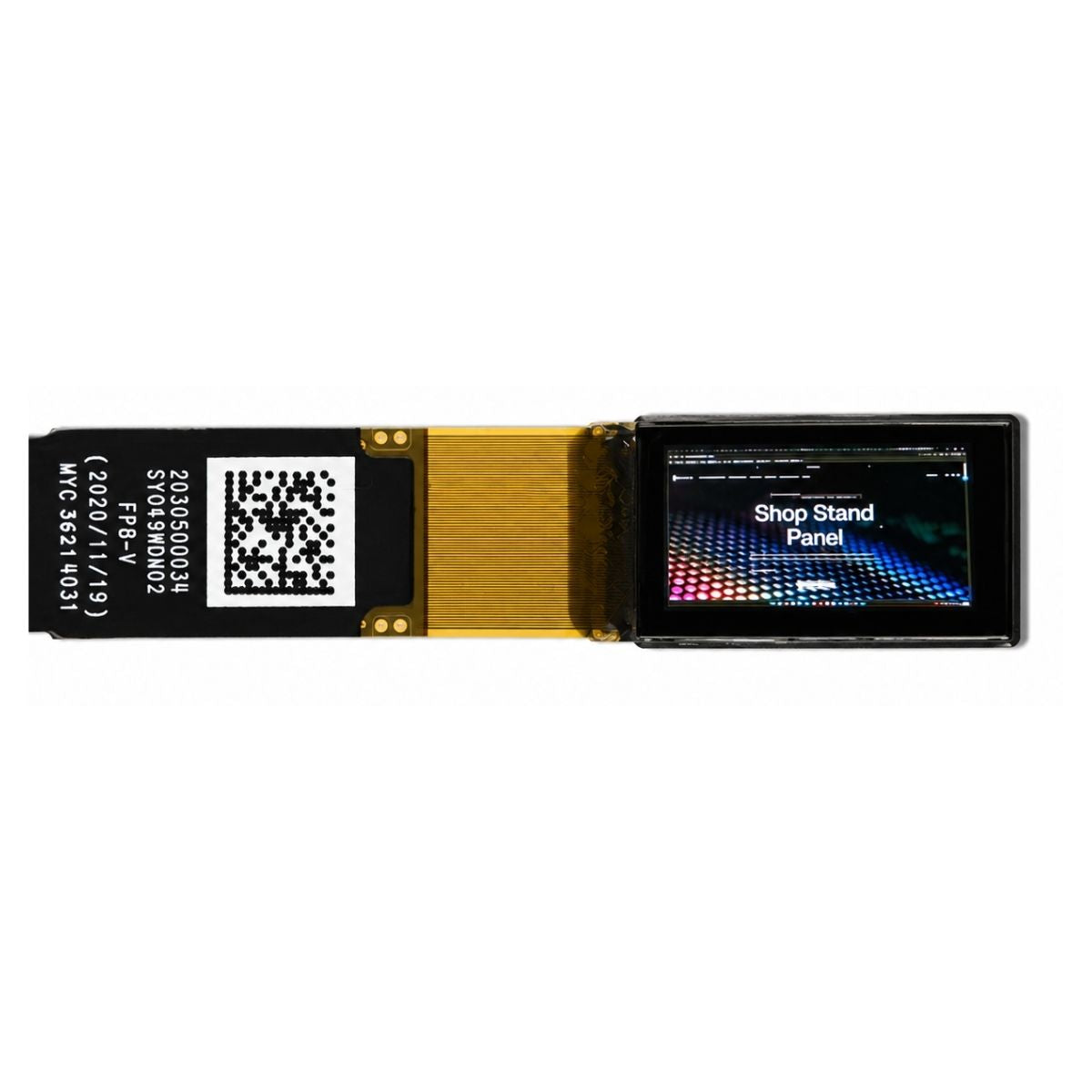
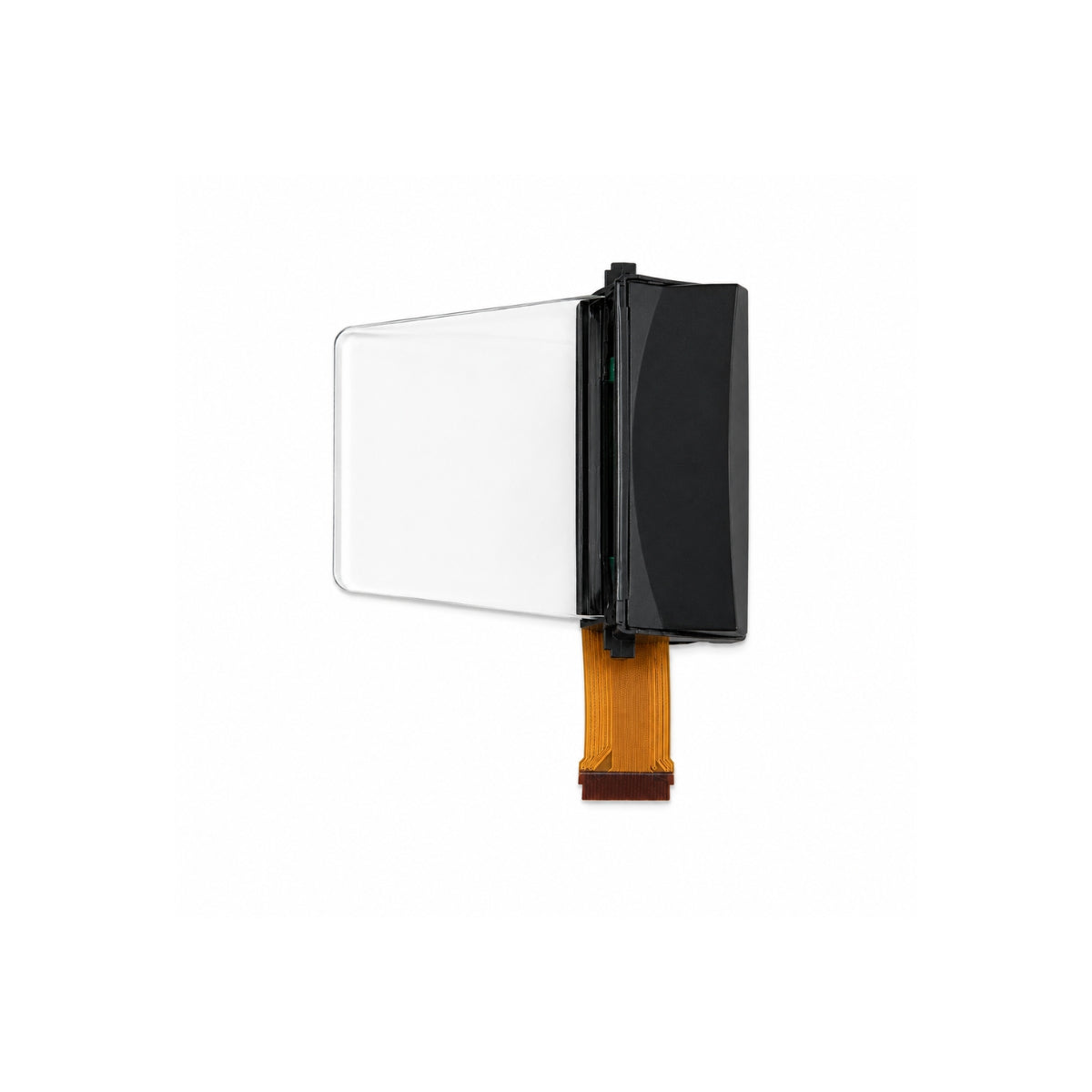
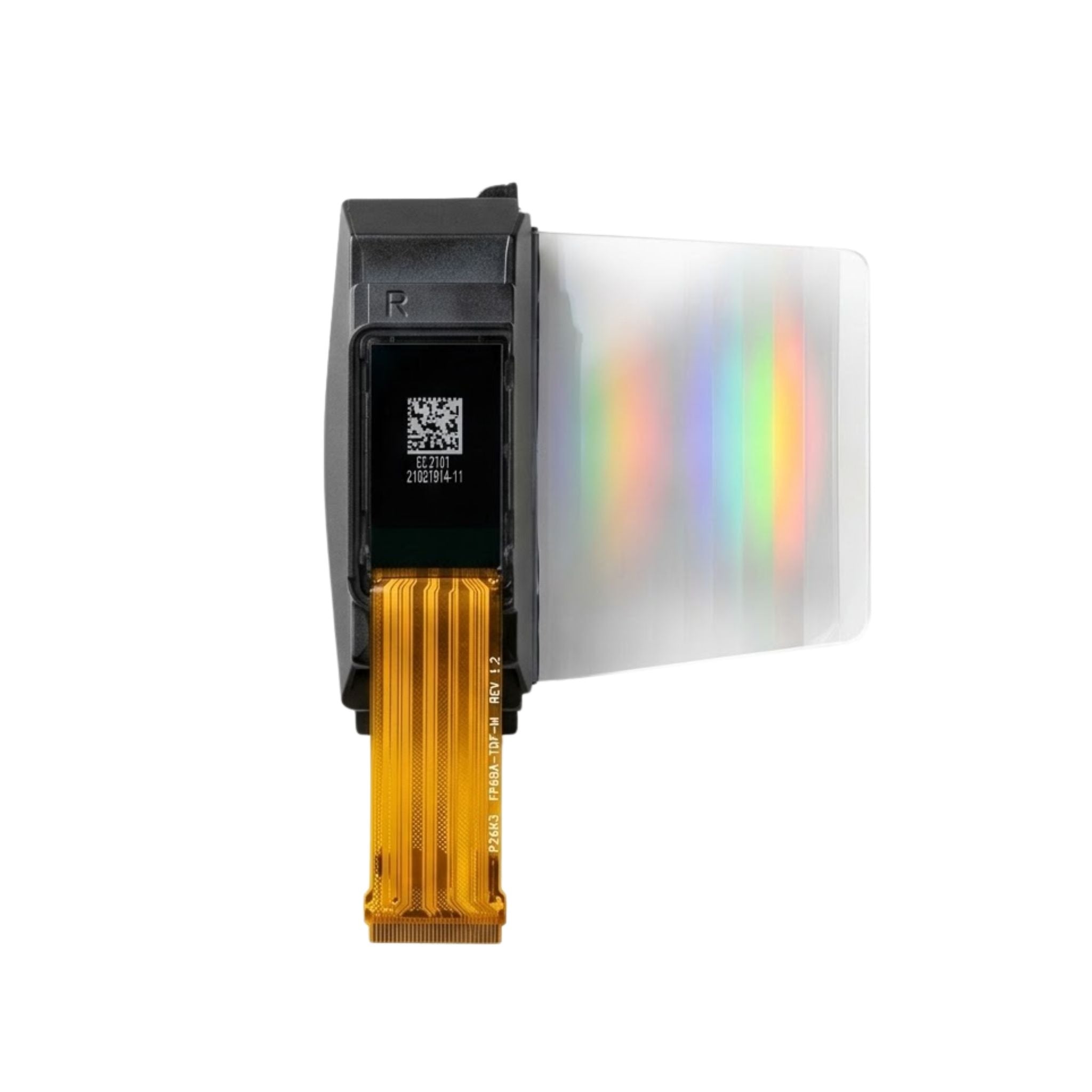
Specifications checked on October 30, 2026. The display comparison uses E Ink’s published Kaleido 3 specifications and DisplayModule’s DMAYE07001NNA product documentation. The cost examples, screen-size calculation, and sample-check procedure are identified as calculations or guidance—not measured consumer-device results. DisplayModule supplies display modules; the pictured panel is not a complete e-reader.
- Kim et al., “Stretchable and reflective displays: materials, technologies and strategies,” Nano Convergence, 2019. Supports the discussion of reflective displays, color filters, and alternative color technologies.
- W3C, “Understanding Success Criterion 1.4.1: Use of Color.” Supports using labels and other visual cues alongside color.
- He et al., “Driving Waveform Design of Electrophoretic Display Based on Optimized Particle Activation for a Rapid Response Speed,” Micromachines, 2020. Supports the relationship between driving waveforms, response speed, and image quality—not a speed ranking of current readers.

Leave a comment
This site is protected by hCaptcha and the hCaptcha Privacy Policy and Terms of Service apply.