



Choose an e-paper room sign by the information people need at the door, its calendar connection and its power requirements. Use black and white for names and schedules; add color for specific status or branding needs. Check your actual layout on a sample before choosing the screen size. For an office rollout, buy a complete booking system—not a bare display panel.
Panel or Complete Room Sign?
A complete room sign needs a display, controller, power supply, enclosure, network connection and booking software. Listings for e-paper display modules may cover only part of that hardware. An SPI interface does not provide Wi-Fi or an Outlook connection.
| Purchase | What to verify |
|---|---|
| Complete room sign | Calendar connector, software fees, battery or wired power, mounting kit and remote management. |
| Panel or display module | Driver compatibility, supply voltage, host controller, firmware and enclosure requirements. |
| Development kit | Included boards and cables, supported panel revision, example software and any host computer required. |
If you are building the device, compare the packing list against the panel, driver-board and development-kit requirements. If you are equipping an office, ask for a demonstration using your own room calendar.
E-Paper or LCD?
E-paper suits room names, booking times and availability notices. A bistable electrophoretic panel can retain its image without continuous display-driving power; the controller, wireless connection and lights still need power.[1]
Choose an LCD-based system when users need video, animation or frequent touch interaction. E-paper can support touch, but the panel’s refresh behavior limits how responsive the interface feels. In a dark corridor, check whether the proposed e-paper device includes front lighting. Test both technologies with their final cover glass, which can introduce reflections.
Size and Readability
Choose the size around the layout, not the number of chairs in the room. A screen showing “Available until 11:30” has a different space requirement from one showing eight bookings.
| Display task | Sample sizes to compare | Readability check |
|---|---|---|
| Office name or compact room label | 4.2-inch and 7.5-inch | Check the name and room number from the normal approach. |
| Current status and next booking | 7.5-inch and approximately 10-inch | Read the status across the corridor and the time at the door. |
| Several bookings or a shared-room overview | Approximately 10-inch and 13.3-inch | Check the smallest schedule text without reducing the main status size. |
These are comparison starting points, not guaranteed viewing distances. Mark the actual approach distance on the floor. Test the room name, status and booking details separately, including from a seated position.

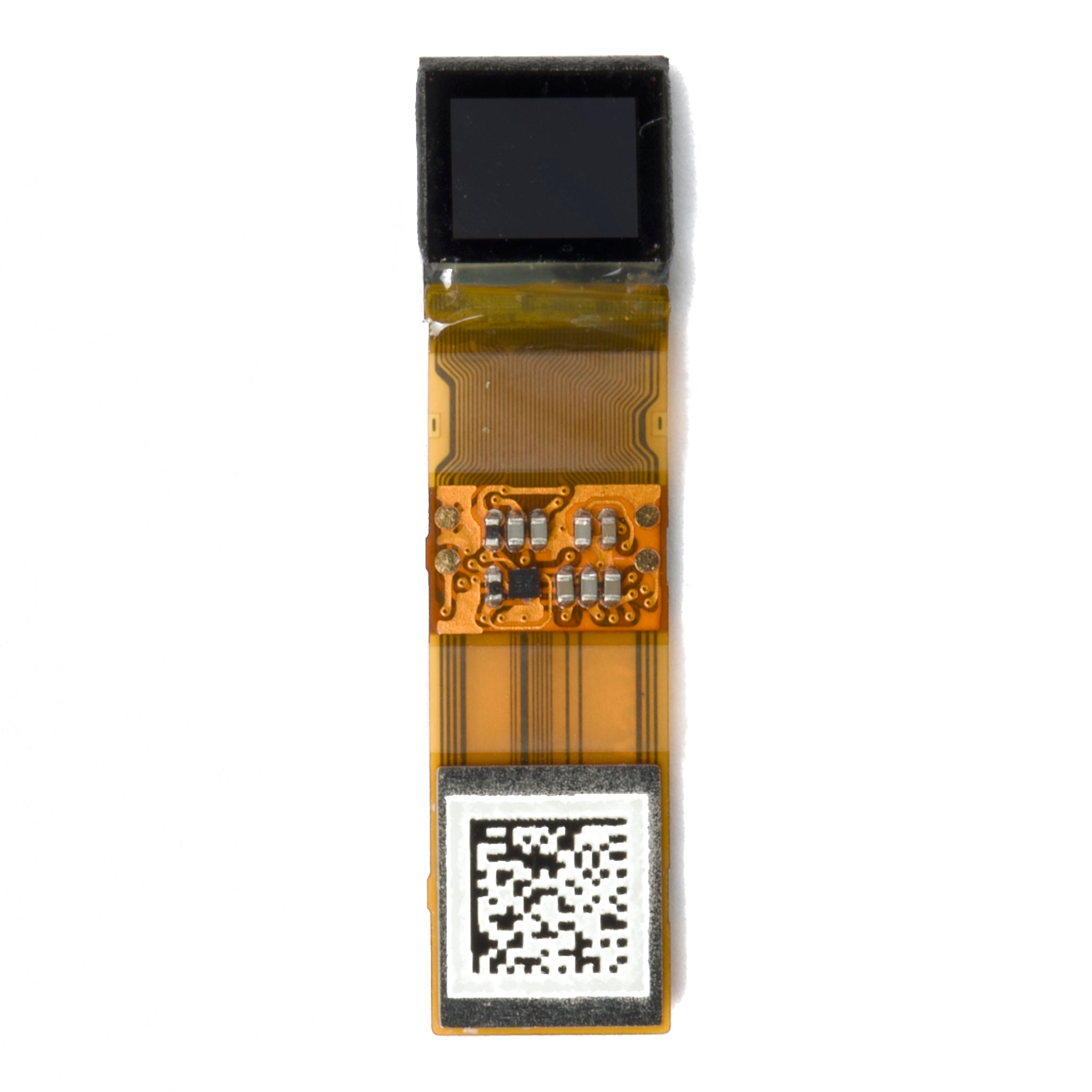
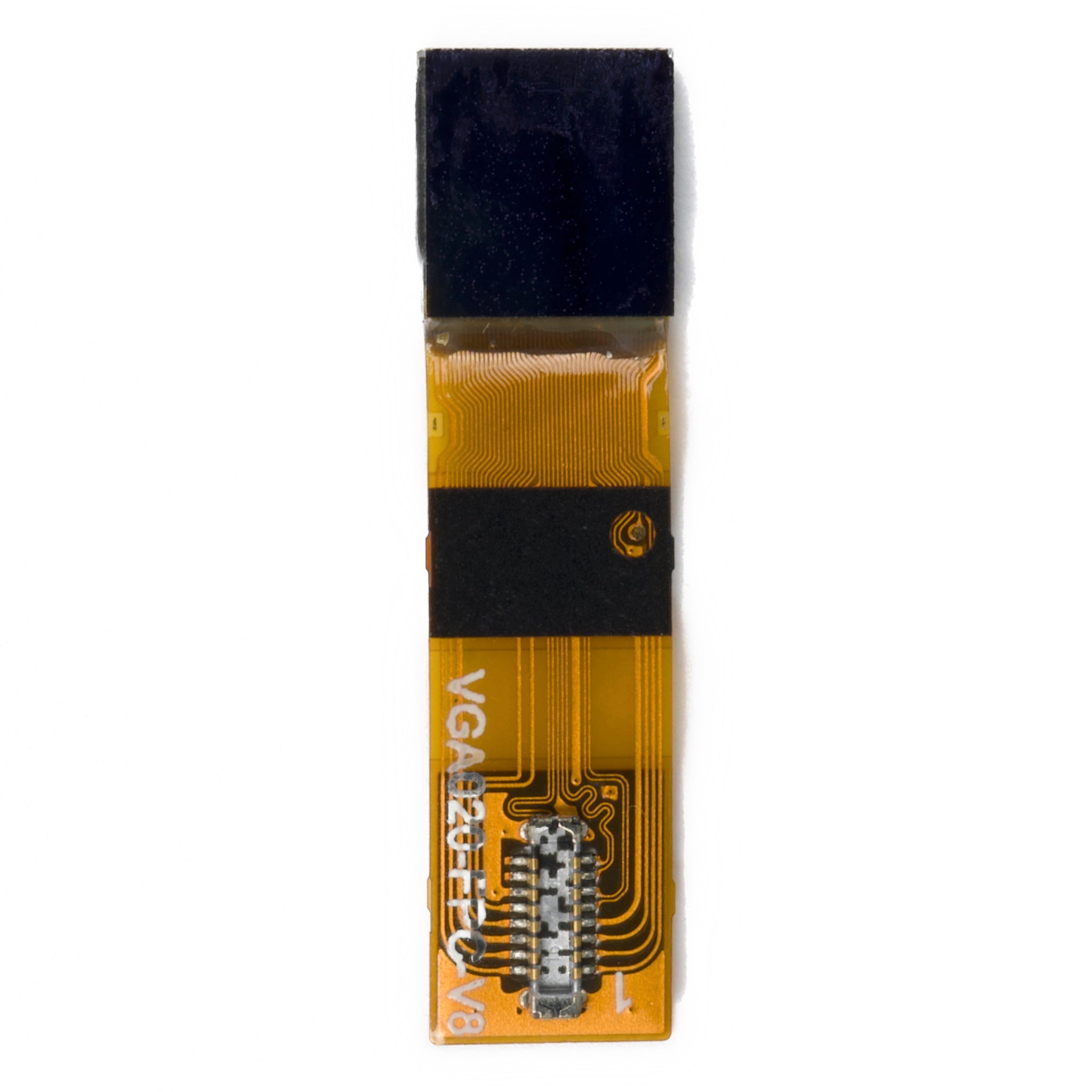
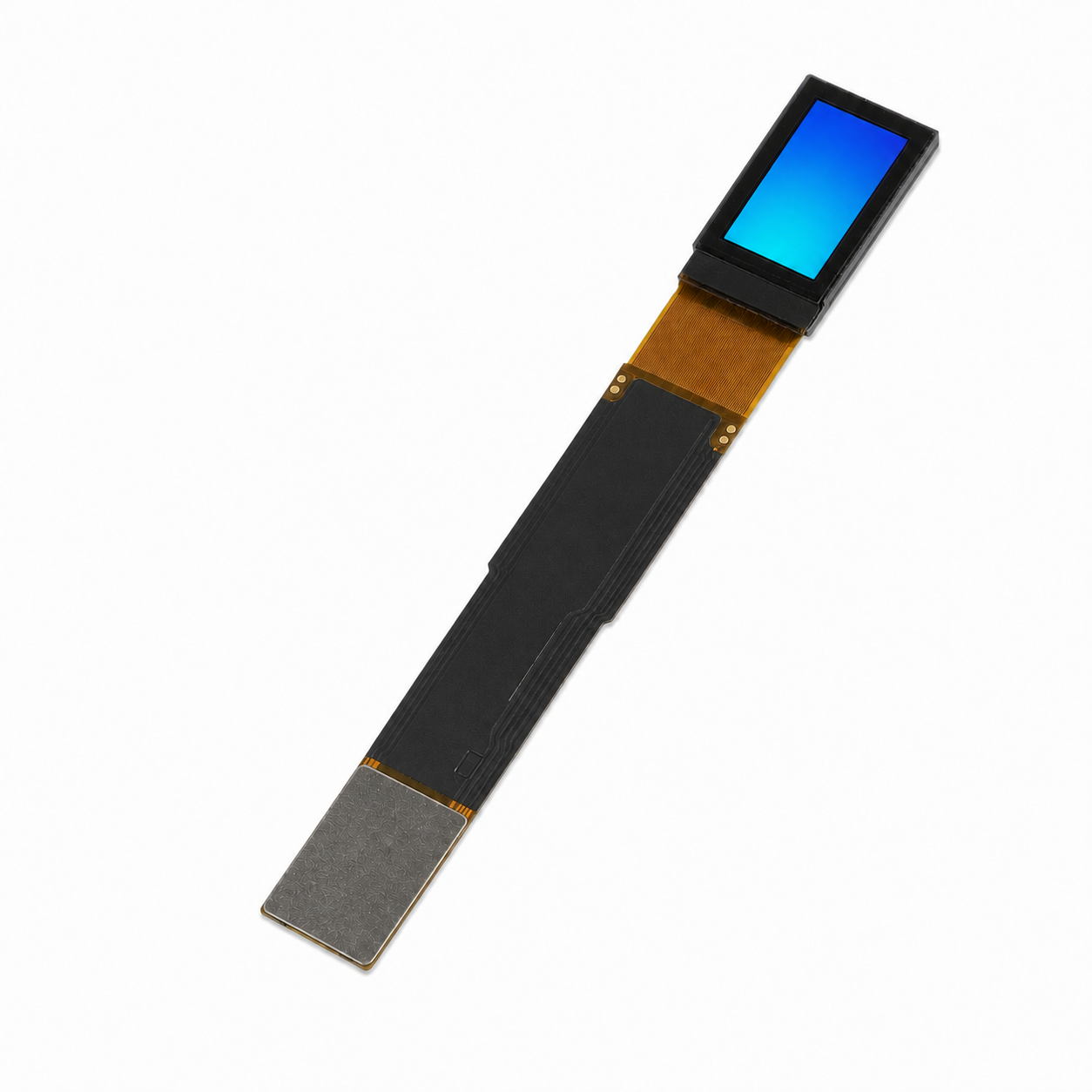
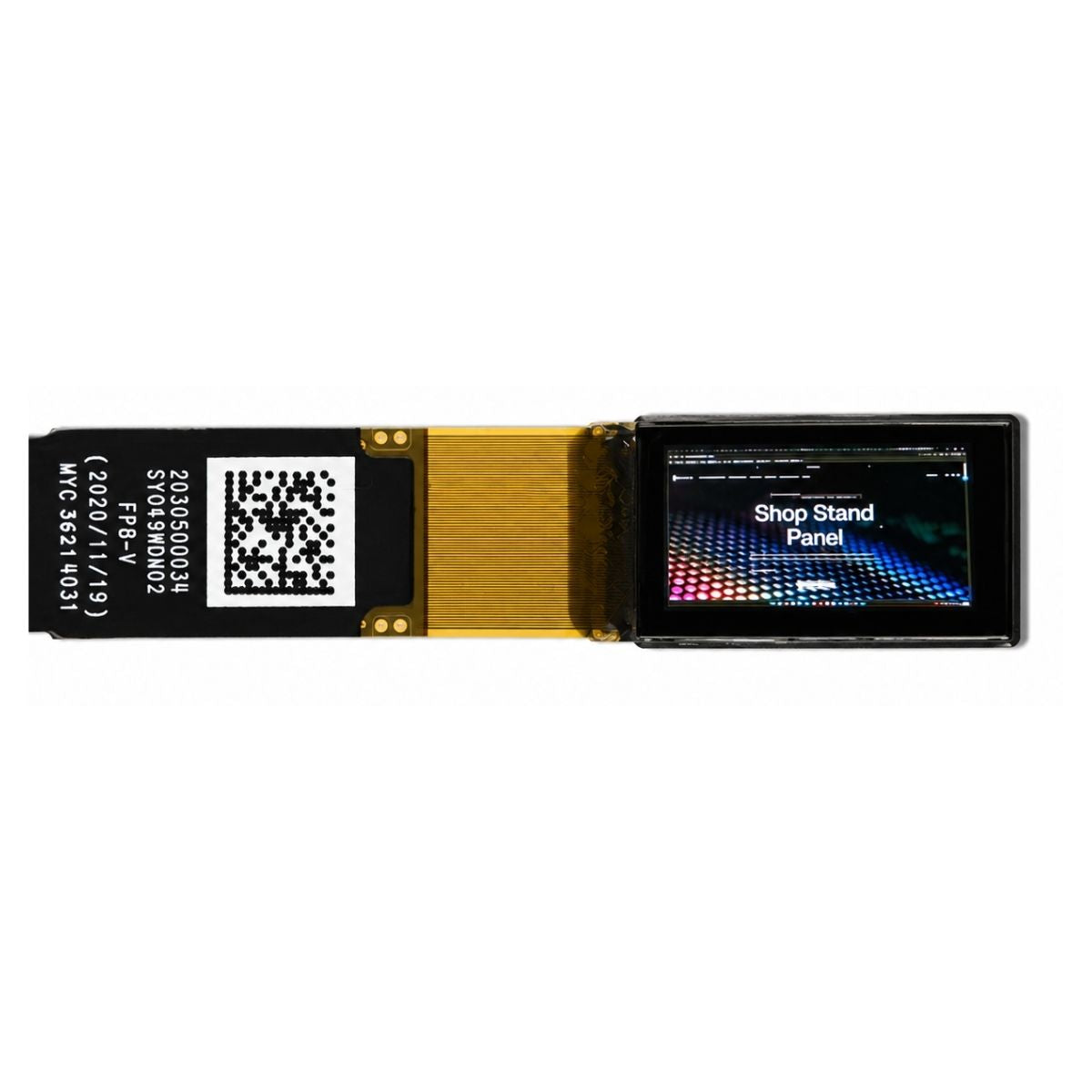
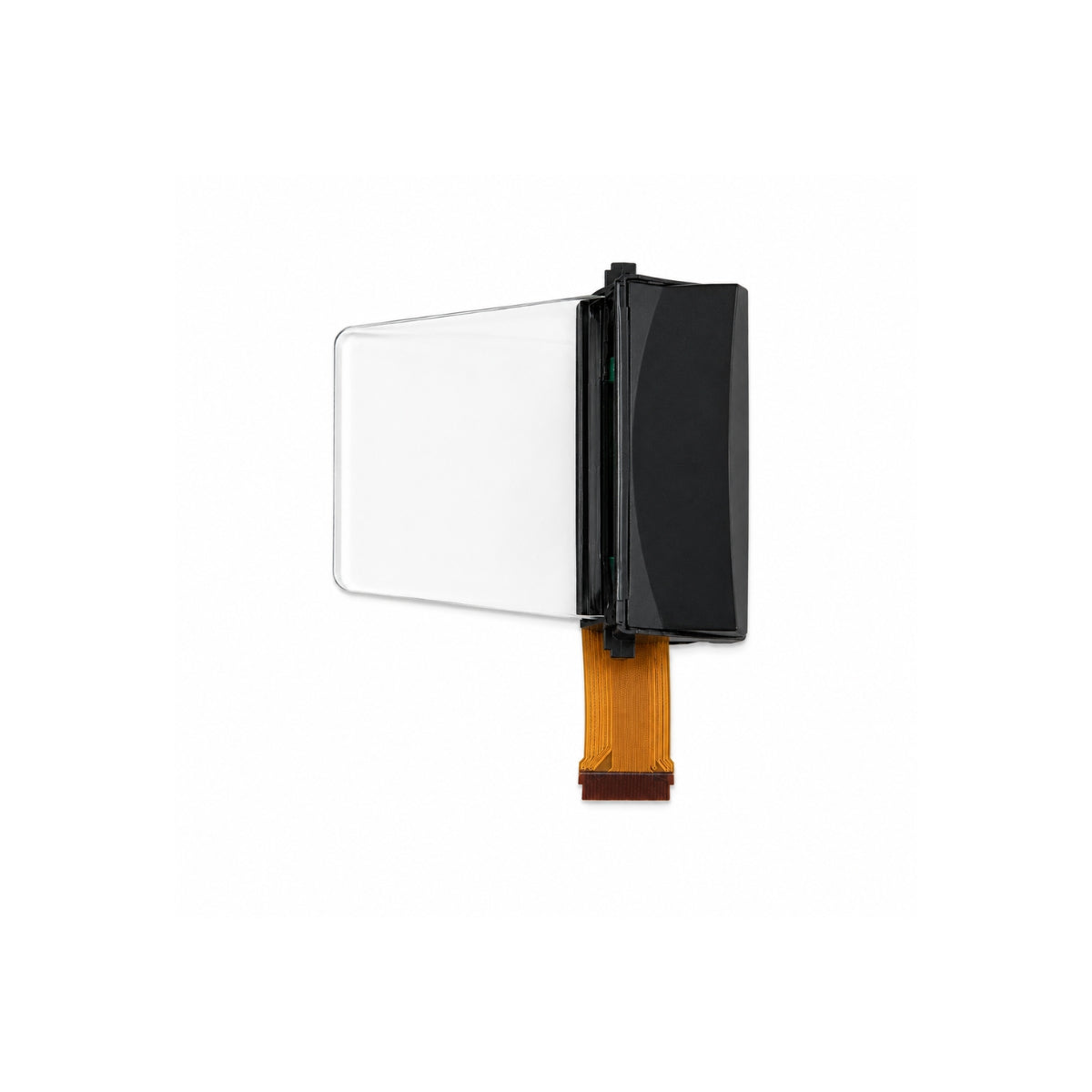
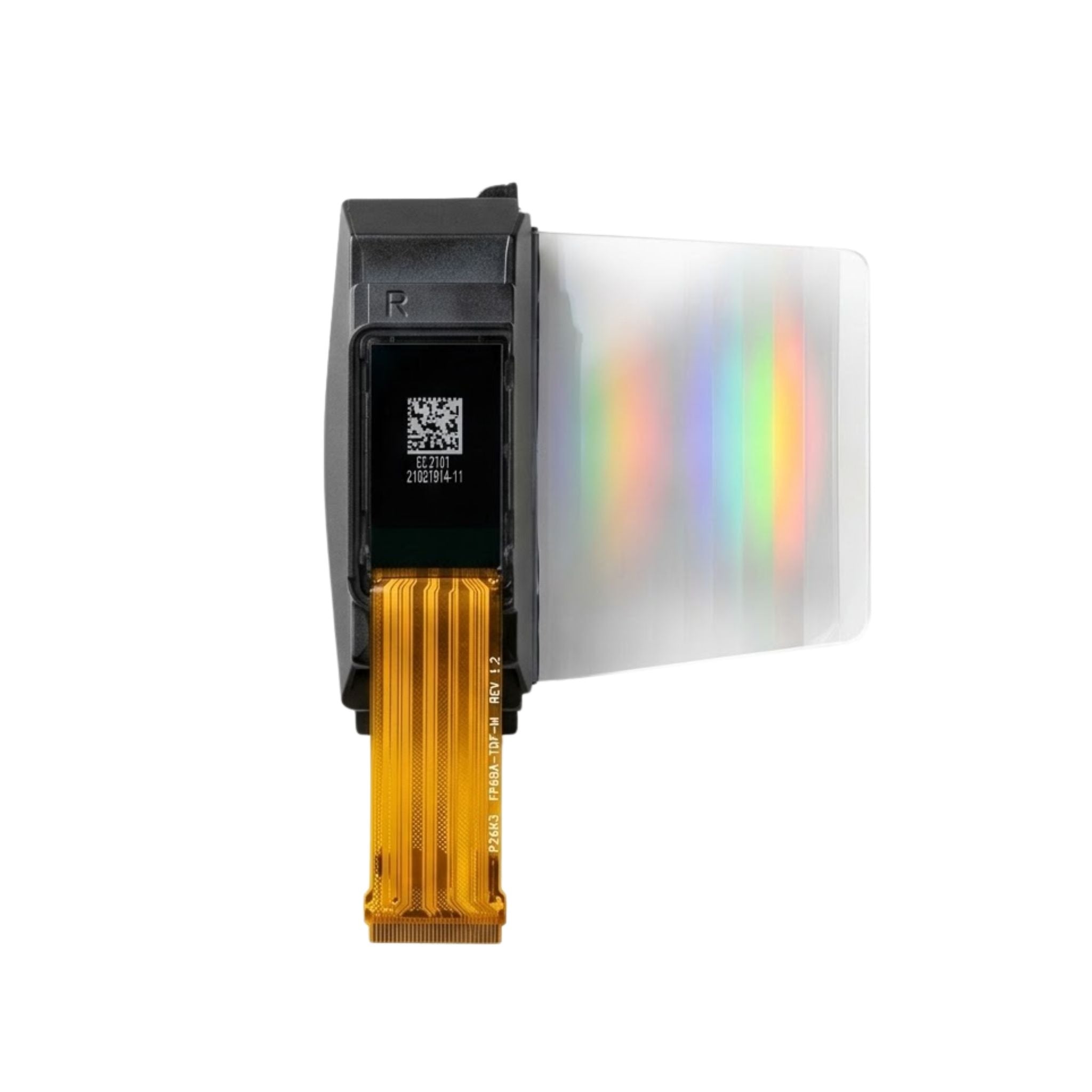
For a concrete layout reference, the DMAYE0750WVNA 7.5-inch panel has 800 × 480 pixels in a 163.2 × 97.92 mm active area. Its 0.204 mm pixel pitch makes a 48-pixel text cell about 9.8 mm high; the visible letters may be smaller. Higher resolution does not automatically make the same pixel-sized text easier to read.
Color and Refresh
Black and white covers room names, times and written availability. Black-white-red adds red emphasis, but it cannot display green. Red and green status lights are separate hardware. Keep “Available” and “Occupied” in text so users do not have to distinguish colors.
For a color sample, switch from a red “Occupied” screen to a mostly white schedule and inspect the result. Research on three-color electrophoretic displays documents residual red particles and waveform-dependent ghosting; it does not establish the performance of every finished product.[2]
Compare refresh figures by model, mode and temperature. The 7.5-inch panel above lists a typical 750 ms full refresh at 25°C with its specified waveform. That is a panel figure—not the time between changing a calendar event and seeing it at the door.
Calendar and Offline Behavior
Verify the system your office uses: Microsoft 365 room mailboxes, Google Workspace room resources or another booking platform. Support for both Microsoft and Google matters if a migration is planned; it is not a requirement for every office.
Test new bookings, cancellations, changed start times and recurring events. If the door offers booking or check-in, confirm that those actions reach the calendar too. “Supports Outlook” does not tell you which of these functions work.
A retained screen can still show an outdated booking. Check for a last-sync time and an offline or stale-data warning. After the network returns, the device should fetch the current schedule without manual re-pairing.
Ask IT to approve calendar permissions and confirm that meeting titles and organizer names can be hidden. Check the device’s actual wireless bands and authentication support; a successful phone connection does not prove the sign will connect.
Battery and Installation
Ask for whole-device battery estimates under a stated workload. During an eight-hour day, polling every five minutes means 96 checks; polling every minute means 480. A calendar check does not necessarily require a screen refresh, so request both figures.
The estimate should identify battery type and capacity, network check frequency, screen updates, light settings and temperature. A one-week trial can reveal connection faults, but it cannot verify a two-year battery claim from a small change in the battery indicator.
Test the device in its final position on glass, wood or metal. Check signal strength on the device itself, door clearance and battery access. Use the finished product’s operating limits: the example panel’s 0–50°C rating does not establish the limits of its battery, enclosure or complete system.
Management and Total Cost
Check whether administrators can change templates in bulk, find disconnected devices, view battery warnings and restrict who can edit settings. For networked devices, NIST IR 8259A provides a starting point for assessing cybersecurity capabilities during procurement; it is not a product certification.[3]
Three-year cost = hardware + installation + gateways + three years of software fees + batteries and maintenance. Compare the same room count and service period. Get the renewal price, support term and subscription-expiry behavior in writing. A panel price is not a complete room-sign price.

Sample Acceptance Test
Use two samples for one working week: one at a busy room and one at a difficult installation spot. The procedure below is a proposed purchasing check, not a report of completed testing.
- Record the setup. Note model, firmware, calendar connector, network settings, temperature and display template.
- Run 20 calendar changes. Include new bookings, cancellations, time changes and recurring events. Record each calendar-save time and completed screen-update time.
- Set the delay requirement before testing. For example, a buyer may specify a maximum of two minutes. This is an acceptance target, not an industry standard.
- Interrupt connectivity. Confirm stale-data handling, automatic recovery and correct room information after reconnection.
- Test the final layout. Check names, times and QR codes under daytime and evening lighting. Include the people who will use the signs.
Keep a timestamped issue log and screenshots. Resolve incorrect room assignments, missed updates and failed recovery before ordering the remaining units; an overall pass percentage can hide those faults.

Leave a comment
This site is protected by hCaptcha and the hCaptcha Privacy Policy and Terms of Service apply.