

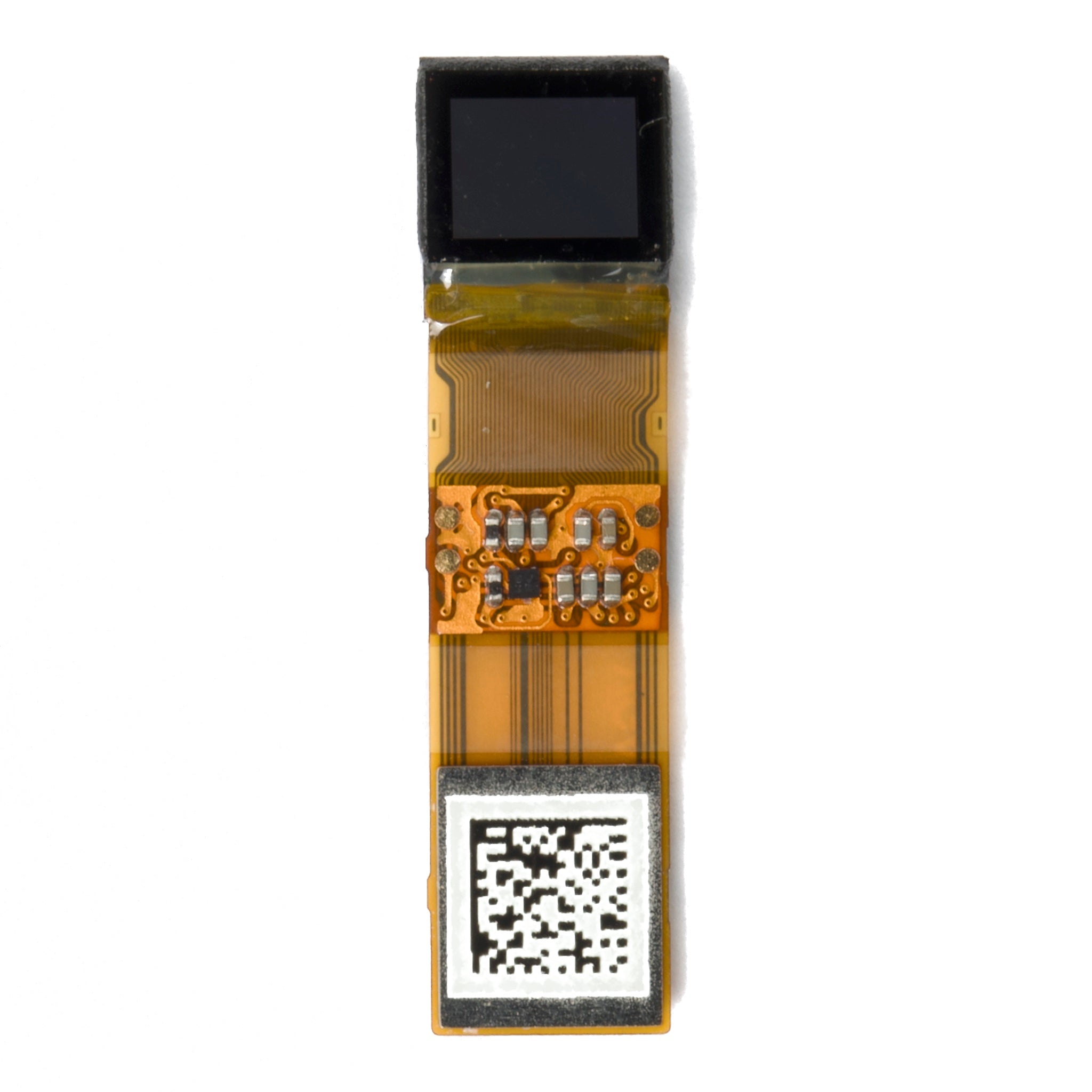
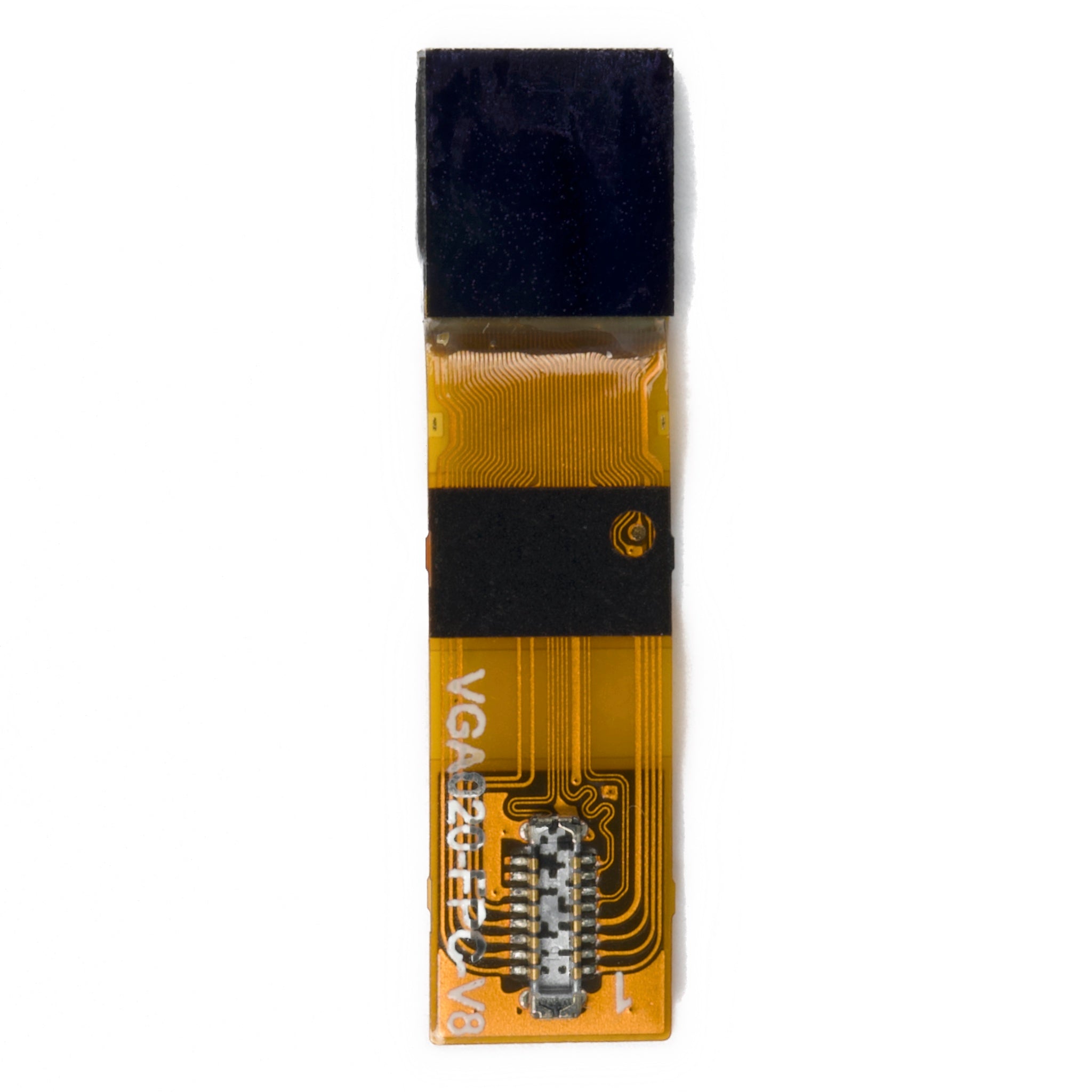
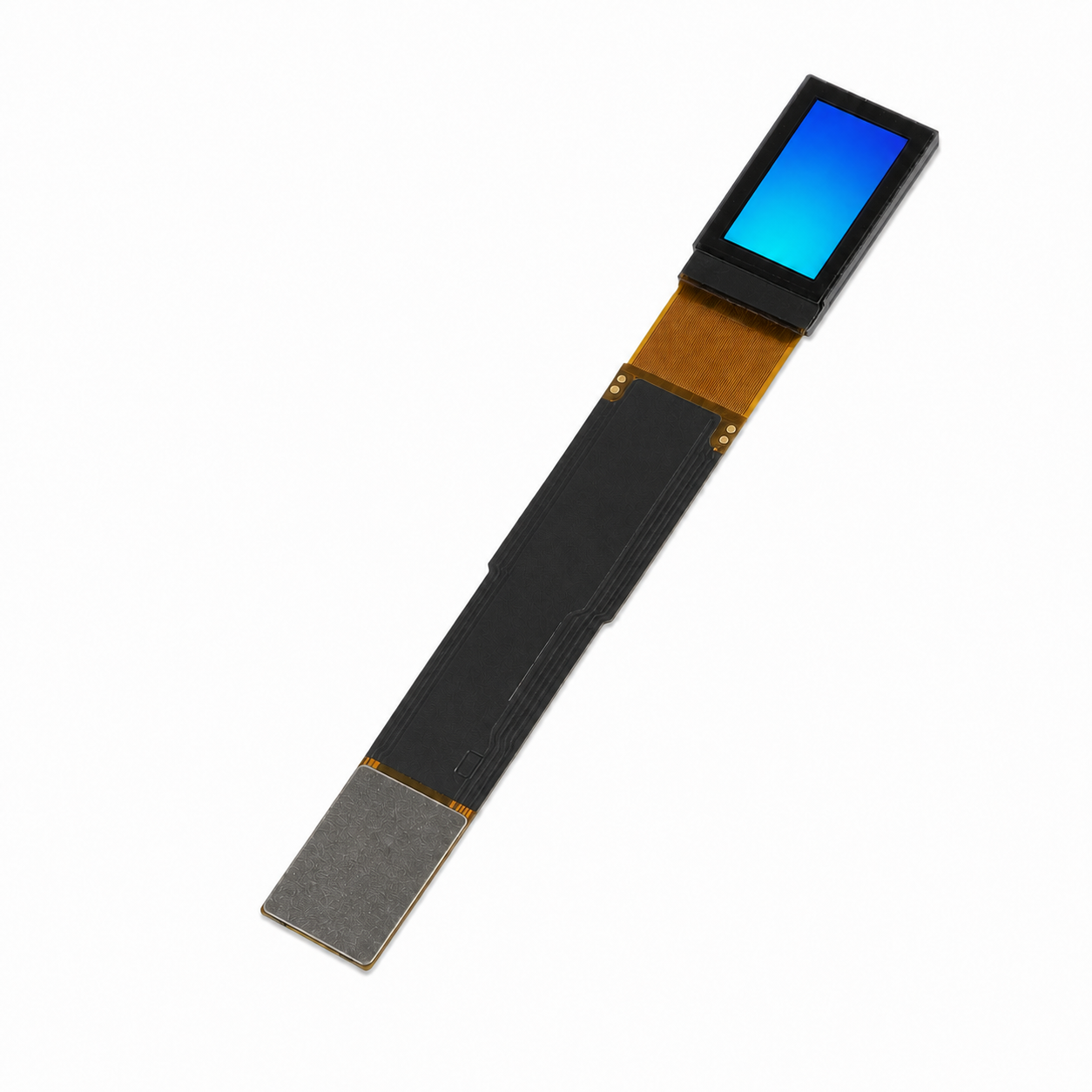
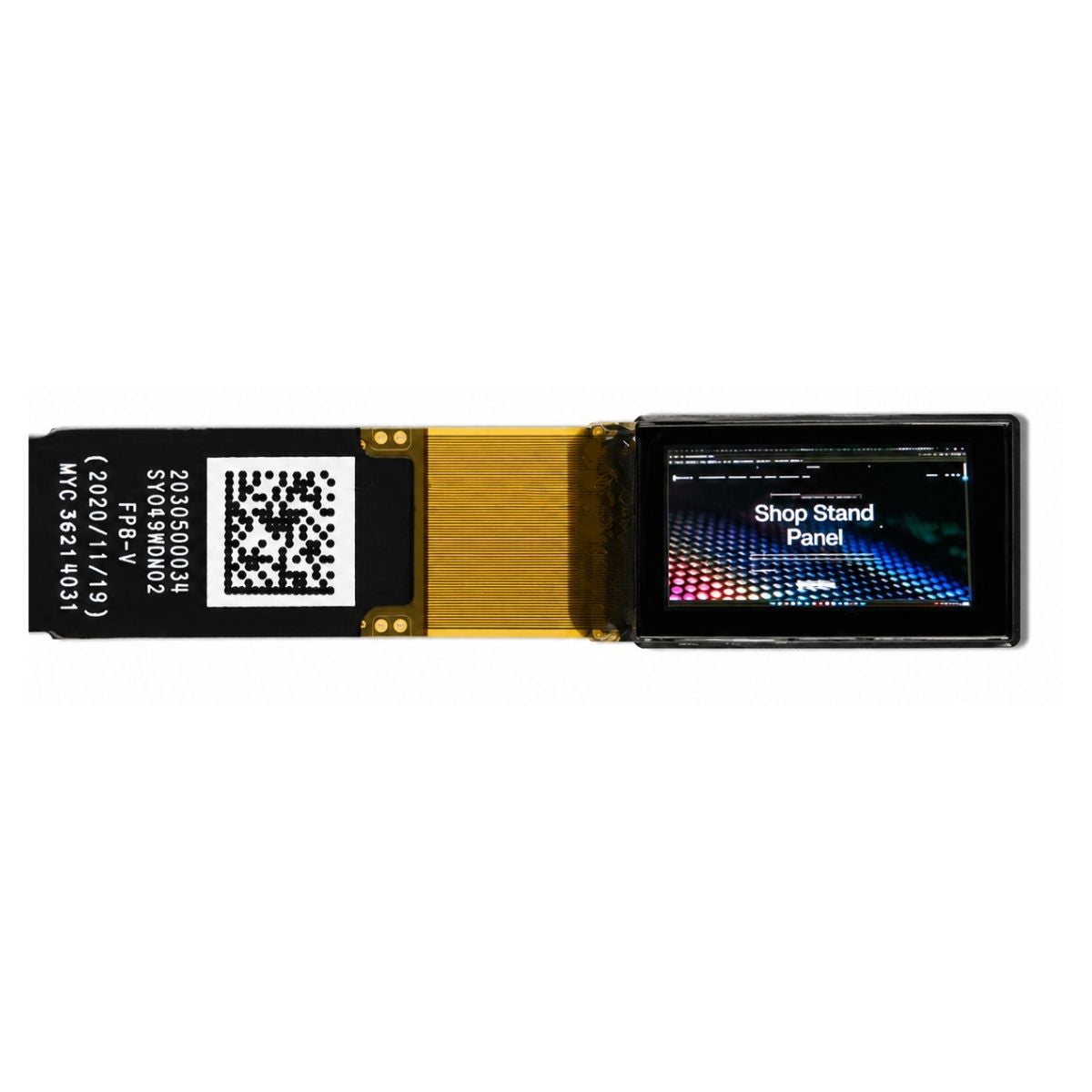
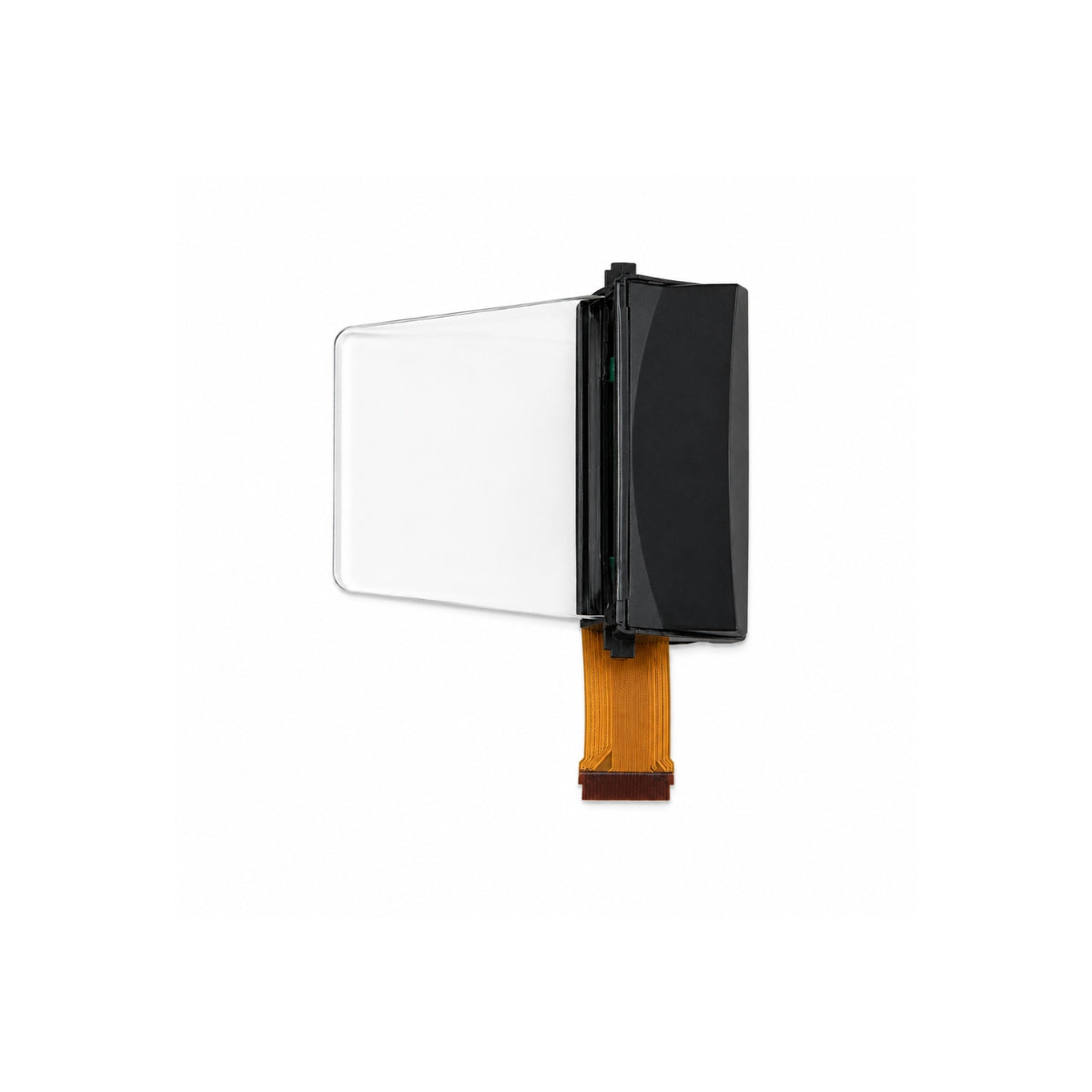
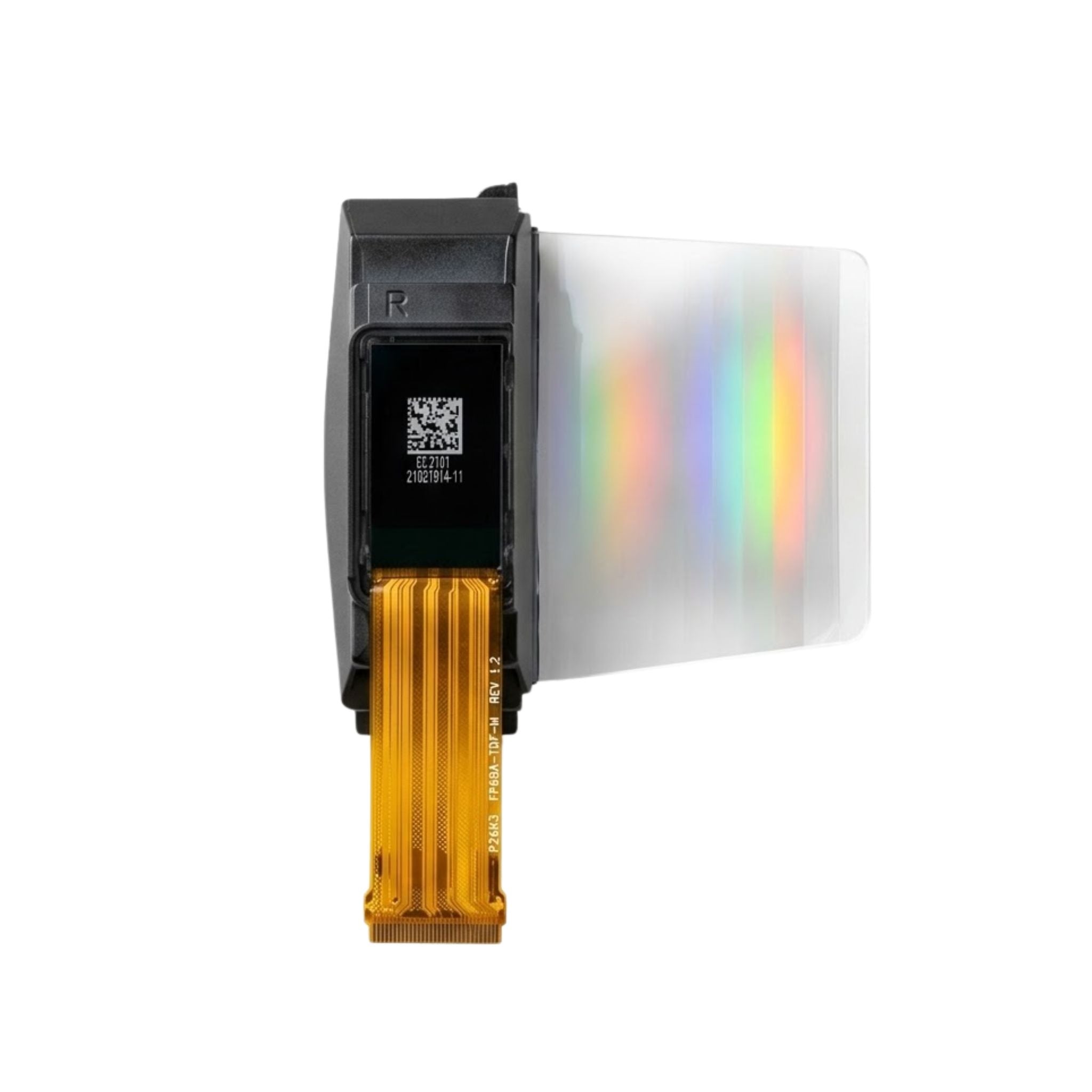


A Micro OLED monitor is a personal display that uses an OLED-on-silicon microdisplay and near-eye optics to present a virtual screen. You look through an eyepiece or wear the display rather than view a large panel directly. Micro OLED panels are used in headsets and electronic viewfinders; the small panel is a component, not a complete monitor by itself. [1]
If you are looking for a portable alternative to a desk monitor, distinguish a finished wearable display from a bare Micro OLED module. The finished product must provide the optics, electronics, and input compatibility your computer needs. A panel's resolution or brightness alone cannot establish whether the finished device will suit your work.
How Does a Micro OLED Monitor Work?
Micro OLED, also called OLED-on-silicon, combines an OLED light-emitting structure with a silicon backplane. Near-eye optics let the viewer see the small display as a virtual image. For background on the panel technology, see DisplayModule's explanation of what Micro OLED is.
There are two useful application groups: wearable displays, including AR and VR headsets, and eyepiece displays, including electronic camera viewfinders. They use related panel technology but are not interchangeable finished products. Sony's lineup includes models for both groups, with interfaces and dimensions that vary by model. [1]
Three product descriptions therefore need different checks:
- Bare panel: check the exact electrical interface, drive requirements, and supporting documentation.
- Optical assembly: establish which optics and electronics are included and which components remain your responsibility.
- Finished wearable monitor: check the supported host inputs, display modes, adjustment range, and operating instructions.
A module listing is not evidence of a plug-and-play computer connection. DisplayModule's discussion of Sony Micro OLED modules provides related module context; exact specifications should still come from the manufacturer documentation.
How Small Is the Panel?
The Sony lineup documented here includes panel sizes from 0.39 to 1.3 inches. This is a range of examples, not a universal size limit for Micro OLED technology. Two official releases illustrate the difference between the physical component and the screen a finished device presents to the viewer. [1][2][3]
| Specification | Sony ECX350F | Sony ECX344A |
|---|---|---|
| Panel size | 0.44 type, 11.235 mm diagonal | 1.3 type, 33.0 mm diagonal |
| Resolution | 1920 × 1080 | 3552 × 3840 |
| Pixel pitch | 5.1 µm | 6.3 µm |
| Maximum frame rate | 120 fps | 90 fps |
| Video interface as listed by Sony | MIPI DSI | MIPI D-PHY |
| Maximum luminance and duty condition | 10,000 cd/m² at 100% duty drive | 1,000 cd/m² at 20% duty drive |
| Contrast | 100,000:1 or higher | 100,000:1 or higher |
| Color gamut and measurement description | 100% sRGB area ratio | 96% DCI-P3 coverage ratio |
The ECX350F column follows Sony's September 2024 release; the ECX344A column follows its August 2023 release. These are panel specifications, not measurements of a finished headset. [2][3]
Physical diagonal does not specify virtual screen size. When comparing advertised virtual screens, request the viewing-distance assumption and the optical specifications. Do not treat a large virtual-screen claim as the dimensions of the panel inside the device.
Can It Replace a Desktop Monitor?
It can be a candidate for private viewing, but it is not a like-for-like replacement for a screen that several people can view directly. For individual work, the decision depends on the finished device: whether it accepts your computer's output, whether text remains readable in your applications, and whether its fit and adjustment range work for you.
| Question | Micro OLED near-eye monitor | Direct-view desktop monitor |
|---|---|---|
| How is the image viewed? | Through optics, by the wearer or eyepiece viewer | By looking directly at the screen |
| Can another person see the same screen? | Not through the same personal eyepiece; check any separate sharing output | Another person can look at the physical screen |
| What should be evaluated? | Host compatibility, optical clarity, focus, fit, and adjustment range | Host compatibility, screen size, image quality, and desk placement |
| What does panel resolution establish? | The panel's pixel count, not the finished viewing experience | The screen's pixel count, not every aspect of image quality |
Also separate panel contrast from finished-display certification. VESA's DisplayHDR program evaluates display performance, and DisplayHDR True Black addresses emissive displays. A Micro OLED panel's contrast specification does not by itself establish DisplayHDR certification for a headset. [4]
What Connection Does a Micro OLED Monitor Need?
The answer depends on whether you are buying a panel or a finished device. The two Sony examples list MIPI interfaces, not direct HDMI or USB-C inputs. MIPI DSI is a display-interface specification; D-PHY is a physical-layer specification. Sony's interface labels should not be read as two equivalent protocol names. [2][3][5][6]
For a computer-connected product, check the finished device's input documentation. If your source and panel interfaces differ, establish which controller or bridge performs the conversion and which resolutions and frame rates it supports. Do not assume an adapter is included, or that a USB-C connector guarantees video compatibility.
For module integration, obtain the exact model's documentation for timing, power, connectors, and startup requirements. The manufacturing background in how Micro OLED displays are made explains the component context, but it does not replace those integration documents.
What Does a Documented Comparison Reveal?
A useful evaluation starts by keeping each number attached to its condition. Comparing the two Sony releases gives a concrete example: ECX350F lists 10,000 cd/m² at 100% duty drive, while ECX344A lists 1,000 cd/m² at 20% duty drive. Dividing those figures produces a numerical ratio, but not a like-for-like brightness comparison. The drive conditions differ, and neither figure establishes the brightness delivered by a finished optical system. [2][3]
The color figures have another mismatch: 100% sRGB area ratio and 96% DCI-P3 coverage ratio use different reference spaces and measurement descriptions. The higher percentage alone does not identify the better display for a particular task. [2][3]
Use those documented differences to build an evaluation record rather than rely on headline specifications:
- Record the component: manufacturer, exact panel model, document revision, resolution, and interface.
- Record the finished configuration: controller, input source, selected display mode, and optical assembly.
- Record the viewing check: application, text size, focus setting, and whether the center and edges are readable for the intended user.
- Record the brightness conditions: duty, test pattern, measurement location, and optical setup. Keep manufacturer panel figures separate from any system measurements.
This is a document-based comparison and a proposed evaluation method, not a hands-on test report. For broader selection categories, DisplayModule's guide to Micro OLED selection parameters provides additional context.
What Should You Check Before Choosing One?
Request the panel model, the finished product's supported inputs and display modes, and the optics and adjustment specifications. For a wearable product, check fit, focus, eye relief, and any interpupillary adjustment rather than assuming every user will see the same image. Follow the product's operating and safety instructions.
For a module project, confirm who supplies the controller, optics, cables, and integration documentation. For a finished personal monitor, evaluate the actual tasks you intend to use it for before treating its virtual screen as a replacement for your desk setup.
Frequently Asked Questions
Is Micro OLED the Same as a Regular OLED Monitor?
No. Micro OLED describes a silicon-backplane microdisplay technology used in near-eye applications. An ordinary desk monitor presents its image on a directly viewed screen. The distinction is the display architecture and viewing system, not simply the OLED name. [1]
Does a Higher Pixel Count Guarantee Clearer Text?
No. Pixel count is one part of the specification. For a near-eye monitor, evaluate text through the finished optics at the settings and fit you will actually use. A panel specification cannot substitute for that viewing check.
Can You Connect a Bare Micro OLED Panel Directly to a Laptop?
Do not assume so. The two Sony panels above list MIPI interfaces. A laptop-connected implementation needs a compatible input and drive solution; check the controller and module documentation before selecting hardware. [2][3]
Bottom Line
A Micro OLED monitor uses a tiny OLED-on-silicon display as part of a near-eye viewing system. Choose the complete viewing solution, not just the panel: verify the input path, evaluate text and fit, and compare brightness only with its measurement conditions attached.
Planning a Micro OLED integration? Send DisplayModule your display requirements, including the intended application, target resolution, host interface, and optics requirements.
Sources
Sources accessed November 6, 2026. Published panel specifications apply to the named models and stated drive conditions; confirm the current model documentation before integration.
- Sony Semiconductor Solutions, OLED Microdisplay product lineup. Application and model context; specifications vary by model.
- Sony Semiconductor Solutions, ECX350F OLED Microdisplay release, September 24, 2024. ECX350F specifications, including maximum luminance at 100% duty drive.
- Sony Semiconductor Solutions, ECX344A OLED Microdisplay release, August 24, 2023. ECX344A specifications, including maximum luminance at 20% duty drive.
- VESA, About DisplayHDR. DisplayHDR program and True Black context; not evidence of certification for the panels discussed here.
- MIPI Alliance, Display Serial Interface. DSI terminology and specification scope.
- MIPI Alliance, D-PHY. Physical-layer terminology and specification scope.
Hinterlasse einen Kommentar
Diese Website ist durch hCaptcha geschützt und es gelten die allgemeinen Geschäftsbedingungen und Datenschutzbestimmungen von hCaptcha.