



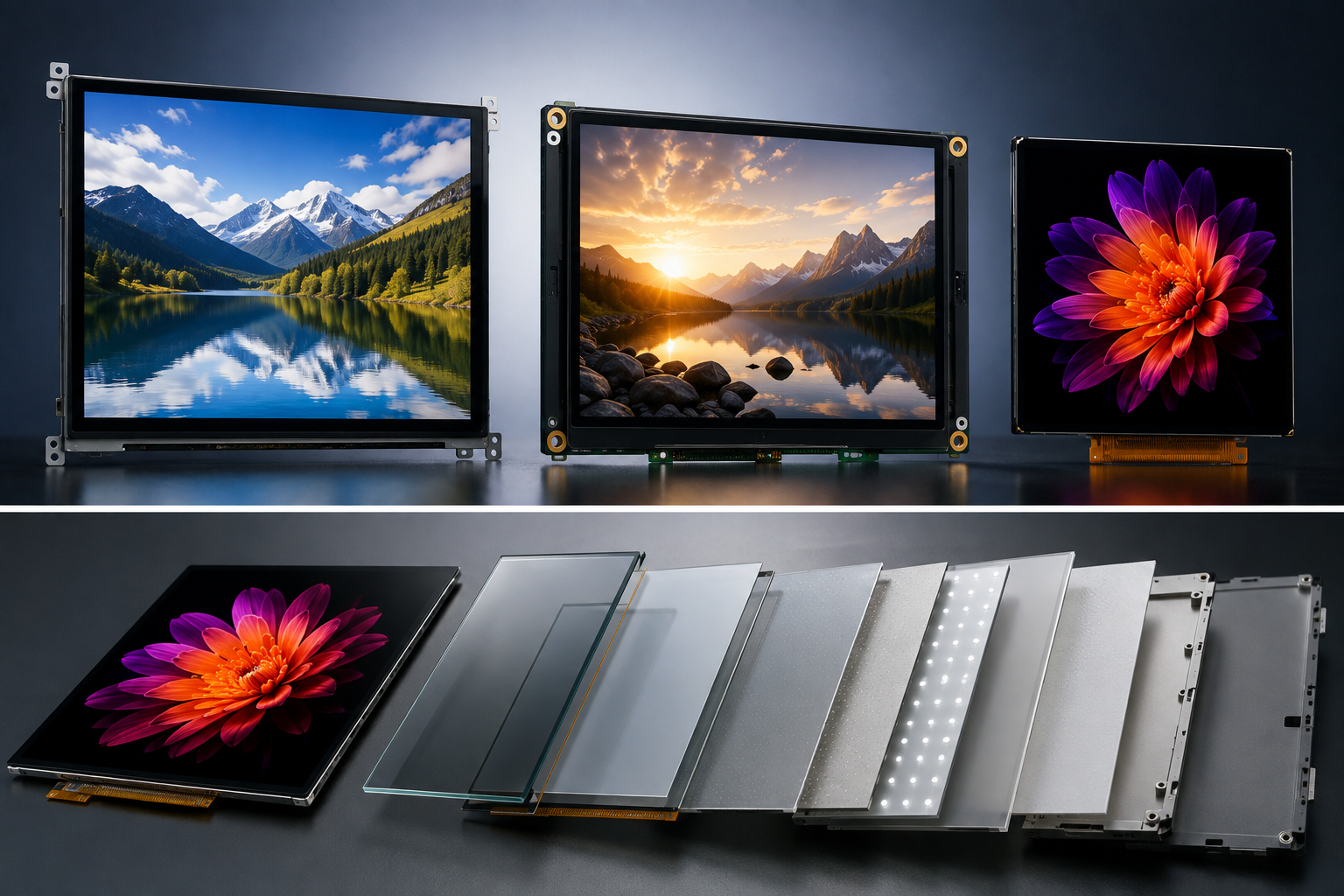
IPS vs VA vs AMOLED for OEM Devices: A Side-by-Side Spec Comparison
For most OEM projects, IPS is the safer place to start when a screen will stay on for long hours, show a mostly fixed interface, or be viewed from different angles. VA makes more sense when stronger LCD contrast matters. AMOLED is worth the extra attention when the product really benefits from a thinner screen, deeper blacks, faster response, lower weight, or a dark battery-powered interface.
The panel name alone will not tell you whether a display is right for the product. Size, brightness, temperature range, interface, touch stack, screen-on time, expected service life, and supply continuity usually matter just as much. IPS and VA are both backlit LCD technologies, while AMOLED pixels produce their own light. That one difference explains a lot of what follows: black level, power behavior, thickness, response speed, and aging are all affected by it.[1]

Spec Comparison
| Spec | IPS LCD | VA LCD | AMOLED |
|---|---|---|---|
| Light source | LED backlight | LED backlight | Self-emissive pixels |
| Common native contrast | About 1,000:1–1,500:1 for many conventional panels | About 3,000:1–5,000:1 for many conventional panels | Very high because black pixels can switch off |
| Black level | Moderate | Stronger than conventional IPS | Very deep |
| Off-axis viewing | Strong | More panel-dependent | Strong |
| Pixel response | Good to very fast | Moderate to fast | Very fast |
| Static UI | Well suited | Well suited | Needs aging control |
| Backlight required | Yes | Yes | No |
| Power behavior | Mainly affected by backlight level | Mainly affected by backlight level | Strongly affected by screen content |
| OLED-style burn-in | No | No | Possible |
| Thin module potential | Moderate | Moderate | High |
| Flexible designs | Rare in standard OEM modules | Rare in standard OEM modules | Available on selected products |
| Industrial sourcing | Strong across many common sizes | Size-dependent | More size- and supplier-dependent |
| Typical use | Industrial HMI, terminals, instruments | Dashboards, monitors, dark-content screens | Wearables, handhelds, compact premium devices |
The contrast figures above are useful for early screening, but they are not hard limits. Some IPS panels go well beyond the usual range, and IPS or VA panels can also use Mini LED or local-dimming backlights. Mini LED is the backlight technology; IPS and VA describe the LCD cell itself.[2]
Match the Test Conditions
A fair comparison starts with the same job. If one panel is smaller, dimmer, lower-resolution, or running at a lower refresh rate, its power and cost numbers are not directly comparable.
A useful test setup might hold these points steady:
- 7-inch active display;
- 1280 × 800 resolution;
- 60 Hz refresh rate;
- 500-nit normal operating target;
- the same touch and cover-lens requirement;
- the same operating-temperature target.
Now the differences actually mean something. Power, black level, heat, thickness, interface cost, and supply risk can be compared without one panel getting an easy advantage simply because it is doing less work. That is also why formal display metrology uses controlled measurement conditions for luminance, contrast, reflection, and viewing behavior.[3]
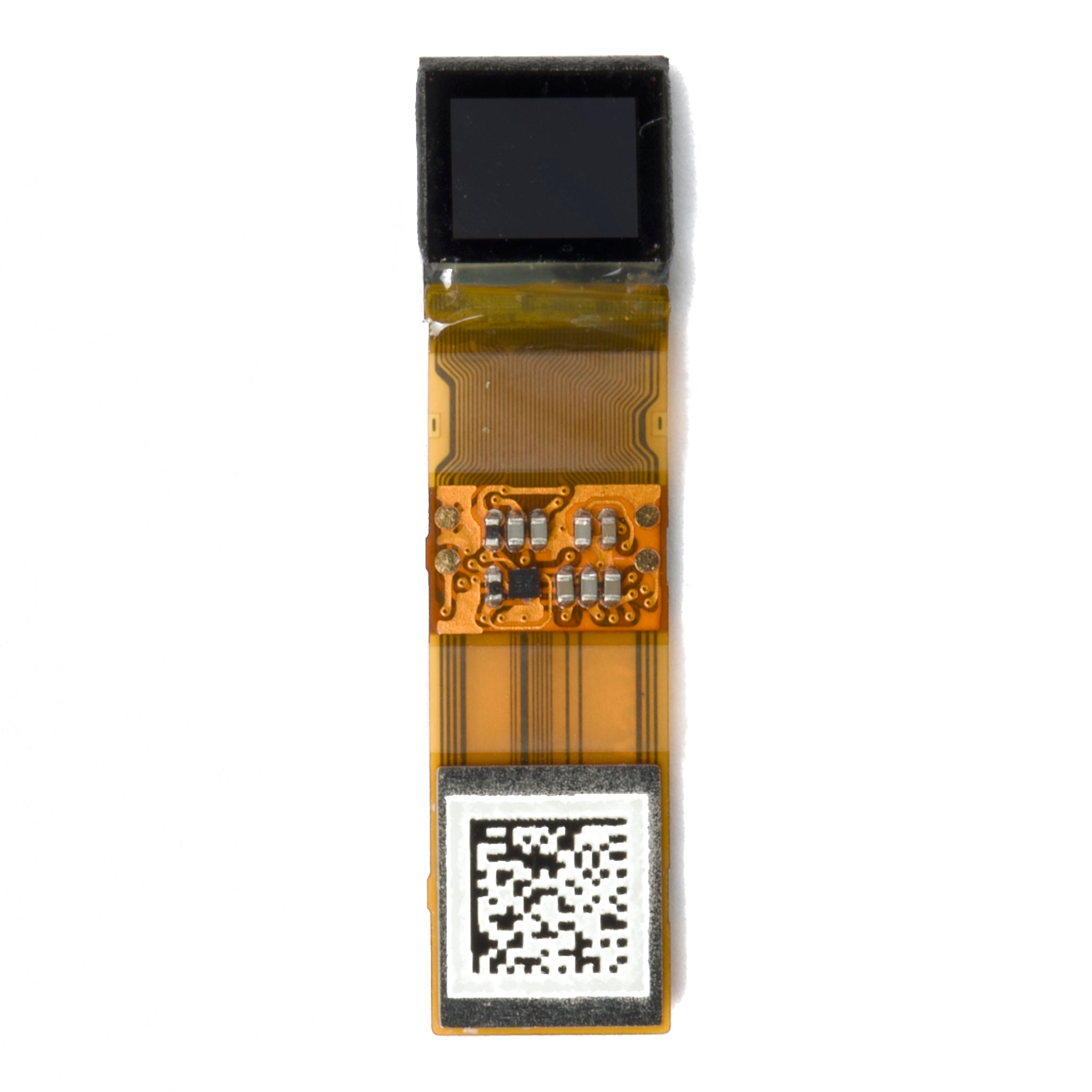
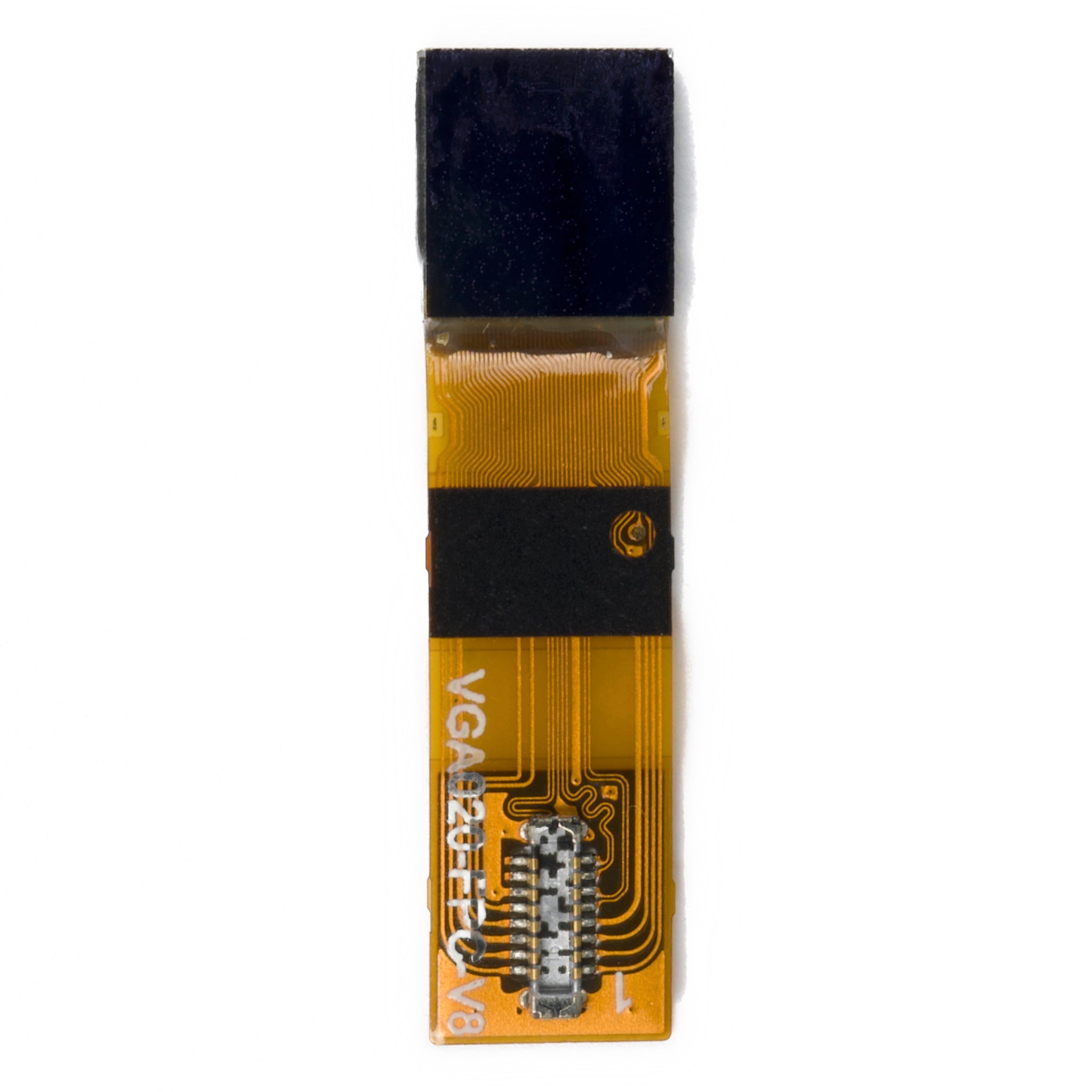
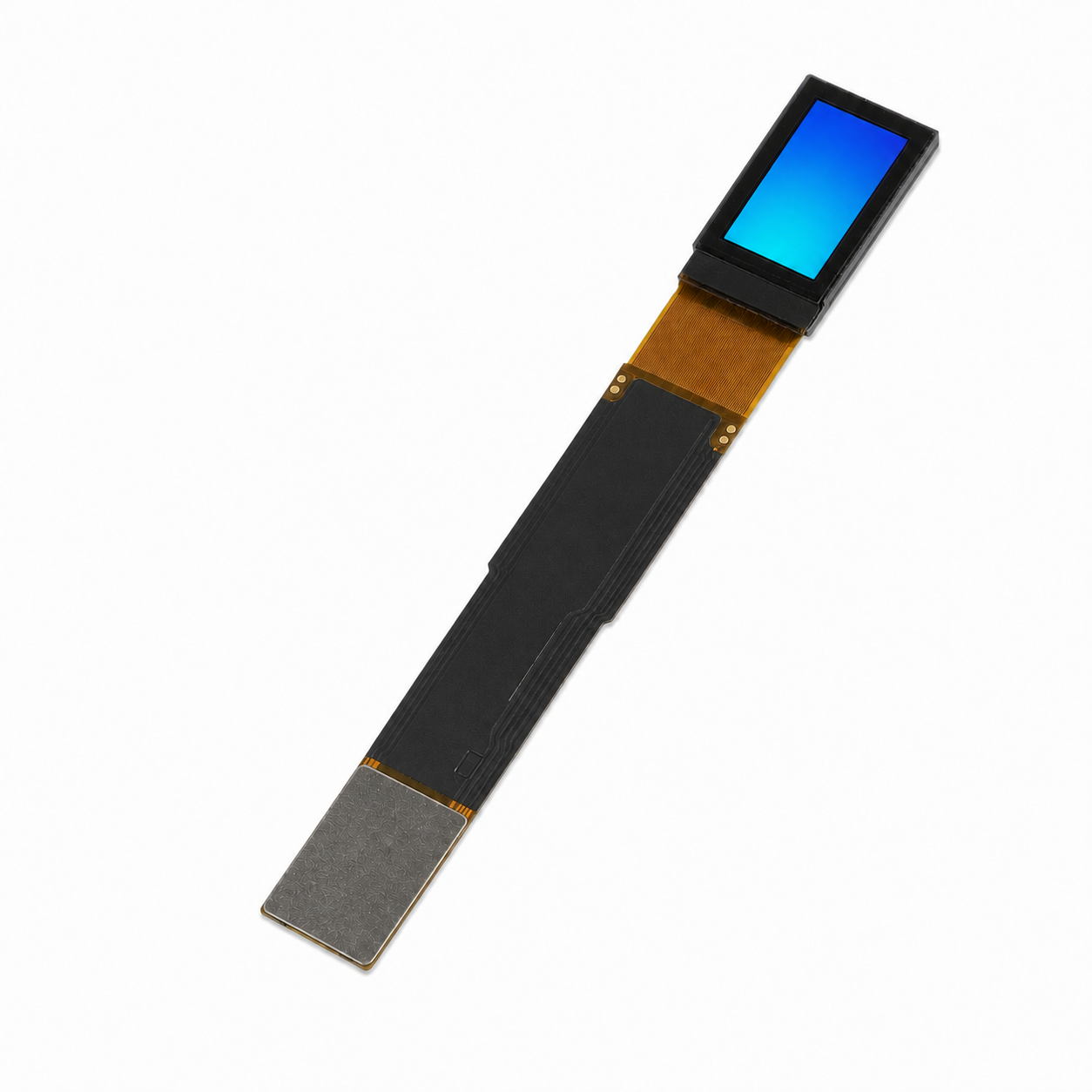
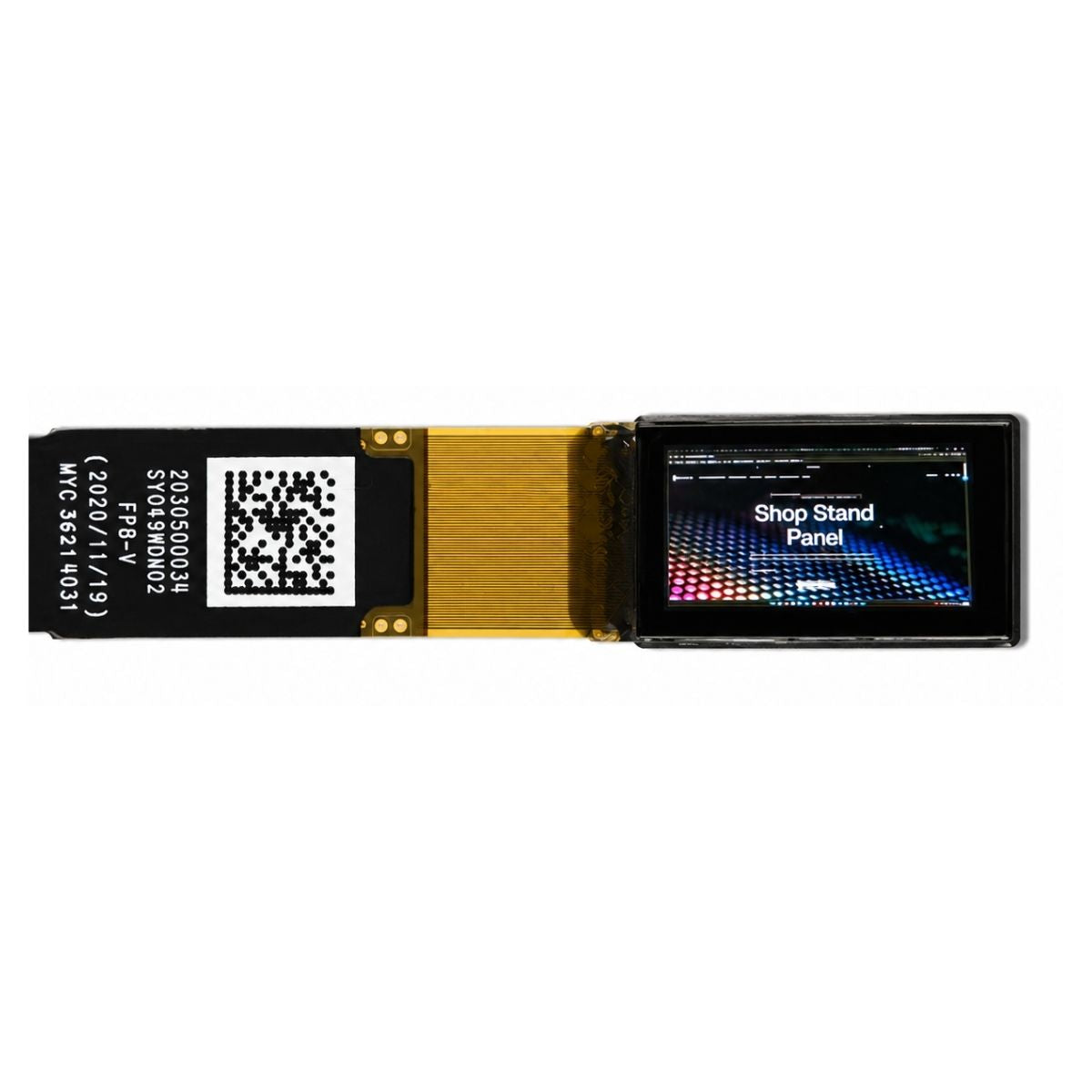
Real modules make this point clear. A 4-inch IPS module can be specified at 1,000 cd/m², use RGB, and operate from -30°C to +85°C. A 3.81-inch AMOLED module may instead use 1080 × 1200 resolution, MIPI, and a 1.14 mm module structure. Both can be good products. They are just solving different problems.
Contrast in Real Use
VA is usually the stronger LCD choice when dark areas matter. A conventional 3,000:1 VA panel has roughly three times the native contrast of a 1,000:1 IPS panel. That does not make the whole image “three times better,” but in a dark room the difference can be obvious.
AMOLED goes further because black pixels can simply stop emitting light. That is useful for night dashboards, dark UI screens, video products, gaming devices, and anything used in a dim environment. OLED measurements also show the high contrast and fast temporal response that come with self-emissive pixels.[4]
Bright environments change the equation. If the front glass reflects sunlight, factory lighting, or the user's own surroundings, that reflected light can wash out the difference between two otherwise very different panels. NIST treats ambient reflection as part of real display contrast for exactly this reason.[5]
Viewing Position
IPS is usually easier to live with when users are not sitting directly in front of the screen. Think wall controls, kiosks, shared machinery, POS terminals, medical HMIs, or vehicle displays.
A quoted 178° viewing angle sounds impressive, but it does not mean the picture looks unchanged at 178°. It normally means the image still meets a defined visibility or contrast threshold. At that angle, the viewer is only about 1° from the physical plane of the display, so color, gamma, and contrast may already look quite different from a straight-on view.[6]
Test the screen from the positions people will actually use. If the unit will be mounted vertically, test portrait orientation too. A panel that looks fine in landscape may have a weaker viewing direction after it is rotated.
Color Control
“AMOLED has better colors” is too vague for an OEM specification. Ask for the measurements that matter to the product.
- sRGB or DCI-P3 coverage;
- white point;
- gamma;
- Delta E where accuracy matters;
- native bit depth or FRC;
- off-axis color shift;
- lot-to-lot color tolerance.
An 8-bit RGB signal provides 256 levels per color channel, or about 16.7 million RGB combinations. That still does not tell you whether the colors are accurate. A wide-gamut screen can be poorly calibrated, while a narrower-gamut IPS panel may be a better fit for an instrument that needs repeatable results. Proper display color evaluation depends on controlled color measurement, not how vivid the screen looks at first glance.[7]
Production Tolerance
The first engineering sample is only one unit. Mass production is where consistency starts to matter.
Set limits for:
- minimum luminance;
- white point;
- color difference;
- brightness uniformity;
- Mura;
- dead or bright pixels;
- touch response;
- mechanical dimensions;
- component revision.
If a hypothetical 500-nit module allowed ±10% luminance variation, acceptable units could range from 450 to 550 nits. That ±10% is only an example. The supplier's real tolerance is the number that belongs in the purchase specification.
Small differences become much easier to see when several screens sit next to each other. Incoming inspection should therefore cover more than whether the module powers on. A practical incoming display inspection process can help control pixel defects, Mura, cosmetic issues, and lot changes.
Motion Performance
AMOLED pixels respond very quickly because there is no liquid-crystal layer that has to physically change state. LCD can also be fast, but response time and refresh rate are two separate things.[8]
| Refresh Rate | Time Per Refresh |
|---|---|
| 60 Hz | 16.7 ms |
| 90 Hz | 11.1 ms |
| 120 Hz | 8.3 ms |
| 144 Hz | 6.9 ms |
A 60 Hz AMOLED may switch pixels extremely fast, but it still gets a new frame every 16.7 ms. At 120 Hz, that interval drops to 8.3 ms. For a simple control menu, this usually changes very little. For gaming, scrolling maps, video, or camera monitoring, it can matter a lot.
VA deserves a closer sample test when dark motion is important. Some VA panels look fine in bright transitions but smear more noticeably between darker shades.
Brightness Targets
| Use | Planning Range |
|---|---|
| Office or controlled indoor equipment | 250–350 nits |
| Industrial indoor equipment | 350–500 nits |
| Bright indoor environment | 500–700 nits |
| Vehicle or semi-outdoor use | 700–1,000+ nits |
| Direct-outdoor transmissive display | Often around 1,000 nits or higher |
These are planning ranges, not pass/fail standards. Going from 500 to 1,000 nits doubles emitted luminance, but it does not make the screen twice as readable outdoors.
For purchasing, ask for both typical and minimum guaranteed luminance. Also check whether the quoted number comes from the bare panel or the finished assembly after touch, bonding, and cover glass. A high center reading is not enough either; poor uniformity can still leave visibly dark edges.
Outdoor Stack
Outdoor readability comes down to two things: how much light the display sends out and how much ambient light comes back at the viewer. Diffuse and specular reflections both reduce usable contrast.[9]
Check the whole stack:
- panel luminance;
- touch sensor;
- air gap or optical adhesive;
- cover glass;
- anti-reflection treatment;
- anti-glare treatment;
- automatic brightness control.
A bonded 700-nit screen with low surface reflection can be easier to read than a brighter screen behind highly reflective glass. The practical tradeoff between brightness, bonding, reflection, and anti-glare treatment is explained further in this sunlight-readable TFT display guide.
Compare finished assemblies whenever possible. A bare AMOLED sample and a bonded industrial IPS module are not a fair optical comparison.
AMOLED Brightness
With AMOLED, peak brightness is not the number to build the whole product around. Ask for sustained full-screen brightness as well.
A small bright area can often be driven harder than a full white screen. High Average Picture Level, panel temperature, and power limits may all pull sustained output down.
For a white dashboard or map interface, ask for:
- full-screen white luminance;
- peak luminance;
- the image or window size used for the peak test;
- high-temperature brightness behavior;
- automatic brightness limiting behavior.
If a peak figure was measured on a small bright patch, do not assume the panel can hold that value across a full white screen for an entire shift.
Power Budget
For IPS and VA, backlight level usually has the biggest effect on display power. A black LCD screen still needs the backlight, so changing the UI from white to black often saves less than people expect.
AMOLED behaves differently. A dark low-APL interface can use less power because fewer pixels are producing strong light. A white high-APL interface pushes the panel harder. OLED power models show that displayed pixel values and luminance are directly tied to consumption.[10]
Measure the real screens the product will use:
- home screen;
- normal operating screen;
- dark screen;
- bright screen;
- full-screen white where relevant;
- normal and maximum brightness.
If a tested display assembly averages 2 W, eight hours of operation uses 16 Wh. At 3 W, the same eight hours uses 24 Wh. Those are simple calculation examples, not typical IPS or AMOLED power figures.
Dimming
IPS, VA, and AMOLED do not tell you whether the module uses PWM or DC-style dimming. The module does.
Check dimming at the lowest brightness the user is likely to select. PWM-related flicker behavior can change with frequency and duty cycle, especially at low brightness.[11]
If the display will be filmed or used near machine-vision equipment, point a camera at it during testing. A screen that looks perfectly stable to the eye can still show dark rolling bands on camera.
Lifetime
AMOLED ages through its light-emitting materials. The more a pixel is driven, the more aging it sees. Fixed bright graphics can therefore age differently from surrounding areas and eventually leave a visible pattern. Heat, brightness, operating time, and screen content all affect this process.[12]
IPS and VA do not have the same OLED-style burn-in mechanism, but the LED backlight still loses brightness with time. LCDs can also show temporary image persistence under some conditions, so “no OLED burn-in” does not mean “no static-image effect at all.”[13]
Before comparing lifetime claims, ask for the test conditions:
- temperature;
- initial luminance;
- continuous or intermittent operation;
- test image;
- end-of-life luminance definition;
- color-shift limit;
- static-pattern conditions for AMOLED.
Operating Hours
| Daily Screen Time | Hours Per Year | Hours Over 5 Years |
|---|---|---|
| 8 hours/day | 2,920 | 14,600 |
| 16 hours/day | 5,840 | 29,200 |
| 24 hours/day | 8,760 | 43,800 |
A 24/7 screen reaches about 87,600 operating hours in 10 years. That is a very different workload from a wearable used a few hours a day, even if both products are expected to “last five years.”
For always-on HMIs, calculate both total screen-on hours and how long fixed elements stay in the same place. That gives a far more useful lifetime picture than calendar age alone.
Thickness
AMOLED can be thinner because it does not need the same backlight, light guide, reflector, and optical-film stack as LCD. But OEM designers care about finished stack thickness, not just the bare panel.
The complete assembly may still include:
- touch sensor;
- OCA or OCR bonding;
- cover glass;
- support frame;
- shielding;
- brackets and adhesive.
The 3.81-inch AMOLED module mentioned earlier lists a 1.14 mm module thickness. Useful number, yes—but that is still not the final thickness of a bonded touchscreen inside a finished enclosure.
Flexible Designs
If the product really needs a curved display, ask for the mechanical limits of the exact module rather than stopping at “AMOLED can be flexible.”
- bend radius;
- static bend or repeated flexing;
- FPC exit position;
- support requirements;
- cover material;
- allowed bonding method.
Plenty of AMOLED modules are still rigid. The enclosure should be designed around the actual module drawing, not the technology label.
Temperature
“Industrial grade” is not a temperature specification. Use the numbers from the exact panel.
Industrial candidates may offer ranges such as -20°C to 70°C or -30°C to 80°C and beyond. A current high-brightness IPS module, for example, lists -30°C to +85°C, a quoted 115°C operating span. That tells you about this module, not every IPS panel.
At low temperature, LCD motion also needs testing because liquid-crystal response changes as the panel gets colder.[14]
If the product must work at -20°C, do not stop after confirming that the screen turns on. Test scrolling, warning changes, button feedback, and moving graphics at -20°C as well.
At the hot end, use the closed enclosure. A screen inside a sealed product can run much hotter than ambient air once sunlight and the backlight start adding heat. The relationship between temperature, lifetime, and industrial module selection is covered in more detail in industrial LCD panel selection.
Touch and Bonding
Touch should be tested as part of the finished display stack.
Depending on the product, verify:
- capacitive or resistive touch;
- glove input;
- wet-finger behavior;
- water rejection;
- cover-glass thickness;
- controller compatibility;
- EMI behavior around motors and power electronics.
Touch glass also changes the optical result. If a bare 1,000-nit panel passed through a stack with 90% transmission, the simplified output would be about 900 nits. At 80%, it would be about 800 nits. Those are examples only—the real transmission has to come from the finished stack.
Optical bonding removes the internal air gap, which can reduce reflection and parallax. It does not automatically make the product waterproof. The practical differences between capacitive touch, resistive touch, bonding, and cover glass are covered in the touchscreen integration guide.
Interface
IPS, VA, and AMOLED do not dictate the electrical interface. The module architecture does.
Common embedded interfaces include:
- SPI;
- MCU parallel;
- RGB;
- LVDS;
- MIPI DSI;
- eDP;
- HDMI through a bridge or controller.
MIPI DSI is standardized for high-speed links between host processors and displays in embedded, automotive, wearable, gaming, and mobile products.[15] eDP is a separate VESA interface widely used for embedded panels that need higher resolution, refresh rate, or color depth.[16]
Before approving a panel, confirm:
- processor support;
- lane or bus configuration;
- voltage rails;
- pixel clock;
- bandwidth;
- timing;
- initialization commands;
- power-on sequence.
If the display forces a bridge IC, new PCB, additional voltage rails, firmware work, or another EMC test cycle, the supposedly cheap panel may not be cheap at system level. The differences between MIPI DSI, RGB, SPI, and LVDS are covered in the display interface selection guide.
Resolution Load
| Resolution | Total Pixels |
|---|---|
| 800 × 480 | 384,000 |
| 1280 × 720 | 921,600 |
| 1280 × 800 | 1,024,000 |
| 1920 × 1080 | 2,073,600 |
1920 × 1080 has about 2.25× as many pixels as 1280 × 720 and roughly 5.4× as many as 800 × 480.
That extra pixel count can increase framebuffer size, memory traffic, interface bandwidth, GPU work, and power consumption even if the screen itself is still the same physical size.
For small text or thin technical lines, check the subpixel layout too. Two displays with the same resolution can use different RGB or AMOLED subpixel arrangements, so the same pixel count does not always produce exactly the same fine-detail appearance.
System Cost
Use complete display-system cost, not just the panel quote:
module + touch + bonding + cover glass + controller or bridge + mechanical parts + integration + testing
A $2 difference becomes $20,000 across 10,000 units. A $5 difference becomes $50,000. Those figures are just arithmetic examples, but they show why small BOM differences matter once production starts.
Low-volume projects have the opposite problem: NRE. If custom engineering and tooling cost $20,000, spreading that over 500 devices adds $40 per unit. Across 10,000 devices, the same NRE adds only $2 per unit.
Custom cover glass, FPC changes, modified backlights, driver boards, firmware, bonding fixtures, and qualification samples can all add one-time cost. The comparison between a standard module and a custom one should therefore be made against expected volume, not just the feature list. The tradeoff is explained further in custom TFT displays versus off-the-shelf modules.
Supply Risk
For a long-life product, discontinuation risk can cost far more than a small contrast or thickness advantage.
If a machine stays in production for seven years and needs replacement parts for another five, the display sourcing window can reach 12 years. That is an illustrative example, not an industry rule, but it shows why a panel built around a short consumer cycle may be a poor fit for industrial equipment.
Before design freeze, confirm:
- mass-production status;
- target market;
- expected lifecycle;
- EOL notice period;
- last-time-buy policy;
- replacement family;
- second-source options.
Also remember that “same size and same resolution” does not mean drop-in compatible. FPC position, connector, voltage, timing, touch controller, active area, and mounting points can all be different.
For projects where continuity matters, checking at least two viable module families early can reveal these differences before the PCB and enclosure are locked. Two candidates are not a mandatory industry rule; it is simply a sensible way to avoid being trapped by one part number later.
Device Shortlist
| Device | Start With | Check Before Approval |
|---|---|---|
| Industrial HMI | IPS | Backlight life, viewing position, supply life |
| Factory machine | IPS / VA | Static UI, temperature, 24/7 operating hours |
| Medical HMI / non-diagnostic UI | IPS | Color requirement, calibration, application rules |
| Outdoor terminal | High-brightness IPS | Minimum luminance, reflection, bonding, heat |
| POS terminal | IPS | Touch, static UI, cost, supply |
| Smartwatch | AMOLED | Bright-screen power, aging, thickness |
| Gaming handheld | AMOLED / fast IPS | Refresh rate, response, battery use |
| Industrial handheld | IPS / AMOLED | Outdoor use, power, drop/thermal design |
| Dark control room | VA / AMOLED | Black level, viewing position, static content |
| Automotive display | IPS / AMOLED | Temperature, brightness, lifetime, qualification |
| Static digital signage | IPS / VA | 24/7 duty cycle, thermal load, image persistence |
| Premium compact device | AMOLED | Cost, sustained brightness, aging, supply |
RFQ Questions
Brightness: What are the typical and minimum guaranteed luminance values? Are they measured before or after touch and cover-glass integration?
Contrast: Under what measurement and ambient-light conditions was the quoted contrast ratio obtained?
Lifetime: What temperature, luminance, image pattern, and duty cycle were used, and what exactly counts as end of life?
AMOLED: What are the sustained full-screen luminance, high-APL behavior, static-image test conditions, brightness-limiting behavior, and color-aging limits?
LCD: What is the backlight lifetime, at what LED current and temperature was it tested, and what luminance loss defines that lifetime?
Temperature: What are the operating and storage ranges, and has response performance been checked at the low-temperature limit?
Supply: What is the expected production lifecycle, EOL notice policy, last-time-buy process, and closest replacement?
Interface: What controller, initialization sequence, timing, voltage, connector, and host-interface requirements need to be met?
Validation
Approve the module from measurements, not from one datasheet or a hand-picked “golden sample.”
For an early comparison, checking 3–5 samples per candidate can reveal obvious variation before a larger qualification program begins. That is a practical screening range, not a mandatory statistical standard.
Record:
- minimum, normal, and maximum luminance;
- uniformity;
- front and off-axis appearance;
- power with the actual UI;
- low-temperature startup and response;
- high-temperature operation;
- touch with glove or wet conditions where required;
- EMI behavior near chargers, motors, and switching supplies;
- camera banding if relevant;
- static-image behavior for the expected duty cycle.
Once production starts, carry the same measurable limits into incoming display inspection. That is how lot changes, Mura, pixel defects, and cosmetic problems get caught before they reach final assembly.
FAQ
Can IPS be replaced directly with AMOLED?
Not from size and resolution alone. Interface, voltage, FPC, connector, timing, power sequence, active area, thickness, and touch structure may all be different.
Does 178° mean the picture looks the same from every angle?
No. It normally describes a visibility or contrast threshold. Color, gamma, brightness, and contrast can change well before the picture becomes technically invisible.
Is Mini LED an alternative to IPS or VA?
No. Mini LED is a backlight technology. It can sit behind either an IPS or VA LCD.
Should an OEM requirement use typical or minimum brightness?
Use minimum guaranteed luminance when readability depends on a hard lower limit. Typical luminance is useful for comparison but does not guarantee every production unit.
How many hours does a 24/7 display run?
8,760 hours per year, 43,800 hours over five years, and about 87,600 hours over ten years.
Is 1,000 nits enough outdoors?
Sometimes. Reflection, bonding, cover glass, AR treatment, ambient light, and thermal limits can matter just as much as nominal luminance.
Can two 7-inch 1280 × 800 modules use different electronics?
Yes. They can use different interfaces, voltages, connectors, pinouts, controllers, timing, FPC positions, and initialization commands.
Finally
Before picking a panel, lock down the numbers that can actually disqualify one: size, resolution, minimum luminance, viewing position, temperature range, screen-on hours, static-content time, power budget, interface, touch stack, and required supply period.
Then put the remaining IPS, VA, and AMOLED candidates through the same test conditions. Measure power with the real UI, check minimum rather than only typical specifications, calculate expected operating hours, verify lifetime conditions, test the finished optical stack, and look at second-source risk before the design is frozen. That gives you a usable OEM decision—not just a list of display-technology pros and cons.
En lire plus
For industrial use, select a round OLED in this order: mechanical fit, readable UI, optical performance, interface bandwidth, RAM, power, lifetime, environment, and supply control. A 240 × 240 RGB...
A Smart TFT can save development work when it takes framebuffer storage, graphics rendering, touch processing, or GUI tasks away from the host. A standard TFT can be cheaper when the host already ...
Laisser un commentaire
Ce site est protégé par hCaptcha, et la Politique de confidentialité et les Conditions de service de hCaptcha s’appliquent.