

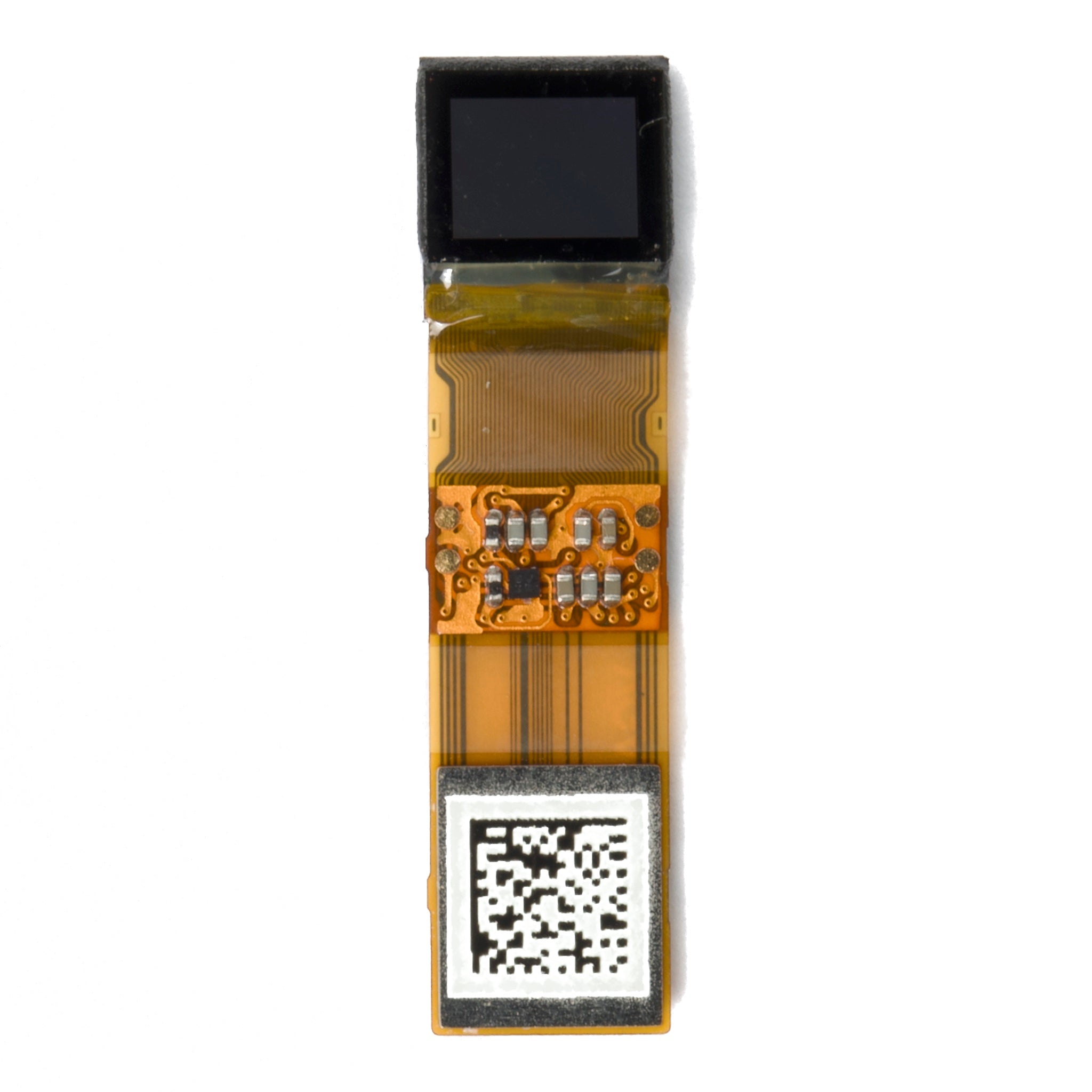
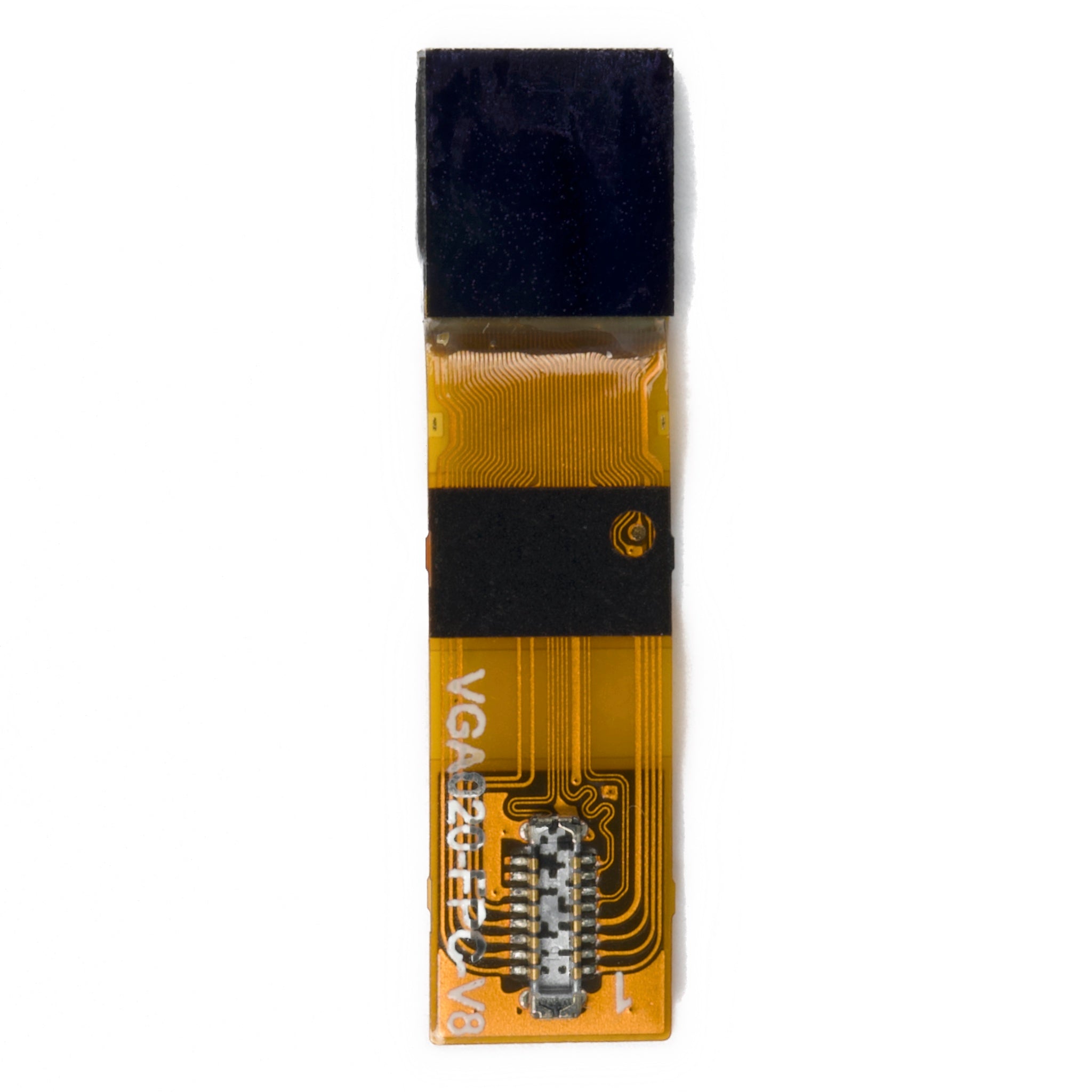


A 128×128 TFT is enough for a small embedded interface built around large readings, short labels, and simple icons. It is usually too restrictive for paragraph text, detailed maps, photo inspection, or many touch controls. The deciding question is whether your longest message and busiest screen remain readable at the intended viewing distance—not whether a demo image fits.
A 128x128 TFT has 16,384 pixels. Below are the text, memory, and transfer budgets that help you decide whether to keep that resolution or move to a larger pixel grid.
How much text fits on 128×128
For a fixed-width bitmap font, divide 128 by the character-cell width and height, rounding each result down. These are capacity calculations, not readability guarantees; margins, line spacing, and status bars reduce the usable grid.
| Character cell | Grid without margins | Character capacity | Layout tradeoff |
|---|---|---|---|
| 6×8 pixels | 21 columns × 16 rows | 336 | Compact labels with very small glyphs |
| 8×8 pixels | 16 × 16 | 256 | More text, but limited character height |
| 8×16 pixels | 16 × 8 | 128 | Taller characters with fewer lines |
| 12×16 pixels | 10 × 8 | 80 | Wider characters and shorter labels |
A 32×32 icon occupies one-quarter of the screen width. A 64×64 illustration occupies half the width and one-quarter of the area. Eight rows of 8×16 characters consume all 128 pixels of height before adding any navigation or margins. The same cell-count method applies to a 128×64 OLED layout, although its height budget is smaller.
A worked layout you can reproduce
Consider an illustrative status screen using an 8×16 fixed-width font. Reserve 8 pixels on each side, a 16-pixel header, and a 16-pixel footer. That leaves 112×96 pixels: 14 characters across and six lines high, with no additional line spacing.
The message “SENSOR DISCONNECTED” contains 19 characters including the space. At 8 pixels per character, it needs 152 pixels in one line, so it cannot fit within the 112-pixel content width. Wrapping “SENSOR” and “DISCONNECTED” onto separate lines uses 32 of the available 96 vertical pixels, leaving four lines for a value, units, or instructions.
This is a calculated layout example, not a hardware test or customer case. Use the actual font and longest translated messages in your own mockup, then check a sample at the intended distance, angle, and lighting. If an alarm needs scrolling or smaller text to fit, compare a higher-resolution panel before committing the enclosure.
Screen size changes readability
Resolution is not physical text size. Using the relationship between pixel count, diagonal size, and PPI, a nominal 1.44-inch 128×128 screen works out to about 126 PPI. The DM-TFT144-399 datasheet lists a nominal 0.20×0.20 mm pixel pitch; on that pitch, an 8-pixel cell is about 1.6 mm tall and a 16-pixel cell about 3.2 mm tall. These are cell dimensions, not the inked height of every glyph. [1]
Use a 12–16-pixel character height as a layout starting point, not a universal minimum. Font design, contrast, eyesight, and viewing distance determine whether it is usable. For distance reading, increasing physical character size matters; adding pixels alone does not make unchanged-size text easier to read.
Do not confuse all 128×128 displays with the same technology. Sharp lists the LS013B7DH03 as a 1.28-inch, 128×128 monochrome panel with no backlight, a 23.04×23.04 mm active area, and 0.180 mm pixel pitch. Its approximately 141 PPI follows from 25.4 ÷ 0.180. It is not a drop-in equivalent to a backlit color module simply because the resolution matches. [2]
Check the module and controller separately
The DM-TFT144-399 is a specific 1.44-inch transmissive TFT example with 128×128 resolution, an ST7735S controller, and 4-wire SPI. Its datasheet specifies a 12 o'clock viewing direction. Check that orientation against the way the finished product will be held. [1]
Supply labels also need context. Section 3.2 of that datasheet lists 3.3–5.5 V at the module VCC input, while section 5.3 lists 2.8 V typical for the panel logic supply. Those are not interchangeable wiring instructions. Match the connector and board revision to its schematic, and check logic-level compatibility separately. [1]
The ST7735S controller supports a 132×162-dot display-memory arrangement and up to 262K colors; that does not turn a 128×128 module into a larger visible screen. Its datasheet documents color formats, address windows, and memory mappings. Use the initialization sequence and row/column offsets for the exact module rather than copying an unrelated ST7735S example. [3][4]
Frame memory and SPI transfer time
At RGB565, each pixel uses 16 bits, or 2 bytes. One complete 128×128 frame therefore occupies 32,768 bytes, or 32 KiB. A full framebuffer in the microcontroller is an implementation choice, not an automatic requirement: drawing smaller regions can avoid keeping the whole image in host RAM.
| Resolution | Pixels | One RGB565 frame | Raw transfer at 10 MHz |
|---|---|---|---|
| 128×128 | 16,384 | 32 KiB | 26.2 ms |
| 128×160 | 20,480 | 40 KiB | 32.8 ms |
| 240×240 | 57,600 | 112.5 KiB | 92.2 ms |
| 240×320 | 76,800 | 150 KiB | 122.9 ms |
These are calculated payload times for a single-data-line SPI connection: pixels × 16 ÷ clock frequency. They exclude commands, gaps, rendering, and other bus traffic. They are not measured frame rates or promises that every panel supports the assumed clock.
For the DM-TFT144-399, the datasheet specifies a minimum 66 ns serial write-clock cycle, equivalent to about 15.15 MHz before other timing constraints. A 20 MHz write clock has a 50 ns cycle and falls outside that specification. At 4 MHz and 10 MHz, the calculated full-frame payload times are about 65.5 ms and 26.2 ms respectively; actual visible updates also depend on the panel and rendering pipeline. [1][3]
Partial updates help when only a value changes. One 8×16 character cell contains 128 pixels and needs 256 bytes at RGB565: 1/128 of a full frame. A full-width, 16-pixel-high text row is different: 128×16 pixels need 4,096 bytes, or 1/8 of the frame. Both figures exclude address-window commands and other overhead.
Brightness and battery tradeoffs
A transmissive TFT LCD relies on its backlight. The DM-TFT144-399 backlight table lists 20 mA typical LED current and a 300 cd/m² minimum L/G surface-luminance entry, with a center-point, best-contrast measurement note. These are datasheet entries, not measurements made for this article, and LED current is not the total module current. [1]
Do not read that luminance figure as a guarantee of outdoor visibility. Ambient light, reflections, viewing angle, and the finished optical stack all matter. Compare ways to improve sunlight readability and evaluate the assembled product rather than assuming more backlight solves every contrast problem.
Sharp's monochrome, no-backlight LS013B7DH03 is a different option when color is unnecessary. Its illumination requirements and system power budget differ from those of a backlit color TFT; identical pixel counts do not establish equivalent battery life. [2]
When to keep 128×128 and when to move up
A 128×128 TFT is a reasonable candidate for:
- One or two prominent sensor readings with short labels and units.
- Time, battery, signal, and other glanceable status indicators.
- Simple icon menus operated by buttons or a rotary encoder.
- Progress indicators and short alarms whose complete wording fits.
- Small-payload QR codes only after checking the encoded symbol, quiet zone, and scanning performance against the application; ISO/IEC 18004 specifies the QR Code symbology. [5]
Compare a higher-resolution panel when you need:
- Long instructions, multilingual messages, or logs visible without repeated scrolling.
- Detailed charts, maps, or photo inspection rather than a small thumbnail.
- Touch interfaces with many controls. At a nominal 0.20 mm pitch, an illustrative 9 mm target spans 45 pixels; three across require 135 pixels before spacing. WCAG 2.2's 24×24 CSS-pixel minimum, with spacing exceptions, is web guidance—not a 24-hardware-pixel or 9 mm rule for an embedded panel. [6]
- Warnings that must be read at distance. Use text or symbols as well as color; W3C's use-of-color guidance supports that principle, but it is not a safety certification for the product. [7]
Make the choice with your hardest screen
- Draw the longest normal message and error state at 128×128 using the actual font, units, icons, and translations.
- Account for margins and navigation explicitly, as in the worked example, instead of relying on the theoretical character count.
- Check the exact module datasheet for supply domains, interface timing, viewing direction, and backlight conditions. Confirm temperature ratings for the supplied revision.
- Verify initialization and address offsets, then evaluate a sample at the intended distance and in the finished enclosure.
- Compare the TFT range if the layout fails. A 240×240 frame has about 3.52 times as many pixels as 128×128, but also about 3.52 times the RGB565 payload; physical size must still suit the viewing distance.
Keep 128×128 when the complete interface fits at a readable size and the update and power budgets meet your needs. Move up when essential information only fits by shrinking text, hiding it, or scrolling through an alarm.
Not sure 128×128 covers every screen?
Send your longest message, error state, and enclosure limits to discuss a suitable module and its specifications.
Request a QuoteReferences
- DisplayModule, DM-TFT144-399 Datasheet, first release 2019-09-03, sections 2, 3.2, 5.3, 5.4, and 5.5.1. Module datasheet. Accessed 2026-11-06.
- Sharp Corporation, LCD modules for wearable and mobile terminals, LS013B7DH03 row. Official LCD lineup. Accessed 2026-11-06.
- Sitronix, ST7735S Controller Datasheet V1.3, 2012-06-20, sections 8.4 and 9 on serial timing, color formats, and display memory. Manufacturer datasheet hosted by Crystalfontz. Accessed 2026-11-06.
- Sitronix Technology Corporation, AIoT device DDI product listing, ST7735S. Official controller listing. Accessed 2026-11-06.
- ISO, ISO/IEC 18004:2015, QR Code bar code symbology specification. Standard record. Accessed 2026-11-06.
- W3C WAI, Understanding Success Criterion 2.5.8 Target Size (Minimum), WCAG 2.2. Target-size guidance. Accessed 2026-11-06.
- W3C WAI, Understanding Success Criterion 1.4.1 Use of Color, WCAG 2.2. Use-of-color guidance. Accessed 2026-11-06.
더 읽기
A 16x1 character LCD can look misaligned when firmware assumes one continuous row of memory but the module uses two 8-character address blocks. On that layout, the left half starts at DDRAM address...
Yes, you can swap one DSI panel for another, but not simply because both have the same size or connector. A drop-in replacement must work with the host's existing pinout, power supplies, lane confi...
댓글 남기기
이 사이트는 hCaptcha에 의해 보호되며, hCaptcha의 개인 정보 보호 정책 과 서비스 약관 이 적용됩니다.