




Skip to content

Cart

Your cart is empty

Continue shopping

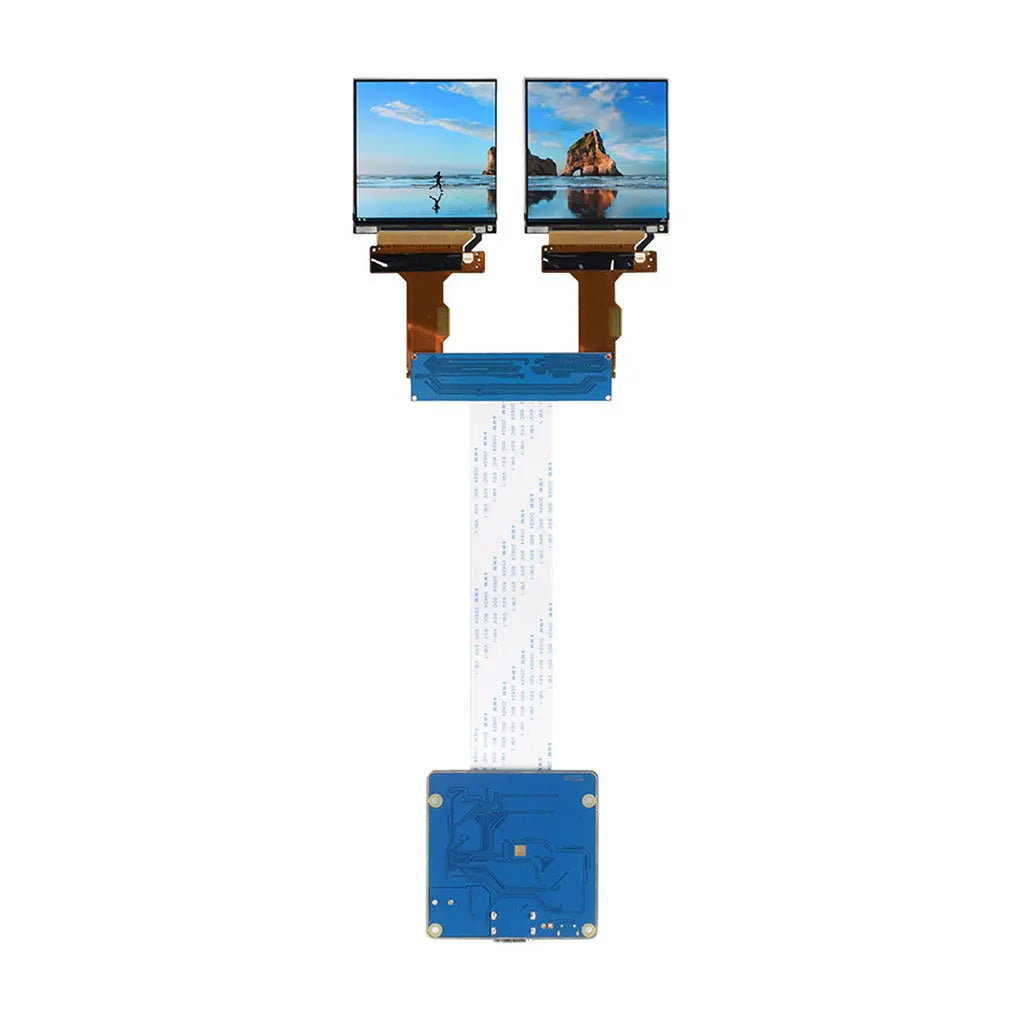
HDMI to MIPI DSI Display Adapter Suit for Double Screen

SKU: DM-ADTTR-016
Sale price$109.00 Regular price$119.00
Save 8%
  • 💹 Enjoy a 20% discount for orders over 500
  • 📉 A 15% discount is available for orders ranging from 200 to 499
  • 🎁 A 10% discount is available for orders ranging from 50 to 199
  • 🎁 A 5% discount is available when ordering 10-49

Interested in customizing this product? Get in touch with us.

Order samples, immediate delivery.

Factory bulk lead time: 3 weeks.

Type: Double Screen

Share
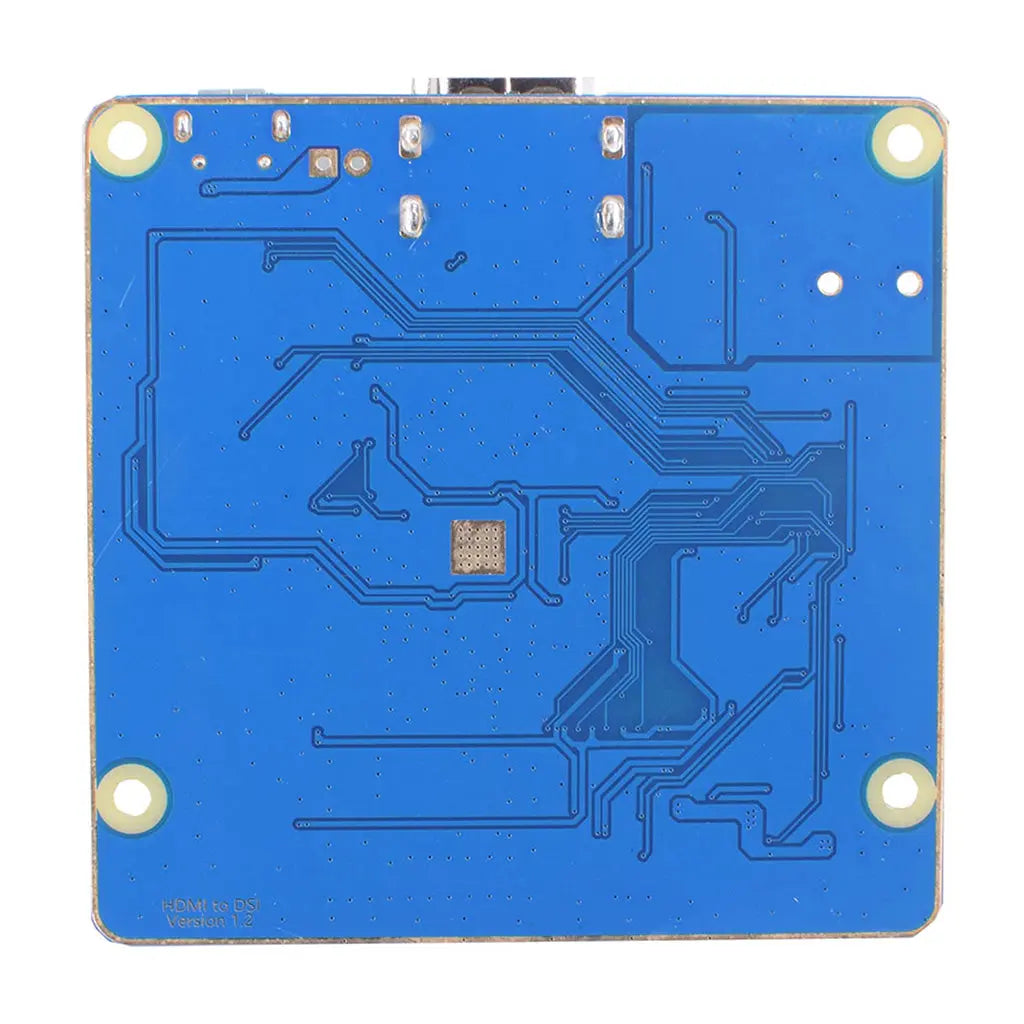
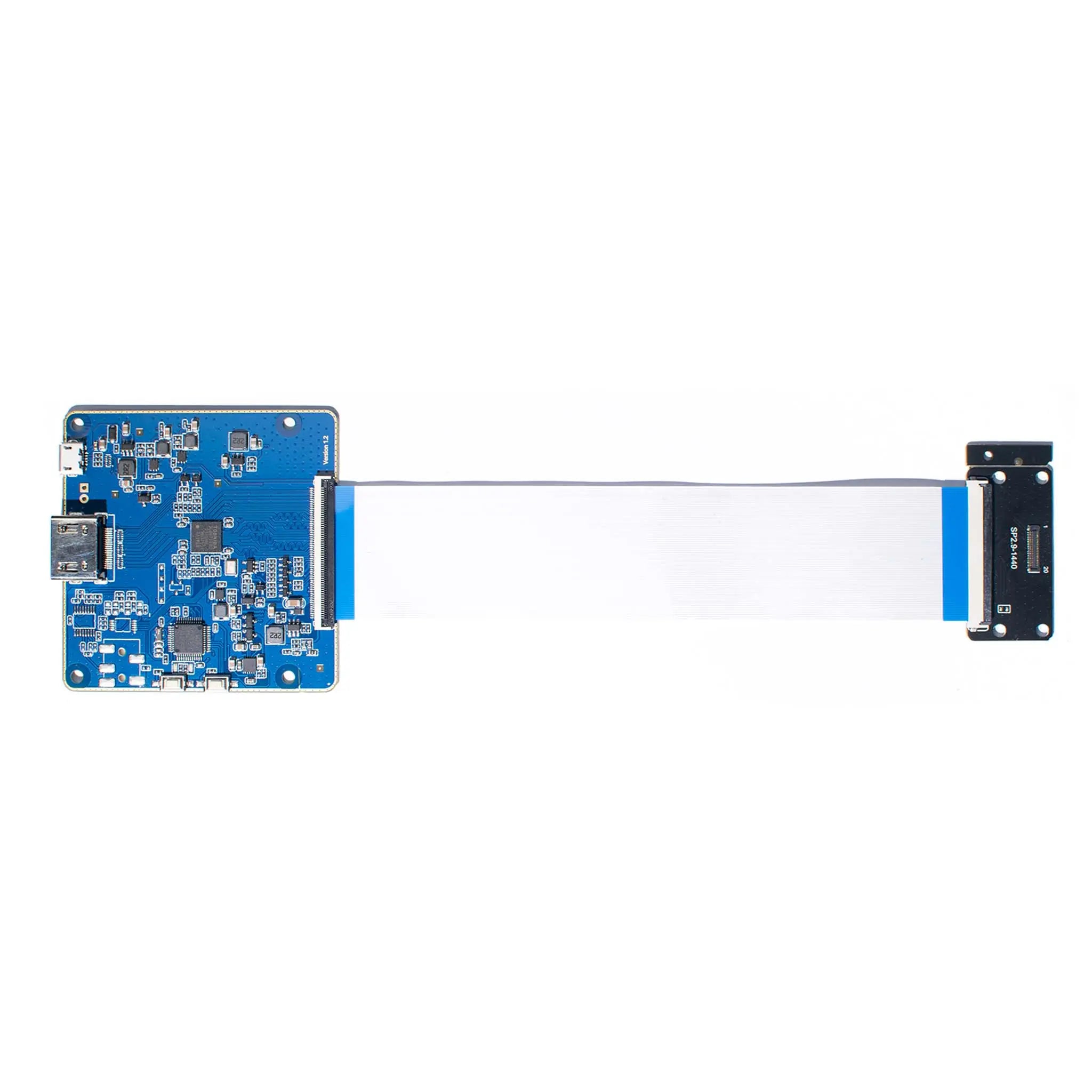
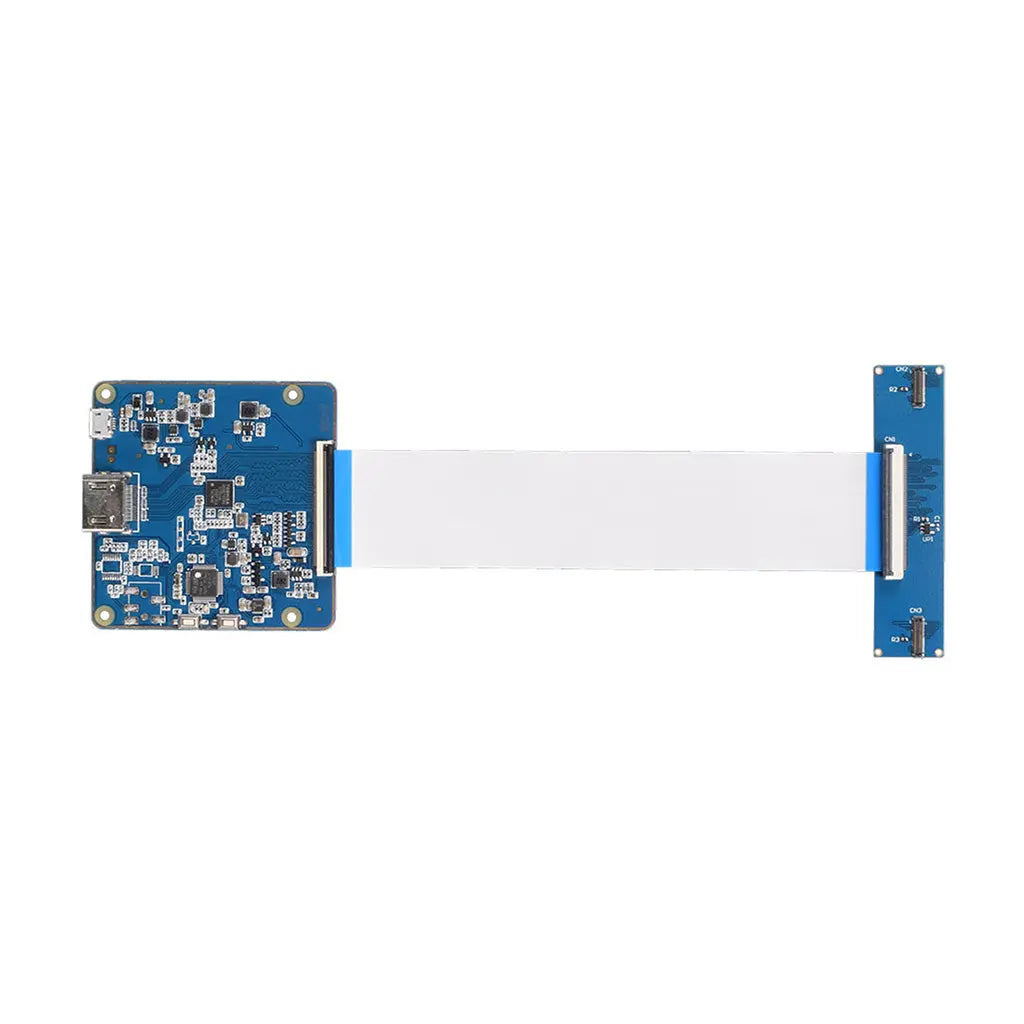
HDMI to MIPI adapter board with cables to connect dual screens
HDMI to MIPI DSI Display Adapter Suit for Double ScreenDouble Screen Sale price$109.00 Regular price$119.00

Resources & Downloads

HDMI to Dual MIPI DSI Adapter Board

HDMI to MIPI DSI Display Adapter for Dual Screen Applications

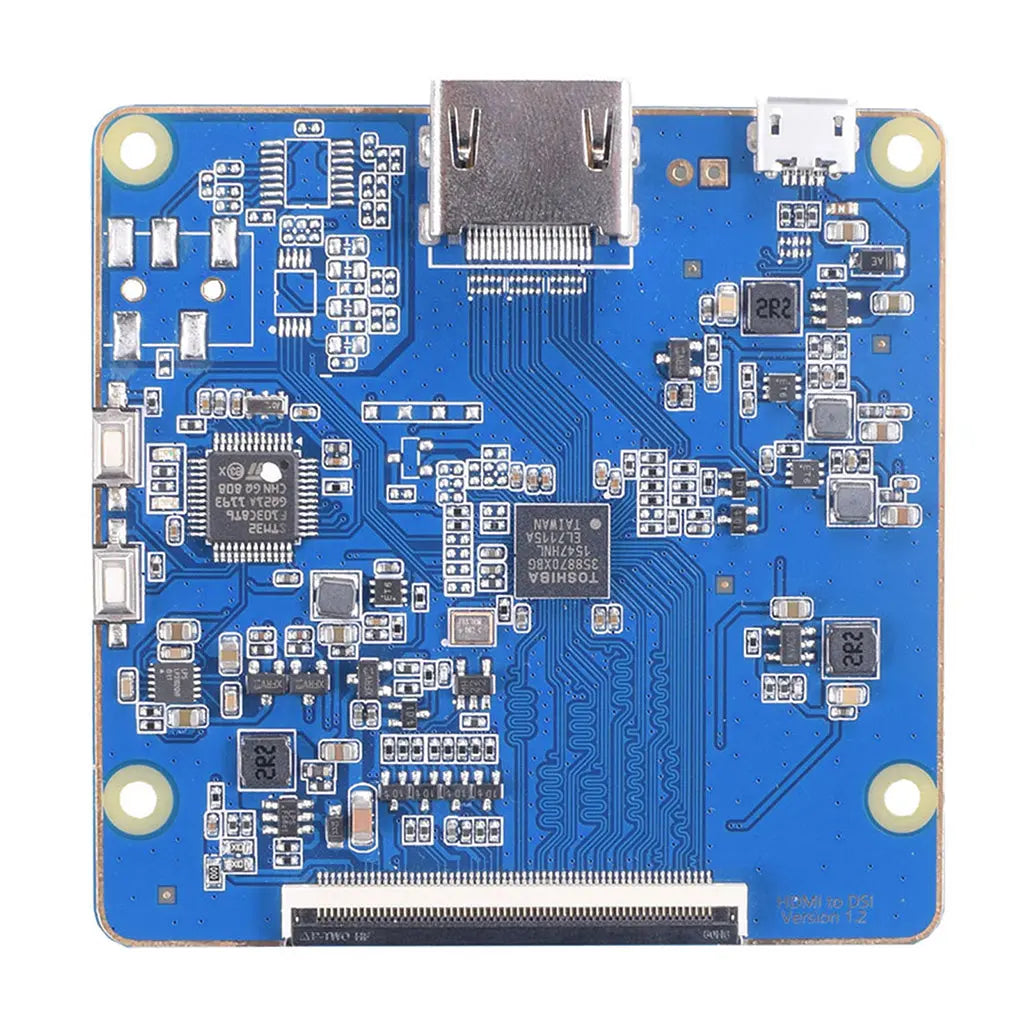
This adapter converts HDMI input to dual-channel 4-lane MIPI DSI output for dual-screen display projects. It is built around the Toshiba TC358870XGB video bridge IC and an STM32F103 control MCU.

The stated maximum display configuration is up to 3840×2160 at 30Hz. Actual output behavior depends on the HDMI source, operating system, display timing, MIPI panel compatibility, and software configuration.

Primary integration use cases include embedded display development, industrial control interfaces, Raspberry Pi display projects, retail display terminals, and OEM/ODM display system prototyping.

3840×2160@30Hz

Stated maximum resolution support

TC358870XGB

Toshiba HDMI to MIPI bridge IC

Dual 4-Lane MIPI

Dual-channel 60-pin MIPI DSI output

4.5–5.5V Input

Micro USB power input, 500mA typical current consumption


Signal Conversion Architecture

HDMI Input

HDMI Type A input interface supporting HDMI 2.0/1.4 source connection according to the original product specification.

Video Bridge and MCU Control

Toshiba TC358870XGB handles video bridge conversion. STM32F103 supports control functions including screen switching and backlight-related control.

Dual MIPI DSI Output

Dual-channel 4-lane MIPI output through a 60-pin MIPI DSI connector for compatible MIPI display modules.

Technical Specifications

Parameter

Specification

Product Type

HDMI to MIPI DSI display adapter board

Input Interface

HDMI Type A 2.0/1.4

Output Interface

Dual-channel 4-lane MIPI DSI

Connector Type

60-pin MIPI DSI, dual channel

Maximum Resolution

Up to 3840×2160 at 30Hz

Video Bridge IC

Toshiba TC358870XGB

Control MCU

STM32F103

Power Input

Micro USB, 4.5–5.5V

Current Consumption

500mA typical

Output Voltage

3.3V ±5%

Board Dimensions

65 × 64mm

Control Features

Screen switch and backlight control

Operating System Support

Windows, Linux, Raspberry Pi OS, macOS with custom configuration

Temperature Note

Wide-temperature operation is stated as -30°C to 85°C. Confirm operating conditions in the official datasheet before final system design.


Display Modes and Host Integration

Extended Desktop Mode

Designed for dual-screen applications where the host system needs separate display areas. Final behavior depends on graphics driver, operating system, and display configuration.

Mirror Display Mode

Suitable for duplicated visual output in kiosks, promotional terminals, device status screens, and compact operator interfaces.

Backlight and Screen Control

Supports screen switching and backlight-related control functions for embedded display projects requiring controlled display output behavior.

Compatibility and Verification Data

Referenced Compatible Displays

3.4-inch round TFT display, 800×800 resolution, 350nits brightness, MIPI interface.

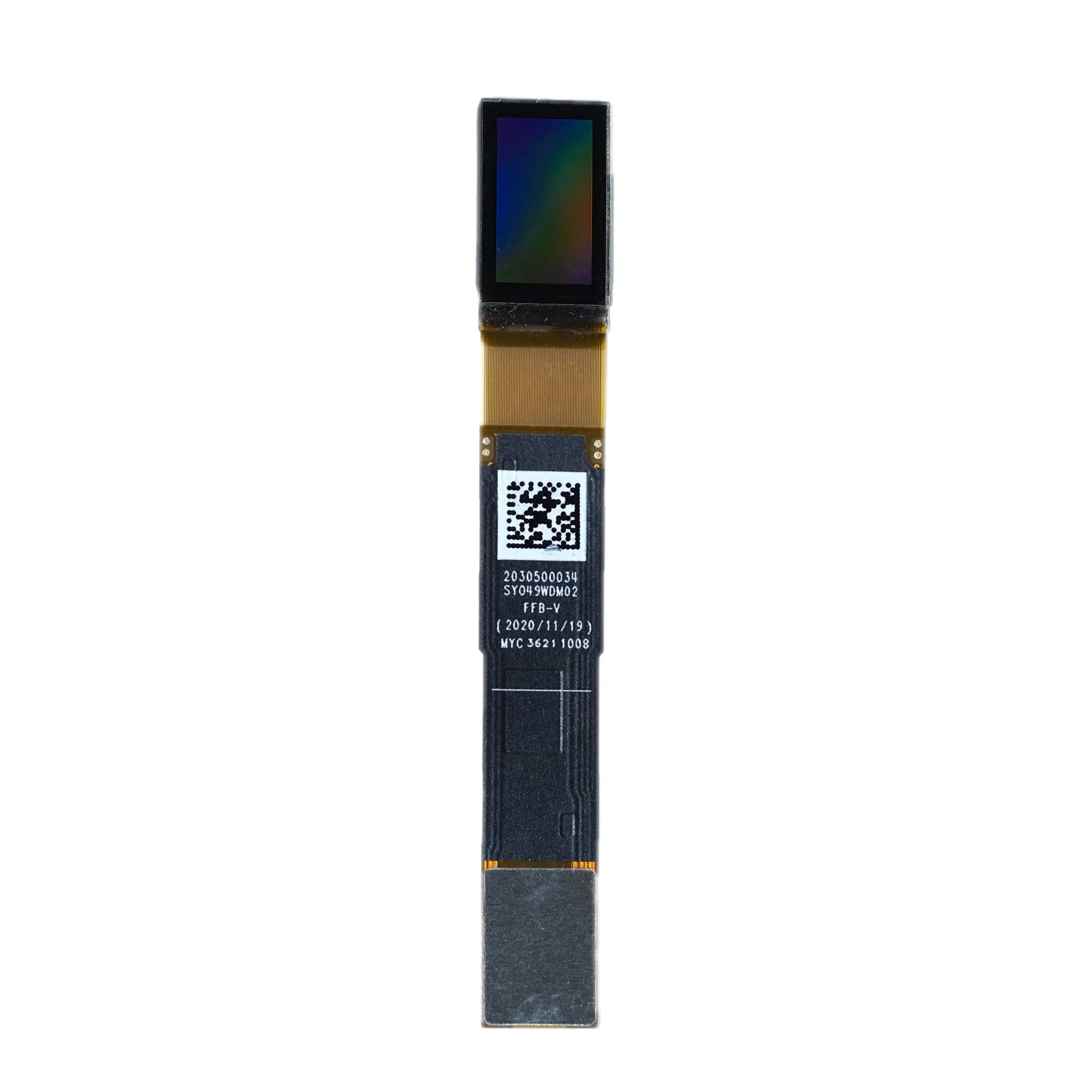
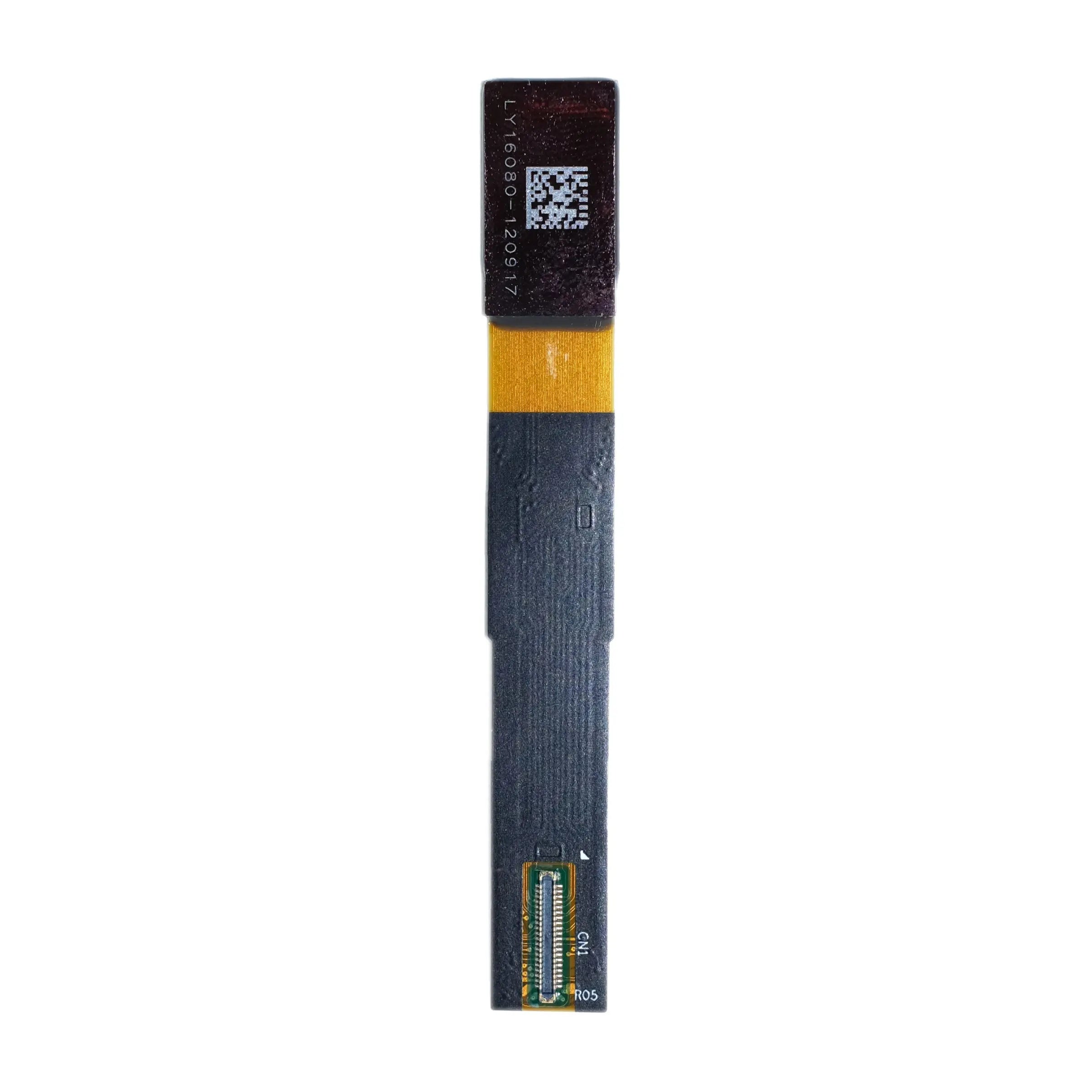
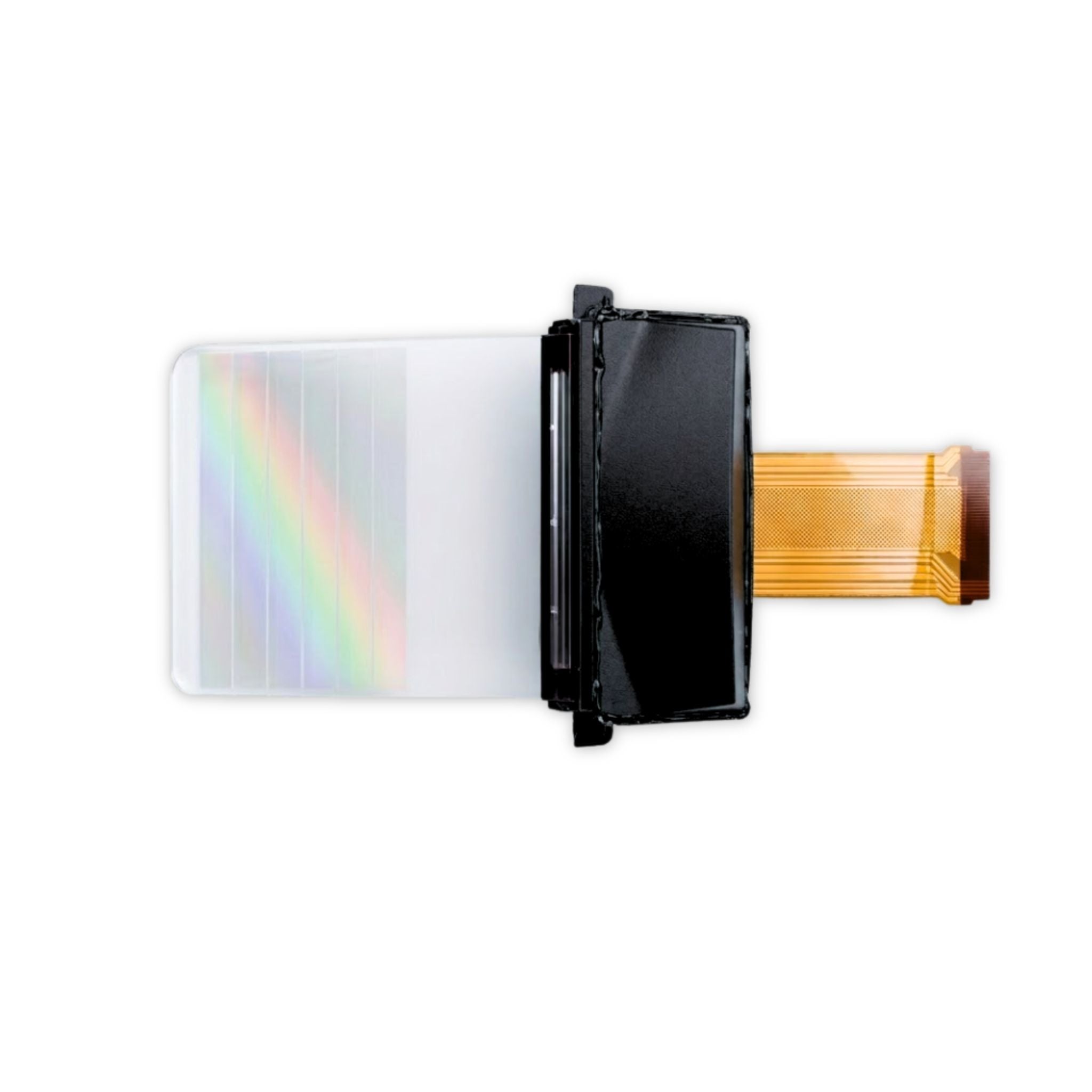
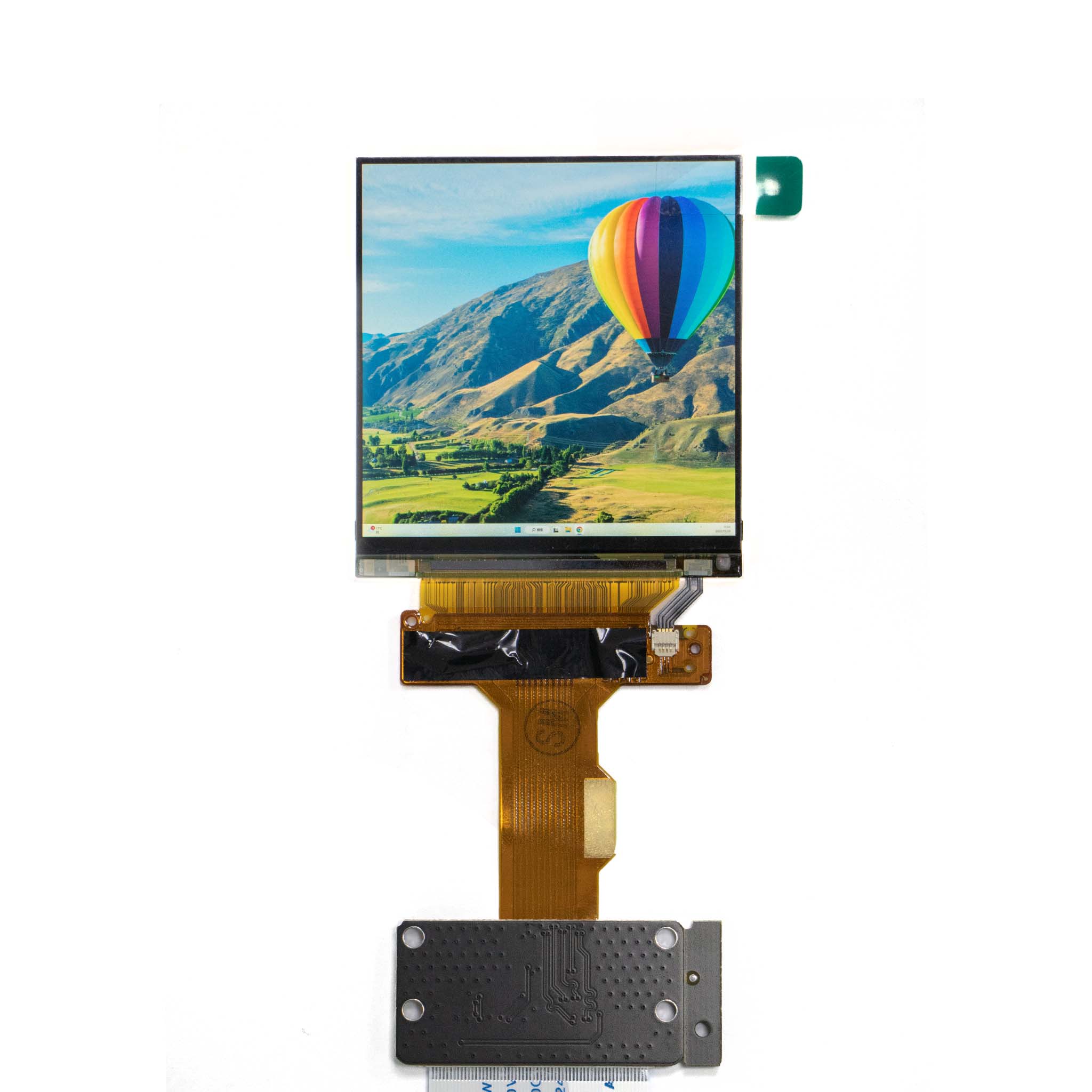
2.89-inch Sharp high-resolution VR display, 1440×1440 resolution, MIPI interface.

Third-Party Display Verification

Third-party MIPI panels should be checked against connector pinout, lane mapping, panel initialization sequence, resolution, timing, voltage rails, and backlight requirements.

For unsupported panels, contact technical support with the panel datasheet before ordering for integration confirmation.

Item to Confirm

Required Check Before Integration

Connector

Confirm 60-pin MIPI DSI connector match, pin assignment, cable orientation, and mechanical clearance.

MIPI Lane Mapping

Confirm dual-channel 4-lane mapping, clock lane, data lane order, and panel-side routing.

Panel Timing

Confirm resolution, refresh rate, blanking parameters, initialization commands, and display mode settings.

Power

Confirm 4.5–5.5V input supply, 500mA typical current budget, 3.3V ±5% output, and host power margin.

System Software

Confirm Windows, Linux, Raspberry Pi OS, or macOS configuration requirements before production deployment.

Engineering Integration Notes

Power Input

Use a stable 4.5–5.5V Micro USB power source. Reserve current margin above the stated 500mA typical value when backlight load or connected display conditions vary.

MCU Control

STM32F103 control functions are used for screen switching and backlight-related operation. Confirm firmware requirements for customized display panels.

Resolution Planning

The stated maximum is 3840×2160 at 30Hz. Confirm panel timing, source output capability, and dual-display behavior before final enclosure design.

Thermal Use

For wide-temperature applications, confirm real operating temperature, enclosure airflow, display backlight load, and stability under the target use condition.


Application Fit

Industrial Control Systems

Applicable to dual-screen monitoring, machine interface panels, process display terminals, and embedded control prototypes requiring HDMI source input and MIPI display output.

Portable Medical Device Display Evaluation

Can be evaluated for diagnostic equipment display subsystems. Final medical compliance, electrical safety, EMC, reliability validation, and product-level certification remain the responsibility of the device manufacturer.

Retail Digital Signage

Suitable for mirrored content display, compact promotional kiosks, information terminals, and small-format signage systems using HDMI input sources.

OEM and ODM Customization Scope

Interface Customization

LVDS, eDP, HDMI, USB-C, DVI, and VGA output-related customization can be discussed for industrial and commercial display projects.

Function Expansion

Signal conversion, voltage regulation, backlight control, touch integration, and panel-specific configuration support are available depending on project scope.

Enclosure Options

IP-rated waterproof and dustproof housing options, shock-resistant design requirements, custom colors, logos, and housing materials can be specified for OEM programs.

Bulk Order Programs

Volume pricing, sample availability, lead time, inspection standards, and long-term supply requirements should be confirmed with the engineering and sales team before production planning.

Technical Resources

Official Datasheet

Use the official PDF to verify mechanical drawings, absolute maximum ratings, recommended operating conditions, interface timing, power rail requirements, register settings, and reliability limits.

Raspberry Pi Setup Scripts

Configuration code is available for Raspberry Pi setup. Confirm display model, operating system version, and panel configuration before using the scripts in a production project.

Installation Video Guide

Use the installation video as a visual reference for adapter setup. Electrical validation should still be completed against the datasheet and target display specification.

Download Datasheet and Confirm Integration Details

Confirm mechanical drawings, interface timing, operating limits, power requirements, register configuration, and panel compatibility before PCB layout, enclosure design, optical engine tooling, or volume procurement.

Download Official Datasheet