

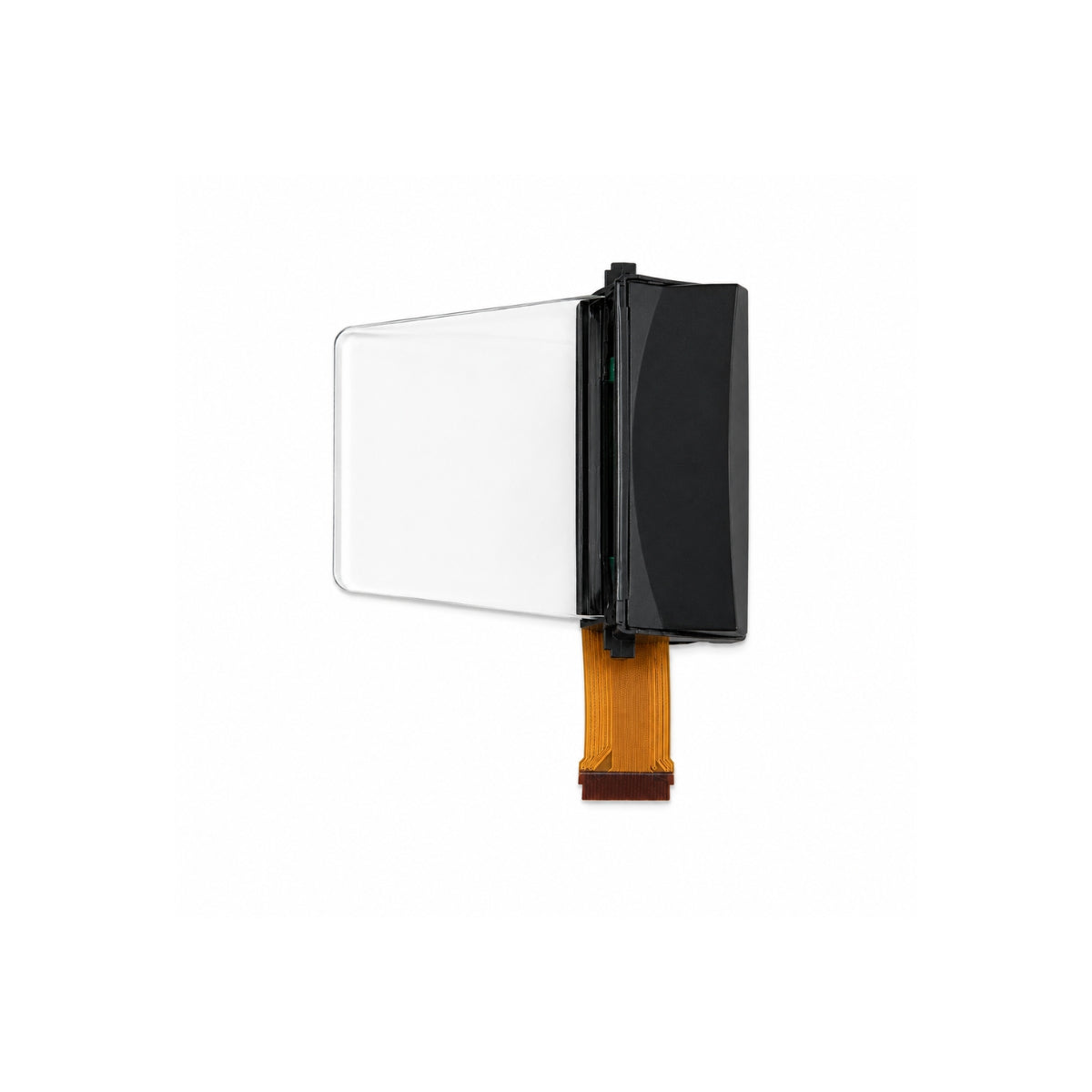
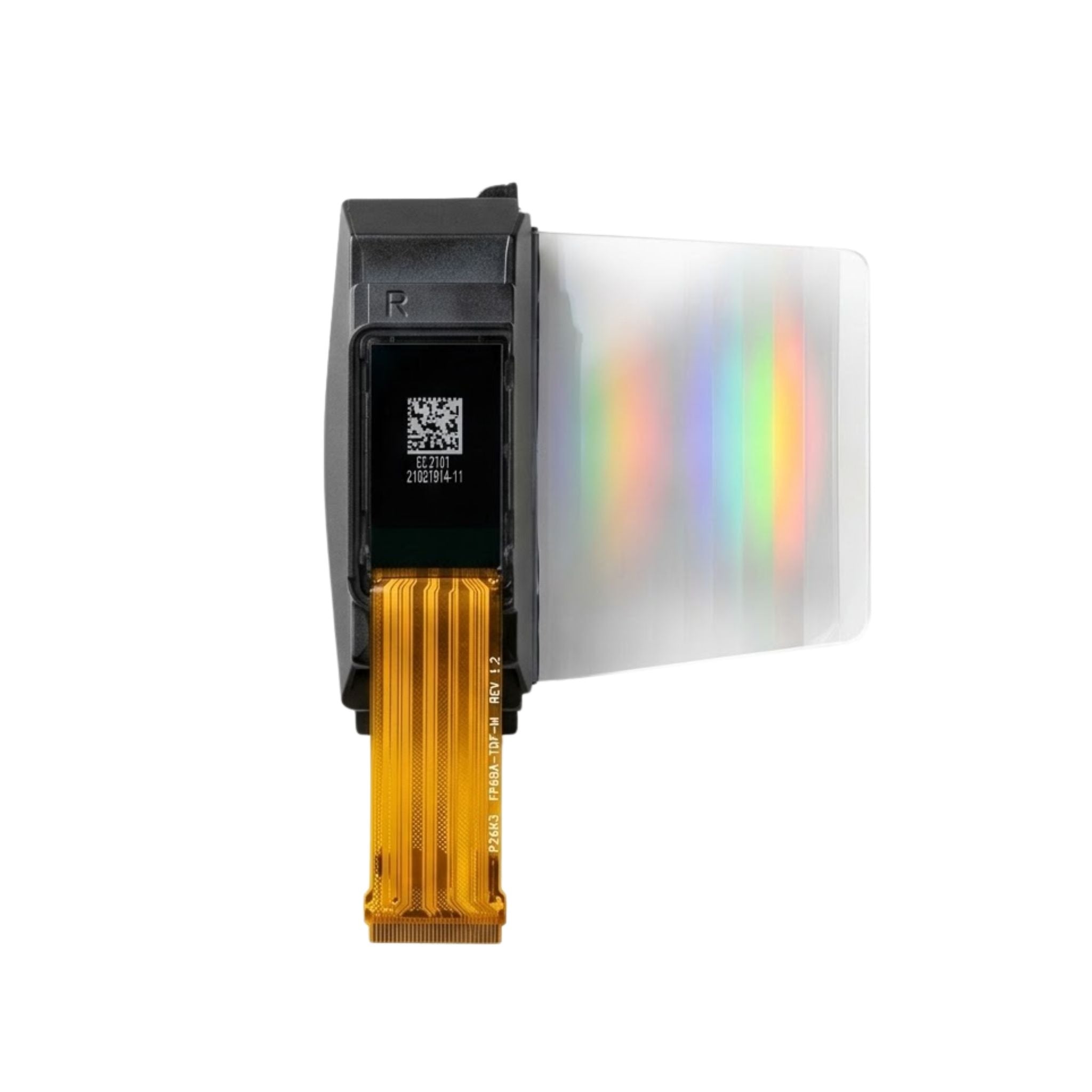


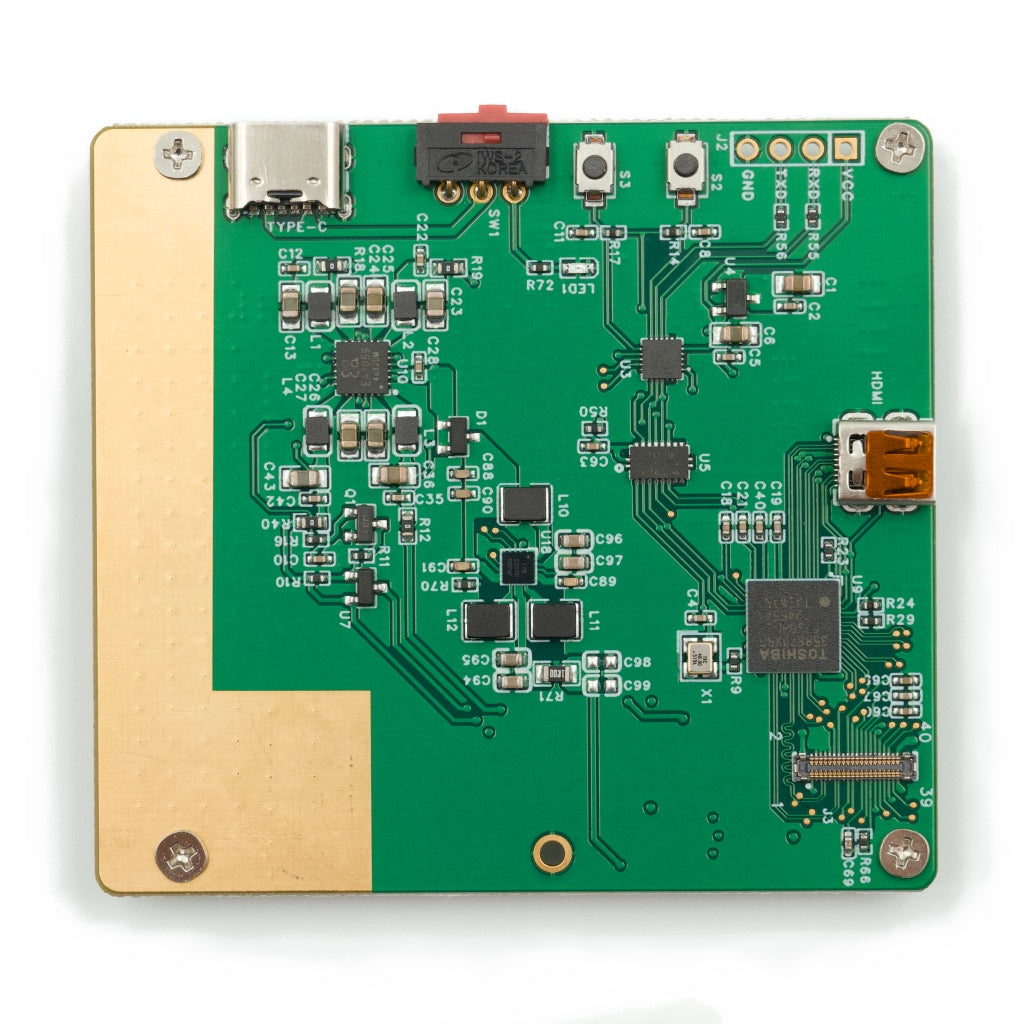
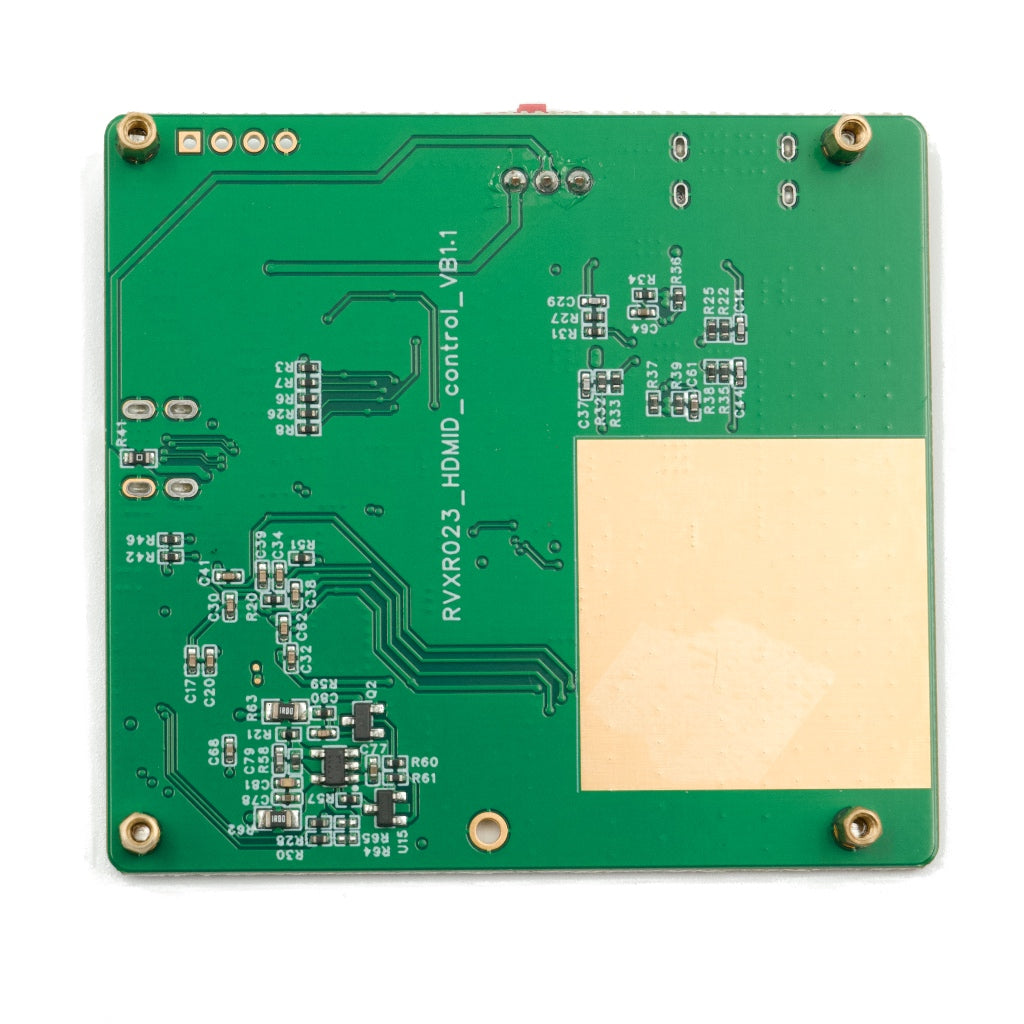
HDMI Micro Driver Board – Type-C Power OLED/AMOLED Display Test & Demo Board
- 💹 Enjoy a 20% discount for orders over 500
- 📉 A 15% discount is available for orders ranging from 200 to 499
- 🎁 A 10% discount is available for orders ranging from 50 to 199
- 🎁 A 5% discount is available when ordering 10-49
Interested in customizing this product? Get in touch with us.
Order samples, immediate delivery.
Factory bulk lead time: 3 weeks.
HDMI Micro Driver Board – Type-C Power OLED/AMOLED Display Test & Demo Board
- 💹 Enjoy a 20% discount for orders over 500
- 📉 A 15% discount is available for orders ranging from 200 to 499
- 🎁 A 10% discount is available for orders ranging from 50 to 199
- 🎁 A 5% discount is available when ordering 10-49
Resources & Downloads
Connection & Power-On Steps
1. Insert the FPC
Align the screen FPC with the copper-clad orientation and gently press to lock the connector.
2. Connect Type-C power
Use a stable USB Type-C power source rated at 5V with at least 1A output.
3. Connect HDMI Micro
Connect the HDMI Micro input to a PC, single-board computer, or HDMI signal generator.
4. Switch on the board
Toggle the red rocker switch to power on the connected display and show the HDMI source output.
Application Scenarios
Display Evaluation & QC
Use the board to validate brightness, uniformity, and image performance during incoming inspection or display evaluation.
R&D Prototyping
Bring up new panels before the full system board is available, reducing early-stage integration time.
Customer Demos
Build a portable HDMI demo setup for sales samples, live presentations, and customer-side display review.
Field Debugging
Use as a reference driver during interface troubleshooting, signal verification, or display-side debugging.
Integration Notes
Power input
Use a stable 5V / ≥1A Type-C supply before enabling the switch. Avoid unstable or under-rated power sources during display bring-up.
HDMI source
Connect HDMI Micro to a PC, single-board computer, or HDMI generator for video mirroring from the source device.
FPC handling
Avoid sharp FPC bending. Confirm full insertion and correct copper-clad orientation before applying power.
ESD precautions
Grounding is recommended during assembly and testing to reduce electrostatic discharge risk.
Engineering & Enterprise Support
Custom driver board support
DisplayModule can support customized adapters, interface conversion, and dedicated control board projects, including HDMI, MIPI, RGB, and LVDS conversion board requirements.
Prototype support
Fast-turn PCBA support is available for proof-of-concept builds and customer sample preparation.
Integration guidance
Engineering support can cover wiring guidance, timing review, and power-sequence recommendations for compatible display integration.
ODM / OEM programs
For ODM and OEM projects, contact DisplayModule to discuss compatible panel lists, HDMI timing requirements, custom evaluation fixtures, and long-term supply requirements.
Download Datasheet & Confirm Integration Details
Use the official datasheet to confirm board orientation, wiring steps, port definitions, and usage notes before connecting the display.
Download Official Datasheet