








DMRXHMB HDMI Micro Driver Board – Type-C Powered OLED/AMOLED Display Test & Demo Board
- 💹 Enjoy a 20% discount for orders over 500
- 📉 A 15% discount is available for orders ranging from 200 to 499
- 🎁 A 10% discount is available for orders ranging from 50 to 199
- 🎁 A 5% discount is available when ordering 10-49
Interested in customizing this product? Get in touch with us.
Order samples, immediate delivery.
Factory bulk lead time: 3 weeks.


DMRXHMB HDMI Micro Driver Board – Type-C Powered OLED/AMOLED Display Test & Demo Board
- 💹 Enjoy a 20% discount for orders over 500
- 📉 A 15% discount is available for orders ranging from 200 to 499
- 🎁 A 10% discount is available for orders ranging from 50 to 199
- 🎁 A 5% discount is available when ordering 10-49
DMRXHMB HDMI Micro Driver Board – Type-C Powered Display Evaluation & Demo Board
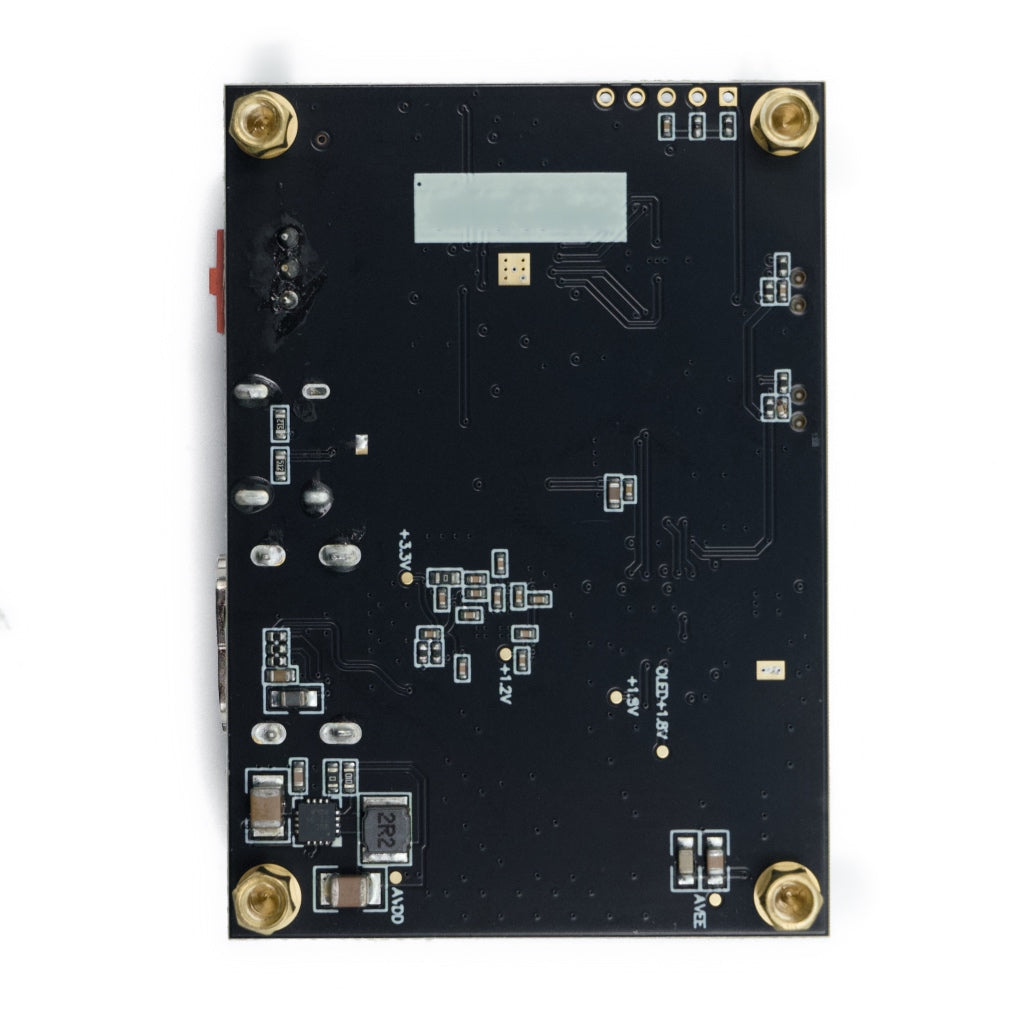
The DMRXHMB is a compact single-layer HDMI micro driver board designed for fast display bring-up, evaluation, and portable customer demonstrations. The interface layout (from left to right) includes: HDMI micro video input, USB Type-C 5V power input, and a red rocker switch for safe on/off control. When paired with a compatible DisplayModule screen, it provides a stable reference platform to instantly light up the panel and mirror HDMI output from a PC or video source.
The driver board is ideal for lab verification, prototype debugging, and sales demos. It removes the need to develop a dedicated driver at early stages, letting engineers focus on optical performance, interface timing, and system integration.
- Plug-and-Play Bring-Up: Connect Type-C power and HDMI micro video to light up the screen instantly.
- Compact Single-Layer Design: Small footprint, easy to carry for bench tests and on-site demos.
- Clear Port Layout: HDMI / Type-C / Switch aligned on one side for quick wiring.
- Reliable Reference Platform: Great for checking brightness, uniformity, and image stability under HDMI input.
| Technical Parameter | Specification |
|---|---|
| SKU | DMRXHMB |
| Vendor | DisplayModule |
| Board Category | HDMI Driver / Evaluation Board |
| Video Input Port | HDMI Micro |
| Power Input Port | USB Type-C |
| Required Power | 5V / ≥ 1A |
| Power Switch | Red Rocker On/Off Switch |
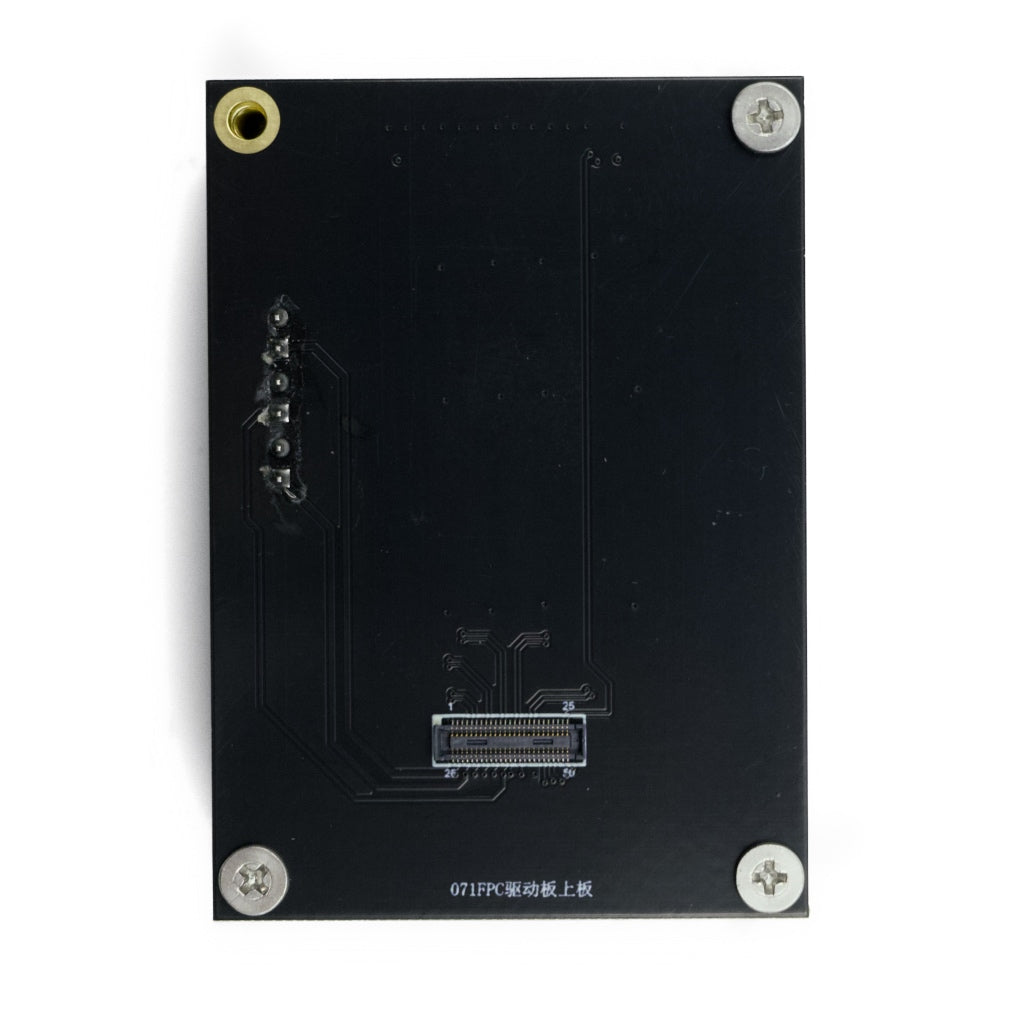
| Panel Connection | FPC Connector (horizontal parallel PCB mating) |
| Primary Use | Display light-up, lab test, demo & prototyping |
We provide evaluation kits and driver solutions to accelerate your display development and demos. If your project requires HDMI/MIPI/RGB/LVDS conversion, customized adapters, or dedicated driver PCBs, our engineering team can support your OEM/ODM workflow from prototype to mass production.
- Custom Driver Boards: Interface conversion and application-specific driver development.
- Prototype Acceleration: Quick PCBA sampling for proof-of-concept projects.
- Bring-Up Guidance: HDMI timing, power sequencing, and FPC handling support.
- Stable Supply: Long-term production for enterprise programs.
Quickly verify incoming panels for brightness, uniformity, and pixel integrity.
Fast screen bring-up without waiting for a full system control board.
Portable HDMI demo setup for samples, exhibitions, and live product showcases.
Use as a reference board for interface troubleshooting and timing validation.
Wiring is simple and safe:
1) Connect the panel to the PCB and keep both PCBs horizontally parallel.
2) Plug in the USB Type-C power cable (must provide at least 5V / 1A).
3) Connect the HDMI micro cable from your PC/SBC/video source.
4) Turn on the red rocker switch to power up the panel. If the HDMI source outputs a normal image, the display will mirror it immediately.
- Power First: Ensure stable Type-C 5V/1A before switching ON.
- HDMI Micro Input: Compatible with standard HDMI sources via micro-HDMI cable.
- Correct FPC Orientation: Insert fully and avoid sharp bending for reliable contact.
- ESD Precaution: Grounding recommended during assembly and testing.
Technical Documentation: Board layout, port definitions, and step-by-step wiring instructions are provided in the official DMRXHMB datasheet.
Datasheet: Download DMRXHMB Datasheet (PDF)
Design Support: Contact us for compatible panel list, HDMI timing notes, and customized evaluation fixtures.
