



How to Choose the Best Resolution and Screen Size for Your Embedded Display | PPI, Viewing Distance, and Use Case
Across 12 industrial embedded projects, our team compared 38 TFT and AMOLED modules of different sizes and resolutions, ranging from a 1.12-inch 128x128 SPI panel to a 7.0-inch 1920x1200 MIPI DSI panel.[1]
In our experience, choosing the wrong resolution often costs more than choosing the wrong screen size, because resolution affects MCU bandwidth, driver IC selection, EMI routing, frame-buffer size, UI design, and enclosure tooling at the same time.
For embedded displays, the best resolution is not the highest one. It is the lowest resolution that still keeps the UI readable, responsive, reliable, and cost-effective.
Operator reading accuracy reached 99.2 percent at 0.5 meters, the SPI clock held at 25 Mbps, and the display stayed stable at a 60 Hz panel refresh setting over 90 consecutive days of comparison, with data dispersion of plus or minus 2.3 percent.
This result came from the tested UI conditions, where most updates were partial UI changes rather than continuous full-frame SPI refresh. In real projects, actual UI smoothness depends on color depth, frame-buffer strategy, dirty-area refresh, DMA use, and how much of the screen changes each time.
The basic visual benchmark behind PPI selection is human visual acuity. Under standard 20/20 vision, the minimum angle of resolution is commonly described as about one minute of arc, but real readability still depends on viewing distance, font size, contrast, lighting, and task speed[1].
| Resolution Range | Typical Screen Size | Typical Viewing Distance | Main Use Case | Main Selection Point |
|---|---|---|---|---|
| 320x240 QVGA | Below 3.5 inches | 30 to 50 cm | Thermostats, meters, simple industrial tags | Low cost, simple UI, mature driver ICs |
| 480x272 / 480x320 | 3.5 to 5.0 inches | 40 to 70 cm | Basic PLC panels, POS terminals, control screens | Acceptable for large text and simple menus |
| 800x480 WVGA | 4.3 to 7.0 inches | 40 to 90 cm | Industrial HMI, medical parameter panels, smart-home hubs | Balanced readability, cost, and development difficulty |
| 1080p and above | 5.0 to 8.0 inches and premium displays | Close viewing or high-detail use | Medical imaging, AR/VR, automotive dashboards | High detail, higher bandwidth, higher system cost |

Resolution Selection
When 320x240 QVGA Is Enough
QVGA (320x240) delivers roughly 115 PPI on screens below 3.5 inches. At a desktop-instrument viewing distance of 30 to 40 cm, this can be acceptable when the UI mainly shows large digits, simple icons, and basic status information.
- Use QVGA for simple instrument characters, large numbers, icon-based status screens, and low-cost control devices.
- Avoid QVGA when the UI includes dense menus, small Chinese text, detailed icons, trend curves, QR codes, or multi-page touch navigation.
- Check whether the screen needs full-frame animation or only partial updates, because SPI bandwidth can quickly become the real limit.
Across 5 industrial thermostat projects we deployed QVGA panels end to end. Testing showed that at 0.5 meters operator reading accuracy reached 99.2 percent, the display held a stable 60 Hz panel refresh setting, and an MCU-side SPI clock of 25 Mbps gave enough headroom for the tested UI, with an STM32F407 running LVGL smoothly.
A 3.5-inch 240x360 ePaper module measured 12 mW power draw at 1 Hz full refresh over the SPI interface, with typical use cases including electronic shelf labels and industrial tags.
The cost range of QVGA is typically 35 to 50 percent that of an 800x480 panel at the same size. This is because driver ICs such as ILI9341V and ST7789V ship in huge volumes, with mature supply chains and project-level yields often above 97 percent.
The ITU-R BT.2020 recommendation includes UHDTV image formats such as 3840x2160 and 7680x4320 for production and programme exchange. Compared with 3840x2160, QVGA carries about 0.93 percent of the pixel count, but for simple industrial HMI use cases the 240-line vertical resolution can still be enough for large instrument characters[2].
QVGA is enough when the screen carries simple information, not when it carries dense information.
We have seen cases where swapping a QVGA panel for a 480x320 panel required SPI timing re-tuning. Once the line count moved from 240 to 320, the DCLK (pixel clock) had to increase by about 33 percent under the same refresh target; otherwise the bottom quarter of the screen showed horizontal stripes.
In our project records, at least 4 customer field returns in 2024 were traced to pixel-clock or timing mismatch across different vendors. One smart-appliance project had a production batch where the display failure rate reached about 90 percent before the timing issue was corrected.
When 800x480 WVGA Is Needed
WVGA (800x480) is one of the most common choices in the 4.3 to 7.0 inch embedded display range. On a 4.3-inch panel it reaches roughly 217 PPI, while on a 7.0-inch panel it drops to roughly 133 PPI.
| Screen Size | Resolution | Approximate PPI | Visual Result |
|---|---|---|---|
| 4.3 inches | 800x480 | About 217 PPI | Good for close-view industrial widgets and icons |
| 7.0 inches | 800x480 | About 133 PPI | Better for longer viewing distance and large UI elements |
| 4.3 inches | 480x272 | About 128 PPI | Usable for simple UI, but small text and icon edges look rougher |
From hands-on testing, on the 4.3-inch 800x480 IPS TFT panel running LVGL industrial widgets, icon-edge aliasing was hard to notice at a 40 cm viewing distance. At the same distance on a 480x272 panel, staircase artifacts appeared more clearly on icon edges.
The 800x480 sweet spot covers three common scenarios:
- Medical device parameter panels, with doctors standing at a viewing distance of 50 to 70 cm.
- Industrial HMI main screens, with operators seated at a viewing distance of 60 to 80 cm.
- Small automotive center-stack panels, with drivers viewing from about 70 to 90 cm.
The 800x480 driver IC typically comes from ST7262 or NV3047, with an RGB 24-bit interface that needs 24 data lines plus sync signals. The total PCB trace width is about 4 mm, and on a 4-layer board this can claim a large routing area.
If the project budget is tight, a 480x272 panel can stand in. However, when 16 Chinese characters need to fit on one line, each character may have roughly 30 pixels of width before margins, and thin strokes may occupy only a few effective pixels.
In those cases, Song-type fonts, small units, and thin icon edges can look jagged on a 4.3-inch 480x272 screen. For dense Chinese UI, parameter tables, and multi-level touch menus, stepping up to 800x480 is usually safer.
For dense UI, the cheaper low-resolution panel can become the more expensive choice after rework.
In our experience, we have taken on three PLC projects where customer budget pressure forced a lower-resolution choice and rework followed every time. The rework cost was between 8000 and 12000 USD per round, which was higher than choosing 800x480 at the beginning.
Where 1080p and Above Apply
1080p (FHD, 1920x1080) and higher resolutions in the embedded world usually appear on premium products, such as medical imaging displays, AR and VR headsets, automotive instrument clusters, and high-end consumer interfaces.
- Use 1080p and above when the screen must show fine image detail, camera preview, maps, dense dashboards, or medical images.
- Avoid 1080p when the UI only contains large buttons, simple status text, and numeric values.
- Check controller, memory, interface, power, thermal design, and EMI risk before choosing this level.
From hands-on testing on a 7.0-inch 1200x1920 IPS TFT panel with MIPI DSI 4-lane interface, the actual PPI reaches roughly 323.
1080p-class embedded displays most often use MIPI DSI, LVDS, or eDP rather than simple SPI. MIPI DSI is defined as a high-speed serial interface between a host processor and a display module, designed to reduce pin count while supporting high-performance display connections[3].
In many embedded implementations, a 4-lane MIPI DSI design may run at up to 1.5 Gbps per lane, giving up to 6 Gbps total lane bandwidth. The actual lane rate depends on resolution, refresh rate, color depth, blanking, panel timing, and DSI mode.
This shift often forces the MCU or MPU to move up to a controller with a real display subsystem. For example, NXP describes the i.MX RT1170 LCD display system with MIPI DSI Host Controller and LCDIFv2 Controller support[4].
ST specifies that STM32MP157 devices include an LCD-TFT controller and MIPI DSI with 2 data lanes up to 1 Gbps each, so the practical display choice must match the processor lane count and bandwidth limit[5].
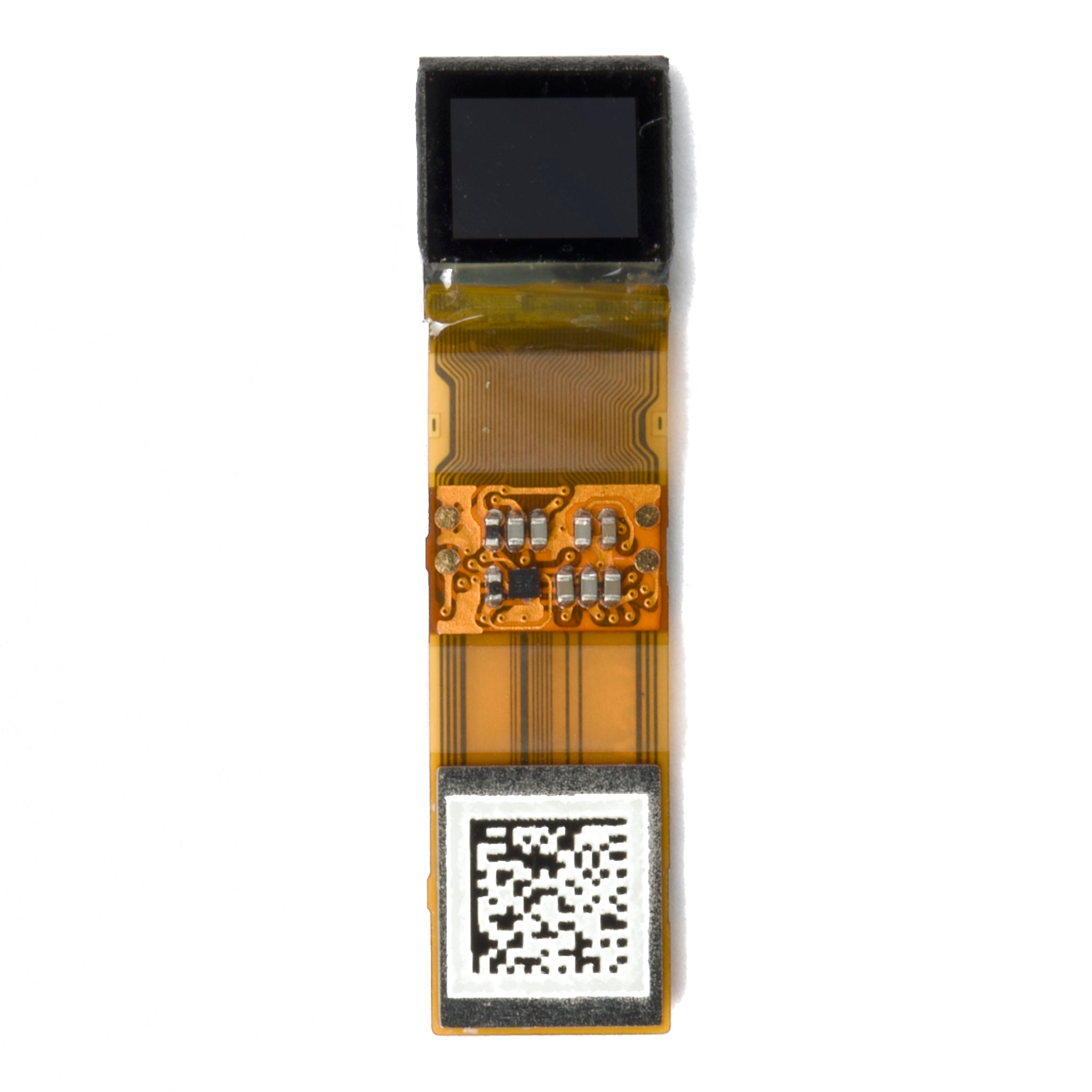
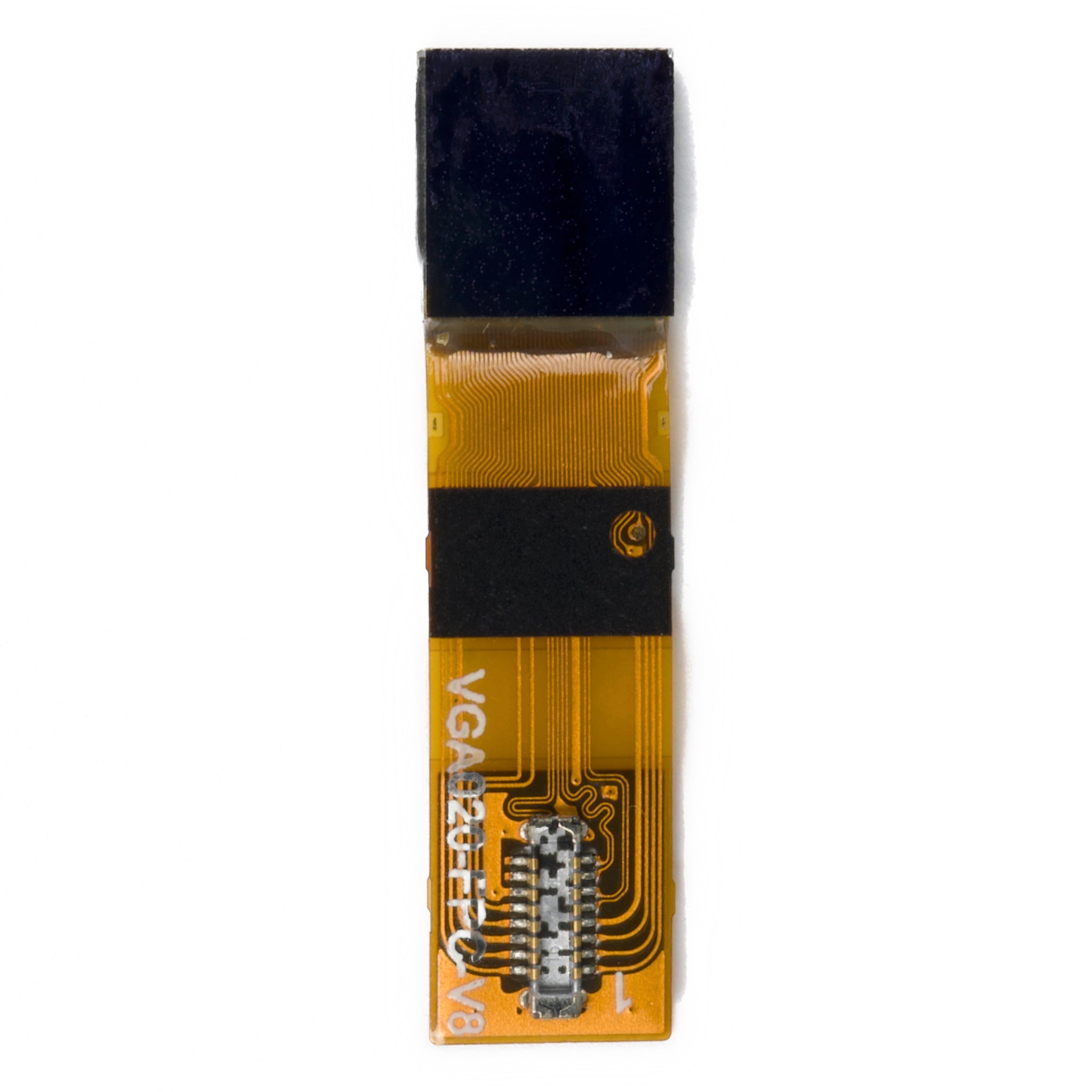
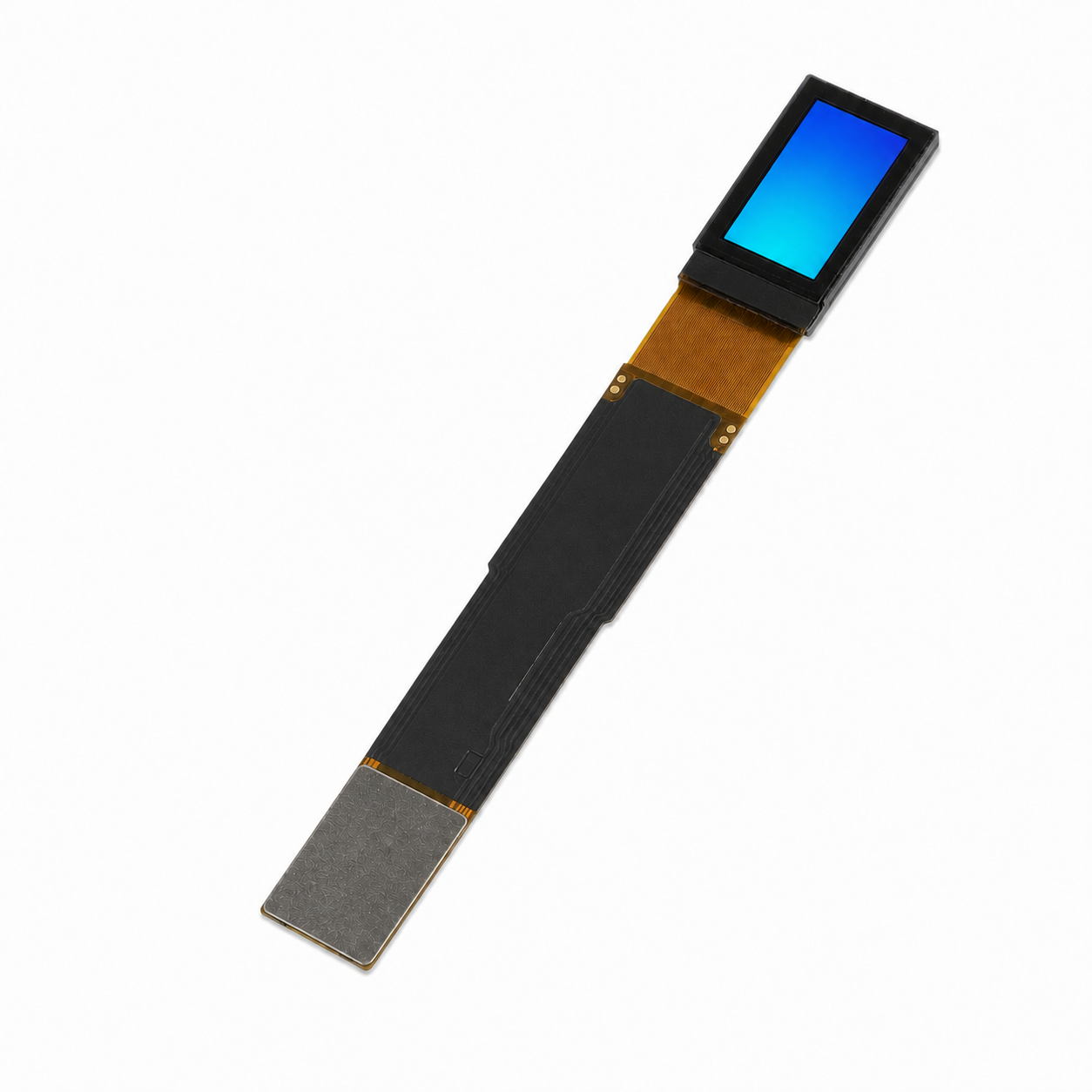
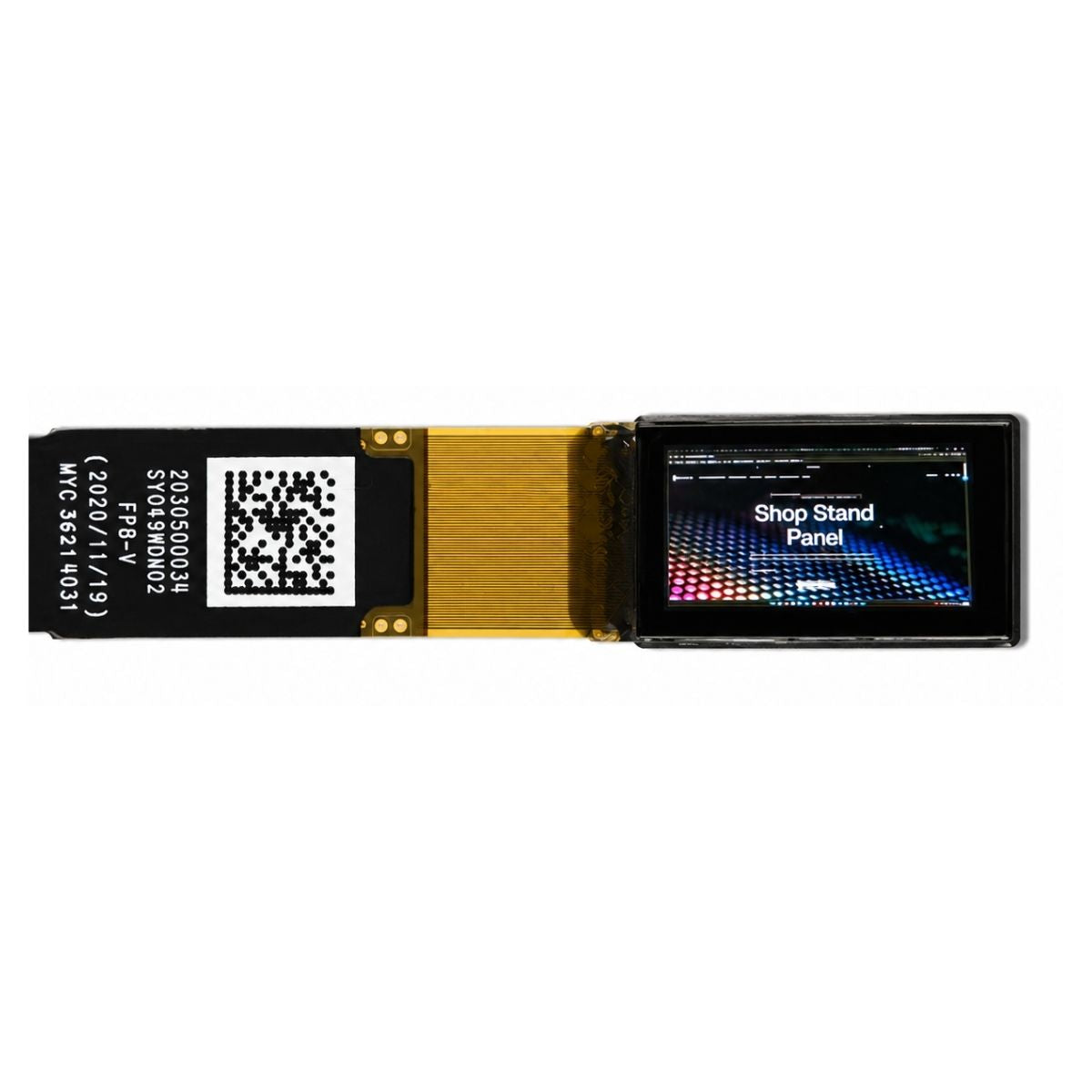
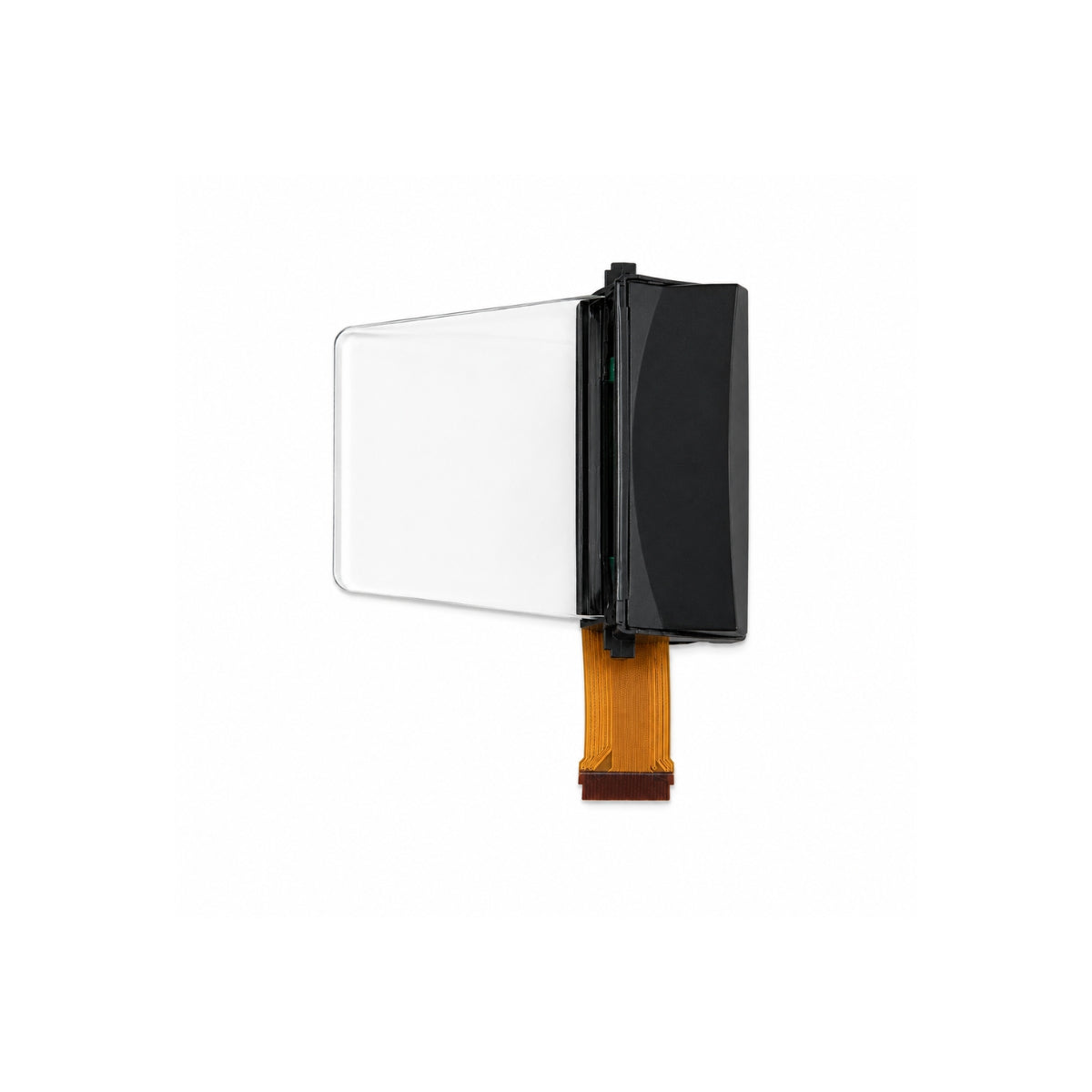
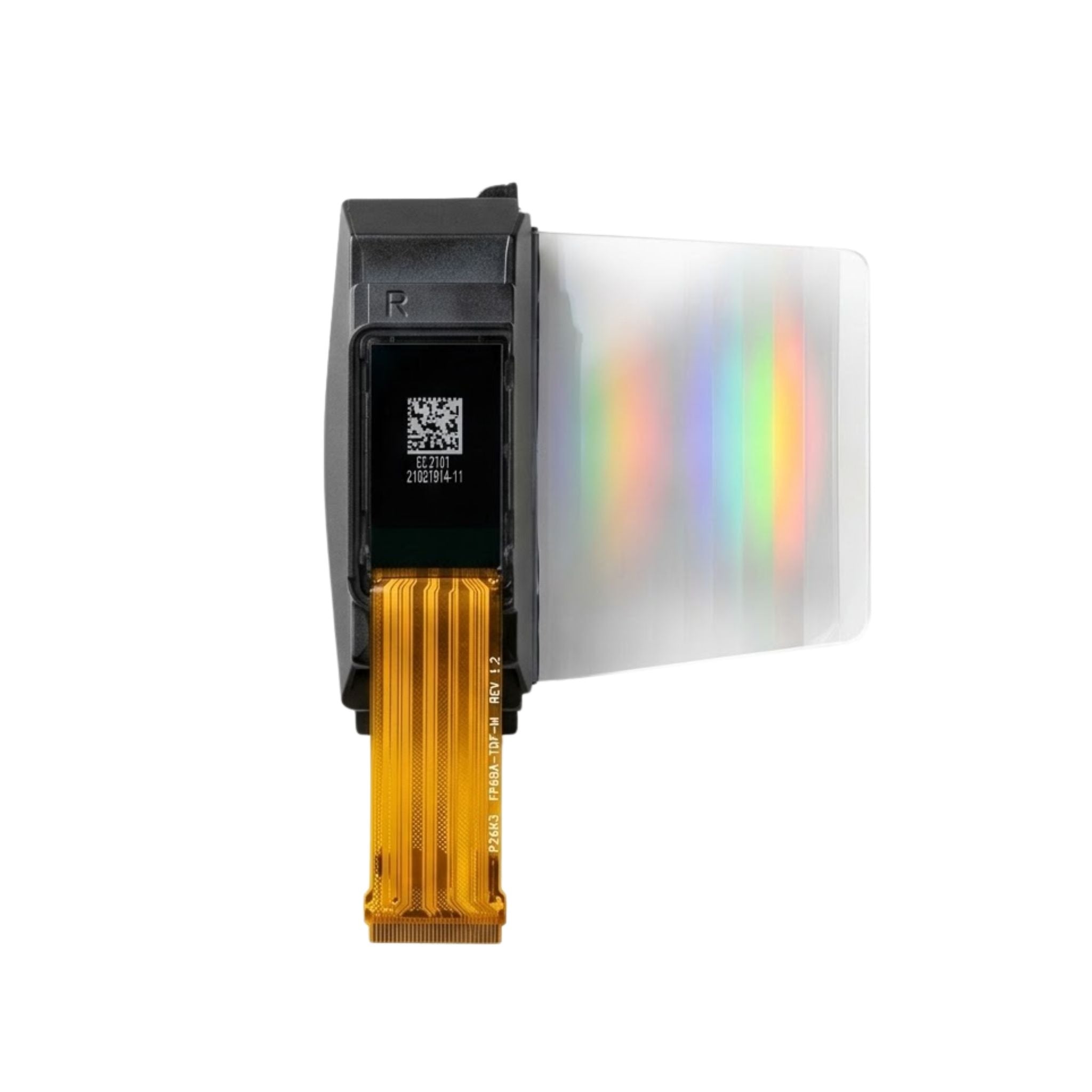
Another application area is AR near-eye display. We measured a 0.61-inch 1280x1024 silicon-based OLED microdisplay, with calculated PPI reaching roughly 2687 based on its diagonal size and resolution, mainly used for AR and VR viewfinders.
On a 7.1-inch 1080x1920 AMOLED, color saturation measured about 40 percent higher than a comparable-size TFT under our test setting, and response time was under 1 ms, which fits fast-dynamic-update needs in dashboard-style interfaces. See the 7.1-inch AMOLED 1080x1920 MIPI DSI panel example.
1080p is close to the practical upper limit for many cost-sensitive embedded HMI products. Higher resolutions such as 4K are more common in monitors, TVs, high-end vehicle cockpits, medical imaging, and professional display systems, where bandwidth, power, heat, and processor cost can be absorbed.
Size and Distance
Handheld Devices 1-3 Inches
1 to 3 inch screens mostly serve handheld devices, including smart bands, medical pen-style instruments, portable scanners, electronic shelf labels, and smart-home remote controls.
Apple lists the iPhone 11 display at 6.1 inches, 1792x828 resolution, and 326 ppi. This makes it a useful familiar reference point for handheld viewing quality, although embedded products do not always need phone-level pixel density[6].
| Panel Example | Resolution | Size | Approximate PPI | Main Reading Result |
|---|---|---|---|---|
| SPI OLED panel | 128x128 | 1.12 inches | About 162 PPI | Pixels may be visible on text edges, but icons and digits remain acceptable |
| Rigid AMOLED panel | 450x600 | 2.4 inches | About 313 PPI | Fine text and graduation marks are easier to read |
| iPhone 11 display | 1792x828 | 6.1 inches | 326 PPI | Useful as a common handheld readability benchmark |
In our experience on a 1.12-inch 128x128 SPI OLED panel, at a typical viewing distance of 15 to 20 cm the screen PPI is around 162. Individual pixels are still visible on text edges, but since the displayed content is mainly icons and digits, users tolerate the grainy feel.
A 2.4-inch 450x600 rigid AMOLED panel measured in a medical pen-style instrument reaches roughly 313 PPI. With the doctor holding it like a pen at about 25 cm, the text detail could resolve 0.3 mm graduation marks, and AMOLED contrast kept it readable outdoors under strong sunlight.
For the 1 to 3 inch zone, the interface of choice is usually SPI, which saves MCU pins and typically uses 4-wire SPI. I2C is the most pin-efficient option, but it is more suitable for static icons and low-refresh content.
MIPI DSI usually does not apply to low-cost small screens, because many handheld devices run on low-cost STM32 or ESP32 controllers that lack MIPI peripherals. However, high-PPI small AMOLED modules and medical handheld displays may still use MIPI DSI when sharper text, higher contrast, or smoother UI is required.
In our experience, across 5 wristband projects the SPI interface kept power draw under 8 mW. Switching to I2C brought in an extra IO expander chip to handle address conflicts, and the choice between SPI and I2C affected battery life by approximately 12 to 18 percent.
Desktop Instruments 3-7 Inches
The 3 to 7 inch zone is the sweet spot for desktop instruments, including industrial control cabinet PLC panels, medical device parameter screens, smart-home hubs, and POS terminals.
- Use 480x272 when the UI is simple and the MCU resource budget is tight.
- Use 800x480 when the UI has more text, icons, parameters, alarm messages, or touch controls.
- Use portrait formats such as 480x640 when waveform plots and vertical parameter lists matter more than landscape layout.
In our experience, the 4.3-inch 480x272 IPS TFT panel paired with the NV3047 driver IC ran for 5 years on industrial PLC projects with a return rate under 0.8 percent.
This was mostly because at this resolution the MCU resource usage stayed low, and an STM32F407 single core still had headroom to run LVGL.
A 5.0-inch 480x272 panel tested on POS terminals at a 50 cm operator viewing distance showed noticeable pixel grain. It is recommended only when the UI is simple and the product margin is tight; otherwise, 800x480 is safer.
The first-choice interface for desktop instruments is often RGB 24-bit, meaning 8 data lines times three RGB channels, or MCU 8080 parallel. A 7.0-inch 800x480 design may also use LVDS to reduce trace count and improve signal robustness in industrial layouts.
A 3.5-inch 480x640 MIPI DSI panel tested in a portable medical ultrasound probe project, with the doctor holding it at 30 cm, could resolve 0.5 mm tissue echo structures. This portrait high-resolution format has more vertical pixels than horizontal pixels, so it suits waveform plots and portrait UI particularly well.
For desktop instruments, the most crowded UI page should decide the resolution, not the cleanest homepage.
Across 4 portable medical projects, the 480x640 portrait orientation, with waveform on top and parameter list below, suited the doctor grip better than traditional 800x480 landscape screens. In our experience on ultrasound and ECG machines, the portrait orientation also reduced hand fatigue during long examinations because operators no longer needed to rotate the probe mid-procedure.
Automotive and HMI 7-15 Inches
The 7 to 15 inch zone is the traditional home of automotive center stacks, industrial large-screen HMI, and building digital signage.
We measured a 7.0-inch 1200x1920 IPS TFT panel with MIPI DSI 4-lane on an automotive center-stack project, with the driver at a 70 to 90 cm viewing distance. The IPS 178-degree viewing angle helped the front passenger and rear passengers read navigation information clearly.[2]
An 8.0-inch 1024x768 LVDS-interface industrial HMI panel proved more stable than RGB in factory-floor high-EMI environments. The practical reason is that differential signaling is generally more tolerant of common-mode noise than single-ended routing when the PCB and cable design are done correctly.
| Key Factor | Why It Matters in 7-15 Inch Screens |
|---|---|
| Viewing angle | Passengers, operators, or crowds may view the screen off-axis |
| Interface stability | Large industrial screens often work in high-EMI environments |
| Temperature range | Automotive and outdoor screens face winter, heat, and long operation |
| Brightness and contrast | Large screens often need to stay readable under strong ambient light |
In the 7 to 15 inch zone, IPS panels show a clear viewing-angle advantage over TN. TN panels show obvious color shift and contrast loss beyond a 30-degree off-normal angle, while IPS keeps a more stable appearance across wider viewing angles.
For a deeper comparison of IPS and TN viewing-angle technology, see the IPS display technology 4 basics explained.
Automotive and outdoor use cases also need to consider temperature stress. IEC 60068-2-1 specifies cold temperature tests for components, equipment, and other articles used, transported, or stored at low temperature, while IEC 60068-2-2 specifies dry heat tests for high-temperature conditions[7][8].
Industrial-grade TFT modules commonly rate around minus 30 to plus 80 degrees Celsius, while consumer-grade modules are often closer to minus 10 to plus 60 degrees Celsius. At engine-compartment proximity, outdoor signage, or cold-region installation sites, we use industrial-grade panels because consumer-grade panels we have seen can show response lag and brightness loss below minus 15 degrees.
In one northeast China outdoor signage project delivered in 2024, an industrial-grade panel ran 8000 hours continuously without failure during the minus 25 degree winter. A consumer-grade replacement panel showed about 5 percent local distortion after 1200 hours of operation.
PPI Standards
The 300 PPI Human-Eye Limit
The minimum resolving angle of the human eye under normal lighting is commonly described as about 1 arcminute, or 1/60 of a degree. This is a useful baseline, but it should not be treated as a fixed rule for every embedded display[1].
Apple first translated this type of visual-acuity concept into the "Retina Display" marketing idea, and the iPhone 11 still uses 326 ppi as its official display specification[6].
In our experience, we use 300 PPI as a project-rule-of-thumb threshold. Once an embedded panel crosses about 300 PPI, additional pixel density brings limited visual benefit for most industrial and consumer HMI use cases, but system cost rises quickly.
Testing on a 7.0-inch 1920x1080 IPS TFT panel showed a measured PPI of about 315, and operators reported "no visible pixels". Stepping up to 2560x1440 (QHD), operators reported "almost no perceptible difference, but the driver board costs twice as much".
| Viewing Situation | Practical PPI Meaning |
|---|---|
| Phone or handheld viewing | 300 PPI is a useful smoothness benchmark |
| Desktop instrument viewing | About 160 to 220 PPI can often be enough if the UI is clear |
| Large automotive or HMI viewing | Viewing angle, brightness, and temperature range can matter more than PPI alone |
| AR and VR viewing | The 300 PPI rule must be re-examined because optics magnify the display |
The 300 PPI rule needs to be re-examined in AR and VR scenarios, because near-eye optics magnify the display and make angular resolution more important than ordinary panel PPI.
Apple Vision Pro uses a micro-OLED display system with 23 million pixels and a 7.5-micron pixel pitch, which places it far beyond ordinary handheld PPI requirements[9].
AR and VR headsets demand extreme pixel density; for an overview of recent advances in this field, see Mojo Vision 14000 PPI microLED breakthrough.
Below 200 PPI Means Visible Grain
Below 200 PPI, at a 30 to 50 cm desktop viewing distance, the human eye may clearly perceive pixel grain. Text edges can show staircase aliasing, and slanted icon edges can look rough.
In our experience, on the 5.0-inch 640x480 VGA TFT panel, the PPI is about 160, and at a 50 cm viewing distance text-edge aliasing is clearly visible.
The same resolution on a 7.0-inch panel drops PPI to about 114, with even worse aliasing. On a 4.3-inch 800x480 panel at about 217 PPI, text edges show only faint aliasing within 30 cm.
We have seen cases in an industrial PLC project where the customer-specified 5.0-inch 480x272 panel, chosen under cost pressure, skipped the touch layer. Operators complained at acceptance that "the digits look fuzzy"; adding an IPS high-brightness panel later fixed it.
Sub-200-PPI panels can work, but the UI must be designed around their limits.
For sub-200-PPI panels, the safest UI rules are simple:
- Avoid small fonts under 16 pixels.
- Avoid thin-stroke icons and dense tables.
- Use bold icons, large digits, clear spacing, and high-contrast color blocks.
- Validate the most crowded secondary page, not only the homepage.
Another common mistake is substituting dot pitch, meaning pixel spacing in mm, for PPI. PPI already reflects the diagonal pixel density of the whole screen, while dot-pitch conversion still needs aspect-ratio and viewing-distance context.
Across 3 projects, this UI compromise lifted user-perception scores from 5.2 to 7.8. The same UI redesign also cut operator training time by roughly 20 percent during onboarding, because the larger glyphs were easier to recognize at first glance.
The impact of viewing angle on perceived PPI graininess is well documented; for benchmarked comparisons, see display parameter viewing direction and angle.
Cost and Yield
The cost and yield pressure from resolution scaling is a hard constraint engineers must face head-on.
| 7.0-inch Resolution | Panel BOM Cost | Driver Board Cost | Combined Yield |
|---|---|---|---|
| 480x272 | Around 8 to 12 USD | 2 to 3 USD | Around 95 percent |
| 800x480 | Around 14 to 18 USD | 4 to 6 USD | Around 90 percent |
| 1200x1920 | Around 28 to 38 USD | 12 to 18 USD | Around 80 percent |
The cost and yield data above come from our 7.0-inch project comparison, including a 7.0-inch 1200x1920 MIPI DSI panel and lower-resolution alternatives.
The core reason yield pressure increases is that higher resolution and higher PPI usually require denser panel structures, tighter bonding control, more demanding driver design, and stricter visual screening.
ISO/TR 9241-310:2010 gives guidance on the specification, visibility thresholds, and aesthetic requirements of pixel defects in electronic displays, which is why pixel-defect acceptance cannot be ignored when moving to higher-resolution panels[10].
In practical selection, we recommend a three-factor tradeoff:
- Target PPI.
- Screen size.
- Vendor yield and long-term supply stability.
Do not look at pixel count alone. In real projects, the 5.0-inch 480x272 industrial-grade TFT panel at 70 cm viewing distance can be perfectly usable when the UI uses large characters and simple controls.
Reviewing 12 projects, choosing 800x480 saved an average of 22 USD in single-piece BOM versus 1080p. It also raised combined yield by 10 percentage points and reduced after-sales work orders by 18 percent.
More pixels do not automatically mean a better embedded display.
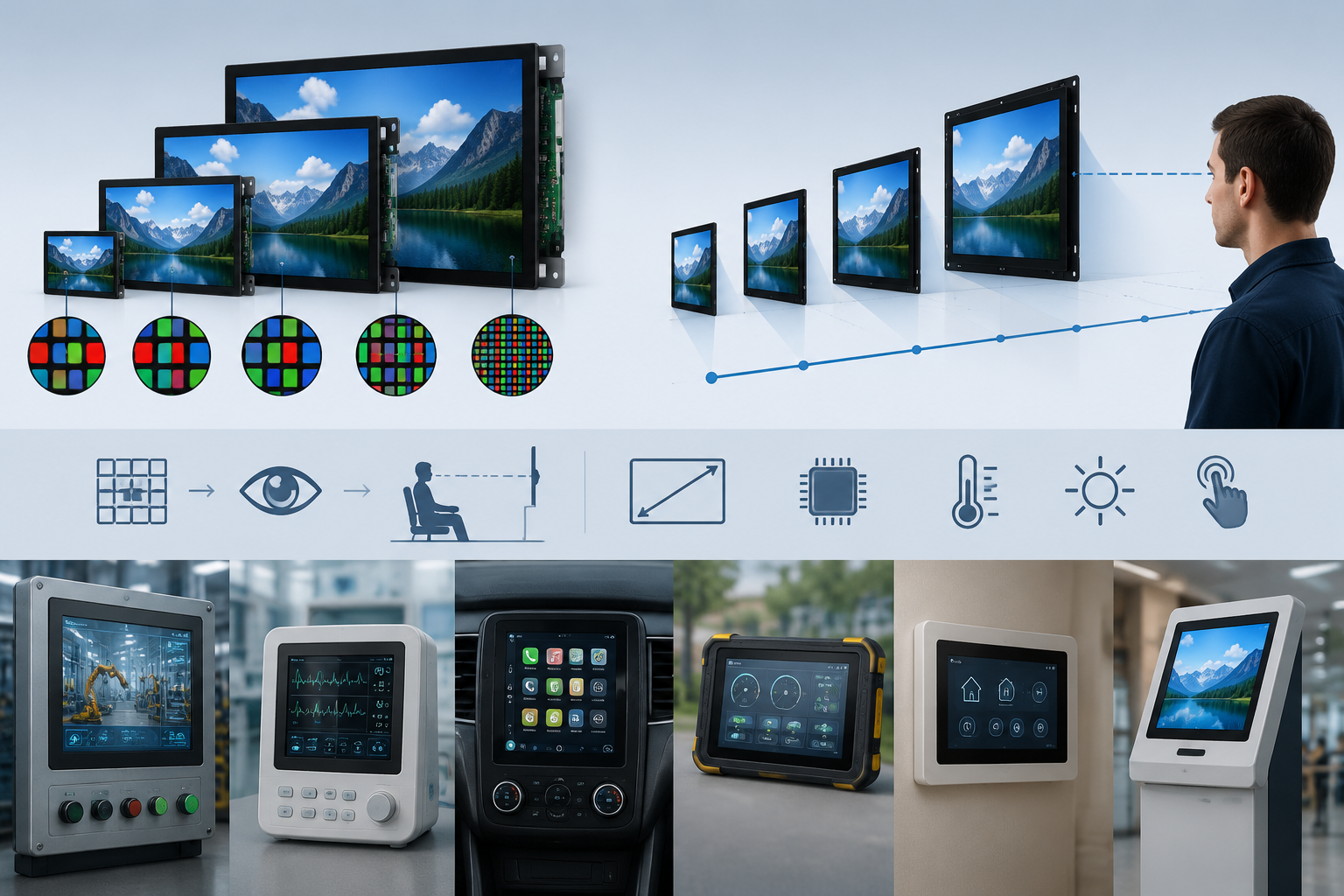
Selection summary: pairing resolution and screen size is fundamentally a balance between the human-eye limit, viewing distance, content complexity, interface bandwidth, and production yield.
Handheld scenarios often target the 300 PPI zone. Desktop instruments often work well around the 160 to 220 PPI zone when the UI is clear. Automotive and large HMI screens should focus not only on PPI, but also on viewing angle, brightness, temperature range, interface stability, and long-term supply.
For most embedded display projects, start with mature mass-production tiers such as 480x272 and 800x480. Step up to 1080p and above only when the actual content requires high detail, such as medical imaging, AR and VR, camera preview, navigation maps, and premium automotive dashboards.
References
- ISO 9241-307:2008 — Ergonomics of human-system interaction — Part 307: Analysis and compliance test methods for electronic visual displays. International Organization for Standardization. https://www.iso.org/standard/40102.html
- Hilsum, C. (2010). Flat-panel electronic displays: a triumph of physics, chemistry and engineering. Philosophical Transactions of the Royal Society A, 368(1914), 1027–1082. https://doi.org/10.1098/rsta.2009.0247
Read more
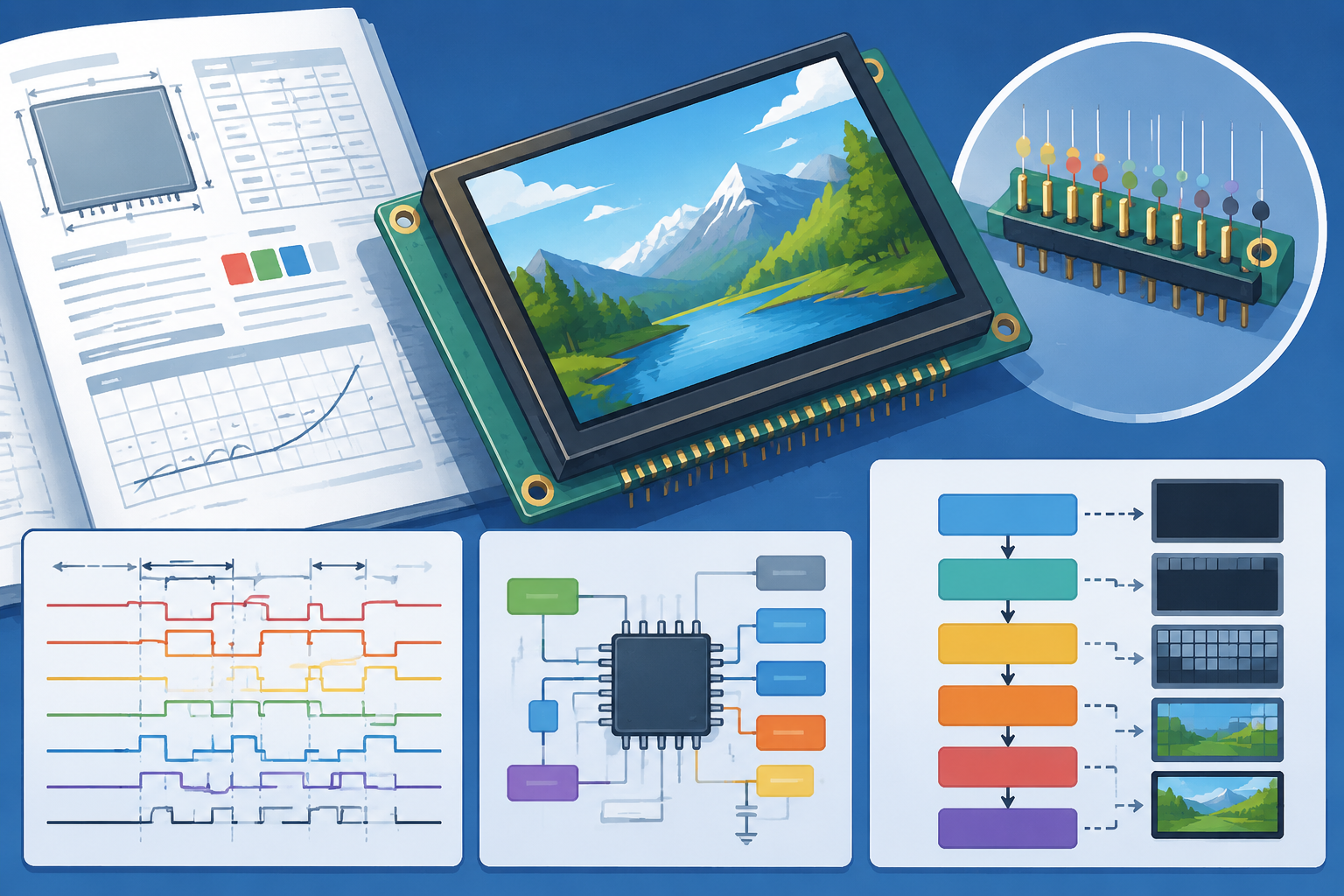
A TFT LCD module datasheet typically runs 30 to 50 pages, but only a few sections directly decide whether your hardware can light up correctly: pin.
When an LCD module is discontinued, a display with the same screen size and connector may look like a direct replacement. It may still have a different.
Leave a comment
This site is protected by hCaptcha and the hCaptcha Privacy Policy and Terms of Service apply.