









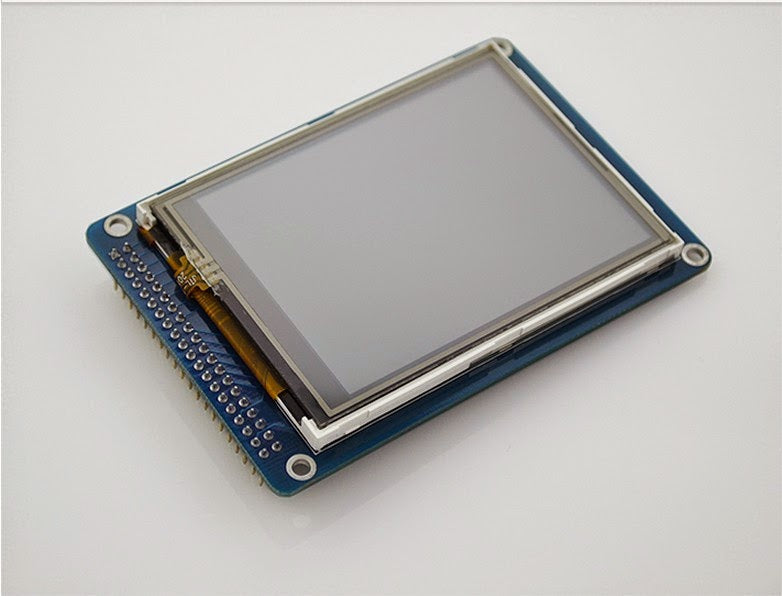
While TFT LCD serves as a basic panel tech (common in budget devices), IPS modules outperform as a premium TFT variant: they deliver a near 178-degree viewing angle (vs. TFT’s typical 140-160 degre...
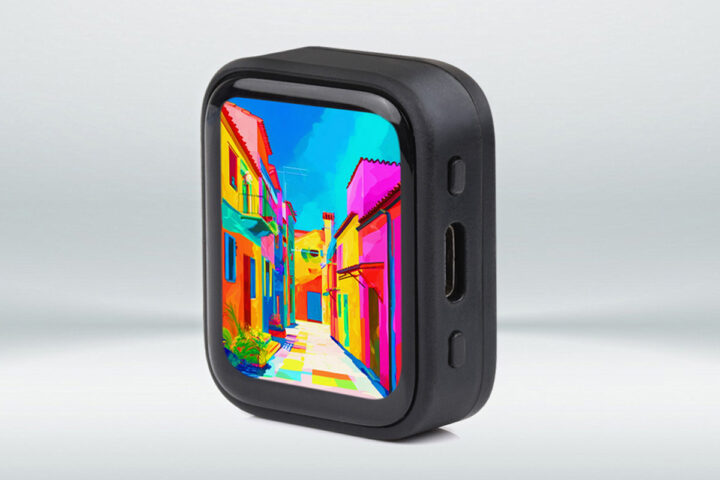
AMOLED module costs hinge on size and application—a 1-inch watch panel fetches 5−8, while 6.5-inch phone modules average 15−22. Most goes to the OLED panel (~60%), plus driver chips/touch layers; b...
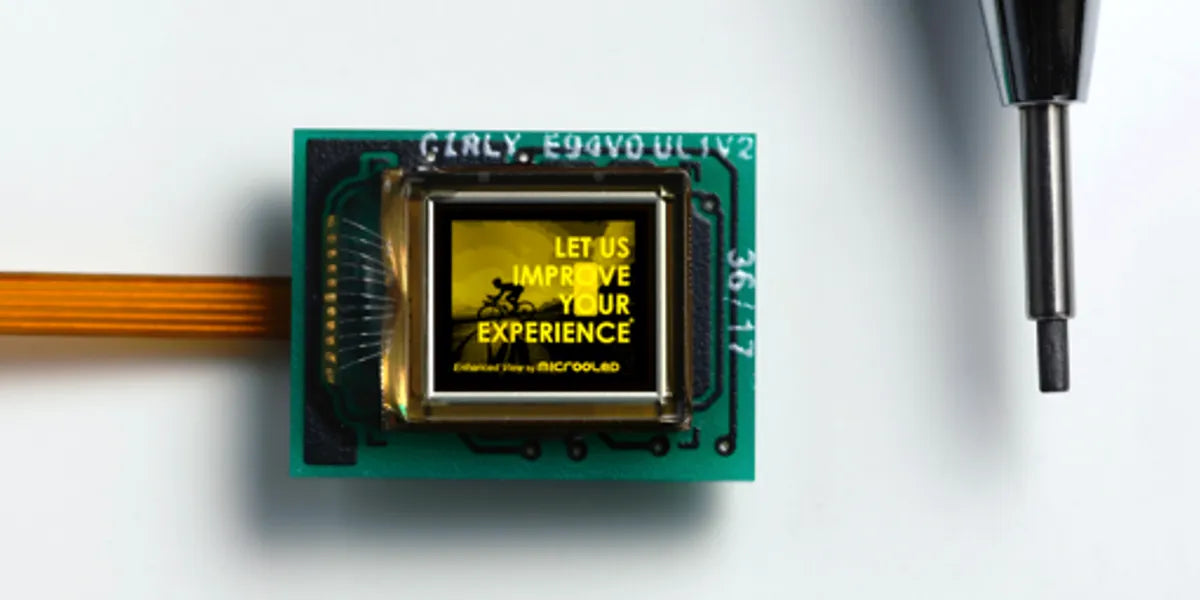
A Micro OLED display module, a compact self-emissive microdisplay, typically measures <0.5 inches diagonally with high pixel density (up to 2000 PPI), using silicon substrates for vivid, low-pow...
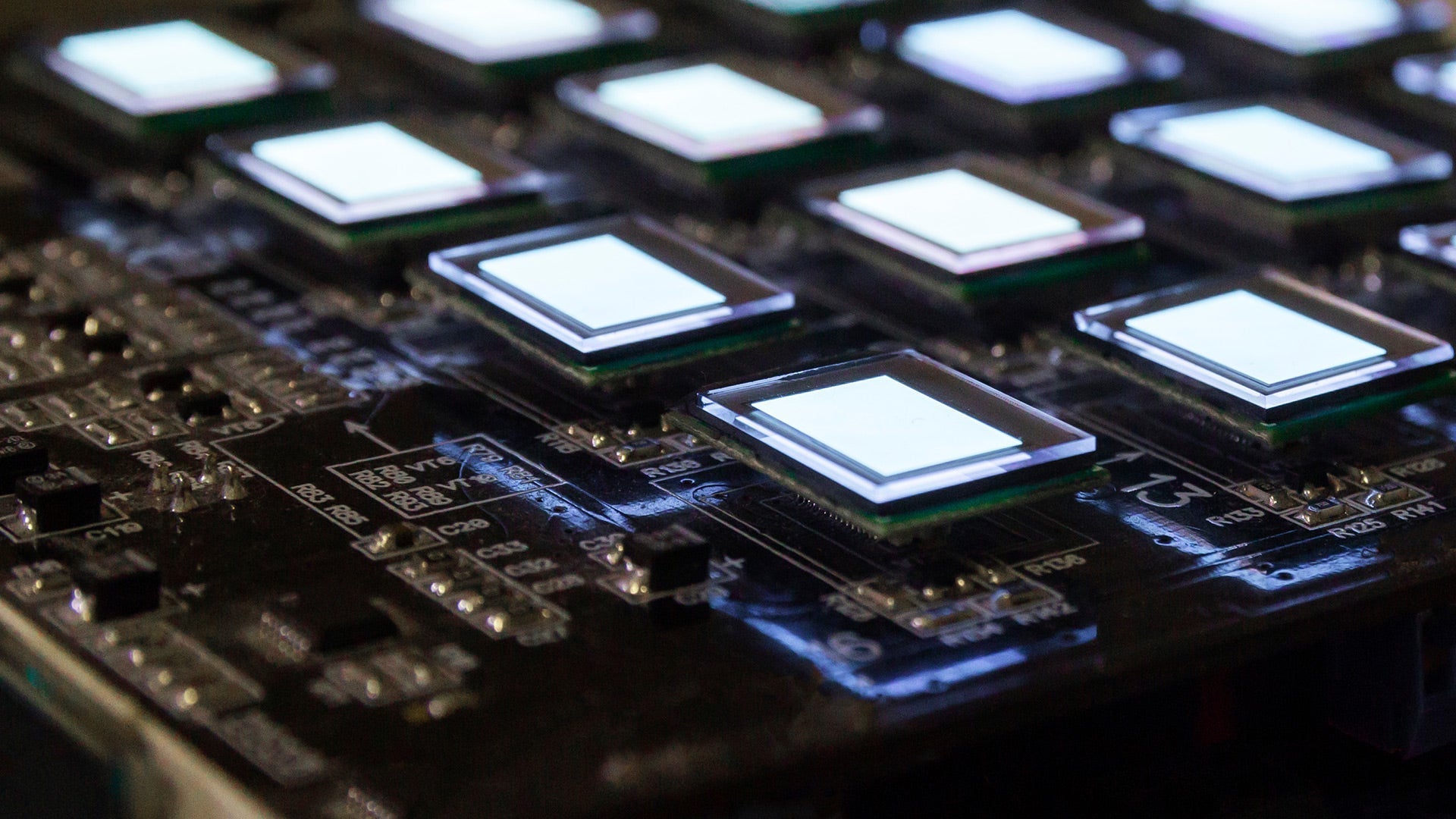
Micro OLED, or silicon-based OLED (Si-OLED), is a compact display tech engineered for near-eye devices, typically measuring under 1 inch diagonally with up to 3500 PPI resolution. Silicon-Based OLE...
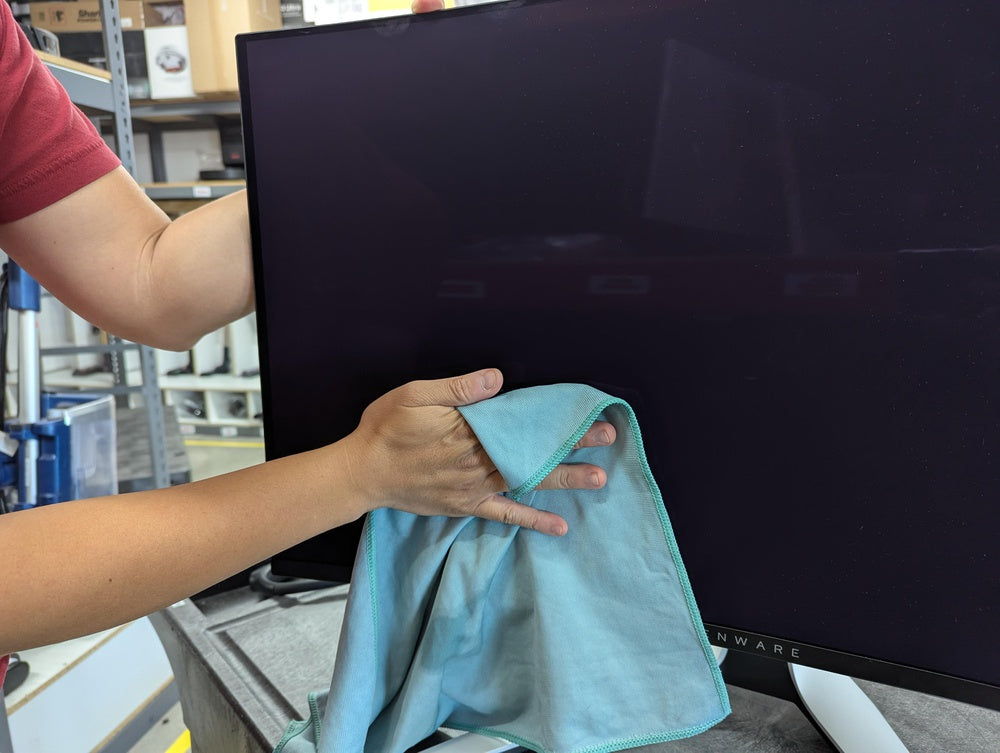
To safely clean an IPS screen, first power it off and let it cool; use a soft, lint-free microfiber cloth (not paper towels, which scratch) slightly dampened with distilled water (just 0.5ml for a ...
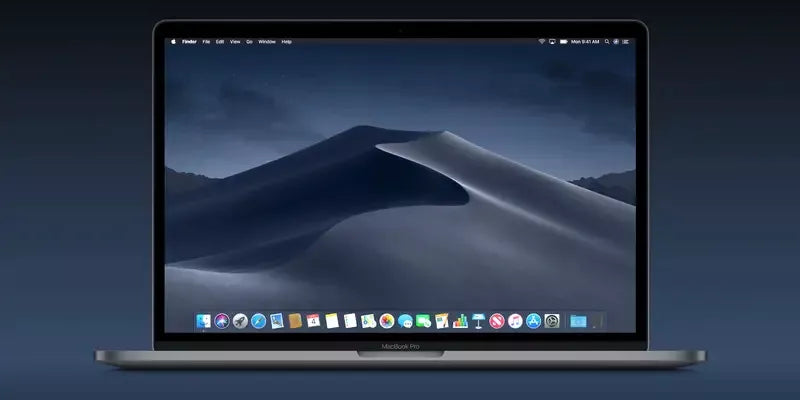
The purpose of display mode is to optimize how content appears on screens, enhancing readability and user experience—90% of users prefer clear, well-structured layouts. It adjusts brightness (typic...
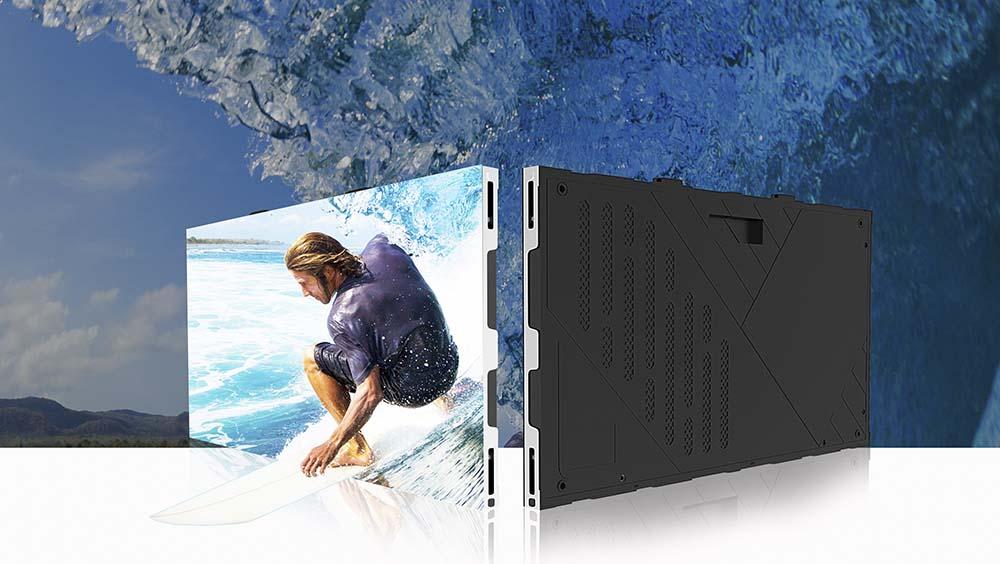
Deciding between SMD and COB LED displays depends on use cases: SMD, common in outdoor signs, offers 1500-2000 nits brightness for visibility but struggles with single-bulb repairs; COB, pricier ye...
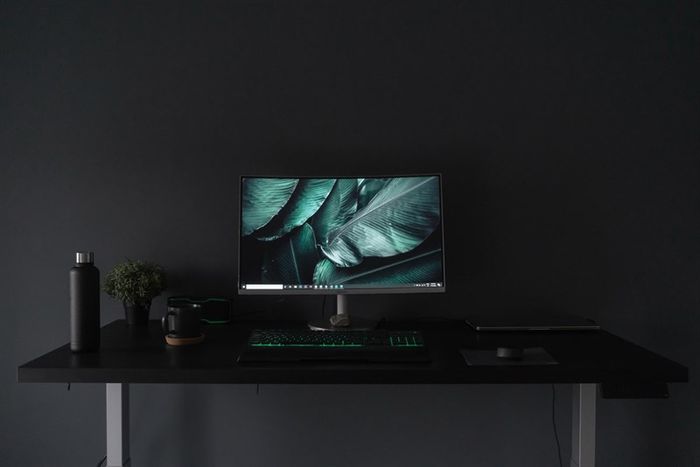
Deciding between IPS and PLS LCDs? PLS often shines slightly brighter, boasting ~350 nits vs. IPS’s ~320 nits, while both offer near-178-degree wide viewing angles; though IPS leads in color accura...
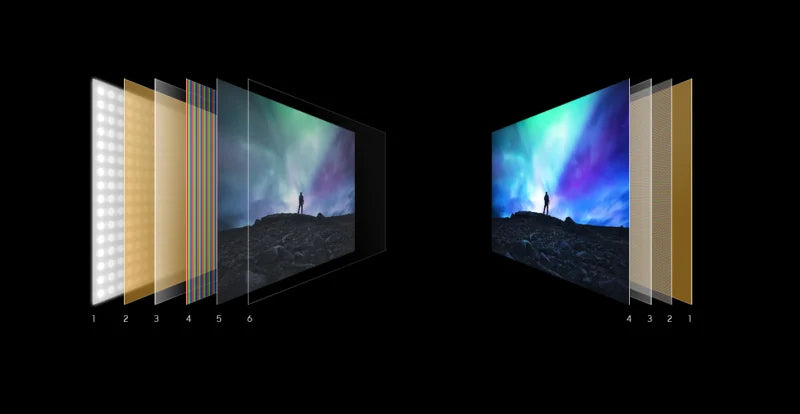
Deciding if OLED or LCD is better hinges on priorities: OLED, with its 1,000,000:1 contrast ratio (vs. LCD’s ~1,000:1), offers deeper blacks and vibrant colors since each pixel self-emits light, wh...