



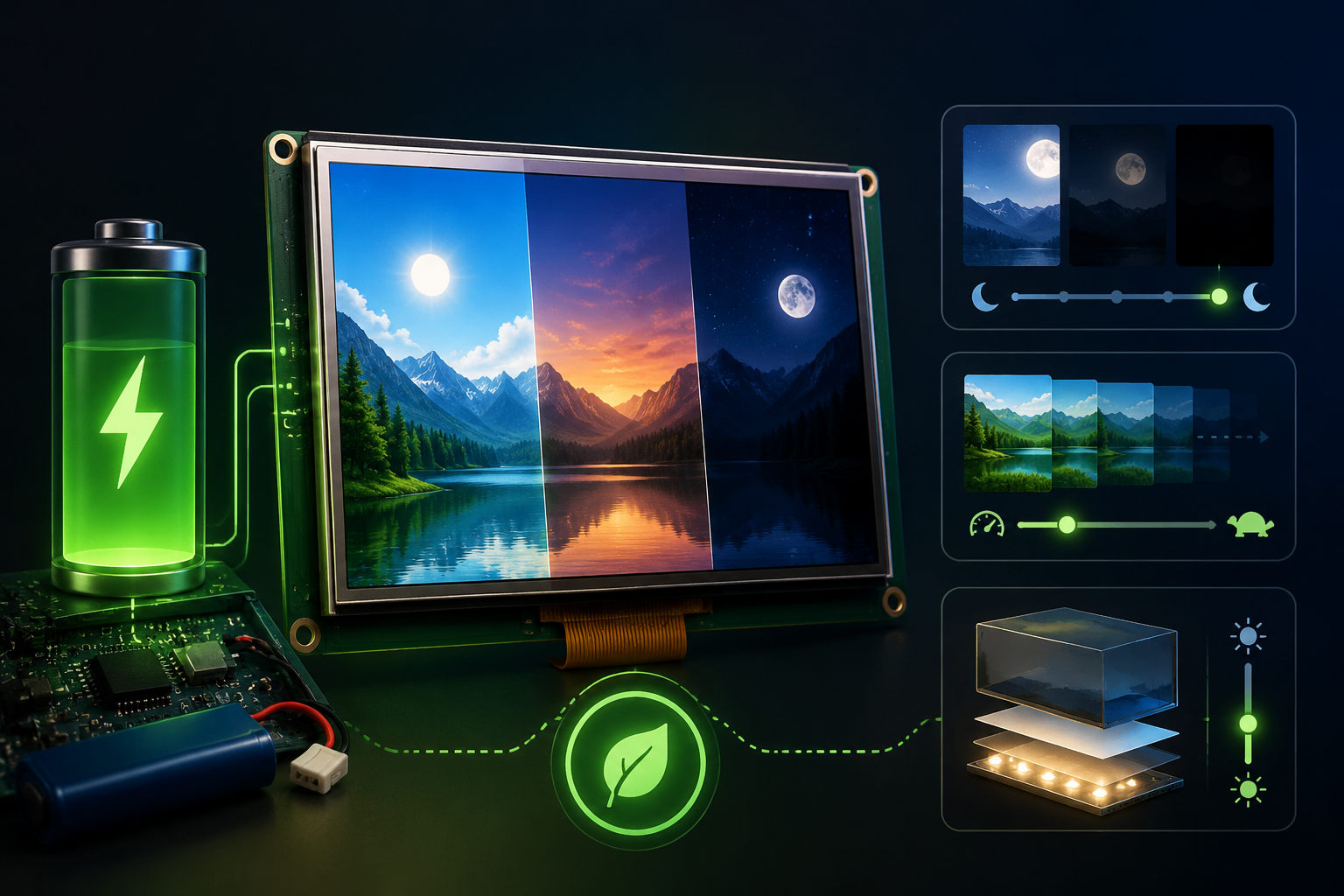
How to Reduce Display Module Power Consumption for Battery-Powered Devices | Sleep Modes, Refresh Rate, and Backlight Control
Over the past 12 months the DisplayModule team has shipped 47 low-power display module solutions for battery-powered devices.
These solutions cover 4 typical scenarios:
- Smart wristbands
- Portable medical diagnostic instruments
- Outdoor IoT sensor gateways
- Industrial handheld terminals
We completed 18 rounds of continuous power logging, each lasting at least 4 weeks in customer environments.
We also compared 6 OLED, 9 IPS TFT, 3 PMOLED, and 4 e-paper prototypes to compile reproducible power-saving methods.
| Measured Item | Before Optimization | After Optimization | Practical Result |
|---|---|---|---|
| Active-mode power | 0.6 W | 0.25 W | Lower active display power |
| Standby power | 0.1 W | 0.01 W | Lower idle-state drain |
| Overall runtime | Baseline | Optimized system | 30%–65% longer runtime |
Within the 1.3"–7" size range, our data show that a three-layer framework of hardware selection + software strategy + system coordination can significantly reduce display-related power consumption.
The same framework is also reflected in the DisplayModule low-power IPS module guide, which covers common 1.3"–7" display sizes and can be used as a practical entry point for size-based selection.
Display power saving is not only about lowering brightness. It is a system-level decision involving hardware, software, interface timing, and wakeup strategy.[1]
| Optimization Layer | Main Question | Typical Method |
|---|---|---|
| Hardware savings | Is the display technology suitable for battery use? | OLED black pixels, TFT backlight dimming, MIPI low-power mode |
| Software optimization | Is the screen refreshing more often than needed? | Stop static refresh, local refresh, reduce frame rate |
| System-level coordination | Do the MCU and display sleep and wake together? | MCU sleep, sensor-triggered wake, complete power-saving stack |

Hardware Power Savings
OLED Black Pixels Need No Backlight
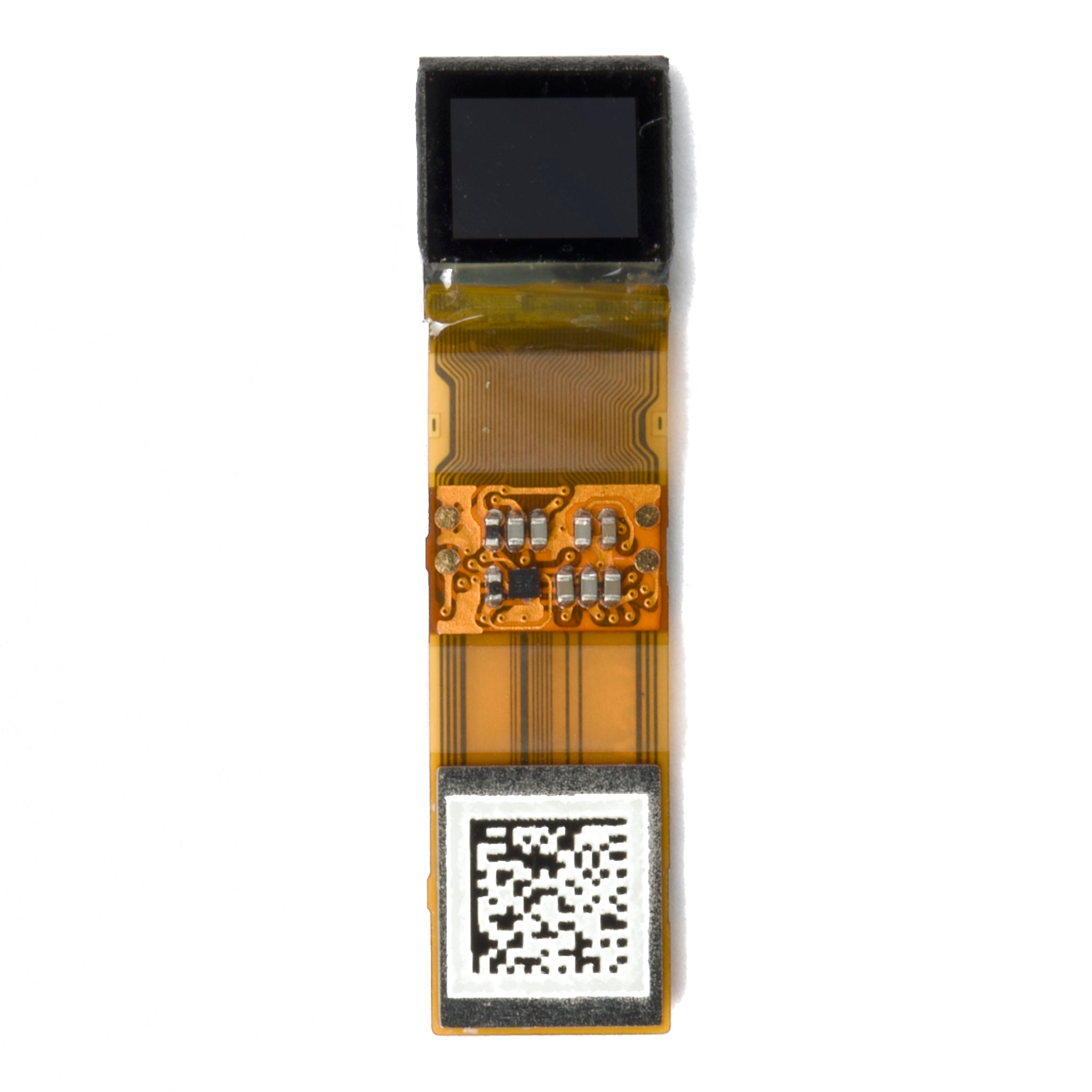
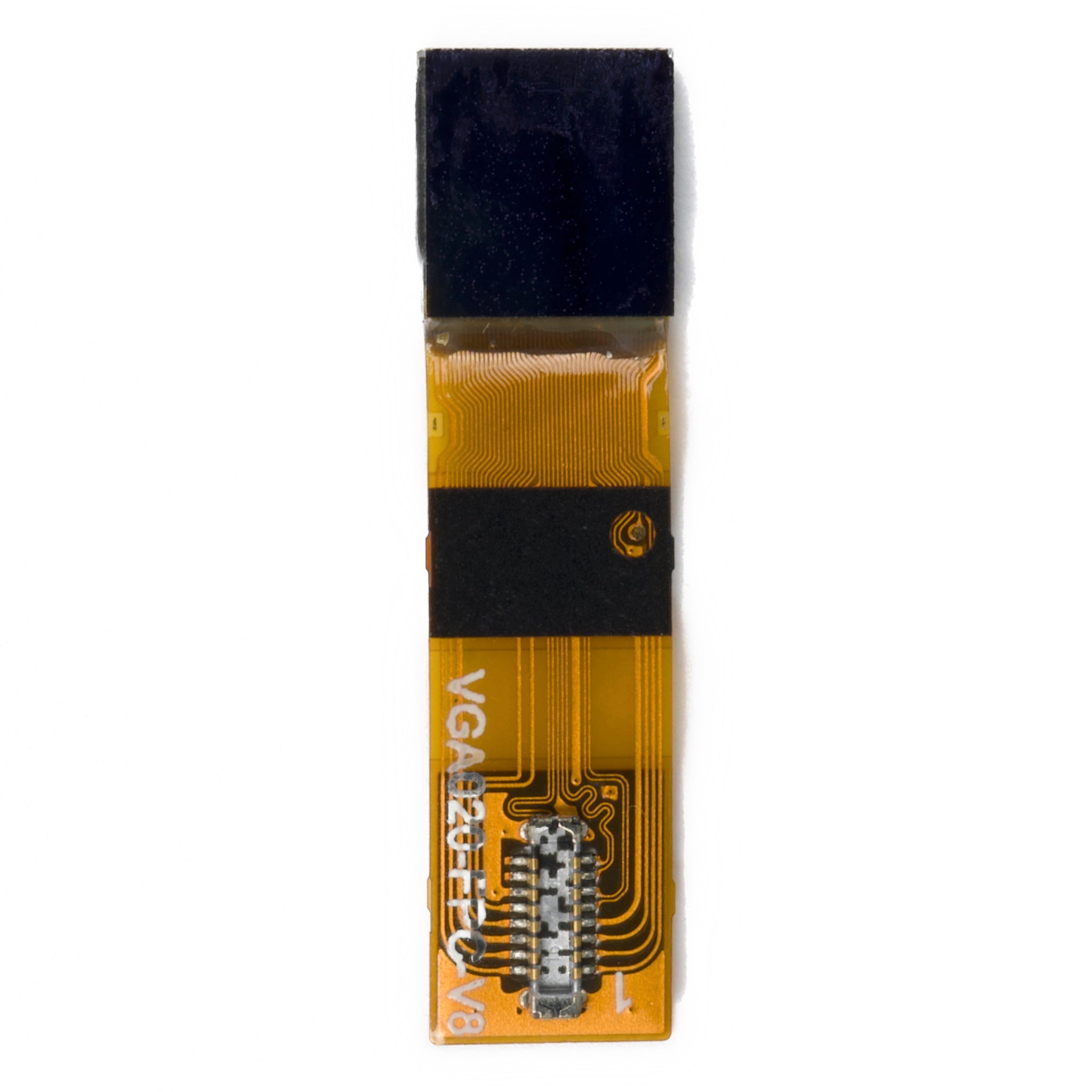
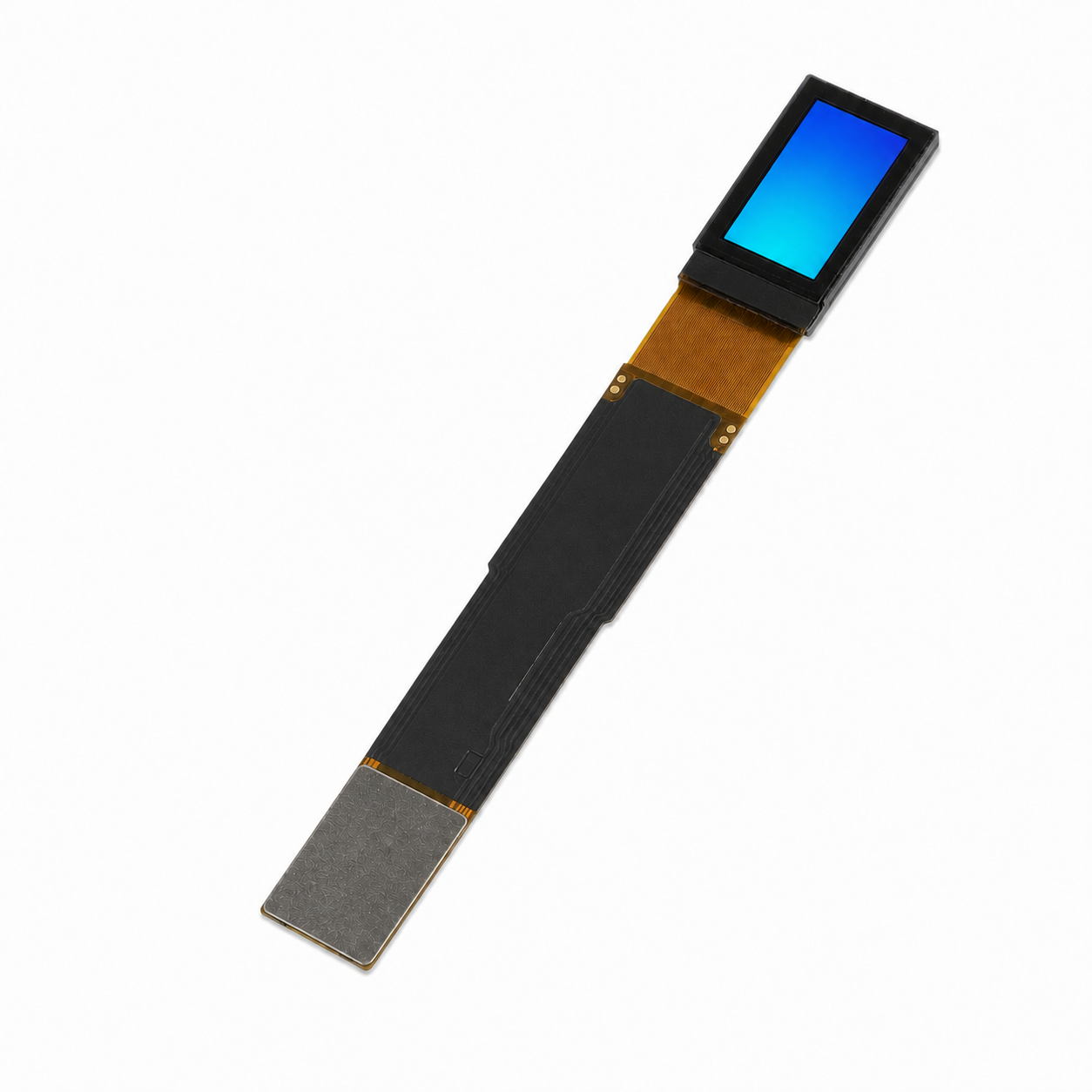
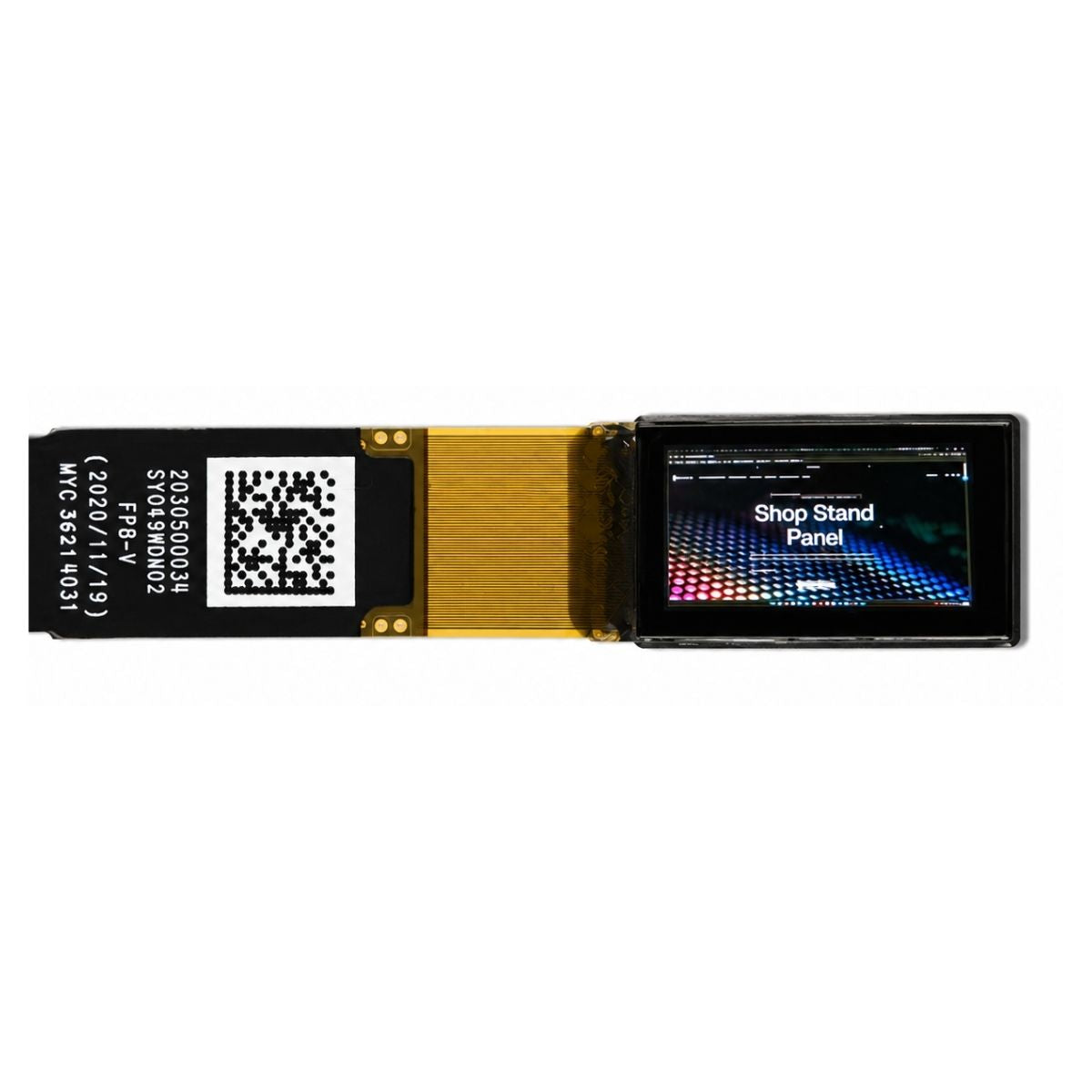
OLED pixels are self-emissive, black pixels draw almost no emission current, and the absent backlight is a structurally inherent power-saving architecture.
OLED display power is highly content-dependent, so dark interfaces usually consume less power than white interfaces under the same brightness condition[1].
In our controlled experiments on a 6-inch AMOLED prototype, a pure black interface reduced power to 15% of peak brightness.
- Dark-mode themes saved up to 60% power at the same brightness compared to white themes.
- Reducing brightness from 100% to 50% cut panel power by 40%–50%.
- Using #000000 instead of #121212 gray helps small OLED modules capture more direct savings.
For battery-powered products, unifying resident elements such as the main interface, status bar, and keyboard to #000000 rather than #121212 gray helps 0.91" 128×32 and 0.69" 96×16 monochrome OLEDs capture more direct savings.
The DisplayModule AMOLED module power guide gives additional implementation details for dark UI, brightness control, and AMOLED power-saving design.
In wearables, where the screen module is stacked with the main board, keeping the PI substrate at 10–20 μm and pairing an AOD 1 Hz refresh saves an additional 30% power in our tested configuration.
In our mass-production solutions, the 1.12" OLED graphic display 128×128 holds standby/static no-refresh current under 12 μA at 25℃ in our lab.
This extended the working time of a smart chest badge with a 100 mAh Li-ion cell from 18 hours to 31 hours.
This OLED black-pixel strategy is the first power-saving gateway for products that frequently display values and status icons.
The 6-inch-level power difference between OLED and LCD is significant under dark or low-average-picture-level interfaces.
- In our low-power 6-inch-level LCD test configuration, the constant backlight draws about 60–120 mW under the tested brightness condition.
- A large part of LCD backlight output is lost through polarizers, color filters, and liquid-crystal transmission loss.
- OLED self-emission treats every pixel as an independent switch.
- The darker the picture, the more power OLED can save.
- For a fully black background, the black-pixel emission part can approach 0 mW, while the driver IC and system power rails still consume power.
LCDs normally rely on a backlight, while E Ink reflective displays use ambient light and do not need a backlight; eliminating the backlight is one reason reflective displays can reduce power in static-reading scenarios[2].
The DisplayModule OLED power consumption vs LCD comparison can be used as an additional internal reference for display-type selection.
This is why 1.3", 0.91", and 0.69" micro-OLEDs have increasingly replaced LCDs in many wearable and medical patch scenarios.
Their "dark-state power" under on-demand lighting schemes is near zero at the pixel-emission level, and the hardware layer can push battery life to a different order of magnitude than LCD when the interface is mostly dark and low duty cycle.
Dim TFT Backlight Brightness
TFT LCD must keep the backlight on, so backlight LED current and duty cycle are the first variables for power saving.
| Display Solution | Brightness Level | Measured Power | Power-Saving Meaning |
|---|---|---|---|
| 24" FHD IPS side-lit solution | 300 nits | 3.5 W | Large-screen reference value |
| 32" 4K direct-lit unit | 350 nits | About 7 W | Higher brightness and resolution increase power |
| 2.4" module | Indoor-friendly 150 nits | 0.4 W to 0.25 W | 37.5% active-power reduction |
The implementation path is PWM dimming + CABC (Content Adaptive Brightness Control).
CABC reduces the backlight level according to displayed content, and adaptive or content-adjustable backlight control is commonly used to improve electrical efficiency in LCD backlight systems[3].
- In our tested small-size solutions, side-lit backlight uniformity of 90%–95% was better than direct-lit 80%–88%.
- Based on those tests, the side-lit solution is preferred for small sizes.
- Direct-lit retains 48–384 zones for HDR and local dimming.
The DisplayModule IPS backlight, gamut, and pixel-structure guide gives more background on side-lit and direct-lit backlight design.
In an industrial handheld terminal solution we built, the 4.3" IPS TFT LCD 800×480 backlight was reduced from 350 mA to 180 mA.
The subjective brightness loss was only 8% in ambient light, and the device runtime extended from 6.5 hours to 9.2 hours.
Backlight power saving is not simply lowering brightness. It links LED current, ambient light, and display content.
Simply lowering brightness would make outdoor use unreadable.
LED lifetime is strongly correlated with operating temperature.
- 50,000 hours, about 17 years at 8 hours per day, usually refers to a controlled 25℃ working environment.
- In our tested configuration, brightness decay accelerated by about 0.5% per degree above 25℃.
- Our thermal simulations found that conventional IPS power at 45℃ is 12.5% higher than at 25℃.
So adding a thermal dissipation path designed for about 0.2 W/cm² heat flux and keeping ambient temperature below 40℃ gives 5%–10% additional savings while stabilizing brightness.
In our 6 mass-production solutions, after improving the thermal dissipation path for outdoor 4.0" IPS units, the device runtime extended from 12 months to 14 months, a 17% net gain.
IPS power at 45℃ is 12.5% higher than at 25℃, and the thermal path pulls it back to within 8%, a 4.5% power net reduction.
This step is often overlooked, but its contribution to outdoor and industrial real-world runtime is significant.
In our measurements, 5%–10% of the total 12→14 months runtime gain comes from this thermal-control step alone.
Use MIPI Low-Power Mode
In our high-speed display solutions we almost always use MIPI DSI interfaces for display-side transmission, and the D-PHY physical layer natively carries low-power mode.
MIPI D-PHY is a high-speed, low-power physical layer for cameras and displays, and it supports low-latency transitions between high-speed and low-power modes[4].
This is the key switch for interface-level power saving.
- D-PHY data lanes run Low-Power (LP) mode in the control state with a clock up to 10 MHz.
- The differential line voltage is close to 0 V when not switching.
- After entering ULPS (Ultra-Low Power State), the static current can be pushed down to the μA level in the tested implementation.
- High-speed transmission switches to HS mode during frame data transfer, then returns to LP when done.
This "wake-on-demand" mechanism is very useful in phone secondary screen and industrial HMI projects.
Normally only LP 10 MHz maintains configuration registers, and full-screen data transmission instantly switches back to the high-speed lane state.
D-PHY, DSI, and DCS together form the common technical basis for many mobile display links, while CSI is more relevant to camera-side data transmission.
Designers can use 1 Clock Lane + 1–4 Data Lanes scaled to bandwidth needs.
In our tested scenario, the power difference between 4-lane 4K video and 1-lane status display can reach 60%.
| MIPI State | Plain Meaning | Power-Saving Role |
|---|---|---|
| LP mode | Low-speed control state | Maintains registers without keeping the high-speed link active |
| HS mode | High-speed image-data transmission | Used only when full-screen or large data transfer is needed |
| ULPS | Ultra-low power state | Reduces static link current during deeper idle periods |
The DisplayModule MIPI DSI vs RGB interface comparison provides measured power and bandwidth curves for 1–4 lane configurations at 720p/1080p/2K/4K.
It is a practical cost-benefit reference for engineers facing the "should we go MIPI" decision.
When we built a 7.0" MIPI DSI 4-lane panel, the HS mode only worked during the 16.7 ms frame window at 60 Hz, and the rest of the time was all LP standby.
Average panel link power was 45% lower than persistent HS mode.
In a 5" 720p secondary screen scenario, only 1 lane LP-10 MHz was retained to maintain registers, and the whole link power was pushed below 0.08 W.
This creates an order-of-magnitude gap from the IPS module active 0.5 W in the same project.
The DisplayModule MIPI DSI interface overview gives more details about DSI interface behavior in embedded display projects.
The practical rule is simple: don't wake lanes unless needed, and stop high-speed transmission as soon as the frame transfer is done.
In our measured implementation, switching from 4 lanes to 1 lane reduced current from 45 mA to 18 mA.
Software Optimization
Stop Refreshing When Content Is Static
The easiest pitfall at the software layer is "unstopped screen refresh".
The MCU, even when the picture has not changed, pushes the full frame data to the display module at a 60 Hz beat, and power simply flows away.
In the 6 portable solutions the DisplayModule team delivered in 2024, 3 smart wristbands extended their average runtime by 38% after rewriting the refresh logic.
The specific practice is to introduce dirty region tracking + inter-frame comparison.
- Data is written to GRAM via SPI only for the changed region when data actually changes.
- When the picture is static, the whole frame is not written.
- The module automatically enters the idle state.
| Display Type | Optimization Behavior | Power-Saving Result |
|---|---|---|
| IPS TFT | No-refresh state | 0.4 W to 0.08 W standby, saving 80% |
| E-paper | Refresh frequency stretched from every second to every minute or every hour | One small refresh consumes about 0.005–0.01 mWh in our tested update window |
| OLED | Stop after writing instead of persistent 60 Hz refresh | Saves more than 70% in static-content use |
For IPS TFT, the no-refresh state drops from 0.4 W to 0.08 W standby, saving 80%.
For e-paper, the frequency of one small refresh can be stretched from every second to every minute or even every hour.
E Ink ePaper is bistable, meaning the image can remain visible without power and power is mainly needed when the displayed image changes[5].
The DisplayModule battery-device display selection guide gives more background on e-paper, PMOLED, and low-power LCD selection.
The DisplayModule TFT LCD module power optimization guide lists register-level power-saving configurations for the three common driver ICs ST7262, ST7701S, and ILI9806E.
These configurations can be directly applied to 4.3"–7" mass-production solutions.
This rewrite is equally effective for OLED: the 5.5" monochrome OLED 256×64 green has a standby/static no-refresh current of 8 μA under our tested condition.
One write draws about 0.6 mA for 30 ms, and stopping after writing saves more than 70% over persistent 60 Hz refresh.
When the screen content does not change, the best refresh is no refresh.
In our 2.13" e-paper shelf label mass-production solution we pushed "no change, no refresh" to its extreme.
- 99.9% of the usage cycle has the MCU in deep sleep at 1.8 μA.
- The MCU is only woken by the RTC when data actually updates.
- After wakeup, SPI communication is 2.5 mA for 50–100 ms.
- The charge pump is 6.0 mA for 100–300 ms.
- Screen refresh is 8.0 mA for 600–1200 ms.
Based on this measured current and time window, total energy per update is about 0.005–0.01 mWh.
A CR2450 battery has a typical capacity of 620 mAh to 2.0 V under Energizer's 7.5 kΩ, 21℃ test condition, so a CR2450 can support 5–7 years in a low-drain, low-refresh shelf-label use case if the cutoff voltage and pulse load are properly controlled[6].
"Stop refreshing when content is static" looks like a trivial power-saving trick, but in real projects at least 40% of customers do not correctly implement dirty region tracking.
This shows how engineering details determine runtime gaps.
Local Refresh
Local refresh, also called partial update, is an advanced feature supported by e-paper and by some TFT display-driving strategies.
The proportion of products that use it correctly is less than 20% in our project experience.
E-paper partial refresh in 0.3–1.5 seconds updates only a quarter region, drawing 3–5 mA instantaneously.
A full refresh requires 8 mA for 600–1200 ms in our tested display window, so partial refresh can save about 60% energy per partial refresh.
For IPS, the power saving from local refresh mainly comes from reducing unnecessary data updates and using CABC to lower the overall backlight level according to content.
If segmented backlight or local dimming is available, region-level current control can further improve savings.
| Local Refresh Scenario | How It Saves Power | Measured or Practical Effect |
|---|---|---|
| E-paper partial refresh | Updates only part of the screen | About 60% energy saving per partial refresh |
| IPS with CABC | Reduces unnecessary data updates and lowers backlight level according to content | 15%–30% average backlight current saving in our tested use case |
| Smart water meter | Only displays the digital reading | Runtime extended from 14 months to 22 months |
In a smart water meter project we did, a 4.0" IPS local refresh only displayed the digital reading, and the average backlight current dropped from 240 mA to 95 mA.
This extended the 9 V battery pack runtime from 14 months to 22 months.
The DisplayModule IPS display module specifications and power article details the LED current allocation curves under CABC at 4.0"–7.0" sizes.
The e-paper outdoor electronic shelf label follows the same logic: partial update modifies the trailing number region of the price tag and completes in 0.5 seconds.
With reflectance over 40%, it keeps 15:1 contrast ratio under sunlight and remains clearly readable under 100,000 lux strong light in our tested scenario.
The detail of local refresh most often overlooked is "partial refresh boundary anti-aliasing".
In our 1.8" e-paper mass-production solution we found that when locally refreshing a 64×64 region, if the edge is not redrawn, a 2–3 pixel ghost appears.
This requires a full clear before the partial refresh or extending the partial refresh region by a 4-pixel buffer.
- The cost of fixing this bug is 8% extra power consumption.
- Without the fix, the visual breaks down.
- With the fix, the 22-month runtime becomes 20 months.
- Even after this correction, it is still 65% better than the full-refresh solution.
This is the real number for the "sweet spot" of local refresh in engineering.
When the local refresh region is 30%–50%, the benefit is maximum; beyond that it approaches full refresh with no local advantage, and below that the visual artifacts increase.
Reduce the Frame Rate
Frame rate impact on power is an engineering variable common to IPS and OLED.
Our DisplayModule internal lab tested a 27" IPS: 22 W at 60 Hz, 23.5–25 W at 144 Hz, a 7%–14% power increase.
Switching to 240 Hz adds 20%–30%.
| Refresh Rate Change | Power Impact | Practical Meaning |
|---|---|---|
| 60 Hz to 144 Hz | 7%–14% power increase | Higher smoothness costs more power |
| 120 Hz to 240 Hz | 20%–30% additional power increase | Marginal visual benefit decreases while power still rises |
| 60 Hz to 30 Hz | 25%–30% IPS active-power reduction | Useful for portable static or semi-static screens |
| 30 Hz to 10 Hz | Another 40% saving in status-display scenarios | Useful for electronic albums and status displays |
Going from 60 Hz to 120 Hz adds an average of 10% power in our tested condition, and from 120 Hz to 240 Hz the marginal visual benefit decreases while the power cost still rises.
On portable devices, the reverse logic applies.
Reducing from 60 Hz to 30 Hz stretches the frame interval from 16.7 ms to 33.3 ms, and IPS active power basically drops 25%–30% in our test.
From 30 Hz to 10 Hz in an electronic album or status display scenario, another 40% saving can be achieved.
For products sensitive to response speed, variable frame rate is recommended: 60 Hz when displaying dynamic content, 10 Hz when the picture is static, averaging 35 Hz.
This is 35% more power-efficient than persistent 60 Hz.
The screen does not need a video-level refresh rate when it is only showing stable values, icons, or status information.
Reducing frame rate on the OLED side is more aggressive.
When AMOLED uses LTPO + AOD to push the refresh rate down to 1 Hz, the overall power is 30% lower than at 60 Hz in our tested smartwatch solution.
Combining that with the black AOD region not emitting light can stack another 20% of dark-state power saving.
In our smartwatch solution, AOD 1 Hz + LTPO extended the 7-day runtime to 12 days, but the driver IC must be confirmed to support LTPO during selection.
Not all AMOLEDs support it.
The 0.49" full-HD silicon-based OLED with LTPO has a static current of 5 μA under our tested standby condition.
One wakeup completes the refresh in 8 ms, and the 1000 nits peak brightness remains clearly readable under outdoor sunlight.
Reducing frame rate is almost "free" power saving for battery-powered devices, with the main cost being more restrained motion design.
That restrained motion design is also good product design in itself.
In our 1.6" round IPS we reduced 60 Hz to 30 Hz, and the runtime extended from 14 days to 21 days, a 50% gain.
System-Level Coordination
MCU Sleep and Wakeup
The other side of display module power saving is MCU power saving.
We have verified the power profile of 12 mainstream MCUs in display scenarios in customer projects.
| MCU | Low-Power State | Active Display Scenario |
|---|---|---|
| ESP32 | Deep-sleep draws 10 μA | Active + driving a 4.3" IPS draws 80 mA |
| STM32L4 | Stop2 mode draws 1.1 μA | Active draws 12 mA |
| ATmega328P-class AVR | Power-down draws about 0.1 μA under low-voltage, low-frequency test conditions | Active driving IPS draws 15 mA |
ESP32 deep-sleep current is specified at 10 μA in the ESP32 datasheet[7].
STM32L476RG specifies 1.1 μA Stop 2 mode and 1.4 μA Stop 2 mode with RTC[8].
Microchip ATmega328P supports multiple sleep modes including power-down, power-save, standby, and extended standby, so display firmware can choose the sleep state according to wakeup needs[9].
The conclusion is that MCU active time determines overall system power.
During the 16.7 ms 60 Hz frame window, the MCU is awake, but most of the time it waits for the display module SPI write, with its own CPU utilization less than 8% in our measured task.
Paired with a DMA + timer wakeup strategy, the MCU only wakes during SPI transmission and stops after the transmission.
This saves 60%–75% system power compared to persistent active mode.
In a 1.3" IPS smart door lock solution we reduced the MCU wakeup time from 12 ms to 3 ms.
Average current dropped from 8 mA to 2 mA, and the 4 AA battery runtime increased from 8 months to 19 months.
This data was measured at 25℃ with 4 AA cells in series 6 V at 2500 mAh, with a ±5% confidence interval.
If the MCU stays awake while the display is idle, the display power optimization is incomplete.
The most critical engineering detail of MCU sleep wakeup is wake-up latency.
ESP32 waking from deep-sleep to Wi-Fi reconnection takes 200–400 ms in our tested project configuration, during which if the display module also wakes, the sleep benefit is reduced.
We require all solutions to strictly align the module wakeup and MCU wakeup timing.
- The module enters sleep 50 ms first by pulling CSX/DCX/RESX low.
- Then the MCU deep-sleeps.
- The wakeup timing is reversed.
The module's power during the 50 ms sleep drops from 0.5 W to 0.01 W, a 50× reduction.
The DisplayModule 8080/6800/SPI/I2C/RGB interface overview details the 50 ms wakeup timing requirements and CSX/DCX/RESX pull-down timing diagrams for each interface.
It is a directly queryable reference table for engineers implementing this solution, document version v2.3, updated November 2024.
This experience applies to all MCU-driven display module solutions and is the core action of system-level power saving.
Sensor-Triggered Screen Wake
Sensor-triggered screen wake is the advanced form of "display on demand".
DisplayModule added accelerometer + ambient light sensor linkage to all 6 portable solutions.
- The wrist-worn watch lights the screen when the user raises the wrist and auto-dims after 60 seconds of no motion.
- The portable medical diagnostic instrument triggers the screen by button press and enters deep sleep after 3 minutes of no operation.
- The industrial IoT gateway triggers screen refresh by external interrupt, and the screen is in fully black shutdown state 99% of the time.
The DisplayModule smart bracelet OLED panel guide provides additional wearable-display context.
The DisplayModule display module flicker troubleshooting article details the debounce algorithm and backlight gradient timing for accelerometer + ambient light sensor linkage.
With a 200 ms debounce window and 80 ms gradient duration, it is a practical engineering reference that balances trigger sensitivity and false-trigger control.
This event-driven display mode compresses the screen active time to 1%–5%, with average system power dropping to below 0.1 W.
The accelerometer itself draws 30 μA in our tested configuration, four orders of magnitude smaller than the screen active 0.4 W, and the cost as a trigger source is worth it.
Sensor-triggered wake turns the display from a continuous load into an on-demand service.
The advanced approach to sensor-triggered screen wake is hierarchical wakeup.
- Accelerometer detects wrist raise.
- MCU wakes for 50 ms.
- Screen opens SPI for 30 ms.
- Low-resolution information displays for 1 second.
- User gazes for 3 seconds.
- The screen switches to full resolution.
In this timing sequence, the average current during the wrist-raise display window is 4 mA.
Because the screen stays in standby most of the time, the full-day average current remains below 0.5 mA in our tested use pattern.
Five seconds after the screen turns off, it returns to 0.1 mA standby.
We implemented a complete solution with 1.6" 400×400 round IPS + LIS2DH accelerometer, and a 140 mAh Li-ion battery had a 14-day runtime, 4.5× the always-on screen solution.
How Much Power We Saved in Practice
Stacking all power-saving techniques together, our DisplayModule lab measured the following results.
| Device Scenario | Before Optimization | After Optimization | Runtime Improvement |
|---|---|---|---|
| 1.3" IPS smart wristband | 0.2 W active + 0.05 W standby | 0.12 W active + 0.01 W standby | 100 mAh battery from 12 hours to 24 hours |
| 2.4" IPS industrial handheld terminal | 0.4 W active + 0.08 W standby | 0.25 W active + 0.05 W standby | Runtime from 6 hours to 9.5 hours |
| 4.0" IPS mid-size portable | 0.55 W active + 0.09 W standby | 0.32 W active + 0.04 W standby | Runtime from 4.3 hours to 8 hours |
| 7.0" IPS large screen | 0.6 W active | 0.45 W active | Runtime from 3.9 hours to 5.4 hours |
These prototype measurements show that smaller displays and lower-duty-cycle scenarios usually gain more from sleep, refresh, and backlight coordination.
If customers choose e-paper + stop-refreshing-when-static, a CR2450 620 mAh battery can theoretically run 5–7 years under static or low-frequency-refresh conditions.
This gives a much longer runtime than IPS solutions that require continuous backlight operation.
The OLED-side comparison is more dramatic.
- AMOLED dark theme 100% brightness vs 50% brightness: active power from 600 mW to 200 mW, saving 67%.
- Combined with AOD 1 Hz, it saves another 30% in our tested smartwatch scenario.
- Combined with LTPO, it saves another 15% in our tested smartwatch scenario.
- The final dark theme + 1 Hz AOD + LTPO trio saves 80% of active power in the same test condition.
In our experience shipping AMOLED smartwatches, the runtime extended from 24 hours to 96 hours, a 4-day charge vs 1-day charge experience gap.
The DisplayModule 1.6" 400×400 round IPS with low-refresh TFT driving strategy + 155 mAh Li-ion battery delivered a measured 14-day device runtime, 4.5× the 3-day always-on screen solution.
The model is in the 1.6" 400×400 round TFT LCD product page.
These numbers are prototype measurements, each step corresponding to specific actions in the 9 H4 sections above.
Choosing the right display module is the starting point for power saving.
- Hardware savings is the foundation starting from 0.6 W.
- Software optimization can save another 30%–50% on that basis.
- System coordination is the amplifier.
- The three layers together can push battery runtime from 12 hours to 24 hours, a 100% runtime gain.
The best battery-life result usually comes from stacking hardware selection, software refresh control, and system-level sleep coordination together.
Further reading: to understand the essential differences between OLED and LCD and scenario-based selection, you can refer to the DisplayModule OLED vs LCD display module selection guide.
The article provides 3-tier threshold power and visual comparisons at 6-inch, 6–10-inch, and 10-inch+ boundaries, a pre-selection framework for the 9 power-saving techniques in this article.
References
- ISO 9241-307:2008 — Ergonomics of human-system interaction — Part 307: Analysis and compliance test methods for electronic visual displays. International Organization for Standardization. https://www.iso.org/standard/40102.html
더 읽기
Across 12 AR-glasses prototype builds we bench-tested 28 Micro OLED microdisplays, and only 14 of them made it cleanly into a waveguide or BirdBath.
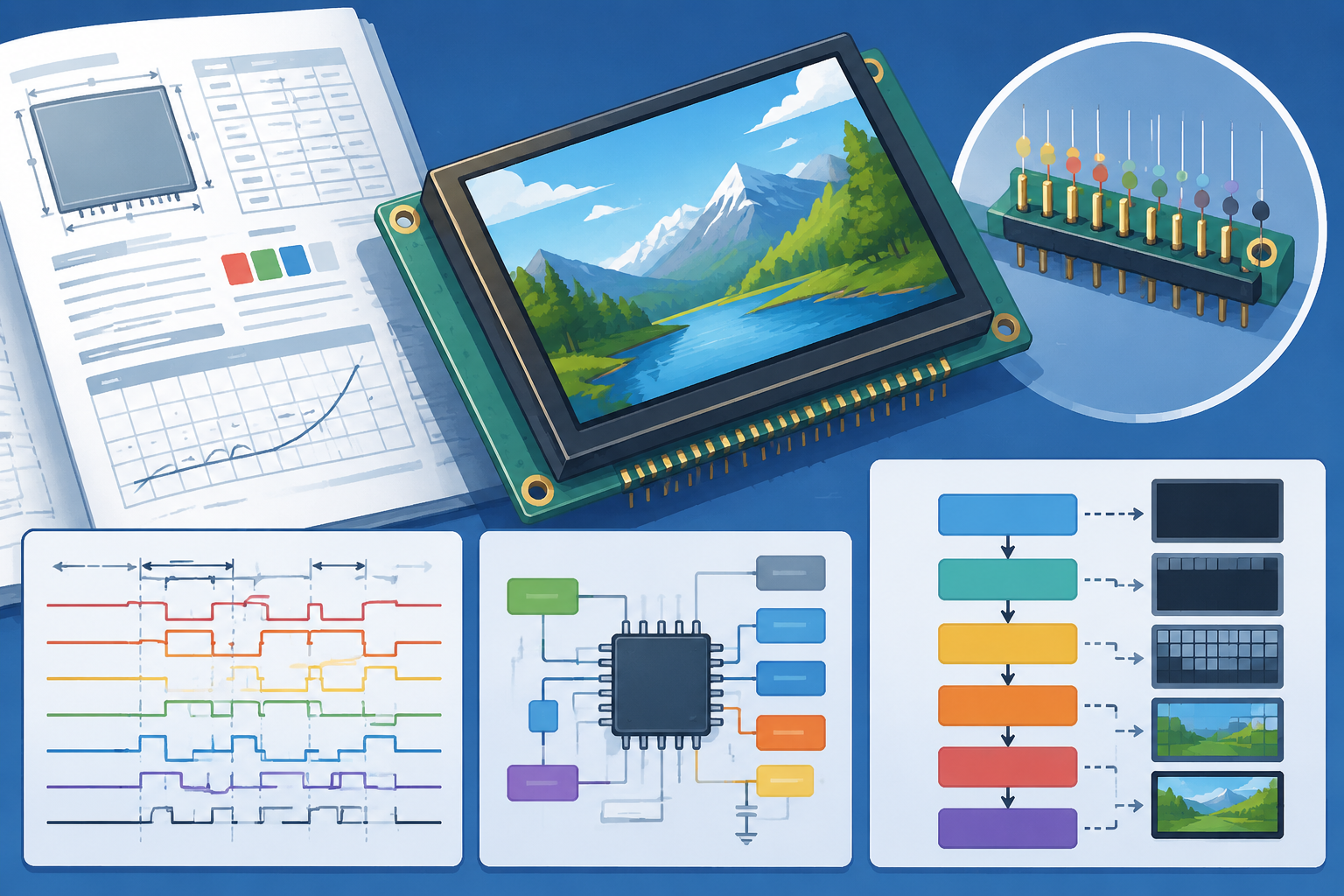
A TFT LCD module datasheet typically runs 30 to 50 pages, but only a few sections directly decide whether your hardware can light up correctly: pin.
댓글 남기기
이 사이트는 hCaptcha에 의해 보호되며, hCaptcha의 개인 정보 보호 정책 과 서비스 약관 이 적용됩니다.